Retail project management demands precision, visibility, and flawless timing 🗓️. Store launches, promotional campaigns, inventory audits, festive sales, visual merchandising rollouts, and corporate initiatives all follow strict schedules. However, many retail teams still manage projects using scattered Excel files, emails, and manual reminders. As a result, deadlines slip, coordination weakens, and project visibility suffers. That is exactly where a Retail Project Calendar in Excel becomes a powerful and practical solution.
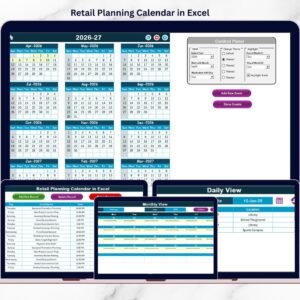
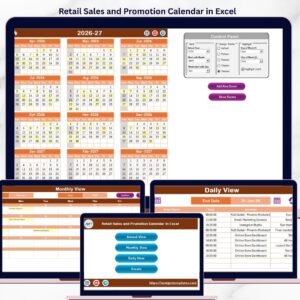
The Retail Project Calendar in Excel is a ready-to-use, interactive, and structured planning tool designed specifically for retail project and event management. Instead of juggling multiple files or tools, retail teams can plan, track, and manage all projects from one centralized Excel calendar 📊. With annual, monthly, and daily views, along with a built-in events database and user-friendly forms, this calendar transforms complex retail planning into a smooth and controlled process.
Because the solution is built entirely in Excel, teams do not need any advanced software or technical skills. Anyone with basic Excel knowledge can start using it immediately. As a result, retail organizations move from reactive planning to proactive project execution.
✅ Key Features of Retail Project Calendar in Excel
The Retail Project Calendar in Excel is designed to simplify planning while improving visibility across all retail activities 🔍.
It provides multiple calendar views and smart controls that allow teams to manage both long-term initiatives and day-to-day execution effortlessly.
Key highlights include:
Annual, Monthly, and Daily project views
Centralized events database
One-click navigation using buttons
Easy Add, Update, and Delete event forms
Custom color themes and highlighting options
Because all views connect to a single events database, updates reflect instantly across the entire calendar.
📦 What’s Inside the Retail Project Calendar in Excel
This product includes five well-designed Excel worksheets, each serving a specific planning purpose:
1️⃣ Home Sheet
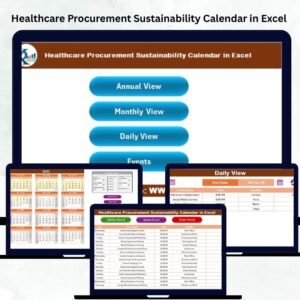
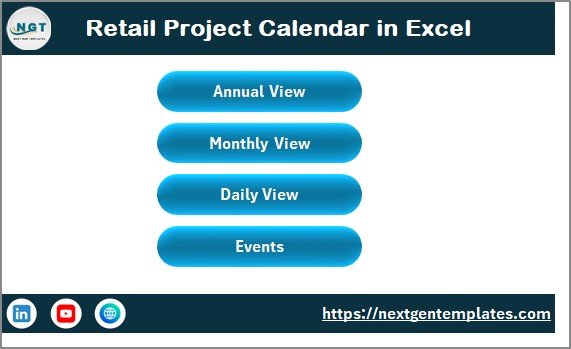
The Home Sheet acts as the navigation hub 🧭.
It includes four clear buttons:
Annual View – Open the yearly calendar
Monthly View – View a selected month
Daily View – See events in list format
Events – Access the events database
With one click, users move to the required section without searching for sheets.
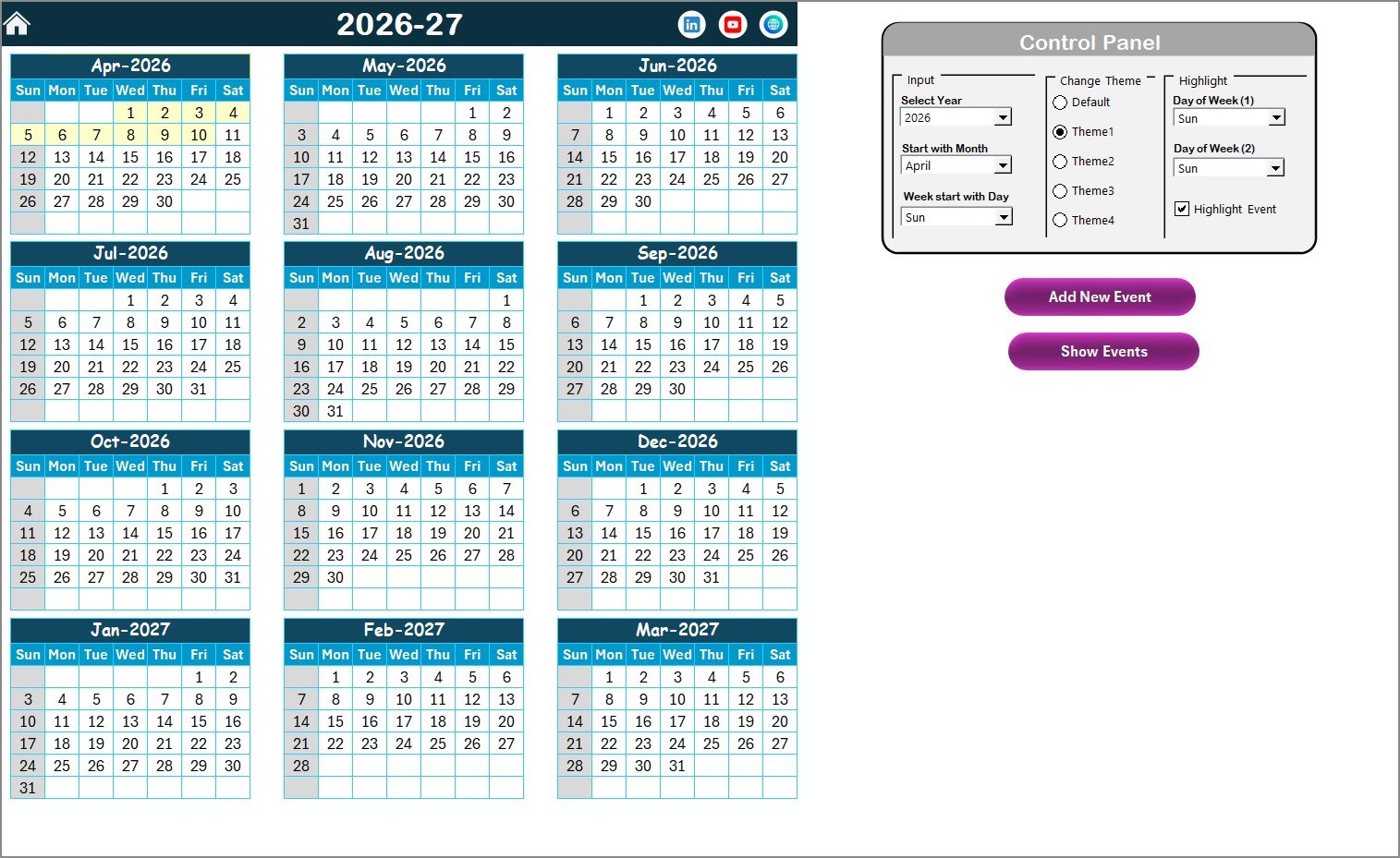
2️⃣ Annual View Sheet
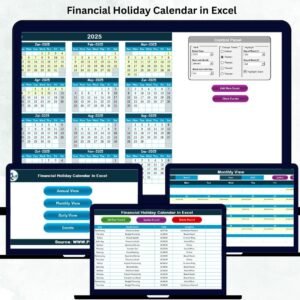
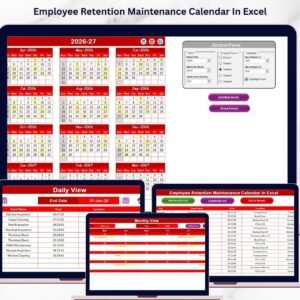
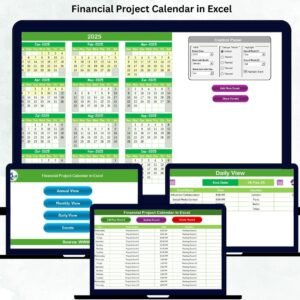
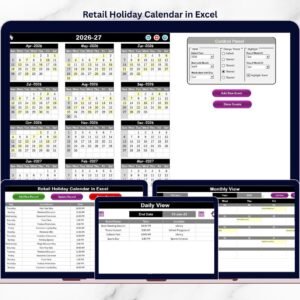
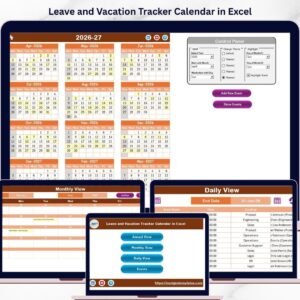
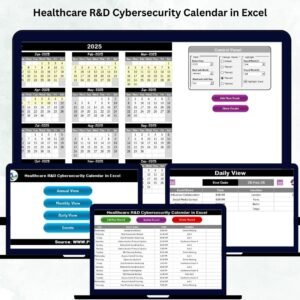
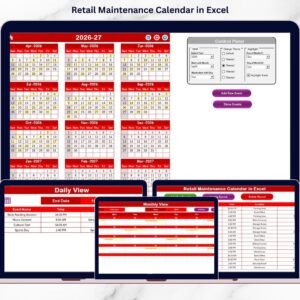
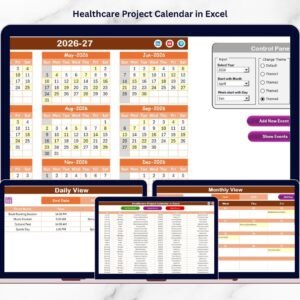
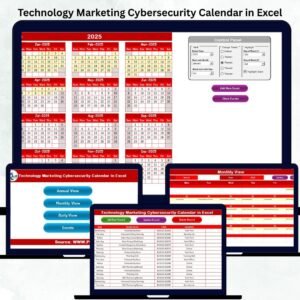
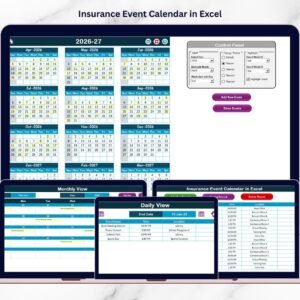
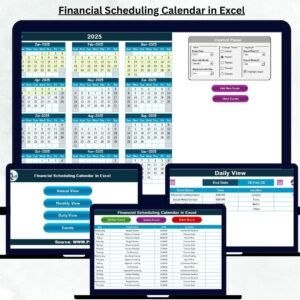
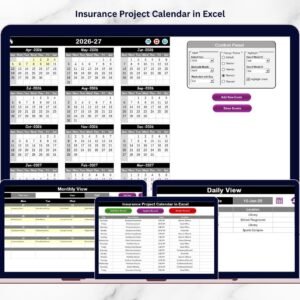
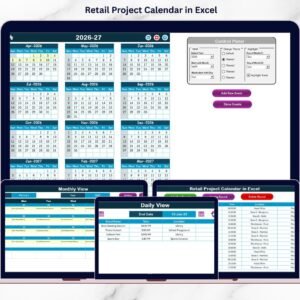
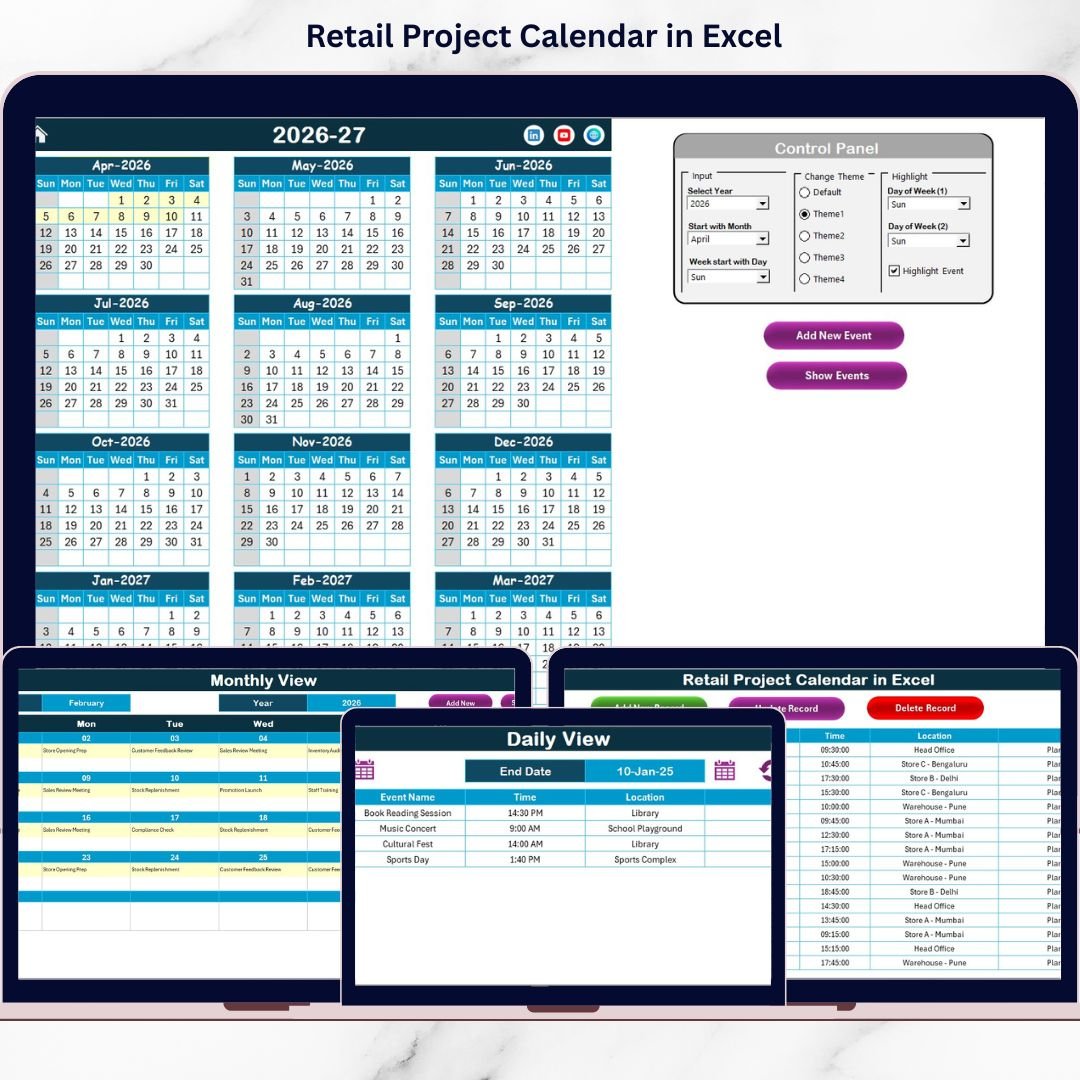
The Annual View Sheet displays all 12 months on one screen, making it ideal for long-term retail planning.
It includes a powerful Control Panel:
Input Group
Select Year
Change Starting Month
Change Starting Day of the Week
Change Theme Group
Choose from 5 predefined color themes
Apply the theme across the entire workbook
Highlight Group
Highlight two specific days of the week
Mark weekends in grey
Highlight event dates in yellow
Action Buttons
Add New Event – Add events directly to selected dates
Show Event – View all events scheduled for a selected date
This view helps retail managers balance projects across the year efficiently.
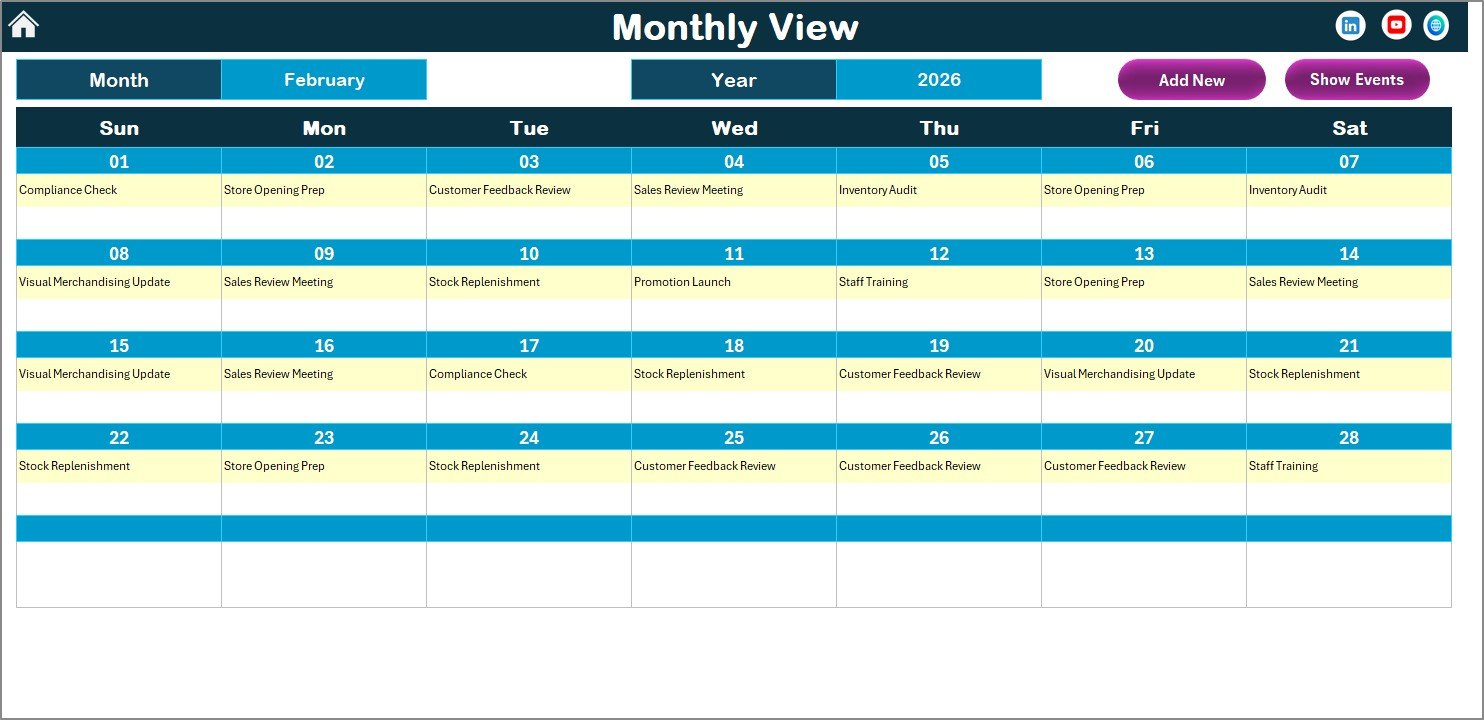
3️⃣ Monthly View Sheet
The Monthly View Sheet focuses on short-term planning 📅.
Key features:
Month and Year selection at the top
Clean monthly calendar layout
One event displayed per date
“More than 1…” indicator for multiple events
Buttons Available
Add New Event – Quickly add an event for the selected date
Show Event – View all events for the selected day
This view is ideal for monthly campaign execution and store-level planning.
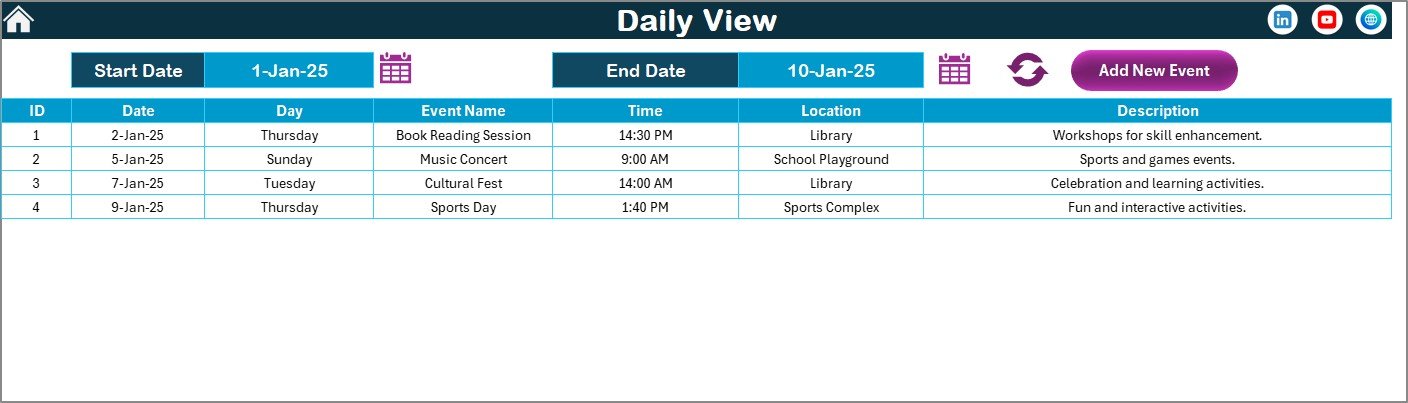
4️⃣ Daily View Sheet
The Daily View Sheet displays events in a detailed list format 📋.
Key capabilities:
Select Start Date and End Date
Use calendar icons for easy date selection
Click Refresh to load events
It is perfect for:
Execution-level reviews
Action tracking
Reviewing multiple events across a date range
An Add New Event button allows instant event entry from this view.
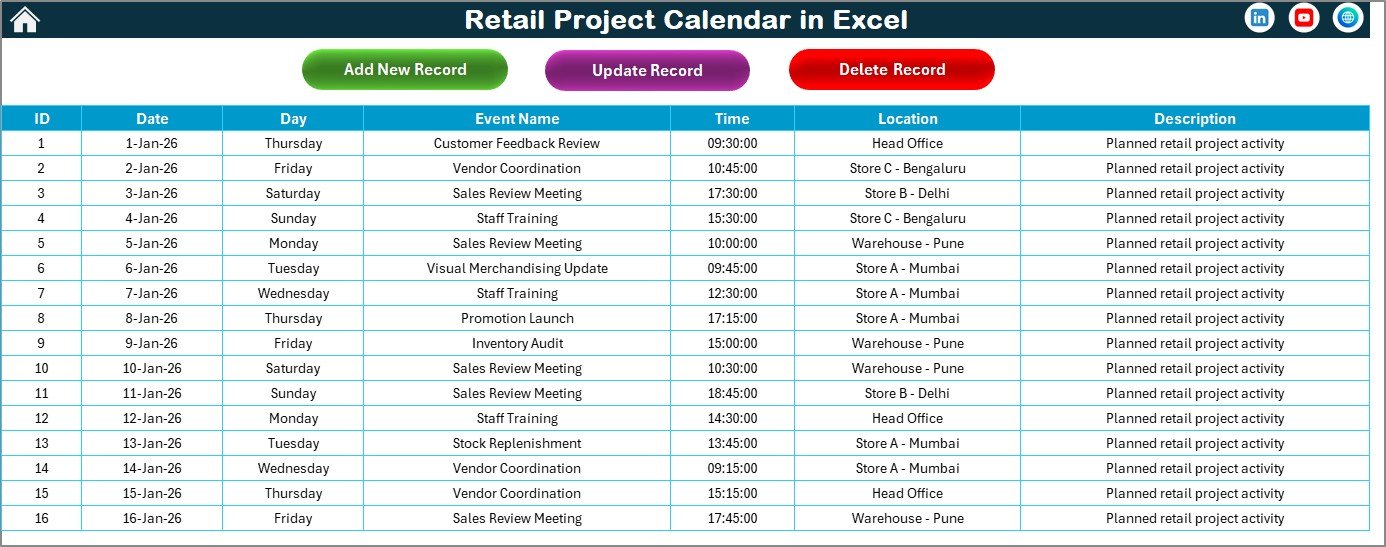
5️⃣ Events Sheet
The Events Sheet acts as the central database for the entire calendar.
It stores:
ID (auto-generated)
Date
Day
Event Name
Time
Location
Description
Management Buttons
Add New Record – Insert new events
Update Existing Record – Edit events using a prefilled form
Delete Record – Remove events permanently
This ensures complete control over project and event data.
🛠️ How to Use the Retail Project Calendar in Excel
Using the calendar is simple and intuitive 👍.
First, navigate using the Home Sheet.
Next, add events using the Add New Event button or forms.
Then, review schedules using Annual, Monthly, or Daily views.
Finally, update or delete events from the Events Sheet as needed.
Because all views sync automatically, teams always work with up-to-date information.
👥 Who Can Benefit from This Retail Project Calendar
This calendar is ideal for:
Retail Project Managers
Store Operations Managers
Marketing & Promotions Teams
Visual Merchandising Teams
Supply Chain Coordinators
Corporate Retail Planning Teams
It works for both small retail stores and large retail chains.
🔗 Click here to read the Detailed blog post
🎥 Visit our YouTube channel to learn step-by-step video tutorials
👉 https://www.youtube.com/@PKAnExcelExpert