

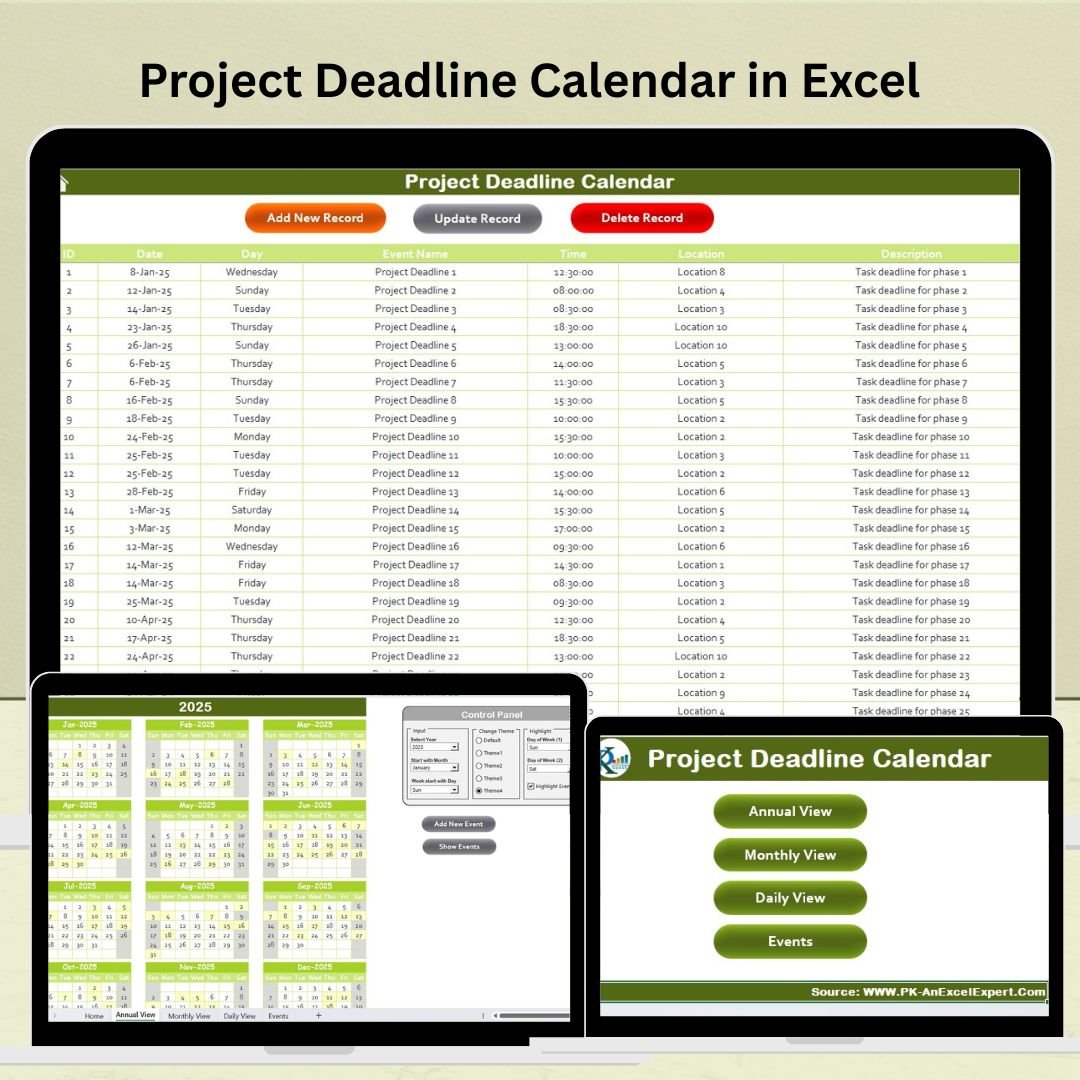
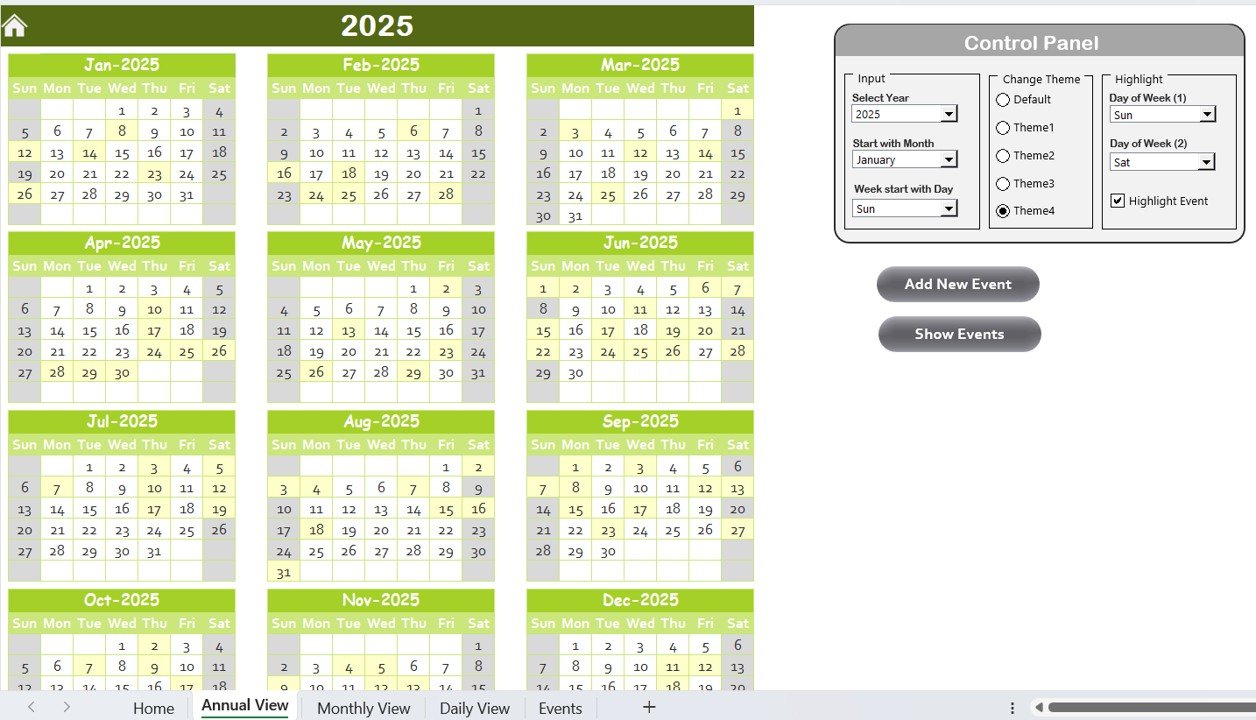
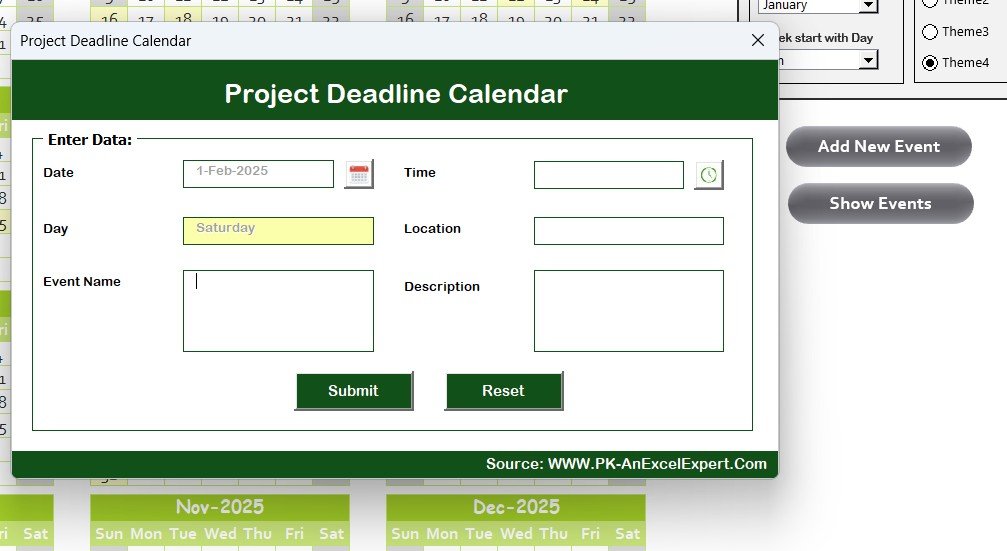
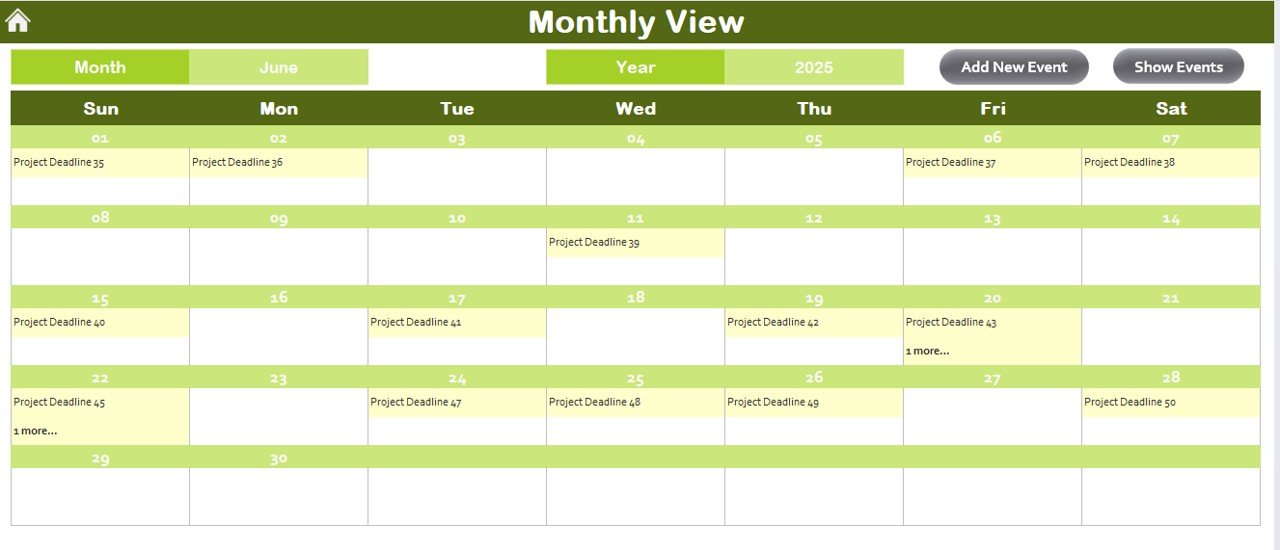

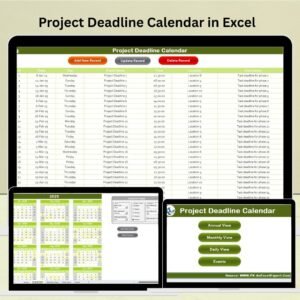
The Project Deadline Calendar in Excel is an essential tool for project managers, team leads, and business owners to efficiently track project deadlines, milestones, and deliverables. This Excel-based calendar helps you stay organized and ensures that your team meets all project deadlines on time. Whether you’re managing a single project or multiple ongoing projects, this calendar allows you to keep track of key dates and activities in a structured and easy-to-use format.
With features like color-coded deadlines, milestone tracking, and customizable views, the Project Deadline Calendar simplifies project planning and management. This tool helps you avoid missing critical deadlines and ensures that your project stays on track, ultimately boosting productivity and improving project outcomes.
Key Features of the Project Deadline Calendar in Excel
📅 Comprehensive Deadline Tracking
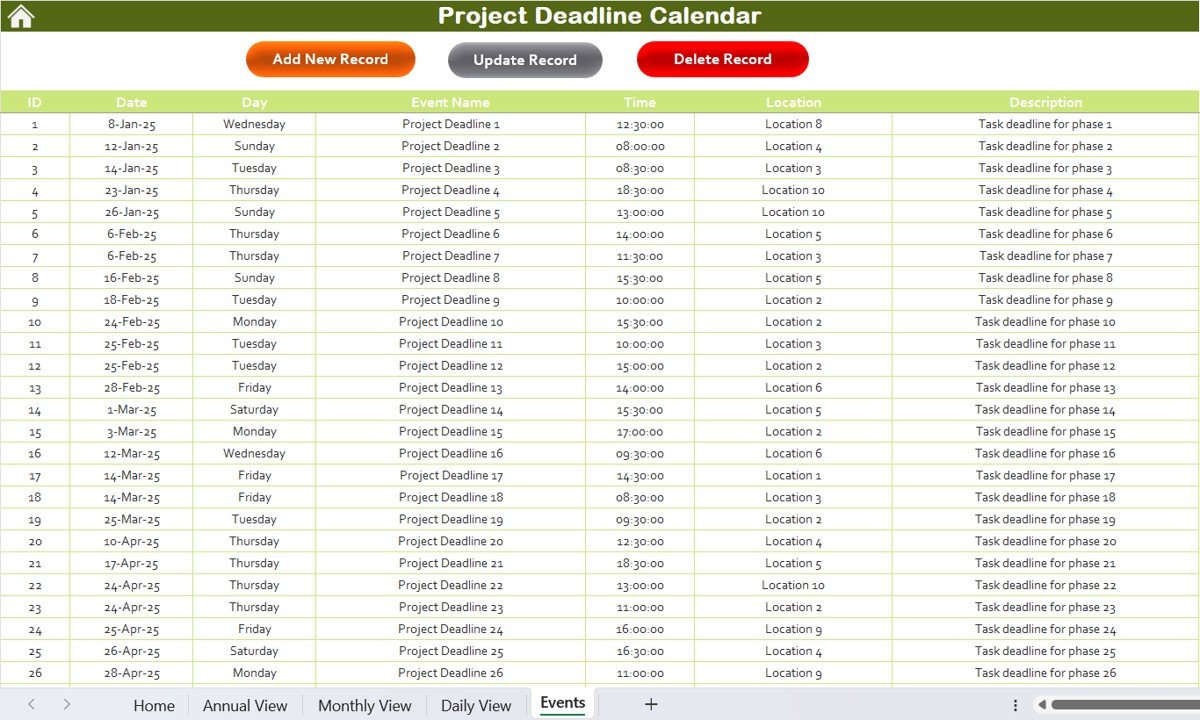
Keep track of all project deadlines, including start dates, end dates, and intermediate milestones. This centralized tracking system ensures that no task or milestone is overlooked.
🔑 Milestone and Task Assignment
Assign specific milestones and tasks to team members, ensuring that everyone knows what needs to be done and when. This feature helps improve team collaboration and accountability.
⏰ Time-Based Scheduling
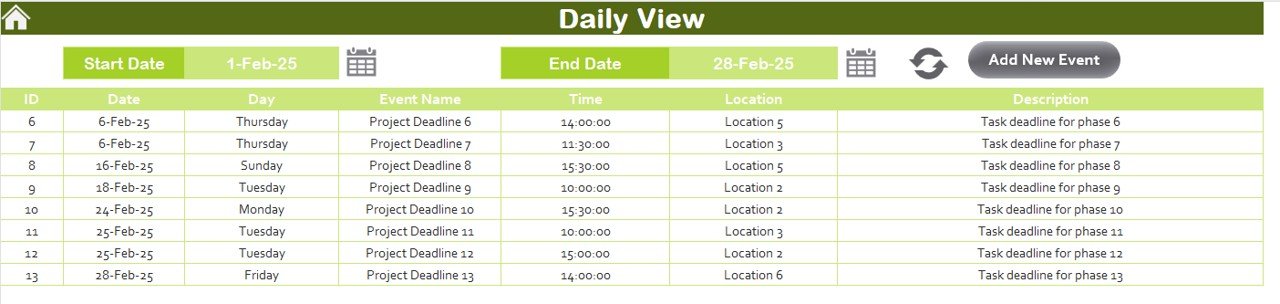
Monitor project timelines by viewing deadlines and milestones over days, weeks, or months. This allows you to easily visualize your project schedule and identify any upcoming tasks that require attention.
🎨 Color-Coded Calendar
Use color-coding to highlight different types of tasks, milestones, and deadlines. This feature makes it easy to prioritize tasks and quickly identify upcoming deadlines.
⚙️ Customizable Calendar Views
Customize the calendar to fit your project’s needs. You can adjust the calendar to display weekly, monthly, or quarterly views and easily add or modify deadlines and milestones.
📈 Progress Monitoring & Reporting
Track the progress of your project by comparing completed tasks with pending ones. Generate reports to visualize your project’s status and make informed decisions for project completion.
Why You’ll Love the Project Deadline Calendar in Excel
✅ Stay Organized & On Track
Track all deadlines and milestones in one place, ensuring that every aspect of your project is organized and easy to manage.
✅ Enhance Team Collaboration
Assign tasks and milestones to your team members and monitor their progress. This enhances communication and accountability within the team.
✅ Improve Productivity
Stay on top of deadlines and ensure that tasks are completed on time. The color-coded system helps you prioritize tasks and stay focused on critical deliverables.
✅ Customizable for Any Project
Whether you’re managing a small team or a large project with multiple stakeholders, the calendar is fully customizable to meet the unique needs of your project.
✅ Data-Driven Project Management
Use the calendar’s reporting features to track project progress and identify potential bottlenecks or delays before they become major issues.
What’s Inside the Project Deadline Calendar in Excel?
Comprehensive Deadline Tracking: Track all critical deadlines, tasks, and milestones.
Milestone & Task Assignment: Assign tasks and deadlines to team members.
Time-Based Scheduling: Visualize deadlines over days, weeks, or months.
Color-Coded Calendar: Quickly prioritize tasks using color-coded categories.
Customizable Views: Adjust the calendar to fit your project’s needs.
Progress Monitoring & Reporting: Track project progress and generate status reports.
How to Use the Project Deadline Calendar in Excel
1️⃣ Download the Template: Get instant access to the Project Deadline Calendar in Excel.
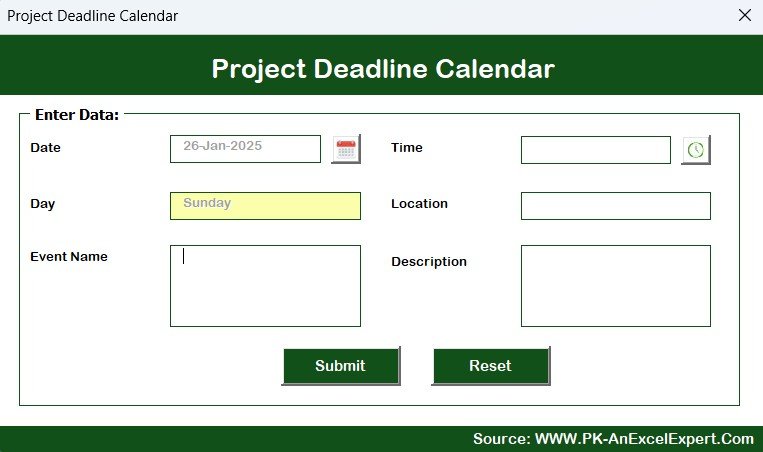
2️⃣ Input Project Deadlines & Milestones: Add important dates and milestones to the calendar.
3️⃣ Assign Tasks & Responsibilities: Assign tasks to team members and track their progress.
4️⃣ Monitor Progress & Adjust Deadlines: Track completed tasks and make adjustments as necessary.
5️⃣ Generate Reports & Visualize Status: Use the reporting features to analyze project progress and ensure timely completion.
Who Can Benefit from the Project Deadline Calendar in Excel?
🔹 Project Managers & Team Leads
🔹 Business Owners & Entrepreneurs
🔹 Small & Medium Enterprises (SMBs)
🔹 Large Corporations with Multiple Projects
🔹 Freelancers & Consultants
🔹 Event Coordinators & Organizers
🔹 Marketing, IT, & Product Development Teams
Ensure that your project stays on track and meets deadlines with the Project Deadline Calendar in Excel. Stay organized, enhance team collaboration, and improve productivity all from one centralized calendar.
Click here to read the Detailed blog post
Visit our YouTube channel to learn step-by-step video tutorials
Youtube.com/@PKAnExcelExpert
Compatibility and Requirements
- Works in Microsoft Excel desktop (Excel 2016 or later, or Microsoft 365).
- Deadlines, milestones and tasks are entered straight into the calendar workbook.
- New to Excel charts and reports? Microsoft explains the basics in Create a chart from start to finish.
Frequently Asked Questions
What does the Project Deadline Calendar track?
It tracks project start dates, end dates, milestones and deliverables, with tasks assigned to team members.
Can I change the calendar view?
Yes. You can set the calendar to weekly, monthly or quarterly views and add or edit deadlines at any time.
How does the color coding help?
Different colors mark different types of tasks, milestones and deadlines, so upcoming work stands out at a glance.
Is there a Google Sheets version?
Yes. See the Project Deadline Calendar in Google Sheets.
Related Project Planning Templates
- Project Deadline Calendar in Google Sheets: the same calendar in a shared online sheet
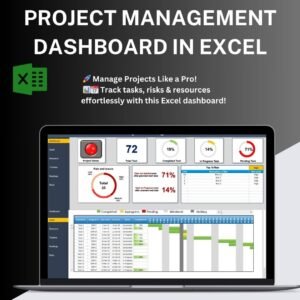
- Project Management Dashboard in Excel: track project status and progress on one dashboard
- Project Management Tracking in Excel: a simple task tracking sheet
- Calendar & Planner Pack: 12 calendar and planner templates in one bundle
Browse all Excel calendars or the Excel project management templates.































Reviews
There are no reviews yet.