

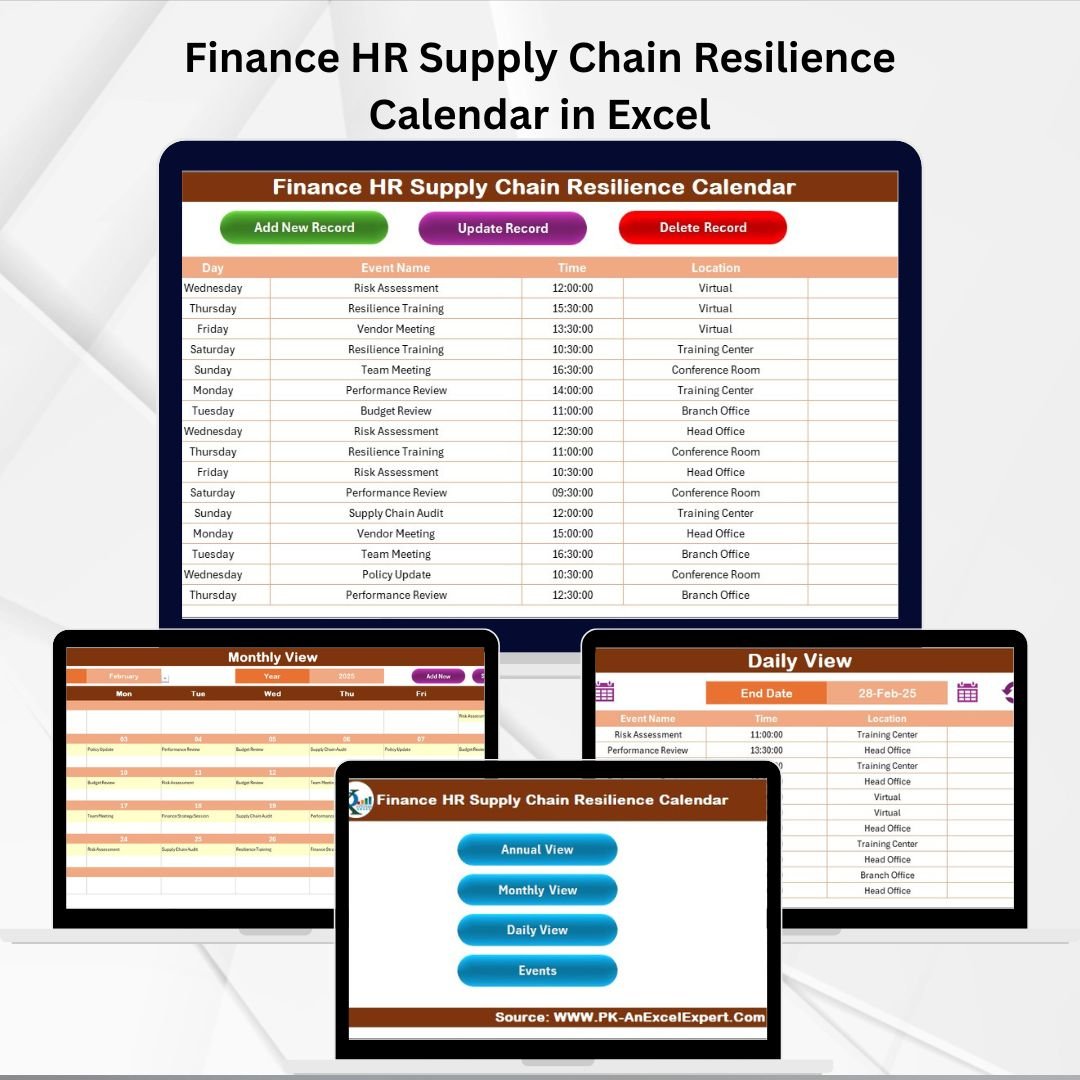
In today’s uncertain business environment, resilience is no longer optional—it’s a necessity. Finance and HR teams are responsible for organizational stability, while supply chains ensure timely delivery of goods and services. But disruptions such as delayed shipments, workforce shortages, or compliance challenges can easily throw everything off track.
That’s why we created the Finance HR Supply Chain Resilience Calendar in Excel—a ready-to-use, structured tool that helps organizations plan, monitor, and track critical activities across departments with clarity and efficiency. This template combines finance, HR, and supply chain events into one easy-to-manage calendar, ensuring deadlines are met, risks are minimized, and operations stay resilient.
✨ Key Features of Finance HR Supply Chain Resilience Calendar in Excel
📂 Five Organized Worksheet Tabs – Home, Annual View, Monthly View, Daily View, and Events database.
📅 Annual, Monthly & Daily Views – Flexible planning at multiple levels for big-picture or detailed tracking.
🎨 Custom Themes & Highlights – Choose from multiple color themes and highlight weekends or key dates.
🖱️ Quick Navigation Buttons – Jump between views in a single click from the Home tab.
📝 Event Database Management – Add, update, or delete events via structured forms.
🔢 Auto-Generated IDs – Prevent duplication and ensure accuracy.
🏷️ Customizable Inputs – Adjust start month, week structure, and event categories to fit your needs.
💻 Excel-Friendly – No coding required; use with tools you already know.
📦 What’s Inside the Finance HR Supply Chain Resilience Calendar
This Excel template comes with five powerful worksheet tabs:
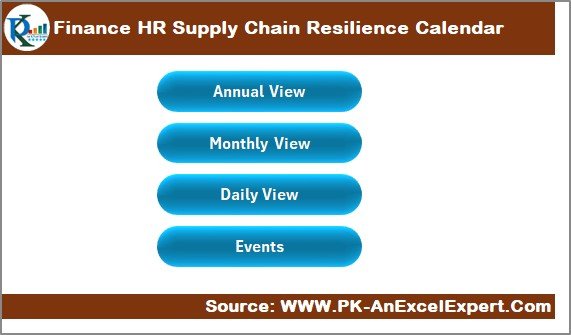
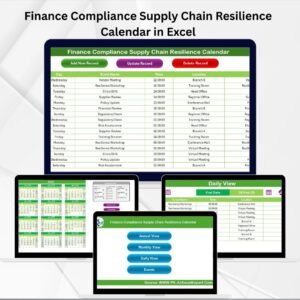
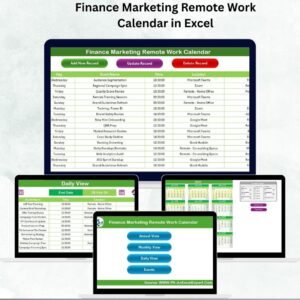
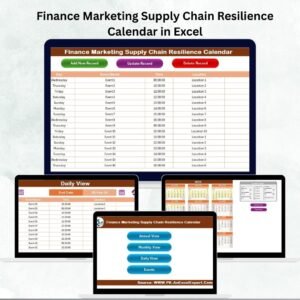
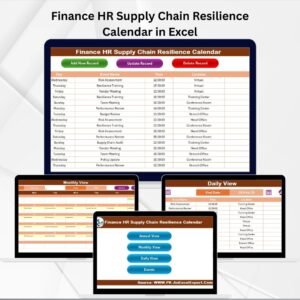
Home Sheet Tab – Acts as your dashboard, with buttons to navigate quickly to Annual, Monthly, Daily, or Events views.
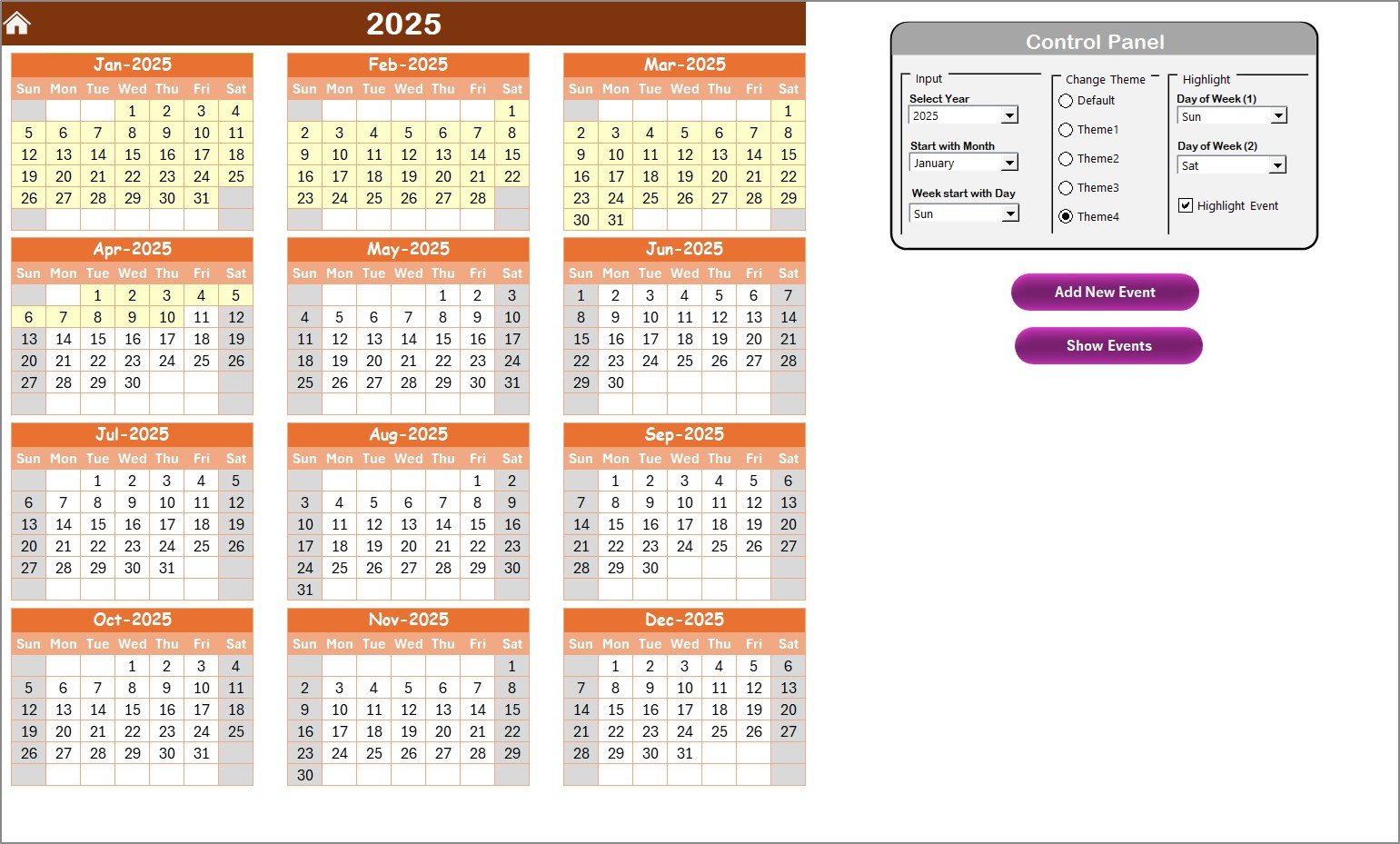
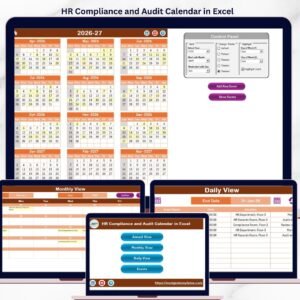
Annual View – A 12-month calendar with controls to set the year, start month, and starting day of the week. Includes theme selection, highlight options, and event management buttons.
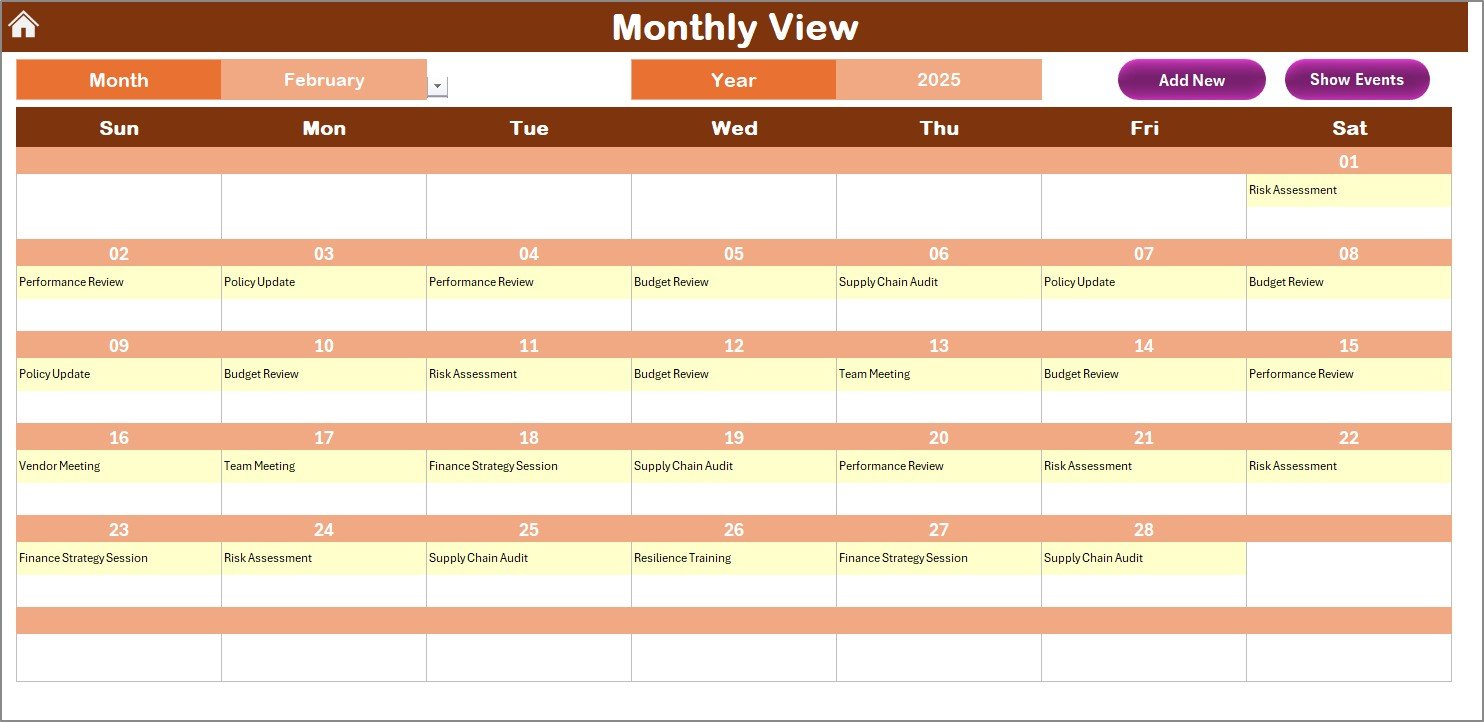
Monthly View – Focus on a single month’s events. If multiple events fall on one date, the calendar displays “more than 1…” for clarity.
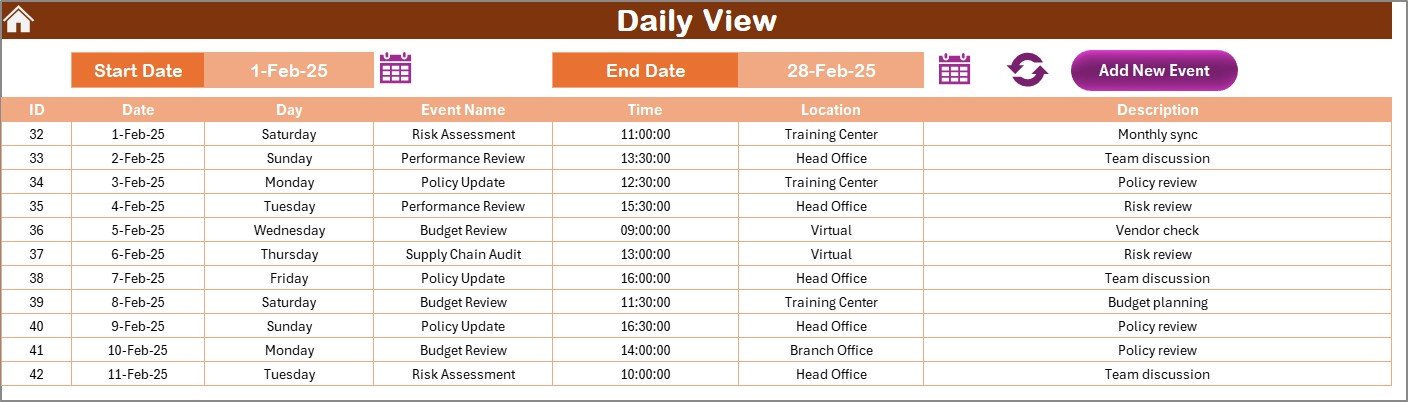
Daily View – Enter a date range and instantly see all related events. Add new activities directly from this sheet.
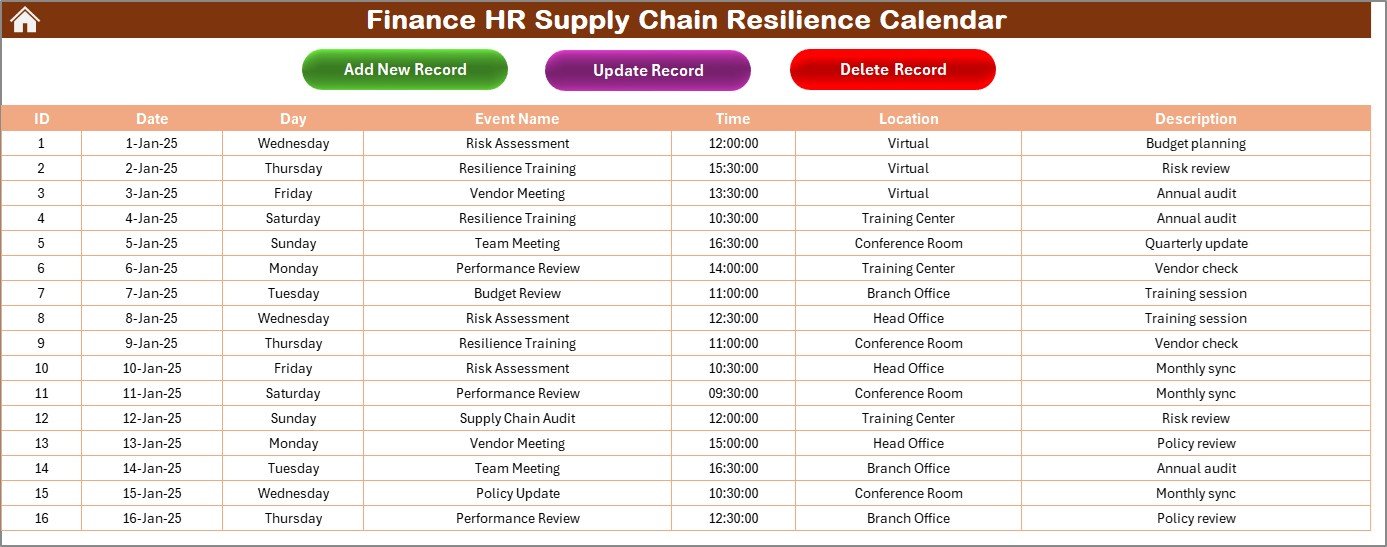
Events Sheet – A database of all scheduled events with fields like ID, Date, Day, Event Name, Time, Location, and Description. Includes Add, Update, and Delete buttons for easy management.
🛠️ How to Use the Finance HR Supply Chain Resilience Calendar
Start with the Home Tab – Use quick navigation buttons to jump to the right section.
Plan Annually – Enter finance deadlines, HR compliance checks, and supply chain milestones in the Annual View.
Manage Monthly Activities – Track payroll, supplier deliveries, or training sessions in the Monthly View.
Stay on Top of Daily Tasks – Use the Daily View to manage meetings, shipment updates, or audits.
Use the Events Database – Keep all events organized, searchable, and up to date.
This simple workflow ensures department-wide visibility while saving time and reducing missed deadlines.
👥 Who Can Benefit from This Calendar
Finance Teams – Track tax deadlines, audits, budgeting, and compliance requirements.
HR Managers – Monitor recruitment drives, training sessions, employee engagement, and compliance.
Supply Chain Managers – Plan procurement, vendor coordination, logistics, and risk assessments.
Small Businesses – Affordable, simple-to-use resilience tool without expensive software.
Large Enterprises – Multi-department visibility to ensure smooth operations across locations.
📖 Click here to read the Detailed blog post
🎥 Visit our YouTube channel to learn step-by-step video tutorials
Watch the step-by-step video tutorial:
Compatibility and Requirements
- Works in Microsoft Excel desktop (Excel 2016 or later, or Microsoft 365).
- The Home tab buttons, the Add, Update and Delete buttons and the event forms are built into the workbook. If Excel asks about macros when you open the file, follow Microsoft’s steps in Enable or disable macros in Microsoft 365 files.
Frequently Asked Questions
Which worksheets are included?
Five worksheet tabs: Home, Annual View, Monthly View, Daily View and Events.
What details can I store for each event?
The Events sheet has fields for ID, Date, Day, Event Name, Time, Location and Description. The ID is generated automatically.
Can I change the start month and the first day of the week?
Yes. On the Annual View you set the year, the start month and the starting day of the week. You can also pick a color theme and highlight weekends or key dates.
What happens when two events fall on the same date?
The Monthly View shows “more than 1…” on that date, so you know there is more than one event. Open the Daily View to see all of them.
Is there a version for another department?
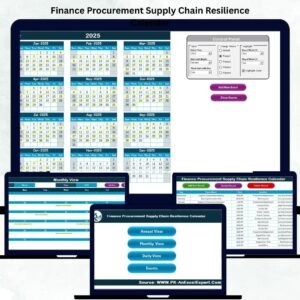
Yes. For example, the Finance Procurement Supply Chain Resilience Calendar in Excel and the HR Supply Chain Resilience Calendar in Excel use the same layout.
Related Supply Chain Resilience Calendars
- Finance Procurement Supply Chain Resilience Calendar in Excel: finance and procurement dates in one calendar
- HR Supply Chain Resilience Calendar in Excel: an HR-only version
- Finance Operations Supply Chain Resilience Calendar in Excel: for finance and operations teams
- Finance Compliance Supply Chain Resilience Calendar in Excel: for audit and compliance deadlines
- Project Manager Power Pack: 10 templates for planning and tracking work
Browse all Excel calendar templates and HR and payroll templates.






Reviews
There are no reviews yet.