

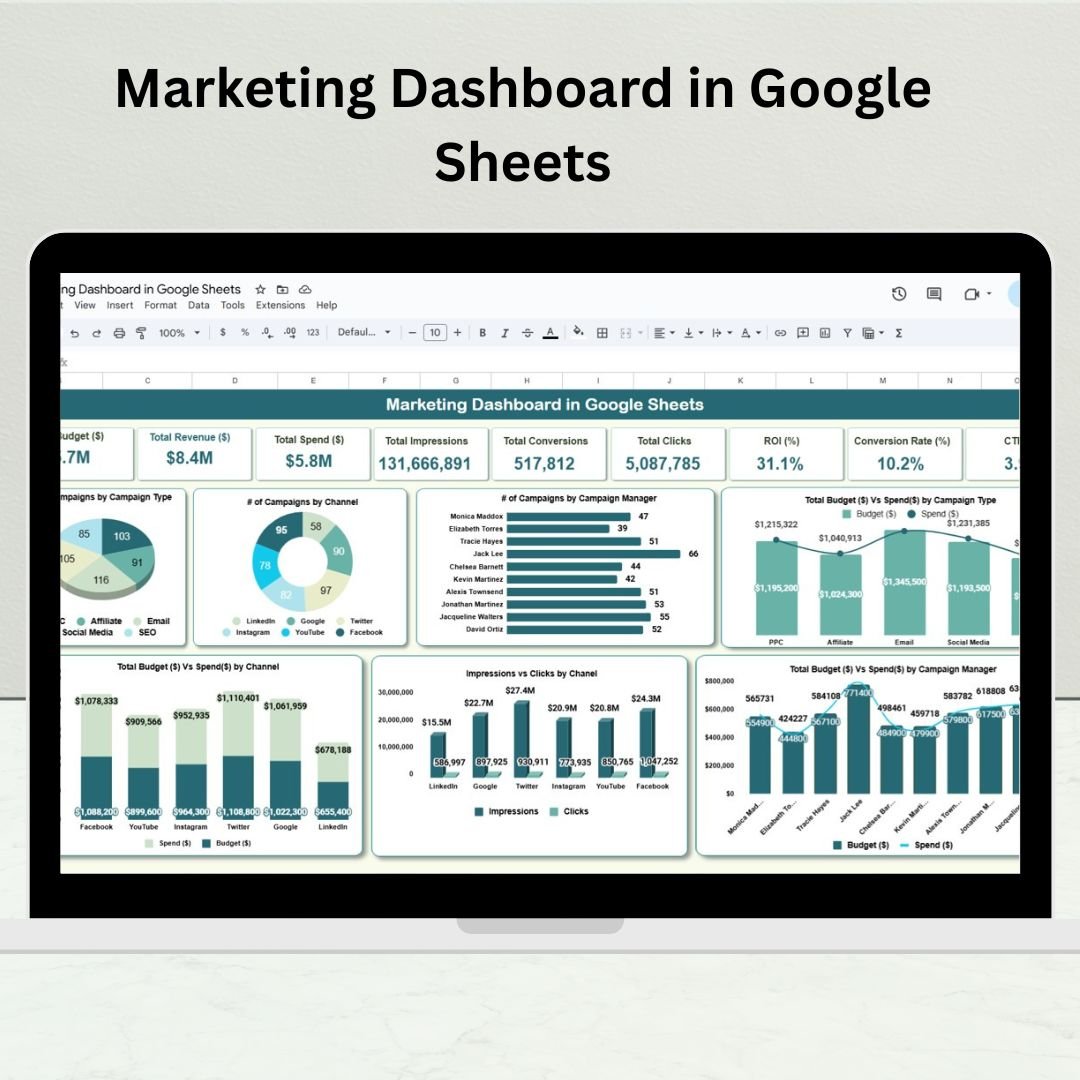

Tired of scattered data and delayed reports? The Marketing Dashboard in Google Sheets is your all-in-one solution to track, visualize, and improve your marketing performance. Whether you’re managing paid campaigns, SEO, content, or email marketing, this ready-to-use dashboard delivers real-time insights that empower you to make data-driven decisions—no special software or coding required!
⚙️ Key Features of the Marketing Dashboard in Google Sheets
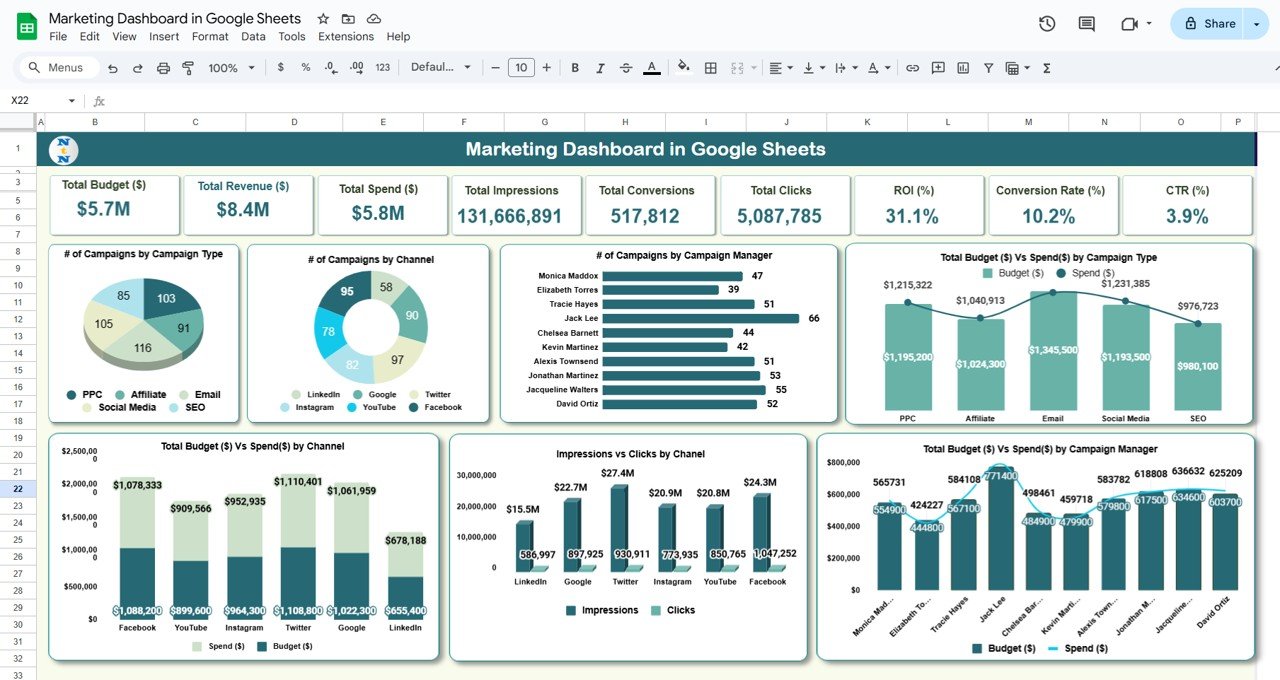
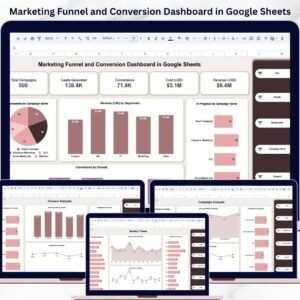
📊 Dashboard Overview Sheet
Get a quick view of your marketing health with:
📌 Total Campaigns
💸 Average Cost per Lead (CPL)
🧲 Total Leads Generated
🧮 Conversion Rate (%)
⭐ Campaign ROI Score
Visual charts include:
🔹 Leads by Campaign Type
🔹 Campaign Performance by Status (Active, Paused, Completed)
🔹 Conversions by Channel (Google Ads, Facebook, Email, etc.)
🔹 Monthly Trend: Leads vs Conversions
🔹 ROI Trend by Campaign
📑 Channel Analysis Tab
Break down campaign success across marketing channels:
ROI, CPL, Conversions, and Lead Quality by Channel
Identify your top-performing platforms
📈 Performance by Campaign Priority
See how campaigns with different priority levels are performing:
Avg. Conversion Rate by Priority
Campaign Volume and ROI by Priority
Completion Status: Active vs Completed by Priority
🧑💼 Marketer Performance Tab
Track how each team member or agency is performing:
Campaigns Managed
Leads Generated
Conversion Rate by Marketer
Average ROI by Manager
🌍 Location-Based Insights Tab
Discover which regions deliver the best results:
Leads and Conversions by Location
ROI and CPL trends per region
Heatmap of campaign engagement
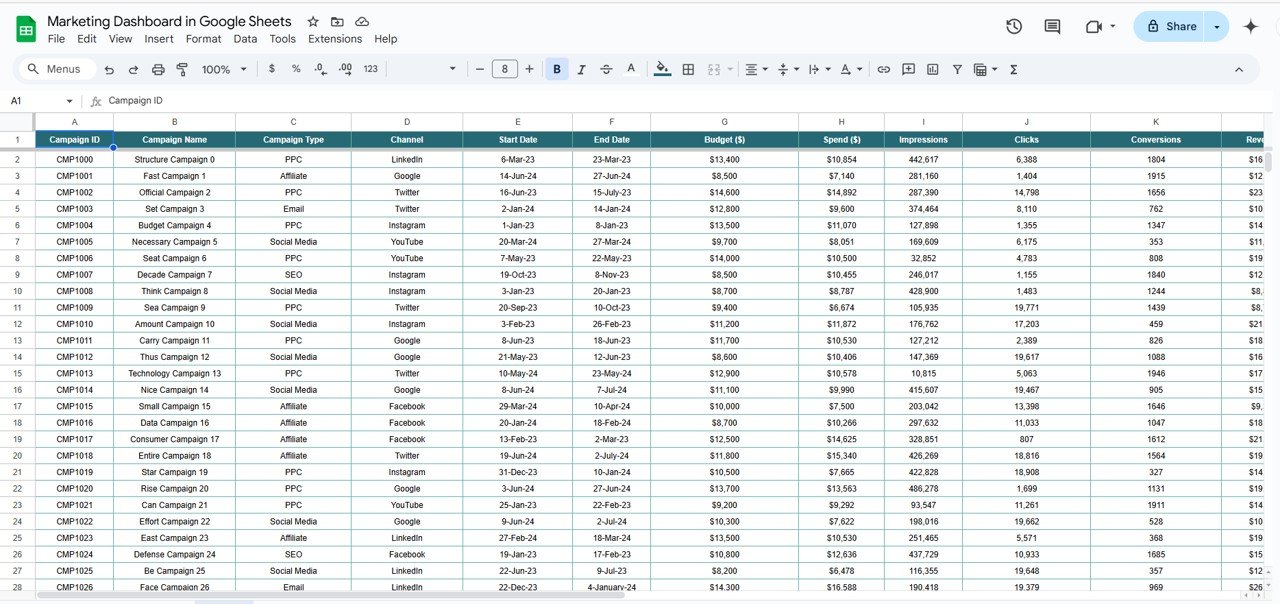
📥 Data Entry Sheet
Add all your raw campaign data:
Campaign Name, Channel, Budget, Spend, Leads, Conversions, Status, Assigned Marketer, Priority, Start/End Dates
Dashboard visuals update automatically!
📦 What’s Inside the Marketing Dashboard
You’ll receive a fully linked Google Sheet with the following tabs:
Dashboard Overview – Real-time KPIs and campaign performance
Channel Analysis – Visual breakdown by digital channel
Campaign Priority View – Monitor high, medium, low priorities
Marketer Insights – Track individual performance
Location Reports – Regional and geo-targeted insights
Raw Data Sheet – Input source for all visualizations
🎯 All charts are auto-calculated using formulas and Google Sheets’ powerful built-in tools.
🧩 How to Use the Marketing Dashboard
🖊️ Step 1: Input campaign data into the Data Sheet
📊 Step 2: Watch metrics auto-calculate across all tabs
📆 Step 3: Filter by status, priority, or date to drill down
📤 Step 4: Share live links with stakeholders or export as PDF
⚙️ Step 5: Customize charts or fields to fit your marketing needs
It’s as easy as plug, update, and analyze—no macros or complex scripts needed!
👥 Who Can Benefit from This Dashboard?
💼 Marketing Managers – Track all campaigns from a single sheet
🎯 Performance Marketers – Optimize ad spend and ROI
📈 Digital Agencies – Create branded reports for clients
🧑💻 Freelancers & Solo Marketers – Stay organized and scale operations
📊 Startup Founders – Get instant visibility into lead performance and spend
✅ Why Choose This Google Sheets Marketing Dashboard?
✅ 100% cloud-based & accessible from anywhere
✅ Built-in charts, KPIs, filters, and formulas
✅ Completely customizable—no lock-ins
✅ Instant insights from live campaign data
✅ Shareable with teams, clients, and C-levels
✅ No software subscription or coding required
From tracking ROI to comparing campaign effectiveness, this dashboard gives you control, clarity, and confidence in your marketing decisions.
🔁 Click here to read the Detailed blog post
Click here to read the Detailed blog post
🎥 Visit our YouTube channel to learn step-by-step video tutorials
Compatibility and Requirements
- Works in Google Sheets with a free Google account and a web browser. No software to install.
- The charts are standard Google Sheets charts. Google explains how to edit them in Add & edit a chart or graph.
Frequently Asked Questions
Which tabs are in the Marketing Dashboard?
Dashboard Overview, Channel Analysis, Campaign Priority View, Marketer Insights, Location Reports and the Raw Data Sheet.
What data do I enter?
Campaign name, channel, budget, spend, leads, conversions, status, assigned marketer, priority and start and end dates. The charts and KPIs update from this sheet.
Which KPIs are on the overview?
Total campaigns, average cost per lead, total leads generated, conversion rate and campaign ROI score.
Can I share the dashboard with clients or my team?
Yes. You can share a live link to the sheet or export it as a PDF.
Related Marketing Dashboard Templates
- Marketing Dashboard in Excel: the Excel edition
- Marketing Dashboard in Power BI: the Power BI edition
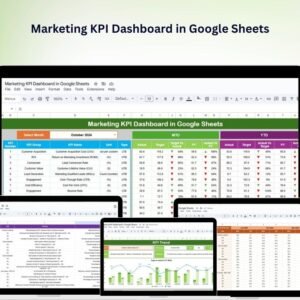
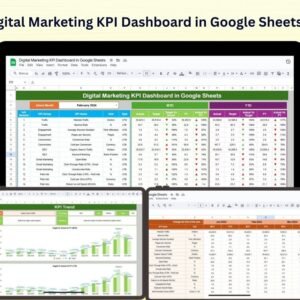
- Marketing KPI Dashboard in Google Sheets: track marketing KPIs against targets
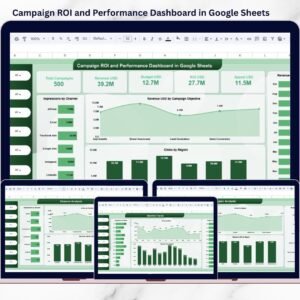
- Campaign ROI and Performance Dashboard in Google Sheets: focus on campaign returns
- Marketing Campaign Calendar in Google Sheets: plan campaigns before you track them
Browse all Google Sheets dashboards or the Google Sheets sales and marketing templates.
























Reviews
There are no reviews yet.