

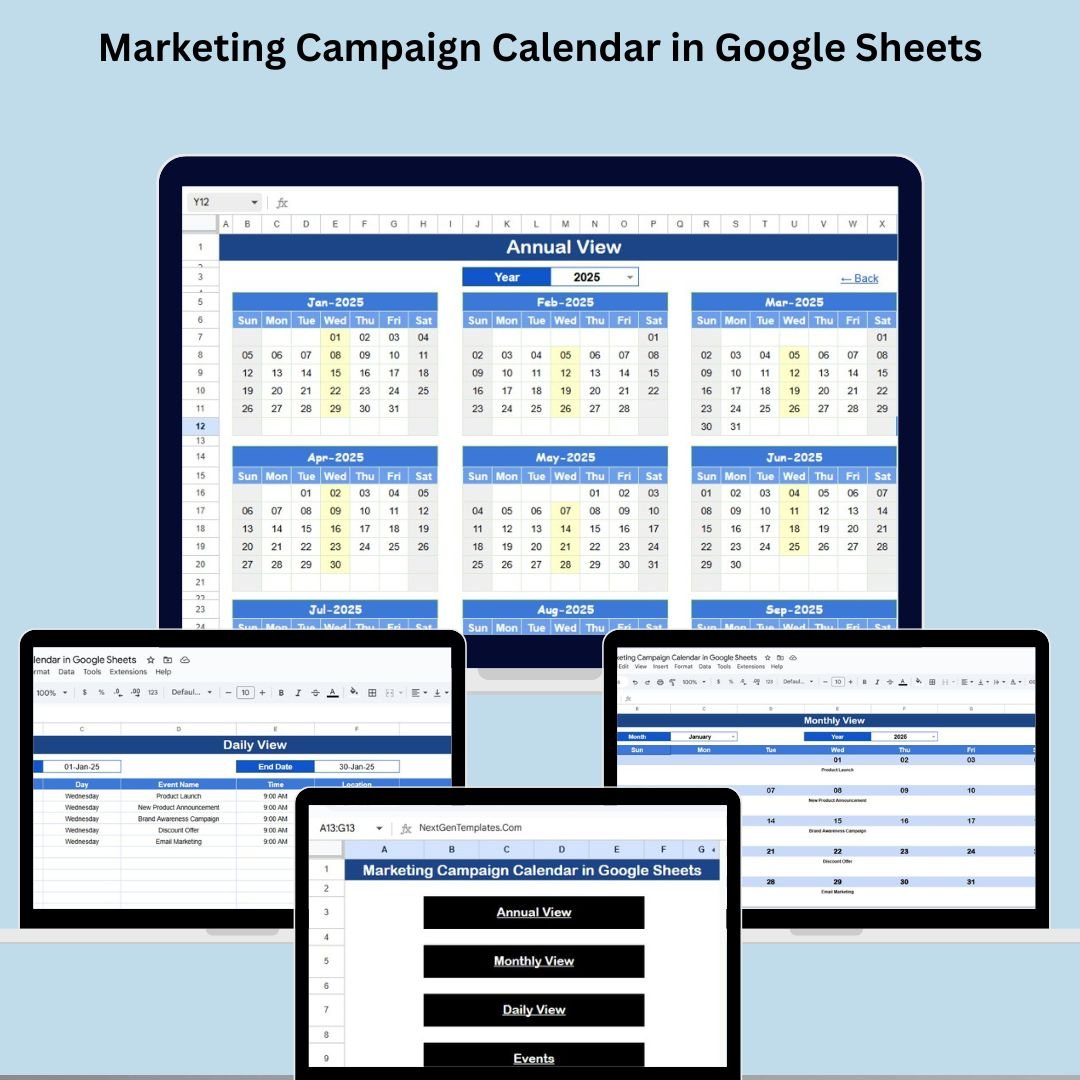

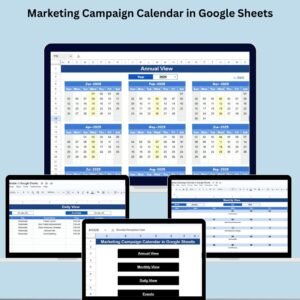
The Marketing Campaign Calendar in Google Sheets is your go-to planning tool to stay organized, consistent, and ahead of deadlines. Whether you’re launching a new product, scheduling social media content, or running seasonal promotions, this all-in-one calendar template helps you visualize every campaign from annual strategy to daily execution.
With built-in annual, monthly, and daily views, a detailed event database, and a home page navigator, managing your marketing schedule has never been easier.
📌 Key Features of the Marketing Campaign Calendar
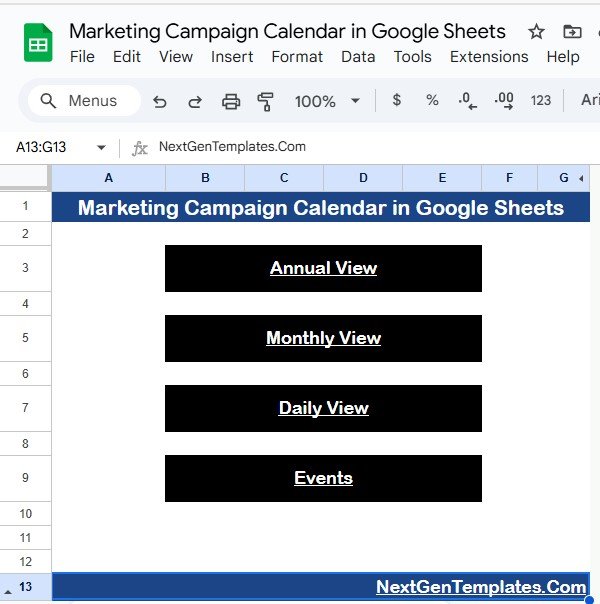
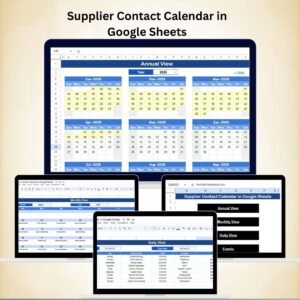
🏠 Home Sheet Tab – One-Click Navigation
🔘 Navigate to Annual View, Monthly View, Daily View, or Events sheet
📍 Centralized dashboard for efficient access
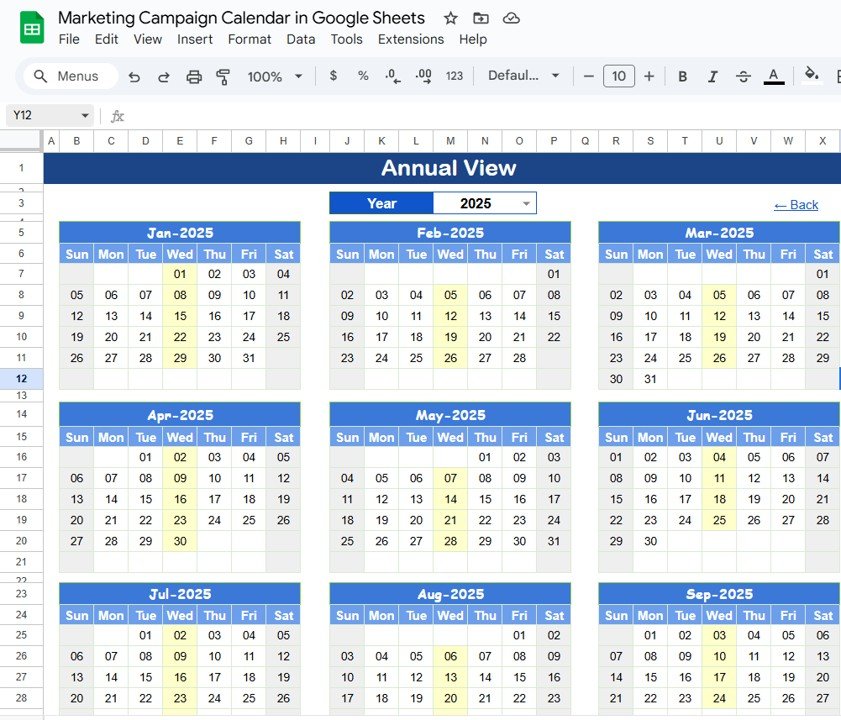
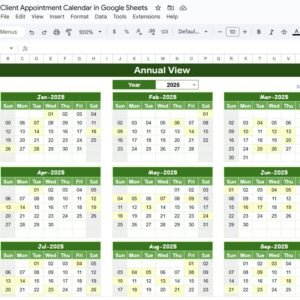
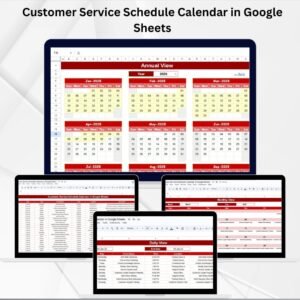
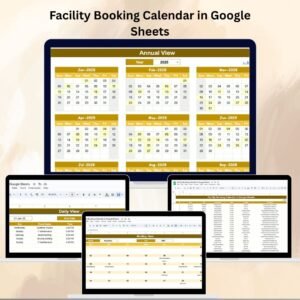
📆 Annual View Sheet Tab – Yearly Snapshot
📅 Select year from dropdown
🔁 Customize start month and week start day
🔍 View marketing events across all 12 months at a glance
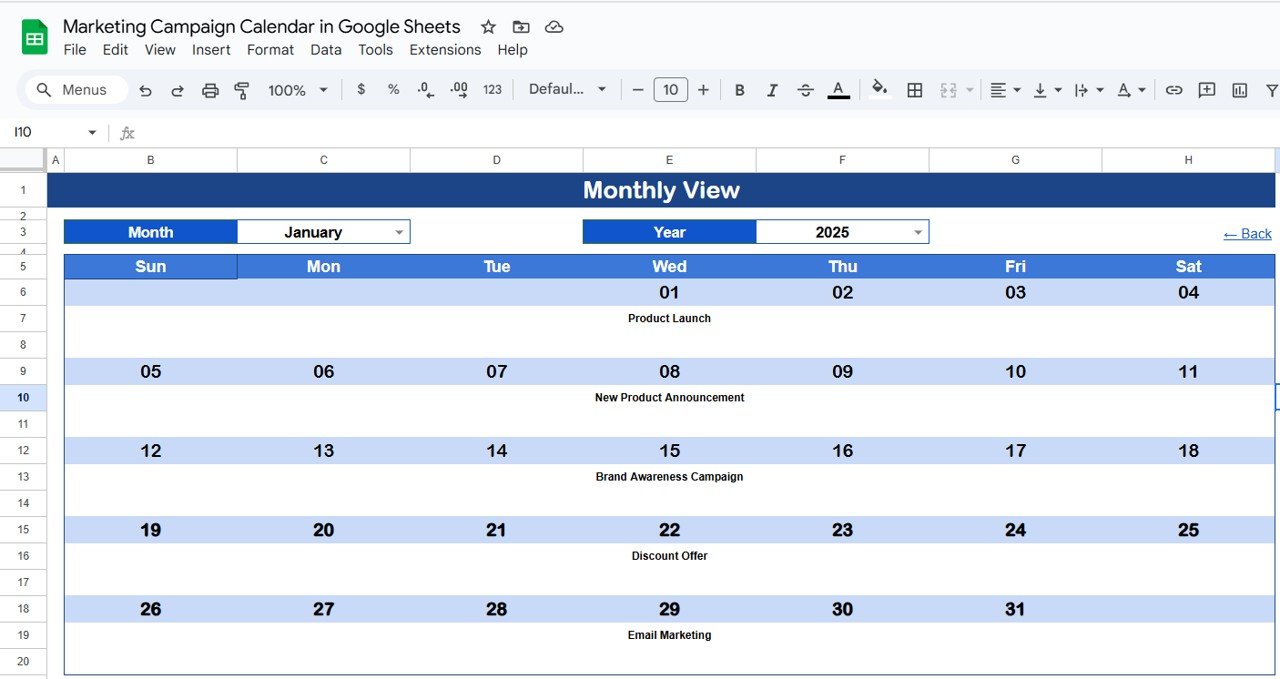
📅 Monthly View Sheet Tab – Month-Level Planning
📌 Auto-updates based on selected month & year
✅ Single or multiple event indicators
📋 Great for reviewing detailed monthly workloads
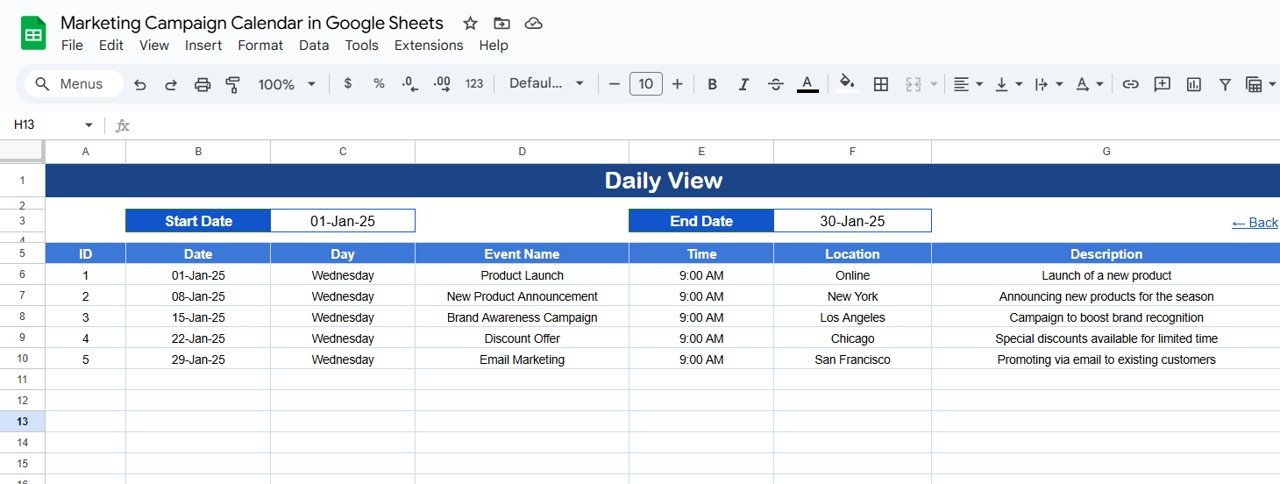
📋 Daily View Sheet Tab – Focused Daily Insight
📆 Filter events by start and end date
🗂️ See all campaign activities for a selected time range
🗂️ Events Sheet Tab – Master Database
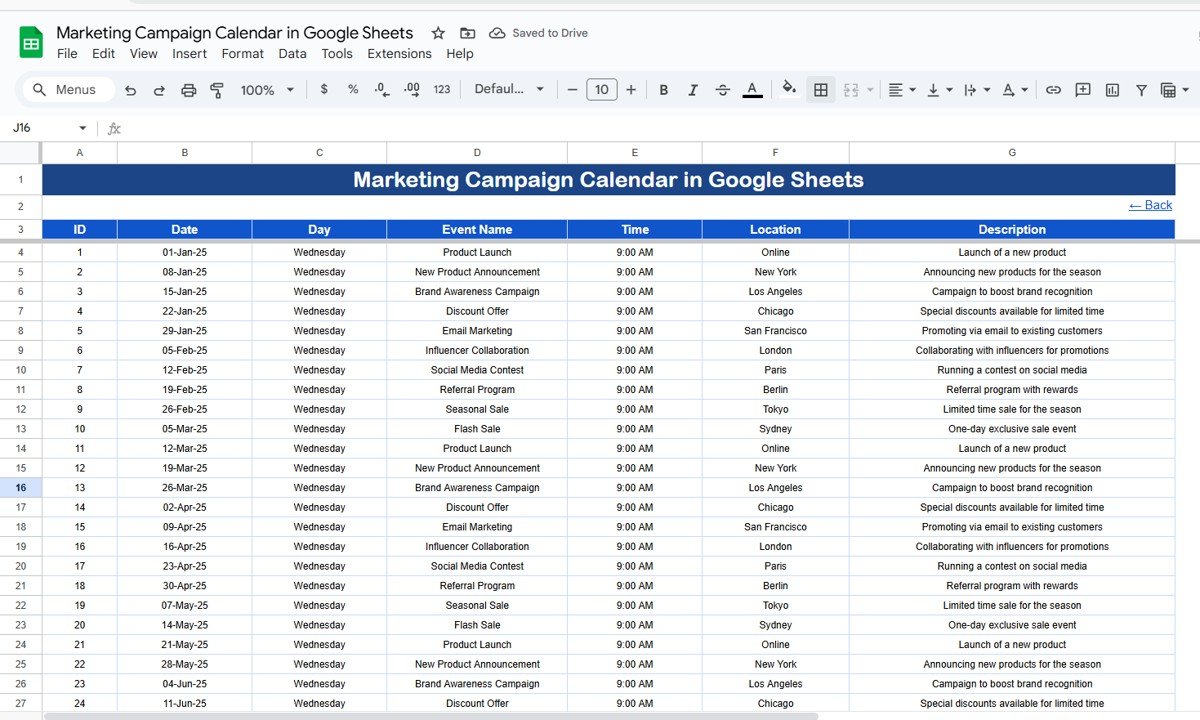
Fields include: ID, Date, Day, Event Name, Time, Location, Description
⚙️ Edit once and see real-time changes reflected across all views
💡 Benefits of Using This Template
✅ All-in-One Marketing Planner – Plan across time scales
✅ Flexible & Customizable – Modify to suit campaign types
✅ Real-Time Sync – Auto-update views with live data
✅ No More Missed Deadlines – Always stay on track
✅ Collaboration-Ready – Shareable in Google Sheets
👥 Who Should Use It?
📢 Marketing Managers & Coordinators
📱 Social Media Teams
💼 Small Businesses & Agencies
✍️ Content Creators & Brand Teams
🔗 Click here to read the Detailed blog post
Watch the step-by-step video Demo:
🎥 Visit our YouTube channel to learn step-by-step video tutorials
👉 Youtube.com/@NeotechNavigators
What’s Inside
- Home sheet with buttons to the Annual View, Monthly View, Daily View and Events sheets
- Annual View with a year dropdown, start month and week start day settings
- Monthly View that updates for the selected month and year
- Daily View that filters events by start and end date
- Events sheet with ID, Date, Day, Event Name, Time, Location and Description fields
Compatibility and Requirements
- Works in Google Sheets with a free Google account and a web browser. Nothing to install.
- The year selector is an in-cell dropdown. Google explains these in Create an in-cell dropdown list.
How to Use the Marketing Campaign Calendar
- Open the Events sheet and add each campaign activity with its date, name, time, location and description.
- Go to the Annual View, pick the year and set the start month and week start day.
- Use the Monthly View to review the selected month’s events.
- Use the Daily View to list all activities between a start date and an end date.
- Share the sheet with your team in Google Sheets so everyone works from the same plan.
Frequently Asked Questions
Which calendar views are included?
The template has an Annual View, a Monthly View and a Daily View, plus a Home sheet that links to each one.
Where do I enter my campaigns?
You add every activity in the Events sheet. The other views read from it, so a change there shows up in every view.
Can I change the start month and the first day of the week?
Yes. The Annual View lets you choose the start month and the week start day.
Can I see more than one event on the same day?
Yes. The Monthly View shows single or multiple event indicators for each date.
How do I list events for a date range?
Open the Daily View and set a start date and an end date to see every activity in that range.
Related Marketing Calendar Templates
- Marketing Campaign Calendar in Excel: the same calendar for Excel users
- Email Marketing Campaign Calendar in Excel: plans email sends by date
- Content Calendar Checklist in Google Sheets: a checklist for content tasks
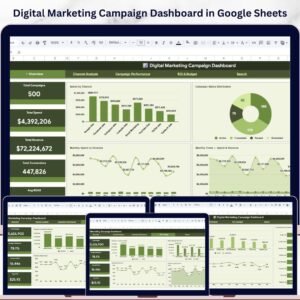
- Digital Marketing Campaign Dashboard in Google Sheets: tracks campaign results after launch
- Calendar & Planner Pack: 12 Excel and Google Sheets calendar and planner templates in one bundle
Browse all Google Sheets calendar templates or the Google Sheets sales and marketing templates.










Reviews
There are no reviews yet.