

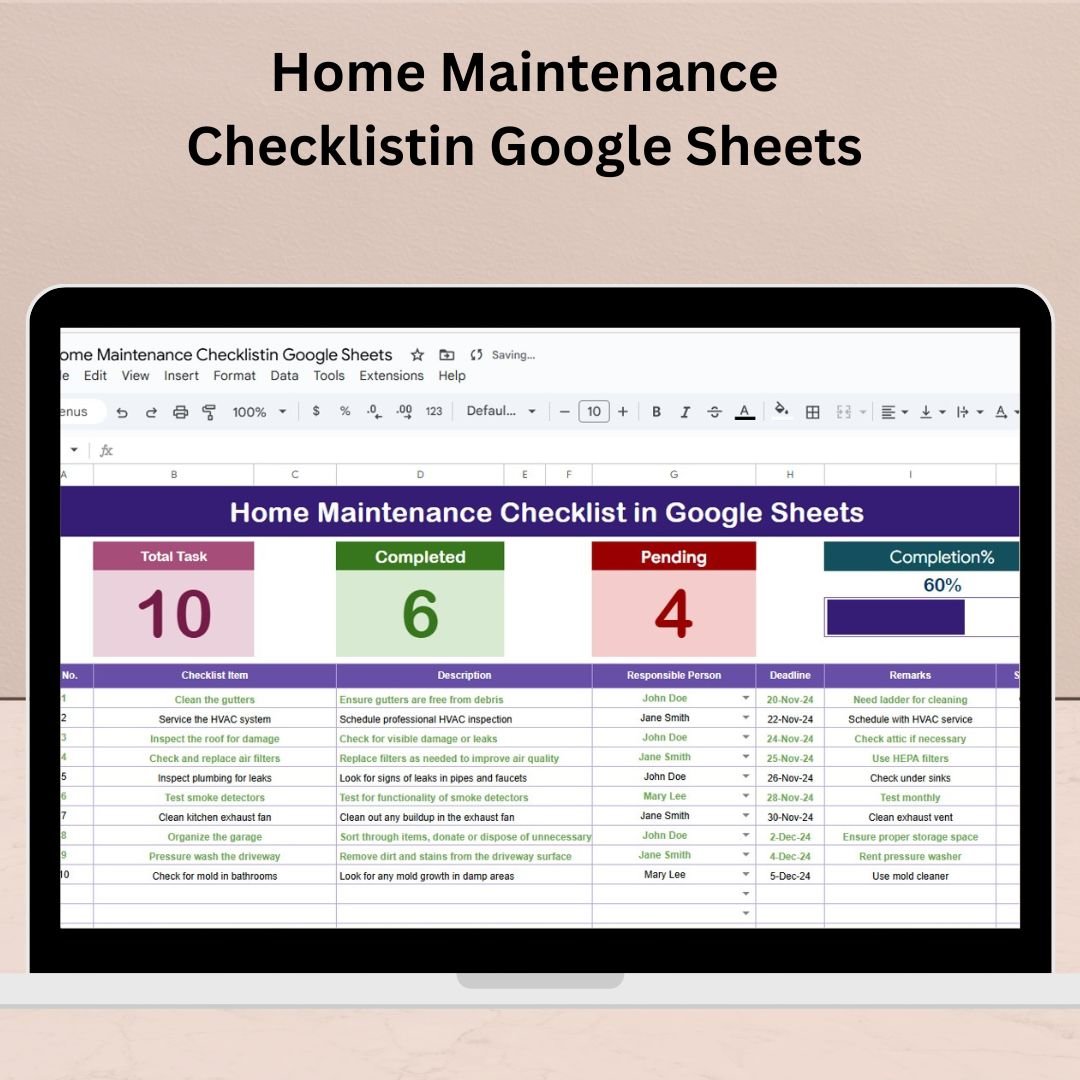

Keeping your home in top condition doesn’t have to be overwhelming. With the Home Maintenance Checklist in Google Sheets, you can easily track, manage, and complete your routine and seasonal maintenance tasks—all in one place. This ready-to-use, customizable template is the perfect solution for homeowners who want to stay ahead of repairs, assign responsibilities, and monitor task completion with ease.
Whether you’re a solo homeowner, managing a household with family members, or overseeing multiple properties, this template will save you time, money, and stress.
🏠 What is the Home Maintenance Checklist?
This digital checklist is built in Google Sheets and helps you manage your home maintenance responsibilities in a simple, smart, and structured format. It eliminates the need for paper lists or scattered reminders by consolidating everything into a clear, visually organized dashboard.
With a built-in progress bar, checklist table, and automated dropdowns, you can ensure every task is tracked—so nothing falls through the cracks.
📋 Key Features of the Checklist Template
1️⃣ Main Checklist Sheet
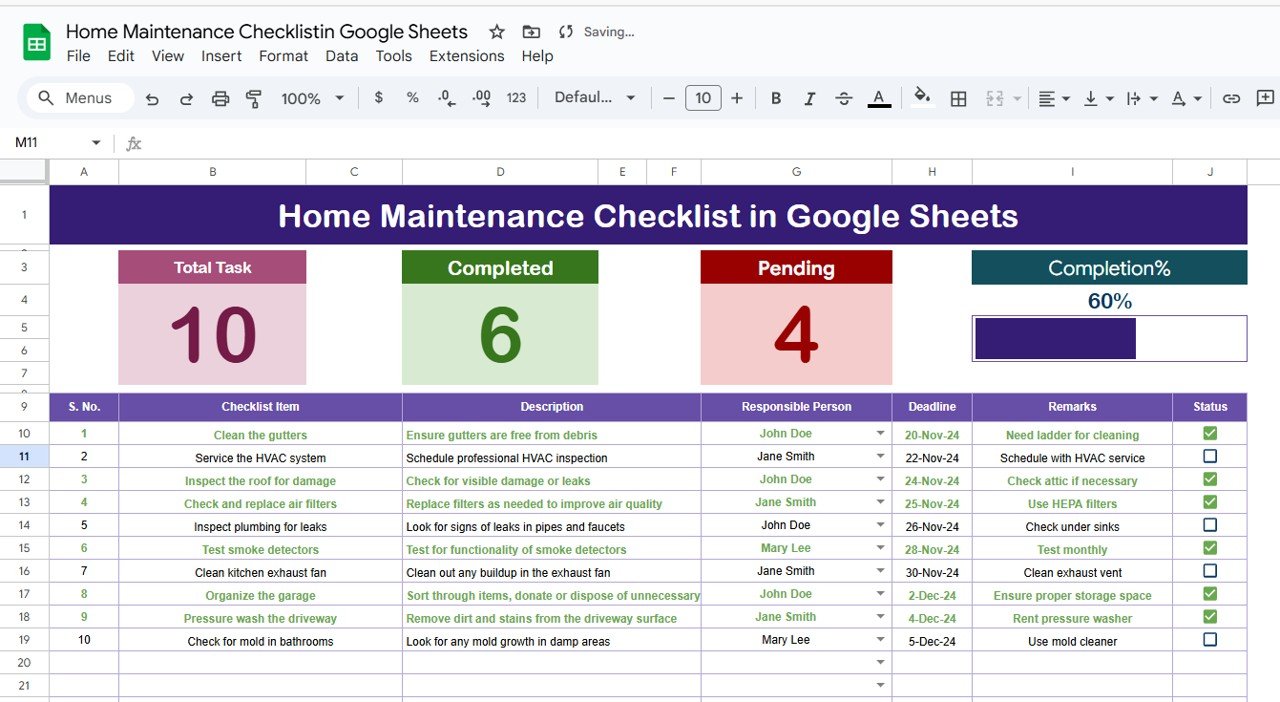
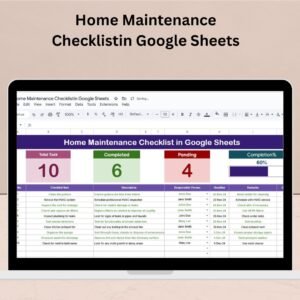
At the heart of the template is the Home Maintenance Checklist Sheet, where all tasks are recorded and tracked.
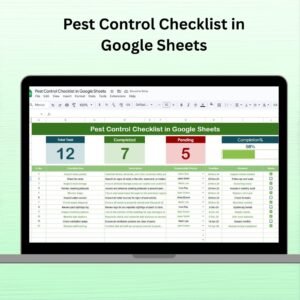
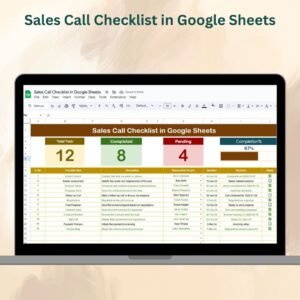
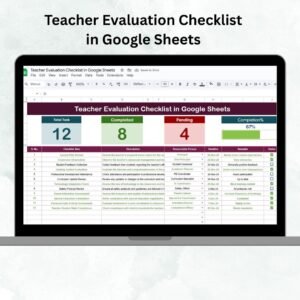
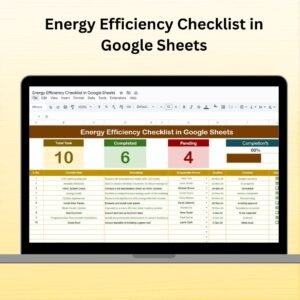
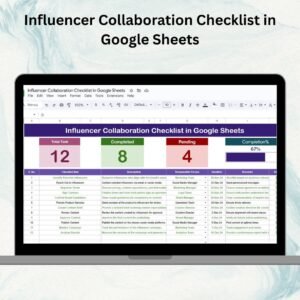
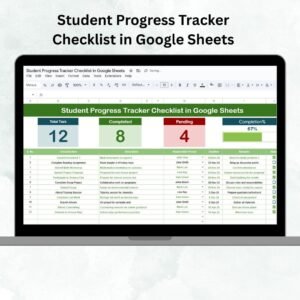
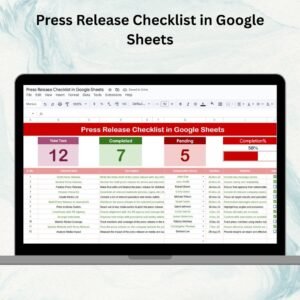
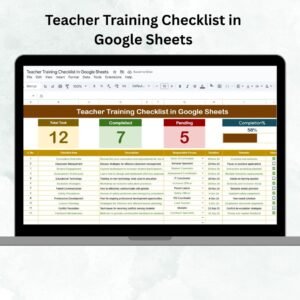
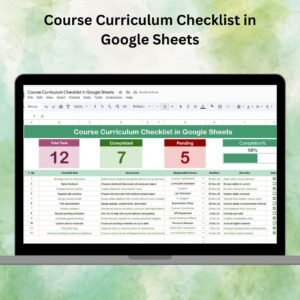
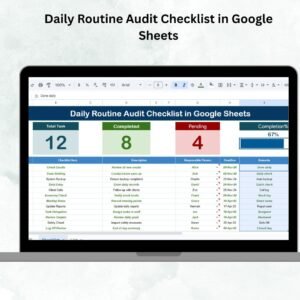
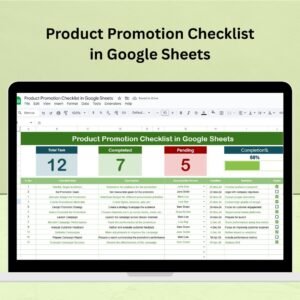
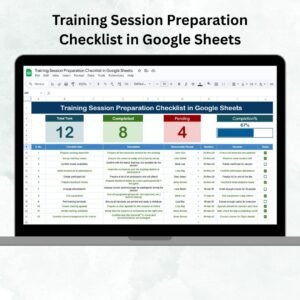
🔹 Top Section Summary Cards:
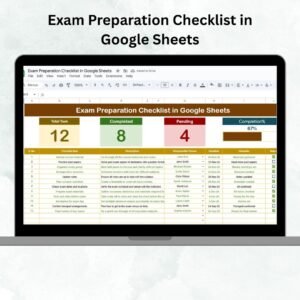
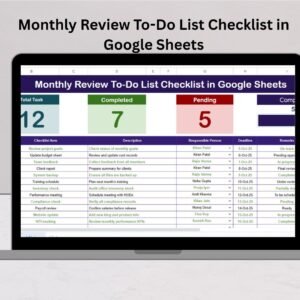
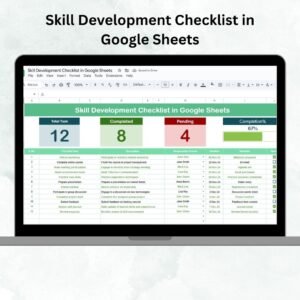
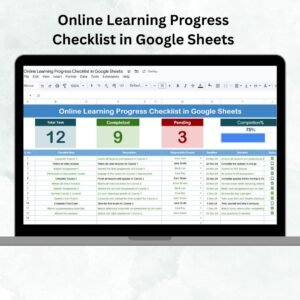
Total Count: Displays the total number of tasks
Completed Count: How many tasks have been completed
Pending Count: Tracks what still needs to be done
Progress Bar: A visual percentage bar showing task completion status
🔹 Checklist Table Columns:
Serial No.: Auto-numbered tasks
Checklist Item: Name of the maintenance activity
Description: Short explanation of the task
Responsible Person: Assigned from a dropdown menu
Deadline: Date by which the task should be completed
Remarks: Notes or additional context
Status: Mark tasks with ✔ (done) or ✘ (pending)
2️⃣ List Sheet Tab
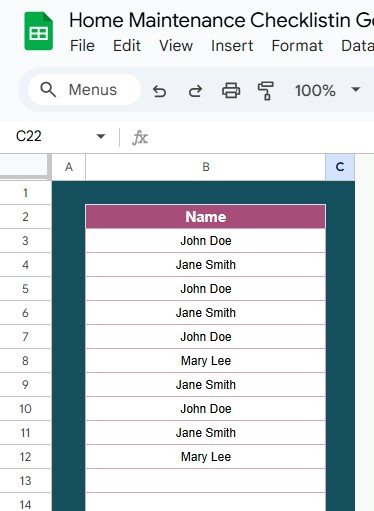
This secondary sheet powers the drop-down menu for assigning responsibilities. Just enter the names of household members or employees, and they’ll appear in the main sheet’s dropdown selector.
This tab ensures that task delegation is seamless and standardized—no need to manually enter names each time!
🌟 Benefits of the Home Maintenance Checklist
✅ Centralized Task Management: Keep all your maintenance tasks in one place—no more scattered notes or forgotten chores.
✅ Improved Accountability: Assign specific tasks to individuals, so everyone knows what they’re responsible for.
✅ Progress Tracking Made Simple: Easily monitor how many tasks are completed and what remains.
✅ Visual Dashboard: The top section cards and progress bar give an instant overview of your checklist status.
✅ Fully Customizable: You can add new columns, edit task details, or create templates for seasonal maintenance.
🔧 Common Use Cases
Preparing your home for seasonal changes (e.g., winterizing, spring cleaning)
Routine checks (plumbing, HVAC, electrical systems)
Assigning tasks among family members or tenants
Managing multiple homes or rental properties
💡 Best Practices for Using This Template
📅 Update It Regularly: Add new tasks and check off completed ones to keep your progress accurate.
🎯 Set Realistic Deadlines: Plan your maintenance schedule to avoid overdue or missed tasks.
👨👩👧 Collaborate with Your Household: Share the Google Sheet with your family or roommates for easy task delegation.
📌 Track Progress Visually: Use the status field and watch your progress bar fill up as tasks get completed.
🔄 Duplicate for Multiple Properties: Create a copy of the template for each property you manage.
📺 Step-by-Step Tutorial
🎥 Visit: YouTube.com/@NeotechNavigators
Watch the step-by-step video Demo:
Read the detailed Blog post
Compatibility and Requirements
- Works in Google Sheets with a free Google account and a web browser.
- You can share the sheet with family members or roommates to split tasks.
- The Responsible Person column uses a dropdown. Google explains these in Create an in-cell dropdown list.
Frequently Asked Questions
What does the checklist sheet show at the top?
Summary cards for total, completed and pending tasks, plus a progress bar showing the completion percentage.
How do I assign tasks to people?
Enter names in the List sheet tab. They then appear in the Responsible Person dropdown on the main checklist.
How do I mark a task as done?
Set the Status column to ✔ for done or ✘ for pending. The cards and progress bar update from these values.
Can I use it for more than one property?
Yes. Make a copy of the template for each home or rental property you manage.
Is there an Excel version?
Yes. See the Home Maintenance Checklist in Excel.
Related Home Maintenance Templates
- Seasonal Home Maintenance Checklist in Google Sheets: tasks grouped by season
- Home Maintenance Checklist in Excel: the same checklist in Excel
- Seasonal Home Maintenance Checklist Template in Excel: seasonal tasks in Excel
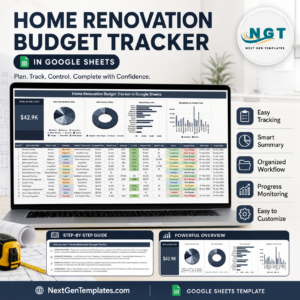
- Home Renovation Budget Tracker in Google Sheets: track spending on bigger home projects
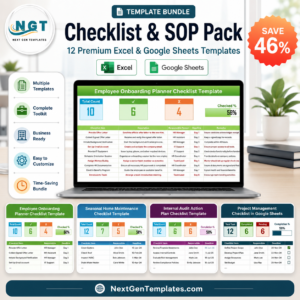
- Checklist & SOP Pack: 12 Excel and Google Sheets checklists in one bundle
Browse all Google Sheets checklists or the Excel checklists.






Reviews
There are no reviews yet.