

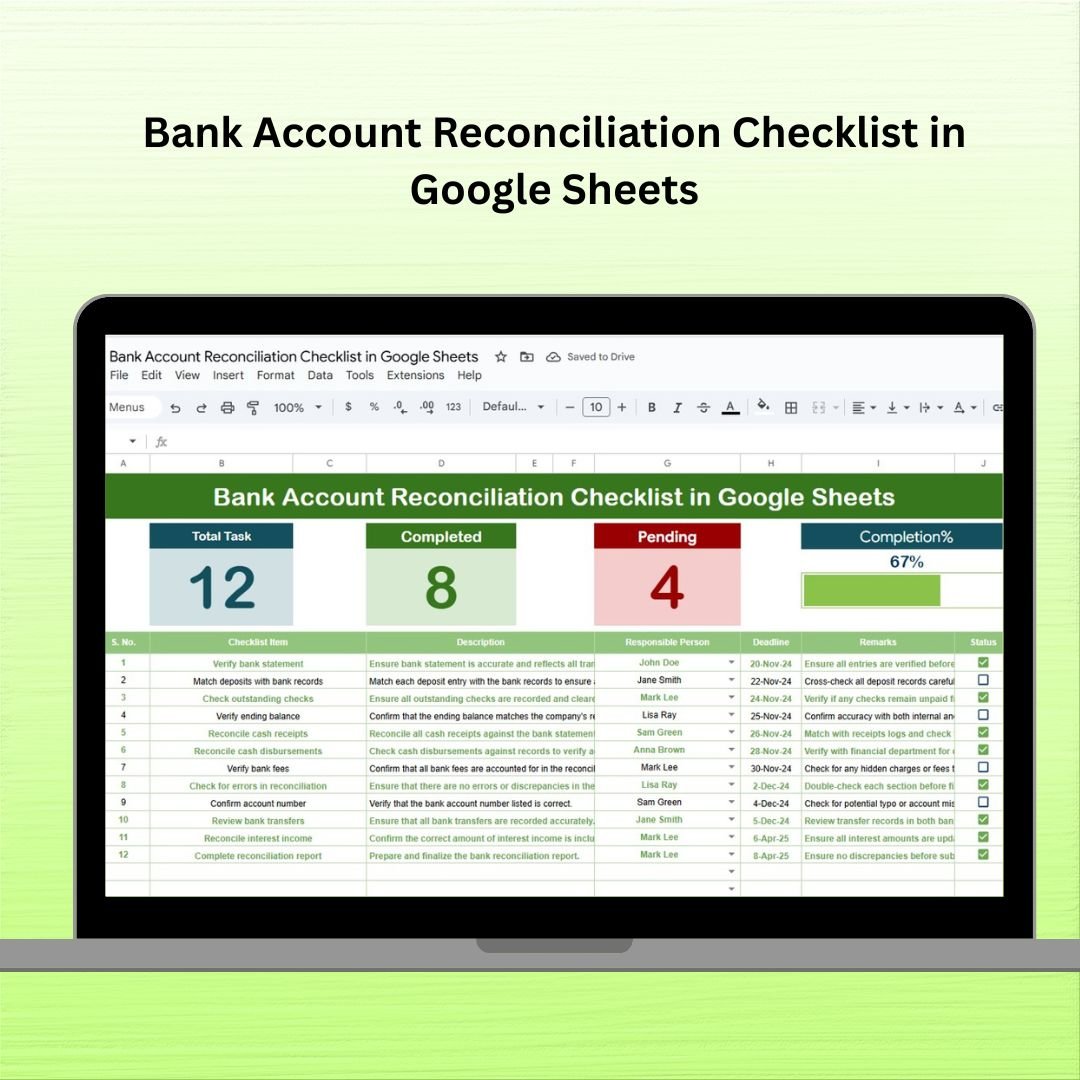

📊 Streamline Your Financial Process with the Bank Account Reconciliation Checklist in Google Sheets
Tired of losing track of reconciliation tasks or scrambling to match your ledger with the bank statement? The Bank Account Reconciliation Checklist in Google Sheets is the ultimate tool to simplify and manage your month-end and year-end reconciliation processes — with zero stress and total clarity!
Designed for finance professionals, accountants, and small business owners, this ready-to-use Google Sheets template makes your reconciliation tasks trackable, organized, and foolproof. Whether you’re managing a single account or several, this checklist gives you the structure and visibility needed to maintain accurate records and stay audit-ready.
✨ Key Features of Bank Account Reconciliation Checklist
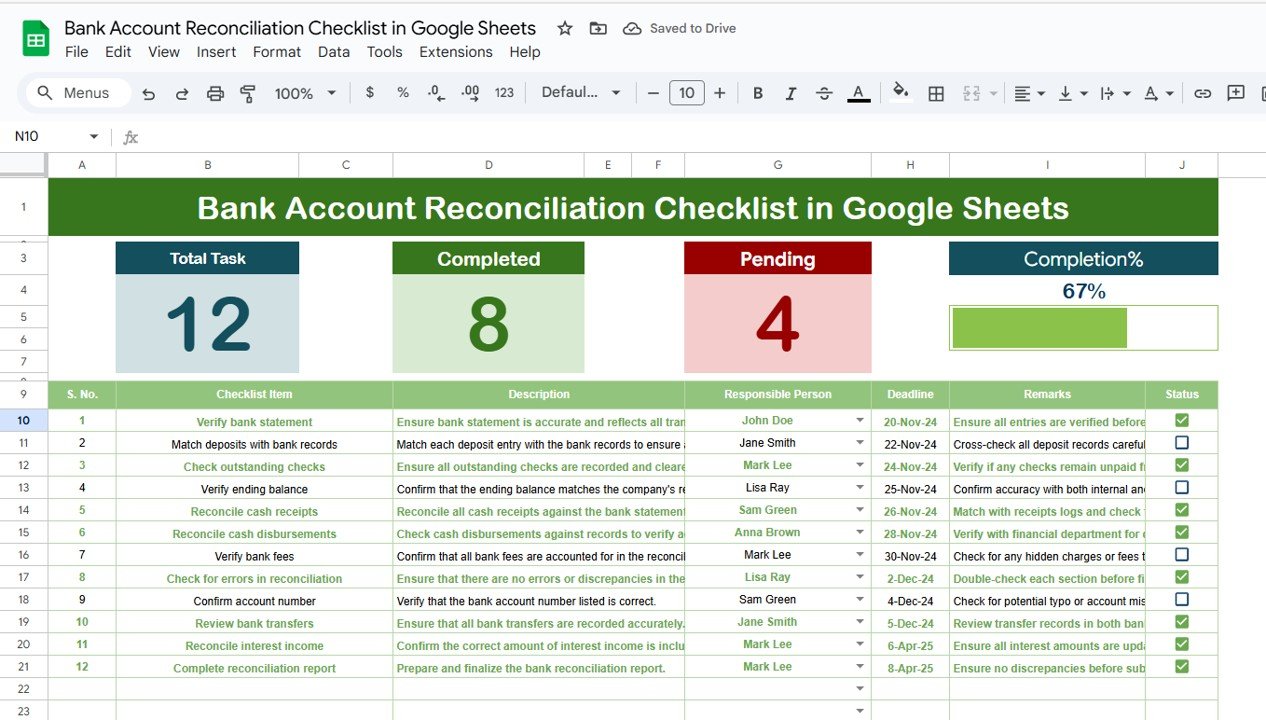
📋 Organized Checklist Dashboard
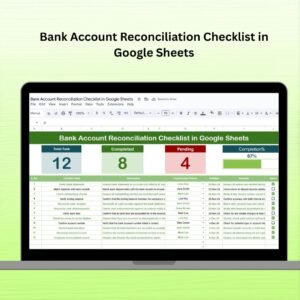
Serial Task Tracker: Each reconciliation task is listed with details for smooth follow-through.
Status Column: Mark tasks with ✔ (done) or ✘ (pending) for real-time clarity.
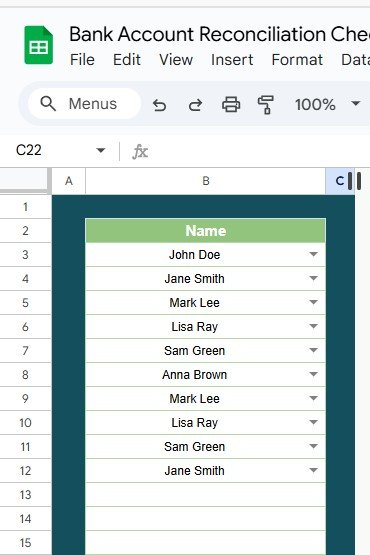
Assigned Responsibility: Dropdown list for assigning each task to the right team member.
📊 Dynamic Progress Cards
Total Count, Completed & Pending Cards auto-update as you go.
Progress Bar visually shows overall checklist completion.
🧩 Dual Sheet System
Checklist Sheet: Where you manage all your reconciliation tasks.
List Sheet: Contains a dropdown-enabled list of responsible persons.
🔁 Fully Editable
Easily add, remove, or modify tasks, descriptions, and deadlines to fit your workflow.
📦 What’s Inside the Checklist Template?
The template includes two structured worksheets:
Bank Account Reconciliation Checklist Sheet
Columns: Serial No., Checklist Item, Description, Responsible Person, Deadline, Remarks, and Status
Real-time summary: Completed and Pending task count with auto progress bar
List Sheet
List of Responsible Persons for dropdown selection
Automatically feeds into the main checklist sheet for easy task assignment
The moment you open the file, you’re equipped with a framework that’s intuitive, collaborative, and scalable.
💡 How to Use the Product
✅ Open the Template in Google Sheets (no installation required)
🧾 Add Checklist Items: Enter all the tasks you want to track
👨💼 Assign Team Members using the Responsible Person dropdown
🗓️ Set Deadlines to keep everyone accountable
✔️ Update Task Status to see progress in real time
📈 Review Cards & Progress Bar to evaluate completion at a glance
You can also customize columns to fit different bank accounts or add your company branding.
🎯 Who Can Benefit from This Checklist?
📌 Accountants & Bookkeepers – Track reconciliation with clarity
📌 Finance Teams – Coordinate responsibilities with transparency
📌 Small Business Owners – Stay organized without complex software
📌 Audit & Compliance Teams – Ensure nothing is missed for reviews
📌 Non-Profits & Freelancers – Maintain clear, accurate bank records
If you manage money, you’ll benefit from this template — no matter your organization size or sector.
✅ Click here to read the Detailed blog post
Watch the step-by-step video Demo:
📺 Visit our YouTube channel to learn step-by-step video tutorials
👉 youtube.com/@NeotechNavigators
Compatibility and Requirements
- Works in Google Sheets. You need a free Google account and a web browser.
- You pick the person responsible for each task from a dropdown that reads from the List sheet. Google explains dropdowns in Create an in-cell dropdown list.
More Questions About This Template
Which sheets are included?
Two sheets: the Bank Account Reconciliation Checklist sheet and the List sheet. The List sheet holds the names that appear in the Responsible Person dropdown.
What columns does the checklist have?
Serial No., Checklist Item, Description, Responsible Person, Deadline, Remarks and Status.
How do I mark a task as done?
Set the Status column to done (✔) or pending (✘). The Total, Completed and Pending cards and the progress bar update as you change it.
Can I add my own tasks and team members?
Yes. You can add, remove or change tasks, descriptions and deadlines. Add names to the List sheet and they show up in the dropdown.
Is there an Excel version?
Yes. See the Bank Account Reconciliation Checklist in Excel.
Related Finance Templates
- Bank Account Reconciliation Checklist in Excel: the same checklist for Excel
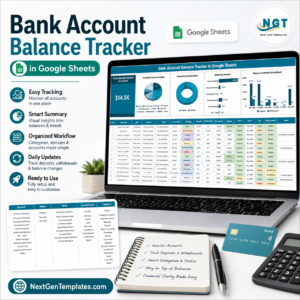
- Bank Account Balance Tracker in Google Sheets: track balances across your accounts
- Invoice Payment Checklist in Excel: a checklist for invoice payment tasks
- Internal Audit Checklist in Excel: a checklist for audit preparation
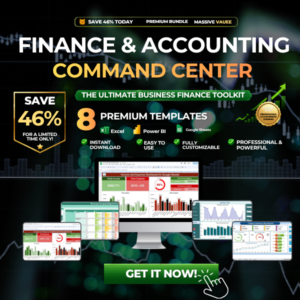
- Finance & Accounting Command Center: 8 finance templates in one download
Browse all Google Sheets checklists.











Reviews
There are no reviews yet.