


The Bank Account Reconciliation Checklist in Excel is a vital tool designed for individuals, accountants, and businesses looking to streamline their bank reconciliation process. This easy-to-use Excel template helps you track and compare your bank statements with your internal financial records, ensuring that your books are accurate and up to date.
Bank reconciliation is a crucial task to ensure that the cash flow in your financial records matches what’s in your bank account. This checklist allows you to manage and monitor the process, identify discrepancies, and ensure that all transactions are accounted for. Whether you’re reconciling personal accounts, business accounts, or managing multiple bank statements, this template will save you time and help avoid costly mistakes.
Key Features of the Bank Account Reconciliation Checklist in Excel
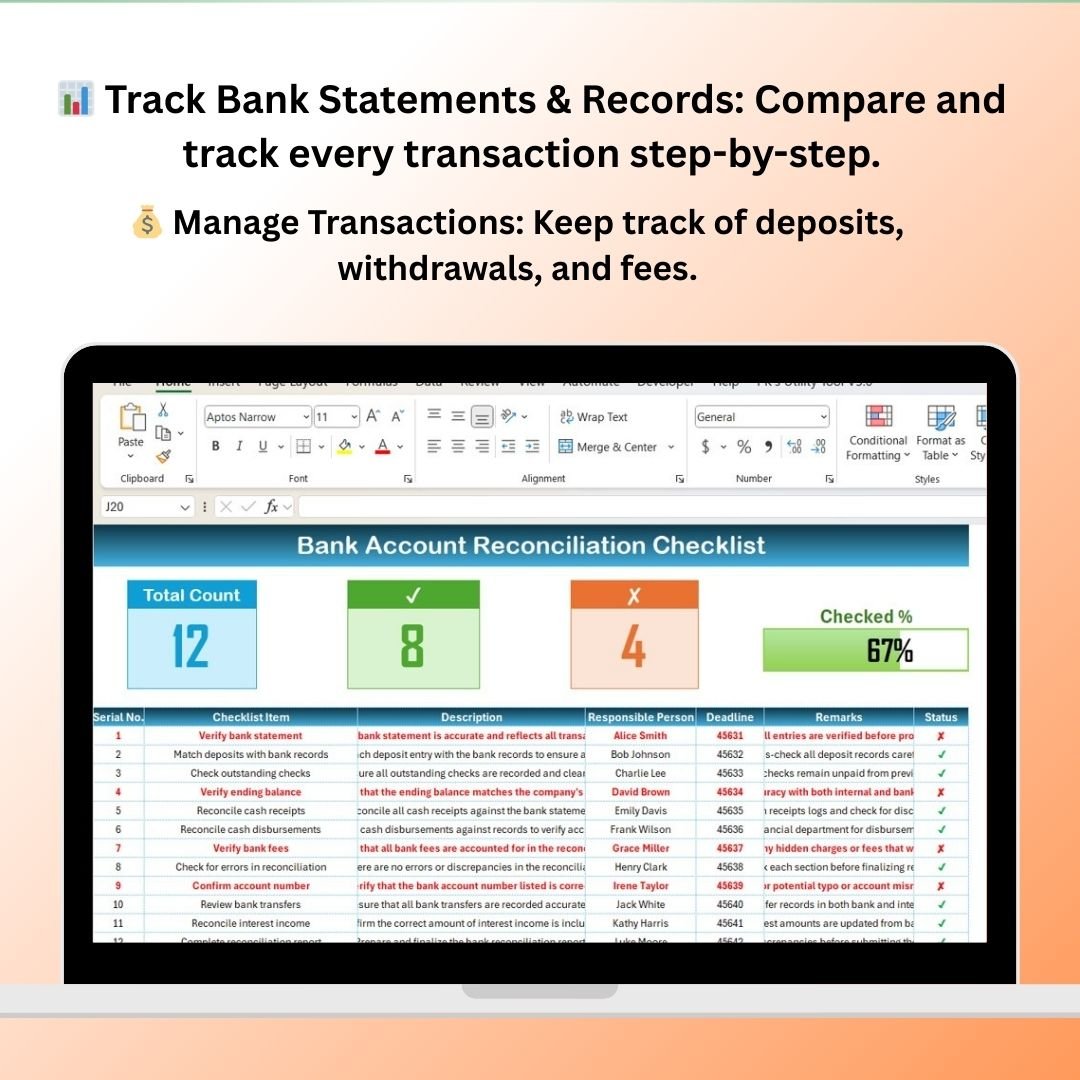
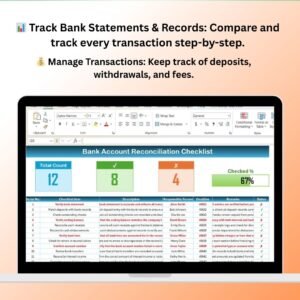
📊 Track Bank Statements & Internal Records
Easily track and compare your bank statements with your internal financial records. The checklist helps you keep a clear record of all deposits, withdrawals, and other transactions.
🔍 Identify Discrepancies & Errors
Quickly spot discrepancies between your internal records and bank statements. The checklist helps you highlight any errors or unrecorded transactions, so you can correct them in real-time.
💰 Manage Transactions Effectively
Track and reconcile every transaction step-by-step, ensuring that all deposits, withdrawals, transfers, and fees are accounted for. This helps maintain an accurate financial overview.
📅 Monitor Reconciliation Dates & Deadlines
Set up reconciliation deadlines and track when each statement should be reconciled. The checklist ensures that your reconciliations are done on time and in a structured manner.
🖥️ Interactive & Customizable Template
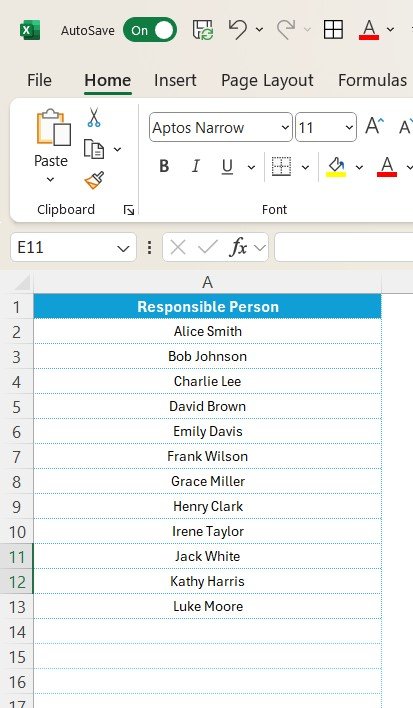
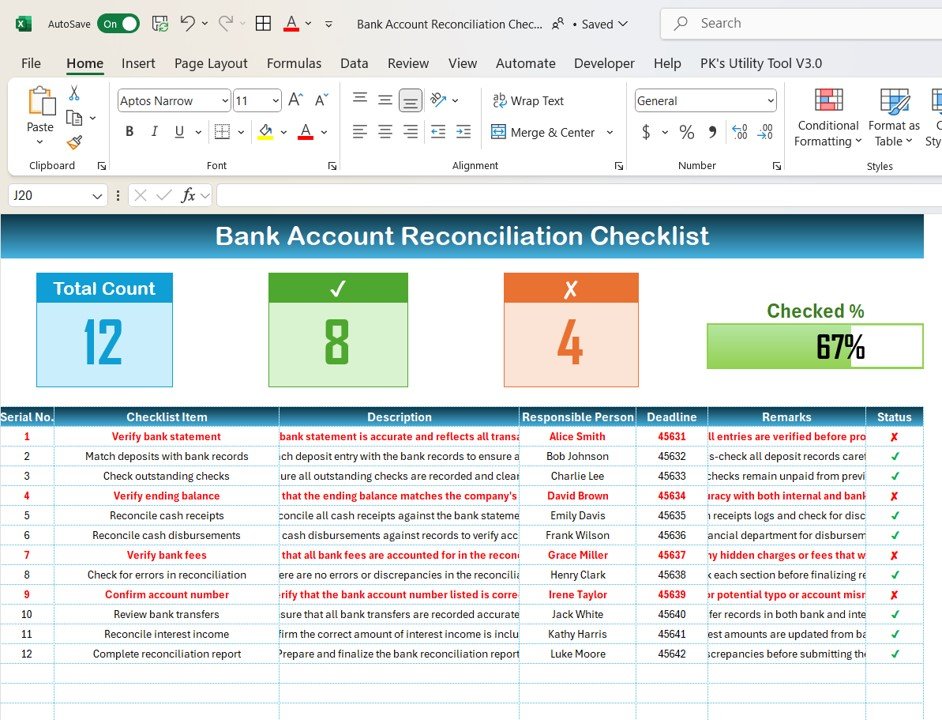
The Excel template includes customizable columns, dropdown menus, and color-coded sections, making it easy to track and manage your bank reconciliation process according to your unique needs.
Why You’ll Love the Bank Account Reconciliation Checklist in Excel
✅ Simplify the Bank Reconciliation Process
Streamline the process by having all your financial transactions in one place. The checklist guides you through the necessary steps, making reconciliation more efficient.
✅ Ensure Accuracy in Financial Records
Easily spot discrepancies between your bank statement and internal records, ensuring that your financial data is accurate and trustworthy.
✅ Stay Organized & Meet Deadlines
Keep track of all your bank reconciliations in one organized document. Set deadlines for each reconciliation, helping you maintain timely and accurate financial records.
✅ Improve Financial Transparency
Gain a clear understanding of your cash flow by tracking all incoming and outgoing transactions. The checklist helps ensure that every transaction is documented and accounted for.
✅ Fully Customizable for Your Needs
Adapt the checklist to suit your business or personal bank reconciliation needs. The template can be customized to track multiple accounts, different time periods, and various transaction types.
What’s Inside the Bank Account Reconciliation Checklist Template in Excel?
- Bank Statement & Record Comparison: Track and compare every transaction from your bank statement with your internal records.
- Discrepancy Tracking: Identify any discrepancies or errors between your bank and internal records.
- Transaction Management: Record deposits, withdrawals, fees, and other transactions for accurate reconciliation.
- Reconciliation Deadlines: Set up and monitor deadlines to ensure timely reconciliation.
- Customizable Sections: Customize the template to track multiple bank accounts, financial periods, or types of transactions.
- Real-Time Updates: The template updates automatically as you enter new data, keeping your records current and accurate.
How to Use the Bank Account Reconciliation Checklist in Excel
1️⃣ Download the Template: Get immediate access to your Bank Account Reconciliation Checklist in Excel.
2️⃣ Input Bank Statement & Internal Records: Enter the relevant data from your bank statements and internal financial records.
3️⃣ Track & Compare Transactions: Use the checklist to compare and track all transactions step-by-step.
4️⃣ Identify & Resolve Discrepancies: Quickly spot discrepancies and take corrective actions as needed.
5️⃣ Ensure Timely Reconciliation: Set deadlines for each reconciliation period and stay on top of your financial records.
Who Can Benefit from the Bank Account Reconciliation Checklist in Excel?
🔹 Accountants & Financial Managers
🔹 Small Business Owners
🔹 Personal Finance Enthusiasts
🔹 Bookkeepers & Accounting Professionals
🔹 Anyone Managing Multiple Bank Accounts or Financial Records
🔹 Anyone Looking to Simplify the Bank Reconciliation Process
Ensure that your financial records are always accurate and up-to-date with the Bank Account Reconciliation Checklist in Excel. This template makes the reconciliation process easier, faster, and more efficient, helping you maintain clear and trustworthy financial records.
Click here to read the Detailed blog post
Visit our YouTube channel to learn step-by-step video tutorials
Youtube.com/@PKAnExcelExpert
Compatibility and Requirements
- Works in Microsoft Excel desktop (Excel 2016 or later, or Microsoft 365).
- Sections are color coded. To adjust color rules in Excel, see Microsoft’s guide Use conditional formatting to highlight information.
Frequently Asked Questions
How does the checklist work?
Enter data from your bank statement and your internal records, then compare each transaction step by step.
What transactions can I record?
Deposits, withdrawals, fees and other transactions.
Can I track more than one account?
Yes. You can customize it for multiple bank accounts, financial periods or types of transactions.
Can I set deadlines?
Yes. Set a deadline for each reconciliation period.
Is there a Google Sheets version?
Yes. See the Bank Account Reconciliation Checklist in Google Sheets.
Related Banking and Accounting Templates
- Bank Account Reconciliation Checklist in Google Sheets: the same checklist in Google Sheets
- Bank Account Balance Tracker in Google Sheets: track bank balances
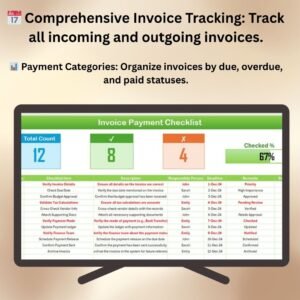
- Invoice Payment Checklist in Excel: check off invoice payments
- Financial Task Checklist in Excel: a checklist for routine finance tasks
- Finance & Accounting Command Center: 8 finance and accounting templates in one download
Browse all Excel checklists or the Excel financial tools.































Reviews
There are no reviews yet.