

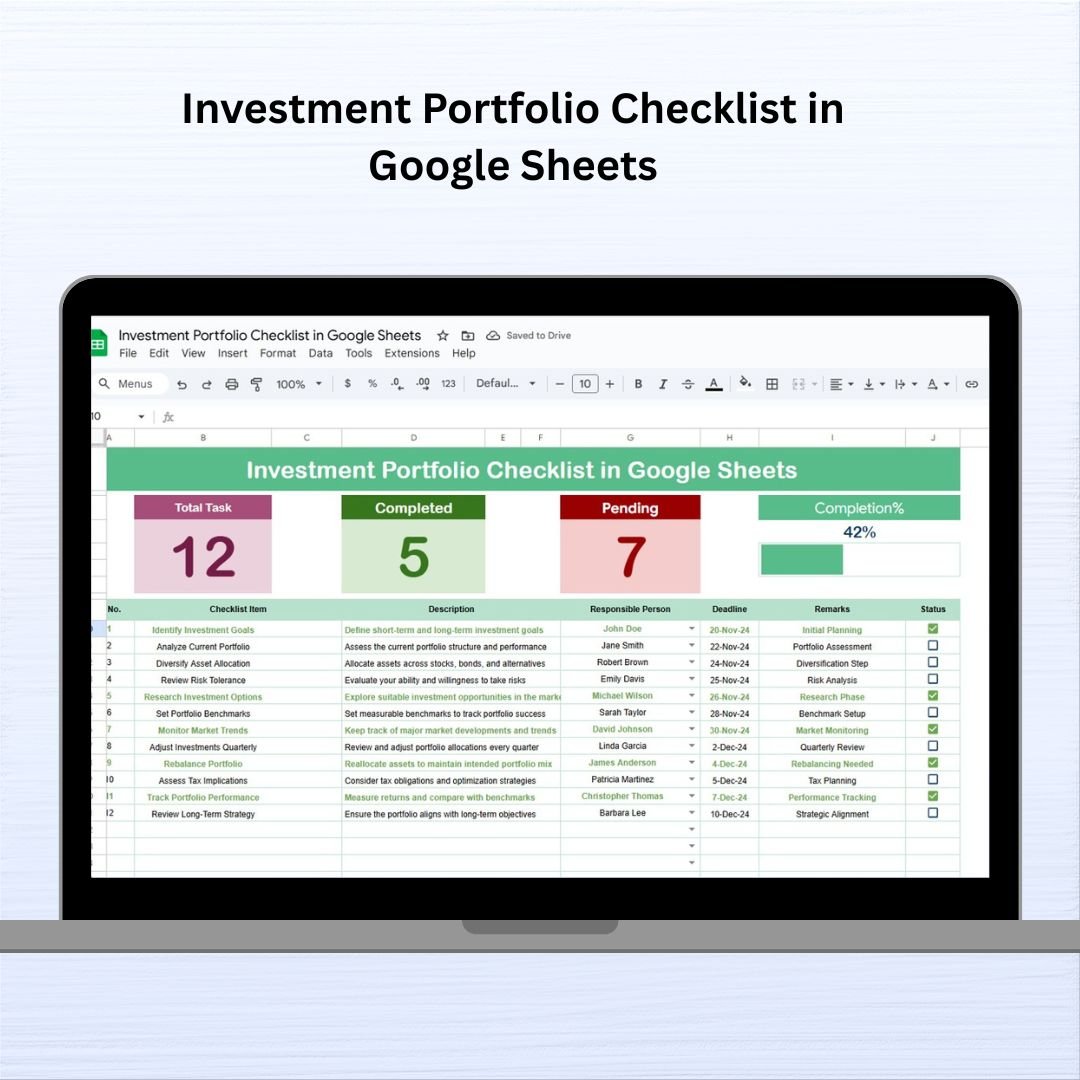
Managing an investment portfolio isn’t just about numbers—it’s about staying on top of actions, reviews, and deadlines that keep your investments healthy. The Investment Portfolio Checklist in Google Sheets is a simple yet powerful tool that brings structure and clarity to your investment management routine. Whether you’re handling personal assets or overseeing a large portfolio, this ready-to-use checklist ensures no task is missed.
Built with Google Sheets, this checklist is ideal for tracking essential portfolio actions in real-time. From reviewing stock performance to rebalancing your portfolio, it gives you a centralized place to document, assign, and monitor key investment-related tasks.
✅ Key Features
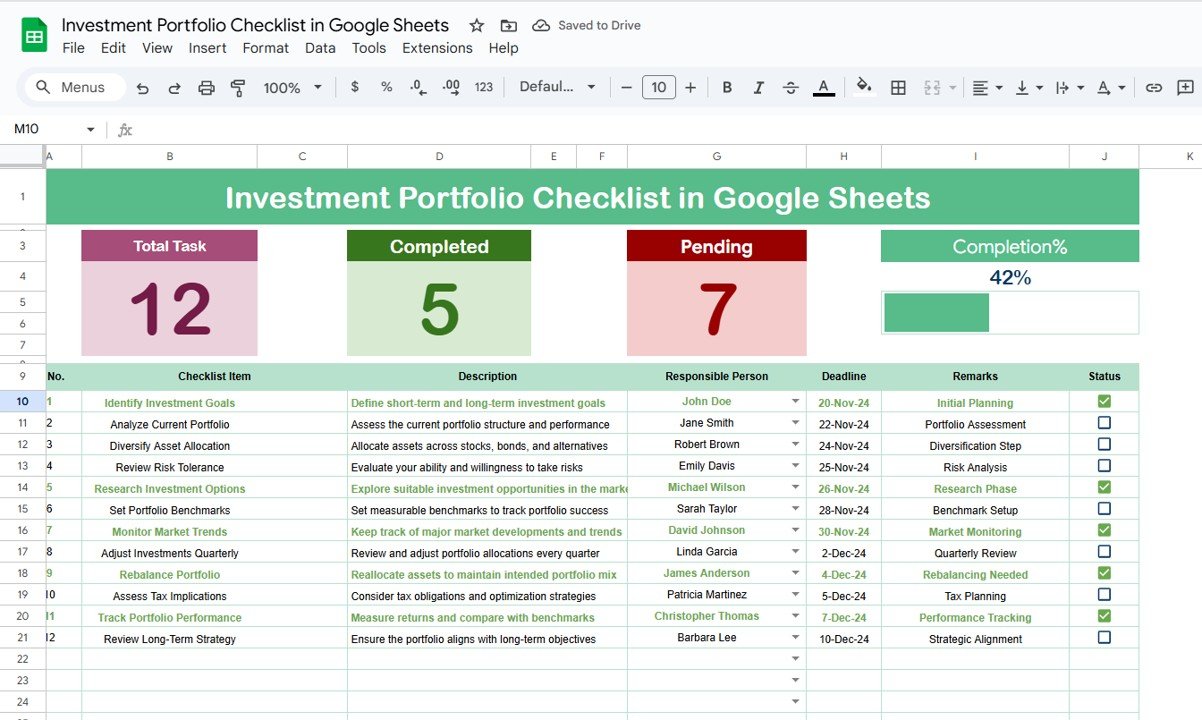
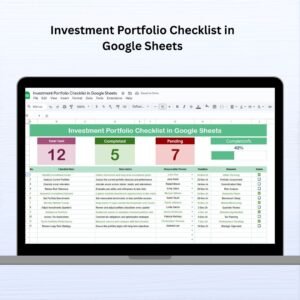
📌 Top Dashboard Summary
A dynamic top panel shows:
Total Tasks
Completed Tasks
Pending Tasks
Progress Bar (% complete)
🗂️ Main Checklist Table
Track all important investment activities with columns like:
Serial No.
Checklist Item (e.g., Rebalance portfolio)
Description
Responsible Person (with dropdown selection)
Deadline
Remarks
Status (✔ or ✘)
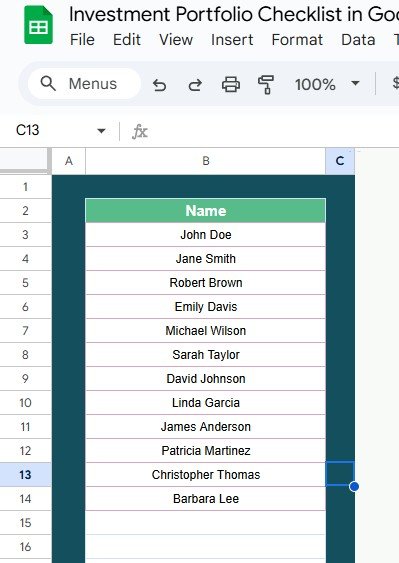
👤 List Sheet Tab
Create a dropdown list of responsible persons for task delegation
Ensures consistent task assignment
🎯 Real-Time Updates
The dashboard automatically updates based on task completion—providing instant visual insights.
👨💼 Who Is This For?
Individual investors
Portfolio managers
Wealth management teams
Financial advisors
Investment clubs
📂 What’s Included
Investment Portfolio Checklist Sheet
List Sheet for assigning responsible persons
Auto-calculated dashboard with visual progress
Dropdown menus and checkbox-enabled tracking
Everything is designed to be intuitive and user-friendly, with no coding or formulas required to get started.
🚀 How to Use It
Add your investment-related tasks in the checklist.
Assign deadlines and responsible persons.
Update statuses with ✔ (completed) or ✘ (pending).
Watch your dashboard update in real time.
🔧 Customization Options
Add new columns (e.g., Portfolio ID, Priority Level)
Track tasks across different asset classes
Modify labels to fit your investment style or team workflow
💡 Advantages of Using This Template
📊 Centralized Task Tracking – Manage all investment-related tasks in one place
🧠 Clear Accountability – Assign responsibility using dropdowns
📆 Deadline-Driven Execution – Never miss important actions like reviews or rebalancing
🎯 Real-Time Insights – Instantly see how many tasks are done or still pending
📱 Team Collaboration – Share the Google Sheet with collaborators or advisors
🖌️ Customizable & Scalable – Expand or adapt it for multiple portfolios
🧠 Best Practices
Regularly update your task status
Assign specific deadlines to ensure follow-through
Customize tasks by portfolio type (stocks, bonds, real estate)
Use filters or conditional formatting for better visualization
Back up the checklist periodically
🙋 Frequently Asked Questions (FAQs)
1. Can I use this for more than one portfolio?
Yes, you can add a column for Portfolio Name or ID and manage multiple portfolios in the same sheet.
2. Can I assign multiple people to a task?
You can customize the template to include multiple responsible persons by adding extra columns.
3. Does it support mobile devices?
Absolutely! You can access and update the checklist from any device using Google Sheets.
4. Is it beginner-friendly?
Yes. The template is easy to use and requires no advanced spreadsheet knowledge.
5. Can I track investment types separately?
Yes, just use the Checklist Item and Description columns to define the type of investment.
Click here read the detailed Blog post
Watch the step-by-step video Demo:
📺 Visit our YouTube Channel for step-by-step video tutorials.





























Reviews
There are no reviews yet.