

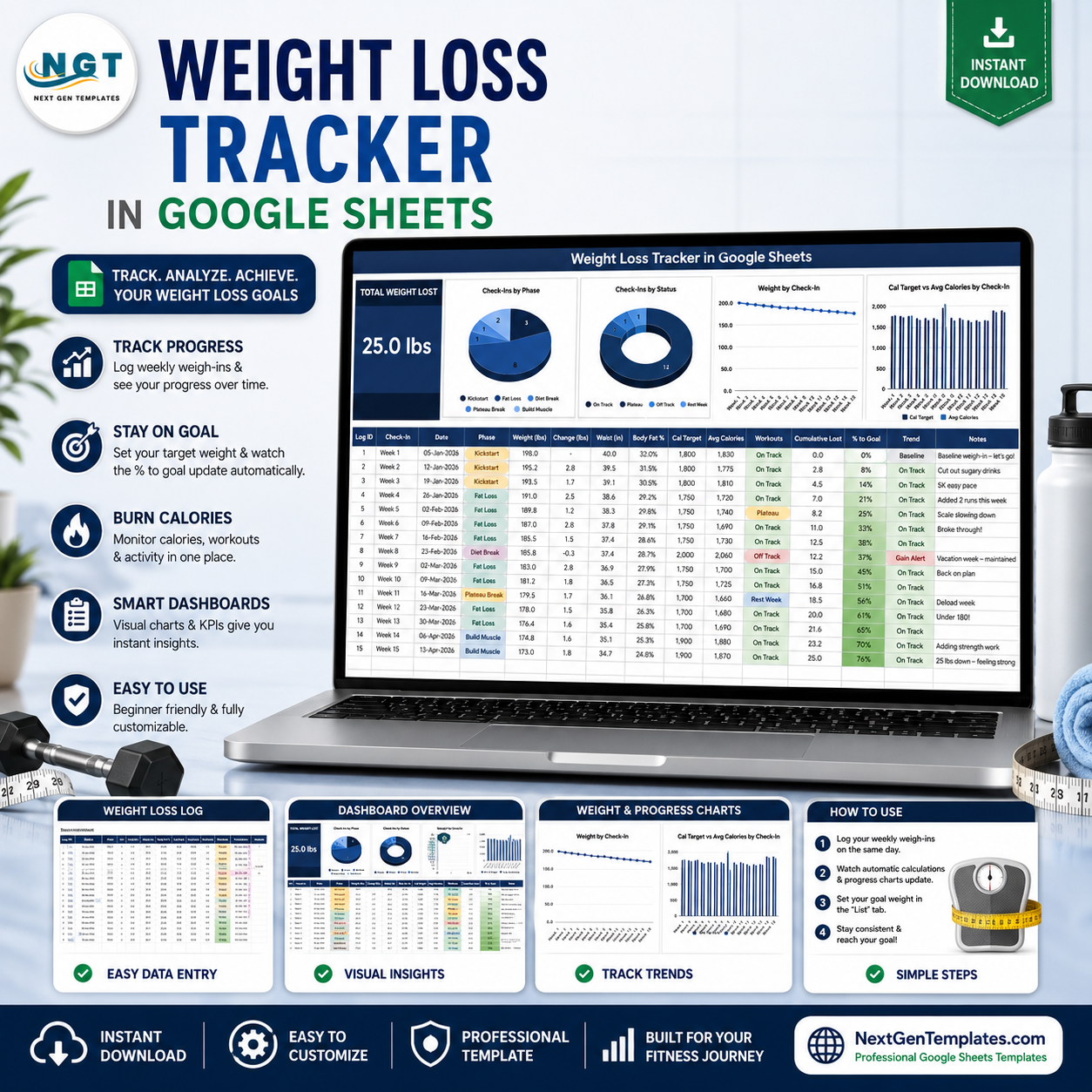
The Weight Loss Tracker in Google Sheets is a single-tab weigh-in log that turns your numbers into four live charts and one headline card. It ships with 15 sample weekly check-ins, 5 phase labels, 4 status labels and 5 columns that calculate themselves, so the first thing you do is replace sample rows rather than build formulas. Built by NextGenTemplates, publisher of 2,000+ spreadsheet templates with 300K+ subscribers across its YouTube channels. Download is instant, your editable copy takes about two minutes to create in Google Drive, and if the file does not open exactly as described here, email [email protected] within 7 days and we will fix it or refund you.
Important: this template records and charts numbers you type in. It is not medical, dietary or fitness advice, it does not recommend a target weight, a calorie figure or a rate of change, and it makes no promise about any outcome. Speak to a qualified healthcare professional before starting or changing a diet or exercise programme.
Key Features of the Weight Loss Tracker in Google Sheets
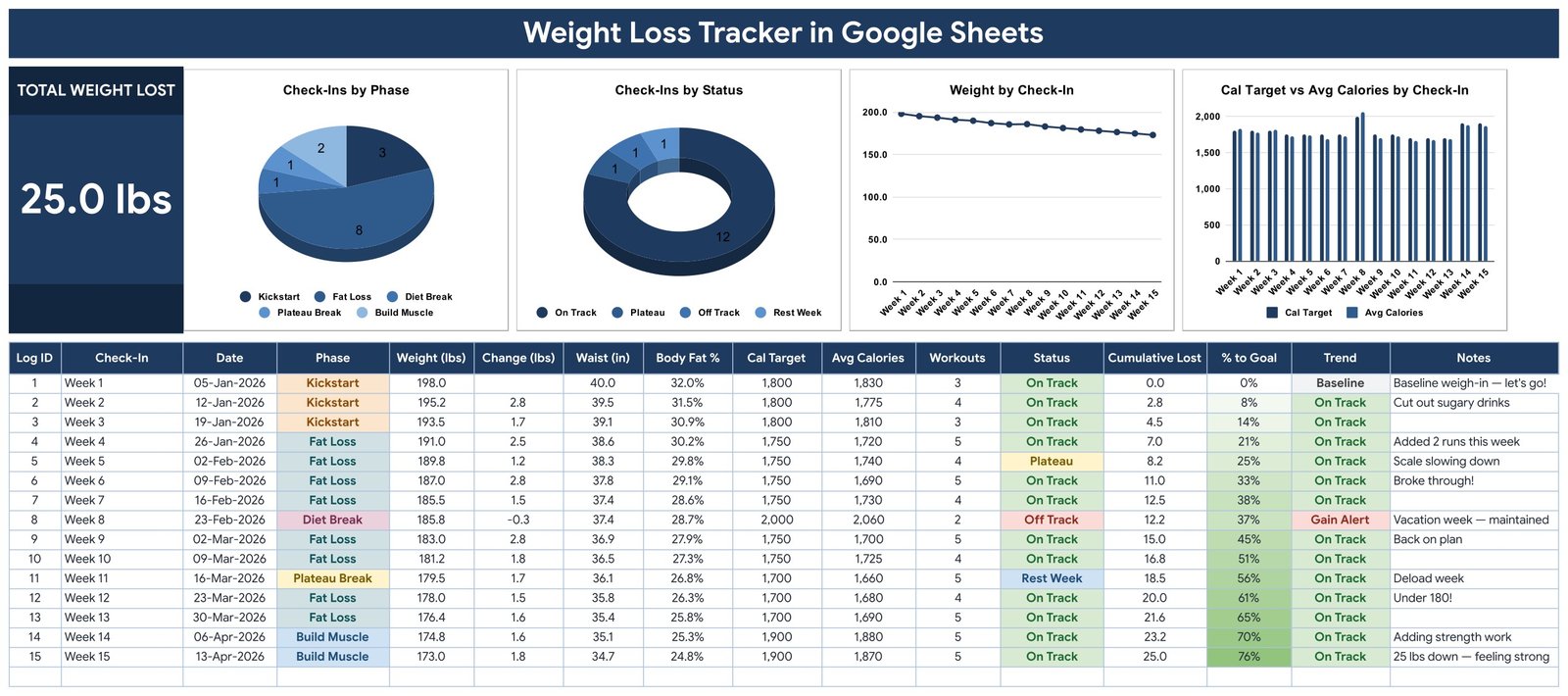
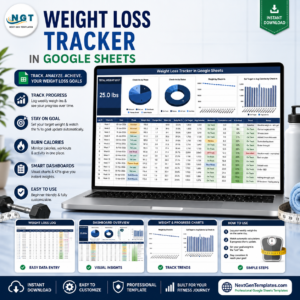
- Total Weight Lost card – one large figure at the top left, calculated as your first logged weight minus your most recent one. In the sample data it reads 25.0 lbs across 15 check-ins.
- Check-Ins by Phase – a pie chart counting how many weigh-ins fall under each phase label you use: Kickstart, Fat Loss, Diet Break, Plateau Break and Build Muscle in the sample.
- Check-Ins by Status – a donut chart counting weigh-ins by the status you assign: On Track, Plateau, Off Track and Rest Week.
- Weight by Check-In – a line chart plotting the weight column against every check-in label, so the shape of your own log is visible at a glance.
- Cal Target vs Avg Calories by Check-In – a paired column chart comparing the two numbers you enter yourself, week by week. The template does not suggest either figure.
- 15-column log – Log ID, Check-In, Date, Phase, Weight (lbs), Change (lbs), Waist (in), Body Fat %, Cal Target, Avg Calories, Workouts, Status, Cumulative Lost, % to Goal, Trend and Notes.
- 5 formula columns – Log ID, Change, Cumulative Lost, % to Goal and Trend fill in on their own. The first row is labelled Baseline; from the second row on, Change shows the difference against the previous entry.
- Colour-coded chips – Phase and Status render as coloured pills once you switch the data-validation display style to Chip, a 10-second one-time step covered in the guide.
- Conditional shading on % to Goal – the cell fills from white to green as the value climbs toward your own target.
- List tab – holds your goal weight plus the Phase and Status option lists, rows 2 to 500. Add a value there and it appears in the dropdown immediately.
What’s Inside the Weight Loss Tracker in Google Sheets
The download is a PDF containing a Make a Copy link. Clicking it drops a fully built Google Sheets file into your own Drive. Inside are three tabs:
- Tracker – the page you will live on. Title banner, the Total Weight Lost card, the four charts, then the weigh-in table starting at row 16 and running to row 1000.
- List – the settings tab. Your goal weight sits in a highlighted cell; below it are the Phase and Status lists that feed the dropdowns.
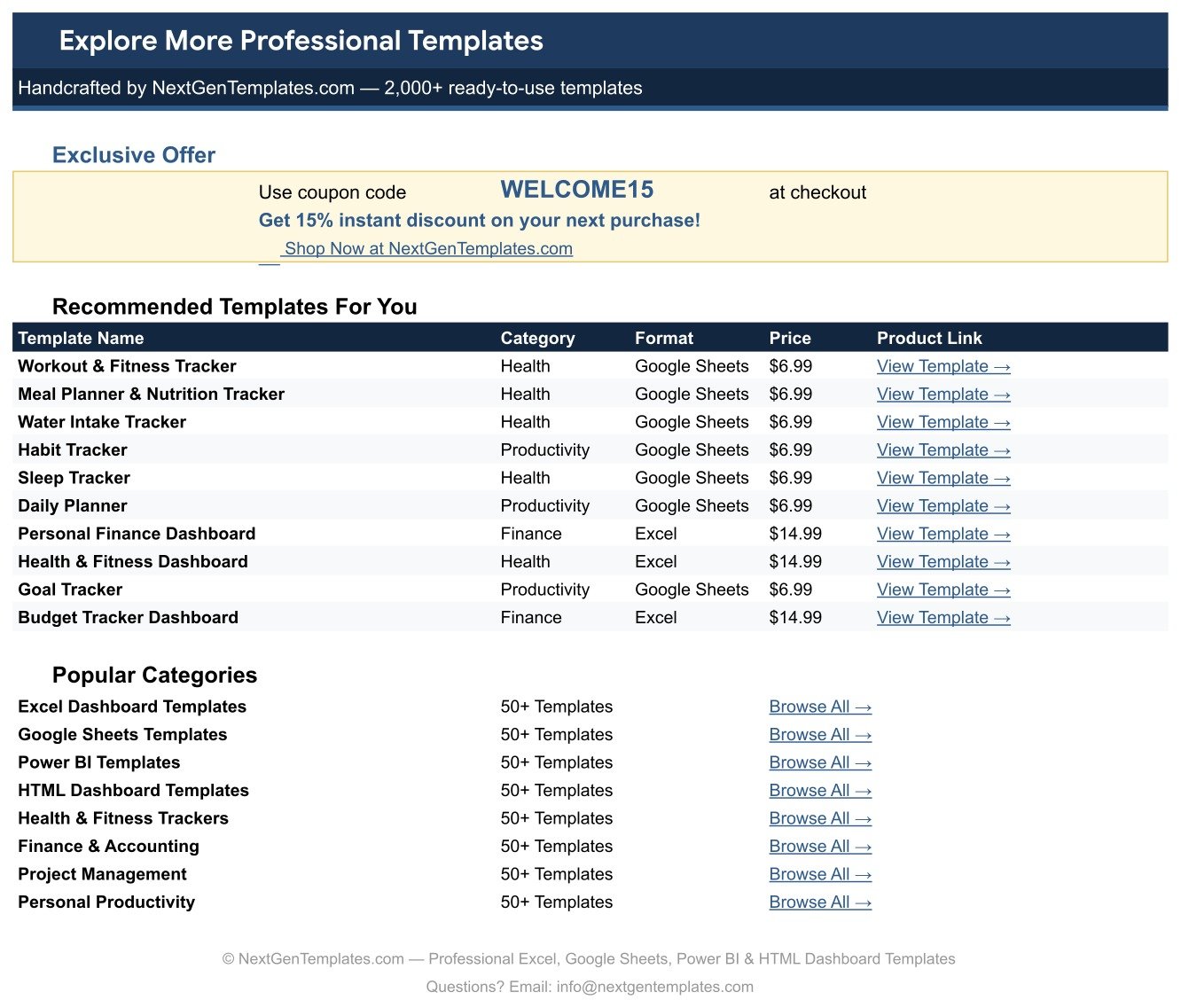
- Explore More Templates – a NextGenTemplates index tab with a WELCOME15 coupon code and links across the Google Sheets, Excel and Power BI ranges.
Weight Loss Tracker in Google Sheets vs. an Excel Log vs. a Paid Fitness App – Where This Fits
| Point of comparison | Weight Loss Tracker in Google Sheets | Excel weigh-in workbook | Paid fitness or nutrition app |
|---|---|---|---|
| Cost | 6.99 one-off (regular 12.99) | Needs an Excel licence, from about 70 a year | Typically 9 to 15 a month per person |
| Platform | Google Sheets, any browser | Microsoft Excel, desktop first | Vendor app, iOS and Android |
| Setup time | About 2 minutes – copy, set goal weight, log | 30 to 90 minutes if you build the charts yourself | 10 minutes plus account creation |
| Real-time sharing with a coach or partner | Yes, native Google Sheets sharing | Only via OneDrive co-authoring | Usually a paid coach or family add-on |
| Mobile access | Google Sheets app, free | Excel mobile app, limited editing | Yes, this is the app’s main strength |
| Customisable fields | Every column and label is yours to rename | Yes, if you rebuild the formulas | Rarely – fields are fixed by the vendor |
| Share with a link | Yes | File attachment or OneDrive link | Export or screenshot only |
| Year-1 cost for a household of 5 | 6.99 total | Around 100 for a Microsoft 365 Family plan | 540 to 900 |
| Who owns the weigh-in history | You – it is a file in your Drive | You – it is a file on your disk | The vendor; exports vary |
| Charts included out of the box | 4, already wired to the log columns | None until you build them | Vendor-designed, not editable |
Who This Template Is For – and Who It’s Not For
A good fit if you: weigh in on a fixed day and want the arithmetic done for you; already keep notes in a spreadsheet and want charts without building them; share your log with a personal trainer, dietitian or accountability partner; prefer your measurements to live in your own Google Drive rather than a third-party account; or want to record waist, body fat percentage and workout counts alongside weight.
Not a good fit if you: want food logging with a barcode scanner or a nutrition database – this template has no food library and no ingredient lookup; expect automatic sync from a smart scale or fitness band, since every row is typed in by hand; need multi-person records in one file, which is what a Gym Membership Tracker in Google Sheets is built for; or are looking for a plan, a calorie recommendation or coaching, none of which this file contains or attempts to give.
How to Use the Weight Loss Tracker in Google Sheets
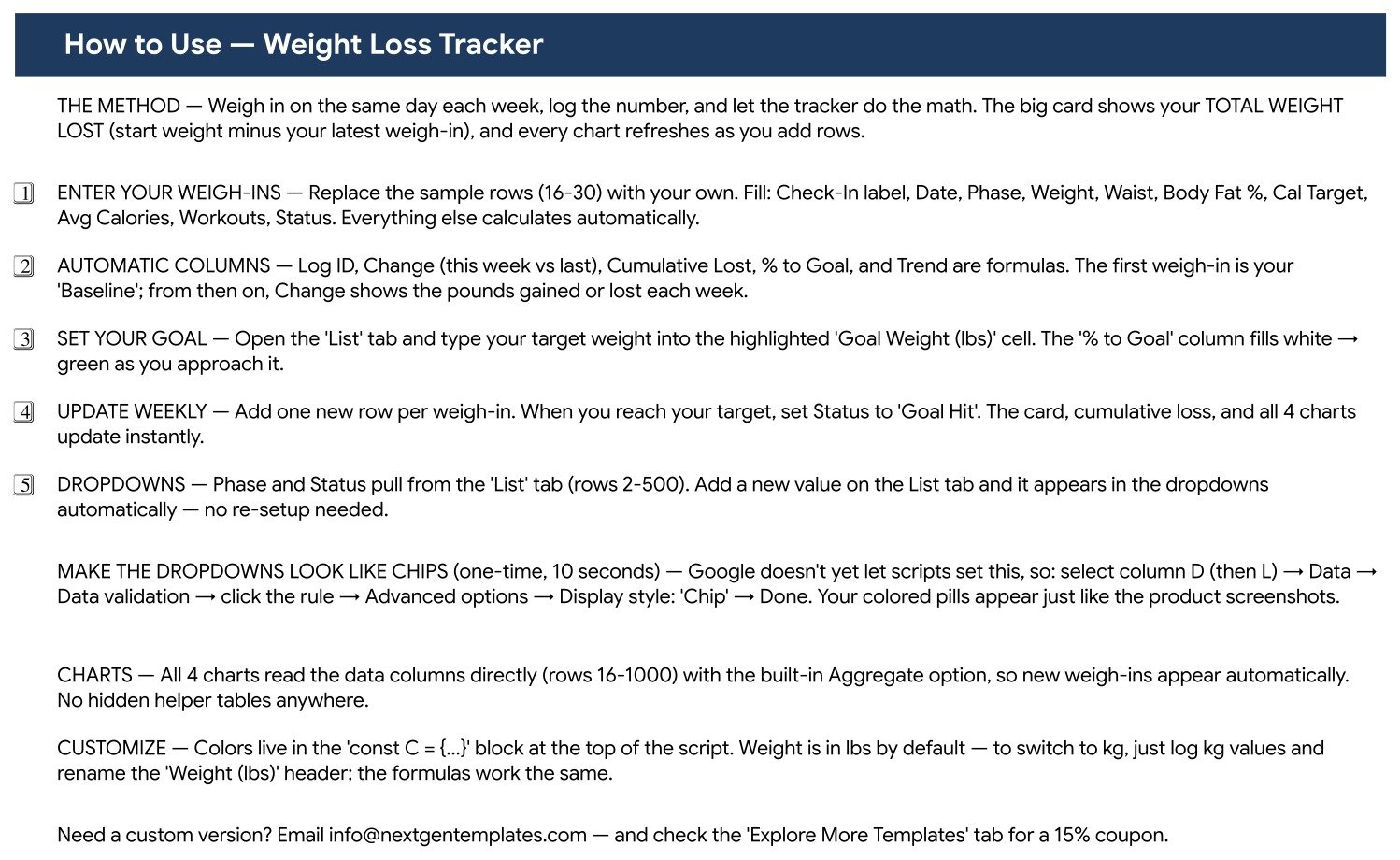
- Make your copy. Open the PDF from your download and click the Make a Copy link. The file lands in your own Google Drive.
- Set your goal weight. Go to the List tab and type your own target into the highlighted Goal Weight cell. This is your number – the template never suggests one.
- Clear the sample rows. Rows 16 to 30 hold the demo check-ins. Overwrite them with your own.
- Log one row per weigh-in. Fill Check-In label, Date, Phase, Weight, Waist, Body Fat %, Cal Target, Avg Calories, Workouts and Status. Leave Log ID, Change, Cumulative Lost, % to Goal and Trend alone – they calculate.
- Turn the dropdowns into chips (optional, 10 seconds). Select column D, then Data, Data validation, click the rule, Advanced options, Display style, Chip. Repeat for column L. Your labels then look like the screenshots.
- Add labels as you go. New phase or status wording goes on the List tab and shows up in the dropdown right away.
- Switch to kilograms if you prefer. Log kg values and rename the Weight (lbs) header. Every formula behaves the same.
Real-World Use Cases
Priya, marathon training over 15 weeks. She weighs in every Monday, tags each block Kickstart, Fat Loss or Build Muscle, and adds her weekly workout count. The Check-Ins by Phase pie shows how her season actually broke down rather than how she planned it, and the Weight by Check-In line gives her coach one screenshot to look at before each session.
Daniel, sharing a log with his dietitian. His appointments are monthly, so he shares the sheet with view access and logs waist and body fat percentage alongside weight. Because Cumulative Lost and Change are formulas, there is nothing to recalculate before an appointment, and his dietitian reads the same live file rather than a stale export.
The Alvarez household, one file per person. Both partners copied the template into a shared Drive folder and kept their own tab of Phase labels. They use the Notes column for context like Vacation week or Deload week, which is what makes the Off Track and Rest Week statuses readable months later.
Frequently Asked Questions
Does this template tell me how much to eat or what to weigh?
No. Every figure in the file – goal weight, Cal Target, Avg Calories – is a number you type in yourself. The template only stores, totals and charts what you enter. It contains no recommendations, and it is not a substitute for advice from a qualified healthcare professional.
What exactly do I get when I buy?
A PDF containing a Make a Copy link for the Google Sheets file, plus the setup instructions. Click the link and a private, fully editable copy appears in your own Google Drive.
Do I need a paid Google account?
No. A free Google account is enough for the Sheets copy, the charts and the dropdowns.
Can I log in kilograms instead of pounds?
Yes. Enter kg values and rename the Weight (lbs) header to Weight (kg). Change, Cumulative Lost and % to Goal all work unchanged because they only subtract and compare the values you supply.
Do the charts update when I add a new weigh-in?
Yes. All four charts read the data columns directly across rows 16 to 1000 using the built-in Aggregate option, so a new row appears in them without any refresh step. There are no hidden helper tables to extend.
Why do my Phase and Status cells look like plain text, not coloured pills?
Google Sheets does not yet let a script set the chip display style. Select column D, open Data, Data validation, click the rule, then Advanced options, Display style, Chip. Repeat for column L. It takes about ten seconds and is a one-time change.
Can I add my own columns?
Yes. Add them to the right of the Notes column so the existing formulas and chart ranges are undisturbed, and the file keeps working.
About the Author
Built by PK – Microsoft Certified Professional with 15+ years of Excel, Google Sheets, and Power BI experience. Founder of NextGenTemplates, reaching 300K+ subscribers across YouTube channels. Every template is hand-built and tested before release.
Explore Related Templates
- Workout Log Tracker in Google Sheets – session-by-session training log; pairs directly with this weigh-in sheet.
- Gym Personal Records (PR) Tracker in Google Sheets – lift-by-lift personal bests over time.
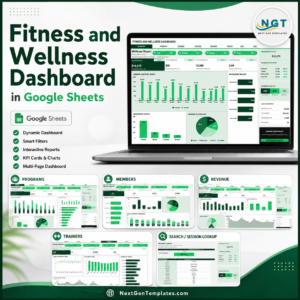
- Fitness and Wellness Dashboard in Google Sheets – a multi-page analytics build for studios and coaches.
- Hydration Tracker Checklist in Google Sheets – a lightweight daily water log.
- Savings Goal Tracker in Google Sheets – the same goal-progress pattern applied to money.
- Browse the full Google Sheets Trackers range, or every Google Sheets template we publish.
Start logging today. Add the Weight Loss Tracker in Google Sheets to your cart, open the PDF, click Make a Copy, and record your first weigh-in in about two minutes. Use coupon WELCOME15 for 15% off your next order, and email [email protected] if you would like the layout customised.
Watch the step-by-step video Demo:
Last updated: 13 August 2026.
































Reviews
There are no reviews yet.