

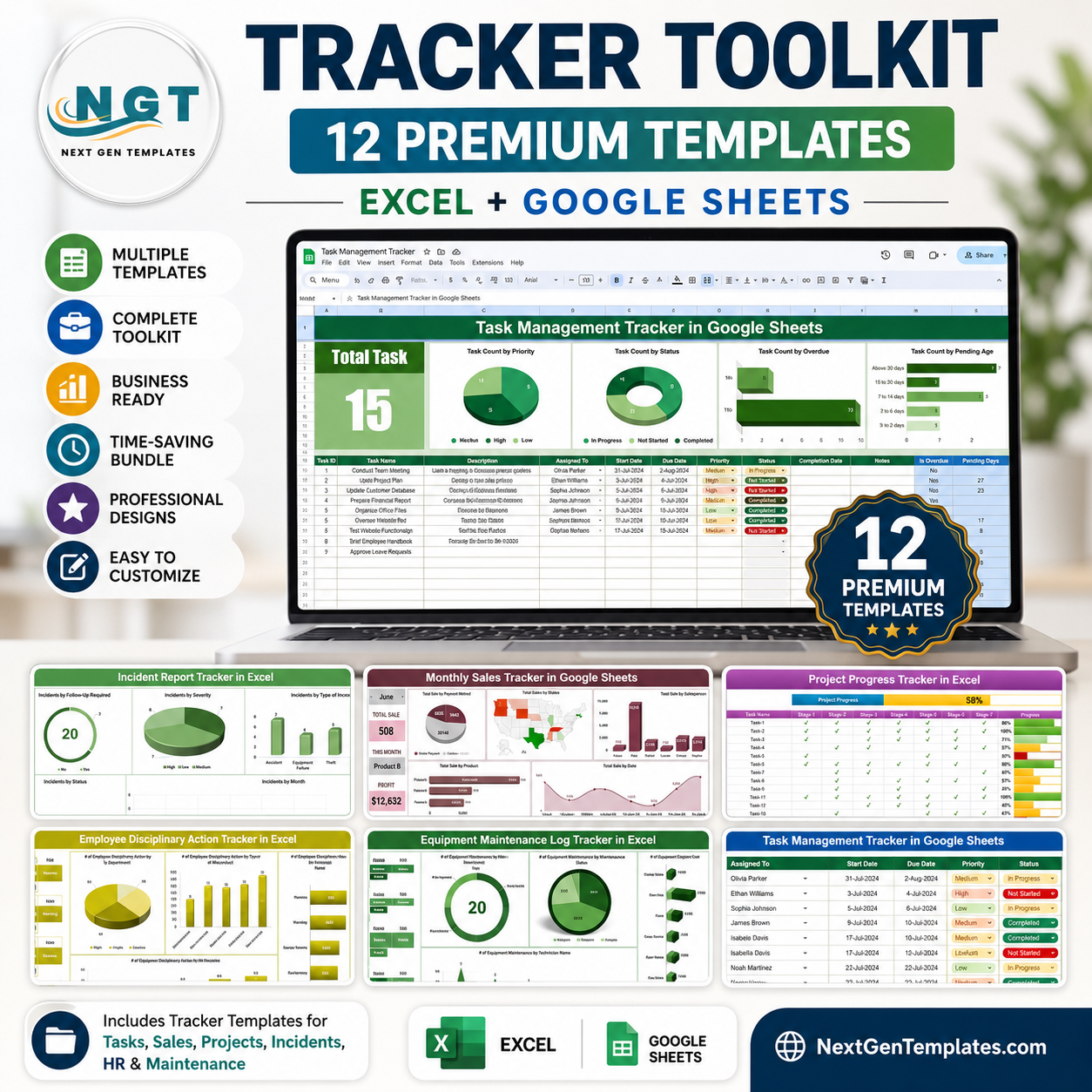


Managing tasks in one spreadsheet, incidents in another, and equipment maintenance on a sticky note is how important data quietly disappears. The Tracker Toolkit bundles 12 of NextGenTemplates’ best-selling tracker templates — covering tasks, incidents, sales, projects, HR discipline, equipment, purchasing, leave, students, billing, personal dates, and budgets — into one cross-department pack built for Excel and Google Sheets. Buy these 12 trackers individually and you’d pay $81.88; get the complete Tracker Toolkit for just $45.99, a 44% saving.
🔑 Key Features of the Tracker Toolkit
- 📊 12 Purpose-Built Trackers — one dedicated template per use case, not a generic one-size-fits-all sheet
- 💻 Excel + Google Sheets Coverage — 6 Excel workbooks and 6 Google Sheets templates, so every team member uses the tool they already have open
- 📈 Pre-Built Dashboards — every tracker ships with KPI cards, charts, and conditional formatting already configured
- 🎯 Cross-Department Scope — Operations, HR, Sales, Finance, Education, and Personal Admin all covered in one purchase
- 🖊️ Zero Formula-Writing — dropdowns, calculations, and colour rules are pre-built; just enter your data
- 💰 Save $35.89 — the bundle price is 44% below buying all 12 templates separately
- 🔁 Reusable Forever — one-time purchase, no subscription, unlimited internal use
- 📱 Real-Time Collaboration — Google Sheets trackers sync live across desktop and mobile; Excel trackers work fully offline
- 🧩 Fully Customisable — every column, dropdown list, and chart can be edited to match your workflow
- 🚀 Plug-and-Play — sample data included in every file so you see exactly how it works before you clear it and start logging your own
📦 What’s Inside the Tracker Toolkit
1. Task Management Tracker in Google Sheets
Assign tasks, tag priorities, and track completion percentage with a colour-coded dashboard built for teams collaborating in real time.

Task Management Tracker in Google Sheets
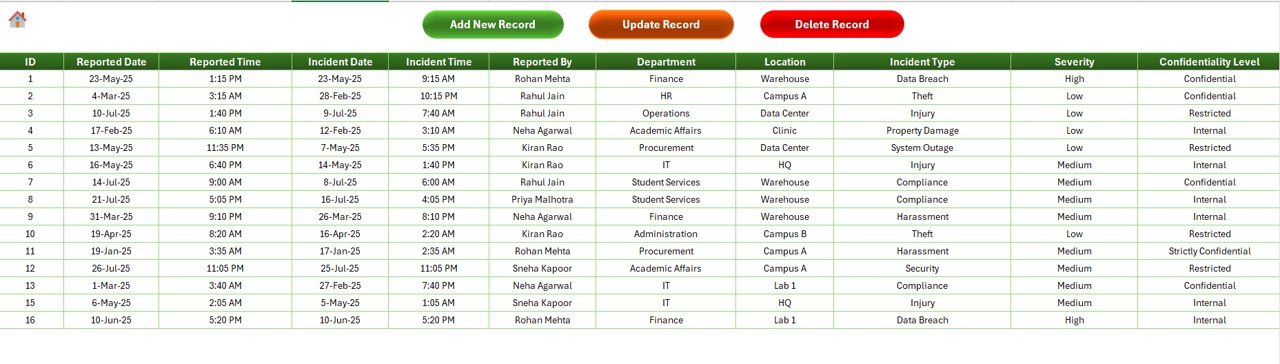
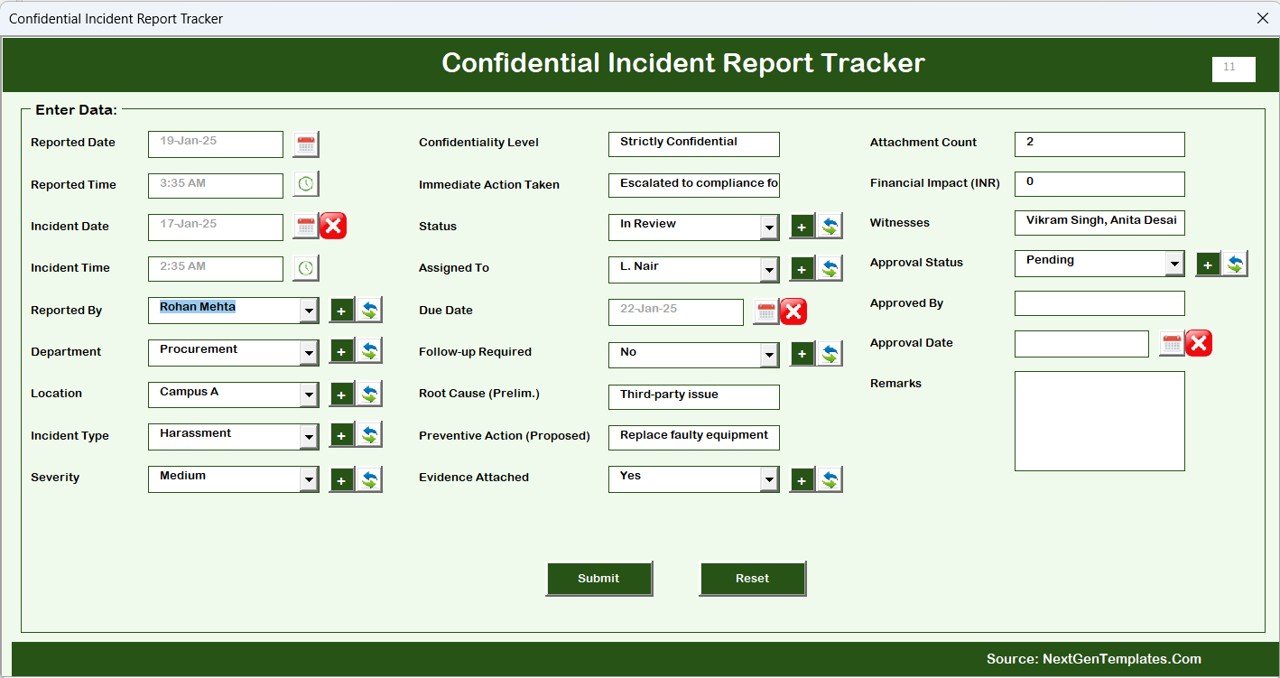
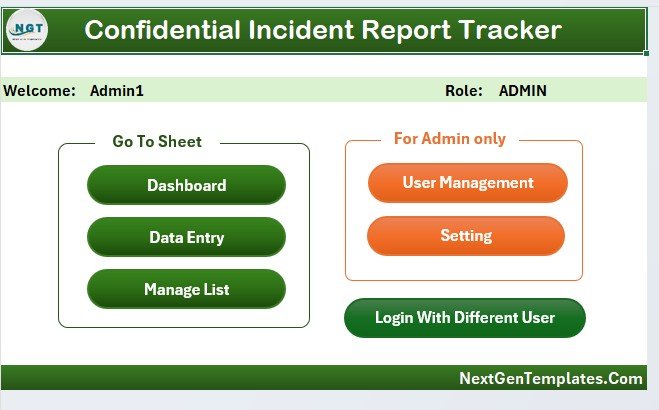
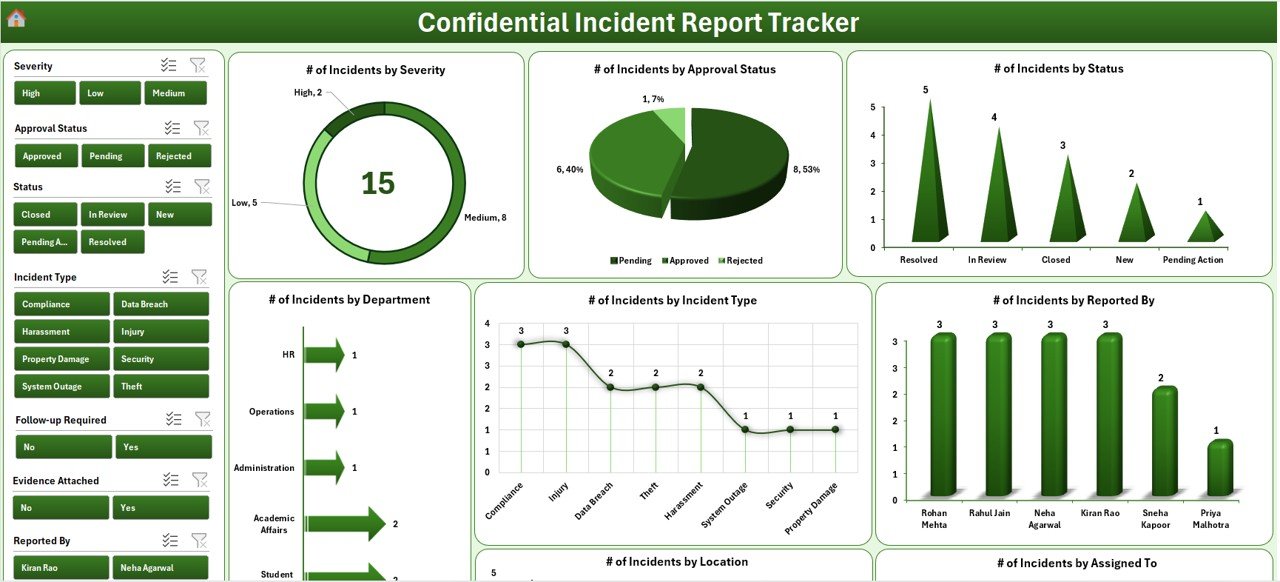
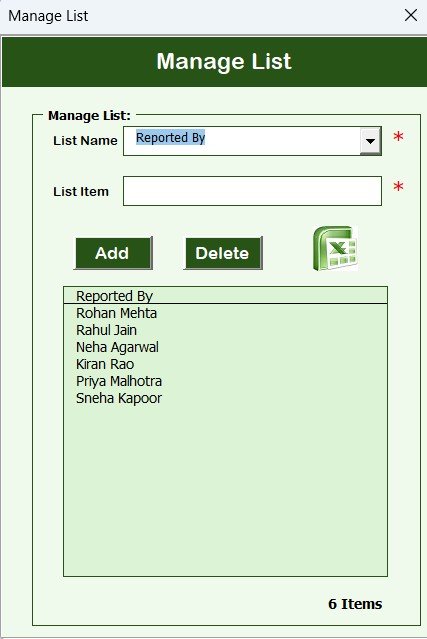
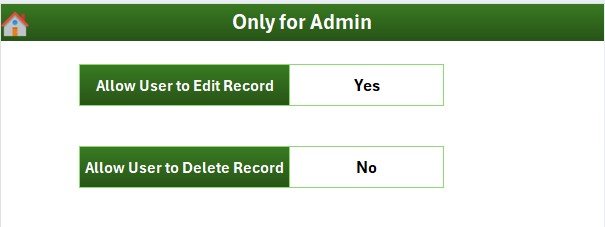
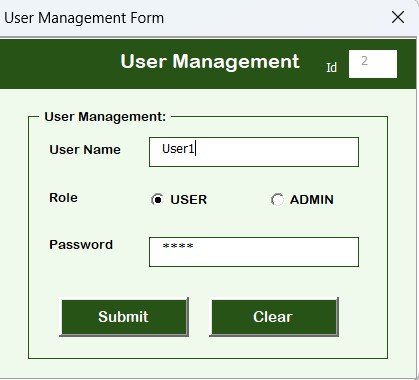
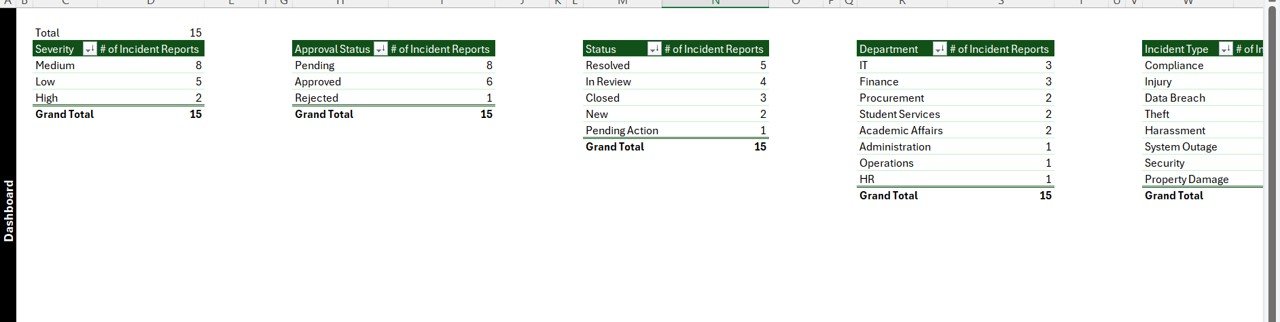
2. Incident Report Tracker in Excel
Log workplace incidents with severity classification, corrective-action ownership, and an OSHA-log-friendly column structure.
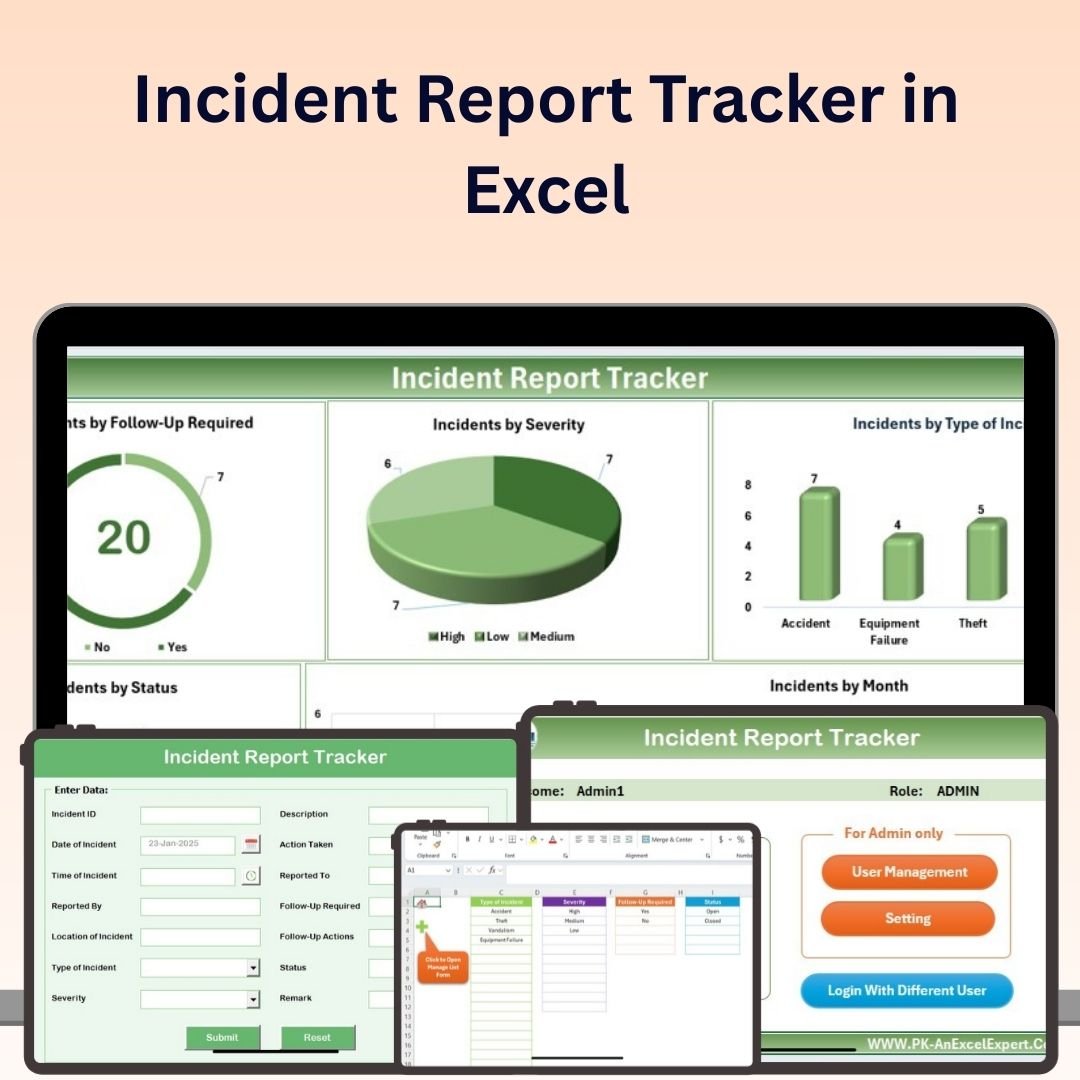
Incident Report Tracker in Excel
3. Monthly Sales Tracker and Report in Google Sheets
Turn raw transactions into a monthly performance report with target vs actual, top reps, top products, and variance charts.

Monthly Sales Tracker and Report in Google Sheets
4. Project Progress Tracker in Excel
Monitor milestone completion with automated calculations and colour-coded progress bars that update as you go.
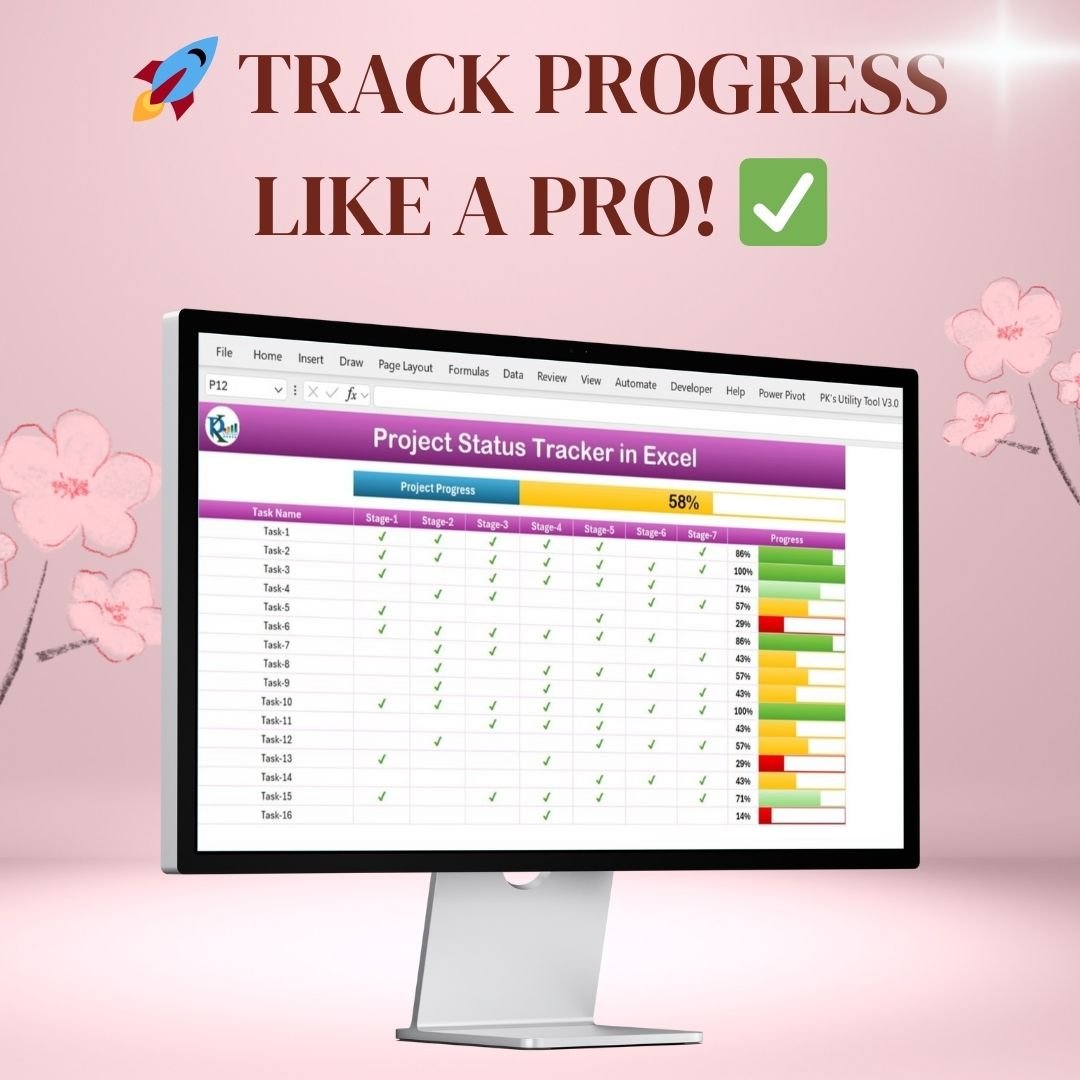
Project Progress Tracker in Excel
5. Employee Disciplinary Action Tracker in Excel
Keep a secure, structured HR compliance record of disciplinary cases, actions taken, and follow-up status.
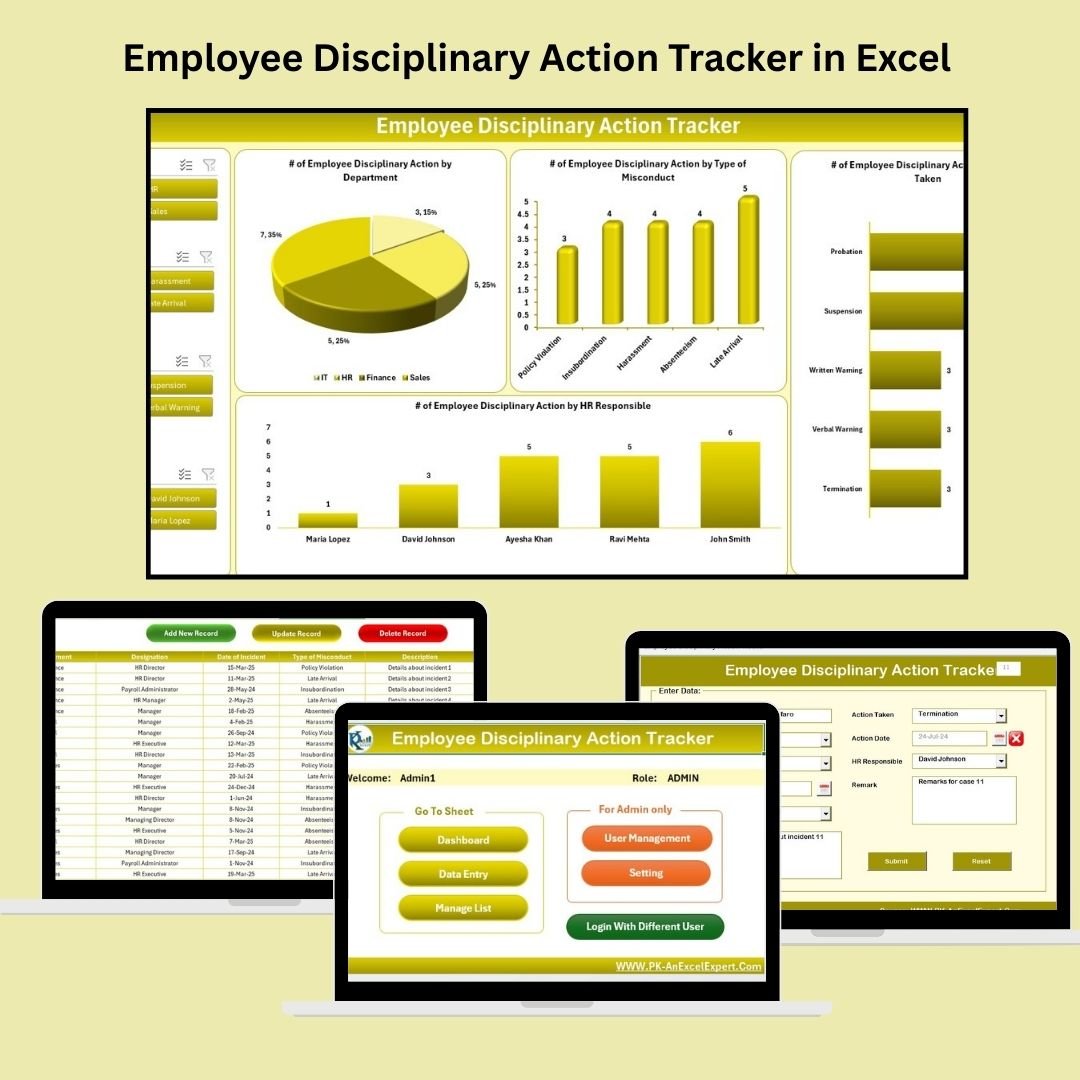
Employee Disciplinary Action Tracker in Excel
6. Equipment Maintenance Log Tracker in Excel
Log service history, upcoming maintenance, and downtime for machines and equipment in one auditable file.
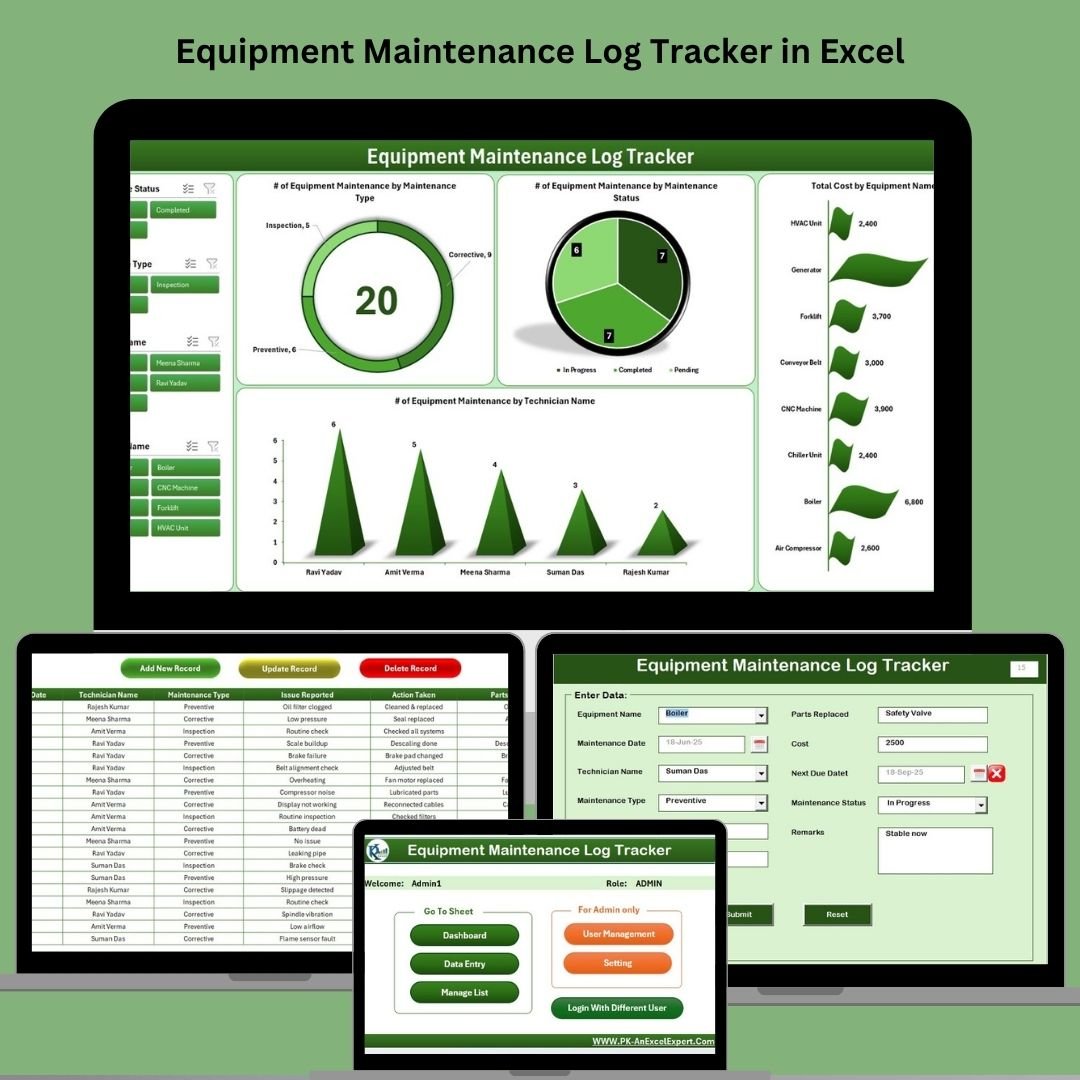
Equipment Maintenance Log Tracker in Excel
7. Student Assignment Tracker in Google Sheets
Track assignments, due dates, and grades with real-time progress visuals — built for students and academic staff alike.

Student Assignment Tracker in Google Sheets
8. Purchase Order Tracker in Google Sheets
Manage vendors, deliveries, and payment status for every purchase order in one visual, filterable tracker.
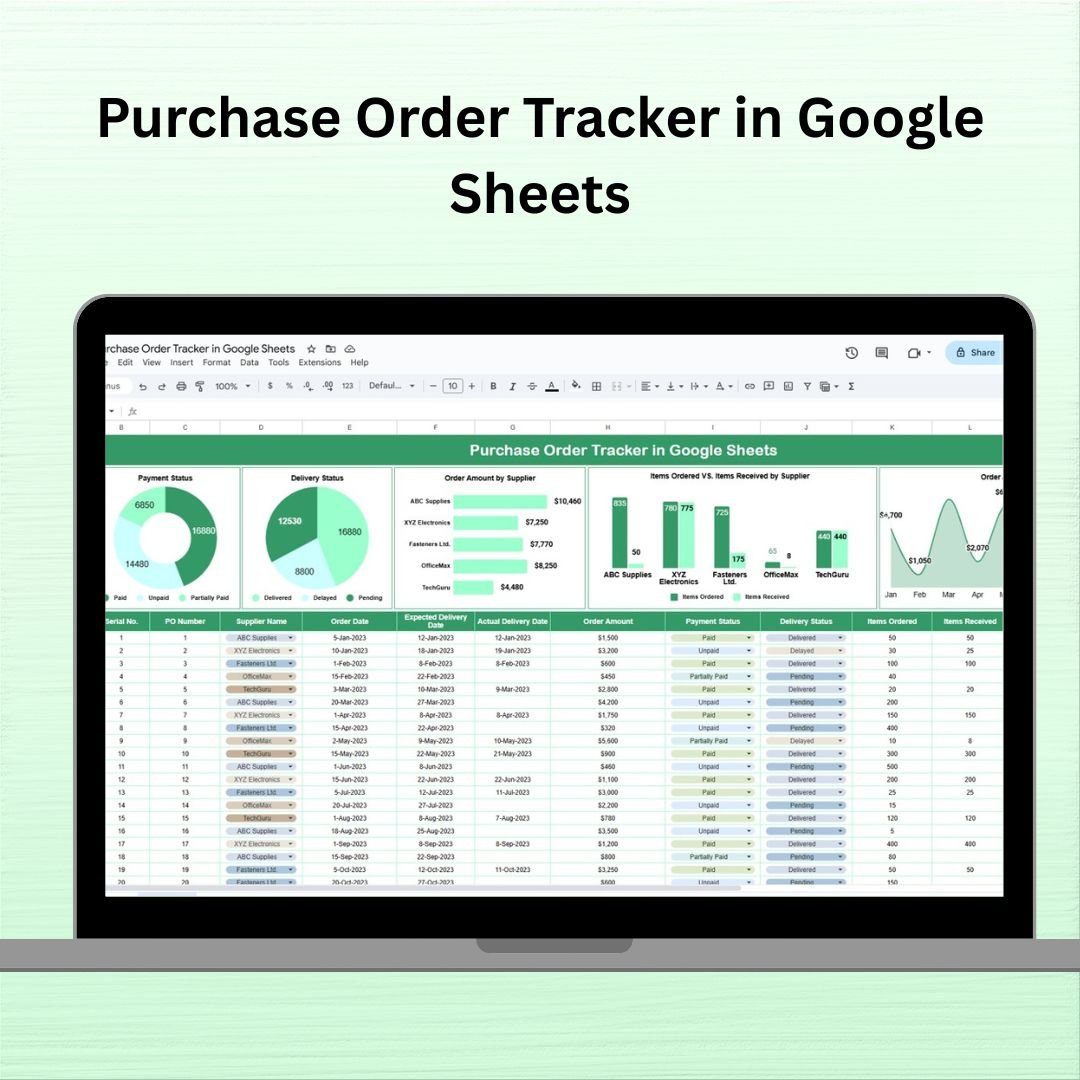
Purchase Order Tracker in Google Sheets
9. Annual Leave Tracker with Daily & Monthly View in Excel
See employee leave at a glance with a colour-coded calendar view and automated leave-balance summaries.

Annual Leave Tracker with Daily & Monthly View in Excel
10. Birthday and Anniversary Tracker in Google Sheets
Never miss an important date again — a searchable tracker for birthdays, anniversaries, and reminders.

Birthday and Anniversary Tracker in Google Sheets
11. Client Billing and Payment Tracker in Google Sheets
Monitor client invoices, payment status, and outstanding balances with visual trend charts for your income.

Client Billing and Payment Tracker in Google Sheets
12. Monthly Budget Tracker in Microsoft Excel
Plan and track monthly income, expenses, and savings goals with an automated summary dashboard.
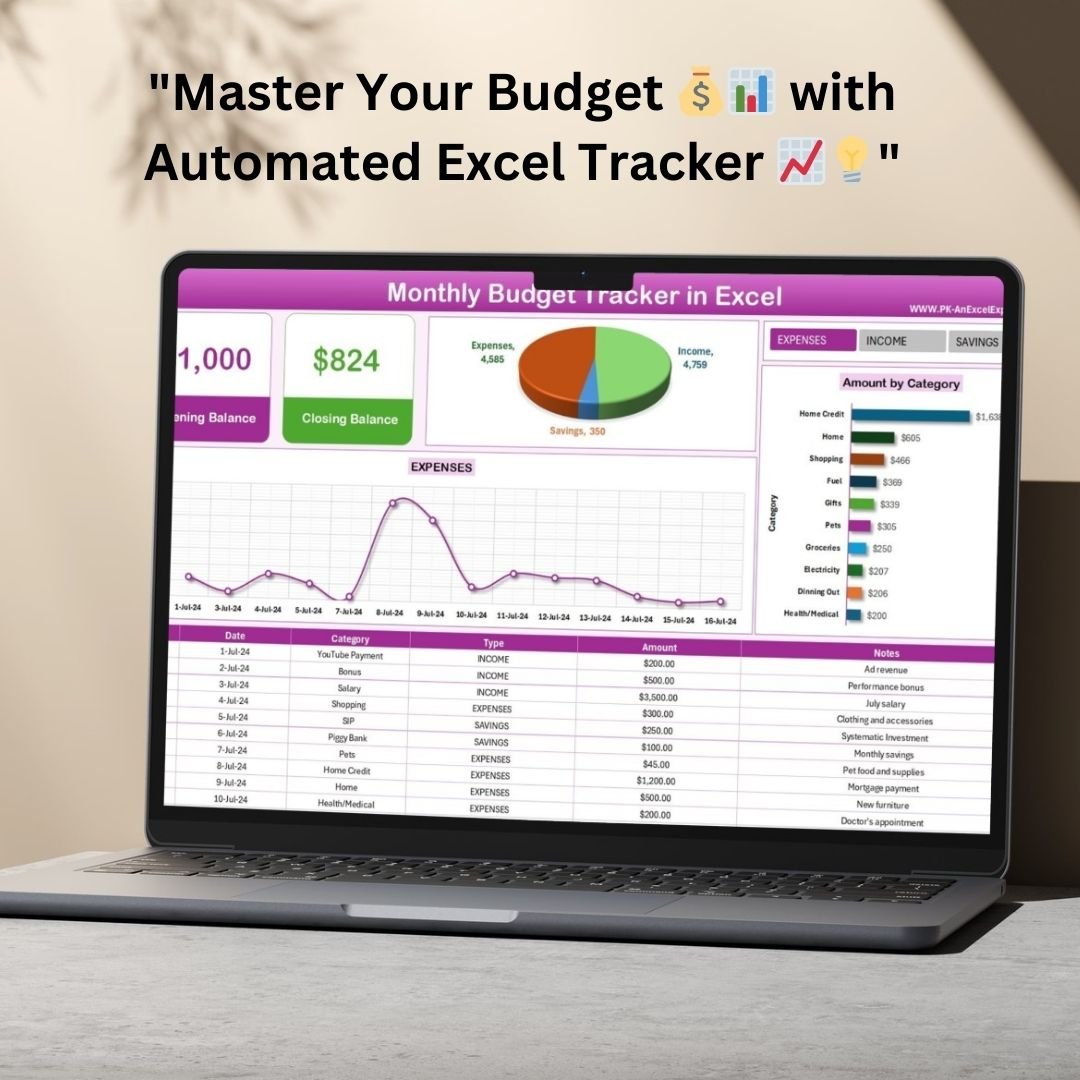
Monthly Budget Tracker in Microsoft Excel
💡 Smart Comparison — Individual vs Bundle
| Feature | Buying Individually | Tracker Toolkit |
|---|---|---|
| Total Price | $81.88 | ✅ $45.99 |
| Avg. Cost per Tracker | ~$6.82 | ✅ ~$3.83 |
| Platforms Covered | Depends on what you buy | ✅ Excel + Google Sheets in one pack |
| Departments Covered | One purchase, one use case | ✅ Ops, HR, Sales, Finance, Education, Personal |
| Savings | $0 | ✅ $35.89 (44% off) |
Product Breakdown
| # | Product | Platform | Individual Price |
|---|---|---|---|
| 1 | Task Management Tracker | Google Sheets | $6.99 |
| 2 | Incident Report Tracker | Excel | $6.99 |
| 3 | Monthly Sales Tracker and Report | Google Sheets | $6.99 |
| 4 | Project Progress Tracker | Excel | $4.99 |
| 5 | Employee Disciplinary Action Tracker | Excel | $6.99 |
| 6 | Equipment Maintenance Log Tracker | Excel | $6.99 |
| 7 | Student Assignment Tracker | Google Sheets | $6.99 |
| 8 | Purchase Order Tracker | Google Sheets | $6.99 |
| 9 | Annual Leave Tracker | Excel | $6.99 |
| 10 | Birthday and Anniversary Tracker | Google Sheets | $6.99 |
| 11 | Client Billing and Payment Tracker | Google Sheets | $6.99 |
| 12 | Monthly Budget Tracker | Excel | $6.99 |
| Individual Total | $81.88 | ||
| Tracker Toolkit Price | $45.99 | ||
⚙️ How to Use the Tracker Toolkit
- Purchase and download — you’ll receive access to all 12 tracker files (6 Excel workbooks, 6 Google Sheets copy links).
- Open each file — Excel files open directly; Google Sheets files come with a copy link that creates your own editable version.
- Review the sample data — every tracker ships pre-filled so you can see exactly how the dashboard and formulas behave.
- Clear the sample rows and start logging — replace with your own tasks, incidents, sales, or records.
- Review dashboards regularly — use the built-in KPI cards and charts to spot trends across each department.
👥 Who Can Benefit from the Tracker Toolkit
- 📋 Operations & Project Managers — task and project progress tracking in one pack
- 🧑💼 HR Coordinators — disciplinary action, leave, and incident logs ready to go
- 💰 Sales & Finance Teams — monthly sales reporting and budget tracking built in
- 🛠️ Facilities & Safety Teams — equipment maintenance and incident reporting covered
- 🎓 Teachers & Academic Staff — student assignment tracking included
- 🧾 Freelancers & Consultants — client billing, purchase orders, and personal reminders in one bundle
🎉 Get All 12 Trackers Today
Individual Total: $81.88 Bundle Price: $45.99
You Save $35.89 (44% Off)
📖 Read the full guide: Tracker Toolkit — Full Bundle Guide
🎥 For step-by-step template walkthroughs, subscribe to YouTube.com/@PKAnExcelExpert and YouTube.com/@NeoTechNavigators.






























Reviews
There are no reviews yet.