

Managing team schedules, meetings, deadlines, and performance-related tasks can quickly become overwhelming when organizations rely on scattered spreadsheets, emails, or manual notes. Teams often struggle to keep track of important activities, which can lead to missed deadlines, communication gaps, and reduced productivity.
This is where the Team Performance Task Calendar in Excel becomes an extremely powerful solution.
The Team Performance Task Calendar in Excel is a ready-to-use and interactive Excel template designed to organize team activities, meetings, deadlines, and performance tasks in a structured calendar format. Instead of juggling multiple planning tools, this template brings all important events into one centralized calendar system.
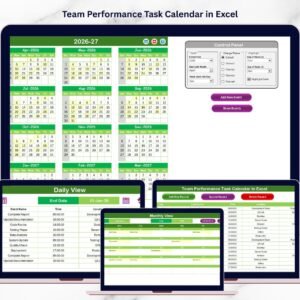
With multiple calendar views such as Annual View, Monthly View, and Daily View, this template allows teams to manage their schedules efficiently while maintaining complete visibility of upcoming tasks and events. Moreover, the calendar includes an integrated event management system that helps users add, update, and manage events easily.
Because the template is built in Microsoft Excel, it is simple to use, customizable, and accessible for teams of all sizes. Whether you are managing project meetings, training sessions, performance reviews, task deadlines, or company events, this calendar helps ensure that your team stays organized and productive.
By using this structured calendar system, organizations can improve coordination between departments, avoid scheduling conflicts, and maintain better workflow planning.
📅 Key Feature of Team Performance Task Calendar in Excel
📊 Multiple Calendar Views
View team activities using Annual, Monthly, and Daily calendar layouts for better planning.
🧭 Centralized Event Management System
All team events, meetings, deadlines, and tasks are stored in one structured database.
⚡ Easy Navigation Dashboard
The Home sheet provides quick navigation buttons to switch between different calendar views.
🎨 Customizable Color Themes
Choose from multiple color themes to personalize the calendar appearance.
🗓️ Annual Planning Overview
View all 12 months in a single calendar layout to plan long-term team activities.
📆 Monthly Task Scheduling
Monitor team meetings, deadlines, and project tasks on a monthly calendar.
📋 Detailed Daily Event Tracking
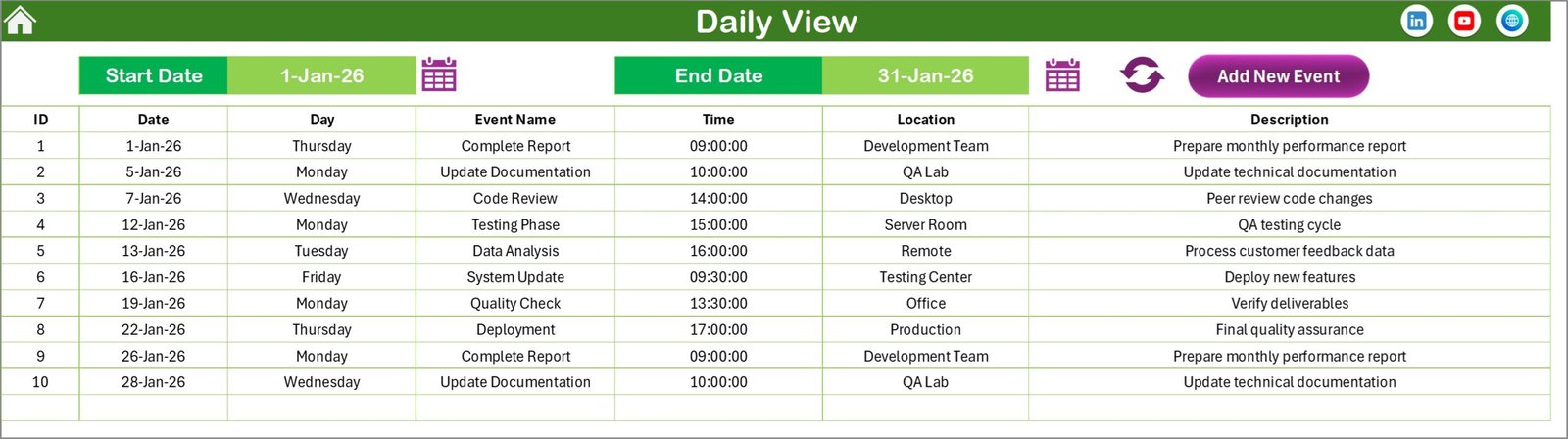
View detailed information about scheduled tasks, including event time, location, and descriptions.
⚙️ Interactive Event Management Buttons
Add, update, and delete events easily using built-in buttons.
📊 Excel-Based and Easy to Use
Works seamlessly within Excel using structured sheets and formulas.
📦 What’s Inside the Team Performance Task Calendar in Excel
This ready-to-use Excel template includes five well-structured worksheets designed to manage team schedules efficiently.

1️⃣ Home Sheet
The Home sheet acts as the main navigation hub of the template. It includes four buttons that allow users to quickly jump to the Annual View, Monthly View, Daily View, and Events sheet.
2️⃣ Annual View Sheet
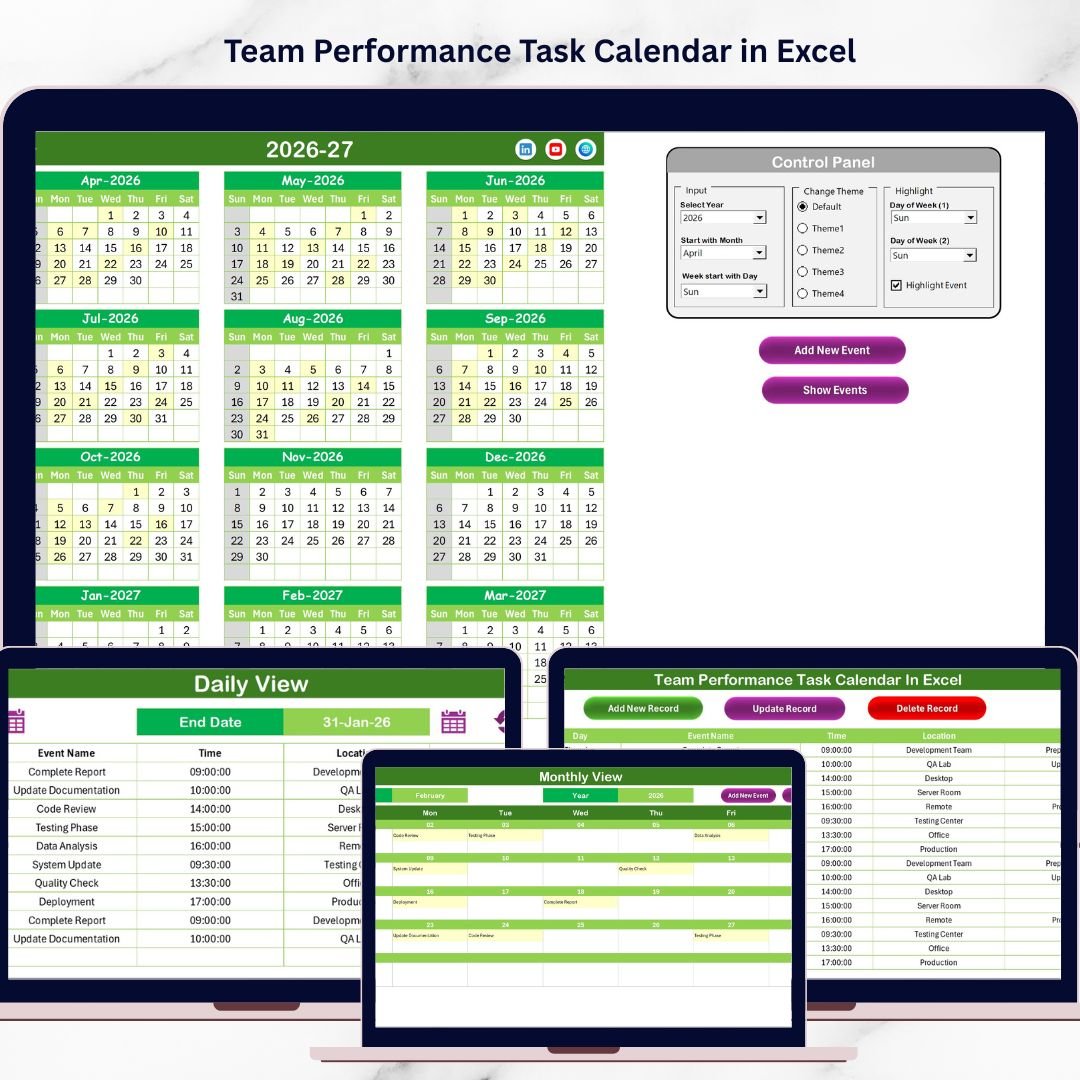
The Annual View displays all 12 months in one calendar layout. It also includes a control panel that allows users to select the year, customize the starting month, and adjust the starting weekday. Additionally, users can highlight weekends or specific days and apply color themes.
3️⃣ Monthly View Sheet
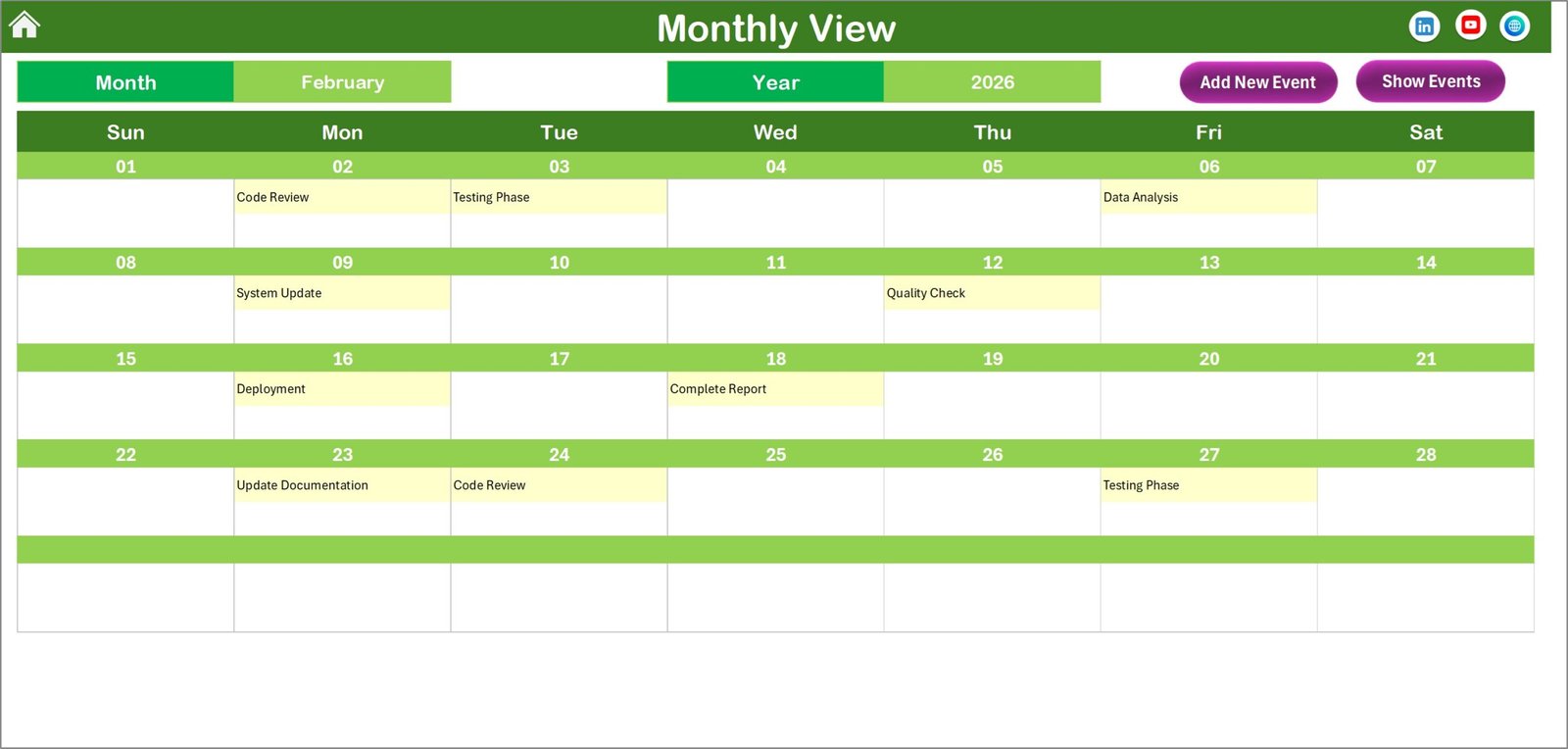
The Monthly View shows a detailed calendar for a selected month. Users can easily see scheduled events and identify busy days. If multiple events exist on a particular date, the calendar indicates additional events clearly.
4️⃣ Daily View Sheet
The Daily View provides a detailed list of events within a selected date range. This sheet shows event time, location, and description, allowing teams to review upcoming activities in detail.
5️⃣ Events Sheet
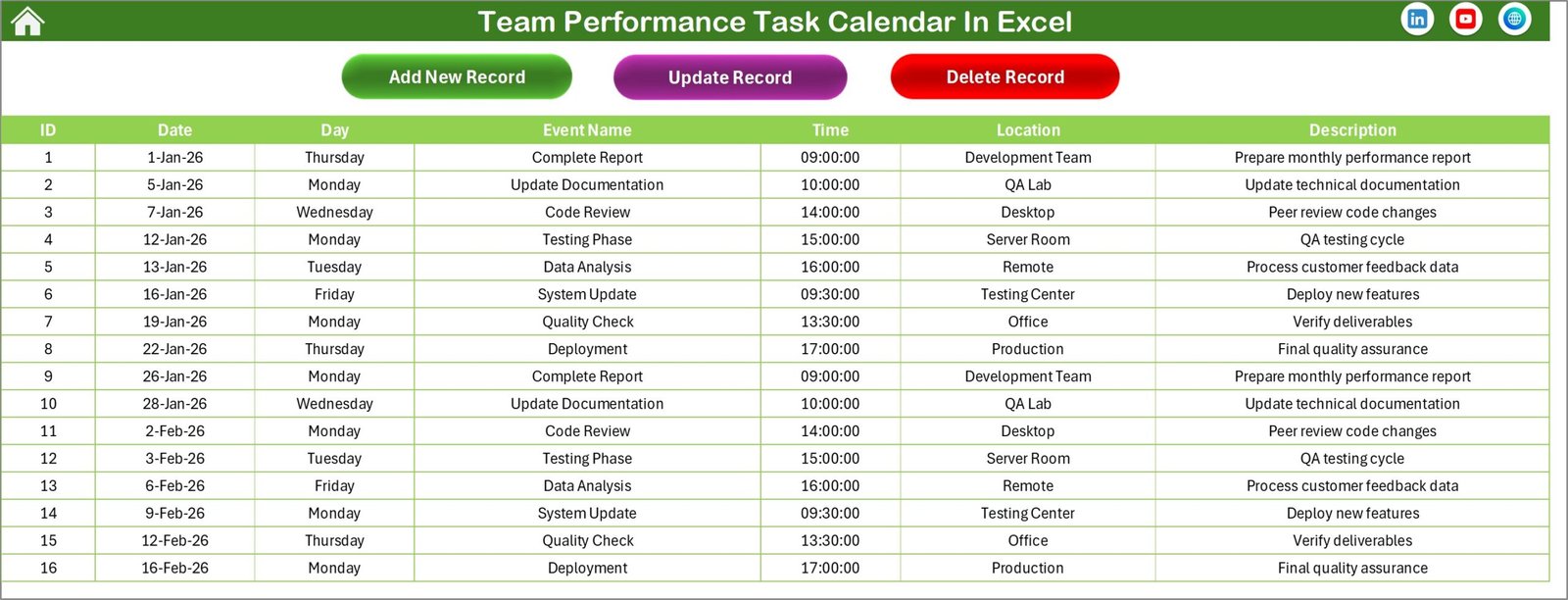
The Events sheet acts as the central database of the calendar. It stores all event records, including Event ID, Date, Day, Event Name, Time, Location, and Description.
Together, these sheets create a powerful task scheduling system that improves team coordination and planning.
⚙️ How to Use the Team Performance Task Calendar in Excel
Using this calendar template is simple and efficient.
First, navigate to the Events Sheet to add team events, meetings, deadlines, or project tasks. Each event record includes details such as date, time, location, and description.
Next, use the Add New Event button to open the event entry form and record new tasks quickly.
Once events are entered, the calendar automatically displays them in the Annual, Monthly, and Daily views. This allows teams to review schedules from different perspectives.
Users can also update or delete events using the event management buttons available in the Events sheet.
By regularly updating the calendar, teams can maintain an accurate overview of upcoming tasks and ensure that important deadlines are never missed.
👨💼 Who Can Benefit from This Team Performance Task Calendar in Excel
📊 Project Managers
Plan project schedules, meetings, and deadlines efficiently.
👥 HR Teams
Schedule training sessions, employee reviews, and HR events.
📣 Marketing Teams
Organize campaign launches, content schedules, and promotional events.
⚙️ Operations Teams
Manage operational tasks, daily activities, and workflow planning.
🏢 Business Owners
Monitor company events, meetings, and key deadlines.
Any organization looking to improve team coordination, scheduling, and productivity can benefit from this powerful Excel calendar.
Click here to read the Detailed blog post
Visit our YouTube channel to learn step-by-step video tutorials
👉 https://youtube.com/@PKAnExcelExpert
Watch the step-by-step video tutorial:
Compatibility and Requirements
- Works in Microsoft Excel desktop (Excel 2016 or later, or Microsoft 365).
- The Add New Event, update and delete buttons are built into the workbook. Microsoft explains how to get started with Excel for Windows.
Frequently Asked Questions
Which sheets are included?
Five sheets: Home, Annual View, Monthly View, Daily View and Events.
Where do I enter my team events?
Use the Events sheet. Each record holds the Event ID, Date, Day, Event Name, Time, Location and Description. The Add New Event button opens an entry form.
Can I edit or remove an event later?
Yes. The Events sheet has buttons to update and delete events. The calendar views refresh with the change.
Can I change the year, starting month or colors?
Yes. The Annual View has a control panel to select the year, the starting month and the starting weekday. You can also highlight weekends or specific days and apply a color theme.
How do I see the details of a busy day?
Open the Daily View and choose a date range. It lists each event with its time, location and description. The Monthly View marks days that have more than one event.
Is there a Google Sheets or Power BI version for team performance?
There is a Team Performance Dashboard in Google Sheets and a Team Performance Dashboard in Power BI.
Related Team Performance Templates
- Team Performance Planning Calendar in Excel: a calendar for planning team activities
- Team Performance Scheduling Calendar in Excel: a calendar for team schedules
- Team Performance Event Calendar in Excel: a calendar for team events
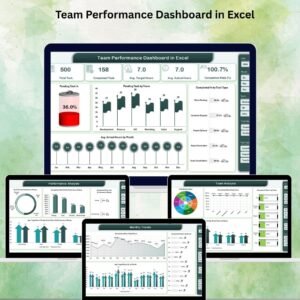
- Team Performance Dashboard in Excel: a dashboard view of team results
- Weekly Team Check-In Calendar in Excel: a calendar for regular team check-ins
Browse all Excel calendar templates.