

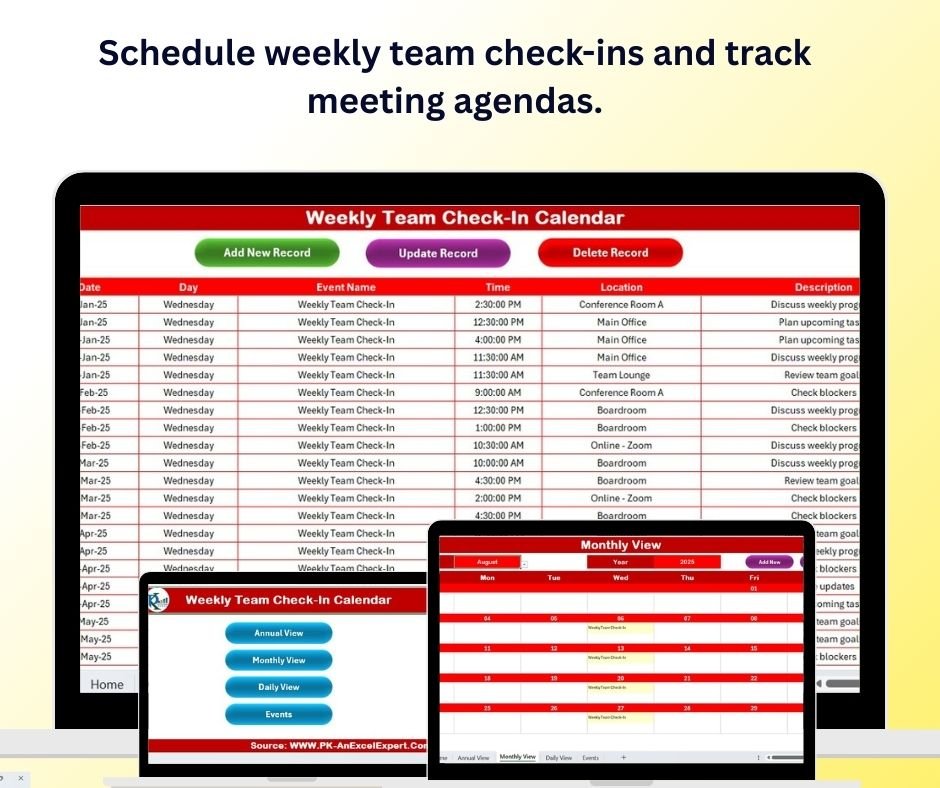
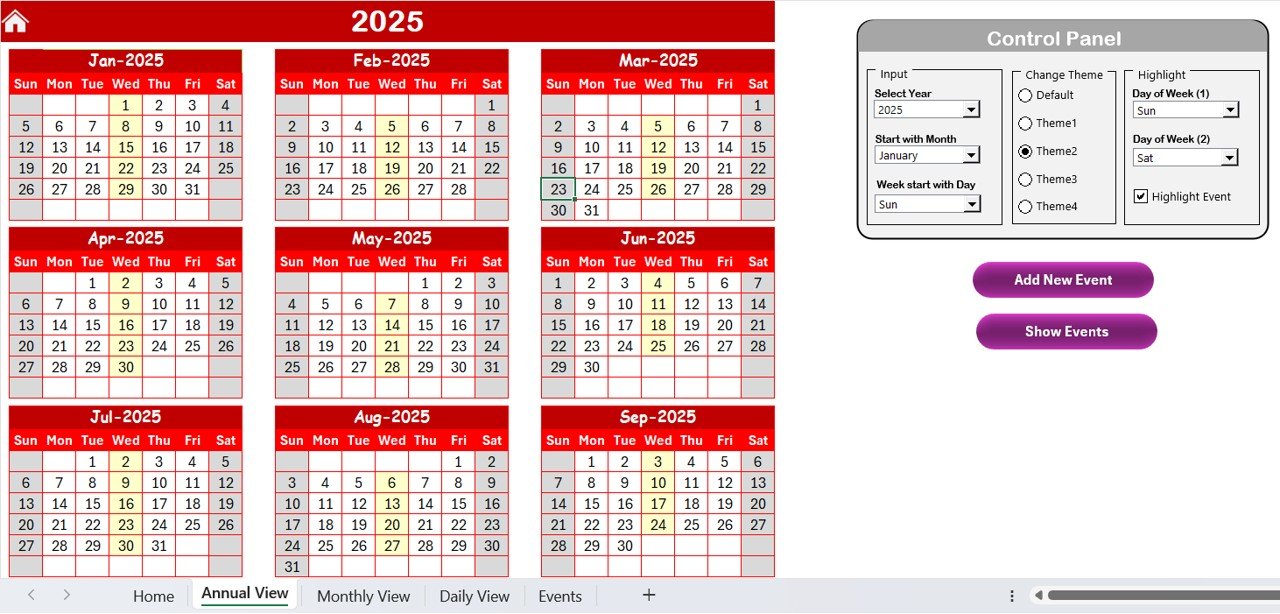
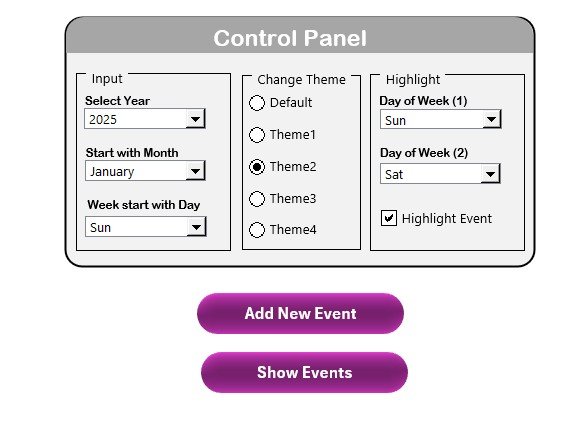
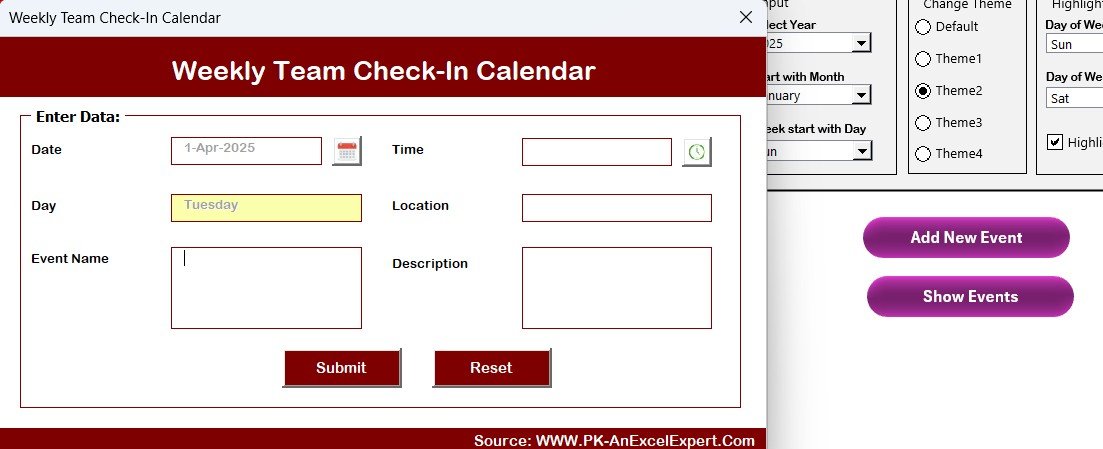
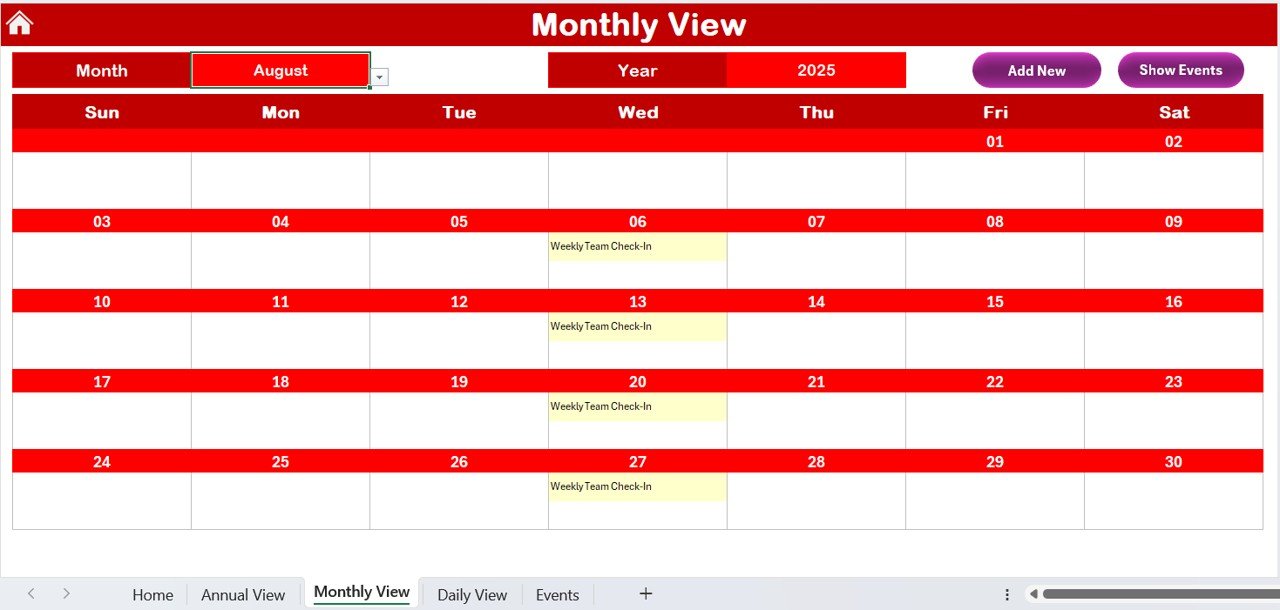

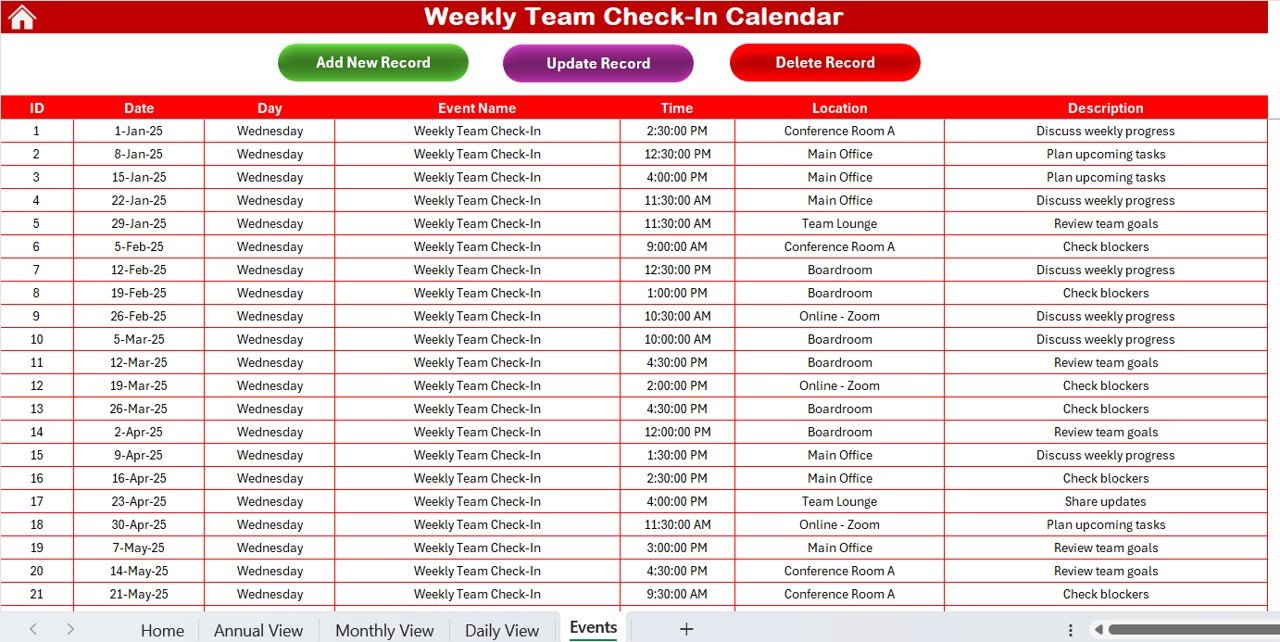
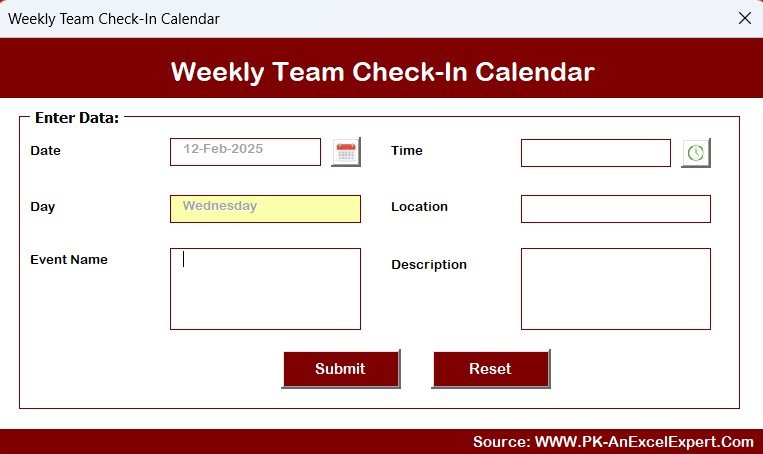
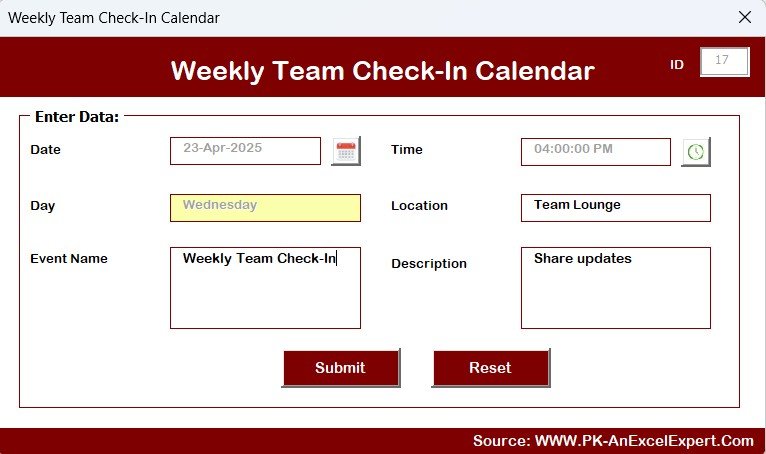

The Weekly Team Check-In Calendar in Excel is the perfect tool for managers and team leaders to effectively track and manage weekly team check-ins, ensuring consistent communication and smooth project progress. This Excel-based calendar helps you schedule and organize team meetings, track action items, and monitor team member updates, all while ensuring that team members stay aligned with project goals and deadlines.
With its user-friendly interface, customizable features, and organized layout, this calendar allows you to easily track weekly team check-ins and maintain a clear view of tasks, priorities, and progress. It helps foster accountability and ensures that all team members stay on top of their responsibilities.
Key Features of the Weekly Team Check-In Calendar in Excel:
📅 Weekly Meeting Scheduling
Easily schedule recurring team meetings, track meeting dates, and manage agendas to ensure that every check-in is aligned with team priorities.
📝 Action Items and Follow-ups
Track action items discussed during check-ins and assign follow-up tasks to team members, ensuring that nothing slips through the cracks.
🧑🤝🧑 Team Member Updates
Monitor individual team member progress, updates, and goals to ensure everyone is on track and contributing to the team’s success.
💡 Progress Tracking
Use the calendar to track ongoing projects, deadlines, and deliverables discussed during check-ins, providing a clear overview of progress and bottlenecks.
🔄 Collaborative Task Management
Assign and track tasks for each team member, set deadlines, and mark completion statuses to ensure accountability and collaboration within the team.
🚀 Why You’ll Love the Weekly Team Check-In Calendar in Excel:

✅ Stay Organized – Keep track of team meetings, action items, and follow-ups to ensure that no task or update is missed.
✅ Improve Team Communication – Foster open and consistent communication by organizing weekly check-ins and monitoring progress.
✅ Enhance Accountability – Track individual updates and action items, ensuring team members are accountable for their tasks and goals.
✅ Increase Efficiency – Streamline the process of scheduling, tracking, and managing tasks, making team check-ins more productive and focused.
✅ Customizable and Easy-to-Use – The calendar is fully customizable, so you can tailor it to suit your team’s specific needs and preferences.
✅ Real-Time Tracking – Track team progress, monitor updates, and ensure tasks are completed on time to keep projects moving forward.
What’s Inside the Weekly Team Check-In Calendar in Excel:
Weekly Meeting Schedule: Plan and track weekly check-ins, ensuring that all meetings are scheduled and agenda items are tracked.
Action Items: Assign and monitor action items discussed during team check-ins, ensuring they are completed and followed up on.
Team Member Updates: Track individual updates and progress from each team member, ensuring transparency and accountability.
Progress Tracking: Monitor project milestones, deadlines, and deliverables to ensure team goals are on track.
Task Management: Easily assign tasks, set deadlines, and track completion status to keep everyone on the same page.
Custom Reports: Generate progress reports to review team check-in results, task completion, and ongoing projects.
How to Use the Weekly Team Check-In Calendar in Excel:
1️⃣ Download the Template – Instantly access your Excel file upon purchase.
2️⃣ Input Team Details – Add team member names, meeting schedules, and tasks for each weekly check-in.
3️⃣ Track Action Items – Assign action items during team check-ins and track their completion in real-time.
4️⃣ Monitor Progress – Use the calendar to track updates, milestones, and deadlines, ensuring your team is on target to meet goals.
5️⃣ Generate Reports – Create detailed reports summarizing weekly progress, completed tasks, and ongoing action items for easy reference.
Who Can Benefit from the Weekly Team Check-In Calendar in Excel:
Team Leaders
Project Managers
HR Managers
Department Heads
Small and Medium-Sized Business Owners
Remote Teams
Collaborative Teams
Operations Managers
The Weekly Team Check-In Calendar in Excel is the ultimate solution for teams looking to enhance communication, stay organized, and achieve project success. With this calendar, you can track weekly check-ins, assign tasks, monitor progress, and ensure accountability, all while keeping everyone aligned with the team’s goals.
Click here to read the Detailed blog post
https://www.pk-anexcelexpert.com/weekly-team-check-in-calendar-in-excel/
Visit our YouTube channel to learn step-by-step video tutorials
Youtube.com/@PKAnExcelExpert
Compatibility and Requirements
- Works in Microsoft Excel desktop (Excel 2016 or later, or Microsoft 365).
- New to Excel? Microsoft has a free guide: Excel for Windows training.
Frequently Asked Questions
What can I track with this calendar?
You can track weekly meetings, action items, team member updates, project milestones, deadlines and task completion.
How do I set it up?
Add your team member names, meeting schedules and tasks for each weekly check-in.
Can I follow up on action items?
Yes. You assign action items during check-ins and track whether they are completed.
Can I create progress reports?
Yes. You can create reports that summarize weekly progress, completed tasks and open action items.
Related Team Meeting Templates
- Weekly Team Meeting Checklist in Google Sheets: a weekly team meeting checklist in Google Sheets
- Team Meeting Minutes Tracker in Excel: record team meeting minutes in Excel
- Corporate Meetings Calendar in Excel: plan corporate meetings on a calendar
- Board Meetings Calendar in Excel: schedule board meetings in Excel
- Calendar & Planner Pack: 12 calendar and planner templates in one download
Browse all Excel calendars or the Excel project management templates.

































Reviews
There are no reviews yet.