
Managing meetings, project milestones, deadlines, and team activities can quickly become overwhelming when information is scattered across emails, spreadsheets, and notes. Many organizations struggle to maintain visibility over their team schedules, which often leads to missed meetings, delayed projects, and poor coordination.
This is exactly where the Team Performance Event Calendar in Excel becomes a powerful productivity tool.
The Team Performance Event Calendar in Excel is a ready-to-use Excel template designed to help organizations organize team events, meetings, project deadlines, and performance-related activities in one structured calendar system. Instead of managing schedules across multiple tools, this template centralizes everything in a single interactive calendar.
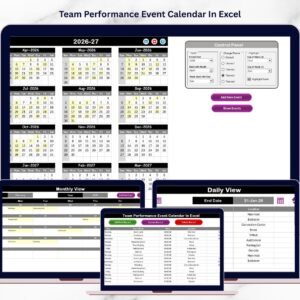
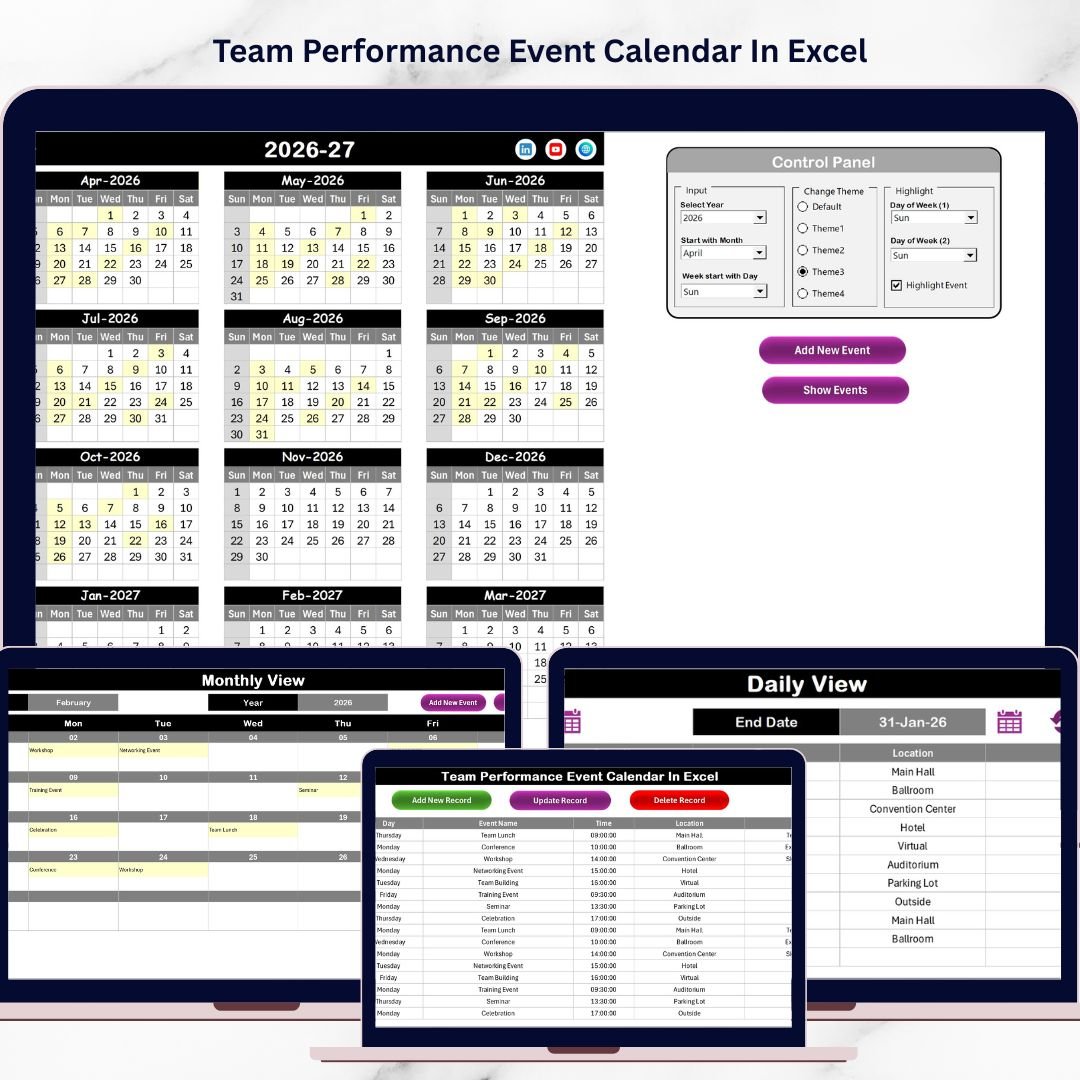
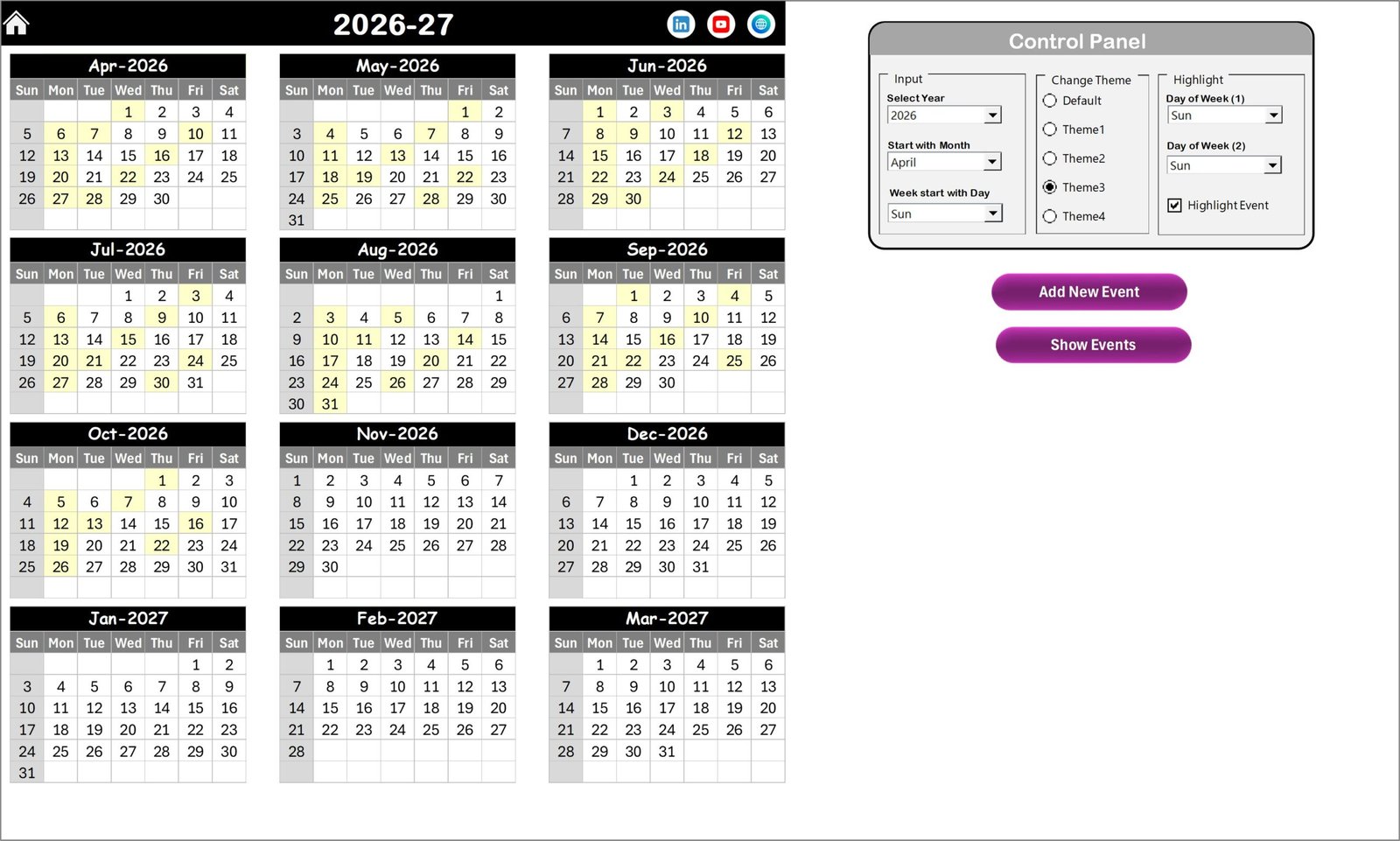
With annual, monthly, and daily views, teams can easily monitor schedules, track upcoming events, and plan activities more efficiently. The template also includes a structured event database, automation buttons, and customizable settings, making event management simple even for beginners.
Whether you manage a corporate team, HR activities, or project schedules, this Excel calendar helps improve coordination, visibility, and productivity.
Key Feature of Team Performance Event Calendar in Excel
📅 Multiple Calendar Views
The template provides Annual, Monthly, and Daily calendar views, allowing users to analyze schedules from different perspectives.
🏠 Central Navigation Home Page
A dedicated Home sheet allows users to quickly navigate between calendar sections using simple buttons.
⚙️ Dynamic Control Panel
Users can easily customize the calendar by selecting the year, starting month, and starting day of the week.
🎨 Custom Color Themes
The template offers five different color themes, allowing users to personalize the calendar to match company branding.
📌 Event Highlight Feature
Important events can be automatically highlighted in the calendar, making them easy to identify.
➕ Add New Event Form
Users can quickly add events using an easy-to-use event entry form that automatically records the data.
🔍 Show Event Functionality
The Show Event button displays all events scheduled for a selected date.
📊 Daily Event Analysis
The Daily View sheet allows users to analyze events within a selected date range.
🗂 Central Event Database
All event details are stored in a structured Events sheet, ensuring organized event records.
⚡ User-Friendly Interface
With buttons, forms, and automation features, the template is designed to be easy to use for both beginners and advanced users.
What’s Inside the Team Performance Event Calendar in Excel
This Excel template includes five well-structured worksheets designed to simplify event management.
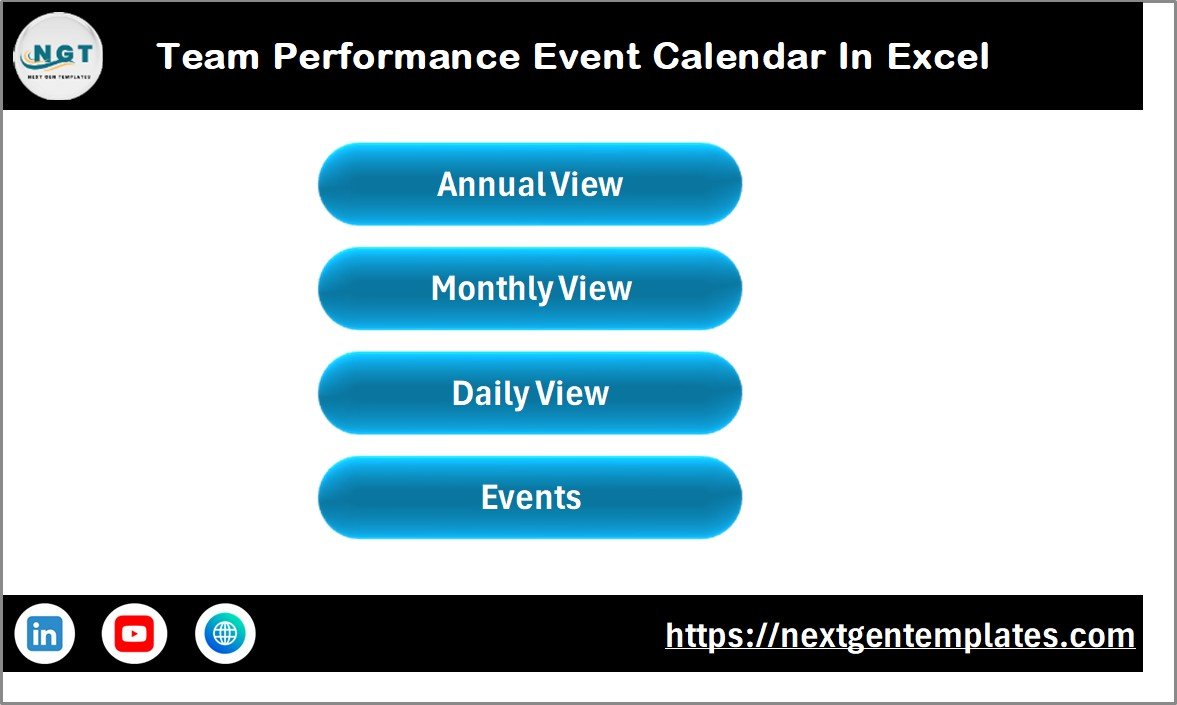
📌 Home Sheet – Navigation Hub
This sheet acts as the central control panel and contains navigation buttons for:
Annual View
Monthly View
Daily View
Events Database
📅 Annual View Sheet – Full Year Overview
Displays the entire 12-month calendar on one screen, allowing teams to view events across the whole year.
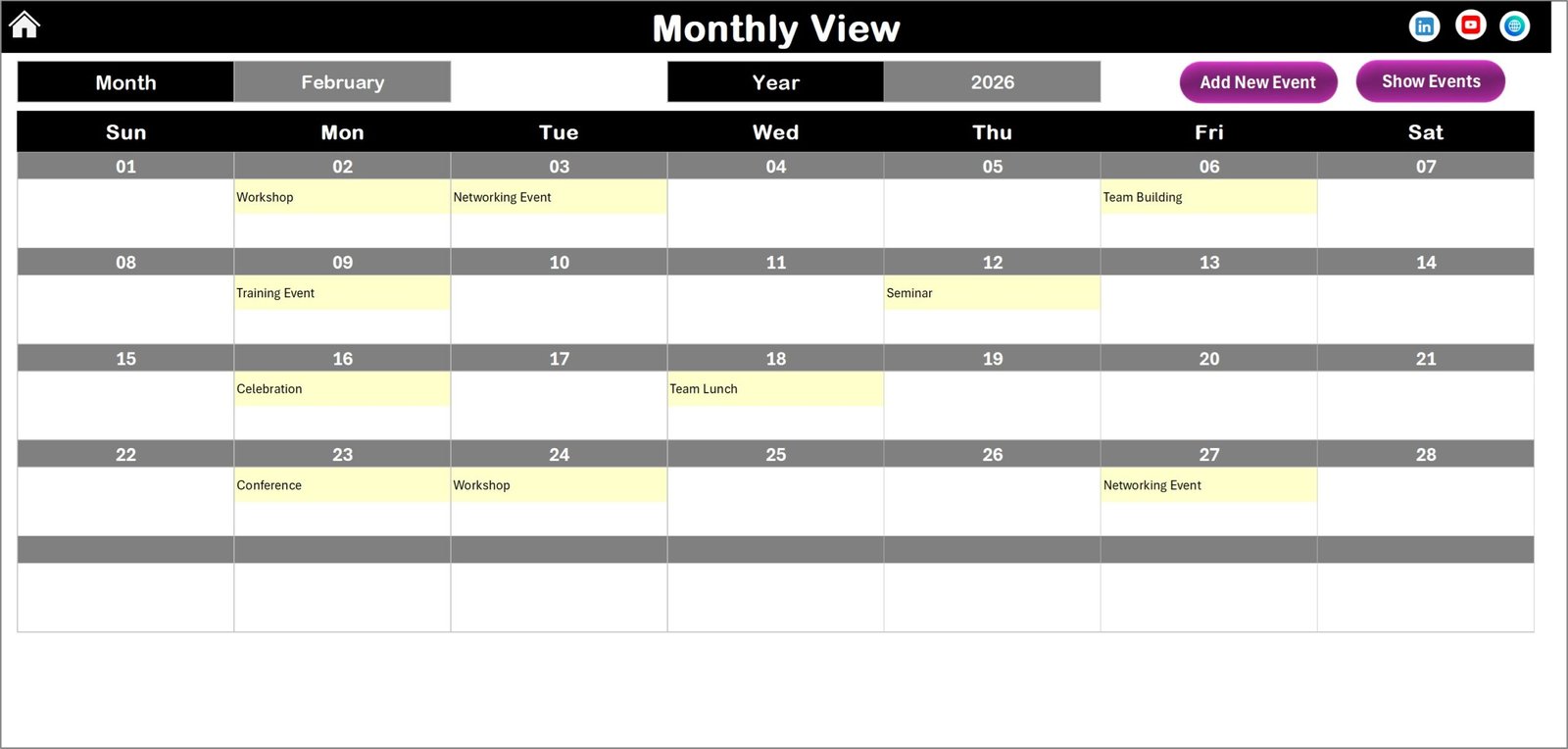
📆 Monthly View Sheet – Detailed Monthly Calendar
Provides a dynamic monthly calendar where users can select any month and year to analyze upcoming events.
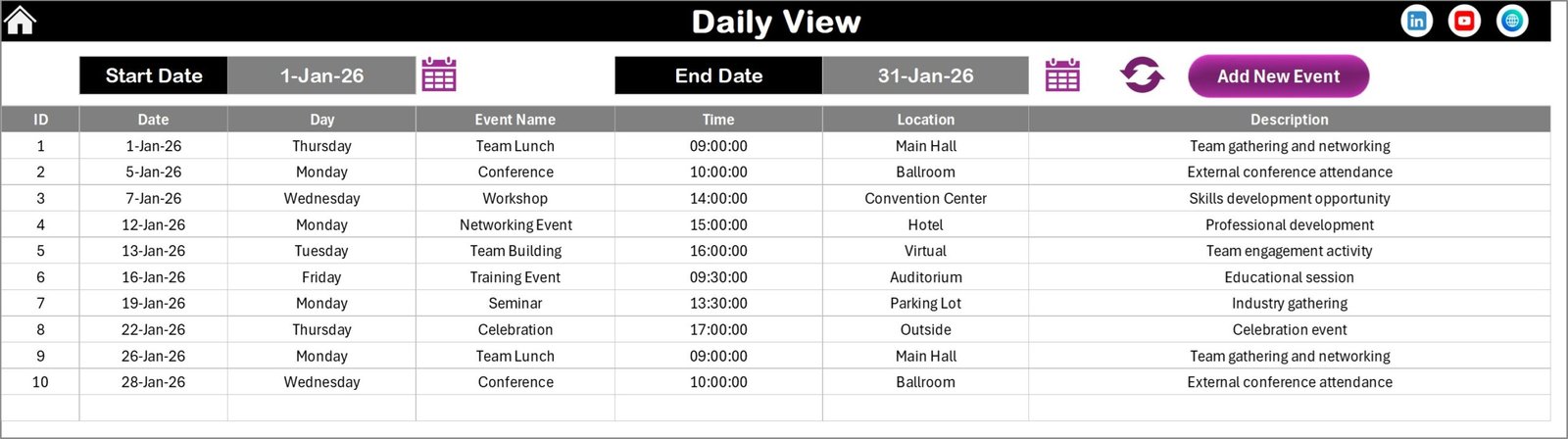
📋 Daily View Sheet – Event List by Date Range
Users can filter events by start and end date to analyze upcoming or past activities.
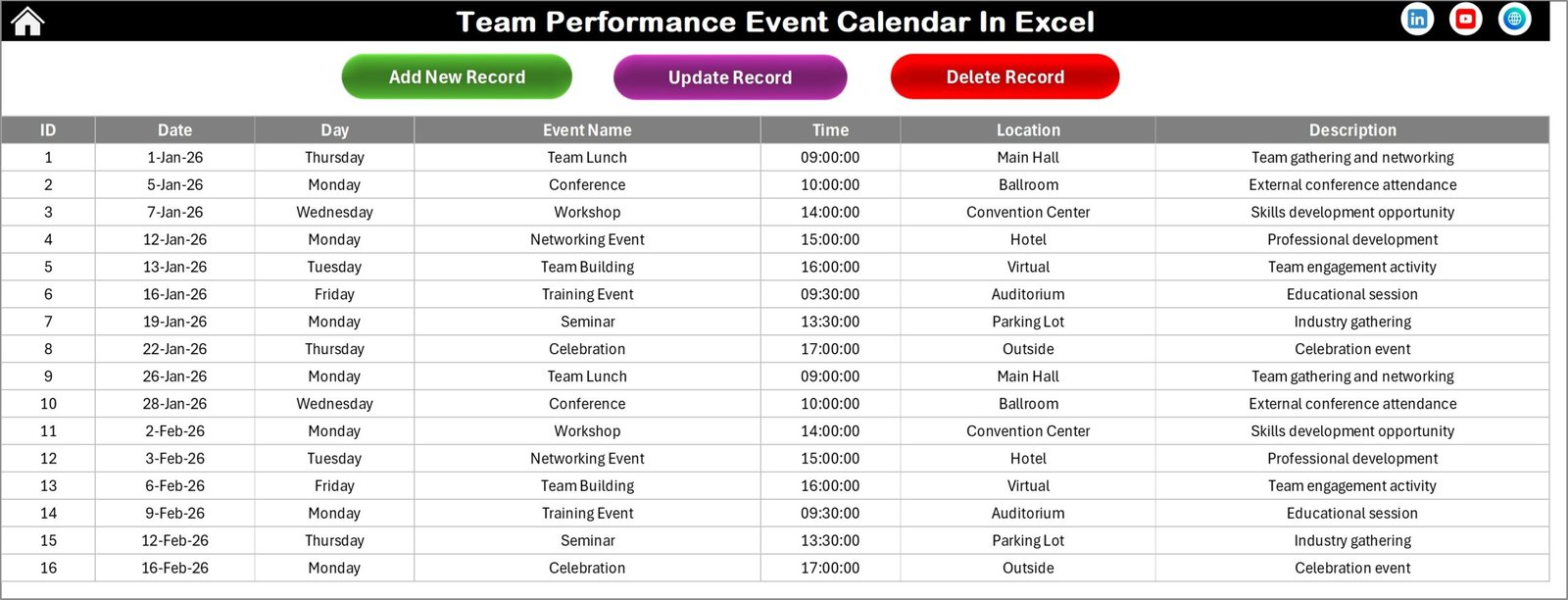
🗃 Events Sheet – Event Database
Stores all event details including:
ID
Date
Day
Event Name
Time
Location
Description
This structured database allows the calendar to automatically populate events in all views.
How to Use the Team Performance Event Calendar in Excel
Using this calendar template is simple and intuitive.
📥 Step 1: Open the Excel Template
Download and open the Excel file to access the calendar dashboard.
📅 Step 2: Configure Calendar Settings
Use the control panel to select the year, starting month, and week format.
➕ Step 3: Add New Events
Click the Add New Event button, enter event details, and submit the form.
📊 Step 4: Monitor Events in Different Views
View schedules using the Annual, Monthly, or Daily calendar pages.
🔍 Step 5: Review and Manage Events
Use the Show Event button to quickly review event details.
✏️ Step 6: Update or Delete Events
Manage event records directly from the Events database sheet.
Within minutes, teams can start organizing schedules and managing activities efficiently.
Who Can Benefit from This Team Performance Event Calendar in Excel
👨💼 Project Managers
Track project milestones, meetings, and deadlines.
👩💼 HR Departments
Manage employee reviews, training sessions, and HR events.
🏢 Corporate Teams
Coordinate internal meetings, team collaboration activities, and company events.
👨💻 Team Leaders
Monitor team schedules and improve task planning.
🏪 Small Businesses
Organize operational events and internal activities in one centralized system.
🎓 Training Coordinators
Schedule training sessions, workshops, and employee development programs.
No matter the industry, this Excel calendar helps organizations stay organized, improve collaboration, and avoid scheduling confusion.
Click here to read the Detailed blog post
Watch the step-by-step video tutorial:
Visit our YouTube channel to learn step-by-step video tutorials
Compatibility and Requirements
- Works in Microsoft Excel desktop (Excel 2016 or later, or Microsoft 365).
- The Add New Event form and the Show Event button are buttons inside the workbook. See Microsoft’s Excel for Windows training if you are new to Excel.
Frequently Asked Questions
Which sheets are included?
Five sheets: Home, Annual View, Monthly View, Daily View and Events.
What details can I store for each event?
The Events sheet stores the ID, date, day, event name, time, location and description for every event.
Can I change the year, starting month and first day of the week?
Yes. The control panel lets you pick the year, the starting month and the starting day of the week.
Can I change the colors?
Yes. The template has five color themes, so you can match it to your company colors.
How do I see events for a date range?
Open the Daily View sheet and enter a start date and an end date. It lists the events in that range.
Is there a Google Sheets version?
Not of this exact calendar. The Dynamic Holiday and Event Calendar in Google Sheets is a similar calendar for Google Sheets.
Related Team Calendar Templates
- Team Performance Scheduling Calendar in Excel: a calendar for scheduling team work
- Team Performance Project Calendar In Excel: a calendar built around project dates
- Team Performance Dashboard in Excel: a dashboard to review team results
- Event Planning Calendar in Excel: a calendar for planning events
- Calendar & Planner Pack: 12 Excel and Google Sheets calendars in one download
Browse all Excel calendar templates.