

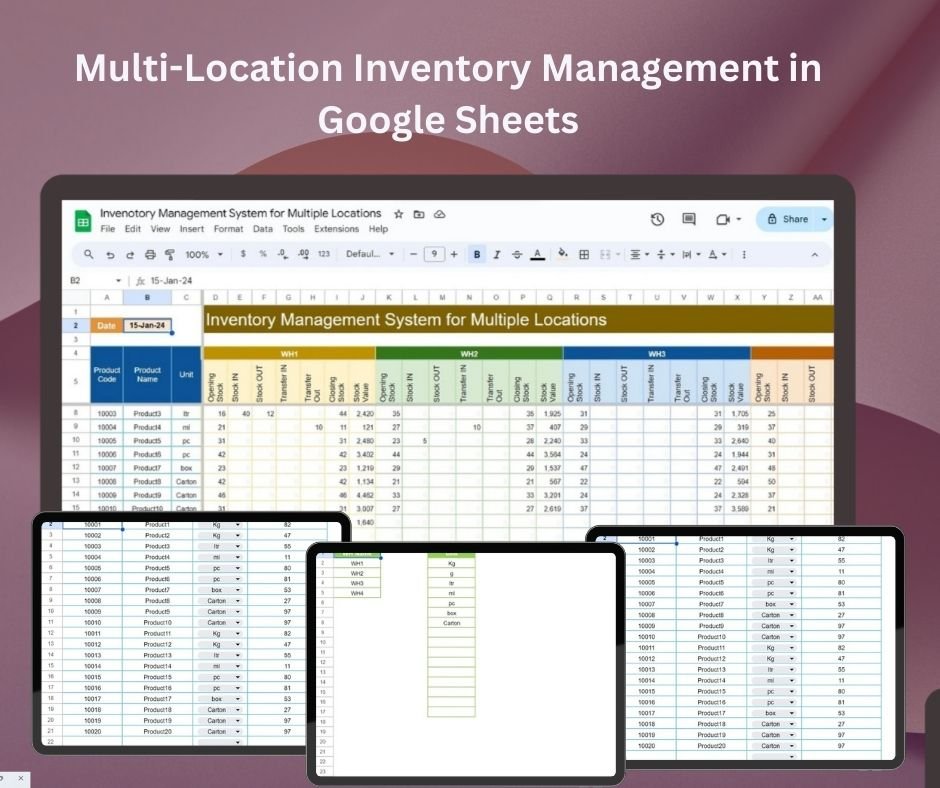
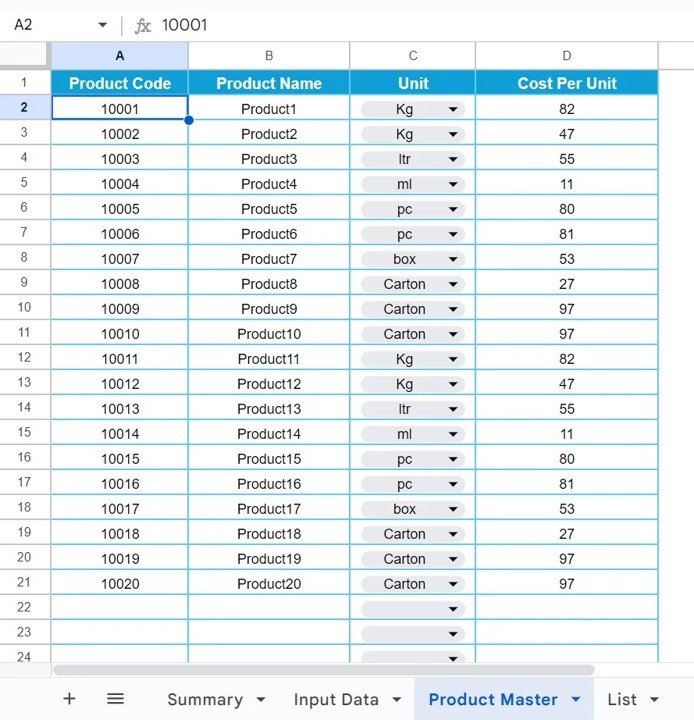
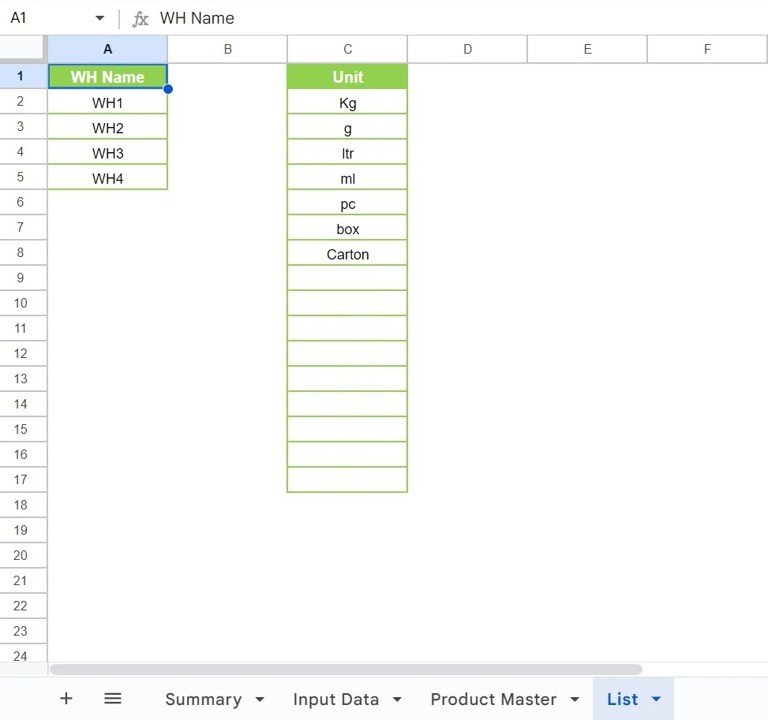

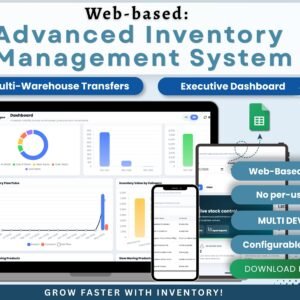
The Multi-Location Inventory Management in Google Sheets template tracks stock balances and transfers across stores, warehouses or other sites. Record products and locations, update stock movements, and review colour-coded alerts in a shared spreadsheet. Operations teams can use the central view to coordinate inventory updates across locations.
With features such as automatic stock level calculations, transfer tracking, and visual inventory tracking through color-coded alerts, this tool ensures that your business can operate smoothly without the risk of stockouts or excess inventory. You can also easily customize the template to fit the specific needs of your business.
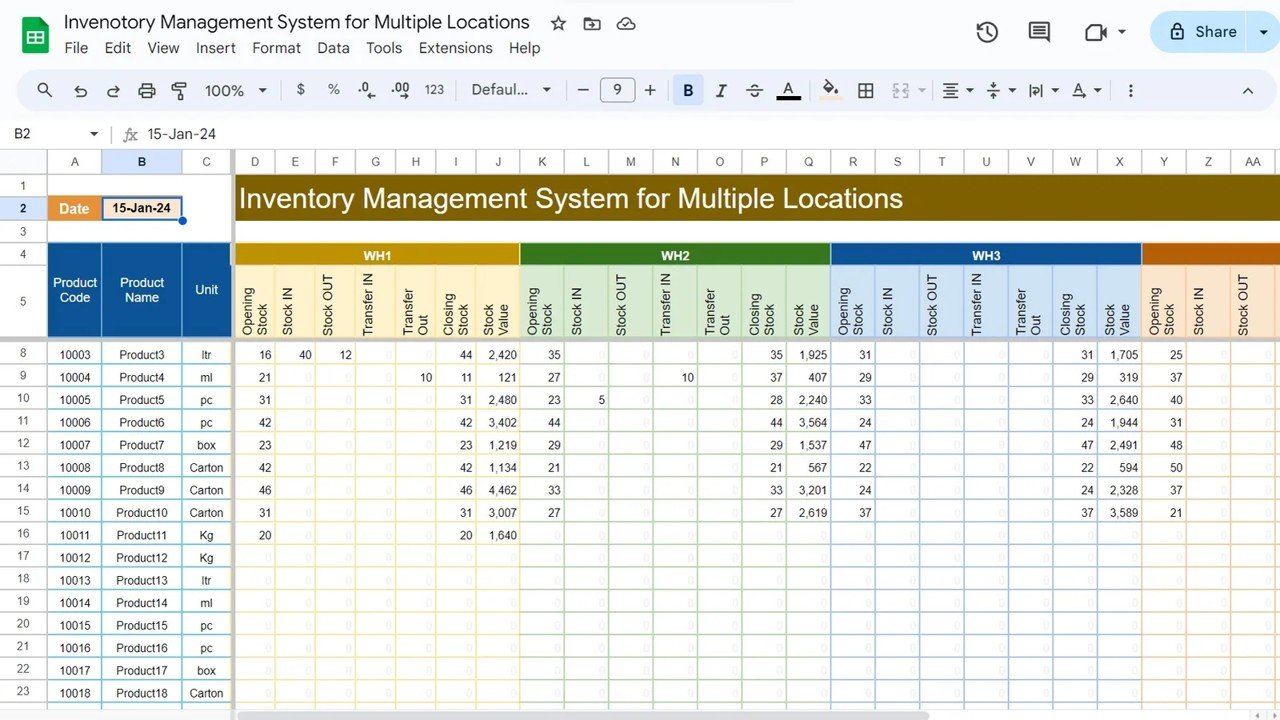
Key Features of the Multi-Location Inventory Management in Google Sheets
📊 Real-Time Inventory Tracking: Track inventory levels across multiple locations in real time.
⚙️ Customizable Layout: Adapt the template to fit your specific inventory management needs, whether you’re managing products, materials, or supplies.
📈 Stock Level Alerts: Get color-coded alerts when stock is low or when there is excess inventory, ensuring that you can take timely action.
📅 Location Transfers: Track stock transfers between locations, helping you manage stock across different sites.
🧑💼 User-Friendly Interface: The easy-to-use interface allows you to manage your inventory without requiring advanced technical skills.
📂 Data Consolidation: View inventory data for all locations in one central sheet for easier management and decision-making.
💾 Cloud-Based Access: Access and update your inventory from anywhere with Google Sheets’ cloud-based functionality.
Why You’ll Love the Multi-Location Inventory Management in Google Sheets
✅ Simplifies Inventory Tracking: Manage stock across all locations from one centralized, easy-to-update sheet.
✅ Time-Saving: Automate inventory tracking, stock transfers, and low stock alerts, reducing manual processes.
✅ Increased Accuracy: Minimize errors and stock discrepancies by tracking data in real-time.
✅ Customizable for Your Needs: Adjust the template to track different types of inventory, whether it’s products, equipment, or supplies.
✅ Real-Time Collaboration: Share the sheet with your team for collaborative inventory management and real-time updates.
What’s Inside the Multi-Location Inventory Management in Google Sheets?
📊 Inventory Tracking: A centralized location to monitor inventory levels across all your sites.
⚙️ Stock Alerts: Get instant color-coded alerts for low stock, overstock, and stock status.
📅 Location Transfer Tracking: Easily track transfers between locations to maintain an accurate record of stock movements.
📈 Visual Tracking: Graphical views of stock levels, trends, and history for better decision-making.
🧑💼 Customizable Data Columns: Add additional data fields, such as SKU, cost, supplier information, etc.
How to Use the Multi-Location Inventory Management in Google Sheets
1️⃣ Download the Template – Get instant access to the template for managing multi-location inventory.
2️⃣ Set Up Locations: Input your inventory locations and products into the template.
3️⃣ Track Inventory: Update inventory levels, track stock transfers, and monitor alerts for each location.
4️⃣ Monitor Alerts: Stay informed with automatic notifications for low or excess stock.
5️⃣ Collaborate and Update: Share the template with your team for real-time collaboration and updates.
Who Can Benefit from the Multi-Location Inventory Management in Google Sheets?
🔹 Small Business Owners
🔹 Warehouse Managers
🔹 Retailers
🔹 Supply Chain Managers
🔹 E-commerce Businesses
🔹 Inventory Managers
🔹 Procurement Teams
Take control of your inventory across multiple locations with the Multi-Location Inventory Management in Google Sheets. Streamline your processes and ensure your stock levels are always accurate and up-to-date.
Click here to read the detailed blog post
Visit our YouTube channel to learn step-by-step video tutorials
Watch the step-by-step video tutorial:
Also check our Attendance Template in Google Sheet
Questions About Multi-Location Stock Tracking
How are transfers between sites tracked?
Record stock movements between the locations configured in your sheet. Review location balances alongside the transfer history to check where products are available.
Can my team update the same sheet?
Yes. The template uses Google Sheets sharing for collaborative updates. Give colleagues the appropriate access and agree who is responsible for recording each location’s stock movements.
For related templates and reporting options, explore our supply chain and logistics template guide.
Compatibility and Requirements
- Works in Google Sheets. You need a free Google account and a web browser.
- Share the sheet with your team so each location can record its own stock movements.
- New to Google Sheets? Google explains the basics in How to use Google Sheets.
More Questions About This Template
Can I add my own columns?
Yes. You can add fields such as SKU, cost or supplier information to the data columns.
How do the stock alerts work?
Colour-coded alerts flag low stock and excess stock, so you can see which location needs action.
Can I see all locations in one place?
Yes. A central sheet consolidates inventory data for every location.
Is there an Excel version?
Yes. The Inventory Management Template for Multiple Locations is the Excel edition, linked below.
Related Inventory Templates
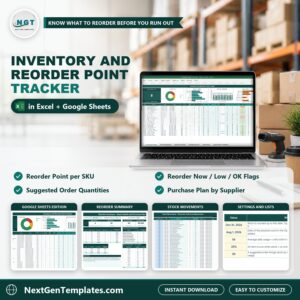
- Inventory Management Template for Multiple Locations: the Excel edition for stock across warehouses
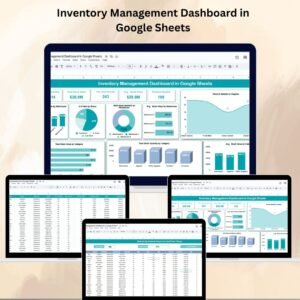
- Inventory Management Dashboard in Google Sheets: charts for stock levels in Google Sheets
- Inventory Tracker in Google Sheets: a simpler tracker for a single store
- Inventory Management System V3.0: a full Excel system with forms
- Inventory and Warehouse Master Kit: 8 inventory templates in one bundle
Browse all Google Sheets inventory templates or the Excel inventory templates.










Reviews
There are no reviews yet.