

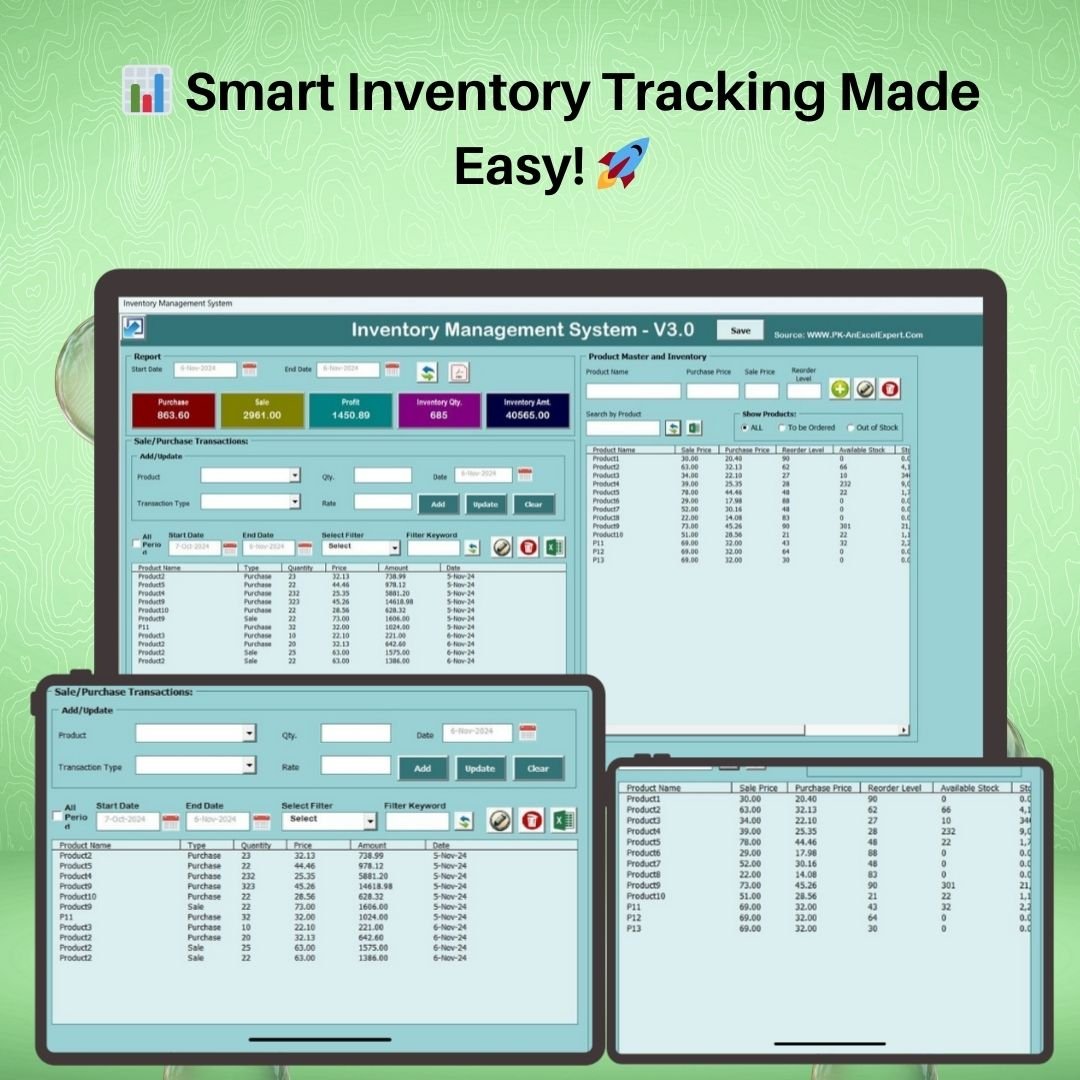

The Inventory Management System V3.0 is a complete, VBA-powered Excel application that handles everything a small or mid-sized business needs to control stock — product master management, purchase and sales transaction logging, automatic stock level updates, reorder alerts, and one-click report generation to Excel or PDF. Unlike basic spreadsheet trackers, this is a fully functional inventory management software that runs entirely inside Microsoft Excel, with a built-in login screen, navigation menu, and UserForm-based data entry so your team works with buttons and forms instead of raw cells.
If you have ever tracked stock in a plain spreadsheet and lost accuracy as your product catalog grew, this Excel VBA tool replaces that workflow with an automated system. Every purchase adds to stock; every sale deducts from it. Reorder levels trigger warnings before you run out. And date-filtered reports let you audit movement for any period, exportable in a single click.
Why an Excel VBA Inventory System Still Beats SaaS in 2026
The economics that keep this tool selling month after month:
- Cloud inventory platforms (Zoho, QuickBooks Commerce, Cin7, DEAR) start at $29–$249 per month. A small retailer pays $348–$2,988 a year versus a one-time $19.99 here.
- Poor inventory tracking costs retailers an estimated 8.7% of revenue through stockouts, overstocking, and shrinkage, according to widely cited retail industry surveys.
- Stockouts cause 4.1% of shoppers to switch brands permanently per NielsenIQ research — reorder alerts pay for the tool on the first prevented stockout.
- VBA automation reduces data-entry time by 60–75% compared with manual spreadsheet updates, because UserForms guide each transaction and update stock balance automatically.
This Inventory Management System V3.0 gives you enterprise-style inventory control — login security, automated stock updates, reorder alerts, PDF reports — inside a desktop Excel file you already own, for one flat price with no recurring fee.
What’s Inside the Inventory Management System V3.0
This tool is structured as a multi-module Excel application. Each module handles a specific part of inventory operations and is accessible through a central navigation bar.
📊 Module 1 — Real-Time Dashboard
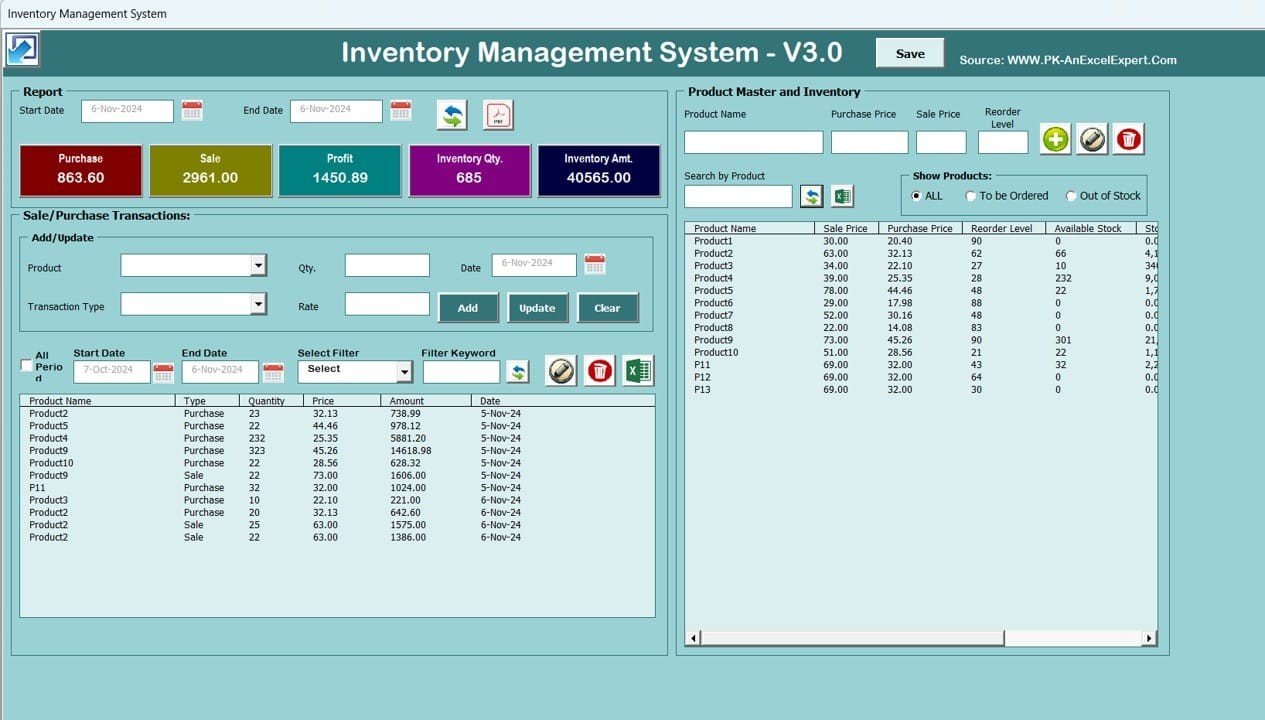
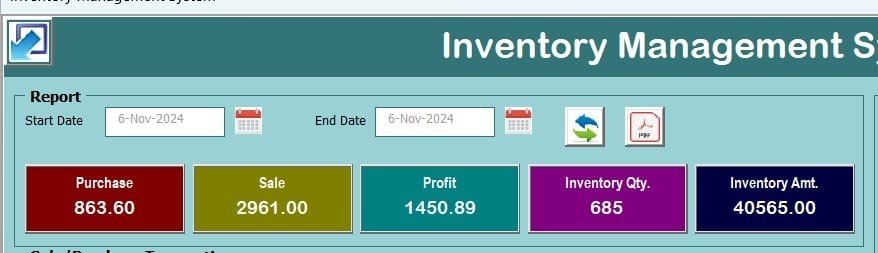
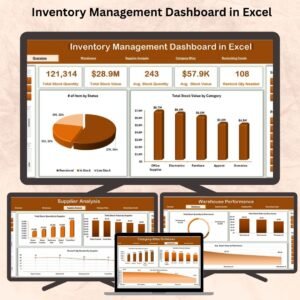
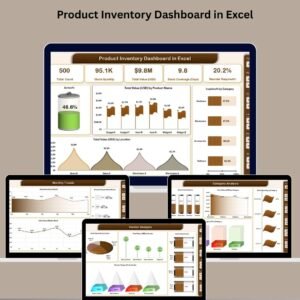
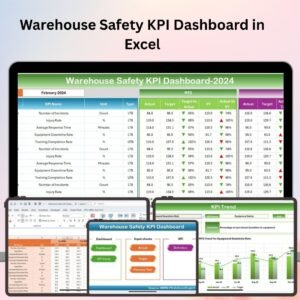
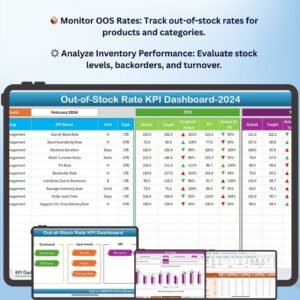
The landing page after login gives you an instant snapshot of your entire inventory health: total purchase value, total sales value, gross profit, total stock quantity, and current inventory value. KPI summary cards update automatically as you record transactions, and a top-products chart highlights your fastest-moving items. For deeper analytics on inventory KPIs, pair this with the Inventory Accuracy KPI Dashboard or the Warehouse Management KPI Dashboard.
🏷️ Module 2 — Product Master Database
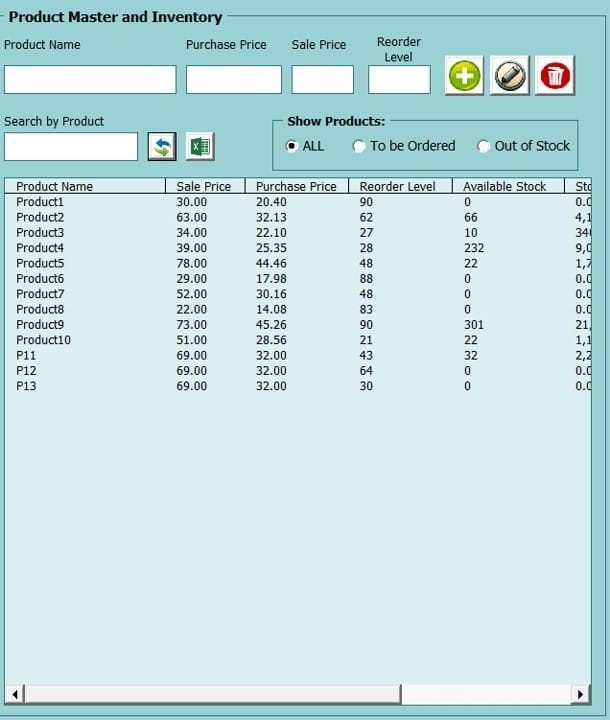
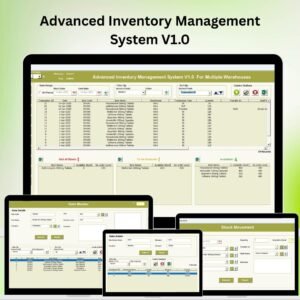
Add, edit, or delete products through a clean UserForm. Each record stores: product name, product code, category, purchase price, sale price, reorder level, and current available stock. Built-in search and filter controls let you find any SKU instantly, and the reorder-level column turns red when stock drops below your threshold. Retailers managing larger catalogs should also explore the Advanced Inventory Management System V1.0 which adds barcode support and multi-warehouse tracking.
📦 Ready to take control of your stock? Scroll up, click Add to Cart for just $19.99, unzip, enable macros, and you will be logging your first transaction inside ten minutes.
🔄 Module 3 — Sales & Purchase Transaction Entry
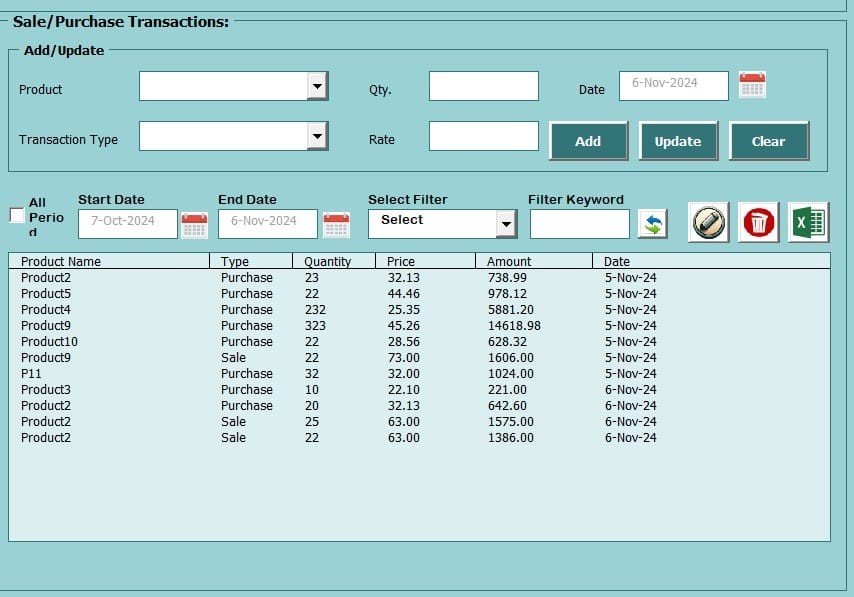
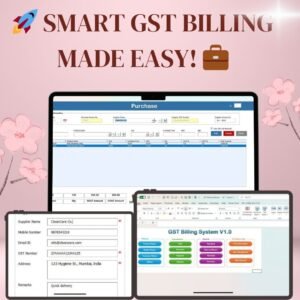
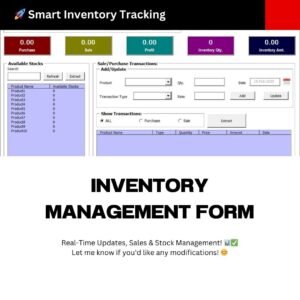
Record every inbound (purchase) and outbound (sale) movement through a structured data-entry form. Select the product, enter quantity and date, choose the transaction type, and click Save. Stock levels update in real time — no manual cell editing, no formula breakage. The transaction log maintains a permanent history, giving you a full audit trail of every item that entered or left your inventory. Businesses that also need invoicing built into the same system should check the GST Billing Software V1.0 which combines inventory tracking with invoice generation.
📋 Module 4 — Reporting & Export
Generate stock reports filtered by date range, product, or transaction type. View current stock on hand, movement history, and low-stock alerts in a clean tabular format. Export any report to a new Excel workbook or print-ready PDF with a single button click — no copy-paste, no manual formatting. These reports are ready for management review, auditor handoff, or year-end inventory reconciliation.
Key Capabilities of the Inventory Management System
- 🎯 Automatic Stock Calculation — purchase adds, sale deducts, balance always current
- 🎯 Reorder Level Alerts — visual warnings when any product drops below its minimum
- 🎯 VBA UserForms — data entry via guided forms, not raw spreadsheet cells
- 🎯 Login & Security — password-protected access to prevent unauthorized changes
- 🎯 Smart Search & Filter — find any product, transaction, or date range instantly
- 🎯 Excel & PDF Export — one-click report generation in both formats
- 🎯 Transaction History — full audit trail of every purchase and sale
- 🎯 Profit Tracking — automatic gross profit calculation from purchase vs. sale price
- 🎯 Category Management — organise products into categories for better analysis
- 🎯 No External Software — runs 100% inside Excel with VBA macros enabled
Excel VBA vs. Google Sheets vs. Cloud ERP — Which Inventory Tool Fits You?
The honest comparison for businesses deciding between a one-time VBA system, a cloud spreadsheet, and a full SaaS ERP:
| Capability | 📘 This VBA System (Excel) | 📗 Google Sheets Tracker | ☁️ Cloud ERP (Zoho / Cin7 / DEAR) |
|---|---|---|---|
| Price | ✅ $19.99 one-time | $8–$20 one-time | $29–$249 / month |
| Works offline | ✅ Yes | ❌ Internet required | ❌ Internet required |
| Login & password security | ✅ Built-in VBA login | Google account only | ✅ Native |
| Data-entry forms (UserForms) | ✅ VBA UserForms | Raw cell entry | ✅ Native |
| Auto stock adjustment | ✅ On every transaction | Formula-based | ✅ On every transaction |
| PDF report export | ✅ One-click | Manual print-to-PDF | ✅ One-click |
| Multi-warehouse / barcode | Upgrade to Advanced version | ❌ | ✅ Native |
| Learning curve | ✅ Very low | ✅ Low | Steep (days) |
| Best for | Small & mid-sized businesses, single location | Very small teams, cloud-first | Multi-warehouse, high volume |
Need multi-warehouse or barcode scanning? Upgrade to the Advanced Inventory Management System V1.0. Working across locations? See Inventory Management for Multiple Locations.
Who Uses the Inventory Management System V3.0
| Business Type | How They Use It |
|---|---|
| Retail Stores & Shops | Daily stock management, reorder alerts, end-of-day sales summaries |
| Wholesalers & Distributors | Managing purchase orders, vendor tracking, and outbound sales |
| Small Manufacturers | Raw materials in, finished goods out, work-in-progress visibility |
| Warehouse Managers | Lightweight alternative to full ERP for single-location operations |
| E-Commerce Sellers | Offline record-of-truth for stock across online marketplaces |
| Pharmacies, Hardware & Grocery | Any product-catalog business tracking hundreds to thousands of SKUs |
| Accountants & Bookkeepers | Maintaining client inventory records, auditor-ready PDF reports |
| Multi-Industry Use | Textiles, electronics, auto parts, FMCG, stationery — any SKU-based operation |
Why Choose This Excel Inventory Management System
- ✅ No monthly fees — one-time purchase, lifetime access. No SaaS subscription, ever.
- ✅ No internet required — runs offline on any Windows desktop or laptop.
- ✅ No learning curve — click buttons, fill forms, done. No Excel formula knowledge needed.
- ✅ VBA-powered automation — login screen, navigation menu, data-entry forms, and auto-reports.
- ✅ Audit-ready reports — export clean PDF or Excel reports for management or compliance.
- ✅ Works in Excel 2016, 2019, 2021, and Microsoft 365 on Windows (Mac has limited VBA support).
- ✅ 72+ businesses already using it — a battle-tested tool, not a V1 experiment.
How to Set Up the Inventory Management System
- Download & unzip — purchase, download the
.zipfile, and extract the Excel workbook. - Enable macros — Excel will prompt you. Click “Enable Content” or follow our macro setup guide. Macros are required for all VBA features.
- Log in — use the default credentials, then change the password from Settings immediately.
- Add products — open the Product Master, enter your catalog with pricing and reorder levels.
- Record transactions — use the Sales / Purchase form to log every movement. Stock adjusts automatically.
- Run reports — filter by date range, product, or transaction type and export to Excel or PDF in one click.
Explore Related Inventory & VBA Templates
- 📘 Upgrade path — Advanced Inventory Management System V1.0 (multi-warehouse, barcode support)
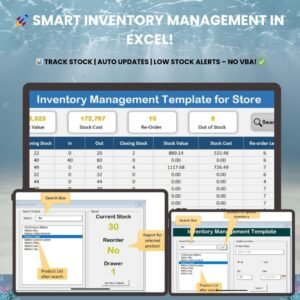
- 📗 Simpler alternative — Inventory Management Template for Store (lightweight, no VBA)
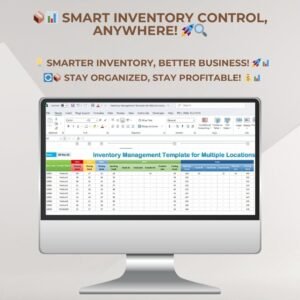
- 🏬 Multi-location — Inventory Management for Multiple Locations
- 🧾 Billing + Inventory — GST Billing Software V1.0 (invoicing + stock tracking in one tool)
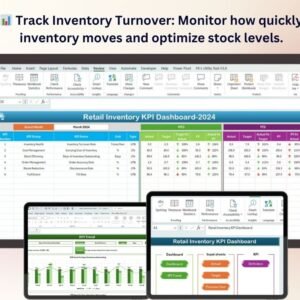
- 📊 KPI Dashboards — Inventory Accuracy, Retail Inventory, Warehouse Management, Out-of-Stock Rate
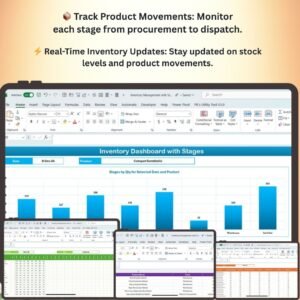
- 📦 Order & Stages — Order Management System V1.0, Inventory System with Product Stages
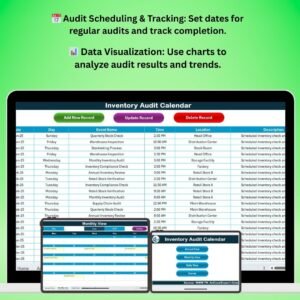
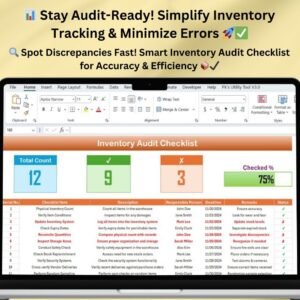
- 📋 Checklists & Calendars — Inventory Audit Checklist, Inventory Restocking Calendar
- 💰 Save 47% — Inventory & Warehouse Master Kit (8 Premium Templates)
- 🗂️ Browse all — all Inventory Management templates and all VBA Tools
Frequently Asked Questions
What is the Inventory Management System V3.0?
The Inventory Management System V3.0 is a VBA-powered Excel application that automates stock tracking, sales and purchase recording, reorder alerts, and report generation. It works entirely inside Microsoft Excel with no external software, internet, or monthly subscription required. It is the best Excel-based inventory management system for small and mid-sized businesses that want to move beyond manual spreadsheet tracking without investing in full ERP software.
How much does the Inventory Management System V3.0 cost?
The Inventory Management System V3.0 is priced at $19.99 as a one-time payment. There are no recurring fees, user limits, or internet dependencies. For reference, cloud inventory platforms typically charge $29–$249 per month, so a single year of this tool costs less than one month of most SaaS alternatives.
Does this inventory system require VBA or macros?
Yes. The Inventory Management System V3.0 uses Excel VBA for its login screen, navigation menu, data-entry UserForms, automatic stock calculations, and PDF/Excel report export. You need to enable macros when you open the file. Follow our step-by-step guide to enable macros in Excel.
Will this work on Mac or Google Sheets?
The system works best on Windows (Excel 2016, 2019, 2021, Microsoft 365). Mac versions of Excel have limited VBA support, so some features like PDF export and UserForms may not function fully. For a non-VBA cloud alternative, explore our Multi-Location Inventory Management in Google Sheets.
Can I track multiple product categories and set different reorder levels?
Yes. Every product in the Product Master can have its own category, purchase price, sale price, and custom reorder level. When stock for any product drops below its reorder threshold, the system highlights it automatically so you can act before running out.
How many products can this inventory system handle?
The Inventory Management System V3.0 comfortably handles hundreds to low-thousands of SKUs in a single workbook. For catalogs larger than 5,000 SKUs or businesses needing multi-warehouse tracking, upgrade to the Advanced Inventory Management System V1.0 which adds barcode support and warehouse-level stock views.
How is this different from the Advanced Inventory Management System?
The V3.0 system is designed for single-location businesses and focuses on core inventory operations: product master, transactions, reports, and reorder alerts. The Advanced Inventory Management System V1.0 adds multi-warehouse tracking, barcode scanning support, and more granular stock movement reporting for larger operations.
Can I export inventory reports to PDF?
Yes. The Reports module lets you generate stock reports filtered by date range, product, or transaction type, and export them to either a new Excel workbook or a print-ready PDF with one click — ready for management review, auditor handoff, or year-end reconciliation.
Is the login and password protection strong enough for my business?
The VBA login provides basic authentication to stop casual access and accidental edits. It is appropriate for single-user or small-team use where you trust the people on the network. For regulated industries (pharma, medical, finance) with strict compliance requirements, use cloud ERP with SOC 2-compliant authentication instead.
Is this a one-time purchase or a subscription?
One-time purchase. You pay once, download immediately, and own the tool for life. No recurring fees, no user limits, no cloud dependency.
Take Control of Your Inventory Today
Stop losing money to stockouts, overstocking, and manual tracking errors. The Inventory Management System V3.0 gives you a complete, automated inventory application inside Excel — with login security, VBA forms, one-click reports, and real-time stock updates. Click Add to Cart above for $19.99 and have your system running in under ten minutes.
📖 Read the detailed Inventory Management walkthrough on our blog
For step-by-step video tutorials, visit our YouTube channel: Youtube.com/@PKAnExcelExpert
Watch the Step-by-Step Video Tutorial
For related templates and reporting options, explore our supply chain and logistics template guide.
Official Help for Excel Macros
The login screen, forms and reports in this system run on VBA, so macros must be enabled when you open the file. Microsoft explains the steps in Enable or disable macros in Microsoft 365 files.









Reviews
There are no reviews yet.