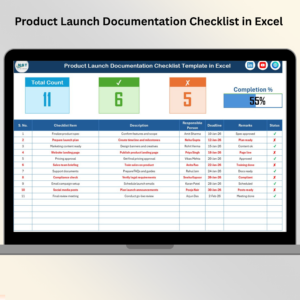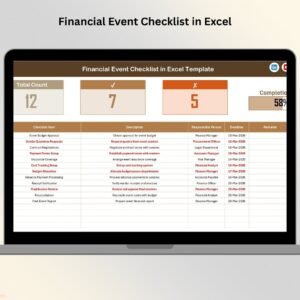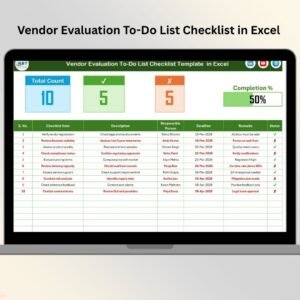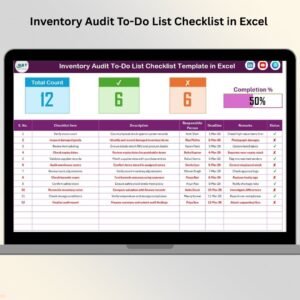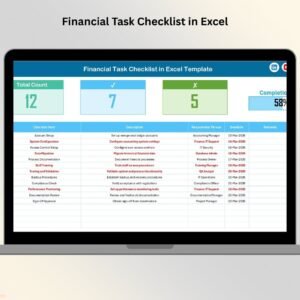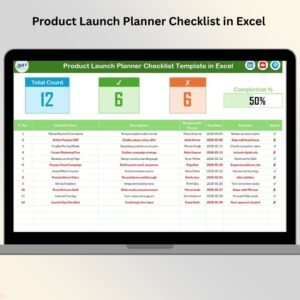

The Product Launch Review Checklist in Excel is a ready-to-use, professionally structured template designed to track every pre-launch task in one centralized sheet. Instead of relying on scattered emails or verbal follow-ups, you manage everything inside a clear and organized Excel system.
You do not just prepare for launch.
You control it.
Key Feature of Product Launch Review Checklist in Excel 📋🚀
This structured Excel template helps you monitor every critical launch activity with clarity.
✨ Automatic Progress Bar (Completion %)
📊 Total Task, Completed & Pending Counters
👤 Responsible Person Assignment (Dropdown)
📅 Deadline Tracking
✔ Simple Status Control (✔ / ✘)
📝 Remarks Column for Notes
📂 Structured Two-Sheet System
⚙ Fully Customizable Format
Because it runs in Excel, you can adapt it to any product type — physical goods, digital products, SaaS, manufacturing, or services.
What’s Inside the Product Launch Review Checklist in Excel 📁
This template includes 2 structured worksheets, each designed to maintain clarity and efficiency.
1️⃣ Product Launch Review Checklist Sheet – The Main Tracking Page
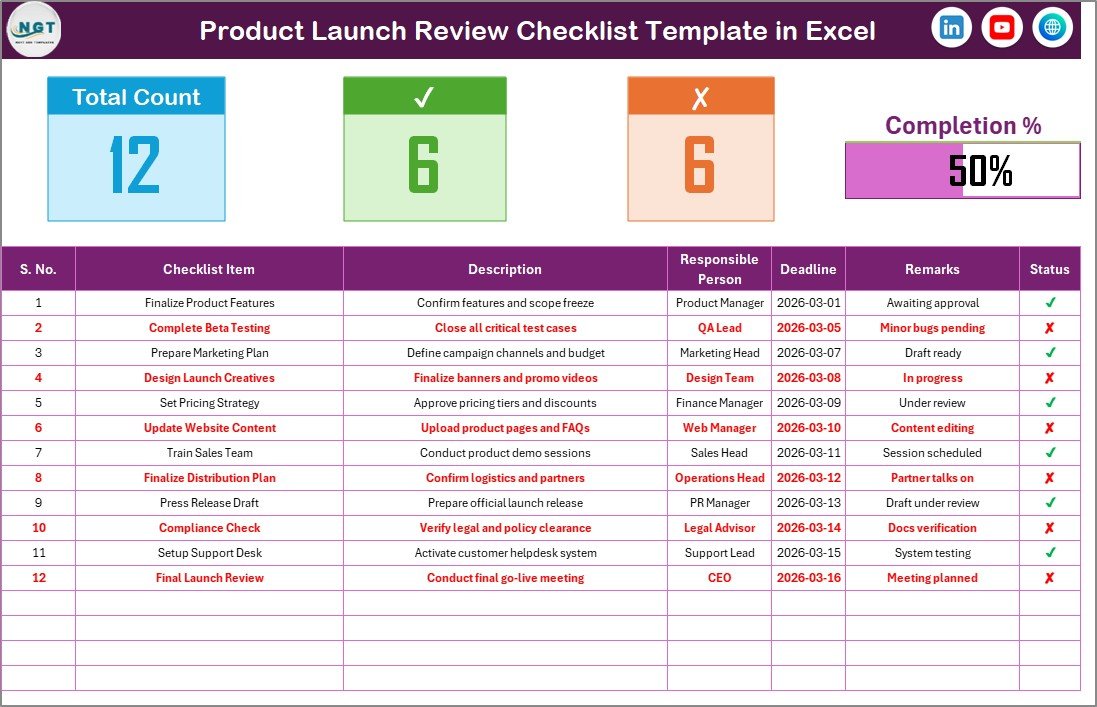
This is the core of the template.
It includes two major sections:
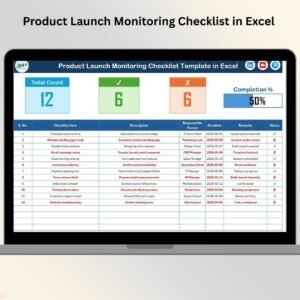
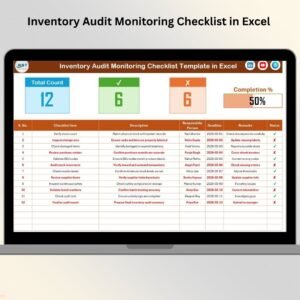
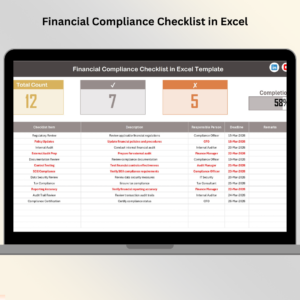
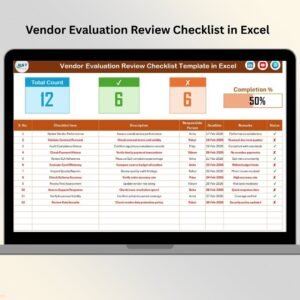
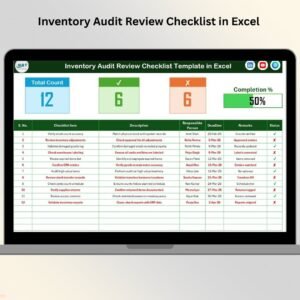
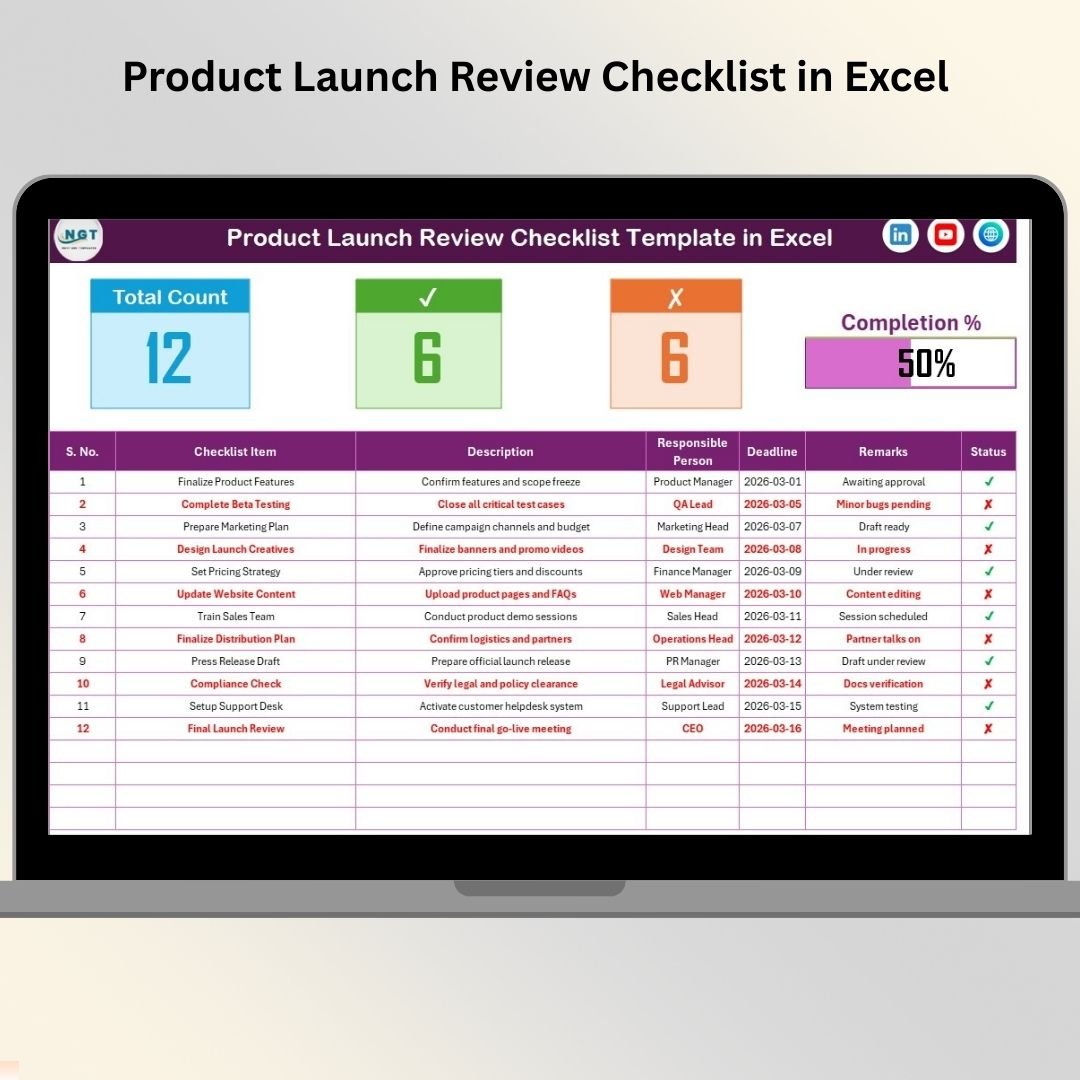
🔹 Top Summary Section – Instant Launch Readiness
At the top, you will see:
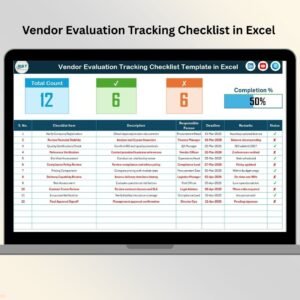
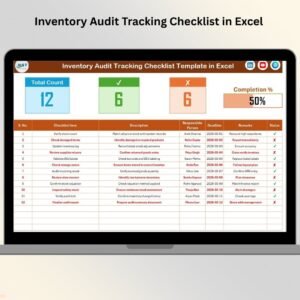
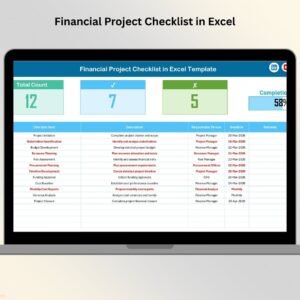
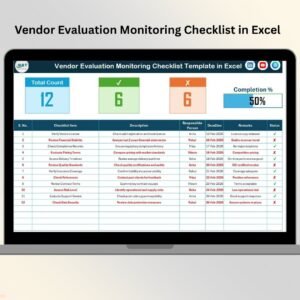
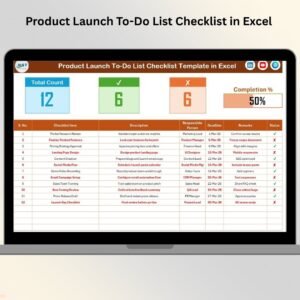
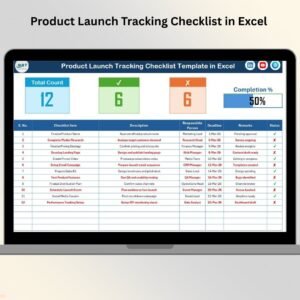
Total Task Count
Checked Count (Completed Tasks)
Crossed Count (Pending Tasks)
Progress Bar (Completion Percentage)
As soon as you update task status, the progress bar updates automatically.
For example:
If progress shows 90%, your launch is almost ready.
If progress shows 45%, you still need focused execution.
This section gives leadership instant visibility.
🔹 Checklist Table – Complete Task Control
Below the summary section, you manage all launch tasks.
Columns Included:
Serial No.
Checklist Item
Description
Responsible Person
Deadline
Remarks
Status (✔ / ✘)
Each column plays a critical role:
✔ Checklist Item defines the task clearly
👤 Responsible Person ensures accountability
📅 Deadline keeps execution on track
📝 Remarks provide real-time updates
✔ Status tracks completion
You simply mark ✔ for completed tasks and ✘ for pending tasks.
Because of this structured design, nothing gets missed.
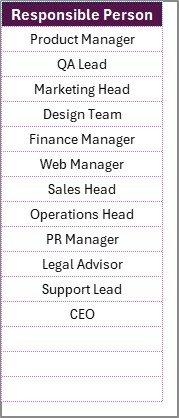
2️⃣ List Sheet – Responsible Person Setup
The second sheet stores the list of team members.
This sheet creates a drop-down menu in the main checklist.
Benefits:
Prevents spelling errors
Maintains standardized names
Simplifies data entry
Keeps reporting clean
If a new team member joins, simply add the name in the List sheet.
How to Use the Product Launch Review Checklist 🛠️
Using this template is simple and structured.
Step 1: Define All Launch Tasks
Include tasks such as:
Final product testing
Website updates
Marketing campaign setup
Sales training
Inventory readiness
Customer support preparation
Step 2: Assign Responsible Owners
Use the dropdown to assign one owner per task.
Clear ownership reduces confusion.
Step 3: Set Realistic Deadlines
Deadlines ensure focused execution.
Step 4: Update Status Regularly
Mark tasks ✔ once completed.
Review pending tasks weekly.
Step 5: Monitor the Progress Bar
Use the completion percentage as a launch readiness indicator.
Who Can Benefit from This Product Launch Review Checklist 👥
This template is ideal for:
✔ Startup Founders
✔ Product Managers
✔ Marketing Teams
✔ SaaS Companies
✔ E-commerce Businesses
✔ Manufacturing Firms
✔ Consultants
Whether you launch digital or physical products, this checklist keeps your team aligned.
How This Checklist Improves Launch Success 💡
When you use structured monitoring:
🚀 You avoid missed marketing activities
📦 You ensure inventory coordination
👥 You align cross-functional teams
📊 You reduce last-minute stress
📅 You improve deadline discipline
Instead of reacting to problems, you prevent them.
Small improvements in coordination create massive impact on launch performance.
Why Choose Excel for Launch Tracking? 📊
Excel offers:
✔ Easy customization
✔ No subscription cost
✔ Familiar interface
✔ Simple automation
✔ Shareable format
You do not need complex project management tools.
You need clarity — and Excel delivers it.
Launch with Confidence and Control 🚀
A product launch is not just about creativity.
It is about execution.
The Product Launch Review Checklist in Excel gives you:
📋 Structured task visibility
👤 Clear accountability
📅 Deadline monitoring
📊 Real-time progress tracking
⚙ Flexible customization
When you follow a structured checklist, you reduce risk and increase launch success rate significantly.
Stop guessing.
Start tracking.
Launch professionally — every time.
Click here to read the Detailed blog post
Visit our YouTube channel to learn step-by-step video tutorials
👉 https://youtube.com/@PKAnExcelExpert
Watch the step-by-step video tutorial:
Compatibility and Requirements
- Works in Microsoft Excel desktop (Excel 2016 or later, or Microsoft 365).
- You pick the responsible person for each task from a dropdown filled from the List sheet. Microsoft explains dropdowns in Create a drop-down list.
Frequently Asked Questions
How many sheets does the template have?
Two sheets: the Product Launch Review Checklist sheet and the List sheet. The List sheet holds the team member names used in the dropdown.
How is the completion percentage calculated?
The top of the checklist sheet shows the total task count, the checked count, the crossed count and a progress bar. They update when you change the status of a task to ✔ or ✘.
How do I assign a task to someone?
Add the person’s name to the List sheet. Then choose the name from the Responsible Person dropdown in the checklist table.
Which columns does the checklist table include?
Serial No., Checklist Item, Description, Responsible Person, Deadline, Remarks and Status.
Is there a Google Sheets version?
Yes. See the Product Launch Checklist in Google Sheets.
Related Product Launch Templates
- Product Launch Checklist Template in Excel: another launch checklist in Excel
- Product Launch Tracking Checklist in Excel: a checklist built for tracking launch tasks
- Product Launch Calendar in Excel: plan launch dates on a calendar
- Product Launch KPI Dashboard in Excel: a dashboard view of launch KPIs
- Product Launch Checklist in Google Sheets: the same topic in Google Sheets
Browse all Excel checklist templates.