

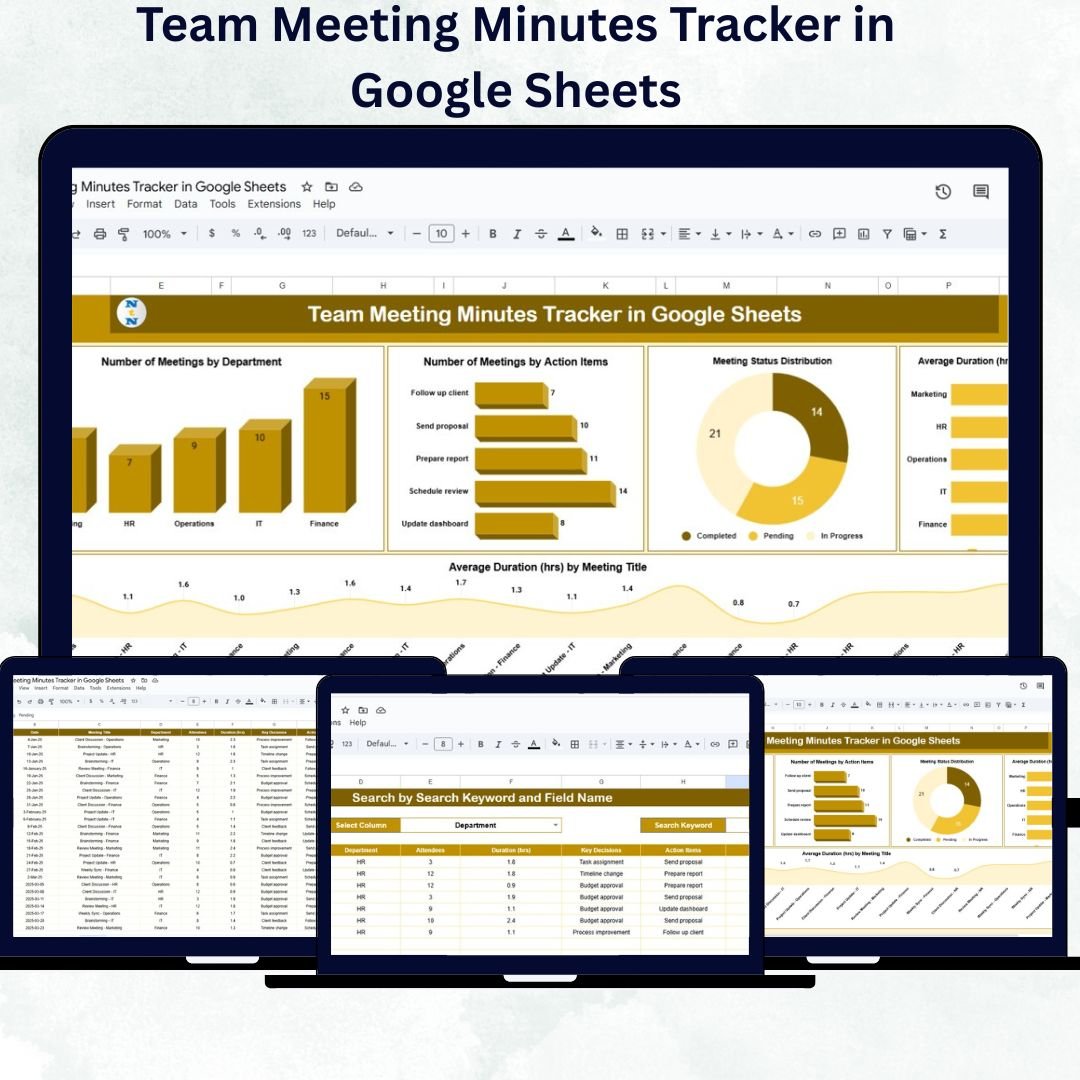

Managing meeting discussions, follow-ups, and assigned responsibilities can be challenging without a structured system. The Team Meeting Minutes Tracker in Google Sheets is a ready-to-use, smart, and interactive template designed to help organizations capture meeting outcomes, track action items, and ensure accountability with ease.
This cloud-based tracker simplifies the way you organize meeting minutes — turning scattered notes into a powerful, data-driven dashboard. It helps managers, project leads, and team coordinators visualize productivity, measure efficiency, and stay on top of pending tasks — all in real time.
🔑 Key Features of the Team Meeting Minutes Tracker in Google Sheets
📊 Tracker Sheet Tab
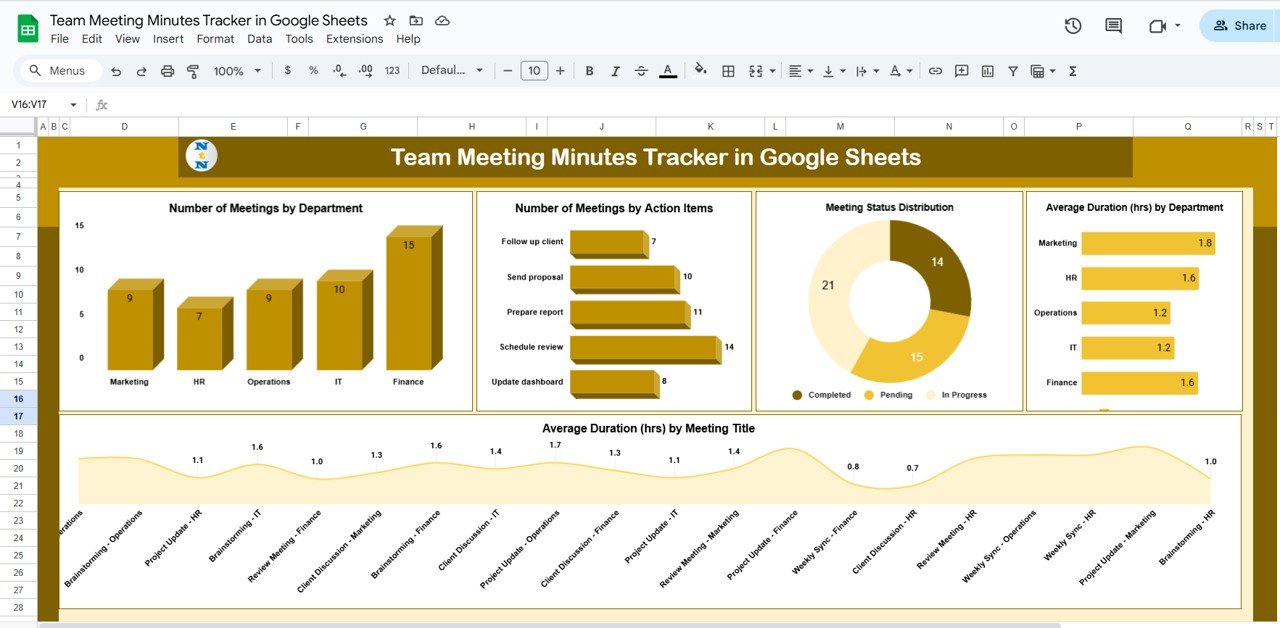
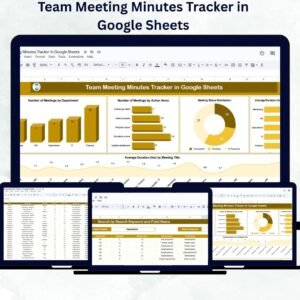
The main sheet is an all-in-one dashboard that combines meeting summaries, charts, and detailed data logs.
It provides:
Visual Analytics: See trends in meeting frequency, duration, and completion rate.
Interactive Charts:
🏢 Number of Meetings by Department – Identify which departments conduct the most meetings.
✅ Number of Meetings by Action Items – Monitor how many follow-ups are generated per meeting.
⏱️ Meeting Status Distribution – View ratios of Completed, Pending, and In-Progress meetings.
🕒 Average Duration by Department – Measure productivity through meeting length insights.
📋 Average Duration by Meeting Type – Compare planning, review, and strategy sessions.
It also allows users to quickly search and filter data for specific meetings, departments, or organizers — ensuring no discussion point is ever lost.
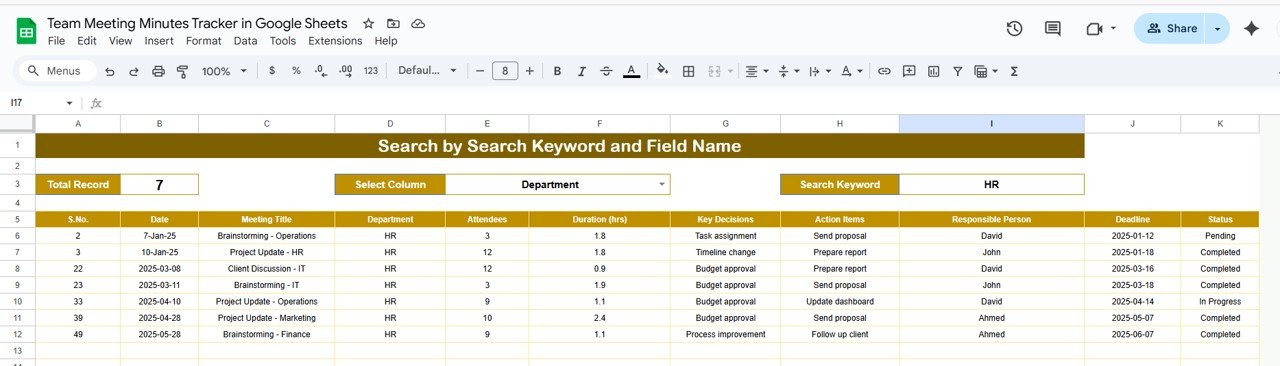
🔍 Search Sheet Tab
This tab helps you find information instantly without scrolling through hundreds of rows.
Keyword Search: Type any keyword (e.g., meeting title, topic, or action item) to find matching records.
Field Name Search: Filter results by columns such as Department, Organizer, or Status.
This makes reviewing historical meetings or follow-ups incredibly efficient — perfect for audit trails or progress evaluations.
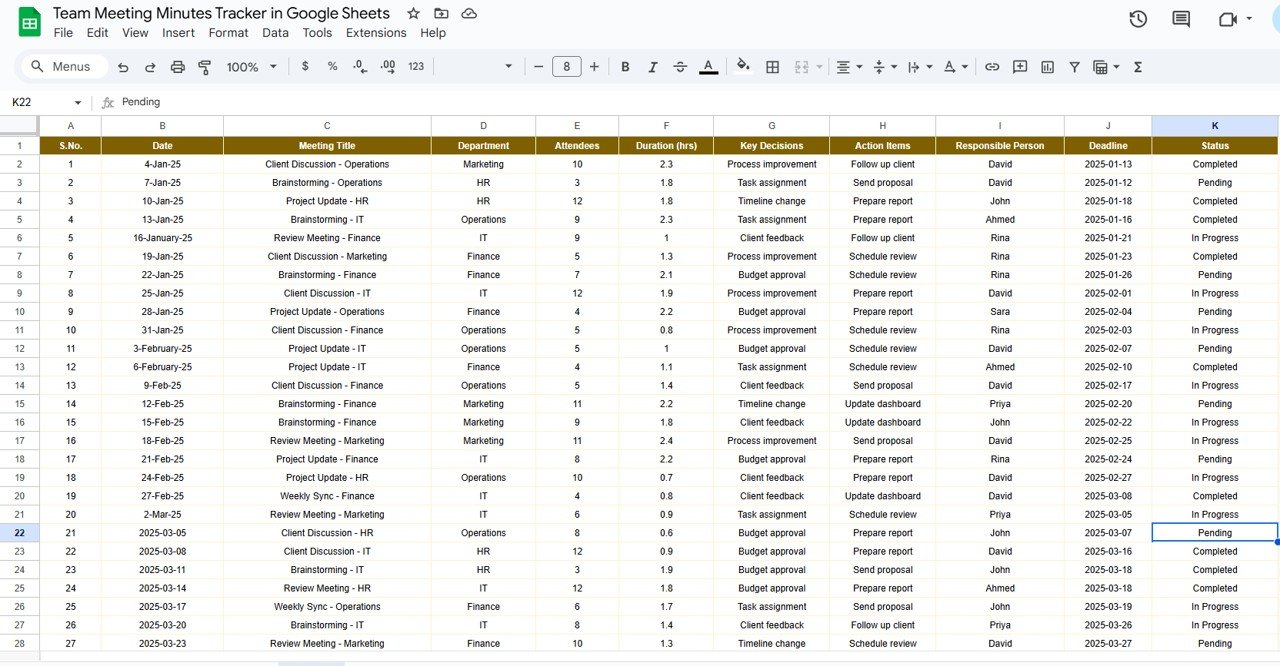
📑 Data Tracking Section
Each record includes essential details like:
Meeting Title | Department | Date | Duration | Organizer | Action Items | Responsible Person | Status | Notes
This structure creates accountability and transparency across departments and projects.
📦 What’s Inside the Template
✅ Tracker Sheet: Dashboard view with charts and data records
✅ Search Sheet: Instant filtering for targeted review
✅ Prebuilt Charts: Automatic visuals for performance tracking
✅ Dynamic Status Tracker: Color-coded statuses for progress monitoring
✅ Editable Columns: Add or rename fields to match your workflow
✅ Cloud Collaboration: Multiple users can edit in real time
This tracker transforms your regular meeting minutes into a smart productivity management system — all powered by Google Sheets.
👩💼 Who Can Use This Tracker
🏢 Project Managers: Record discussions, decisions, and deadlines across teams.
👥 HR & Admin Teams: Keep track of meetings related to operations and policy updates.
📈 Executives & Leaders: Review departmental efficiency and recurring topics.
📅 Coordinators: Assign and monitor completion of follow-up tasks.
💬 Remote Teams: Collaborate in real time with instant access to all meeting data.
🧠 How to Use the Team Meeting Minutes Tracker
Log Each Meeting: Fill in meeting title, department, organizer, and date.
Add Action Items: Assign tasks and set completion statuses.
Track Duration: Record time spent to assess productivity.
Monitor Progress: Use charts to visualize how meetings are evolving.
Search & Filter: Use the Search tab for quick access to past meetings or tasks.
No coding or technical setup required — the tracker works automatically as soon as data is entered.
🌟 Advantages of Using This Tracker
🗂️ Centralized Recordkeeping: Keep all meeting notes in one shared document.
🔍 Quick Search Access: Retrieve old discussions or pending tasks instantly.
📊 Visual Performance Insights: Charts display patterns in meeting activity.
✅ Accountability Made Simple: Assign responsibilities and track progress easily.
🤝 Real-Time Collaboration: Cloud-based editing for teams across departments.
⚙️ Fully Customizable: Modify columns, status names, and visuals to suit your workflow.
This tool eliminates communication gaps, improves transparency, and ensures every meeting leads to measurable action.
💡 Best Practices
Update meeting data immediately after each session.
Use consistent meeting titles for clarity.
Review monthly trends to evaluate meeting effectiveness.
Track completion rates to ensure timely follow-ups.
Share the tracker link with department heads for visibility and collaboration.
🚀 How It Improves Team Performance
Boosts Transparency: Everyone knows what was discussed and who’s responsible.
Saves Time: Quickly access previous meeting summaries and decisions.
Strengthens Accountability: Visual indicators track completion progress.
Encourages Collaboration: Departments can review shared updates in real time.
Increases Productivity: Helps focus on key outcomes and reduce redundant meetings.
🔗 Click here to read the Detailed blog post
Watch the step-by-step video Demo:
🔗 Visit our YouTube channel to learn step-by-step video tutorials
Compatibility and Requirements
- Works in Google Sheets with a free Google account and a web browser. Nothing to install.
- The charts on the Tracker sheet update from the meeting rows. Google’s guide to adding and editing charts explains how to adjust them.
Frequently Asked Questions
What does the Team Meeting Minutes Tracker record for each meeting?
Meeting title, department, date, duration, organizer, action items, responsible person, status and notes.
Which charts are included?
Number of meetings by department, number of meetings by action items, meeting status distribution, average duration by department and average duration by meeting type.
How do I find an old meeting?
Open the Search sheet and type a keyword such as a meeting title or action item, or search by a field such as Department, Organizer or Status.
Can my whole team edit it?
Yes. It is a Google Sheets file, so several people can edit it at the same time.
Is there an Excel version?
Yes, see the Team Meeting Minutes Tracker in Excel.
Related Meeting Templates
- Team Meeting Minutes Tracker in Excel: the same tracker in Excel.
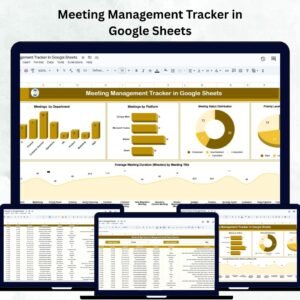
- Meeting Management Tracker in Google Sheets: plan and schedule meetings.
- Weekly Team Meeting Checklist in Google Sheets: prepare each weekly meeting.
- Meeting Feedback Tracker in Google Sheets: collect feedback after meetings.
- Corporate Meetings Calendar in Google Sheets: see the year’s meetings at a glance.
Browse all Google Sheets tracker templates or the Google Sheets project management templates.








Reviews
There are no reviews yet.