

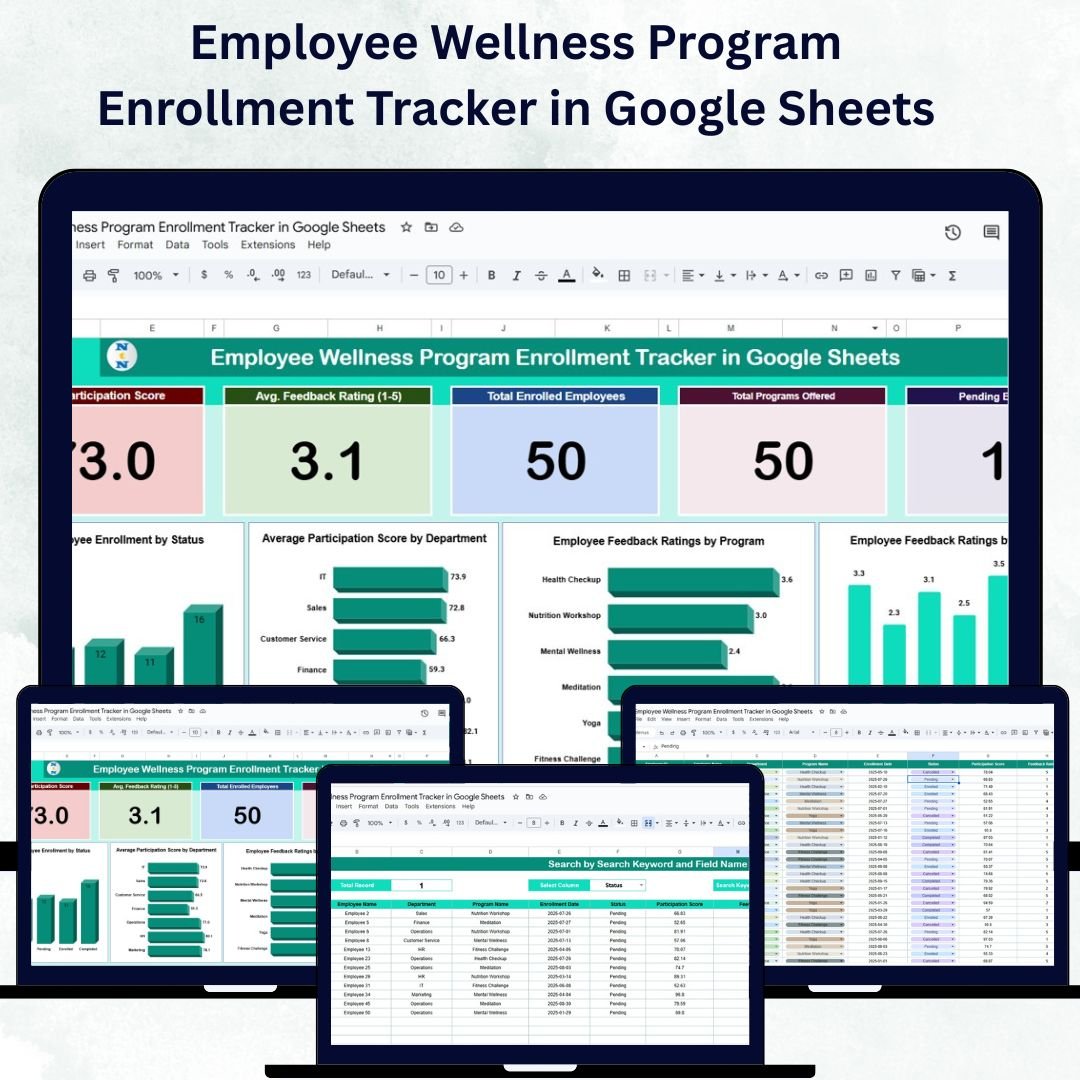

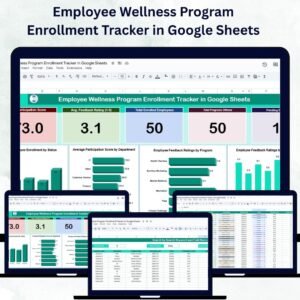
Healthy employees build strong organizations. The Employee Wellness Program Enrollment Tracker in Google Sheets is a ready-to-use, interactive solution designed to help HR teams track participation, monitor engagement, and measure the success of wellness programs.
Built entirely in Google Sheets, this tracker provides a centralized, collaborative, and visual approach to managing your organization’s wellness initiatives. Whether you’re running fitness challenges, mental health workshops, or nutrition programs, this tool helps you track enrollments, feedback, and engagement trends — all in one place.
🔑 Key Features of the Employee Wellness Program Enrollment Tracker in Google Sheets
📊 Tracker Sheet Tab
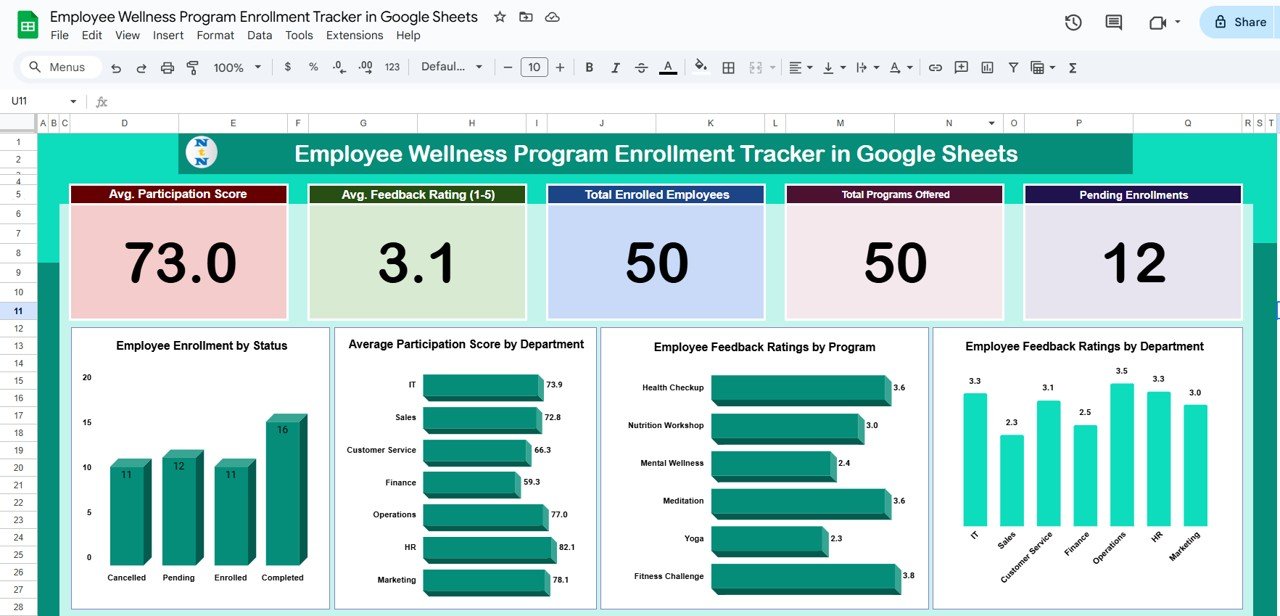
Gain instant insights into participation and engagement through dynamic visuals and key metrics:
Avg. Participation Score: Measures overall employee engagement in wellness programs
Avg. Feedback Rating (1–5): Tracks employee satisfaction and program quality
Total Enrolled Employees: Displays total active enrollments across programs
Total Programs Offered: Shows the number of wellness initiatives currently available
Pending Enrollments: Highlights incomplete or awaiting registrations
💡 Charts Section Includes:
Employee Enrollment by Status: Visualizes completed, pending, or ongoing enrollments
Participation Score by Department: Identifies engagement trends across departments
Feedback Ratings by Program: Evaluates satisfaction levels for each wellness initiative
Feedback Ratings by Department: Tracks how different departments perceive wellness efforts
These visuals make it easy for HR teams to pinpoint high-performing programs and areas needing improvement.
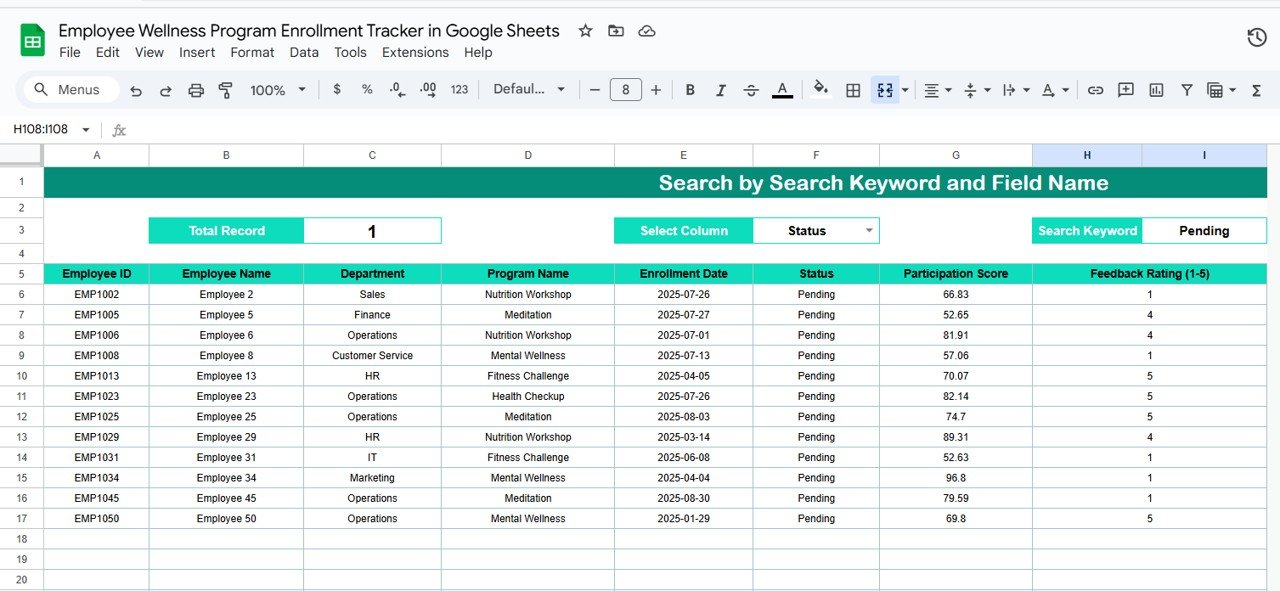
🔍 Search Sheet Tab
Simplify data access with smart search functionality:
Filter by Employee Name, Department, Program, or Status
Instantly view relevant enrollment records
Quickly monitor pending enrollments or follow-up requirements
This feature is especially useful for HR teams managing large employee bases and multiple wellness programs.
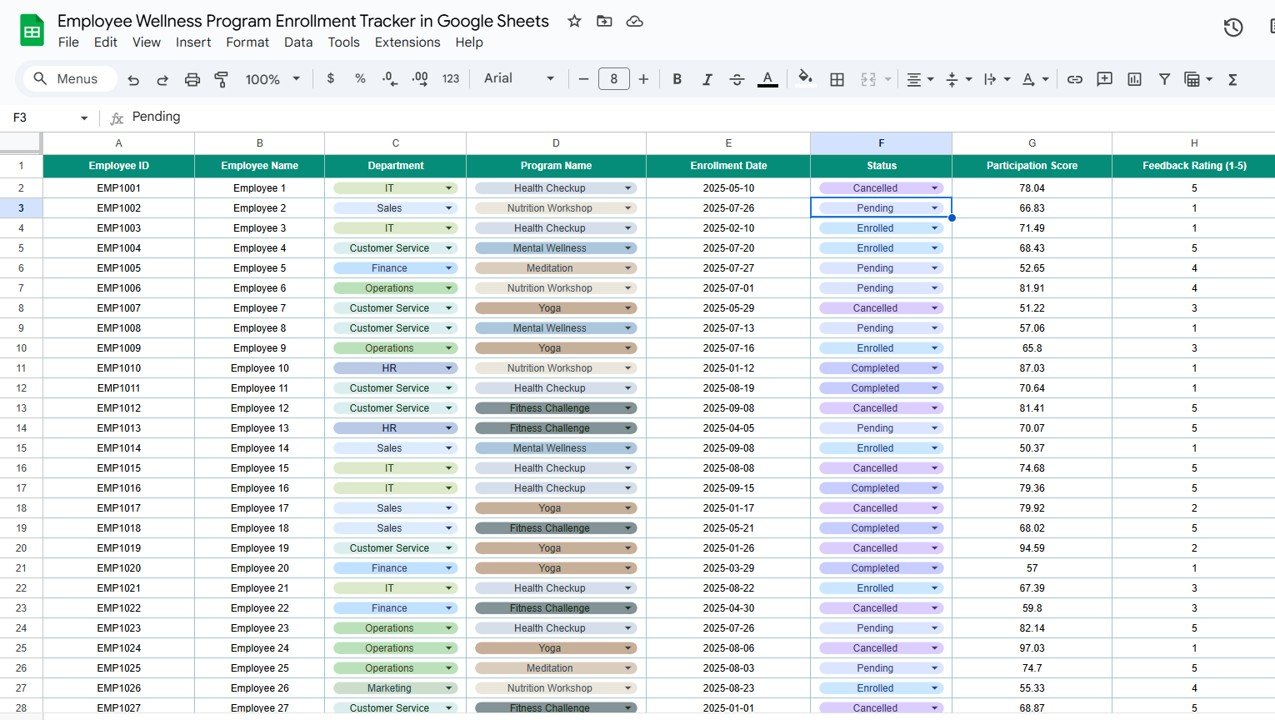
📋 Data Sheet Tab
The foundation of your tracker — record all enrollment data in a structured format:
Fields include Employee Name, Department, Program Name, Enrollment Status, Participation Score, Feedback Rating, and Comments
Automatically updates dashboard metrics and charts in real time
Provides a clean, organized database for long-term program tracking
💡 Advantages of Using the Employee Wellness Program Enrollment Tracker
✅ Centralized Tracking: All program enrollments, participation scores, and feedback in one place
📈 Real-Time Insights: Charts and summaries auto-update as data changes
🤝 Collaborative Platform: Multiple HR users can edit and track data simultaneously
🧠 Data-Driven Decisions: Identify engagement gaps and design better wellness initiatives
📊 Visual Reporting: Present ready-to-use charts for management reports
🕒 Time-Saving Automation: No manual calculations — formulas and visuals update automatically
❤️ Employee-Centric Focus: Gain actionable insights to improve workplace well-being
This tracker helps organizations create a culture of health by simplifying program management and performance measurement.
🧠 Best Practices for Using the Tracker
Update Data Promptly: Record new enrollments and participation updates regularly
Collect Feedback Consistently: Ensure every program has corresponding employee feedback
Segment by Department: Compare engagement and satisfaction across teams
Follow Up on Pending Enrollments: Encourage full participation through reminders
Review Monthly Trends: Identify participation drops or satisfaction improvements over time
Customize Programs: Use trend data to refine wellness offerings and focus on what employees value most
🏢 How This Tracker Helps HR Teams
Monitor Program Effectiveness: Track participation and feedback scores at a glance
Identify Popular Programs: Determine which initiatives drive the highest engagement
Improve Employee Engagement: Recognize underperforming areas and adapt programs
Generate Reports Instantly: Export visuals for leadership presentations or HR reports
Enhance Workplace Wellness: Use real data to design programs that improve employee health and morale
The Employee Wellness Program Enrollment Tracker in Google Sheets is your all-in-one digital partner for tracking, analyzing, and optimizing wellness initiatives that truly make a difference.
👥 Who Can Benefit from This Tracker
💼 HR Managers: Measure employee engagement and satisfaction
🏋️ Wellness Coordinators: Track participation trends across programs
📈 Leadership Teams: Assess ROI and effectiveness of wellness efforts
🧘♂️ Health Coaches: Understand participation drivers and feedback metrics
🏢 Corporate Teams: Foster a culture of well-being through measurable insights
🔗 Click here to read the Detailed blog post
Watch the step-by-step video Demo:
🔗 Visit our YouTube channel to learn step-by-step video tutorials
Compatibility and Requirements
- Works in Google Sheets. You need a free Google account and a web browser.
- The Tracker sheet shows its metrics and charts, so the page is easy to read at a glance. Google explains how charts work in Add and edit a chart or graph.
Frequently Asked Questions
Which sheets are included?
Three sheets: Tracker, Search and Data. The Tracker sheet has the metrics and charts, the Search sheet filters records, and the Data sheet holds every enrollment record.
What do I enter on the Data sheet?
Enter Employee Name, Department, Program Name, Enrollment Status, Participation Score, Feedback Rating and Comments for each enrollment. The Tracker sheet metrics and charts update from these records.
Which metrics does the Tracker sheet show?
It shows Avg. Participation Score, Avg. Feedback Rating (1-5), Total Enrolled Employees, Total Programs Offered and Pending Enrollments.
Which charts are included?
Four charts: Employee Enrollment by Status, Participation Score by Department, Feedback Ratings by Program and Feedback Ratings by Department.
How do I find one employee or program?
Use the Search sheet. You can filter by Employee Name, Department, Program or Status to see the matching enrollment records.
Is there an Excel version?
Yes. See the Employee Wellness Program Enrolment Tracker in Excel.
Related Employee Wellness Templates
- Employee Wellness Program Enrolment Tracker in Excel: the same tracker for Excel
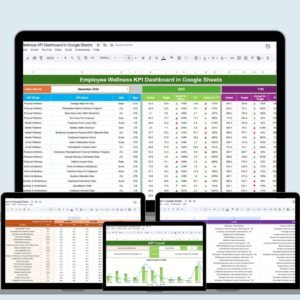
- Employee Wellness KPI Dashboard in Google Sheets: wellness KPIs in a dashboard
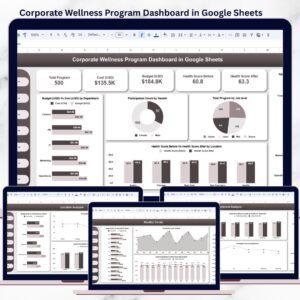
- Corporate Wellness Program Dashboard in Google Sheets: a program-level view
- Employee Attendance Tracker in Google Sheets: attendance records for your team
- HR Google Sheets Pack: 10 HR templates in one download
Browse all Google Sheets trackers.
































Reviews
There are no reviews yet.