

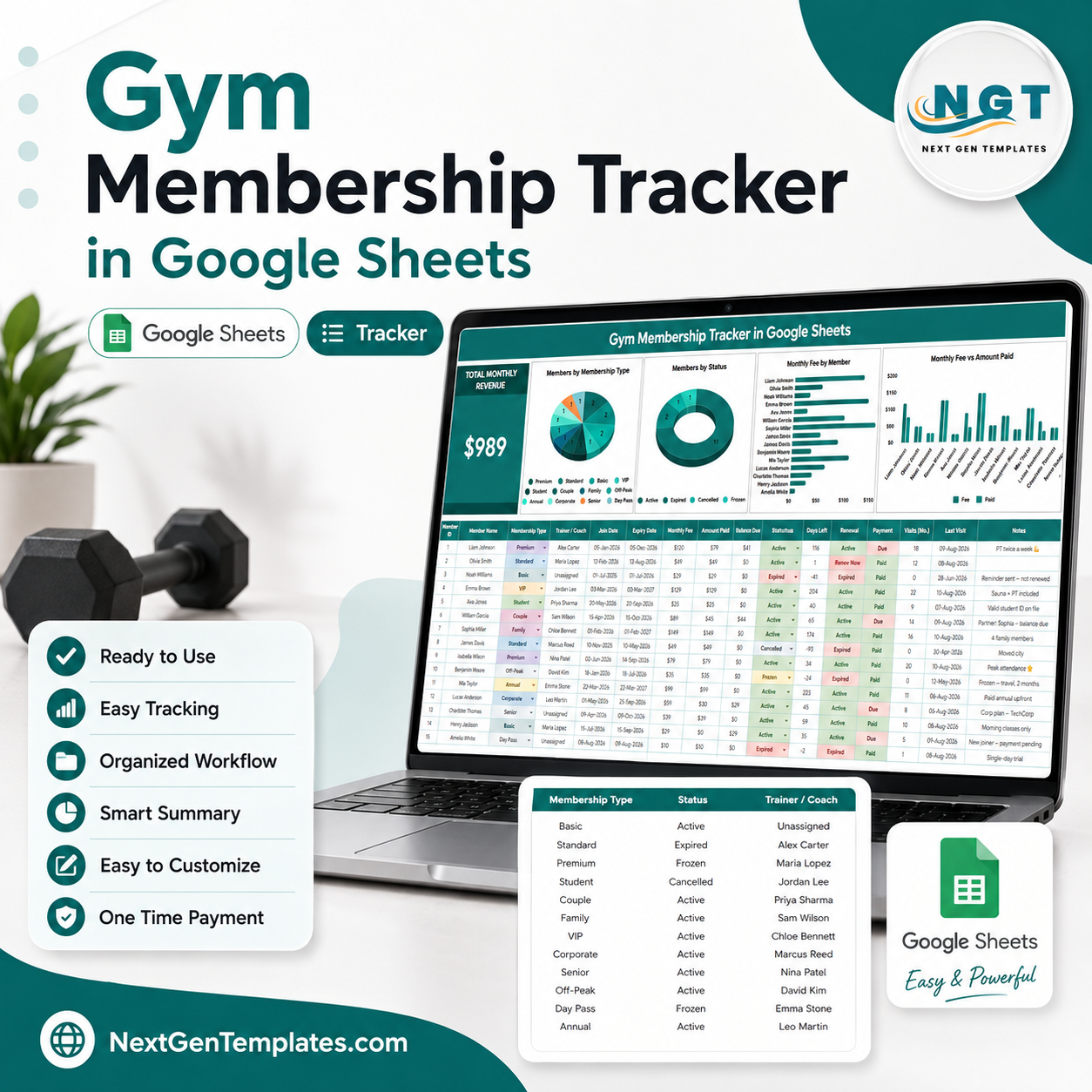
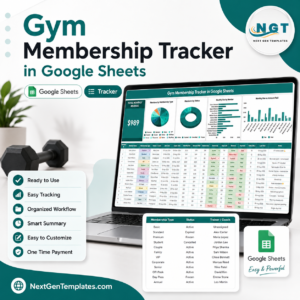
Gym Membership Tracker in Google Sheets gives gym owners, studio managers, personal training teams, and membership coordinators a ready-to-use tracking file with 2 practical sheets, 1 revenue card, 4 overview charts, multiple slicers, and 3 support-list sections. Instead of rebuilding a member register from scratch, you can copy the Google Sheet, replace sample records, and review monthly revenue, membership mix, status, trainer assignment, monthly fees, and amount paid in one shared workspace. Built by PK for a 300K+ subscriber audience, this $6.99 one-time template has no monthly software fee, no per-user charge, and a low-risk Google Sheets workflow you can edit before using with live gym records.
Key Features of Gym Membership Tracker in Google Sheets
- Total Monthly Revenue card: See expected membership income at the top of the Overview Page.
- 4 ready charts: Analyze members by membership type, member status, monthly fee by member, and monthly fee versus amount paid.
- Interactive slicers: Filter the dashboard quickly during billing, retention, or trainer-review meetings.
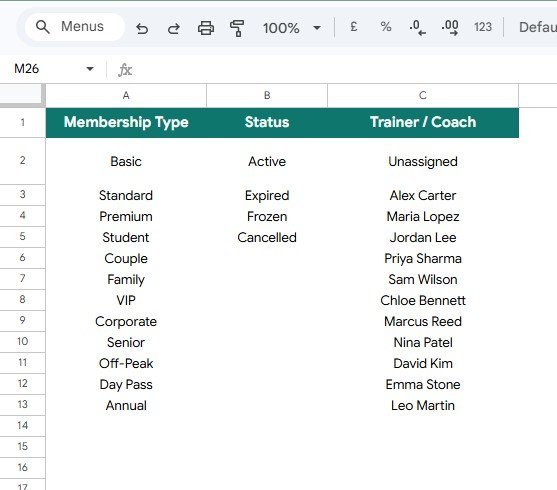
- Support List Sheet: Keep membership categories, status values, and trainer or coach assignment lists organized.
- Google Sheets native: Copy the file to Drive, share with your team, and update it from a browser.
- Editable tracker format: Change labels, lists, sample rows, and formulas to match your gym workflow.
- Payment follow-up view: Compare the monthly fee and amount paid by member to spot underpayments.
- Useful for small teams: Built for gyms, studios, clubs, fitness coaches, and recreation operators.
- One-time purchase: Get the tracker without subscribing to another gym management platform.
What’s Inside the Gym Membership Tracker in Google Sheets
1 – Overview Page
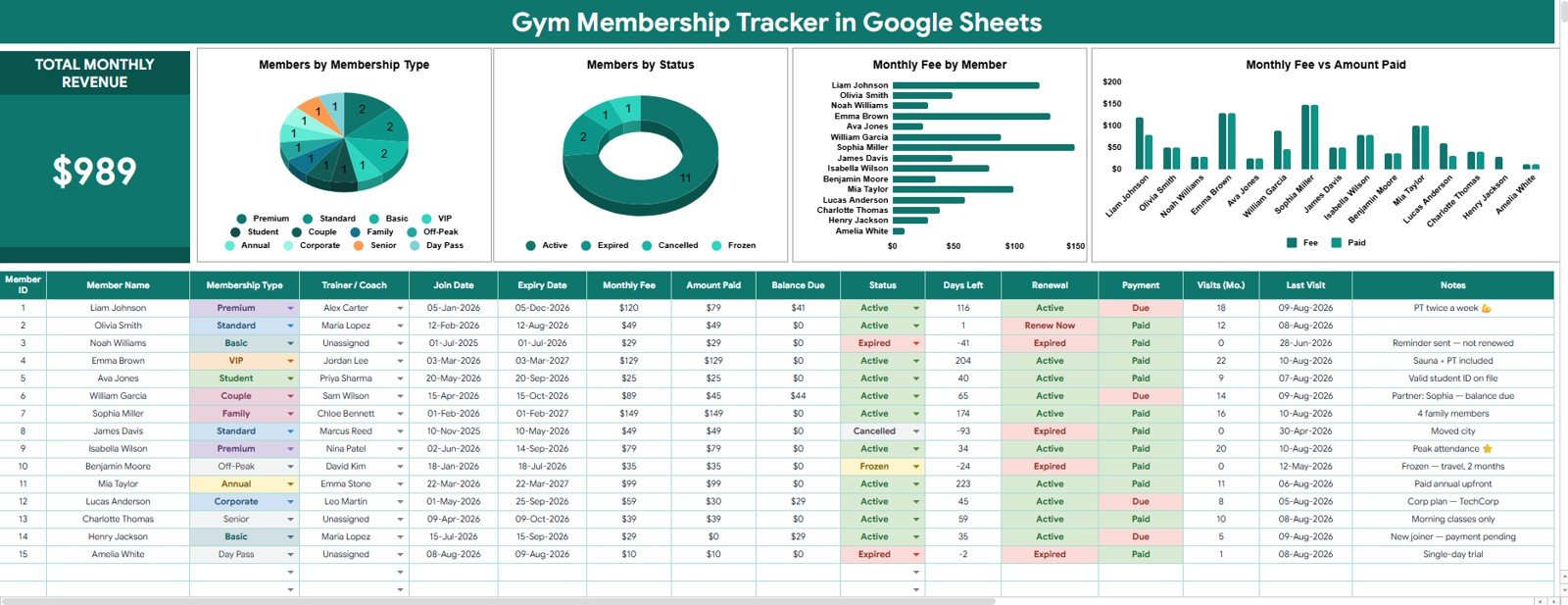
The Overview Page is the main dashboard tab. It shows the high-level Total Monthly Revenue card at the top, then uses charts and slicers so you can filter the membership data quickly by the fields that matter during review.
Total Monthly Revenue: This card summarizes expected monthly membership revenue from the records in the tracker. It gives owners and managers a fast starting point before looking at individual members or payment gaps.
Members by Membership Type: This chart shows how your member base is split across plan types such as monthly, quarterly, annual, student, family, corporate, or custom memberships. Use it to understand which offers are driving signups and where pricing or promotion may need attention.
Members by Status: This chart groups members by status, such as Active, Inactive, Paused, Cancelled, Trial, or Renewal Due. It helps managers separate healthy membership volume from accounts that need follow-up.
Monthly Fee by Member: This view compares the monthly fee attached to each member. It is useful for finding high-value memberships, discounted accounts, and unusual fee entries before monthly billing review.
Monthly Fee vs Amount Paid by Member: This chart places expected fee and paid amount side by side for each member. It helps you identify unpaid balances, partial payments, and records that need correction.
2 – Support List Sheet
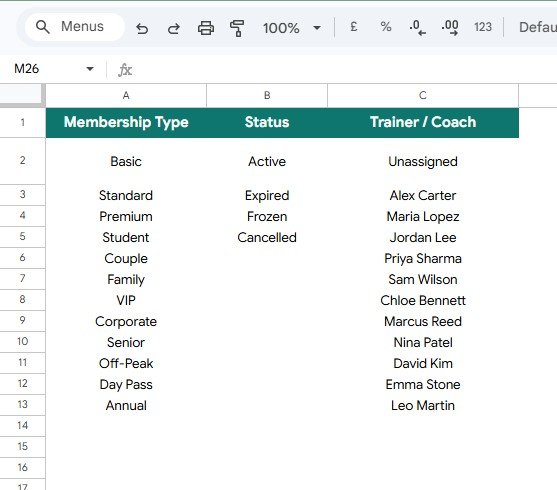
The Support List Sheet stores the values that make the tracker easier to maintain. Instead of typing free-form labels differently each time, you can manage the standard dropdown choices in one place.
Membership Type by Category: This list keeps plan categories consistent so the Overview Page can report members by membership type cleanly.
Status by Membership State: This list defines the membership states used for filtering and status analysis.
Trainer / Coach by Assignment List: This list supports trainer or coach assignments, making it easier to review member ownership and service responsibility.
Gym Membership Tracker in Google Sheets vs. Microsoft Excel vs. Paid CRM/SaaS – Where This Fits
| Feature | This Google Sheets tracker | Microsoft Excel tracker | Paid gym SaaS |
|---|---|---|---|
| Cost | $6.99 one-time sale price | Template cost plus Excel access | Monthly or annual subscription |
| Platform | Google Sheets in Drive | Excel desktop or Microsoft 365 | Vendor-hosted app |
| Setup time | Copy file, edit lists, enter members | Download workbook and configure | Account setup, imports, and training |
| Real-time team collaboration | Built into Google Drive sharing | Best with OneDrive or SharePoint | Usually included by plan |
| Mobile access | Google Sheets app or browser | Excel mobile app or web viewer | Usually included |
| Customizable fields | Edit sheets, lists, formulas, and labels | Editable if workbook is unlocked | Limited by vendor settings |
| Share with link | Yes, with Drive permissions | Yes, with Microsoft sharing | Usually account based |
| Year-1 cost at 5 users | $6.99 before any optional Workspace cost | Template plus license costs | Often hundreds or thousands |
| Membership fee tracking | Monthly fee and amount paid by member | Depends on workbook design | Usually included, but less editable |
Who This Template Is For – and Who It’s Not For
This tracker is for small gyms, boutique fitness studios, yoga or pilates studios, martial arts clubs, personal training teams, community recreation teams, and admin staff who need a simple membership register with quick fee and status reporting.
It is not a live access-control system, payment processor, booking app, class scheduling platform, automated invoice system, or member portal. If you need card payments, door entry, recurring billing, SMS reminders, waiver signatures, or branded member logins, use this template as a reporting layer beside your operational tools.
How to Use the Gym Membership Tracker in Google Sheets
- Open the PDF guide in your download and create your own Google Sheets copy.
- Go to the Support List Sheet and update membership types, status values, and trainer or coach names.
- Add or replace member records using the same column structure as the sample data.
- Open the Overview Page and review Total Monthly Revenue first.
- Use slicers to filter by membership type, status, trainer, coach, or other available fields.
- Check Monthly Fee vs Amount Paid by Member to find payment gaps before follow-up.
Real-World Use Cases
Maya, boutique gym owner: checks Total Monthly Revenue and Members by Status before deciding which paused or renewal-due members need a call.
Daniel, studio admin: reviews Monthly Fee vs Amount Paid by Member every Friday to identify partial payments and update member notes.
Aisha, trainer coordinator: uses the trainer and coach assignment list to keep member ownership clear when the gym adds new coaches.
Frequently Asked Questions
What does this tracker monitor?
It monitors member records, membership type, membership status, trainer or coach assignment, monthly fee, amount paid, total monthly revenue, and support-list values.
Does it work in Google Sheets?
Yes. The tracker is built for Google Sheets and can be copied into your own Google Drive account.
Can I edit the membership types and statuses?
Yes. The Support List Sheet lets you adjust membership type categories, status values, and trainer or coach names.
Does it collect payments automatically?
No. This is a tracking and reporting template, not a payment gateway or billing automation system.
Can multiple staff members use it?
Yes. You can share the copied Google Sheet with viewers or editors through Google Drive permissions.
Is this only for gyms?
No. It can also work for yoga studios, pilates studios, martial arts schools, coaching programs, and other membership-based fitness teams.
About the Author
Built by PK – Microsoft Certified Professional with 15+ years of Excel, Google Sheets, and Power BI experience. Founder of NextGenTemplates, reaching 300K+ subscribers across YouTube channels. Every template is hand-built and tested before release.
Explore Related Templates
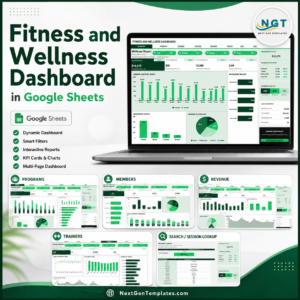
- Fitness and Wellness Dashboard in Google Sheets for deeper session, trainer, revenue, and wellness reporting.
- Sports and Recreation Dashboard in Google Sheets for broader facility, booking, and activity analysis.
- Fitness Trainer Dashboard in Google Sheets for trainer performance and client-session reporting.
- Subscription and Membership Tracker in Google Sheets for recurring cost and renewal tracking.
- Browse more Google Sheets templates and Google Sheets tracker templates.
Use the Gym Membership Tracker in Google Sheets to review member status, membership type, trainer assignment, monthly fees, amount paid, and total monthly revenue in one editable file.
Watch the step-by-step video Demo:
Last updated: August 11, 2026.
































Reviews
There are no reviews yet.