

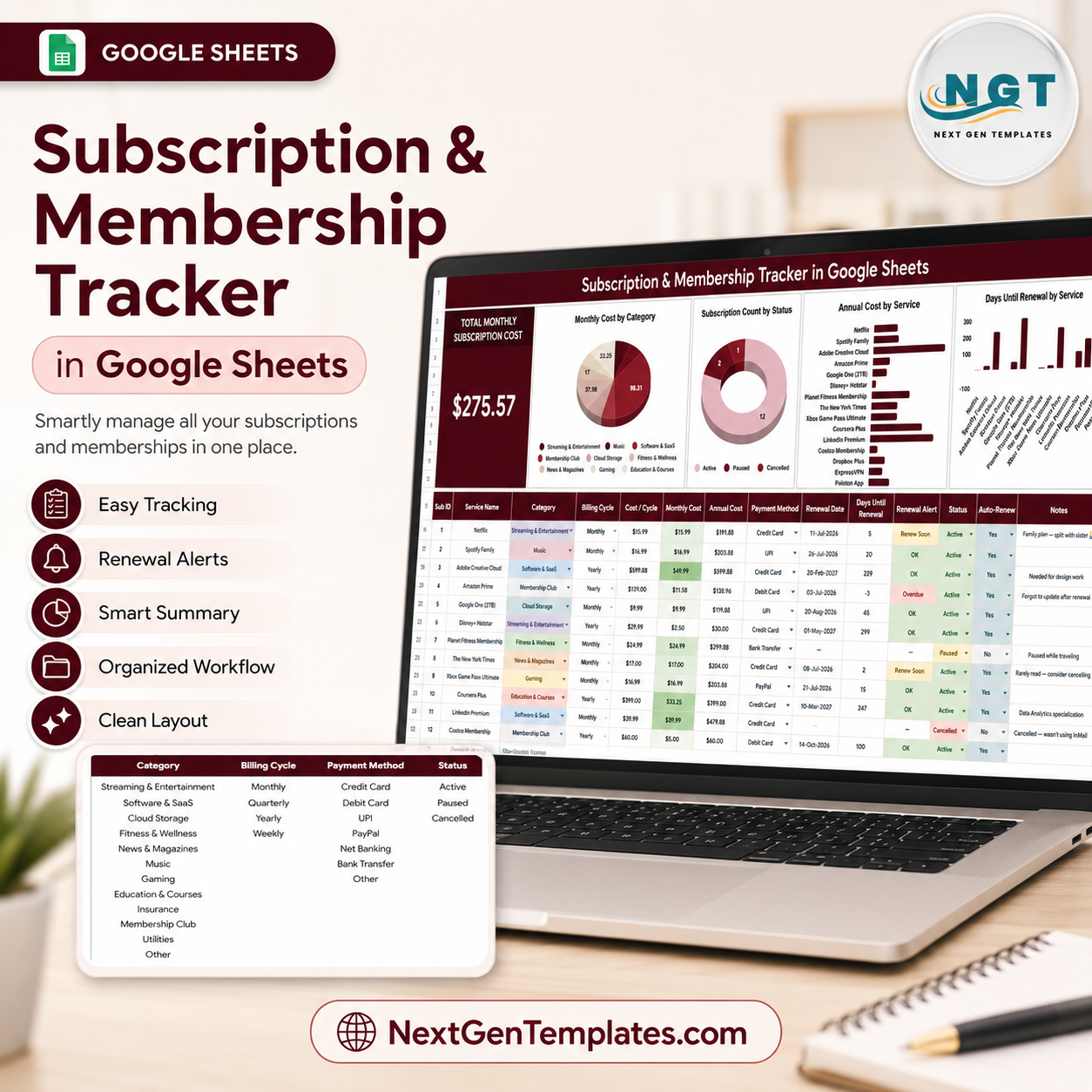
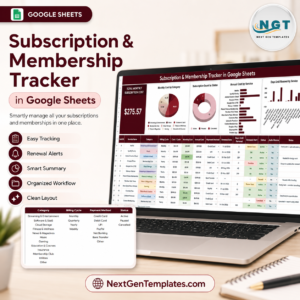
The Subscription and Membership Tracker in Google Sheets helps you monitor recurring subscriptions, memberships, billing cycles, payment methods, status, and upcoming renewals in one editable spreadsheet. It is designed for households, freelancers, creators, small businesses, and teams that want better control over monthly recurring costs without paying for another subscription app.
Use the overview dashboard to review total monthly subscription cost, category spend, service-level annual cost, active or inactive status, and days until renewal. Built-in charts and slicers make it easy to filter the dashboard quickly, compare recurring expenses, and decide which services to keep, pause, cancel, or renegotiate.
NextGenTemplates is trusted by 8,400+ customers across 40+ countries for one-time-purchase business templates in Excel, Google Sheets, Power BI, and HTML. This tracker gives you an affordable, reusable system with no monthly software fee and no per-user pricing.
Key Features
- Total monthly cost KPI card to summarize recurring spend at a glance.
- Dashboard charts for monthly cost by category, subscription status, annual cost by service, and renewal timing.
- Multiple slicers to filter the overview quickly by the fields that matter most.
- Dropdown list sheet for category, billing cycle, payment method, and status options.
- Renewal planning fields to spot subscriptions due soon before they auto-renew.
- Editable Google Sheets format that can be copied to your own Google Drive.
- One-time purchase with no monthly app fee.
What’s Inside the Template
1. Overview Page
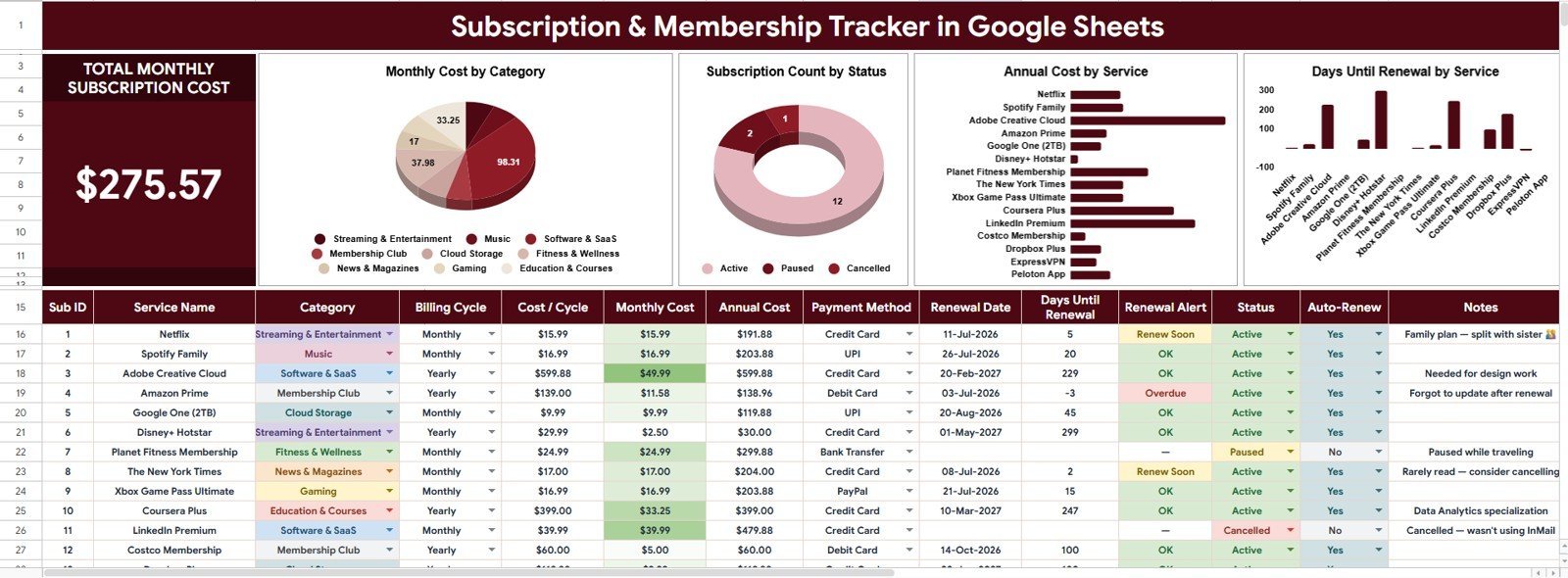
The Overview Page is the main dashboard for high-level subscription and membership analysis. At the top, the Total Monthly Subscription Cost card shows the combined monthly recurring cost so you can understand your baseline commitment before reviewing individual services.
Total Monthly Subscription Cost
This card gives you the headline monthly spend across your tracked subscriptions and memberships. Use it as the first checkpoint when reviewing budgets, reducing duplicate tools, or planning renewals.
Monthly Cost by Category
This chart groups recurring monthly cost by category, such as software, entertainment, utilities, professional memberships, or business tools. It helps you see which spending areas are driving the largest monthly commitment.
Subscription Count by Status
This chart shows how many services are active, paused, cancelled, trial, or under review. It helps you quickly separate current commitments from items that may no longer need attention.
Annual Cost by Service
This chart converts each service into an annualized cost view so smaller monthly charges do not hide their long-term impact. It is useful for ranking services by true yearly cost and finding the easiest savings opportunities.
Days Until Renewal by Service
This chart highlights how soon each service is due for renewal. Use it to prioritize cancellation decisions, plan cash flow, and avoid last-minute renewal surprises.
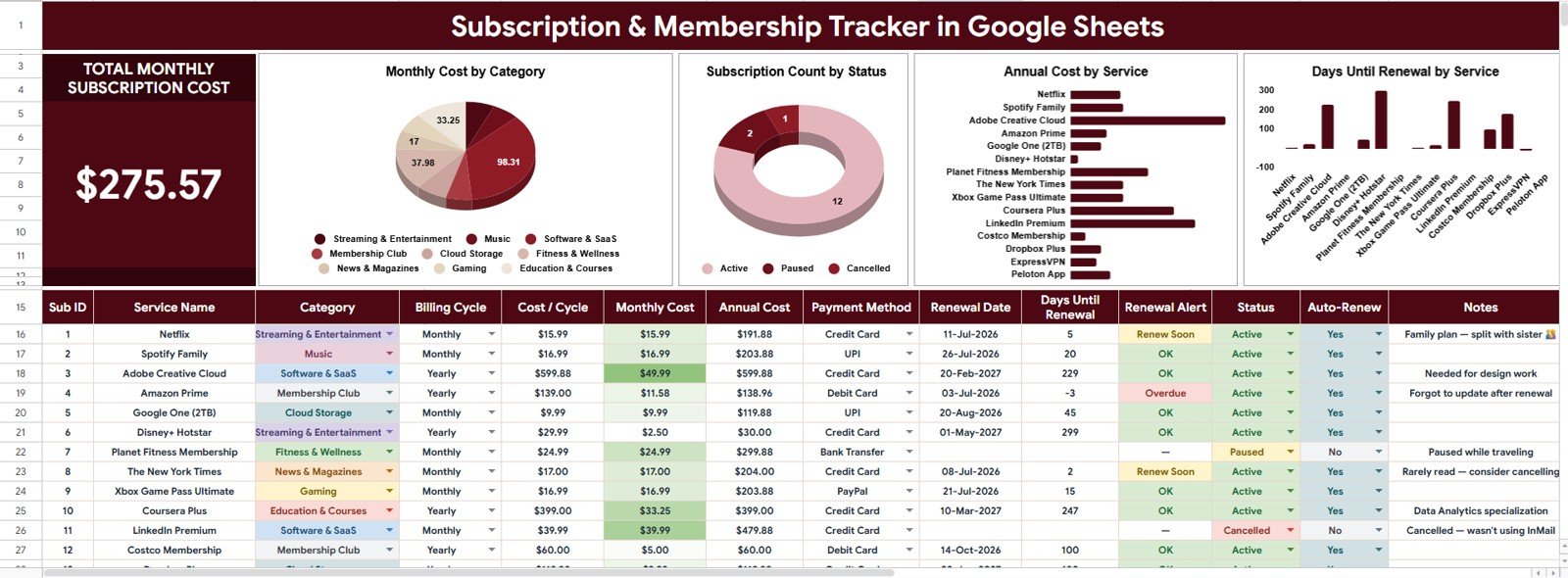
Subscription and Membership Tracker in Google Sheets
2. Dropdown Lists Sheet
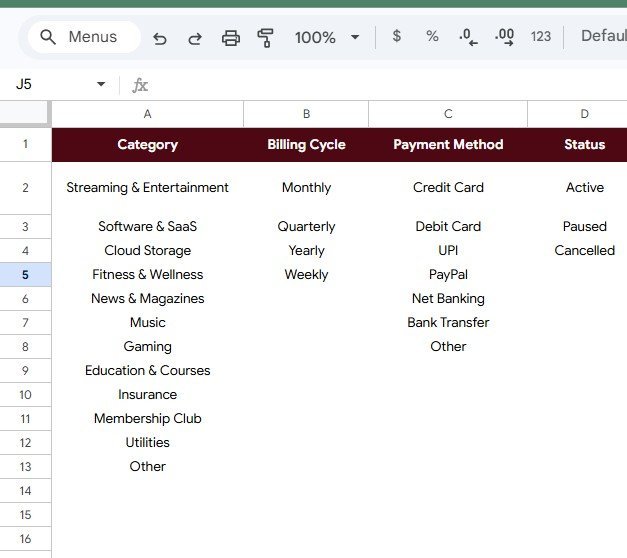
The Dropdown Lists Sheet keeps your tracker consistent by centralizing the options used in data entry and analysis. Instead of typing different versions of the same category, billing cycle, payment method, or status, you can use structured dropdown values that make charts and slicers easier to maintain.
Subscription Options by Category
This section organizes subscription categories so each service can be grouped correctly for reporting. It supports cleaner analysis when comparing spend across personal, household, or business areas.
Renewal Frequency by Billing Cycle
This section standardizes billing cycle options such as monthly, quarterly, semiannual, annual, and custom frequencies. It helps the tracker calculate and compare recurring costs more consistently.
Payment Options by Payment Method
This section lists payment methods such as credit card, debit card, bank transfer, PayPal, or other accounts. It is helpful when deciding which cards or accounts are tied to recurring payments.
Subscription State by Status
This section defines status options so every service has a clear state. You can track active subscriptions, cancelled services, paused memberships, trials, and items that need review.
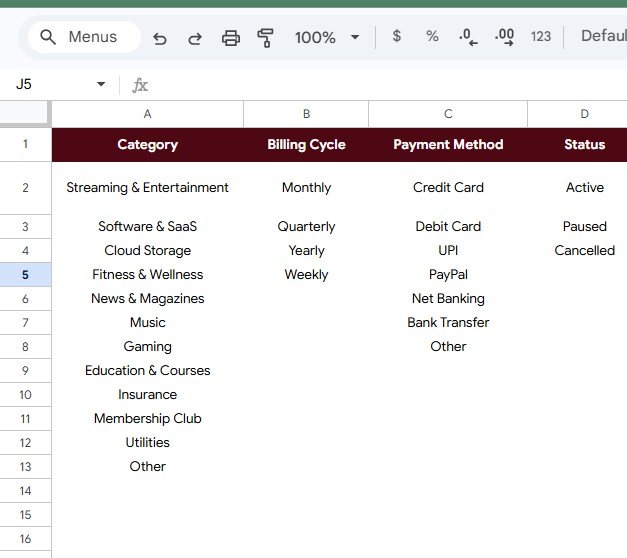
Dropdown Lists Sheet
Google Sheets Tracker vs. Excel Tracker vs. Paid Apps
| Feature | This Google Sheets Tracker | Basic Excel Tracker | Paid Subscription App |
|---|---|---|---|
| Cost | One-time $6.99 purchase | Usually free or manual | Often monthly or annual |
| Collaboration | Easy sharing through Google Drive | Depends on file sharing setup | Usually account based |
| Dashboard view | Built-in KPI card, charts, and slicers | Usually requires setup | Included, but less editable |
| Customization | Editable categories, statuses, and fields | Editable, but often less structured | Limited by app settings |
| Best fit | People who want control without another subscription | Light personal tracking | Teams needing automated bank integrations |
Who This Template Is For
- Households tracking streaming, apps, insurance add-ons, memberships, and renewals.
- Freelancers and creators managing software tools, communities, domains, and recurring services.
- Small businesses reviewing SaaS subscriptions, professional memberships, and vendor renewals.
- Finance or operations teams that need a simple recurring cost register before building a larger reporting process.
This template is not a bank-connected cancellation app. It is best for users who want an editable Google Sheets control file, manual review workflow, and dashboard visibility without paying for another recurring software tool.
How to Use the Tracker
- Open the included Google Sheets copy link and create your own editable version in Google Drive.
- Enter each subscription or membership with service name, category, cost, billing cycle, payment method, renewal date, and status.
- Review the Total Monthly Subscription Cost card to understand your current recurring spend.
- Use charts and slicers on the Overview Page to analyze categories, statuses, annual costs, and renewal timing.
- Update the Dropdown Lists Sheet when you need custom categories, billing cycles, payment methods, or statuses.
Real-World Use Cases
Household budget review: Track streaming subscriptions, cloud storage, fitness memberships, mobile add-ons, and annual renewals so every recurring charge has an owner and a next review date.
Freelancer tool stack: Monitor design tools, project management apps, AI tools, hosting, domains, and learning platforms to decide which subscriptions support real revenue.
Small business cost control: Maintain a shared list of recurring services across admin, marketing, finance, operations, and customer support before renewal season.
Frequently Asked Questions
Does this work in Google Sheets?
Yes. The template is built for Google Sheets and can be copied into your own Google Drive.
Can I edit the categories and dropdowns?
Yes. The Dropdown Lists Sheet is included so you can customize category, billing cycle, payment method, and status values.
Does the tracker cancel subscriptions automatically?
No. This is a tracking and analysis template, not an automated cancellation service. It helps you identify renewals and decide what action to take.
Can I use it for business subscriptions?
Yes. It works well for SaaS tools, professional memberships, vendor renewals, domains, hosting, and other recurring business costs.
Can I share it with my team or family?
Yes. Because it is in Google Sheets, you can use Google Drive sharing settings to collaborate with others.
Is there a monthly fee?
No. This is a one-time purchase template.
About the Author
Built by PK, a Microsoft Certified Professional with 15+ years of experience creating practical spreadsheet dashboards, trackers, and reporting systems for business users. NextGenTemplates focuses on ready-to-use templates that reduce manual reporting time and make everyday decisions easier.
Explore Related Templates
- Google Sheets Starter Pack – 12 Premium Templates
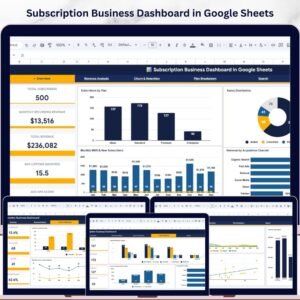
- Subscription Business Dashboard in Google Sheets
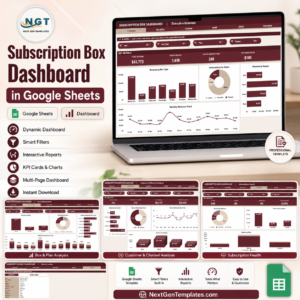
- Subscription Box Dashboard in Google Sheets
- Debt Payoff Snowball Tracker in Google Sheets
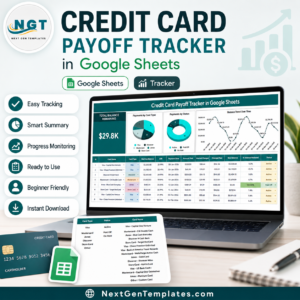
- Credit Card Payoff Tracker in Google Sheets
Browse more Google Sheets templates, Google Sheets tracker templates, and Google Sheets financial tools.
Ready to control recurring costs? Add the Subscription and Membership Tracker in Google Sheets to your toolkit and review every renewal before it surprises you.
Watch the step-by-step video Demo:
Last updated: July 2026























Reviews
There are no reviews yet.