

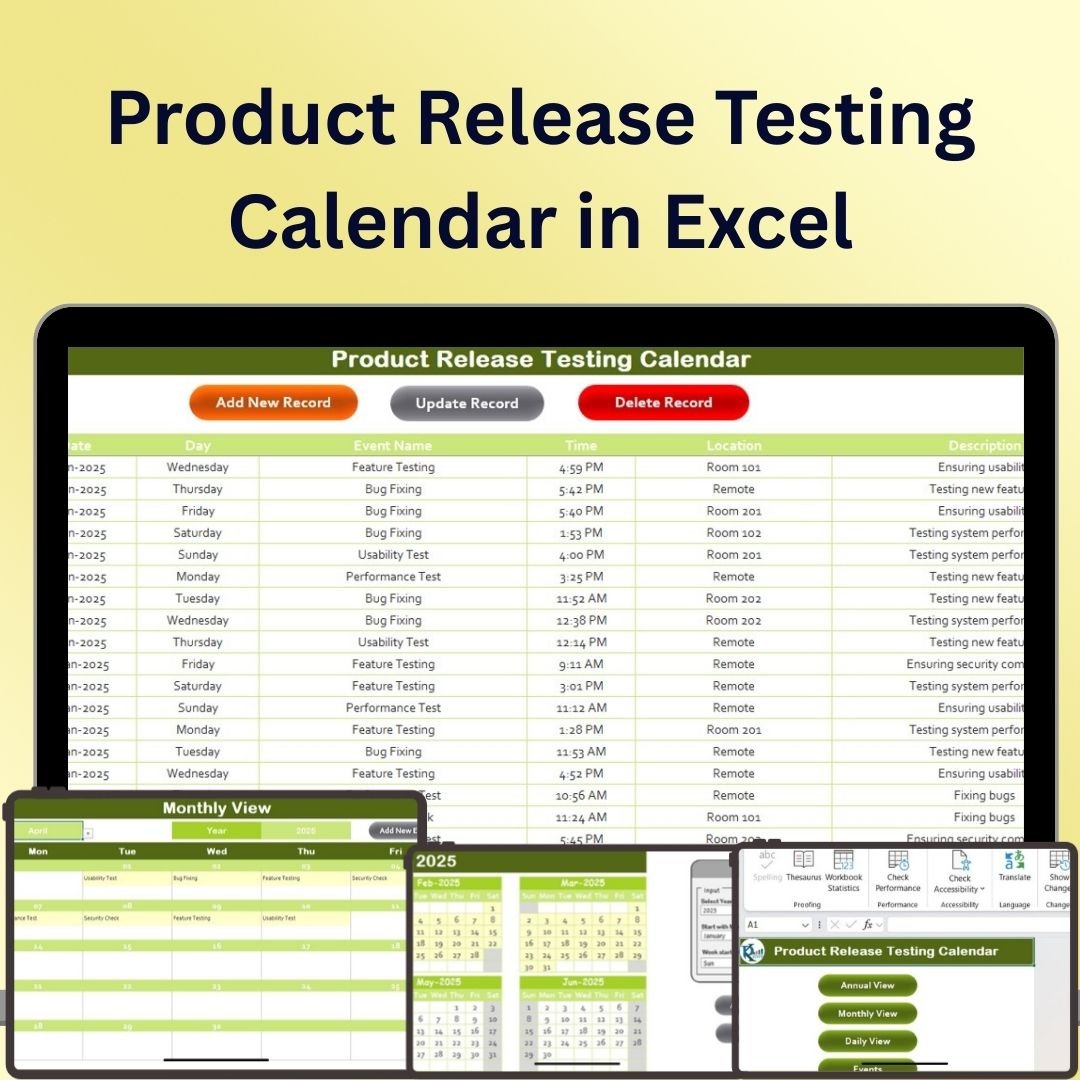
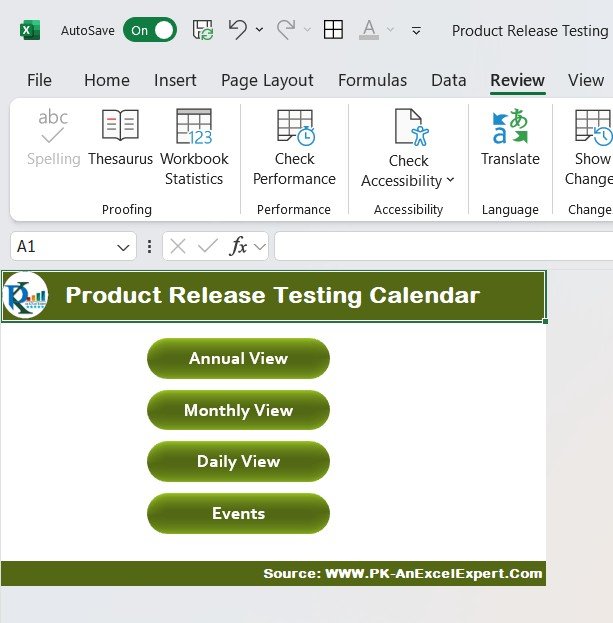
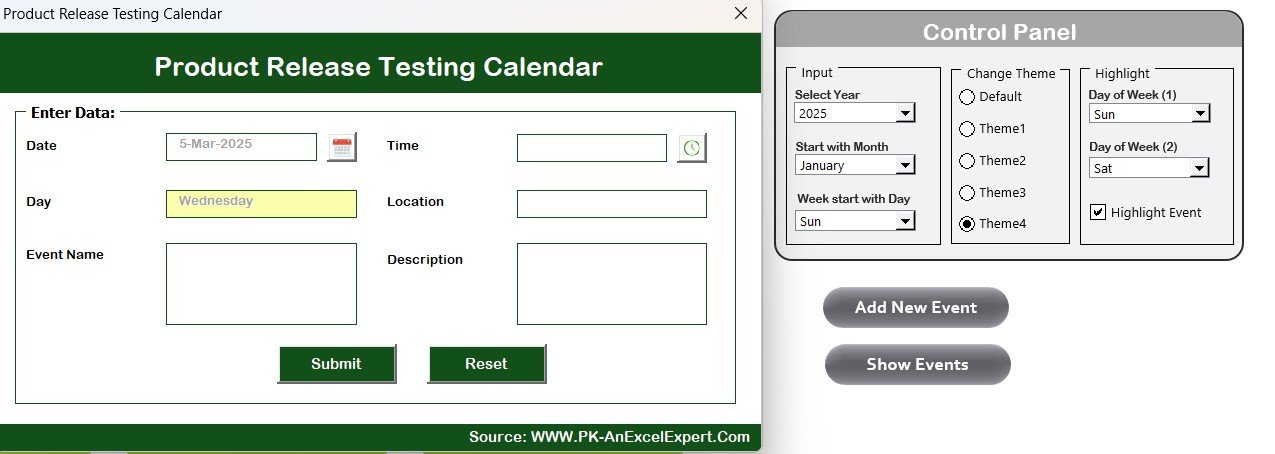
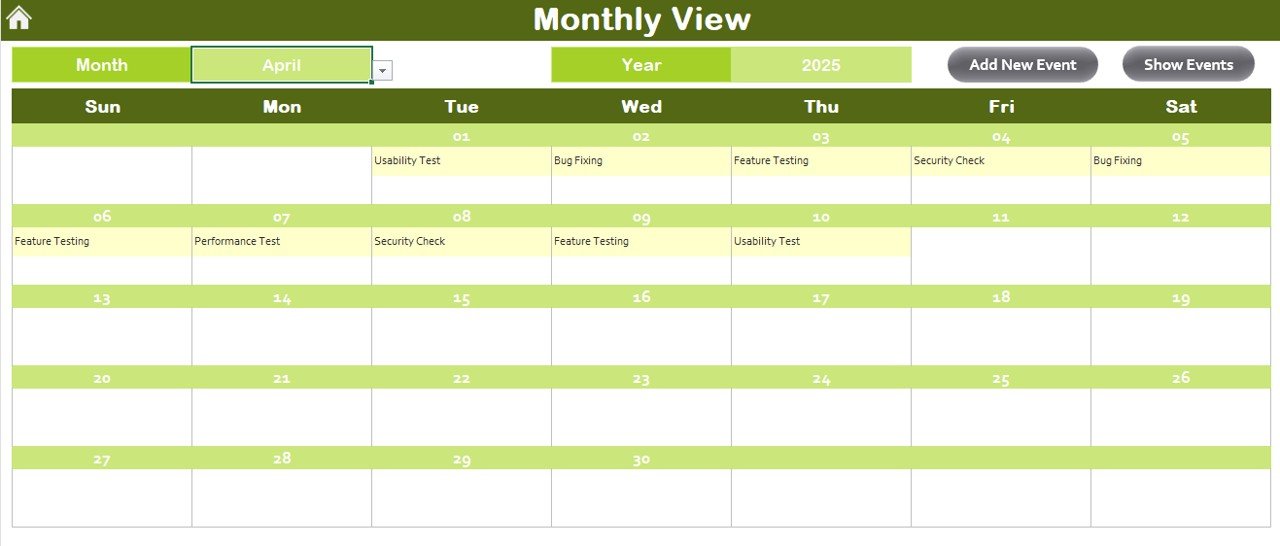
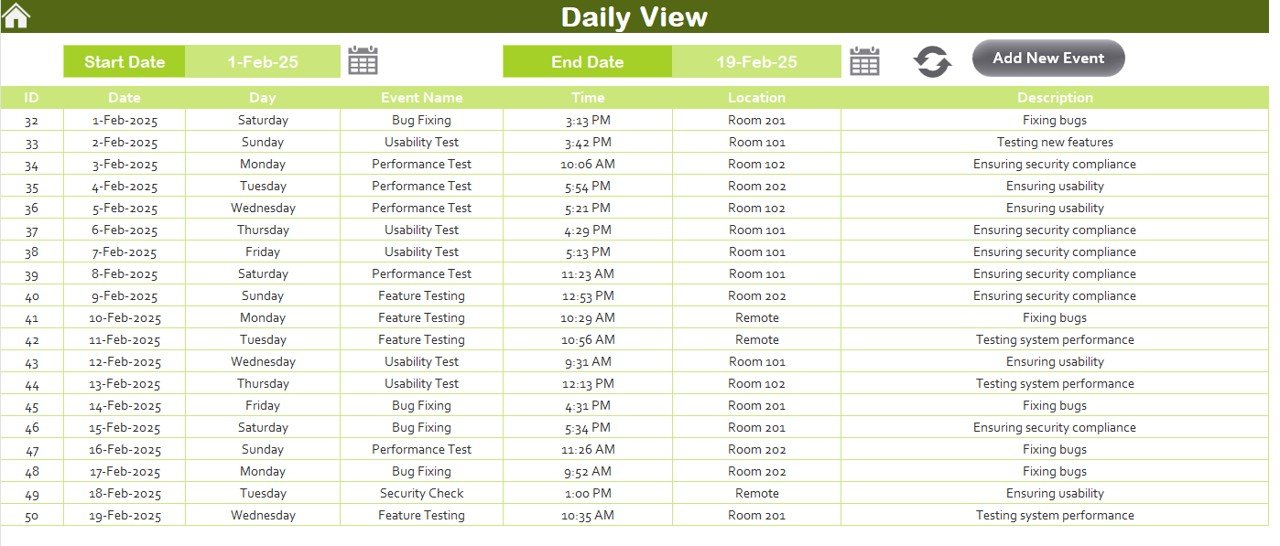

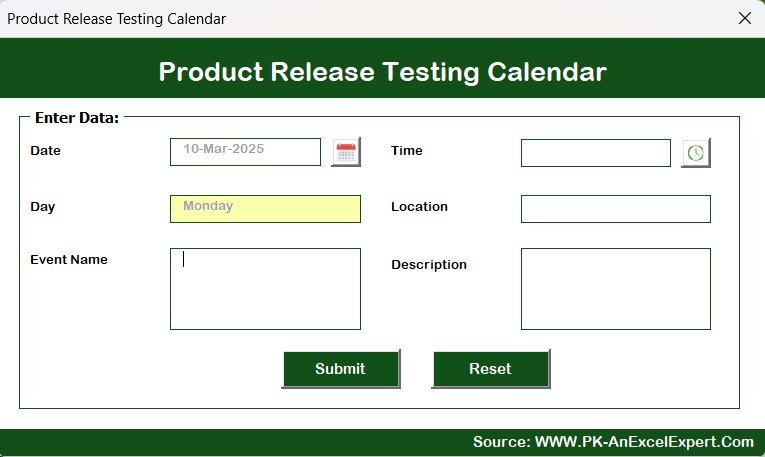
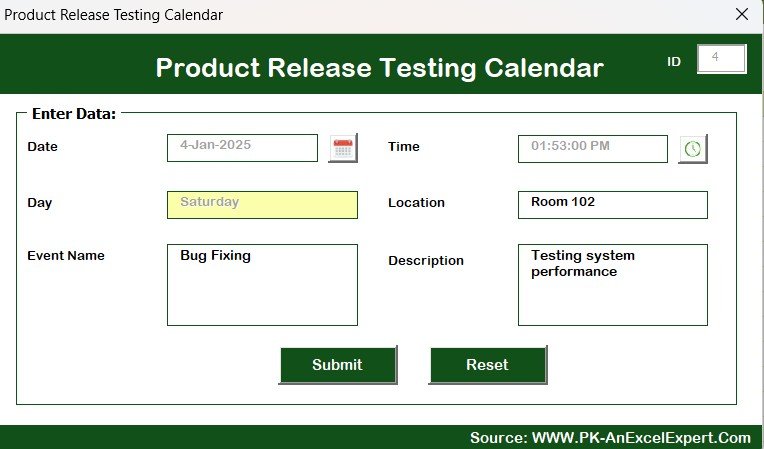
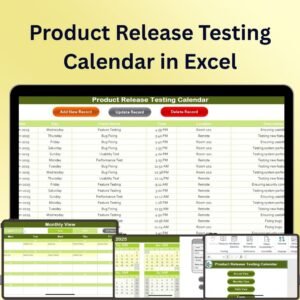
The Product Release Testing Calendar in Excel is a comprehensive and easy-to-use tool designed to help teams track and manage product release testing schedules. This tool is perfect for product managers, QA teams, and project leads who need to organize and monitor product testing timelines, ensuring that every release is thoroughly tested before going live.
The calendar allows you to set deadlines, assign tasks, and track the progress of each testing phase. With the ability to add multiple product releases and their corresponding testing schedules, you can ensure that your team stays on track and nothing falls through the cracks. The calendar is fully customizable, so you can tailor it to your specific needs, whether you’re testing a single product or managing multiple releases simultaneously.
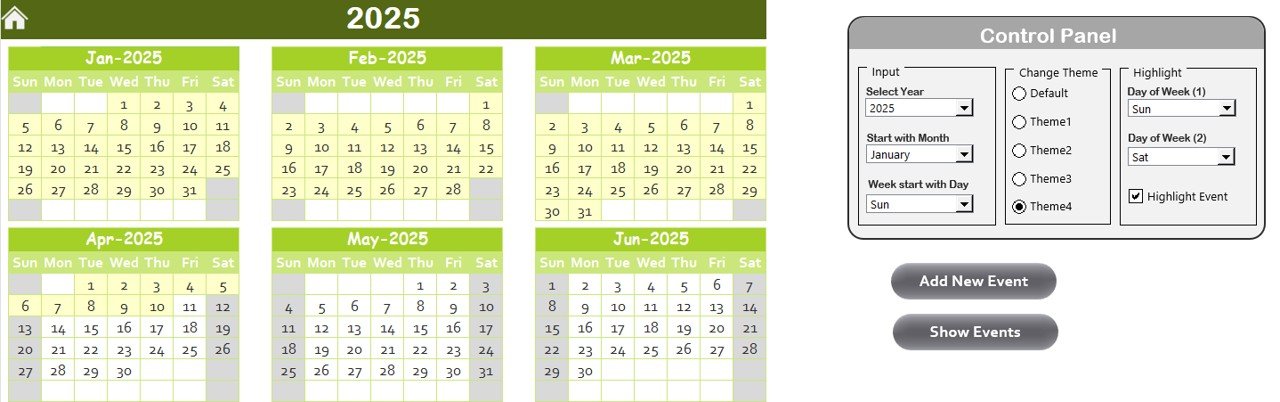
Key Features of the Product Release Testing Calendar in Excel:
📅 Comprehensive Testing Schedule
Track all your product releases and corresponding testing phases in one place. Set deadlines, assign tasks, and manage your team’s workload.
🛠️ Task Assignment and Tracking
Assign testing tasks to team members and monitor their progress throughout the testing process, ensuring that all required steps are completed on time.
⏰ Real-Time Updates
As testing progresses or changes occur, the calendar updates automatically to reflect the latest status, keeping everyone on the same page.
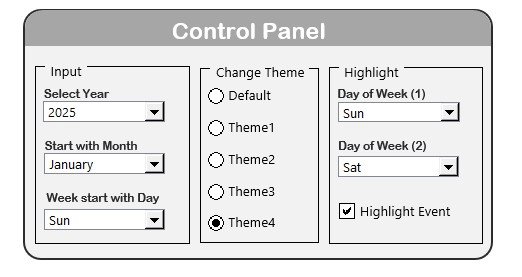
🎨 Customizable Design
Adjust the calendar to suit your company’s workflow by adding or removing columns, changing deadlines, and adjusting the task list according to specific testing requirements.
📊 Visual Tracking with Color-Coding
Use color-coding to highlight critical tasks, completed items, or upcoming deadlines. This makes it easy to track the testing progress and quickly identify potential delays.
Why You’ll Love the Product Release Testing Calendar in Excel:
✅ Organize Testing Phases – Easily track each product release and its corresponding testing schedule in one centralized location. ✅ Assign and Monitor Tasks – Assign testing tasks to team members and monitor progress in real-time to ensure timely completion. ✅ Ensure Timely Releases – Stay on track with deadlines, helping you avoid delays and ensuring that every product release is tested thoroughly. ✅ Customizable for Your Needs – Tailor the calendar to match your team’s unique workflow and testing requirements, ensuring that it fits seamlessly into your process. ✅ Simplify Communication – The visual and real-time updates make it easy for team members to stay informed about the status of each testing phase, reducing miscommunication.
What’s Inside the Product Release Testing Calendar in Excel:
- Product Release Tracking – Keep track of all product release dates and testing phases in one calendar.
- Task Assignment and Progress Monitoring – Assign testing tasks to specific team members and track progress as each task is completed.
- Real-Time Updates – The calendar automatically updates as testing progresses or changes are made.
- Customizable Columns and Deadlines – Adapt the calendar to fit your team’s specific needs by adjusting columns, deadlines, and task lists.
- Color-Coding for Visual Tracking – Use color-coding to highlight important dates, tasks, and deadlines for better visual management.
How to Use the Product Release Testing Calendar in Excel:
1️⃣ Download the Template – Get immediate access to your Excel file after purchase. 2️⃣ Input Your Product Data – Add the release names, dates, and relevant testing phases into the calendar. 3️⃣ Assign Tasks – Assign testing tasks to team members and track their progress. 4️⃣ Track Progress – Monitor the status of each testing phase in real-time using color-coded indicators and automatic updates.
Who Can Benefit from the Product Release Testing Calendar in Excel:
- Product Managers
- QA Teams
- Project Managers
- Development Teams
- Testing Coordinators
- Anyone involved in the product release and testing process
The Product Release Testing Calendar in Excel is the perfect tool for managing product release testing schedules. By tracking deadlines, assigning tasks, and visually monitoring progress, this tool helps ensure that your product releases are tested thoroughly and released on time.
Click here to read the Detailed blog post
https://www.pk-anexcelexpert.com/product-release-testing-calendar-in-excel/
Visit our YouTube channel to learn step-by-step video tutorials
Compatibility and Requirements
- Works in Microsoft Excel desktop (Excel 2016 or later, or Microsoft 365).
- Color coding marks critical tasks, completed items and upcoming deadlines. Microsoft explains the feature in Use conditional formatting to highlight information in Excel.
Frequently Asked Questions
What does the Product Release Testing Calendar track?
It tracks product release dates and their testing phases in one calendar, with deadlines and the tasks assigned to each team member.
Can I assign testing tasks to my team?
Yes. You assign each testing task to a team member and follow its progress until the task is completed.
Can I manage more than one release at a time?
Yes. You can add multiple product releases with their own testing schedules, so one calendar covers a single release or several at once.
Can I change the columns and deadlines?
Yes. You can add or remove columns, change deadlines and adjust the task list to match your testing workflow.
Is there a Google Sheets version?
Yes. See the Product Release Testing Calendar in Google Sheets.
Related Calendar Templates
- Product Release Testing Calendar in Google Sheets: the same testing calendar for Google Sheets
- Quality Assurance Testing Calendar in Excel: a calendar for scheduling QA testing
- Product Launch Calendar in Excel: plan the launch dates that follow testing
- Product Development Calendar in Excel: schedule the development work before release
- Audit Schedule Calendar in Excel: a calendar for audit dates and tasks
Browse all Excel calendar templates.
















Reviews
There are no reviews yet.