
Key Features of Employee Retention Maintenance Calendar in Excel
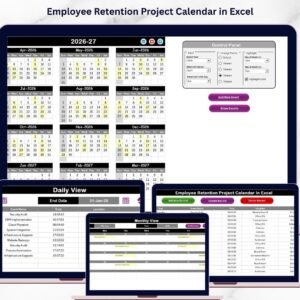
Introducing the Employee Retention Maintenance Calendar in Excel, a powerful, ready-to-use digital calendar template designed specifically for HR professionals and managers to streamline employee retention efforts. This Excel template offers a comprehensive system to track, manage, and visualize employee-related events throughout the year. The calendar features five intuitive worksheets, each serving a unique purpose to optimize your employee retention strategies.
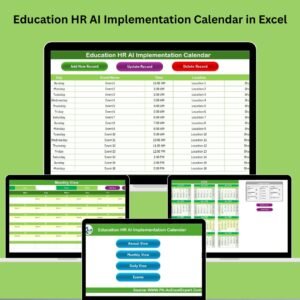
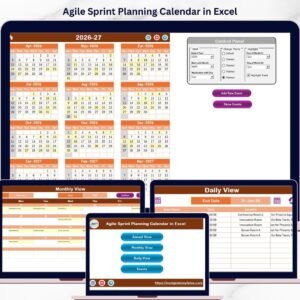
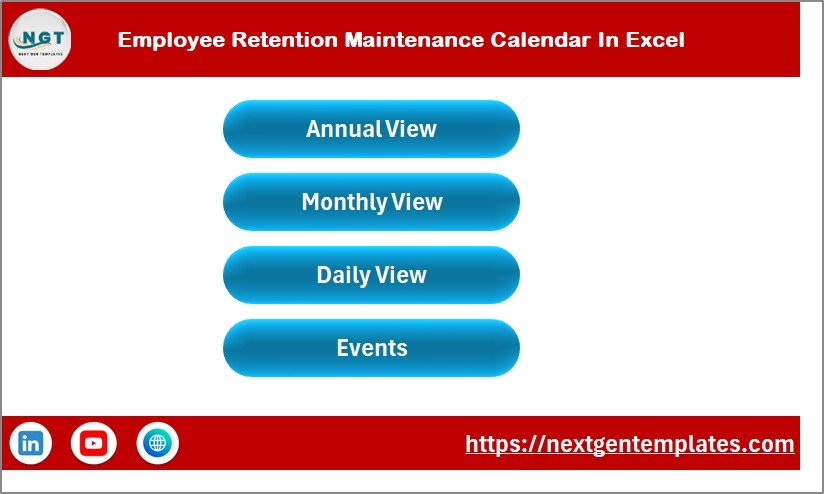
On the Home Sheet Tab, you’ll find a clean and user-friendly index with four easy navigation buttons: Annual View, Monthly View, Daily View, and Events. This makes switching between different calendar perspectives smooth and efficient.
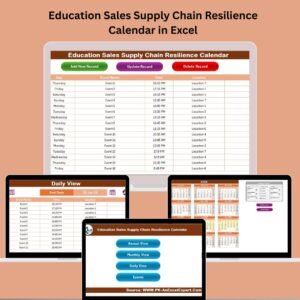
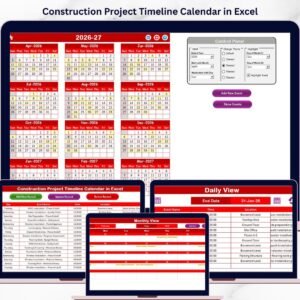
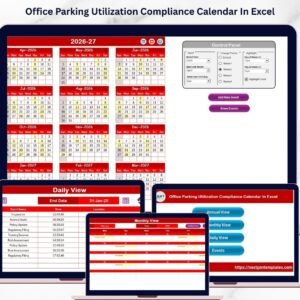
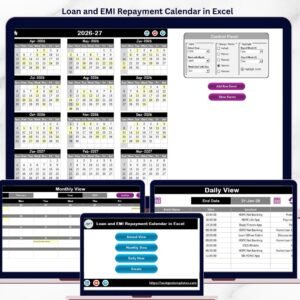
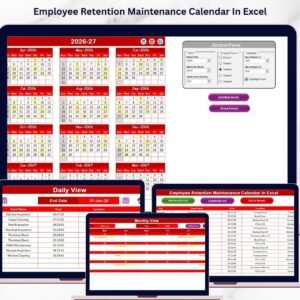
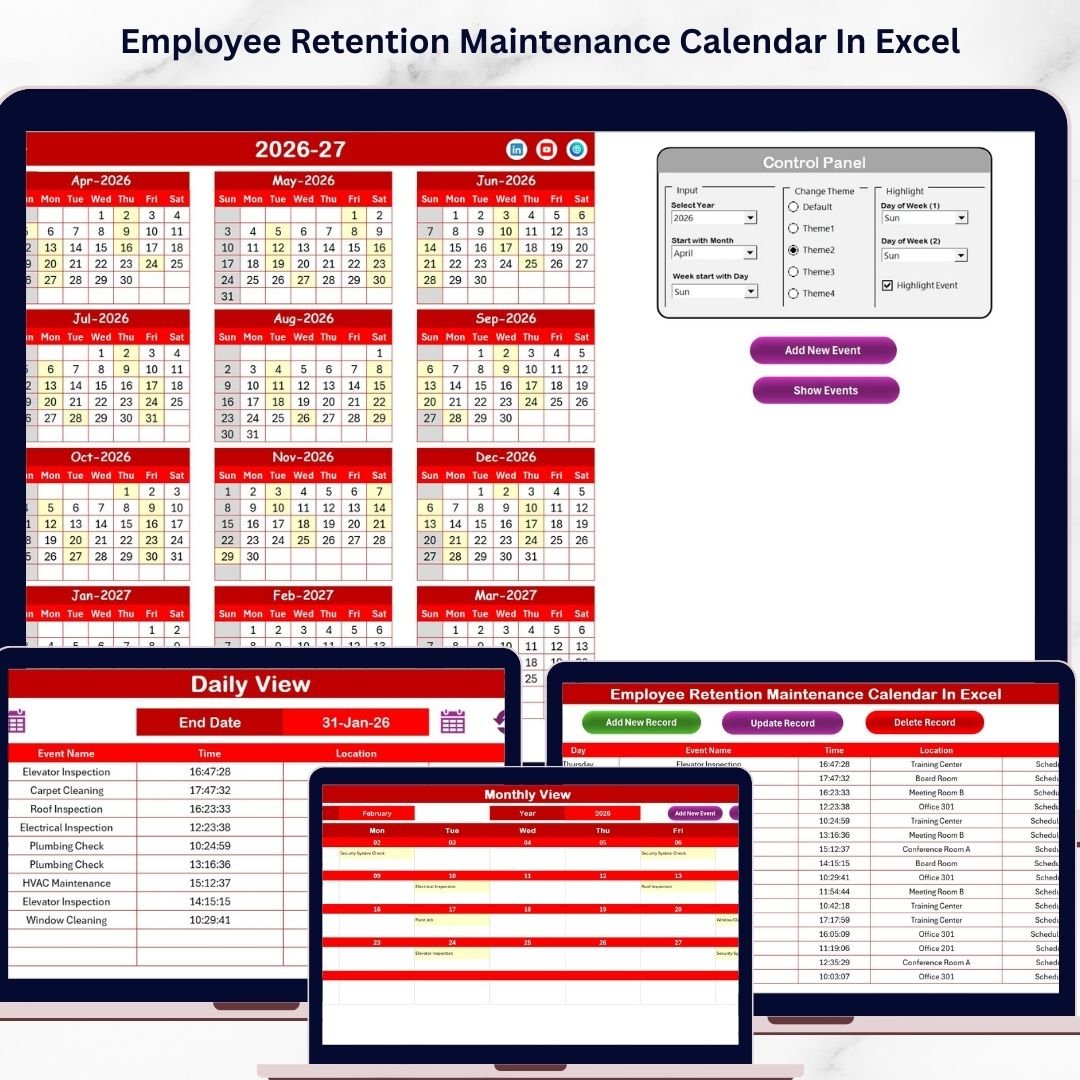
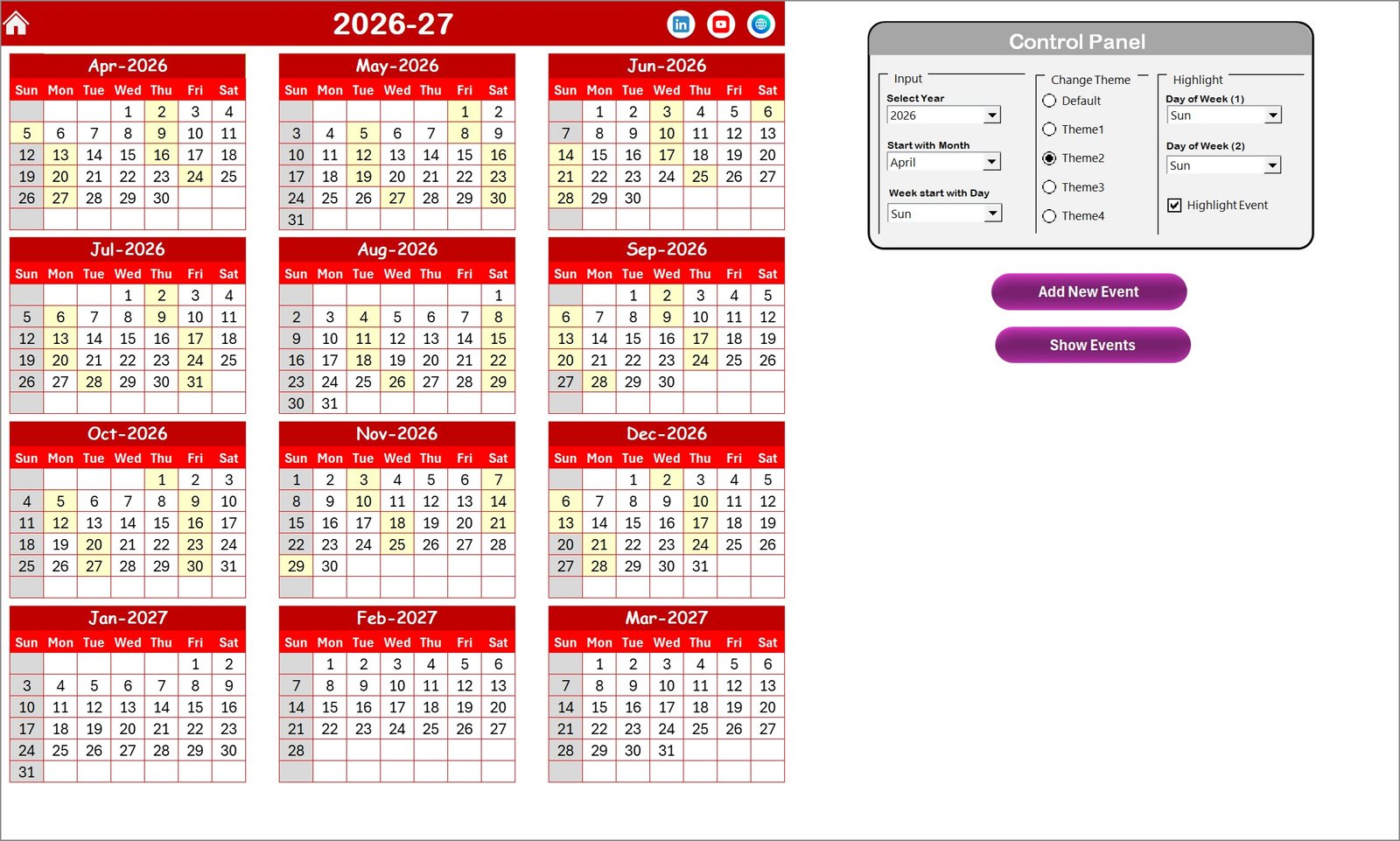
The Annual View Sheet Tab displays all 12 months on a single page, allowing you to have a bird’s eye view of the entire year. With a versatile control panel, you can customize the calendar by selecting the year, starting month, and even the day the week begins. You can also personalize the workbook with five different color themes to suit your brand or preference. The highlight feature lets you emphasize specific days, such as weekends or holidays, by selecting two days of the week to be highlighted in distinct colors. Additionally, events can be highlighted in yellow for quick identification.
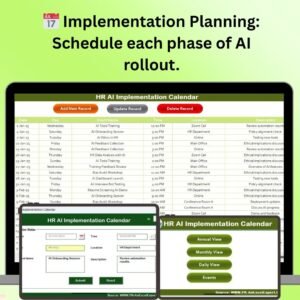
Adding and managing events is seamless with the Add New Event and Show Event buttons, directly accessible from the Annual View. Simply select a date, add event details, and your calendar updates automatically.
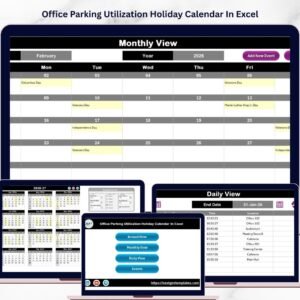
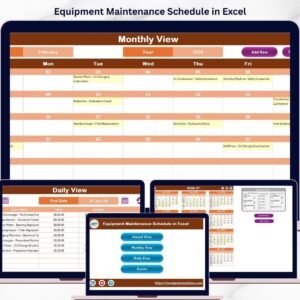
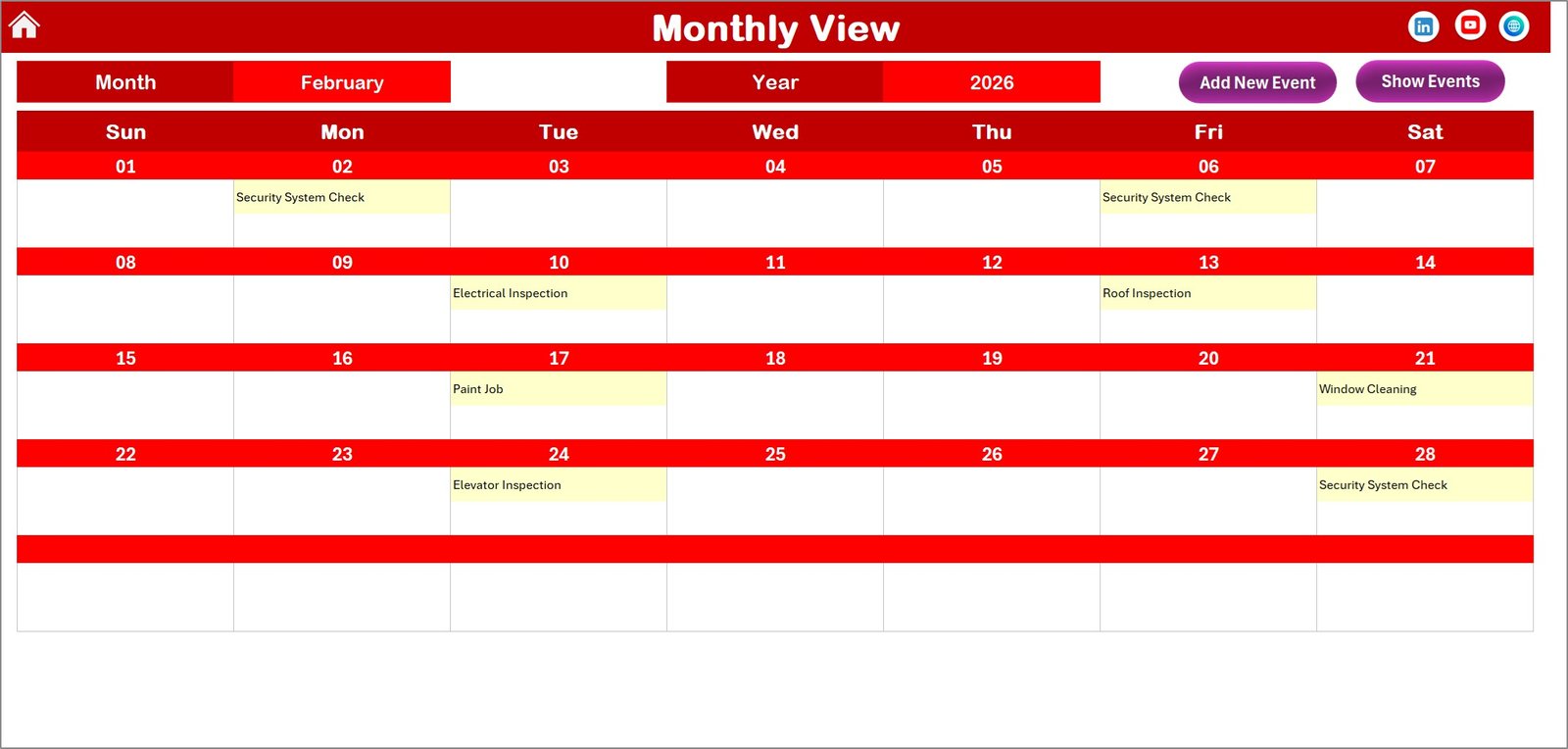
The Monthly View Sheet Tab zooms in on a single month, where you can select both the month and year from the top controls. This view is perfect for detailed planning and reviewing events in a specific month. The calendar shows one event per day, but if multiple events exist, it intelligently indicates more than one event to keep you informed at a glance. The Add New Event and Show Event buttons here provide the same easy event management as in the annual view.
The Daily View Sheet Tab is designed to display a detailed list of events within a selected date range. Simply choose your start and end dates using the calendar icons, hit refresh, and see all relevant events listed with their full details. This view is ideal for daily or weekly retention activity tracking. You can add new events directly from this sheet as well.
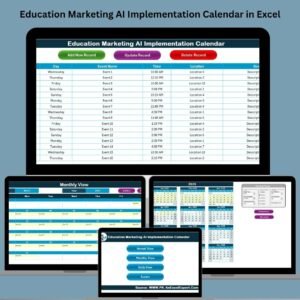
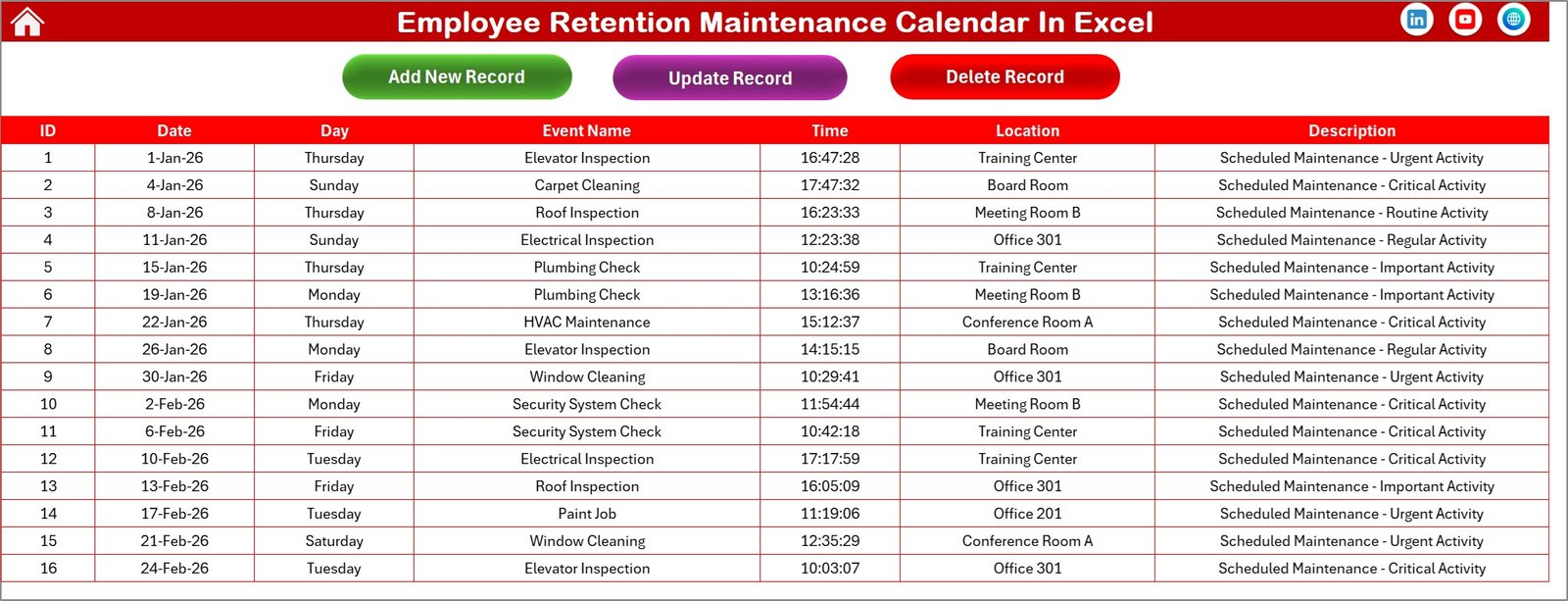
Finally, the Events Sheet Tab serves as the centralized database for all event details. Each entry includes an auto-generated ID, event date, day of the week, event name, time, location, and a short description. Easily add, update, or delete records using the provided buttons. This sheet ensures your data is organized and accessible for strategic decision-making.
What’s Inside the Employee Retention Maintenance Calendar in Excel
- 🗓️ Five Interactive Worksheets: Home, Annual View, Monthly View, Daily View, and Events database.
- 🎨 Customizable Themes: Choose from five different color themes to personalize your workbook.
- 📅 Flexible Date Controls: Set year, starting month, and week start day to tailor the calendar to your needs.
- ⭐ Highlight Features: Highlight specific weekdays and events for easy visualization.
- ➕ Event Management: Add, view, update, or delete events with intuitive buttons and forms.
- 🔍 Multi-level Views: Annual, monthly, and daily calendar views to suit different planning needs.
- 📊 Organized Event Database: Comprehensive event details with easy record management.
- 🚀 Ready to Use: No setup required; start planning employee retention activities immediately.
How to Use the Employee Retention Maintenance Calendar in Excel
Using this calendar is straightforward and designed for ease of access. Start from the Home Sheet where you can jump directly to the desired calendar view. In the Annual View, customize your year, starting month, and weekday preferences using the control panel. Add new employee retention events by selecting a date and clicking the Add New Event button. To review events, simply click Show Event for a detailed list.
Switch to the Monthly View to focus on a specific month. Select the month and year, then add or view events just like in the annual view. The calendar will display a summary if there are multiple events on any day.
For a detailed event overview, use the Daily View to filter events within any date range. Select your dates, refresh the list, and view all detailed events. Add new events directly from this sheet as needed.
Maintain your event records in the Events Sheet, where you can add new events, update existing ones, or delete outdated records. This ensures your calendar stays accurate and actionable.
Who Can Benefit from This Employee Retention Maintenance Calendar In Excel
- 👩💼 HR Managers: Streamline employee retention efforts by tracking key dates and events.
- 🏢 Business Owners: Stay organized and maintain employee engagement activities throughout the year.
- 📅 Team Leaders: Plan team-building events and retention activities with clear visibility.
- 📈 Project Managers: Align employee retention events with project timelines.
- 🎯 Recruiters: Manage onboarding follow-ups and retention milestones effectively.
- 📊 Consultants: Use this tool to help clients maintain a strong employee retention strategy.
- 🧑💻 Small to Medium Enterprises: Affordable and efficient way to manage retention without expensive software.
- 🗓️ Anyone Looking to Improve Employee Retention: Ideal for professionals looking to organize retention events and activities easily.
Click here to read the Detailed blog post.
Visit our YouTube channel to learn step-by-step video tutorials.