

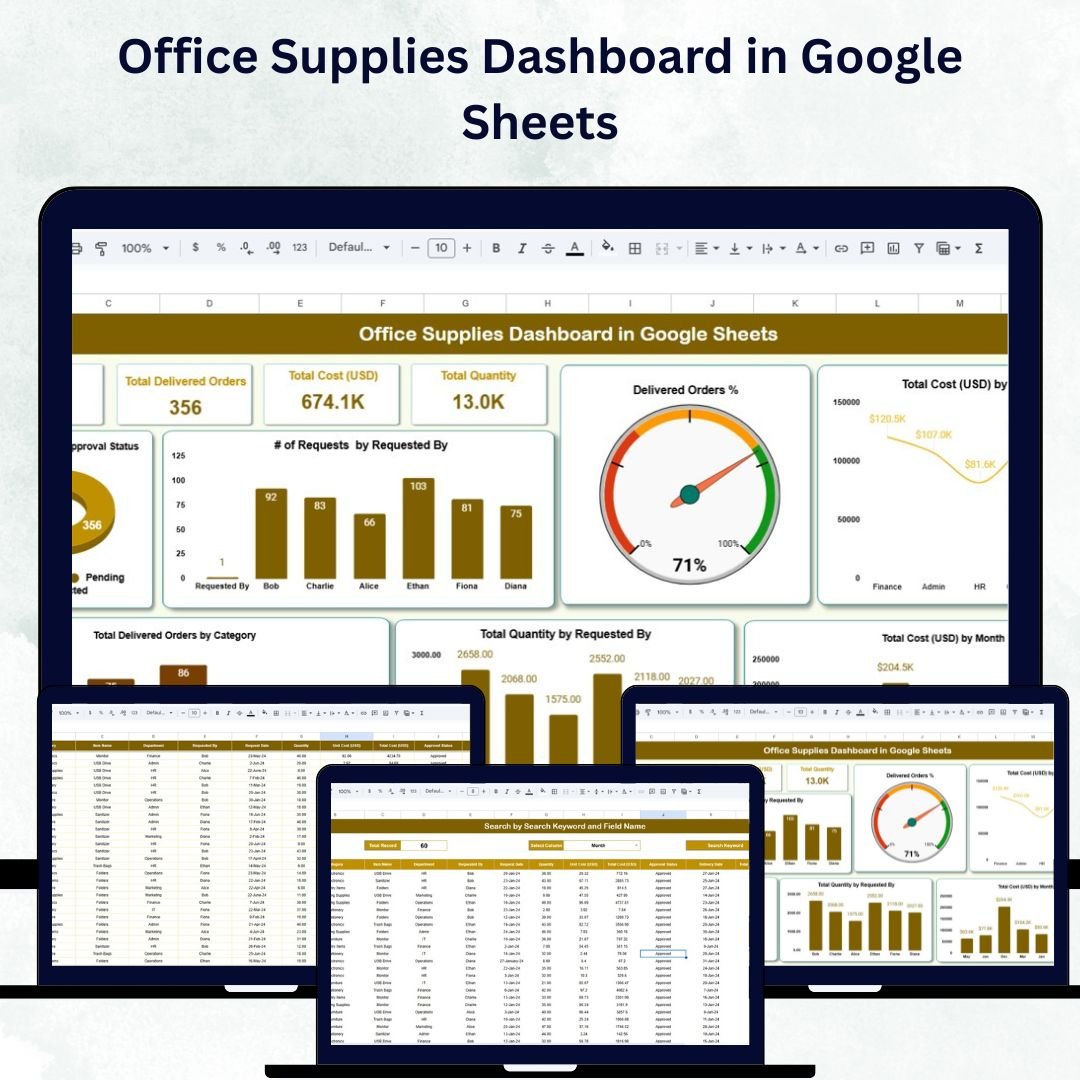

Keeping track of office supplies can be a challenge for growing organizations. Without clear visibility, supply shortages, excess spending, and delayed approvals can easily occur. The Office Supplies Dashboard in Google Sheets is a ready-to-use and fully customizable solution that simplifies how office managers, procurement teams, and administrators monitor requests, deliveries, and costs — all in one place. 🗂️✨
Built entirely in Google Sheets, this dashboard transforms raw request data into interactive charts, summary cards, and searchable records. It’s designed to save time, reduce manual tracking, and provide actionable insights into spending and supply usage trends. 🚀
🔑 Key Features of the Office Supplies Dashboard
📋 1. Dashboard Sheet Tab
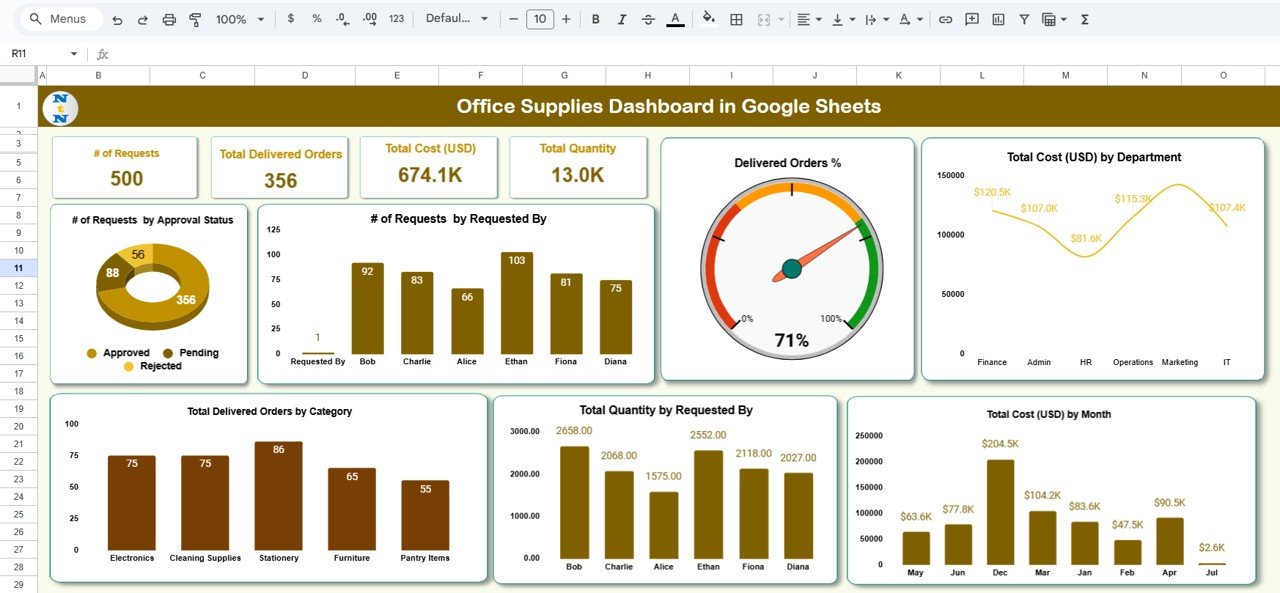
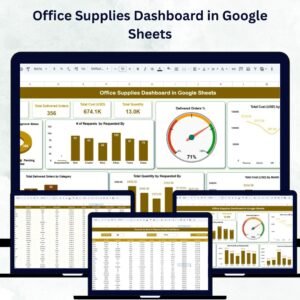
Gain a real-time overview of all supply activities through KPIs and charts:
Cards Section:
🧾 # of Requests – Track total requests submitted
📦 Total Delivered Orders – Count successfully fulfilled requests
💰 Total Cost (USD) – Monitor total office supply expenditure
📊 Total Quantity – Measure total number of items delivered
Charts Section:
# of Requests by Approval Status – Monitor pending, approved, or rejected requests
# of Requests by Requested By – Identify high-frequency requesters or departments
Delivered Orders % – Measure delivery efficiency
Total Cost by Department – Analyze department-level spending
Total Cost by Month – Identify spending trends over time
Total Quantity by Requested By – See which employees or teams consume the most items
Delivered Orders by Category – Analyze orders by supply category or type
📈 This dashboard provides a comprehensive visual overview for quick decision-making and resource optimization.
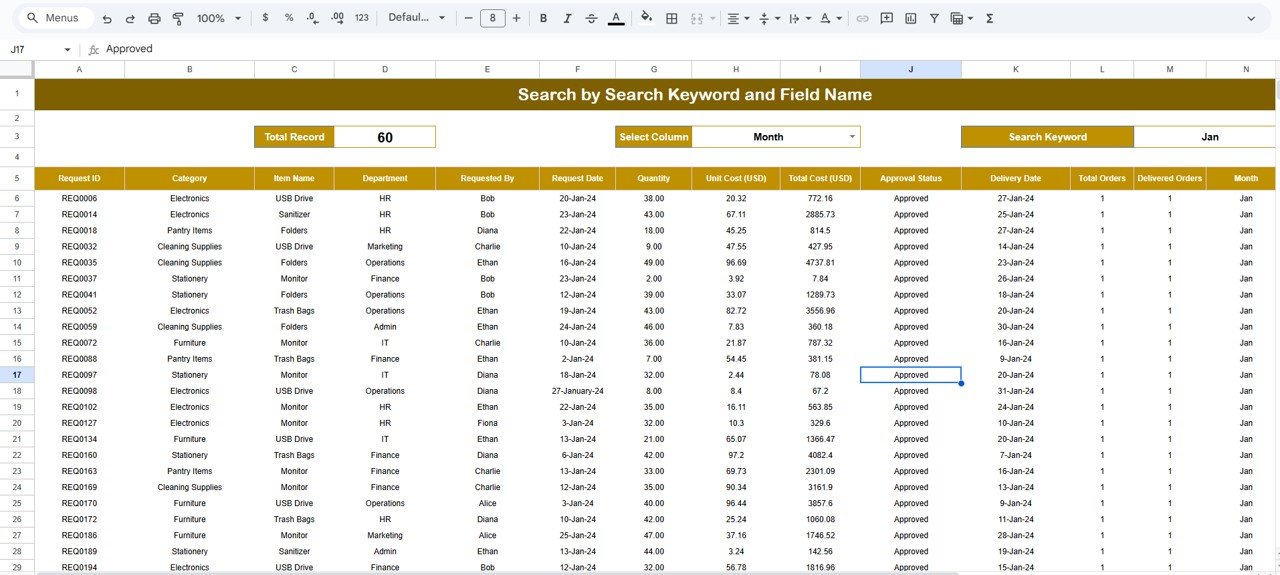
🔍 2. Search Sheet Tab
Quickly locate any supply request or item without scrolling through large datasets.
Search by Keyword or Field Name (e.g., Department, Requester, Status, or Item Type)
Displays total matching records automatically
Ideal for resolving queries, checking order statuses, and verifying costs
🕵️ This makes the dashboard a powerful search and audit tool, enhancing transparency and efficiency.
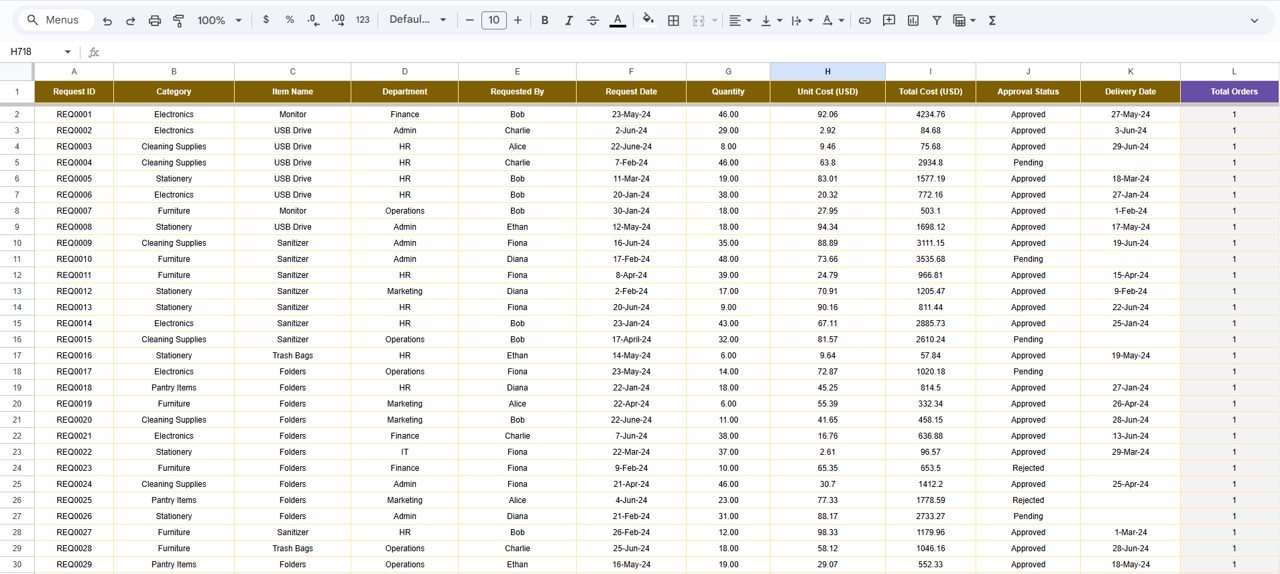
📑 3. Data Sheet Tab
This is where all transactional data is entered and maintained.
Each record includes:
Request Date, Requester, Department
Approval Status (Pending, Approved, Rejected)
Item Category, Quantity, Cost, and Delivery Status
All charts and KPIs update automatically whenever data changes — ensuring real-time accuracy and effortless reporting.
📦 What’s Inside the Dashboard
✅ Interactive Dashboard Sheet – Auto-updating visuals & metrics
✅ Search Tab – Instant filtering and keyword lookup
✅ Data Sheet – Structured format for all requests and orders
✅ Pre-Filled Sample Data – Helps you get started instantly
✅ Auto-Linked Charts – Visuals update as data changes
✅ Fully Customizable Format – Modify fields, categories, or KPIs anytime
🧑💼 Who Can Benefit from This Dashboard
🎯 Office Managers – Monitor requests, deliveries, and monthly spending
🎯 Procurement Teams – Track purchase requests and analyze supplier efficiency
🎯 Finance Departments – Manage budgets and identify cost-saving opportunities
🎯 Administrative Staff – Simplify supply management and approvals
🎯 Business Owners – Gain transparency into operational costs and consumption patterns
🧪 How to Use the Office Supplies Dashboard
Enter Data: Input all supply requests and deliveries in the Data Sheet
Review Dashboard: Monitor KPIs, costs, and fulfillment trends
Search & Filter: Use the Search Tab to locate specific requests
Analyze Insights: Identify departments with high consumption or pending approvals
Customize: Add or adjust charts, fields, or categories to fit your needs
💡 Within minutes, you’ll have a real-time supply management system that keeps your operations efficient and cost-effective.
🌟 Why Choose This Dashboard
🧾 Centralized tracking of requests, deliveries, and costs
📊 Interactive charts for quick visual insights
⏱ Real-time updates powered by Google Sheets
🧠 Data-driven decision-making for procurement and budgeting
💡 Customizable to fit any organization or office type
🌍 Collaborative access for teams working remotely
With the Office Supplies Dashboard in Google Sheets, you can eliminate manual tracking, optimize budgets, and ensure every supply request is handled on time. 🌟
🔗 Click here to read the Detailed blog post
Watch the step-by-step video Demo:
🔗 Visit our YouTube channel to learn step-by-step video tutorials
Compatibility and Requirements
- Works in Google Sheets. You need a free Google account and a web browser.
- Charts and summary cards update from the Data sheet. Google explains how charts work in Add and edit a chart.
Frequently Asked Questions
Which sheets are included?
Three sheet tabs: Dashboard, Search and Data. The Data sheet also comes with pre-filled sample data.
What does the dashboard show?
Cards for the number of requests, total delivered orders, total cost in USD and total quantity. Charts cover requests by approval status, requests by requester, delivered orders percentage, total cost by department, total cost by month, total quantity by requester and delivered orders by category.
How do I find a specific request?
Open the Search tab and search by keyword or by field name, such as department, requester, status or item type. It shows the total number of matching records.
Do the charts update when I add data?
Yes. Enter new requests and deliveries in the Data sheet and the charts and KPIs update automatically.
Is there an Excel or Power BI version?
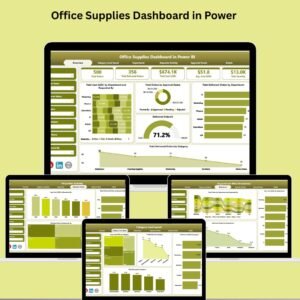
There is an Office Supplies Dashboard in Excel and an Office Supplies Dashboard in Power BI.
Related Office Supply Templates
- Office Supplies Dashboard in Excel: the same dashboard in Excel
- Office Supplies Dashboard in Power BI: the Power BI edition
- Office Supply Inventory Update Tracker in Google Sheets: record stock updates for supplies
- Office Supply Request Tracker in Excel: log and follow supply requests
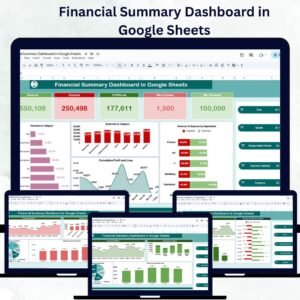
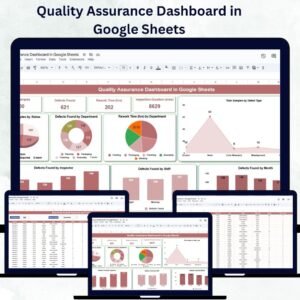
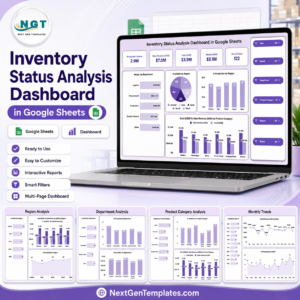
- Google Sheets Business Pack (Pro): 14 business templates in one download
Browse all Google Sheets dashboards.
























Reviews
There are no reviews yet.