


Managing tasks, deadlines, and progress manually can be overwhelming—but not anymore! The Monthly Review To-Do List Checklist in Excel is your smart productivity companion that transforms scattered notes into structured plans. Whether you’re a business professional, project manager, or individual planner, this ready-to-use Excel template helps you plan, track, and achieve your monthly goals with ease.Monthly Review To-Do List Checklist in Excel
This checklist brings automation, accountability, and clarity into your workflow. With just a few clicks, you can assign tasks, monitor progress, and visualize completion percentages—all within one simple, interactive Excel file.
✨ Key Features of the Monthly Review To-Do List Checklist in Excel
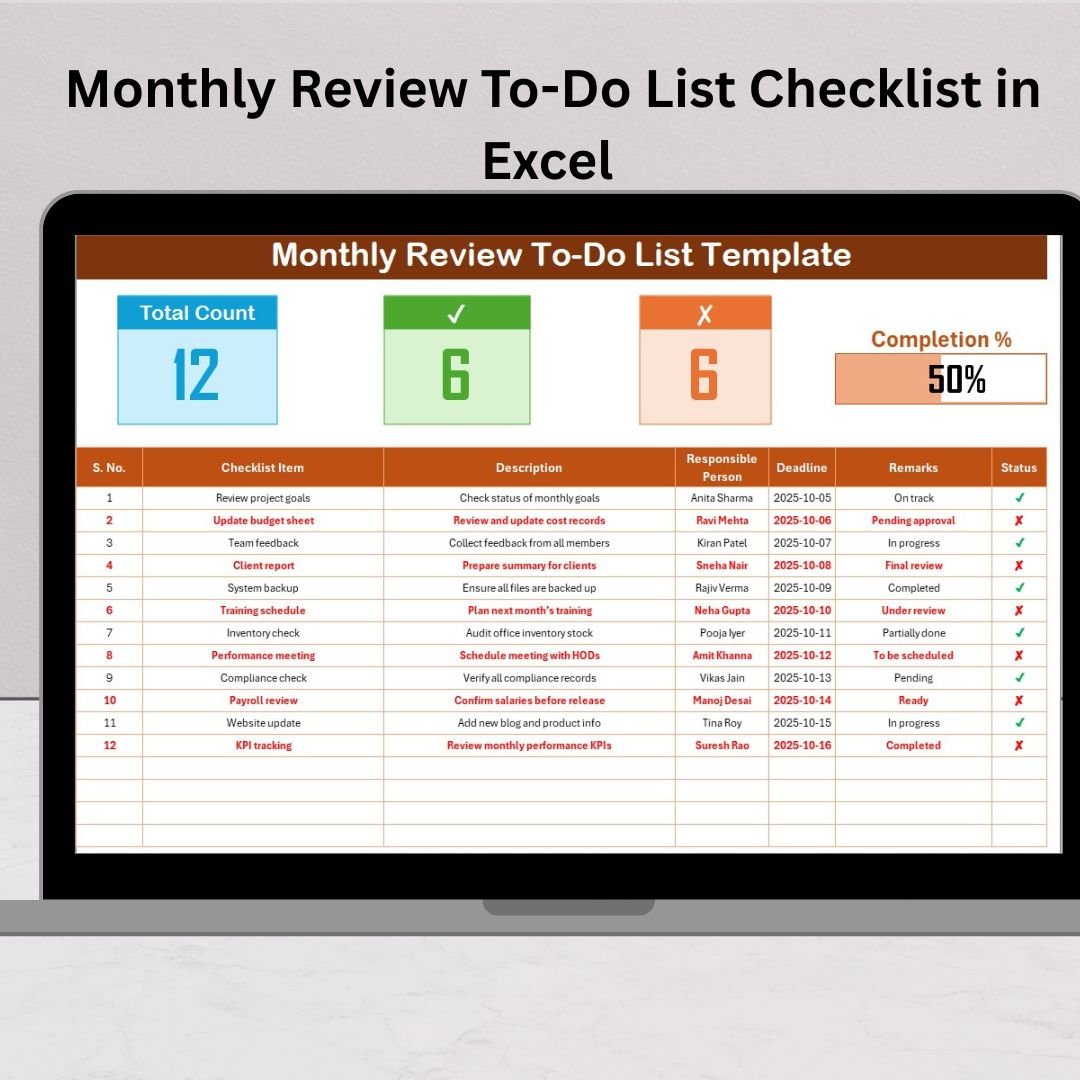
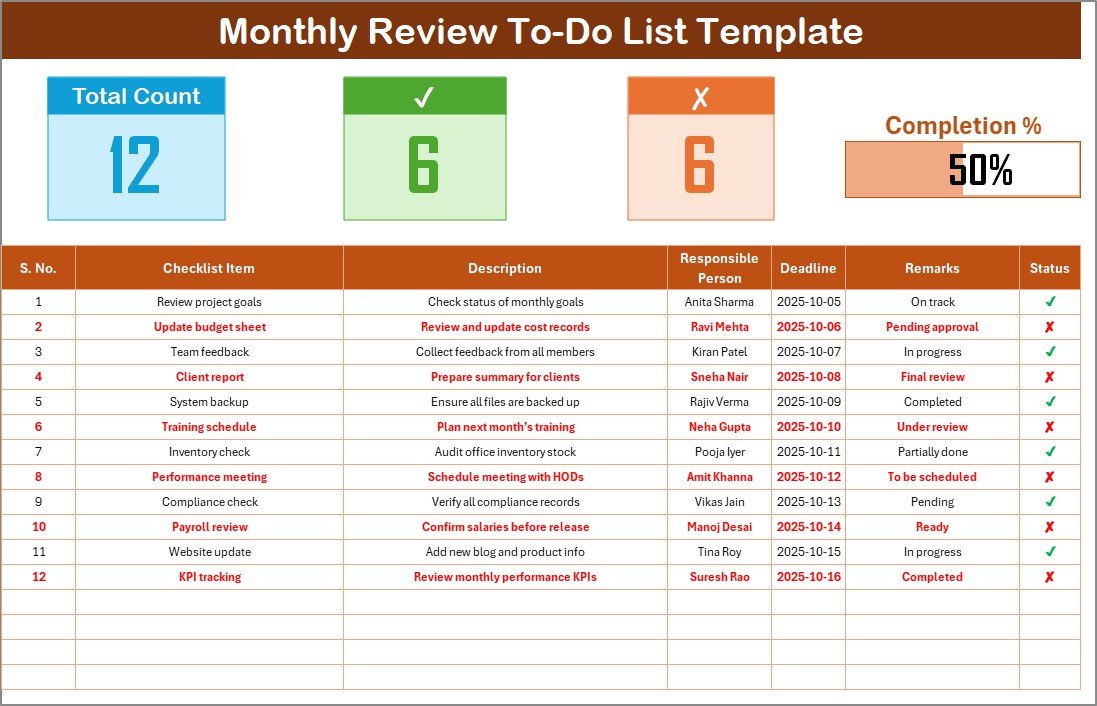
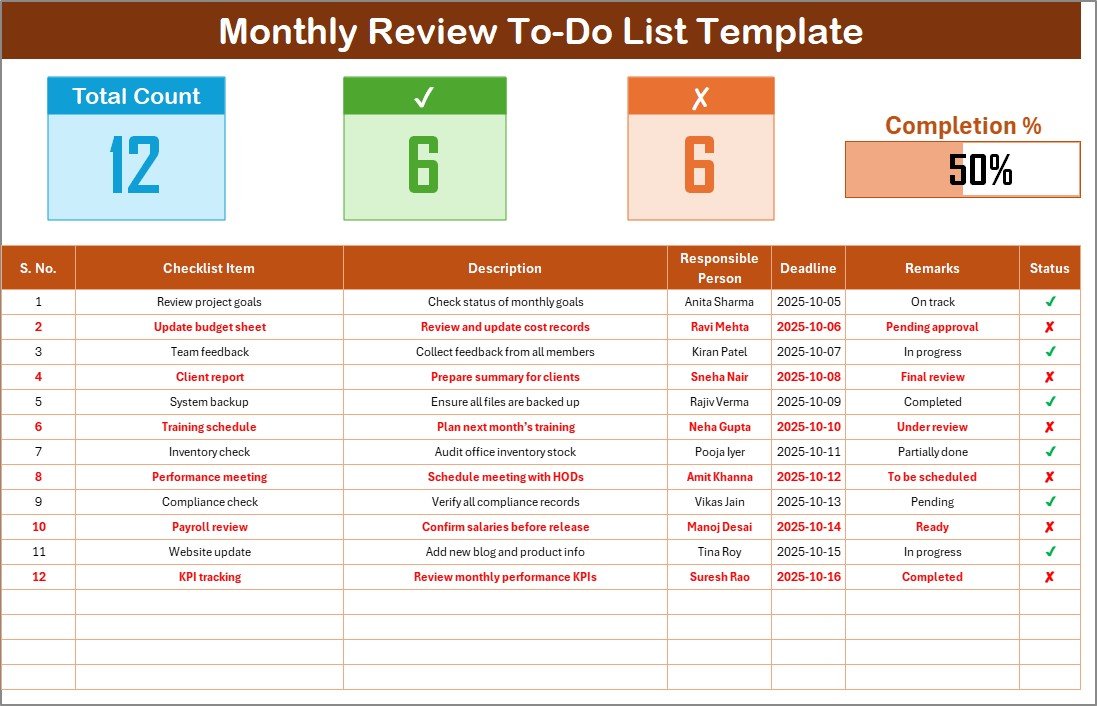
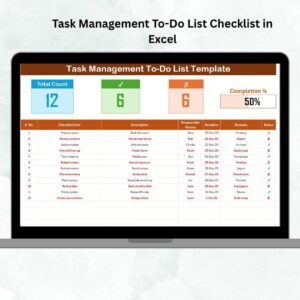
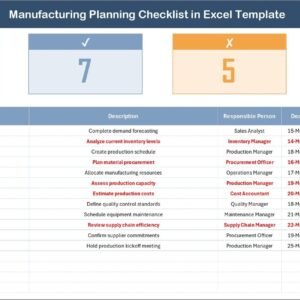
✅ Automated Dashboard Cards – Instantly see Total Tasks, Completed Tasks, and Pending Tasks, all updated automatically.
📊 Visual Progress Bar – A dynamic progress bar displays completion status, keeping motivation high.
👥 Responsibility Tracker – Assign and monitor ownership of tasks easily through dropdowns.
🗓️ Deadline Monitoring – Stay on top of important timelines with structured due-date columns.
🔄 Real-Time Updates – Changing task status automatically refreshes counts and visual summaries.
🧩 Customizable Layout – Modify columns, add formulas, or personalize the color theme effortlessly.
⚙️ Formula-Based Logic – No macros needed—everything runs on Excel formulas and conditional formatting.
💻 Cross-Platform Compatibility – Works smoothly in Microsoft Excel and Google Sheets.Monthly Review To-Do List Checklist in Excel
With these features, you’ll experience smoother monthly reviews, faster decision-making, and improved accountability across your team or personal projects.
📂 What’s Inside the Monthly Review To-Do List Checklist in Excel
This professionally designed template includes two well-structured worksheets:
1️⃣ Monthly Review To-Do List Sheet
The main working area where you input all tasks, assign responsible persons, and update their completion status.
Displays Total, Completed, and Pending counts dynamically.
Includes a sleek progress bar showing completion percentage.
Status column lets you mark ✔ for completed or ✘ for pending tasks.
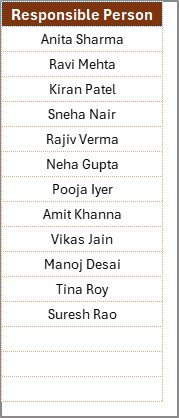
List Sheet Tab
This supporting sheet maintains the list of responsible persons, enabling clean dropdown selections.
Eliminates typing errors.
Promotes consistency across team entries.
Simplifies updates when team members change.
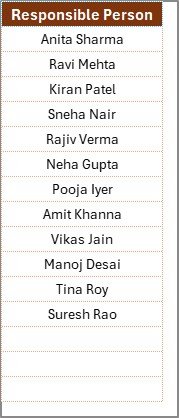
Together, these sheets offer an end-to-end monthly task tracking system that’s practical and easy to maintain.
🧭 How to Use the Monthly Review To-Do List Checklist in Excel
Follow these simple steps to start managing your monthly goals effectively:
1️⃣ Open the file in Excel or Google Sheets.
2️⃣ Add team members’ names in the List Sheet Tab.
3️⃣ In the main sheet, enter all monthly tasks with brief descriptions.
4️⃣ Assign each task to a responsible person using the dropdown.
5️⃣ Add deadlines to ensure timely completion.
6️⃣ Update the Status as ✔ or ✘ depending on progress.
7️⃣ Watch your dashboard and progress bar update automatically!
8️⃣ At month’s end, review the report to evaluate accomplishments.
With consistent use, this tool turns your monthly review into a streamlined, data-driven process.
👩💼 Who Can Benefit from This Monthly Review To-Do List Checklist
🎯 Business Managers: Track project deliverables, KPIs, and team responsibilities.
👨💻 Team Leaders: Assign, review, and measure monthly objectives efficiently.
🏠 Freelancers: Plan work commitments and maintain accountability.
🏫 Educators & Students: Organize academic or research tasks on a monthly basis.
💼 HR & Admin Teams: Manage routine office or compliance checklists easily.
📈 Entrepreneurs: Maintain consistent progress across multiple projects.
📅 Individuals: Use it as a personal productivity tracker for habits or goals.
No matter your role, this Excel checklist simplifies planning, boosts focus, and ensures nothing slips through the cracks.
Click here to read the Detailed blog post
Watch the step-by-step video tutorial:
Visit our YouTube channel to learn step-by-step video tutorials
Compatibility and Requirements
- Works in Microsoft Excel desktop (Excel 2016 or later, or Microsoft 365).
- It runs on formulas and conditional formatting with no macros, and also opens in Google Sheets.
- Responsible persons are picked from a dropdown list. Microsoft explains dropdowns in Create a drop-down list.
Frequently Asked Questions
What sheets are in the file?
Two sheets: the Monthly Review To-Do List sheet, where you enter and update tasks, and the List sheet, which holds the names of responsible persons.
What do the dashboard cards show?
Total Tasks, Completed Tasks and Pending Tasks. They update when you change a task’s status.
How do I mark a task as done?
Set its status to ✔ for completed or ✘ for pending. The progress bar shows the completion percentage.
How do I assign tasks?
Add team members’ names in the List sheet, then pick a responsible person from the dropdown for each task.
Can I change the layout?
Yes. You can change columns, add formulas or change the color theme.
Related Monthly Review Templates
- Monthly Review To-Do List Checklist in Google Sheets: the same checklist in Google Sheets
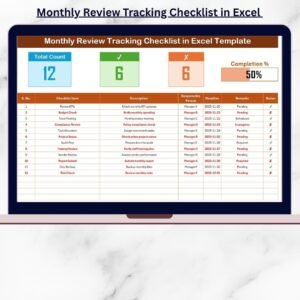
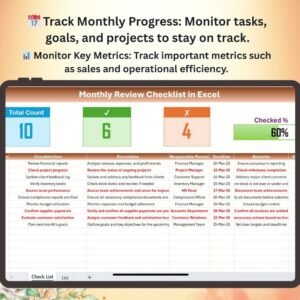
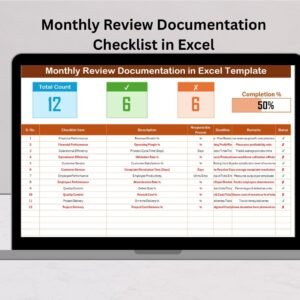
- Monthly Review Tracking Checklist in Excel: tracks monthly review items
- Monthly Review Monitoring Checklist in Excel: monitors review progress
- Monthly Performance Review Checklist Template in Excel: for monthly performance reviews
- Checklist & SOP Pack: 12 checklist templates in one download
Browse all Excel checklists or the Google Sheets checklists.
























Reviews
There are no reviews yet.