
Are you still managing critical financial deadlines with scattered notes and messy spreadsheets? That’s risky. One missed tax date or delayed vendor payment can cost you money, penalties, and reputation. 🚨
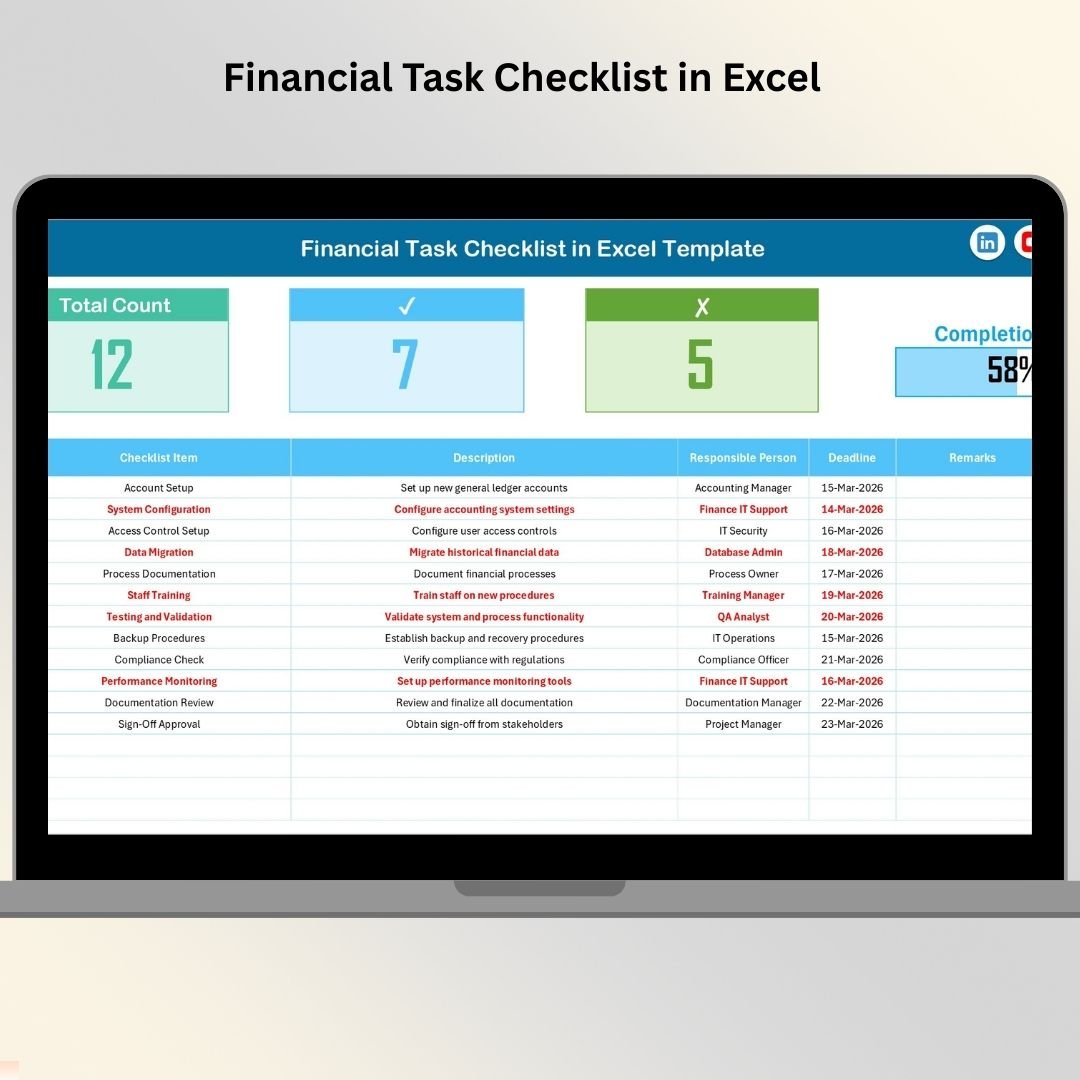
The Financial Task Checklist in Excel is your all-in-one solution to organize, assign, and monitor every financial task with clarity and control. This ready-to-use Excel template transforms chaos into structure. Instead of guessing what’s pending, you instantly see completed tasks, pending items, responsible persons, and overall progress — all in one clean dashboard-style sheet.
Whether you manage daily reconciliations, monthly reporting, quarterly compliance, or annual audits, this template keeps everything visible and accountable. No complicated software. No learning curve. Just a smart, structured Excel system that works.
Key Feature of Financial Task Checklist in Excel
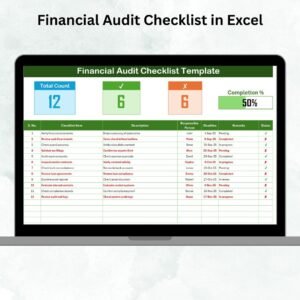
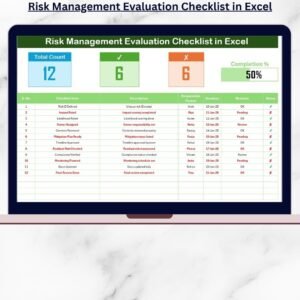
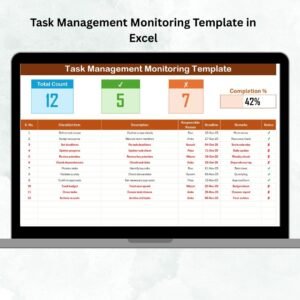
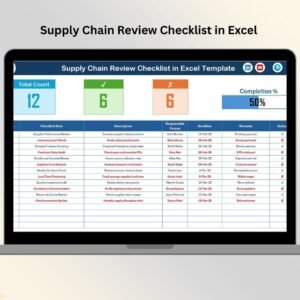
✨ Performance Overview Section – Instantly view Total Tasks, Completed Tasks, Pending Tasks, and a dynamic Progress Bar that updates automatically when you mark ✔ or ✘.
📊 Automated Status Tracking – Simply update the Status column, and the summary updates itself. No manual calculations required.
👤 Clear Responsibility Assignment – Assign each task to a specific team member to eliminate confusion and improve accountability.
📅 Deadline Monitoring – Track due dates clearly so you never miss tax filings, audits, or payment cycles.
📝 Structured Checklist Table – Includes Serial No., Checklist Item, Description, Responsible Person, Deadline, Remarks, and Status for complete control.
🔽 Drop-Down Controlled Data Entry – Dedicated List sheet creates standardized dropdowns to avoid spelling mistakes and duplication.
⚡ Fully Customizable – Add more tasks, insert new columns, modify names, and adjust deadlines easily.
💼 Works for All Financial Cycles – Track daily reconciliations, weekly reviews, monthly payroll, quarterly audits, and annual closures in one place.
What’s Inside the Financial Task Checklist in Excel
This powerful template includes 2 structured worksheets:
1️⃣ Financial Task Checklist (Main Working Sheet)
This is the core control center where you manage all tasks.
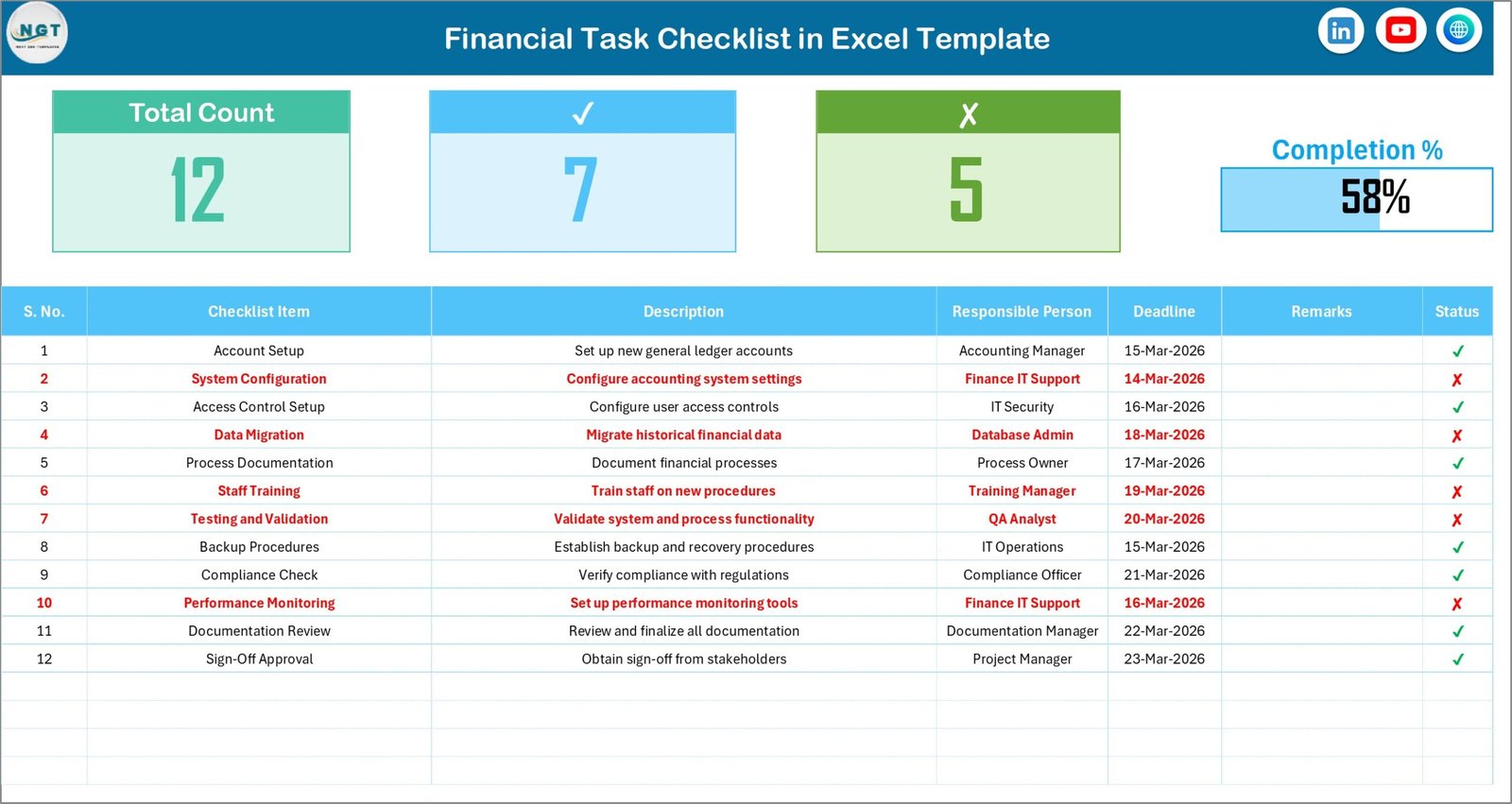
🔹 Top Summary Section
Total Count
Checked Count
Crossed Count
Visual Progress Bar
The moment you mark a task ✔ or ✘, the dashboard updates automatically.
🔹 Detailed Checklist Table
Capture and manage:
Serial Number
Task Name
Task Description
Assigned Person
Deadline
Remarks
Status
Everything stays structured, visible, and easy to update.
2️⃣ List Sheet Tab
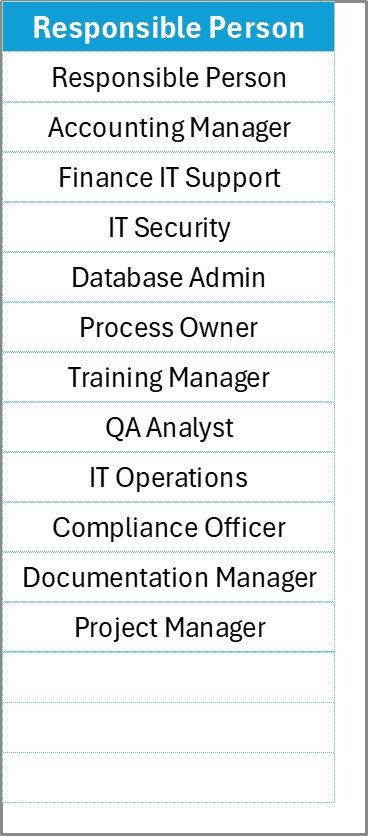
This sheet stores the unique list of responsible persons. It creates a clean drop-down system in the main table, ensuring consistent data entry and better accuracy.
How to Use the Financial Task Checklist in Excel
Using this template is simple and fast:
1️⃣ Enter all your financial tasks in the Checklist Table.
2️⃣ Assign a Responsible Person using the drop-down list.
3️⃣ Set clear deadlines.
4️⃣ Update the Status column with ✔ when completed or ✘ when pending.
5️⃣ Monitor the Progress Bar to track completion percentage.
That’s it. No formulas to edit. No technical skills required.
For best results:
Update tasks daily or weekly.
Review progress at least once a week.
Keep the Responsible Person list updated.
Use the Remarks column for special notes.
Within days, you will notice improved coordination, fewer missed deadlines, and better financial discipline.
Who Can Benefit from This Financial Task Checklist in Excel
This template is perfect for:
👨💼 Small Business Owners who want control over payments, taxes, and reporting.
📊 Accountants managing reconciliations, filings, and compliance tasks.
🏢 Finance Managers handling monthly, quarterly, and annual workflows.
👔 CFOs looking for structured task visibility.
🔍 Auditors tracking compliance-related activities.
🚀 Startups building financial discipline from day one.
🏭 Corporate Finance Teams managing multiple responsibilities.
Because every organization has financial responsibilities, this checklist fits almost every industry.
If you want to reduce errors, increase accountability, and improve financial performance — this Excel solution is your smartest move.
Click here to read the Detailed blog post
Visit our YouTube channel to learn step-by-step video tutorials
👉 Youtube.com/@PKAnExcelExpert
Watch the step-by-step video tutorial:
Compatibility and Requirements
- Works in Microsoft Excel desktop (Excel 2016 or later, or Microsoft 365).
- Responsible persons are picked from a drop-down list. Microsoft explains drop-downs in Create a drop-down list.
Frequently Asked Questions
What does the summary section show?
Total count, checked count, crossed count and a progress bar that updates when you mark tasks ✔ or ✘.
Which columns does the checklist have?
Serial number, checklist item, description, responsible person, deadline, remarks and status.
How do I add team members?
Add their names in the List sheet. They then appear in the responsible person drop-down.
Which financial tasks can I track?
Daily reconciliations, weekly reviews, monthly payroll and reporting, quarterly audits and compliance, and annual closures.
Related Finance Checklist Templates
- Financial Task Calendar in Excel: put the same tasks on a calendar
- Financial Audit Checklist in Excel: prepare for an audit
- Financial Compliance Calendar in Excel: plan filing and compliance dates
- Annual Financial Review Checklist in Google Sheets: a year-end review online
- Checklist & SOP Pack: 12 checklist templates in one download
Browse all Excel checklists or the Excel financial tools.