

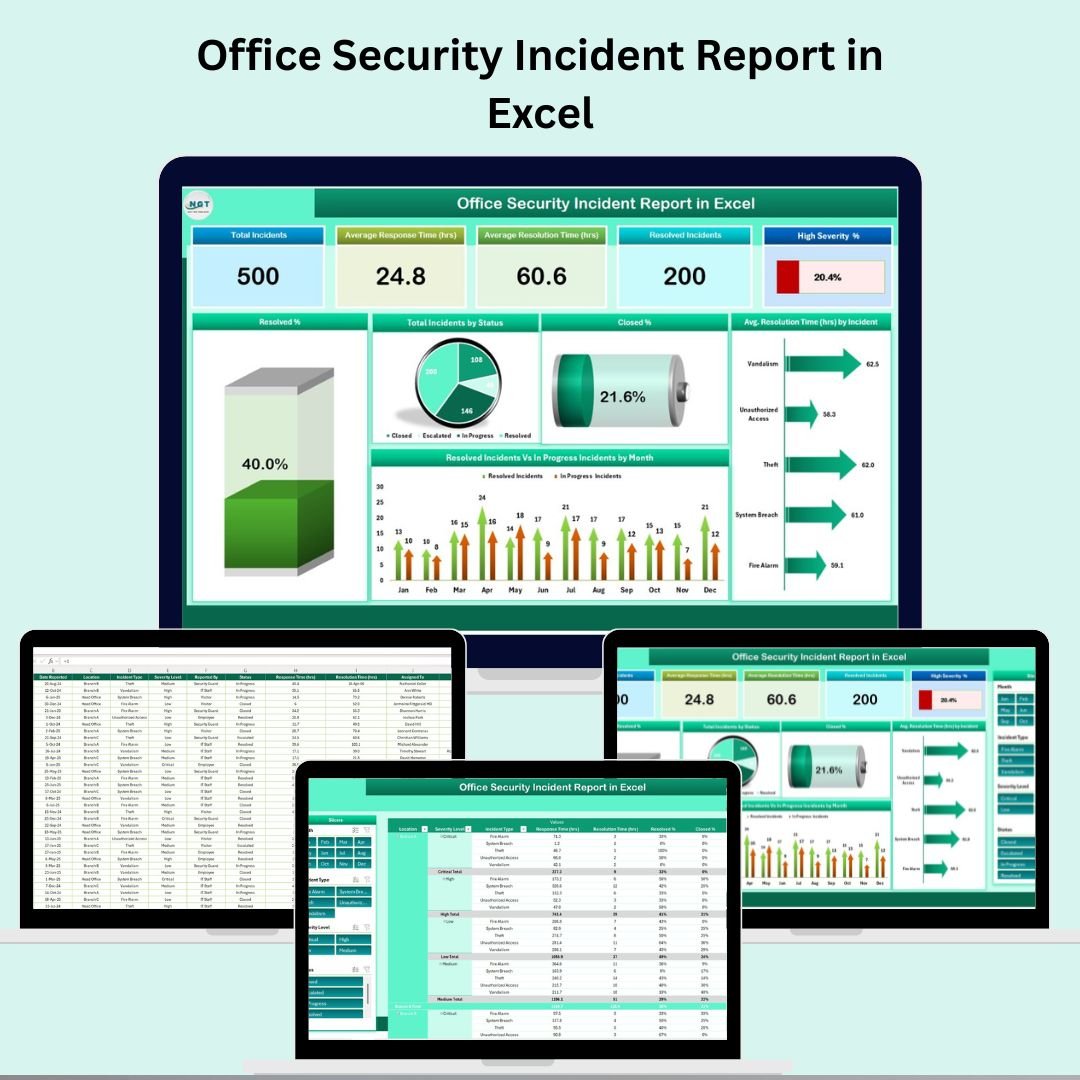

Maintaining a safe and secure workplace is essential for every organization — and that starts with having the right tools to track and analyze security incidents. The Office Security Incident Report in Excel is a ready-to-use, easy-to-manage template that helps facility managers, security teams, and administrators record incidents, monitor response efforts, and identify recurring threats.
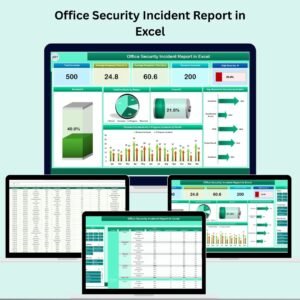
This comprehensive reporting tool consolidates all incident data into one centralized dashboard, allowing you to monitor key metrics like response time, resolution time, severity level, and incident status. With built-in charts and pivot analysis, you can quickly evaluate trends and make informed improvements to your security protocols.
Whether you’re overseeing a single office or managing multiple locations, this report gives you the insight you need to keep your environment safe and compliant.
🔑 Key Features of the Office Security Incident Report
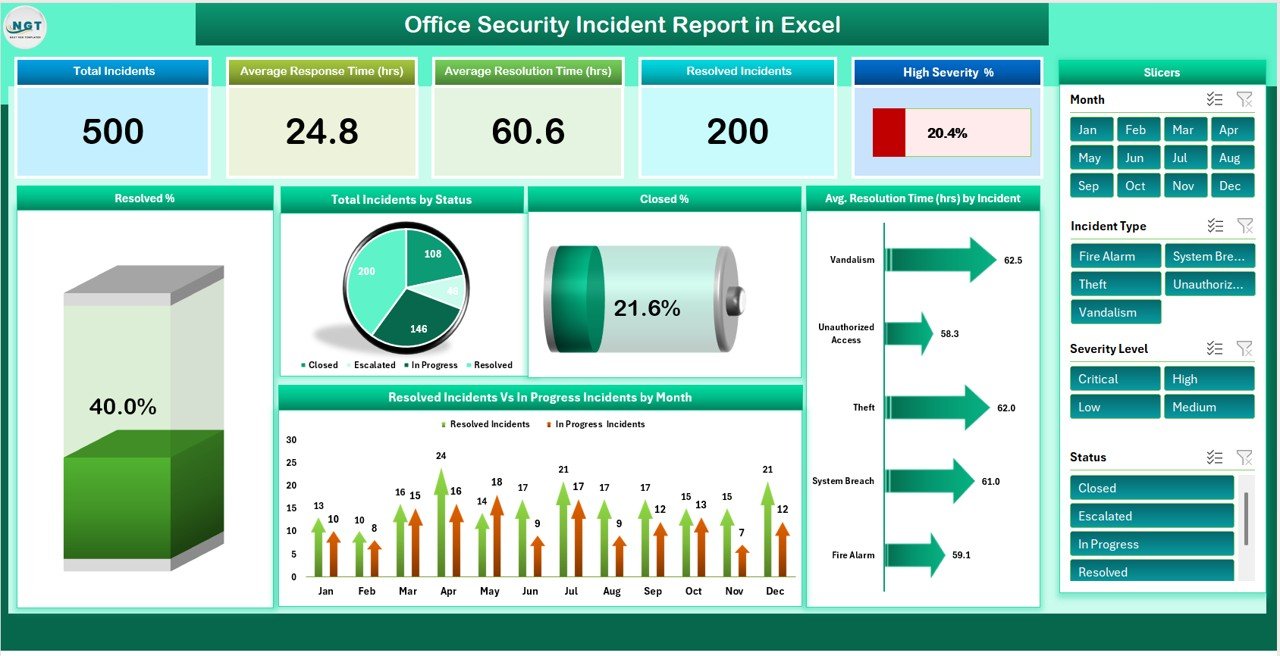
📌 Summary Sheet Tab – High-Level Incident Monitoring
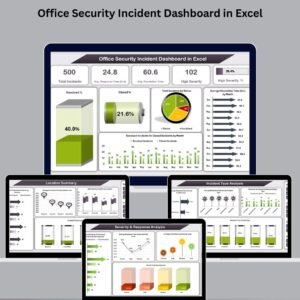
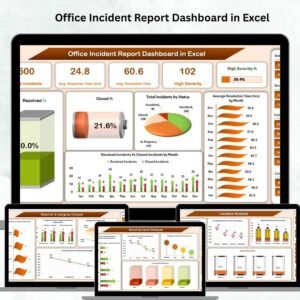
Cards Include:
Total Incidents
Average Response Time (hrs)
Average Resolution Time (hrs)
Resolved Incidents
High Severity (%)
Charts Include:
Resolved (%)
Total Incidents by Status
Closed (%)
Average Resolution Time by Incident
Resolved vs In Progress Incidents (by Month)
Perfect for quickly evaluating overall security performance and spotting trends at a glance.
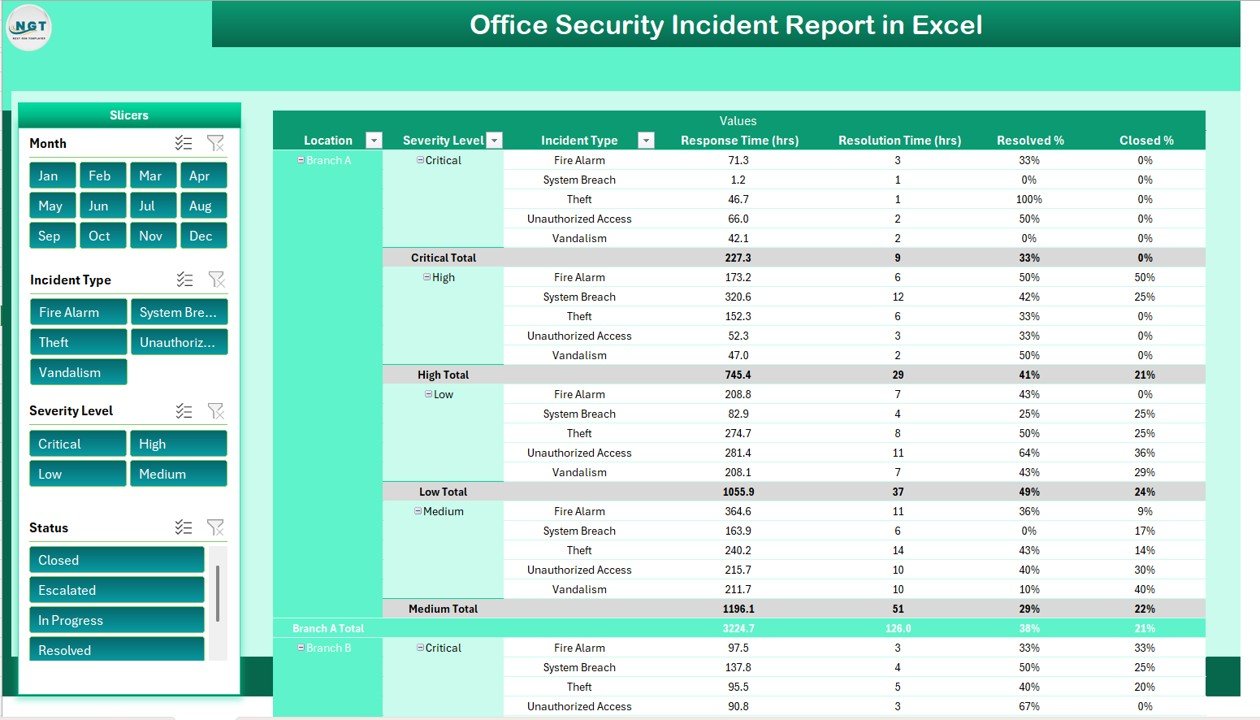
📌 Report Sheet Tab – Pivot Table Analysis
Dynamic filtering by incident type, severity, status, and department
Drill-down into monthly trends and recurring issues
Ideal for management reporting and security audits
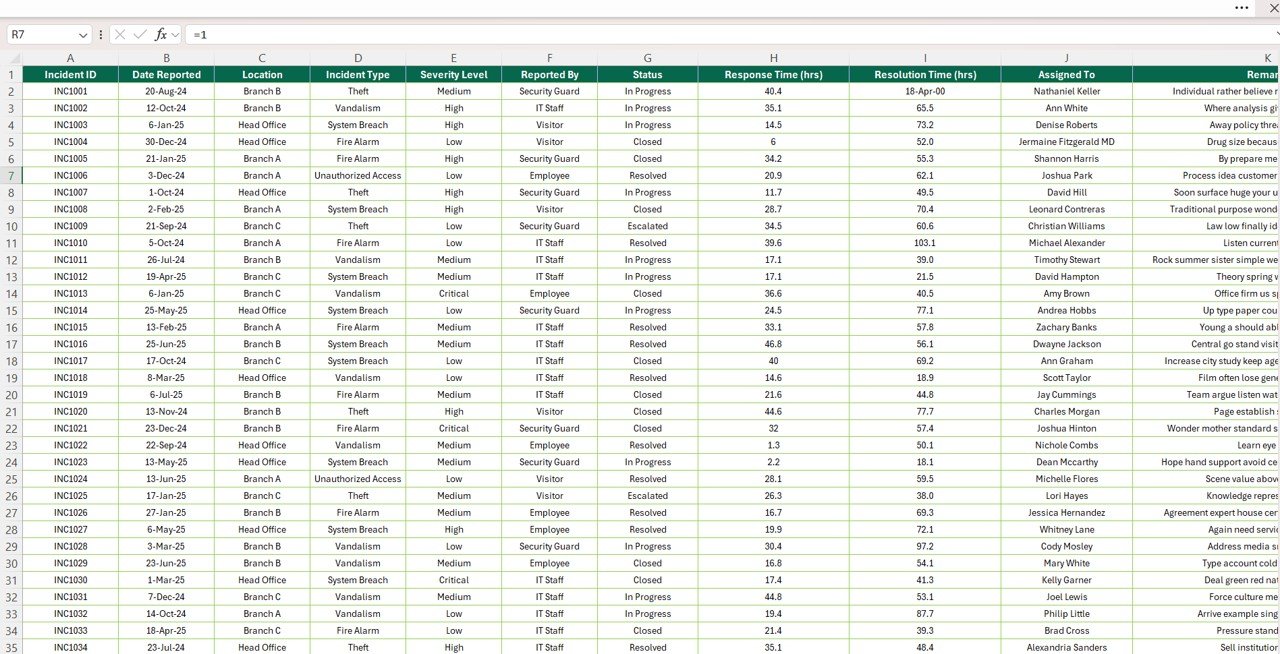
📌 Data Sheet Tab – Centralized Incident Log
Fields include:
Incident ID
Date & Time
Incident Type
Severity Level
Status (Resolved / In Progress / Closed)
Response & Resolution Time
Department / Location
Notes / Description
All calculations and dashboards update automatically when this sheet is updated
📦 What’s Inside the Office Security Incident Report?
✅ Summary Sheet – KPI cards and incident overview charts
✅ Report Sheet – Pivot-based detailed analysis
✅ Data Sheet – Core incident entry table
✅ Pre-Built Formulas & Visuals – No setup needed
✅ Filter & Drill-down Functionality – Analyze what matters most
✅ Customizable Fields – Add new KPIs or incident types anytime
🧠 How to Use the Report
Input Incident Data in the Data Sheet
View summary insights on the Summary Sheet
Use the Report Sheet for drill-down analysis (severity, department, time)
Update regularly for real-time and accurate insights
Share with management to support strategic security improvements
👥 Who Can Benefit from This Report?
🛡️ Security Teams – Track incident types, severity and response times
🏢 Facility Managers – Monitor workplace safety across departments
📋 Administrative Teams – Maintain centralized incident documentation
🏬 Multi-location Businesses – Identify high-risk areas and incident trends
🔗 Click here to read the Detailed blog post
Watch the step-by-step video Demo:
🔗 Visit our YouTube channel to learn step-by-step video tutorials
Compatibility and Requirements
- Works in Microsoft Excel desktop (Excel 2016 or later, or Microsoft 365).
- The Report sheet is built on a PivotTable. Microsoft explains PivotTables in Create a PivotTable to analyze worksheet data.
Frequently Asked Questions
Which sheets are in the file?
A Summary sheet with KPI cards and charts, a Report sheet with pivot table analysis, and a Data sheet that holds the incident log.
What do the KPI cards show?
Total incidents, average response time in hours, average resolution time in hours, resolved incidents and the share of high severity incidents.
Which details do I record for each incident?
Incident ID, date and time, incident type, severity level, status, response and resolution time, department or location, and notes.
Can I filter the analysis?
Yes. The Report sheet filters by incident type, severity, status and department, and lets you drill into monthly trends.
Can I add new incident types?
Yes. The fields are customizable, so you can add new KPIs or incident types at any time.
Related Incident and Security Templates
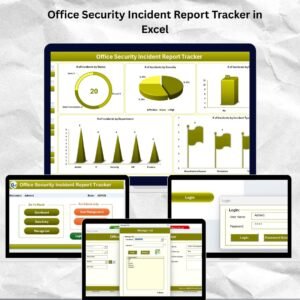
- Office Security Incident Report Tracker in Excel: logs incidents with a tracker layout
- Office Security Incident Dashboard in Excel: a fuller dashboard for the same data
- Incident Report Tracker in Excel: a general workplace incident tracker
- Office Security Incident Dashboard in Power BI: the same topic in Power BI
- Office Security Incident Report Tracker in Google Sheets: a shared online version
Browse all Excel reports or the Excel health and safety templates.






Reviews
There are no reviews yet.