

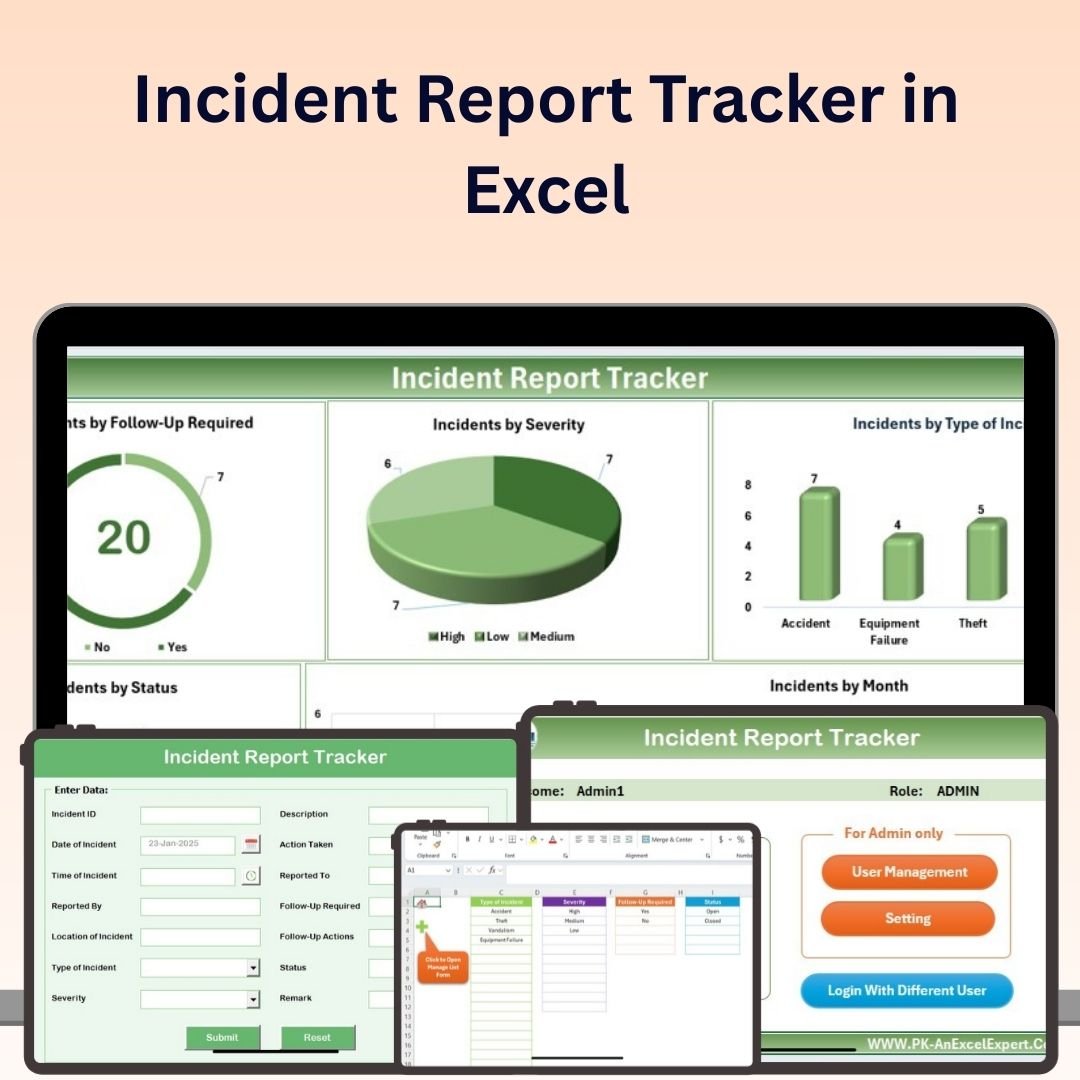
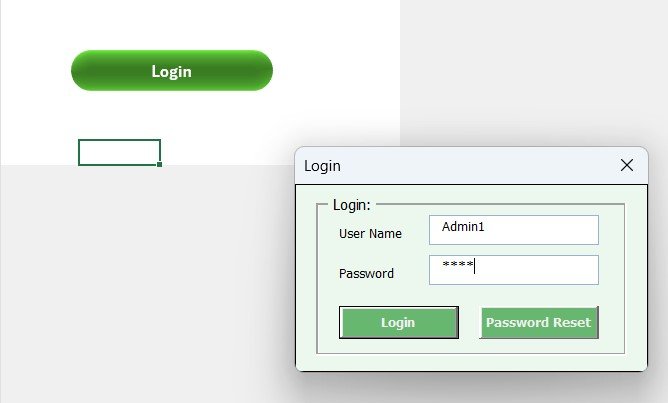
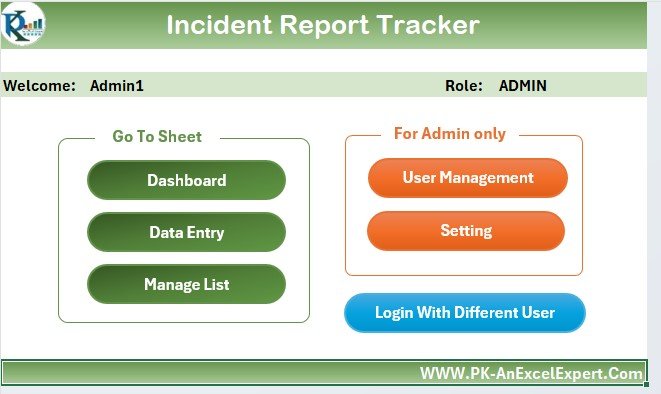
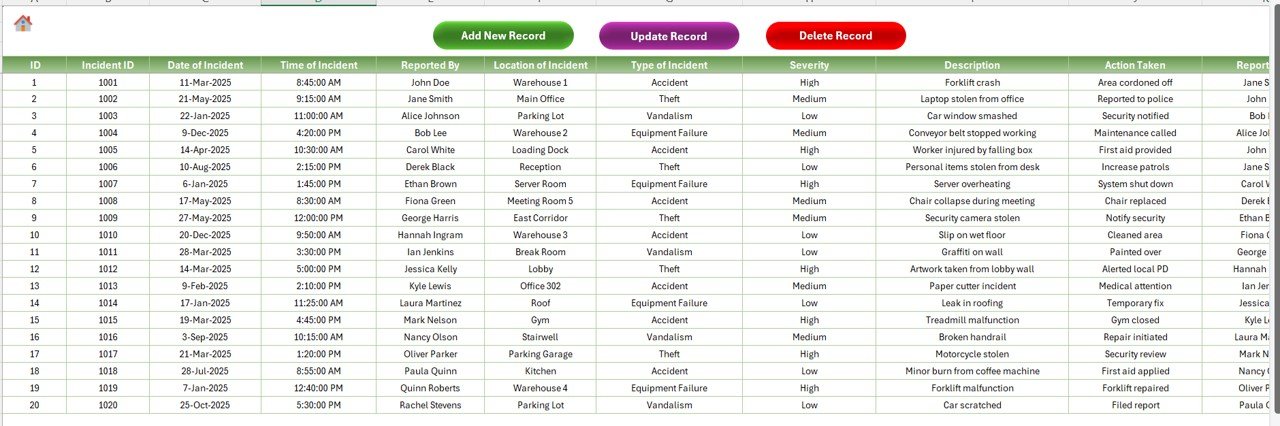
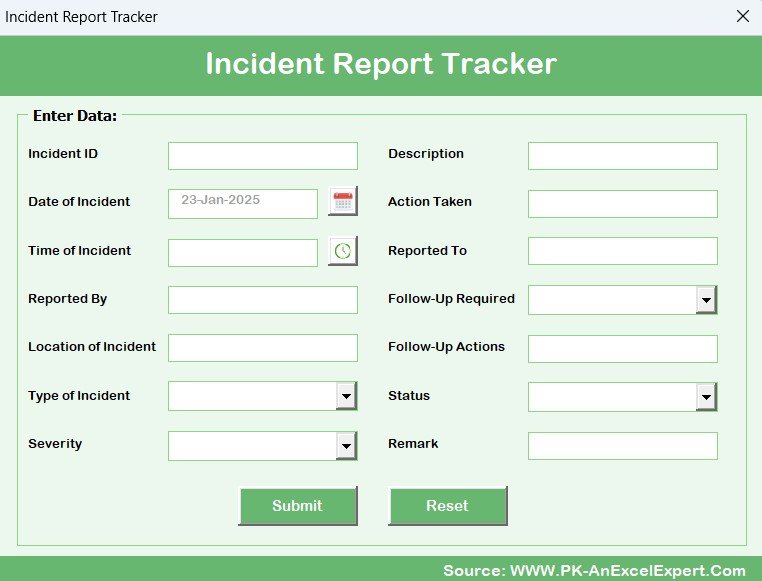
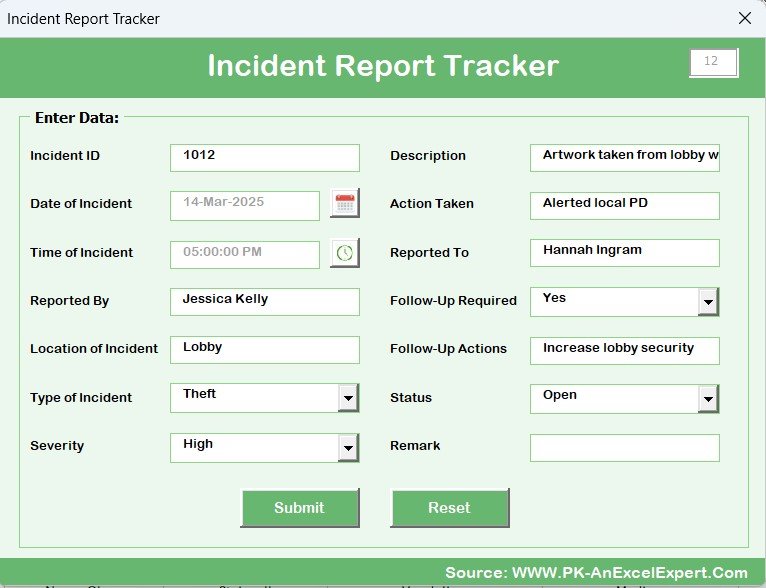
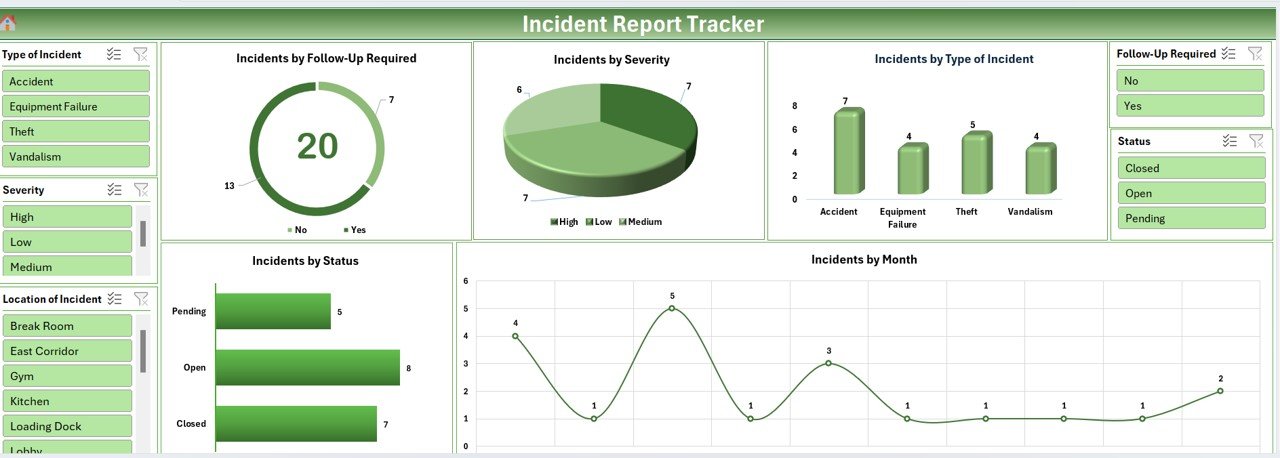
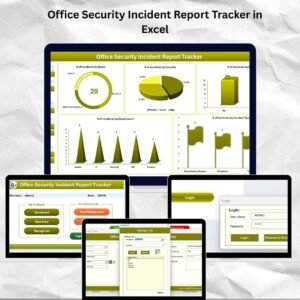
The Incident Report Tracker in Excel is a template for documenting incidents, classifying severity, assigning corrective actions and reviewing resolution status. HR, safety and operations teams can use the log and dashboard to keep incident details together and follow up on actions.
Whether you’re running a small manufacturing plant, a multi-site facilities operation, a healthcare practice, a construction contractor, or a warehouse, the tracker gives you a structured log for internal incident reviews and corrective-action follow-up. No cloud migration, no user licensing, no six-week onboarding — just open the file and start logging. Sample data, dashboard charts, severity classifications, and corrective-action workflows are all pre-built.
Keep Incident Details and Follow-Up Together
Record what happened, who owns the corrective action, and its current status in a consistent format. This is a tracking template, not a certification or a guarantee of regulatory compliance.
What’s Inside the Incident Report Tracker
📋 Incident Documentation & Tracking
Capture incident and investigation details such as: date, time, location, description of the event, affected parties, witnesses, immediate response, and injury classification.
📝 Severity & Impact Classification
Pre-built severity tiers (Low / Medium / High / Critical) with impact categorization so you can prioritize investigation and corrective action. Critical incidents surface immediately on the dashboard for management attention.
🔑 Action Plan & Resolution Tracking
For each incident, assign a corrective action owner, target date, and status. Track whether root cause analysis was completed and whether the corrective action has actually closed the gap — not just been “noted.”
⏱️ Time-Based Tracking
Monitor response time from incident to first report, resolution time from report to closure, and days-away-from-work for OSHA 300 Column H accuracy. Spot systemic slowness in your safety response.
📈 Incident Analysis & Trend Reporting
Auto-refreshing dashboard charts break down incidents by type, department, month, severity, and resolution status. Calculate your Total Case Incident Rate (TCR) using the standard OSHA formula: (Incidents × 200,000) / Total hours worked.
⚙️ Fully Customizable
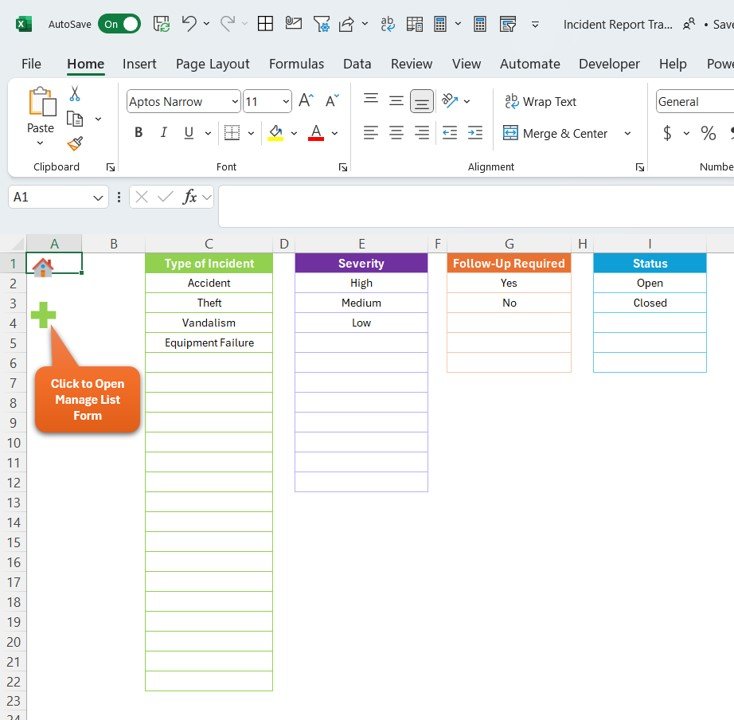
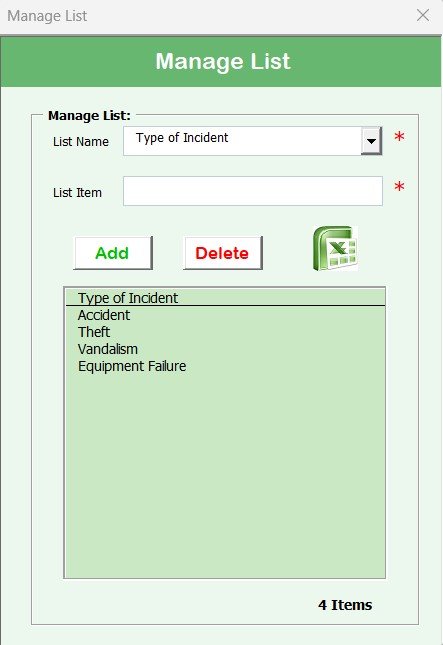
Every field, dropdown, severity level, and category is editable. Adapt to your industry — construction, healthcare, manufacturing, retail, food service, education — without any VBA or macros required.
🛡️ Stop managing incidents in email threads.
Get a structured, audit-ready incident log with severity classification, corrective action tracking, and OSHA-style trend reporting — in one Excel file, offline, with no user limits.
Incident Report Tracker vs. Full EHS Software vs. Ad-hoc Systems
| Feature | Our Excel Tracker | Full EHS Platform (Intelex / EHS Insight / Enablon) | Paper Forms / Email Reports |
|---|---|---|---|
| Pricing | One-time $6.99 | From $49/user/month + implementation fees + training | Free but uncontrolled |
| Deployment Time | Under 5 minutes — open file and start | Weeks to months for configuration, user onboarding, data migration | Immediate but inconsistent |
| Severity Classification | Pre-built tiers (Low/Med/High/Critical) | Fully configurable workflows | Inconsistent — depends on who reported |
| Trend Dashboard | Built-in charts, auto-refresh | BI-grade reporting with drill-downs | None — manual compilation |
| Corrective Action Tracking | Owner + target date + status columns | CAPA module with workflows and reminders | Depends on follow-up emails |
| Mobile Field Reporting | Excel mobile app (view/edit) | Native mobile apps with photo upload | Photos of paper forms |
| OSHA 300 Log Export | Manual formatting (columns align to 300 fields) | Automated OSHA 300/300A generation | Manual transcription from paper |
| Best For | SMBs and single-site teams with 10-500 employees | Multi-site enterprises with complex compliance and audit needs | Teams just starting to formalize safety |
Honest positioning — if you’re a Fortune 1000 manufacturer with 40 sites, ISO 45001 certification, and dedicated EHS staff running investigations daily, Intelex or Enablon are genuinely better tools. If you’re under 500 employees at one or two locations and currently running safety on “we’ll send an email,” this tracker is the fastest, cheapest path to audit-readiness.
Who Uses This Template
| Role / Industry | Primary Use Case |
|---|---|
| HR & Safety Managers | Workplace injury logging, workers’ comp claims documentation, OSHA recordability decisions |
| Manufacturing & Construction | Machine-related injuries, falls from height, contact with objects, near-miss reporting |
| Healthcare & Social Assistance | Lift injuries, sharps incidents, workplace violence, exposure incidents |
| Retail & Food Service | Slip-trip-fall logs, lifting strains, customer incident reporting, food-safety events |
| Facility & Operations Managers | Property damage, equipment failure incidents, security breaches |
| Compliance & Risk Teams | Regulatory incident register, internal audit evidence, insurance reporting |
| Schools & Education | Student injury logs, playground incidents, transport events, lab safety |
| Transportation & Logistics | Vehicle incidents, warehouse injuries, loading-dock events, DOT compliance |
Benefits You’ll See in the First 30 Days
- 📋 Centralized incident log — no more “where is that email about the injury last month?”
- ⚡ Faster corrective action closure — ownership and deadlines visible on every incident
- 📊 Trend visibility — the same slip-trip-fall location appearing three times in a month becomes obvious
- 🛡️ Review preparation — keep incident records organised for internal review
- 📈 Compute your TCR and DART rates — benchmark against BLS industry averages
- 🤝 Improve safety culture — when employees see incidents actually get resolved, reporting rates go up
How to Use the Tracker (Step-by-Step)
- Download and open the Excel file. Review the sample data to understand the structure.
- Customize dropdowns — Department list, Incident Type, Severity, Resolution Status — to match your organization.
- Clear the sample rows and start logging real incidents. Every event, including near-misses, belongs in the log.
- Classify severity immediately. A late severity classification is worth less than an imperfect one made on day zero.
- Assign a corrective action owner and target date within 48 hours of the incident.
- Review the dashboard weekly with your safety committee. Act on trends, not just individual cases.
- Export key rows for OSHA 300 logging at year-end. The column structure aligns to Form 300 fields.
- Archive annually. Keep at least five years of history for audit and trend analysis.
Best Practices From High-Performing Safety Teams
- Log near-misses, not just injuries. Research consistently shows that for every serious injury, dozens of near-misses preceded it. Your best leading indicator is near-miss count.
- Investigate root cause, not just proximate cause. “Worker tripped on cord” is proximate. “No housekeeping standard for temporary cords” is root.
- Close the loop on every corrective action. An open corrective action from six months ago is worse than no log at all — it’s documented evidence of inaction.
- Calculate your TCR monthly and compare to industry benchmarks. BLS publishes rates by NAICS code; if you’re above the industry average, you have a targeted improvement case.
- Never edit historical entries. Add a correction row with a reference back to the original. Audit trails matter.
Related Templates You May Need
- Complaint Management System in Excel — for non-safety complaint workflows
- Equipment Maintenance Log Tracker in Excel — log equipment events that may have contributed to incidents
- Employee Performance Rating Card in Excel — include safety performance in reviews
- HR Dashboard in Excel — integrate incident metrics into workforce KPIs
- Audit Checklist Tracker in Excel — pair with incident data for internal safety audits
- All Excel Trackers — full catalog
- HR Templates Collection
Frequently Asked Questions
Does this tracker replace OSHA Form 300, 300A, and 301?
It produces the data you need to populate OSHA Form 300, 300A, and 301, but OSHA requires the recordkeeping on their official forms. Use this tracker as your master log, then transcribe the OSHA-recordable subset onto the official 300 log at least annually. OSHA establishments with 10+ employees in non-exempt industries are required to maintain the 300 log under 29 CFR 1904.
Can this tracker calculate my OSHA incident rate?
Yes — the dashboard includes the standard TCR formula: (Total Recordable Cases × 200,000) / Total Hours Worked. Enter your total employee hours for the period and the template returns your TCR in real time, which you can then benchmark against BLS industry rates.
Is this an OSHA-approved form?
OSHA does not “approve” third-party incident tracking tools. OSHA requires specific recordkeeping on Forms 300/300A/301 for covered establishments. This tracker is designed to help you produce that data accurately — it is not a replacement for the OSHA forms themselves.
Can multiple people use the file at once?
If you save the file to SharePoint, OneDrive, or Google Drive and open it in Excel for the web or Microsoft 365, yes — co-authoring is supported. For a desktop-only file, one editor at a time is the practical limit.
How do I handle confidential or HIPAA-sensitive incidents?
For healthcare-related incidents involving PHI, store the file on a HIPAA-compliant drive (BAA-covered OneDrive/Google Workspace) and limit access by permission. For the most sensitive cases (e.g., workplace violence with ongoing investigations), a full EHS platform with role-based field-level security is often a better fit.
How many incidents can the file handle?
Excel comfortably handles tens of thousands of rows. For a typical small-to-mid business, you’re unlikely to approach the limits. We recommend starting a new annual file each year for easier archiving and faster dashboard refresh.
Can I integrate this with my HRIS or workers’ comp provider?
Not natively — Excel files don’t push data to external systems. For automated integrations (Workday, Gusto, UKG, workers’ comp carriers), you’ll want a full EHS platform. Many small businesses export relevant rows as CSV and upload manually once a month, which is usually sufficient.
What if I need multi-language support?
The template is in English. Column headers, dropdowns, and chart labels can be translated manually in Excel. For a large bilingual workforce with automated translation of employee-submitted reports, a full EHS platform like EHS Insight (which supports English and Spanish) is worth evaluating.
Does the severity classification follow a recognized standard?
The default severity tiers (Low / Medium / High / Critical) are industry-common but not tied to a specific standard like ANSI Z590 or ISO 45001. You can customize the severity scheme to align with your organization’s risk matrix — and we recommend you do so for auditability.
How is this different from starting my own spreadsheet?
The template provides a prepared log structure and dashboard for recording incidents and reviewing follow-up. More importantly, it enforces discipline — severity must be chosen from a dropdown, corrective action ownership must be assigned, resolution dates must be entered. Blank-cell spreadsheets drift into uselessness within three months. Structured ones don’t.
Read the Full Blog Post on PK: An Excel Expert
For a detailed implementation walkthrough, screenshots, and severity-classification best practices, read the full guide on our Excel blog: Incident Report Tracker in Excel — Full Guide.
Watch the Walkthrough Video
See the tracker in action — from logging an incident through closing the corrective action and reviewing trend charts:
https://www.youtube.com/@PKAnExcelExpert
🎥 Subscribe to YouTube.com/@PKAnExcelExpert for weekly Excel dashboard tutorials, VBA automation walkthroughs, and business template reviews.
Ready to stop managing safety in email threads?
Download the Incident Report Tracker in Excel — one-time $6.99, works offline, fully customizable, OSHA-log-compatible structure.
For related templates and reporting options, explore our HR and payroll reporting guide.












Reviews
There are no reviews yet.