

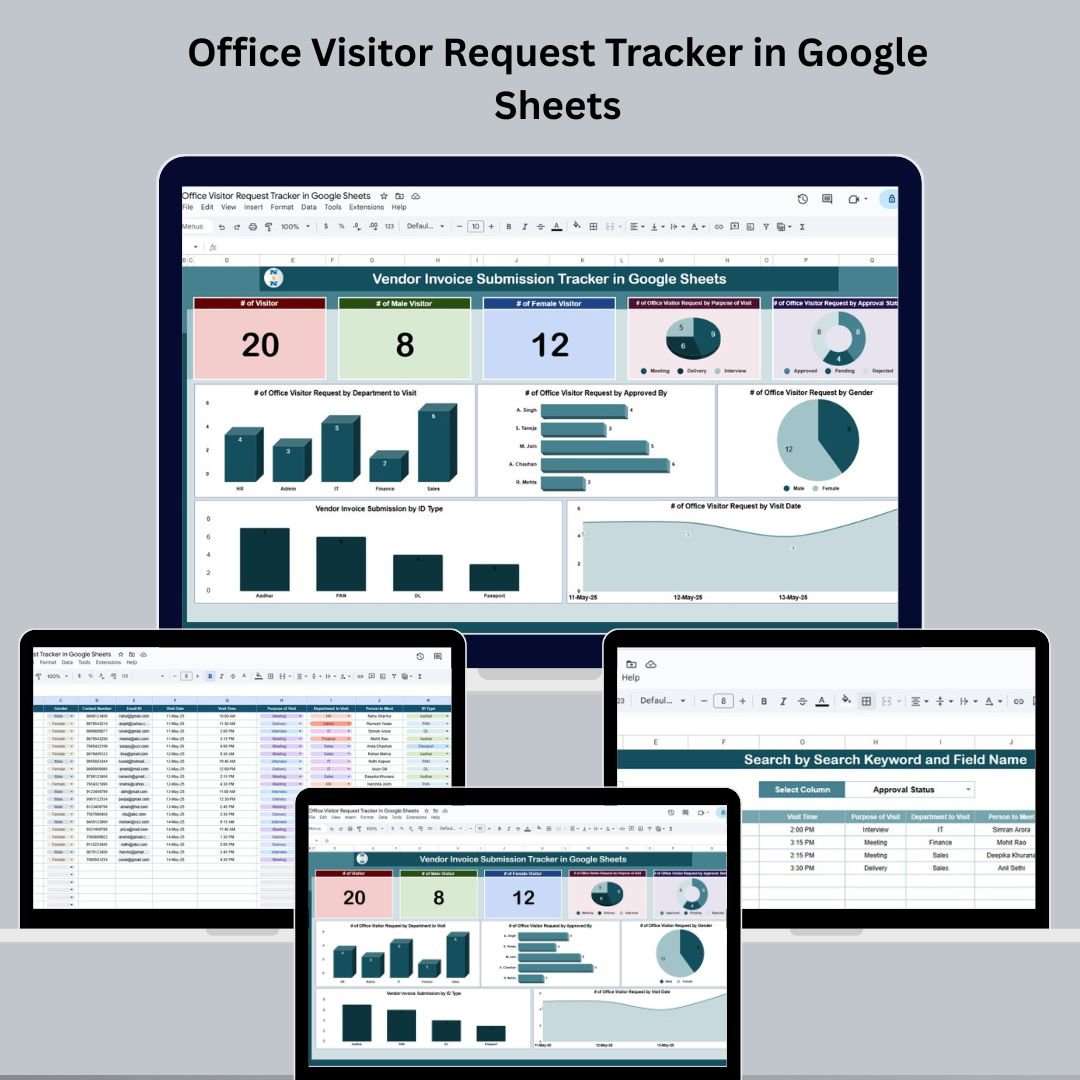

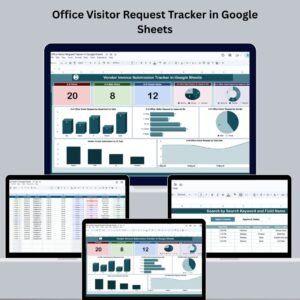
Managing office visitors has never been easier! The Office Visitor Request Tracker in Google Sheets is a ready-to-use, customizable solution to streamline your visitor tracking process—from initial request to final approval. Whether you’re a startup, corporate office, co-working space, or government institution, this tool brings structure and visibility to how you handle visitor entries, approvals, and departmental visits.Office Visitor Request Tracker in Google Sheets
Say goodbye to manual logbooks and hello to real-time dashboards, charts, and keyword search—all powered by Google Sheets.Office Visitor Request Tracker in Google Sheets
🚀 Key Features of the Office Visitor Request Tracker
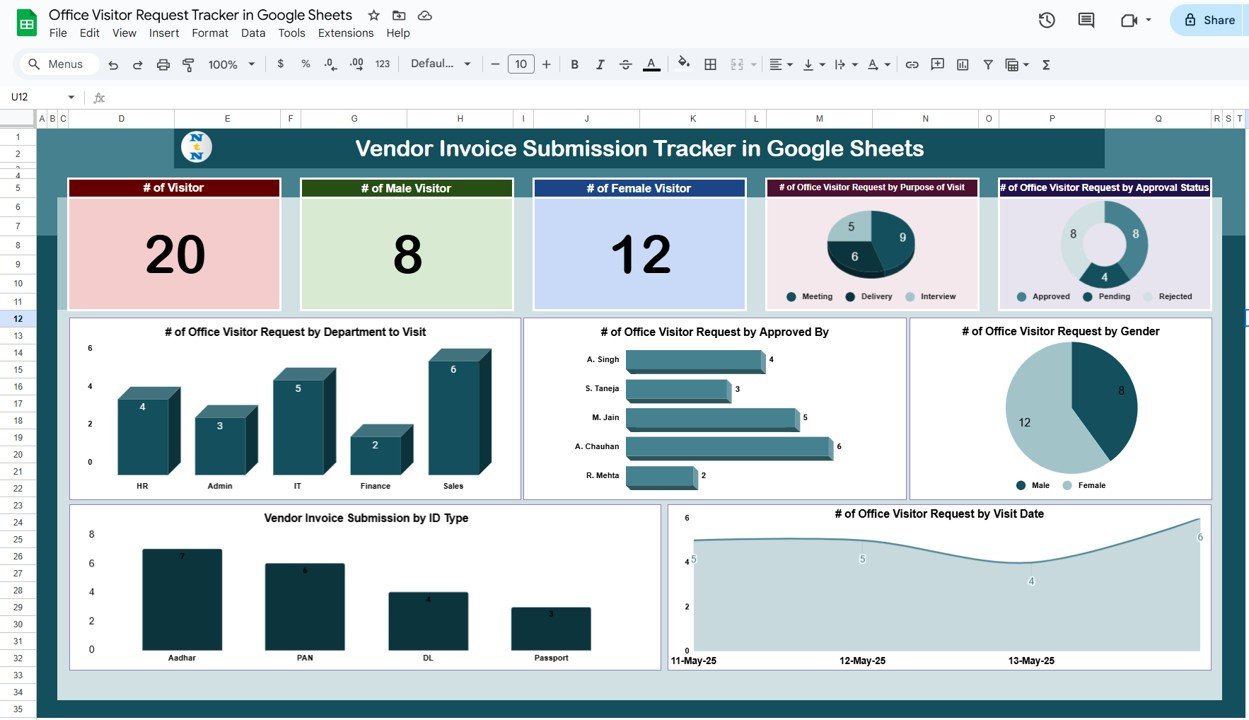
🗂️ 1. Tracker Sheet Tab – Your Visual Visitor Dashboard
Get an instant overview of visitor activity with:
👤 # of Visitors
👨 # of Male Visitors
👩 # of Female Visitors
📊 Charts include:
🧭 By Purpose of Visit (e.g., interview, client meeting)
✅ By Approval Status (approved, pending, rejected)
🏢 By Department to Visit (HR, IT, Finance)
👤 By Approved By (Manager, Security, etc.)
⚧️ By Gender
📅 By Visit Date
These visual insights help you plan space, staff, and security ahead of time.
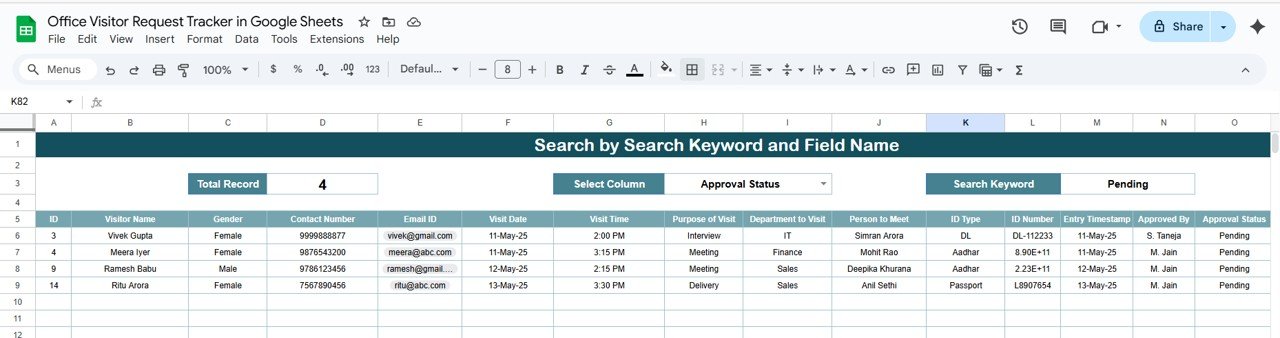
🔍 2. Search Sheet Tab – Filter & Find in Seconds
Quickly search any field with:
🔎 Search by Keyword and Column
📌 Search by Visitor Name, Status, Department & More
Perfect for offices with hundreds of entries—just type and locate instantly.
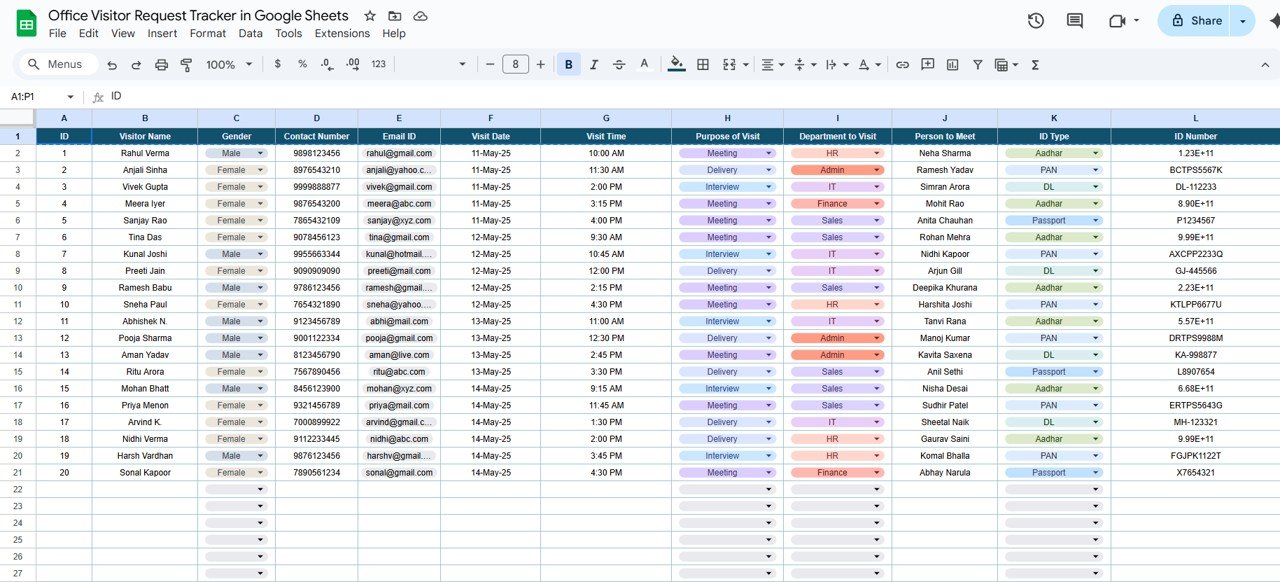
📥 3. Data Sheet Tab – Centralized Visitor Request Log
Includes 15+ important columns:
🆔 ID
🙍 Visitor Name & Gender
📞 Contact Number
📧 Email ID
📆 Visit Date & Time
📝 Purpose of Visit
🏢 Department to Visit
👨💼 Person to Meet
🪪 ID Type & Number
🕒 Entry Timestamp
✅ Approved By & Status
💬 Remarks
Fully editable—add, remove, or modify fields as per your office needs.
📦 What’s Inside the Template?
✅ 3 Organized Sheet Tabs (Tracker, Search, Data)
📊 6 Dynamic Charts + 3 KPI Cards
🔍 Smart Search Function with Column Dropdown
🛠️ 100% Customizable Fields
📤 Easy Team Sharing via Google Sheets
🧠 How to Use This Tracker
Open the template in Google Sheets
Input or import visitor data into the Data Sheet
View live metrics and trends in the Tracker Sheet
Search records with precision in the Search Sheet
Share with your team and manage real-time approvals
👤 Who Should Use This?
🏢 Corporate Offices
🧪 Labs & R&D Facilities
🎓 Universities
🏫 Schools
🏥 Hospitals & Clinics
🏛️ Government Departments
👮 Security & Admin Teams
💡 Benefits of Using This Tracker
✅ Centralized data & real-time updates
🧮 Visual visitor trend analysis
📊 Smart dashboards powered by live charts
🔐 Improved workplace security & compliance
🛠️ Flexible to adapt to any organization
💻 No technical skills required to operate
📏 Best Practices
🔄 Update data regularly in the Data Sheet
📌 Use the Search Sheet to find old records
✅ Monitor Approval Status for security validation
🔍 Analyze visitor patterns via built-in charts
🔐 Restrict sheet access for data protection
Click here read detailed blog post
Watch the step-by-step video Demo:
📺 Visit our YouTube channel for the complete step-by-step video demo:
👉 YouTube.com/@NeoTechNavigators
Compatibility and Requirements
- Works in Google Sheets. You need a free Google account and a web browser.
- The Search sheet has a column dropdown for keyword search. Google explains dropdowns in Create an in-cell dropdown list.
Frequently Asked Questions
Which sheets are included?
Three sheets: Tracker, Search and Data. The Tracker sheet holds the KPI cards and charts, the Search sheet finds records, and the Data sheet is the visitor request log.
What does the Data sheet record for each visitor?
It has columns for ID, visitor name, gender, contact number, email ID, visit date and time, purpose of visit, department to visit, person to meet, ID type and number, entry timestamp, approved by, approval status and remarks.
Which charts does the Tracker sheet show?
Six charts: by purpose of visit, approval status, department to visit, approved by, gender and visit date. Three KPI cards show the number of visitors, male visitors and female visitors.
How do I find an old visitor record?
Open the Search sheet, pick a column from the dropdown and type a keyword. You can search by visitor name, status, department and other fields.
Can I change the fields?
Yes. All fields are editable, so you can add, remove or rename columns to match how your office handles visitors.
Is there an Excel version?
Yes. See the Office Visitor Request Tracker in Excel.
Related Office Request Templates
- Office Visitor Request Tracker in Excel: the same visitor tracker for Excel
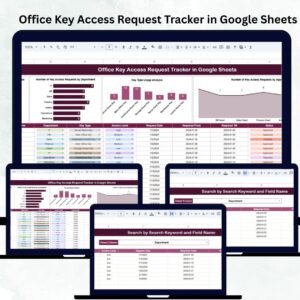
- Office Key Access Request Tracker in Google Sheets: log and approve key access requests
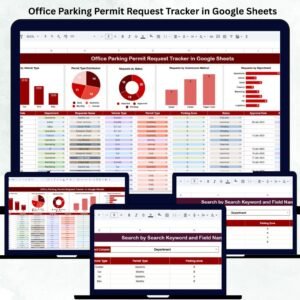
- Office Parking Permit Request Tracker in Google Sheets: track parking permit requests
- Office Supply Request Tracker in Google Sheets: manage supply requests from staff
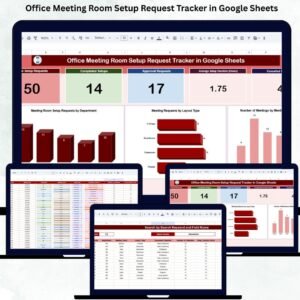
- Office Meeting Room Setup Request Tracker in Google Sheets: track room setup requests
Browse all Google Sheets trackers.






























Reviews
There are no reviews yet.