

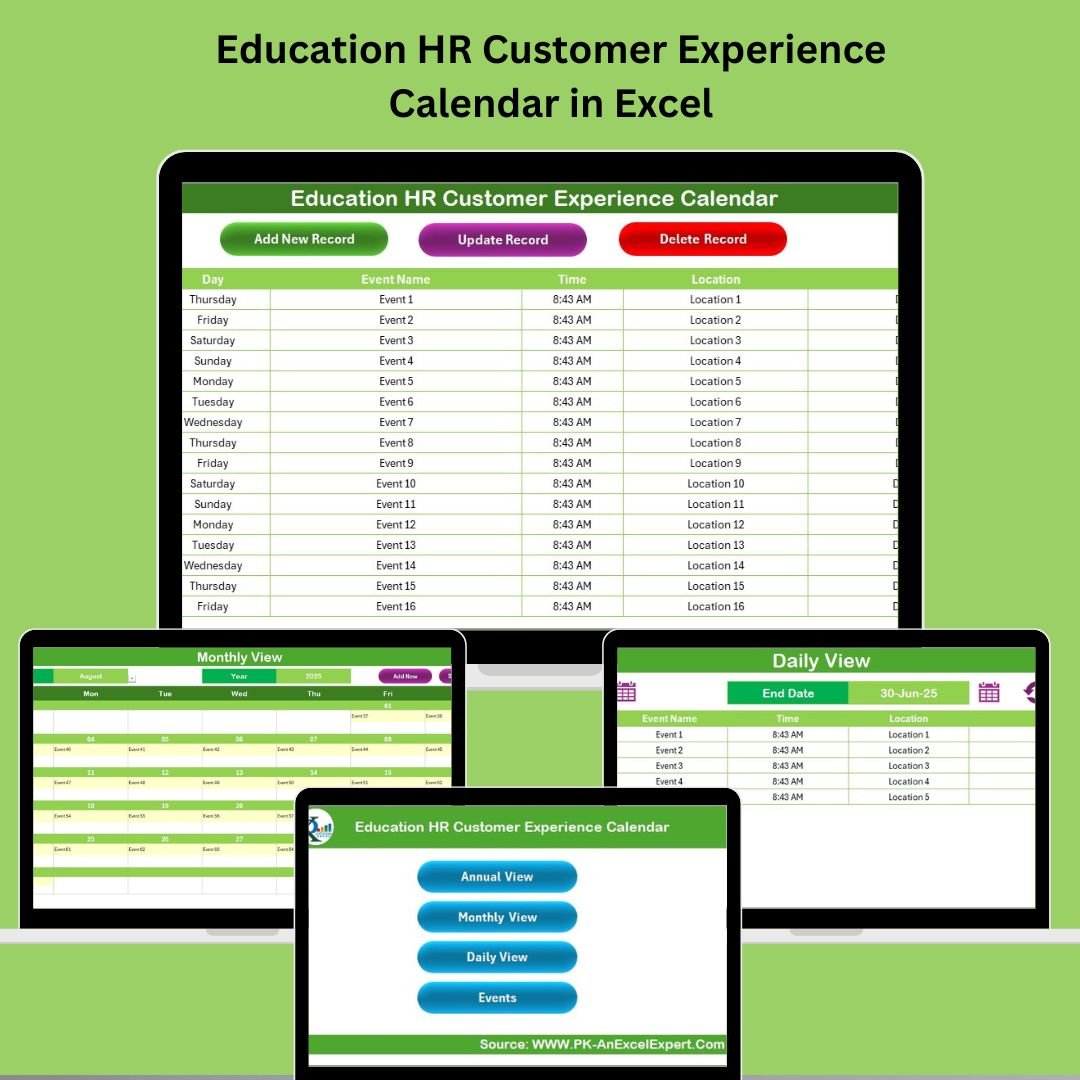

Managing HR events in educational institutions can quickly become chaotic without a centralized system. Whether it’s onboarding sessions, staff meetings, or training programs—staying organized is crucial. That’s where the Education HR Customer Experience Calendar in Excel comes in.
Designed for HR teams in schools, colleges, and universities, this Excel-based tool is your all-in-one solution to manage, schedule, and track events that enhance both employee and student experiences.
✨ Key Features of the Education HR Calendar
🏠 Home Sheet – Your Navigation Hub
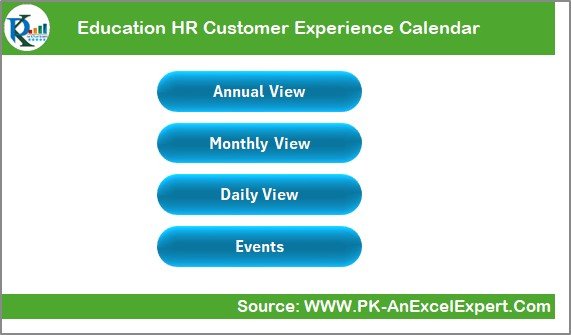
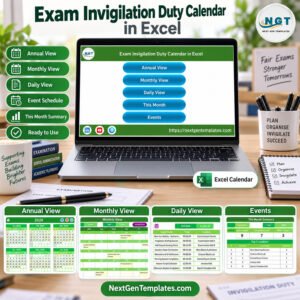
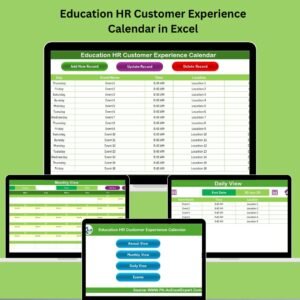
Easily jump to different views like Annual, Monthly, Daily, and Events
Clean layout ensures anyone on your team can use it without training
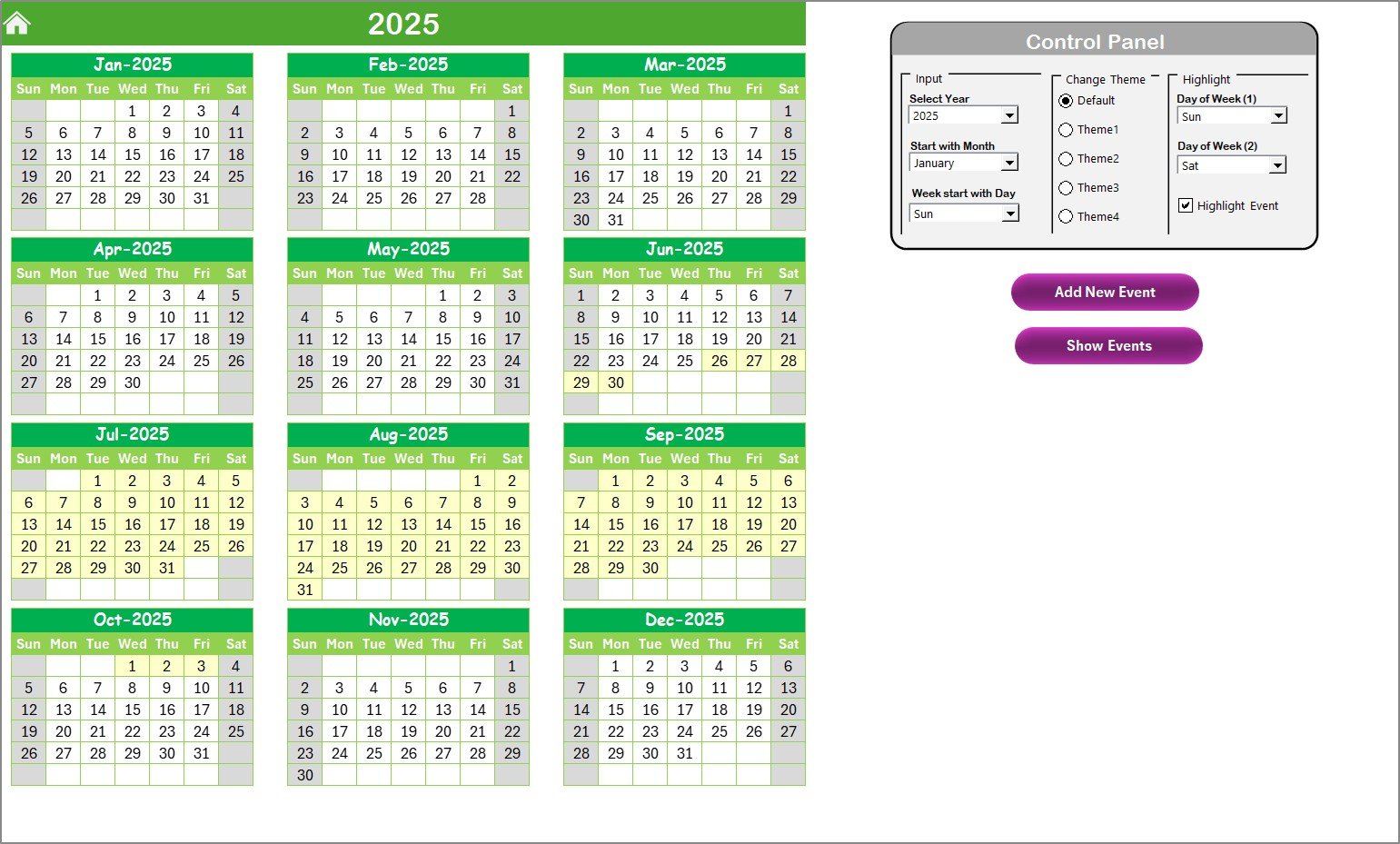
📆 Annual View Sheet
Displays a full 12-month calendar for year-round planning
Use the Control Panel to:
Select the year and starting day of the week
Apply one of 5 color themes
Highlight specific weekdays (e.g., weekends or holidays)
Add/View events with one click
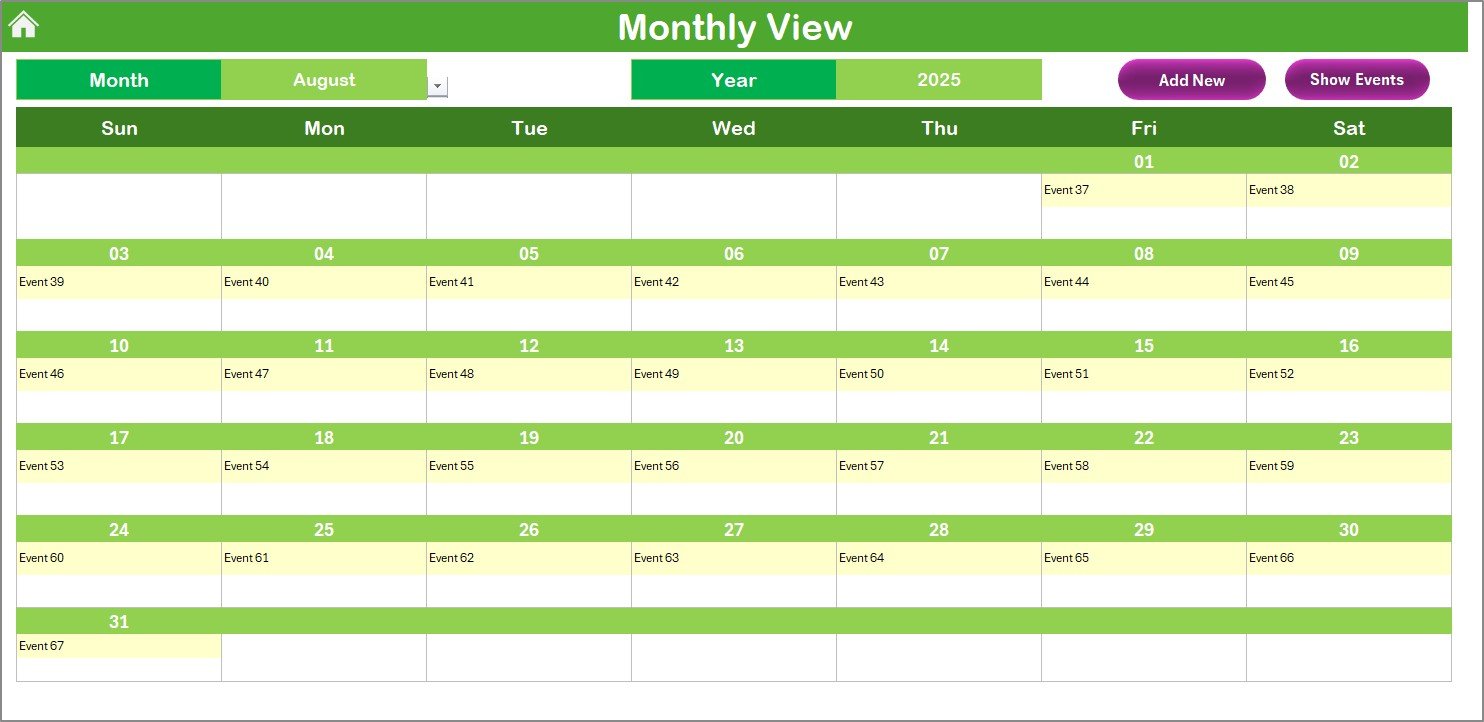
📅 Monthly View Sheet
Displays a calendar for a selected month
Shows “more than 1…” if multiple events fall on a single day
Add/View buttons make event management easy
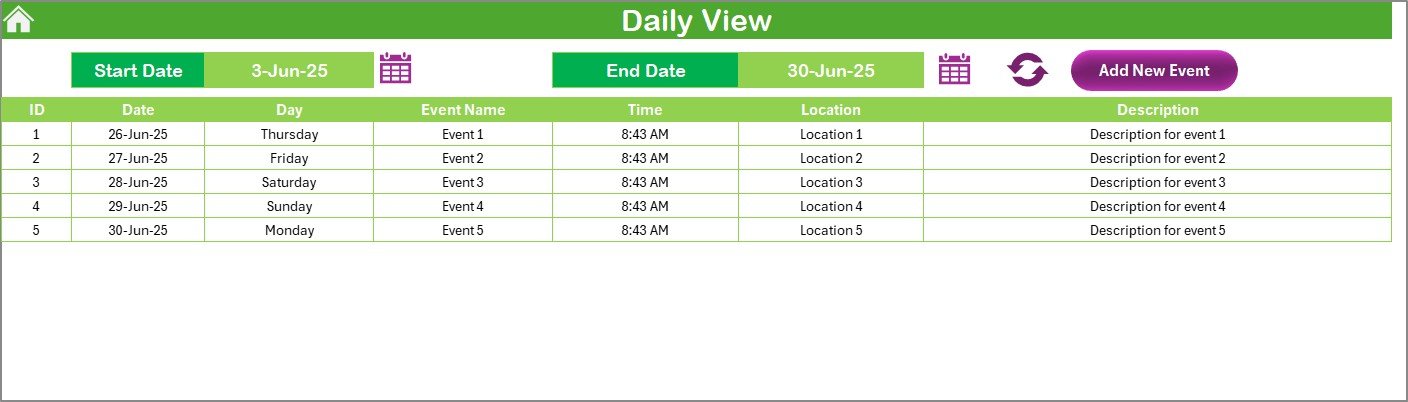
📋 Daily View Sheet
Enter a date range and instantly see all events scheduled within it
Ideal for daily check-ins or tight schedules
Add new events from this view with a simple form
📑 Events Sheet
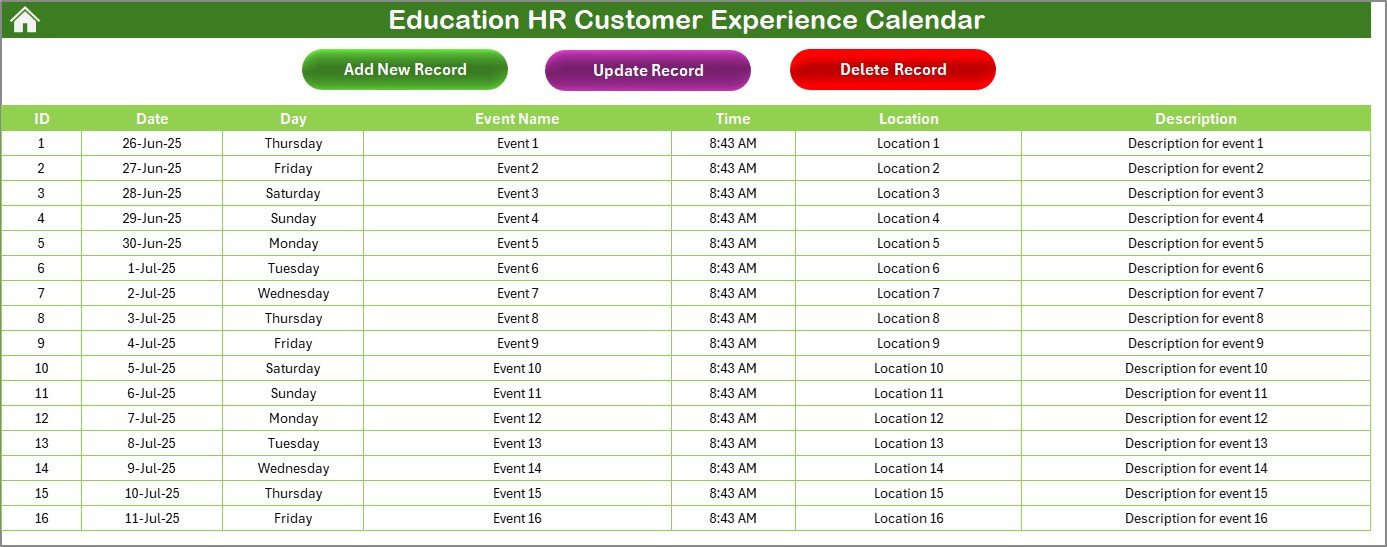
All your data is stored here: ID, Date, Day, Event Name, Time, Location, Description
Auto-generated event ID ensures nothing gets duplicated
Buttons let you:
➕ Add New Record
✏️ Update Existing Record
❌ Delete Record
📦 What’s Inside the Calendar Template?
✔️ 5 Organized Sheets: Home, Annual View, Monthly View, Daily View, and Events
✔️ Smart Navigation: Easily move between calendar views
✔️ Color Themes: Customize for your school or department branding
✔️ Event Automation: Auto-fill forms and auto-generated IDs
✔️ All-in-One Event Table: Track every detail in one place
✔️ Printable Views: Great for team meetings or wall calendars
✔️ Fully Editable: Add categories, change fonts, or add branding
🚀 How to Use the Education HR Calendar
Open the Excel Template
No setup needed—just download and open
Set Your Year and Week Start
Use the Control Panel on the Annual View sheet
Add Events
Click “Add New Event” in any view to input details
View Schedules
Use Annual, Monthly, or Daily View to check availability
Update or Delete
Use the Events sheet to make changes with just one click
Share with Your Team
Upload to cloud or shared network so your HR staff stays in sync
👥 Who Can Benefit from This Calendar?
🎓 HR Teams in Schools, Colleges, and Universities
📅 Event Coordinators & Training Managers
👩🏫 Academic Departments Handling Staff Events
🏫 Administrative Offices Managing Staff Deadlines
👨💻 Remote HR Teams Needing a Central Calendar
💡 Why Choose This Excel-Based Tool?
✅ No Software Subscriptions – Just Excel, that’s it!
✅ User-Friendly Interface – Even beginners can use it confidently
✅ Time-Saving Automation – Auto-filled forms and smart filters save hours
✅ Customizable Design – Adjust the layout, color themes, and more
✅ Centralized Data – One sheet to manage every HR event
✅ Multi-User Friendly – Share with your team via OneDrive or Google Drive
🔧 Best Practices for Maximum Efficiency
🗓️ Update Regularly: Keep events current to avoid scheduling conflicts
🎨 Highlight Important Dates: Use color themes to mark training or policy events
📊 Plan Yearly with Annual View: Perfect for academic calendar planning
👥 Collaborate with Teams: Keep everyone in sync with shared access
🔍 Use Daily View for Detailed Checks: Great for day-of-event management
🎯 How This Calendar Enhances the HR Experience
📢 Improves Communication: Staff always know what’s happening
⏰ Reduces Admin Overload: Save time with automation features
🔍 Increases Transparency: Anyone can view, filter, and understand event data
🗂️ Organizes Complex Schedules: From onboarding to appraisals—everything in one place
📖 Click here to read the Detailed blog post
🎥 Visit our YouTube channel to learn step-by-step video tutorials
Watch the step-by-step video tutorial:
Compatibility and Requirements
- Works in Microsoft Excel desktop (Excel 2016 or later, or Microsoft 365).
- The Add, Update and Delete buttons on the Events sheet and the Add/View buttons on the calendar sheets are Excel macro buttons. Enable macros when Excel asks. Microsoft explains how in Enable or disable macros in Microsoft 365 files.
Frequently Asked Questions
Which sheets are included?
Five sheets: Home, Annual View, Monthly View, Daily View and Events.
What details can I record for each event?
The Events sheet stores an ID, Date, Day, Event Name, Time, Location and Description. The ID is generated automatically.
How do I change the year or the first day of the week?
Use the Control Panel on the Annual View sheet. It also has 5 color themes and a way to highlight chosen weekdays.
What happens when several events fall on the same day?
The Monthly View shows “more than 1…” on that day. Use the Daily View to enter a date range and see every event inside it.
Is there a version for another HR or school team?
Yes. For example, see the HR Customer Experience Calendar in Excel and the Education Operations Customer Experience Calendar in Excel.
Related Education Calendars and Dashboards
- HR Customer Experience Calendar in Excel: the same calendar for HR teams outside education
- Education Operations Customer Experience Calendar in Excel: for school operations staff
- Education Compliance Customer Experience Calendar in Excel: for compliance dates and events
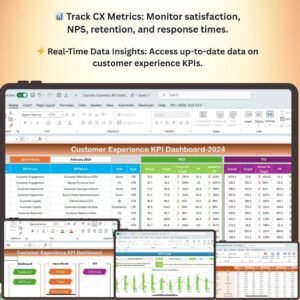
- Customer Experience KPI Dashboard in Excel: a KPI view of customer experience
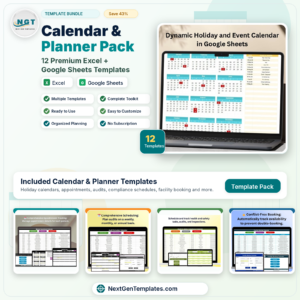
- Calendar & Planner Pack: 12 Excel and Google Sheets calendar templates in one download
Browse all Excel calendar templates or HR and Payroll templates.





Reviews
There are no reviews yet.