

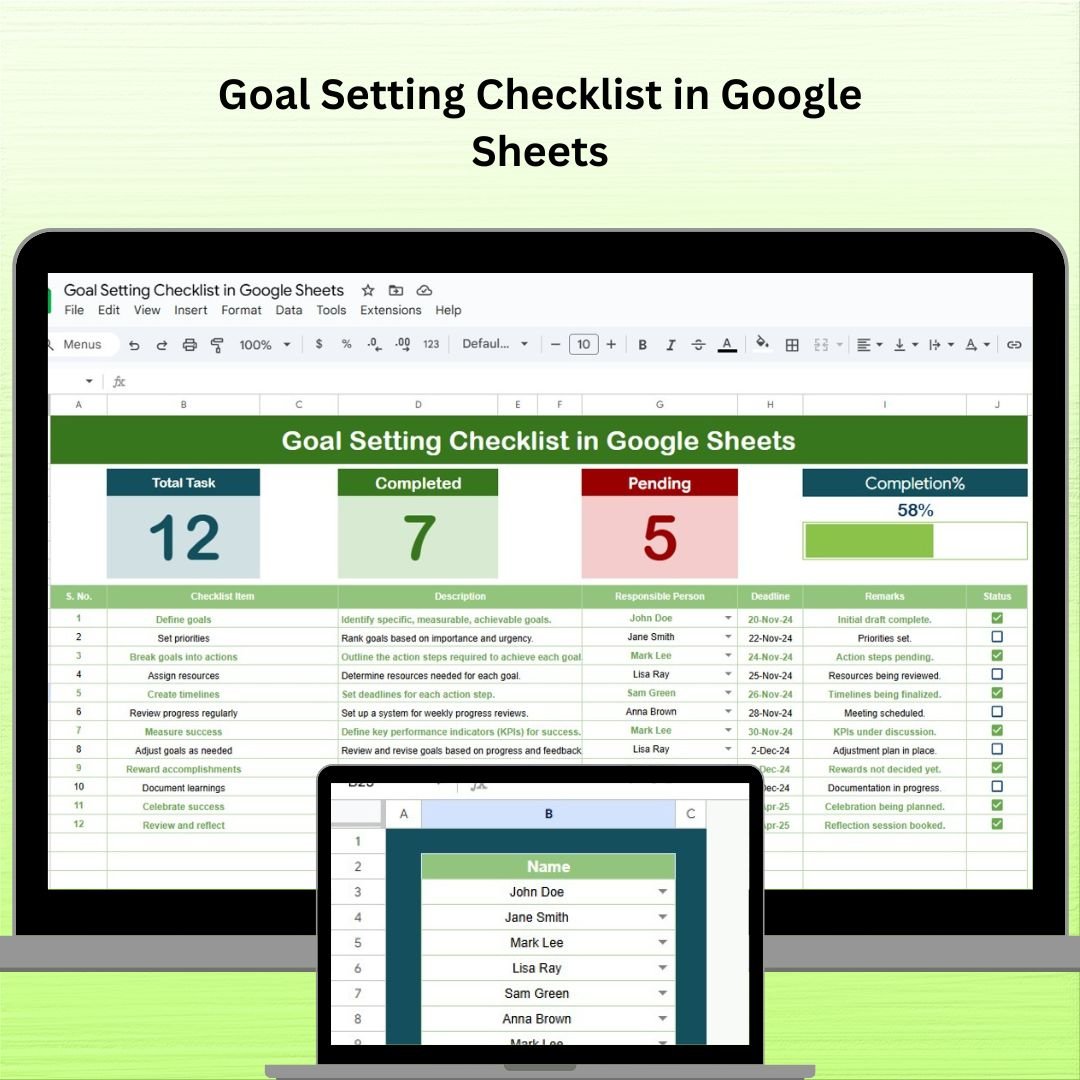
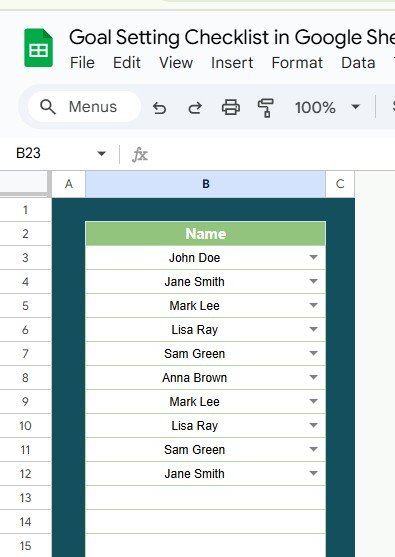

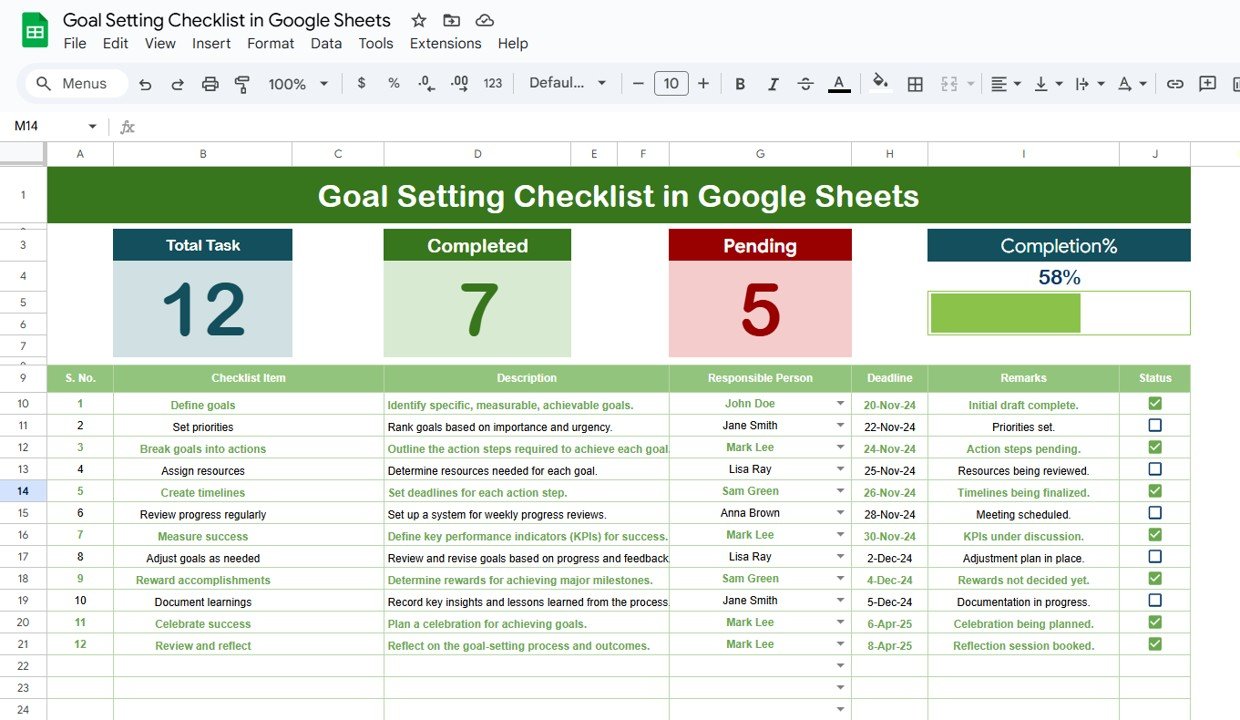
The Goal Setting Checklist in Google Sheets is a versatile and powerful tool designed to help individuals and teams set, track, and achieve their goals. This user-friendly template allows you to define specific, measurable, achievable, relevant, and time-bound (SMART) objectives, organize tasks, set deadlines, and monitor your progress toward success.
Key Features of the Goal Setting Checklist in Google Sheets
🎯 SMART Goal Framework
Specific, Measurable, Achievable, Relevant, Time-bound: Set clear goals that are actionable and realistic, increasing your chances of success.
Actionable Steps: Break down your goals into manageable tasks and prioritize them based on importance.
📅 Customizable Templates
Tailor to Your Needs: Whether it’s personal, academic, or professional goals, customize the template to suit your specific objectives.
Flexible Structure: Modify the categories and fields based on your preferences to ensure your goals are organized the way you need.
📊 Progress Tracking
Monitor Your Journey: Track your progress with visual indicators like checkboxes and progress bars to stay motivated.
Real-Time Updates: Keep track of deadlines and goals by updating the template regularly with completed tasks and milestones.
⏳ Timeline Management
Set Deadlines: Assign start and end dates to your goals, ensuring timely completion and helping you stay focused.
Structured Planning: Organize your goals over daily, weekly, or monthly timelines to avoid overwhelm and stay on course.
Benefits of Using the Goal Setting Checklist in Google Sheets
✅ Clarity & Focus
Clearly define what you want to achieve and map out actionable steps to guide you toward success.
✅ Accountability
Regularly updating your progress ensures you stay committed to your goals, fostering a sense of responsibility.
✅ Increased Productivity
A structured approach to goal setting allows for better time management, reducing procrastination and boosting efficiency.
✅ Motivation Boost
As you track progress and tick off completed tasks, you’ll stay motivated and encouraged to keep going.
How to Use the Goal Setting Checklist in Google Sheets
Download the Template: Download the Goal Setting Checklist template and save it to your Google Drive for easy access.
Define Your Goals: Use the SMART criteria to input your goals, ensuring they are well-defined and achievable.
Break Down Tasks: Organize your goals into smaller, actionable steps with deadlines and priorities.
Track Your Progress: Regularly update the checklist as you complete tasks and milestones, monitoring your progress.
Review & Adjust: Periodically review your goals and adjust your plan as needed to stay on track.
By utilizing the Goal Setting Checklist in Google Sheets, you can organize your goals, monitor your progress, and achieve success, whether you’re planning personal, academic, or professional milestones.
Click here to read the Detailed blog post
Goal Setting Checklist in Google Sheets
Visit our YouTube channel to learn step-by-step video tutorials
YouTube.com/@NeotechNavigators
Watch the step-by-step video Demo:
Compatibility and Requirements
- Works in Google Sheets. You need a free Google account and a web browser.
- New to Google Sheets? Google’s guide How to use Google Sheets covers the basics.
Frequently Asked Questions
Does it follow the SMART goal method?
Yes. You set goals that are specific, measurable, achievable, relevant and time-bound.
Can I break a goal into smaller tasks?
Yes. You split each goal into tasks and set a deadline and priority for each one.
How do I see my progress?
Checkboxes and progress bars show what is done as you tick off tasks and milestones.
Can I plan by day, week or month?
Yes. You set start and end dates and organize goals on daily, weekly or monthly timelines.
Is there an Excel version?
Yes. The Goal Setting Checklist in Excel does the same job in Excel.
Related Goal Planning Templates
- Goal Setting Checklist in Excel: the same checklist in Excel
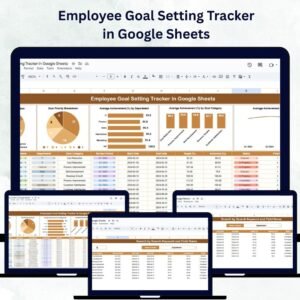
- Employee Goal Setting Tracker in Google Sheets: track goals for each employee
- Weekly Planner with Goals Tracker in Google Sheets: plan each week around your goals
- Personal Development Checklist in Google Sheets: plan personal growth steps
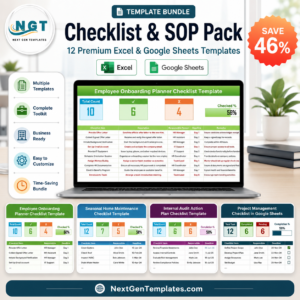
- Checklist & SOP Pack: 12 checklist templates in one download
Browse all Google Sheets checklists or the Google Sheets trackers.



Reviews
There are no reviews yet.