

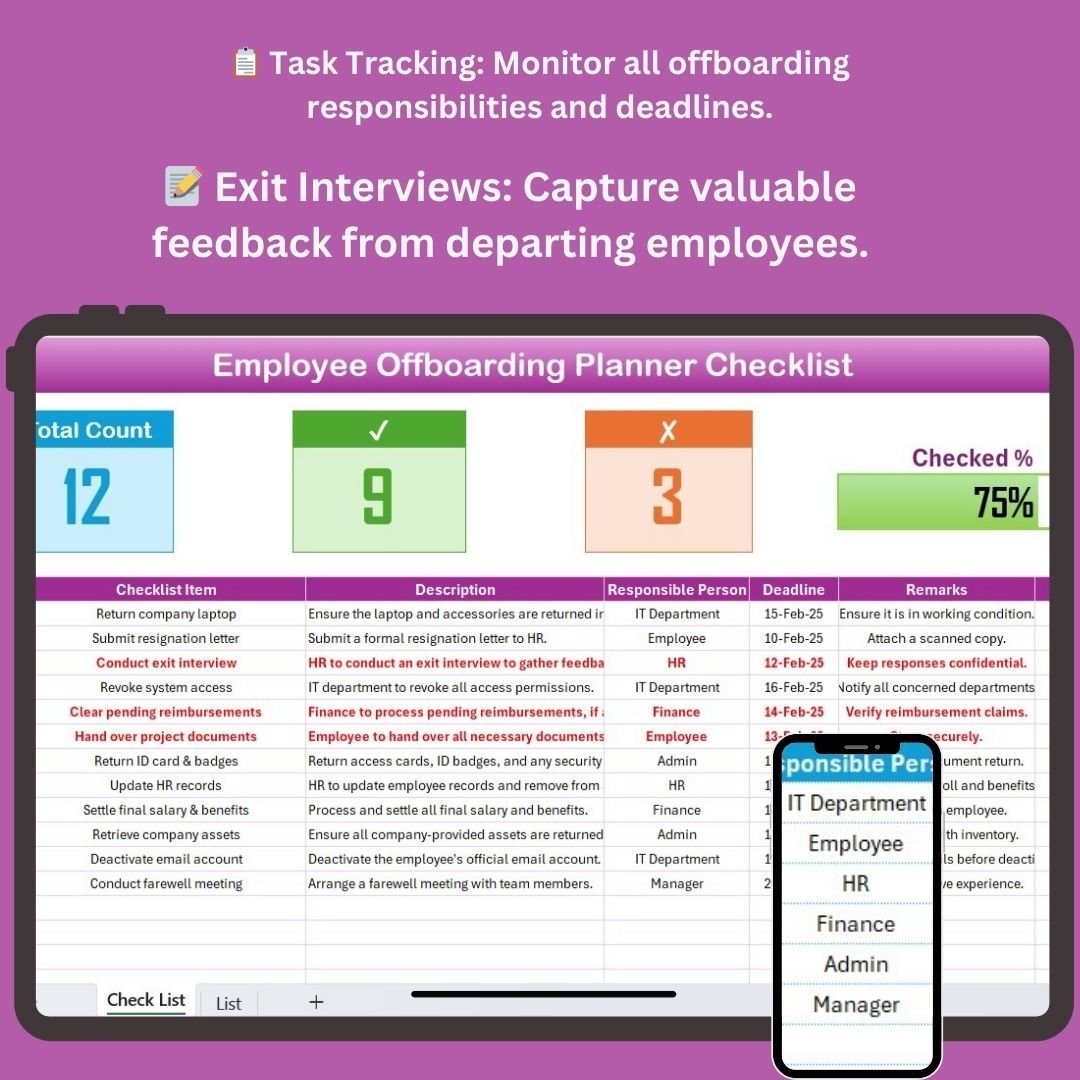
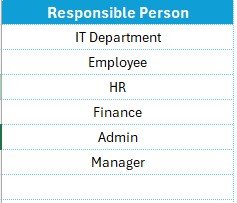

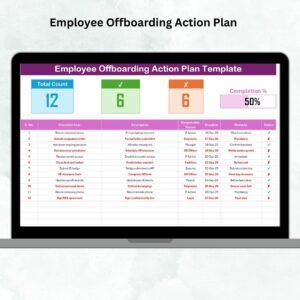
The Employee Offboarding Planner Checklist in Excel is a comprehensive tool designed to ensure a smooth, structured, and efficient offboarding process for departing employees. This Excel-based checklist helps HR managers, team leads, and organizations streamline the offboarding experience by tracking all the essential steps involved, from knowledge transfer to exit interviews.
A well-executed offboarding process is crucial for maintaining positive relationships with former employees, safeguarding sensitive information, and ensuring a seamless transition for both the employee and the company. This tool helps ensure that all tasks are completed on time and nothing is overlooked, making the process smooth and efficient.
Key Features of the Employee Offboarding Planner Checklist in Excel
📋 Task & Responsibility Tracking
Track all the offboarding tasks that need to be completed before the employee’s final day. This includes tasks such as returning company property, revoking access to systems, and conducting exit interviews.
📝 Exit Interview Preparation
Organize and manage exit interviews, capturing key feedback from the departing employee. Record the employee’s experiences, reasons for leaving, and suggestions for improving workplace culture and processes.
🔑 Knowledge Transfer & Handover
Ensure a smooth knowledge transfer between the departing employee and their replacement. Track the status of handover tasks such as transferring responsibilities, training new employees, and documenting processes.
🛠 IT Systems & Account Management
Keep track of all necessary IT-related offboarding tasks, including deactivating email accounts, revoking system access, and retrieving company devices. This ensures that all sensitive company information remains secure.
📅 Timeline Management & Deadlines
The checklist provides a timeline for all offboarding activities, helping HR managers and team leads stay on top of deadlines and ensuring that all offboarding tasks are completed before the employee’s last day.
⚙️ Customizable & Scalable
The checklist is fully customizable to meet your company’s specific offboarding needs. Add or remove tasks, adjust timelines, and tailor the offboarding process based on your organization’s structure.
Why You’ll Love the Employee Offboarding Planner Checklist in Excel

✅ Ensure a Smooth Offboarding Process
Track and manage the essential tasks involved in offboarding, ensuring a seamless transition and protecting company interests.
✅ Promote Positive Employee Relationships
Conduct structured exit interviews and capture valuable feedback, leaving a positive impression with departing employees and maintaining a strong employer brand.
✅ Secure Company Assets & Information
Track all IT-related offboarding tasks, ensuring that company devices, accounts, and sensitive information are securely returned and deactivated.
✅ Improved Compliance & Documentation
Document every step of the offboarding process, ensuring that all necessary actions are completed and meeting compliance requirements for your organization.
✅ Customizable to Fit Your Needs
The checklist is designed to be flexible and scalable, allowing you to tailor the offboarding process based on the employee’s role or your company’s unique policies.
What’s Inside the Employee Offboarding Planner Checklist in Excel?
- Task & Responsibility Tracking: Monitor all tasks and responsibilities during the offboarding process.
- Exit Interview Preparation: Organize and record exit interview data for future improvements.
- Knowledge Transfer & Handover: Track handover of responsibilities and training sessions for new employees.
- IT Systems & Account Management: Ensure all company systems are securely deactivated and access revoked.
- Timeline Management & Deadlines: Follow a structured timeline to ensure all tasks are completed.
- Customizable Features: Adapt the checklist to your company’s specific offboarding needs.
How to Use the Employee Offboarding Planner Checklist in Excel
1️⃣ Download the Template: Instantly access the Employee Offboarding Planner Checklist in Excel.
2️⃣ Customize Tasks: Modify the checklist to include specific offboarding tasks relevant to your organization.
3️⃣ Track Responsibilities & Deadlines: Assign tasks, set deadlines, and track completion for each offboarding activity.
4️⃣ Conduct Exit Interviews: Use the checklist to organize and capture feedback during the exit interview process.
5️⃣ Complete IT & Asset Management: Ensure that all company equipment is returned, and system access is revoked.
Who Can Benefit from the Employee Offboarding Planner Checklist in Excel?
🔹 HR Managers & Teams
🔹 IT Administrators
🔹 Operations & Compliance Teams
🔹 Business Owners & Executives
🔹 Small & Medium Enterprises (SMBs)
🔹 Large Enterprises with Structured Offboarding Processes
Ensure a smooth and efficient offboarding process with the Employee Offboarding Planner Checklist in Excel. Keep track of every detail, from task completion to asset management, and ensure that no step is missed.
Click here to read the Detailed blog post
Visit our YouTube channel to learn step-by-step video tutorials
Youtube.com/@PKAnExcelExpert
Compatibility and Requirements
- Works in Microsoft Excel desktop (Excel 2016 or later, or Microsoft 365).
- The checklist is a regular Excel sheet, so you can add or remove tasks and change timelines without any add-ins.
- Microsoft’s guide Create a drop-down list shows how to add your own status lists if you want them.
Frequently Asked Questions
What offboarding tasks does the checklist cover?
It covers returning company property, revoking system access, IT account deactivation, knowledge transfer and handover, and the exit interview.
Can I record exit interview feedback in it?
Yes. You can record the employee’s experiences, reasons for leaving and suggestions for improving the workplace.
Can I change the tasks for different roles?
Yes. You can add or remove tasks, adjust timelines and tailor the steps to the employee’s role or your company policies.
Does it help me keep to the last working day?
Yes. Each offboarding activity sits on a timeline with a deadline, so HR and team leads can see what must be done before the employee’s last day.
Related Employee Offboarding Templates
- Employee Offboarding Checklist in Google Sheets: the same checklist for teams that work in the browser
- Employee Offboarding Tracker in Excel: track several departing employees at once
- Employee Offboarding To-Do List in Excel: a simple task list for the final weeks
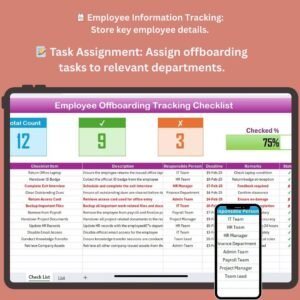
- Employee Offboarding Tracking Checklist in Excel: another checklist layout with status tracking
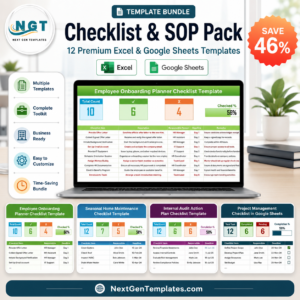
- Checklist and SOP Pack: 12 premium Excel and Google Sheets checklists in one bundle
Browse all Excel checklists or the Excel HR and payroll templates.










Reviews
There are no reviews yet.