

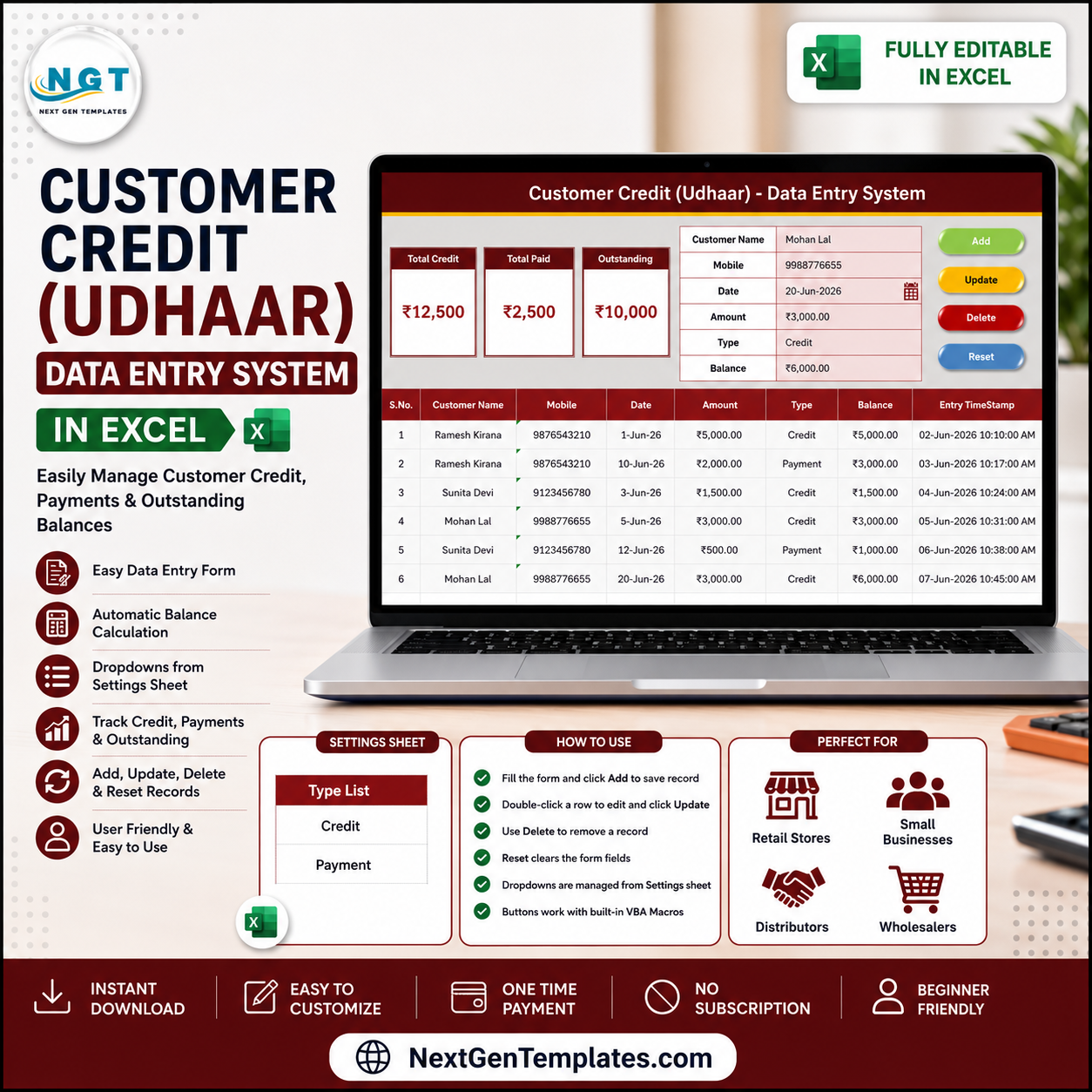

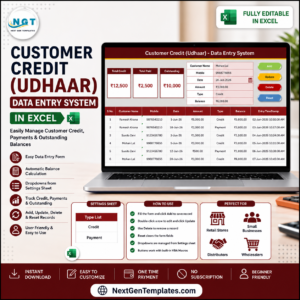
The Customer Credit (Udhaar) Data Entry System in Excel records 6 fields per entry, shows 3 live KPI cards — Total Credit, Total Paid, and Outstanding — and stores up to 200 timestamped records. Setup takes under 5 minutes: enable macros, add your first customer entry, and every total recalculates instantly with SUMIF logic.
🌍 Join 8,400+ teams in 40+ countries using NextGenTemplates to replace paid SaaS tools with one-time-purchase Excel, Google Sheets, Power BI, and HTML templates.
✅ Instant download · One-time payment · No subscription · No per-user fees · Lifetime access
🔑 Key Features of the Customer Credit (Udhaar) Data Entry System in Excel
This Customer Credit (Udhaar) Data Entry System in Excel records Customer Name, Mobile, Date, Amount, Type (Credit or Payment), and Balance for every entry. Three KPI cards on the Data Entry sheet recalculate automatically, so your outstanding udhaar is never out of date.
- 📝 Guided entry form – Bold labels and tinted input cells keep every credit and payment record consistent and stop missed fields.
- 📊 Live Total Credit, Total Paid and Outstanding cards – Total Credit and Total Paid are conditional SUMIF totals on the Type column, and Outstanding is Total Credit minus Total Paid, never a plain column total, so one mislabelled row never breaks your balance.
- 🖱️ One-click VBA buttons – Add, Update, Delete, and Reset run from a clean macro module, so you never copy and paste rows by hand.
- 🔽 Editable Type dropdown – The Credit and Payment list lives on the Setting sheet and feeds the Type field through a named range.
- 💱 Rupee-ready – Ships with ₹ formatting and switches to dollar, euro, or pound in one Format Cells change.
- 🕒 Audit-ready records – Auto-numbered rows with entry timestamps give you a clean, time-stamped history of every customer’s udhaar and repayments.
📦 What Is Inside the Customer Credit (Udhaar) Data Entry System in Excel
The workbook has four sheets: Data Entry, Setting, Instructions, and Get More Templates. The three views below show the everyday workflow.
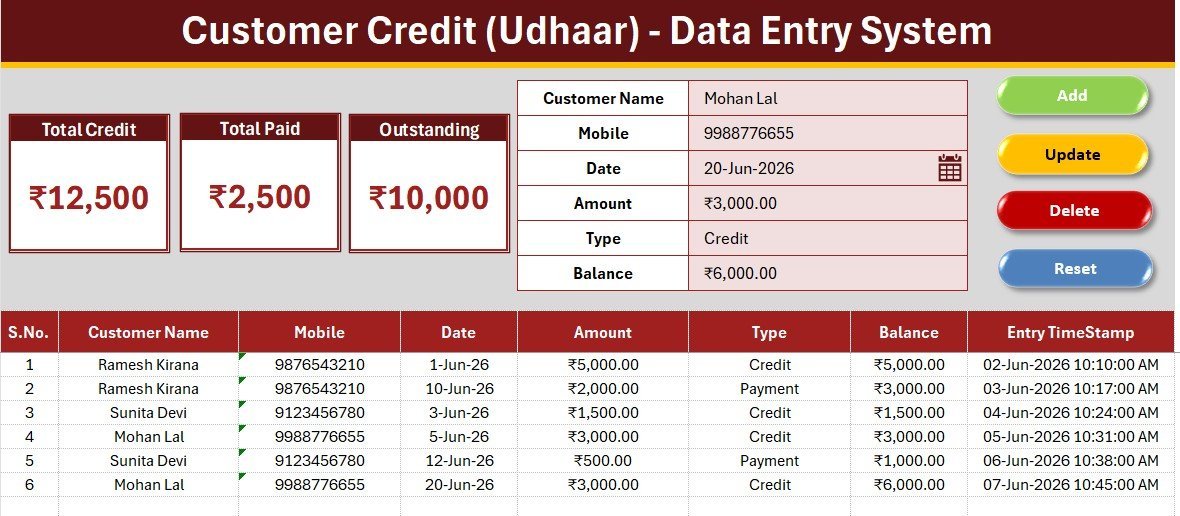
Data Entry Dashboard – Form, Live KPIs and Buttons
The home screen pairs the six-field entry form with the three KPI cards for Total Credit, Total Paid, and Outstanding, plus the Add, Update, Delete, and Reset buttons for every record action.
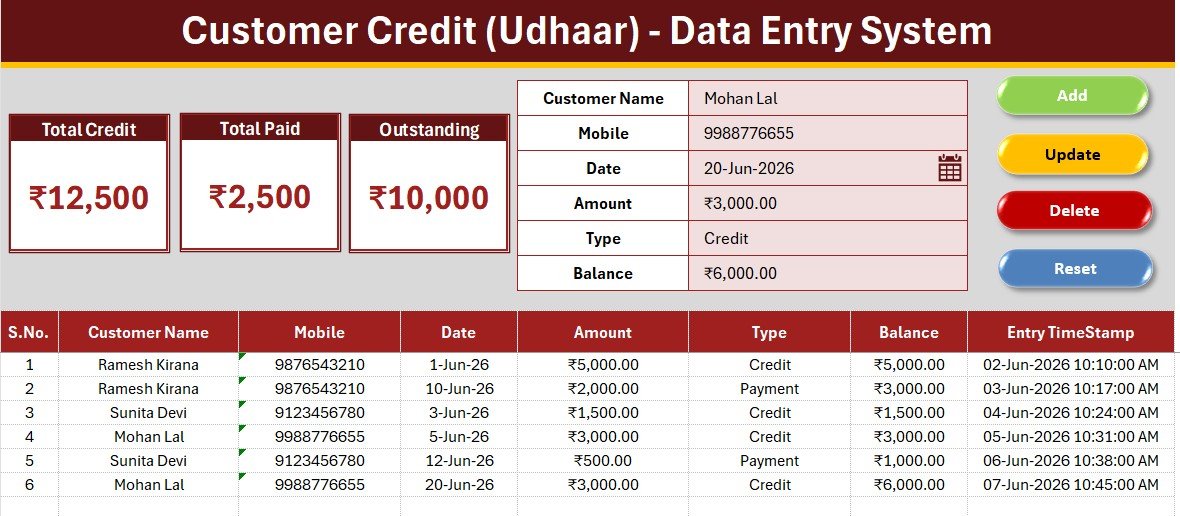
Customer Credit Records Table with Running Balance
Every saved entry drops into an auto-numbered records table with a timestamp. As credit and payment rows are added, the KPI cards above recalculate so your Outstanding balance is always correct.

Setting Sheet – Editable Type Dropdown List
The Setting sheet holds the Credit and Payment Type list. Add or rename a value here and the Type dropdown updates automatically, with no formula edits.
📊 Customer Credit System (Excel) vs Google Sheets vs Khatabook or OkCredit
| Feature | Customer Credit System (Excel) | Google Sheets Tracker | Khatabook / OkCredit |
|---|---|---|---|
| Cost | $5.99 one-time | Free but build it yourself | Free app, paid premium tiers |
| Platform | Microsoft Excel | Browser + Google account | Mobile app (Android / iOS) |
| Setup time | Under 5 minutes | Hours to design | Phone signup + onboarding |
| Works fully offline | Yes ✅ | No | No, needs internet sync |
| One-click Add / Update / Delete | Yes, VBA buttons | Manual rows | Yes |
| Live Total Credit / Paid / Outstanding cards | Yes ✅ | Build formulas yourself | Yes |
| Editable Type dropdown | Yes | Manual setup | Fixed |
| Data stays on your device | Yes ✅ | Cloud | Cloud |
| Year-1 cost for one shop | $5.99 total | $0 + your time | Free to paid premium plans |
For shopkeepers and small businesses that want private, offline udhaar tracking without a monthly app fee, the Customer Credit (Udhaar) Data Entry System in Excel sits in the sweet spot.
👥 Who This Template Is For — and Who It Is Not For
✅ This template is built for:
- Kirana stores, medical shops, and small retailers who give regular customers goods on udhaar.
- Freelancers, contractors, and service providers tracking who still owes them money.
- Anyone who wants a private, offline credit ledger instead of a phone app that needs sign-in.
❌ This template is NOT for:
- Teams needing multi-user cloud access with live collaboration across devices.
- Users who want automatic SMS payment reminders sent to customers.
- Organizations that block macros and cannot enable VBA.
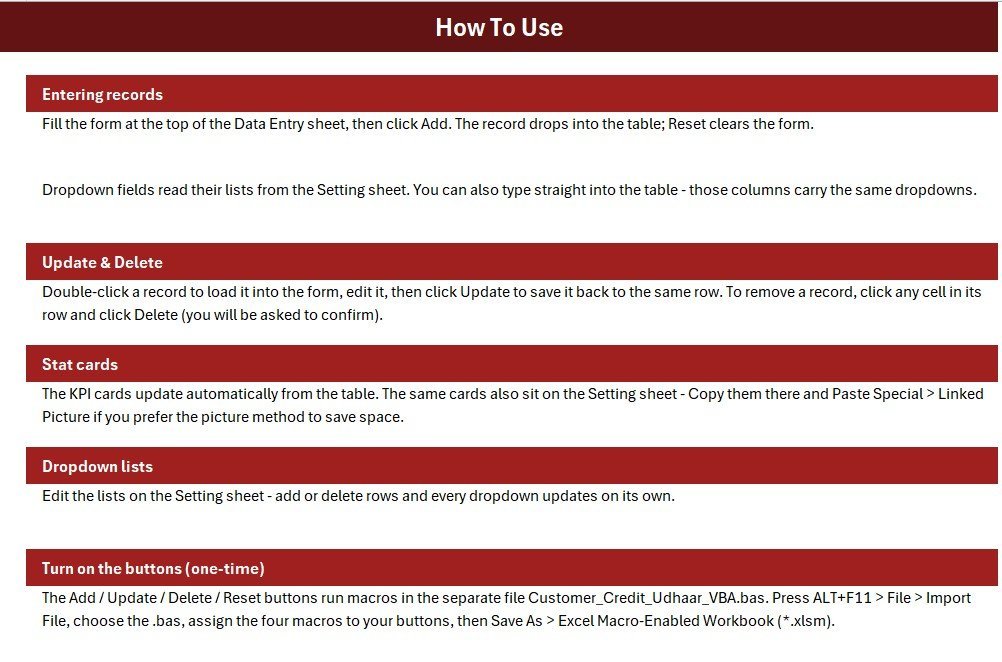
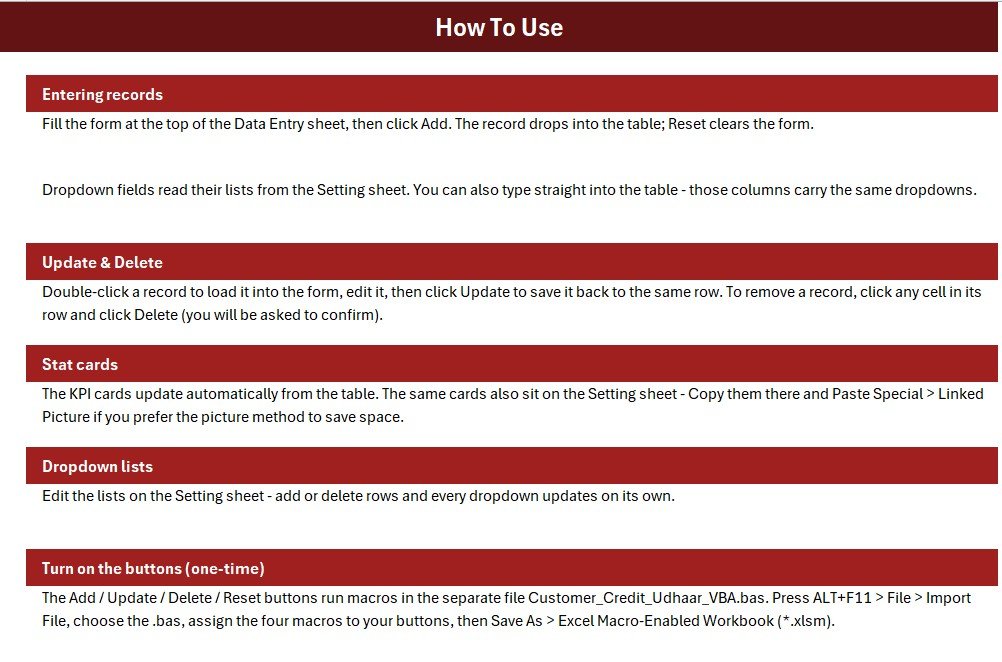
⚙️ How to Use the Customer Credit (Udhaar) Data Entry System in Excel
- Open the workbook and enable macros when Excel prompts.
- Press ALT+F11, import the included VBA module, and assign the Add, Update, Delete, and Reset macros to the four buttons.
- Save as an Excel Macro-Enabled Workbook (.xlsm).
- Fill the form with Customer Name, Mobile, Date, Amount, Type, and Balance, then click Add.
- Double-click any record to load it into the form, edit it, and click Update; click Delete to remove a row.
- Edit the Setting sheet to change the Credit and Payment Type list.
💼 Real-World Use Cases
Suresh runs a neighbourhood kirana store. He logs every customer who takes goods on udhaar as Credit and every repayment as Payment, then reads Total Credit, Total Paid, and Outstanding off the KPI cards at the end of the day, without paying for a credit app.
Meena owns a small tailoring business. She records advance work as Credit and customer settlements as Payment through the form, uses the Mobile column to call clients with high balances, and reviews the records table each week to see how much money is still outstanding.
❓ Frequently Asked Questions
What does the Customer Credit (Udhaar) Data Entry System in Excel track?
It tracks Customer Name, Mobile, Date, Amount, Type, and Balance for every entry, with live Total Credit, Total Paid, and Outstanding cards that update automatically as you add records.
How is Outstanding calculated?
Outstanding in the Customer Credit (Udhaar) Data Entry System in Excel is Total Credit minus Total Paid. Both totals are SUMIF sums on the Type column, so one mislabelled row never distorts your balance.
How long does setup take?
Under 5 minutes. Enable macros, import the VBA module once, assign the four buttons, save as a macro-enabled workbook, and start logging credit and payments in the Customer Credit (Udhaar) Data Entry System in Excel.
Can I change the currency from rupees?
Yes. The Customer Credit (Udhaar) Data Entry System in Excel ships with ₹ formatting and switches to dollar, euro, pound, or any symbol through Format Cells in seconds.
How does this compare to Khatabook or OkCredit?
Khatabook and OkCredit are mobile apps that need a phone signup and internet sync. This Customer Credit (Udhaar) Data Entry System in Excel is a one-time $5.99 purchase that works fully offline and keeps every customer’s data on your own device.
Is it a one-time purchase?
Yes. One-time payment, lifetime access, free updates, no subscription, and no per-user fees.
👤 About the Author
Built by PK a Microsoft Certified Professional with 15+ years of Excel, Google Sheets, and Power BI experience. Founder of NextGenTemplates, reaching 300K+ subscribers across YouTube channels (@PK-AnExcelExpert, @NextGenTemplates, @NeoTechNavigators). Every template is hand-built and tested before release.
🔗 Explore Related Templates
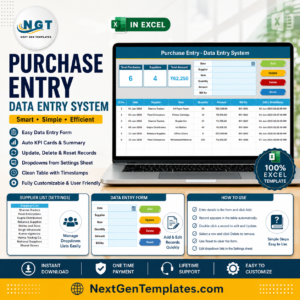
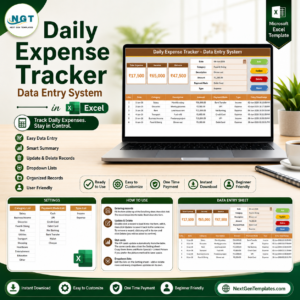
Pair this with the Daily Expense Tracker Data Entry System in Excel for day-by-day spending, or the Income and Expense Data Entry System in Excel for full cash flow. For buying records, see the Purchase Entry Data Entry System in Excel, and for repayments by month the Loan and EMI Repayment Calendar in Excel. Browse more Excel Financial Tools and Excel Trackers.
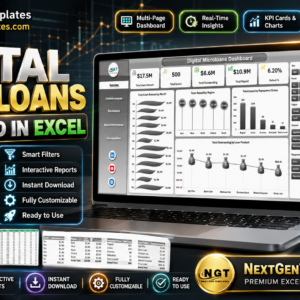
📈 Need analytics instead of entry? Upgrade to the Digital Microloans Dashboard in Excel for portfolio-level credit reporting.
📖 Click here to read the detailed blog post
🎥 Visit our YouTube channel for step-by-step video tutorials
👉 YouTube.com/@NextGenTemplates
📅 Last updated: June 2026













Reviews
There are no reviews yet.