

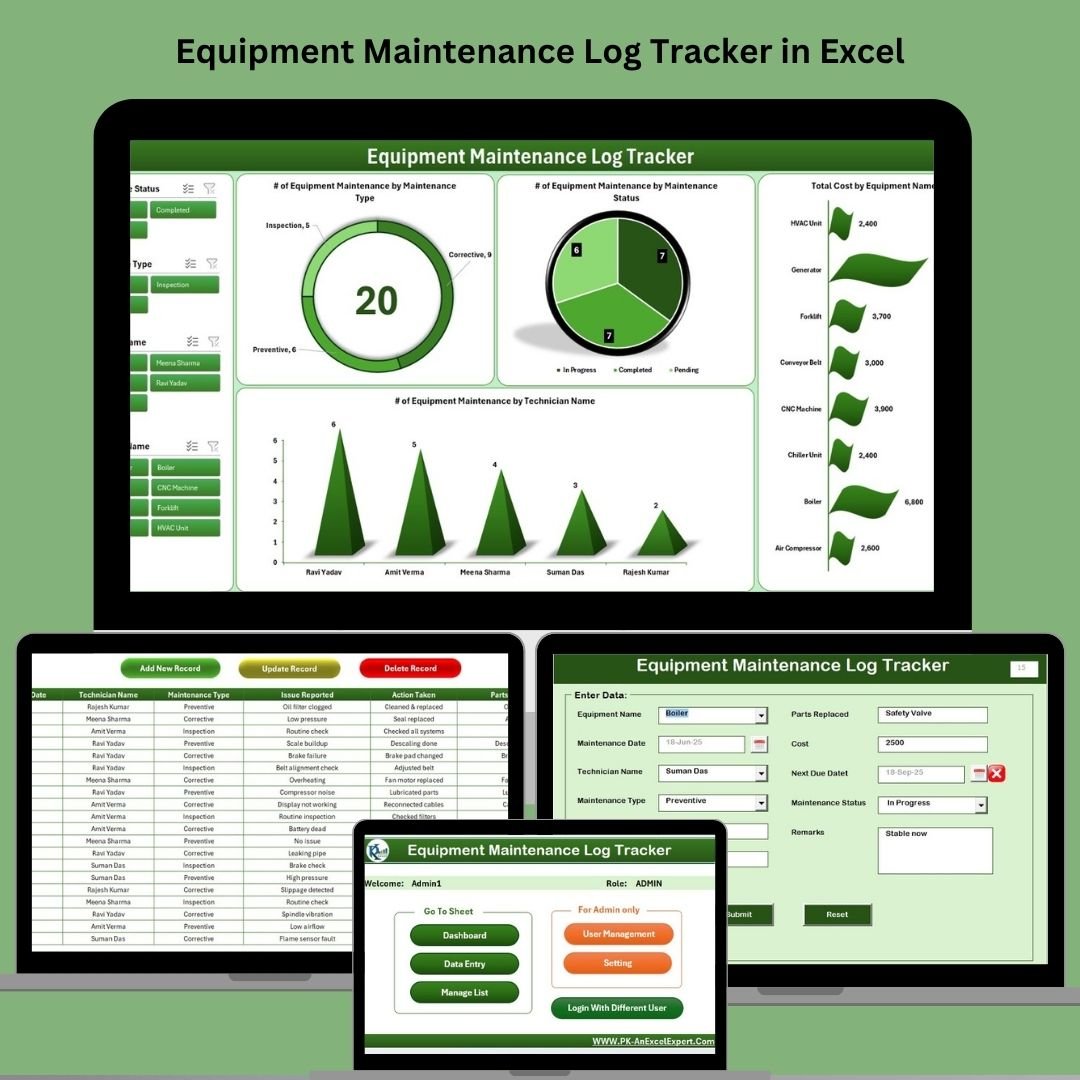
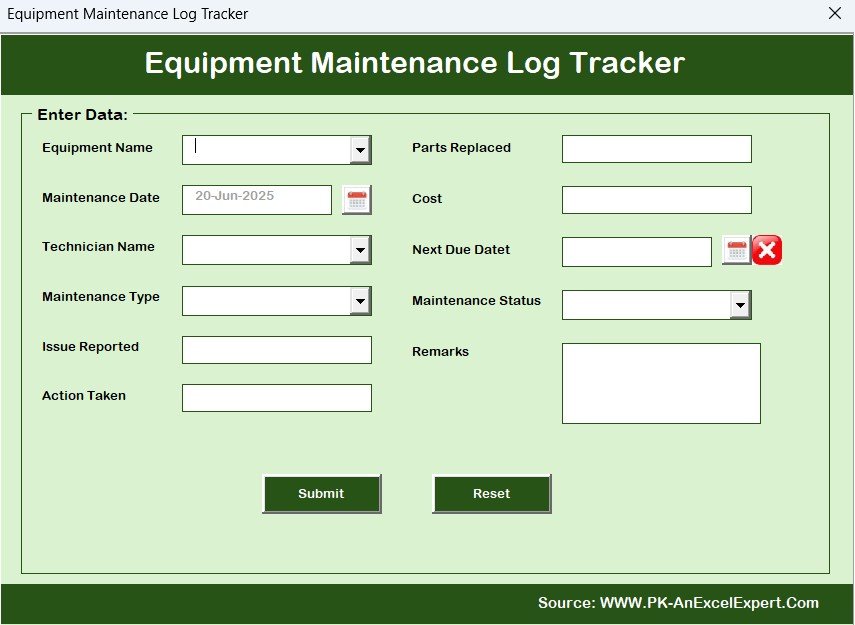
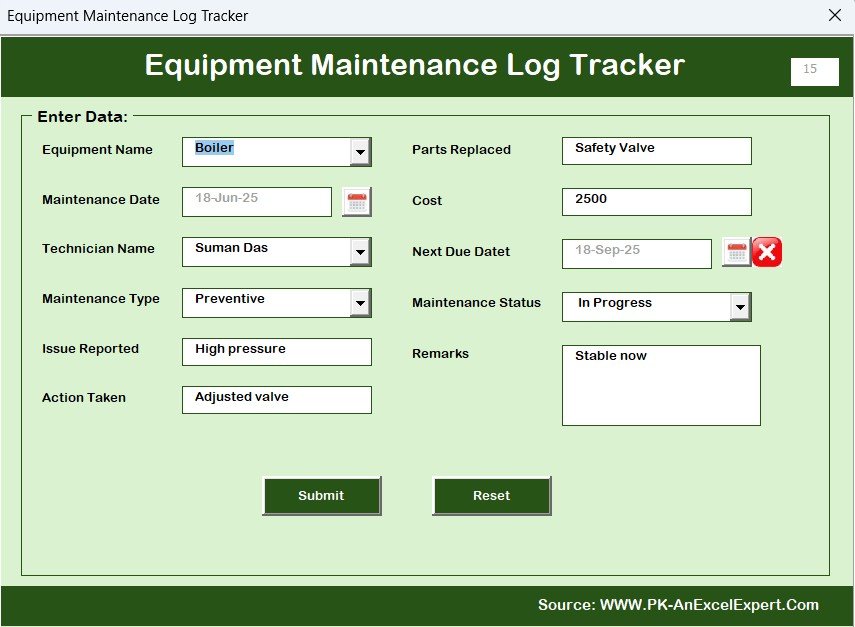
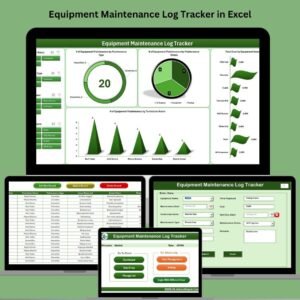
The Equipment Maintenance Log Tracker in Excel records service activity with equipment, technician, maintenance date, cost and next due date fields. A form handles record entry and changes, while dashboard charts summarize maintenance types, statuses and costs by equipment.
Whether you’re overseeing IT systems, factory machinery, or HVAC units, this tool empowers you to plan, track, and analyze all maintenance activities with ease.
🔧 Key Features of Equipment Maintenance Log Tracker
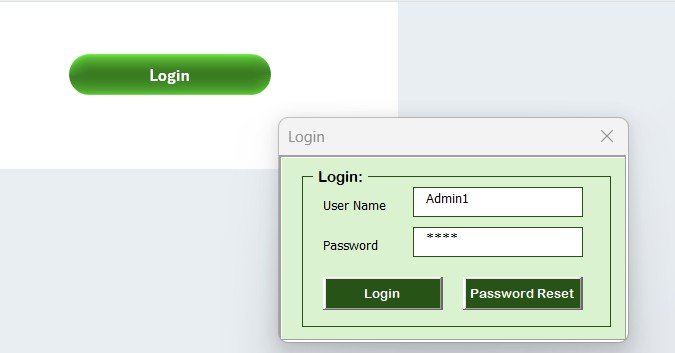
🔐 Secure Login System
Start with a protected entry point! Set up user IDs and passwords to restrict access and ensure only authorized personnel can make changes.
🧾 Interactive Data Entry Form
No more manual sheet updates. Use a button-driven form to:
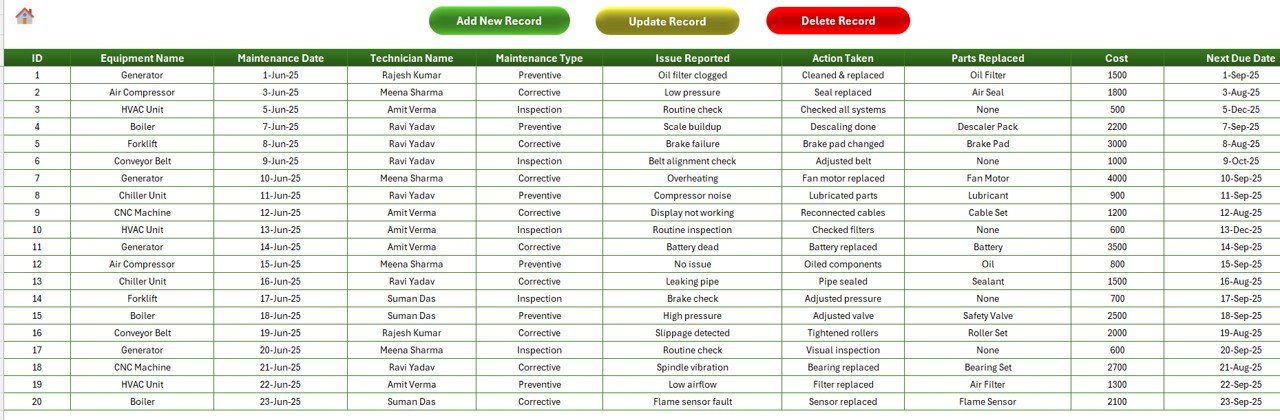
Add new records
Edit past entries
Delete unnecessary logs
📈 Real-Time Dashboard
Visualize your maintenance data using:
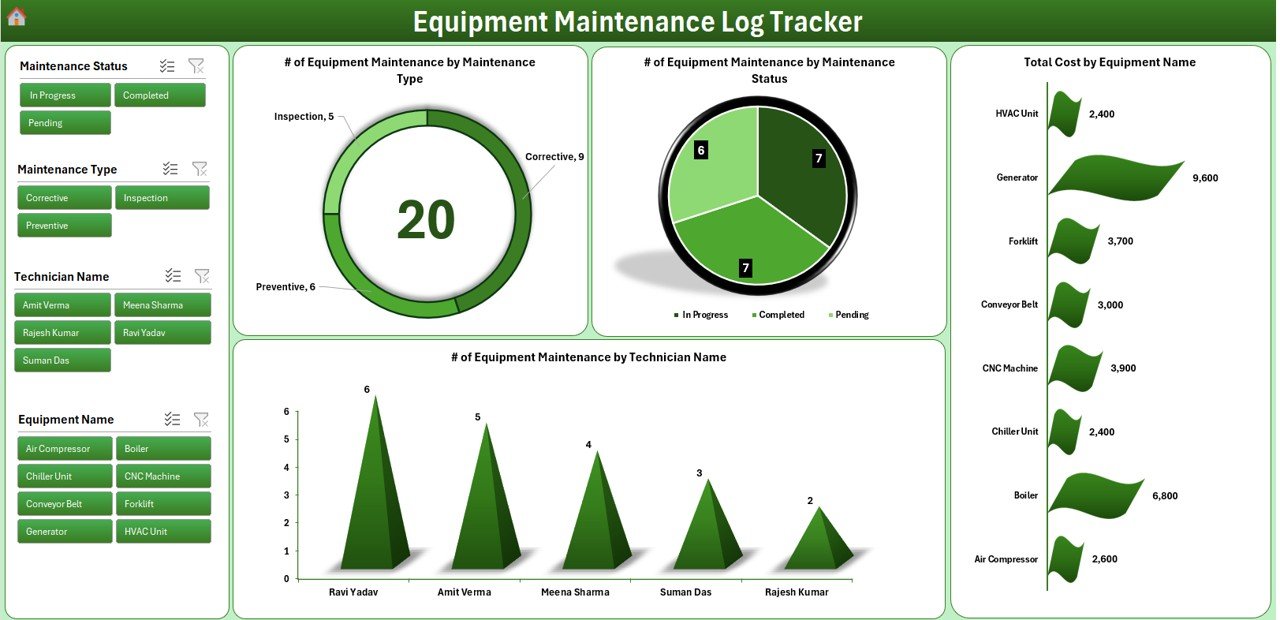
Doughnut charts by maintenance type
Pie charts by status
Bar charts for total cost by equipment
Filter slicers for quick segmentation
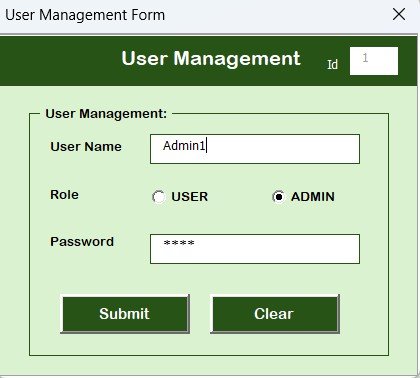
🧑🔧 User Management Panel
Control who has access. Add, remove, or reset users with just a few clicks.
📋 Dynamic Dropdown Lists
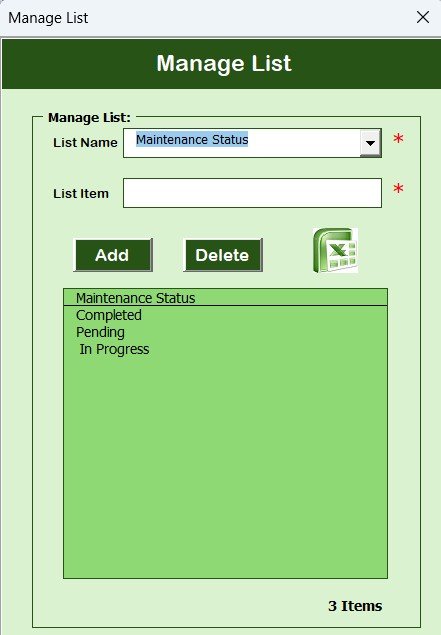
Easily manage equipment names, technician info, status types, and more from one centralized list.
📂 What’s Inside the Equipment Maintenance Log Tracker
When you download this Excel tool, here’s what you’ll get:
✅ Login Form: Admin and user login access
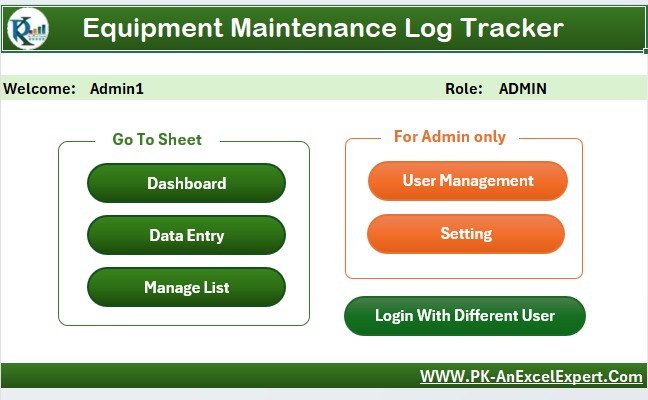
✅ Main Form Interface: One dashboard to control data entry, edits, and navigation
✅ Data Entry Sheet: Table with fields like Equipment Name, Technician, Maintenance Date, Cost, Next Due Date, and more
✅ Dashboard Sheet: Visual insights at a glance
✅ Manage List Sheet: Configure dropdowns for status, equipment, technicians
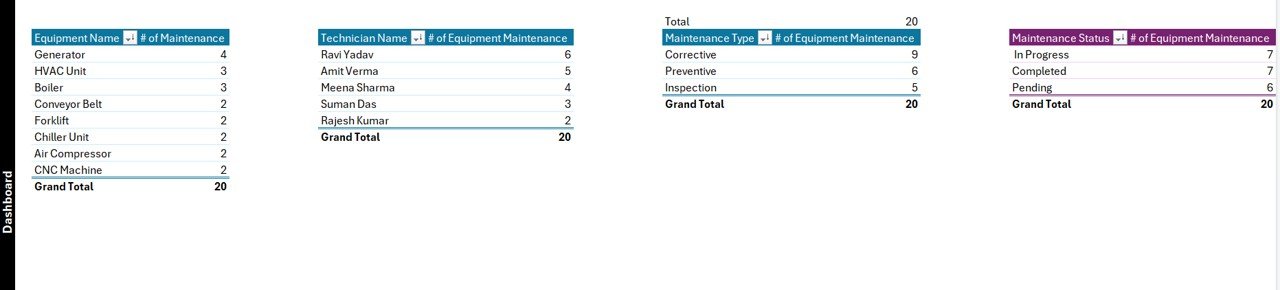
✅ Support Sheet: Automated backend using pivot tables
✅ User Management Sheet: Securely add, modify, or delete users
🛠️ How to Use the Equipment Maintenance Log Tracker
🪪 Step 1: Login
Use your Admin or User credentials to access the tracker securely.
🖥️ Step 2: Add/Edit Data
Click “Add New Record” or select an existing entry to update using the main form.
📊 Step 3: Analyze Dashboard
Navigate to the Dashboard tab and use slicers to filter by type, technician, equipment, or status.
🔧 Step 4: Manage Lists
Add new technicians, maintenance types, or statuses from the “Manage List” sheet to keep dropdowns updated.
🔐 Step 5: Control Access
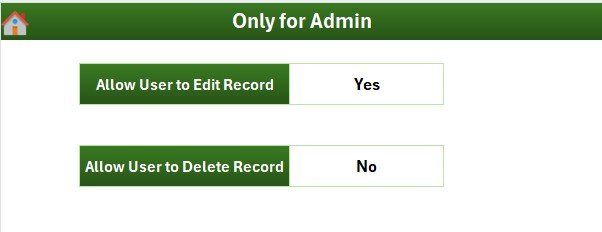
Use the user management tab to handle permissions and security protocols.
👥 Who Can Benefit from This Tracker?
This tracker is ideal for:
🏭 Manufacturing Units – Track equipment downtime and schedule preventive maintenance
🏢 Facility Management – Keep buildings running with regular inspections
🏥 Hospitals & Clinics – Ensure life-saving machines are serviced regularly
🏫 Educational Institutions – Manage campus assets like computers, HVAC, and buses
🛒 Retail Chains – Maintain refrigeration, POS systems, and delivery vehicles
💼 Corporate Offices – Organize IT equipment maintenance
If your organization relies on machines or equipment, this tracker is for you!
✅ Click here to read the Detailed blog post
🔗 Visit our YouTube channel to learn step-by-step video tutorials
Watch the step-by-step video tutorial:
Questions about this template
What maintenance information can I record?
The data sheet includes Equipment Name, Technician, Maintenance Date, Cost and Next Due Date. Configurable lists provide equipment, technician and status choices, and the dashboard supports filtered review.
For help comparing reporting tools for this area, see our manufacturing template guide.






























Reviews
There are no reviews yet.