

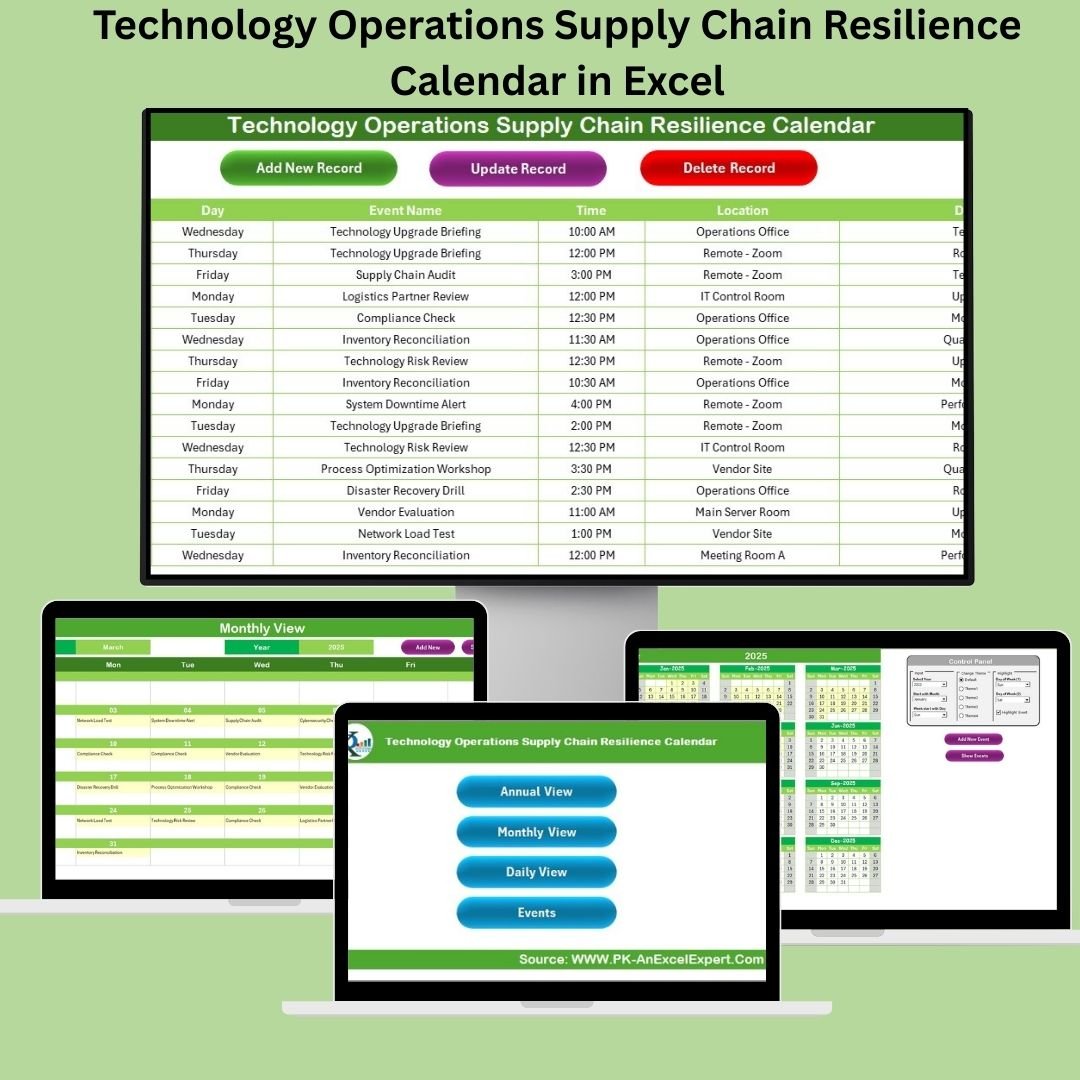

In an unpredictable world, resilient supply chains are the backbone of successful operations. The Technology Operations Supply Chain Resilience Calendar in Excel is a smart, user-friendly, and powerful tool built to help your tech ops or procurement teams plan, track, and manage every critical supply chain event with ease—all within Microsoft Excel.
Whether you’re scheduling supplier reviews, coordinating global rollouts, or monitoring logistical checkpoints, this tool offers annual, monthly, and daily views, customizable event fields, and form-based automation to simplify your workflow.
🧩 What’s Inside the Template?
This Excel workbook includes 5 structured worksheets, each with unique roles:
1️⃣ Home Sheet – Your Navigation Hub
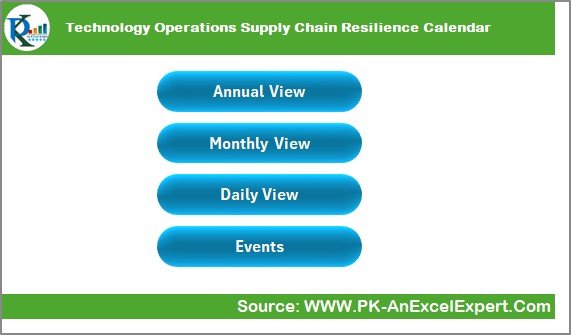
Jump instantly to Annual View, Monthly View, Daily View, or Events Database
Reduces scrolling and enhances productivity
Ideal for new or non-technical users
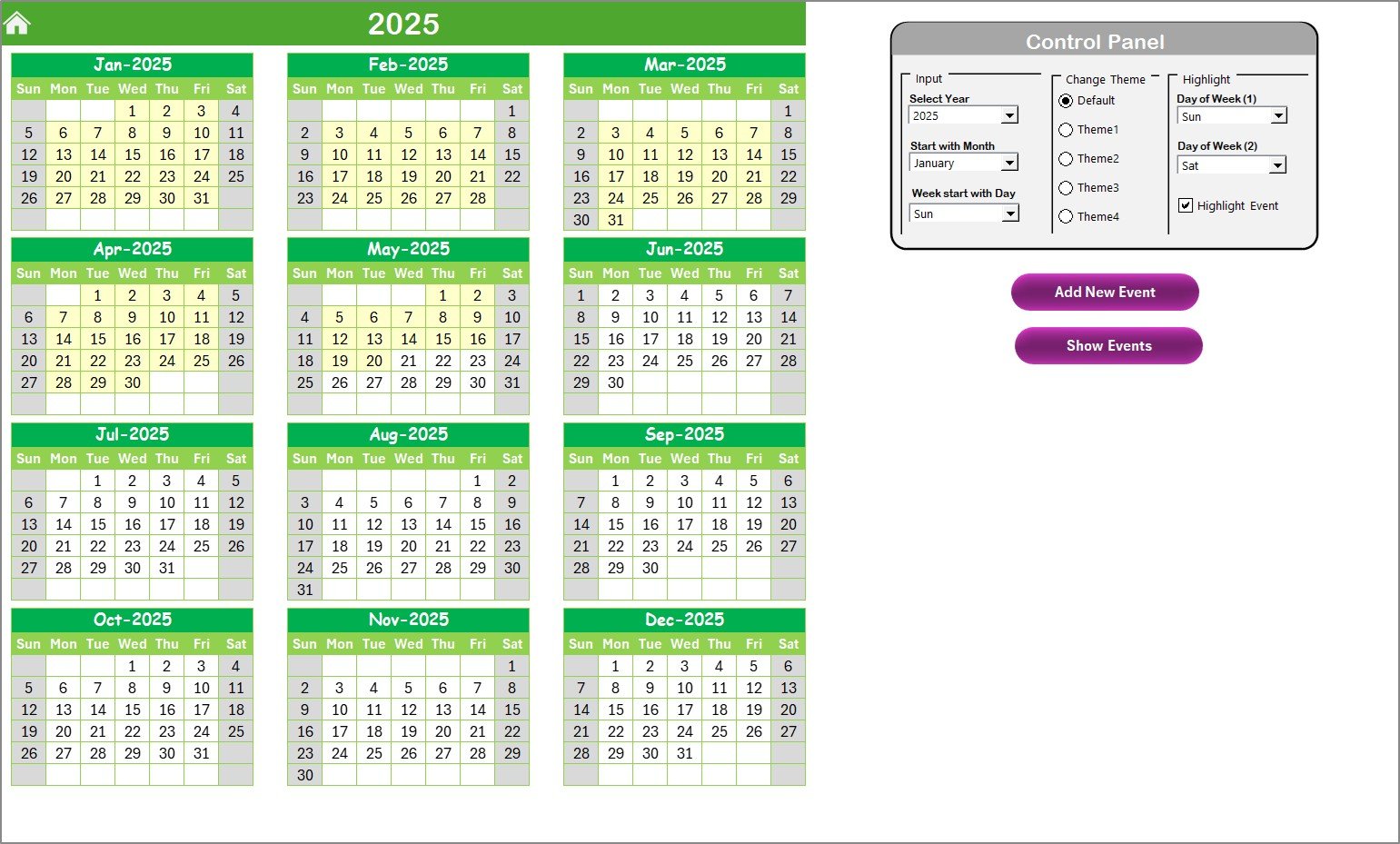
2️⃣ Annual View Sheet – Year at a Glance
View all 12 months in one calendar
Control Panel lets you:
🔄 Change year, start month, week start day
🎨 Pick from 5 themes to match your brand
📅 Highlight weekends or special days
Action Buttons:
➕ Add New Event (opens a form)
🔍 Show Events for a selected date
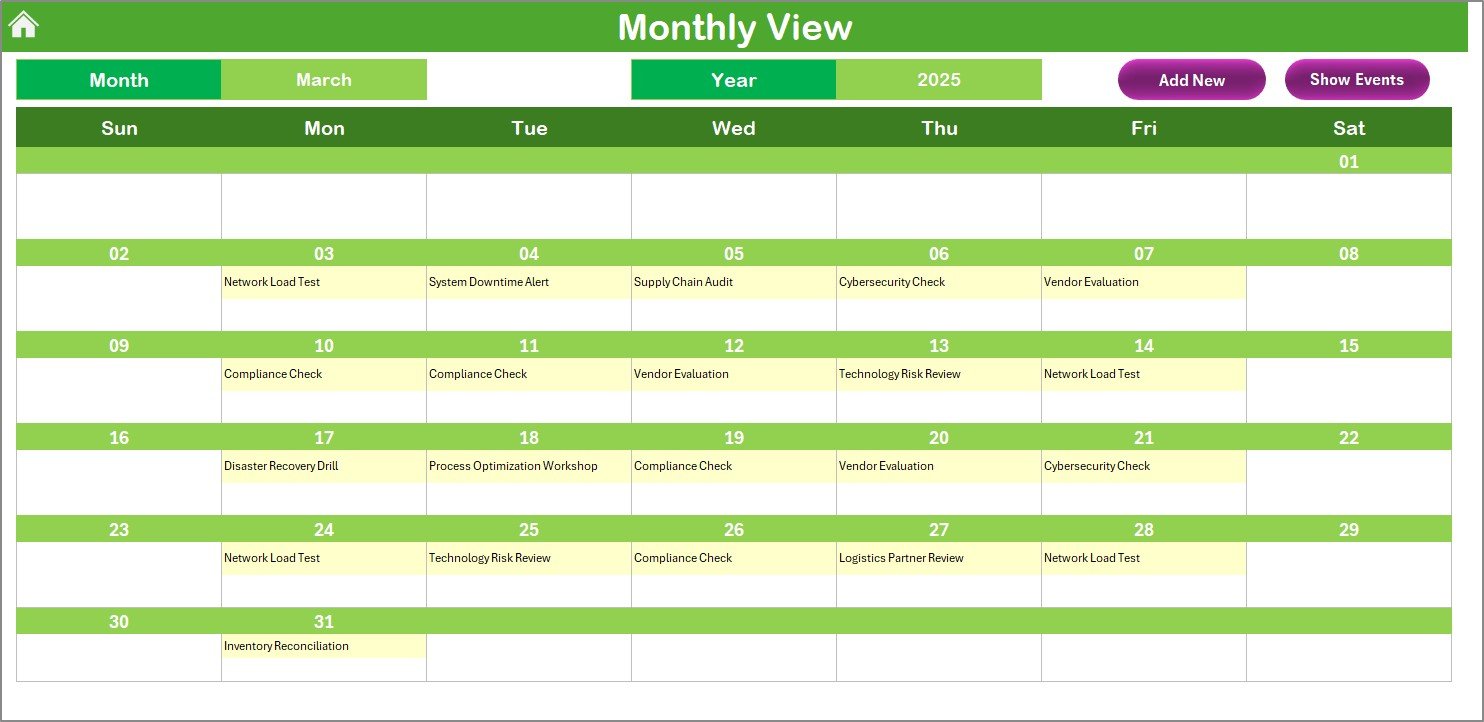
3️⃣ Monthly View Sheet – Focus on One Month
See all events for your selected month and year
Directly view the first event or note if multiple exist
Easily add or view scheduled tasks
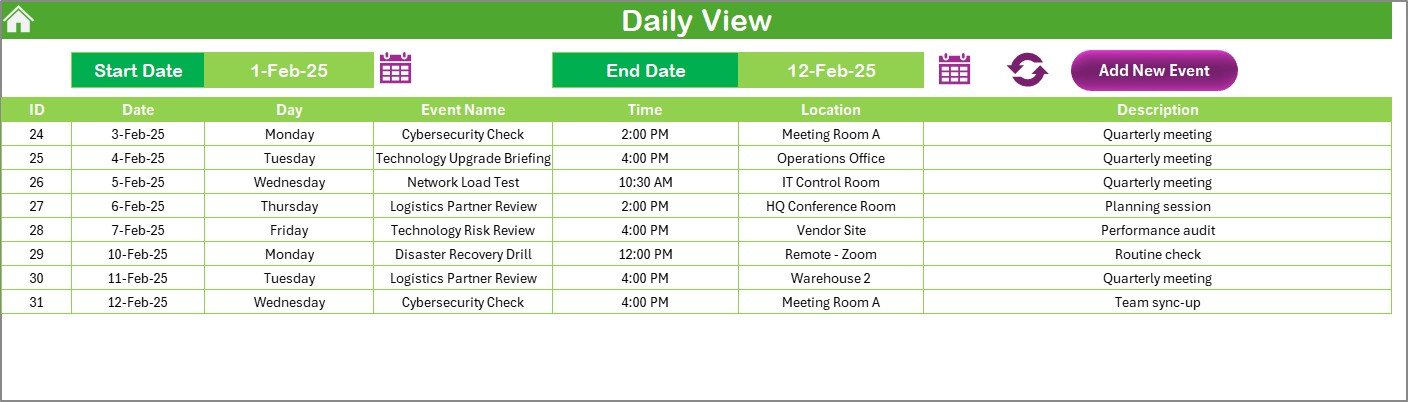
4️⃣ Daily View Sheet – Drill Down to Details
View all events between any two dates
Ideal for managing urgent tasks and weekly updates
Add new entries using built-in calendar controls
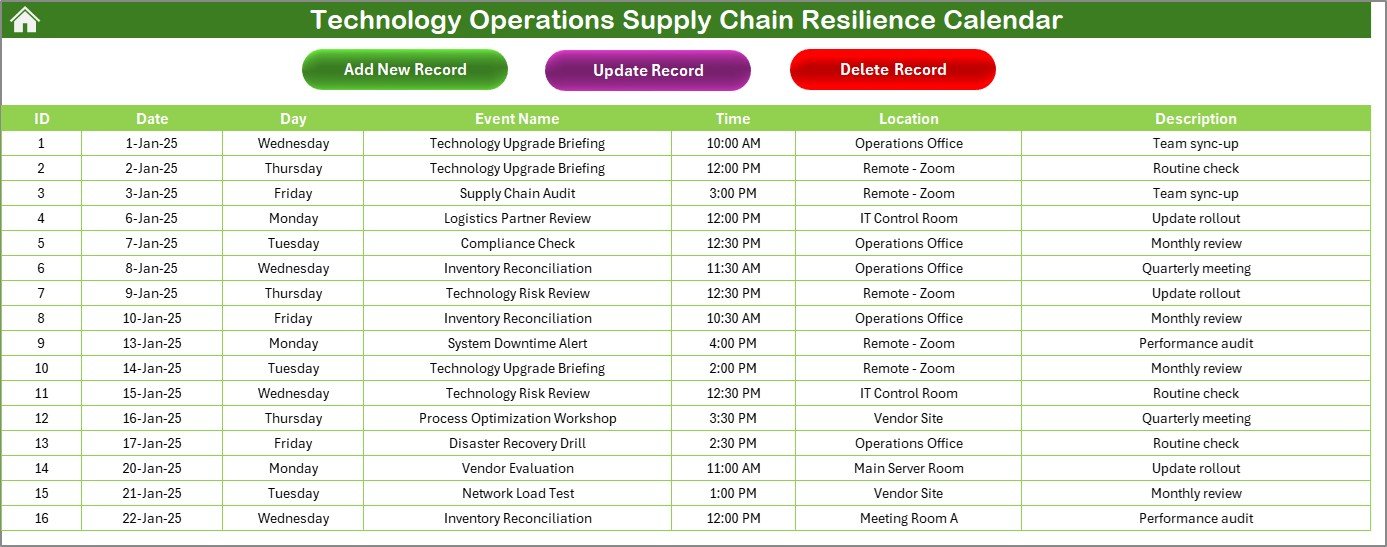
5️⃣ Events Sheet – The Master Database
All entries populate here automatically. Fields include:
ID (Auto-generated)
Date
Day
Event Name
Time
Location
Description
Built-in Buttons:
Add New Record
Update Existing Record
Delete Record
🚀 Key Advantages
📍 Centralized Event Tracking – Plan and view everything from one Excel file
🕹️ User-Friendly Navigation – One-click access to all sheets
📊 Visual Highlighting – Instantly see important days and event dates
🎨 Fully Customizable – Modify themes, add fields, change layouts
🔐 No Extra Software Needed – 100% Excel-based; no third-party tools required
🔧 Use Case Scenarios
📦 Global Supply Chain Planning
📋 Maintenance & Inspection Schedules
💼 Cross-Functional Collaboration Tracking
🛒 Vendor & Procurement Event Monitoring
🧑💻 IT Rollout Calendar & Disaster Recovery Readiness
📌 Best Practices for Success
✅ Use consistent naming conventions (e.g., “Supplier Review – APAC”)
✅ Highlight high-priority dates or blackout periods in yellow
✅ Back up the file monthly or sync with OneDrive
✅ Share access with stakeholders via cloud platforms
✅ Customize drop-down fields to match your process
✏️ Customization Ideas
Add Priority Levels or Event Owners
Export as CSV to sync with Outlook or Google Calendar
Use Power Query for advanced reporting
Link to inventory or risk-tracking sheets
💬 Frequently Asked Questions (FAQs)
Q1. Can I customize it for my company’s branding?
Yes, you can modify fonts, colors, logos, and more using Excel features.
Q2. Will this work for non-tech teams?
Absolutely! The layout supports any operations requiring date-based planning.
Q3. Do I need Excel macros enabled?
Yes. To use forms and buttons, enable macros when prompted.
Q4. Can I use this on a Mac or mobile?
Yes, but for full functionality, we recommend using Excel on Windows desktop or laptop.
Q5. Is training required to use this tool?
No. The interface is intuitive, but you can share a user guide with your team for onboarding.
🔗 Click here to read the Detailed blog post
Visit our YouTube channel to learn step-by-step video tutorials
Watch the step-by-step video tutorial:
Compatibility and Requirements
- Runs in Excel desktop on Windows with macros enabled. The forms and buttons need macros, so it does not run in Excel for the web, Google Sheets or mobile. Microsoft explains the setting in Enable or disable macros in Microsoft 365 files.
More Questions About This Template
How many worksheets does the template have?
Five: Home, Annual View, Monthly View, Daily View and Events.
Which fields does each event record hold?
ID (auto-generated), Date, Day, Event Name, Time, Location and Description. The Events sheet has buttons to add, update and delete a record.
Can I see events between two dates?
Yes. The Daily View sheet shows all events between any two dates you choose.
Can I change the year, start month and colors?
Yes. The Control Panel on the Annual View sheet lets you change the year, start month and week start day, and pick from 5 themes.
Is there a version for another department?
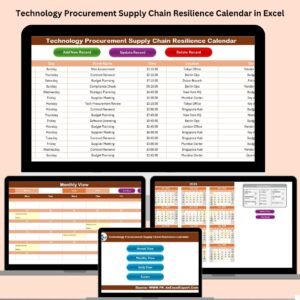
Yes. See the Technology IT Supply Chain Resilience Calendar in Excel and the Technology Procurement Supply Chain Resilience Calendar in Excel.
Related Supply Chain Resilience Calendars
- Operations Supply Chain Resilience Calendar in Excel: the general operations edition
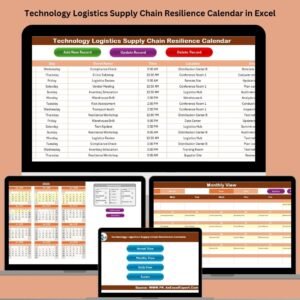
- Technology Logistics Supply Chain Resilience Calendar in Excel: the same calendar for logistics teams
- Technology Procurement Supply Chain Resilience Calendar in Excel: for vendor and purchasing events
- Technology IT Supply Chain Resilience Calendar in Excel: for IT rollouts and recovery dates
- Logistics and Transportation Hub: 7 logistics templates in one download
Browse all Excel calendar templates.

































Reviews
There are no reviews yet.