

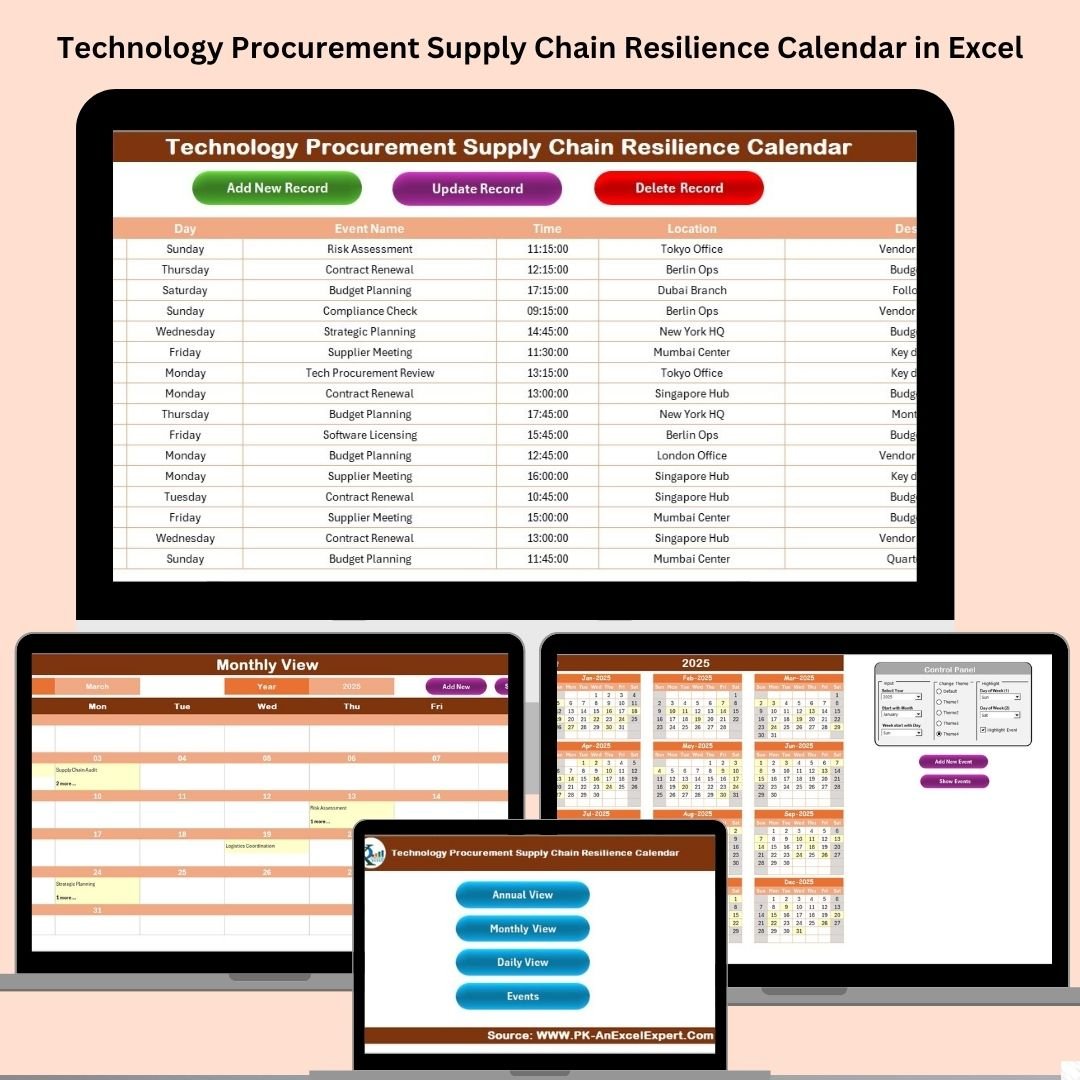

In today’s unpredictable world, disruptions in the technology supply chain are more common than ever—think vendor delays, stock shortages, and shifting geopolitical dynamics. That’s why smart organizations are turning to proactive planning tools like the Technology Procurement Supply Chain Resilience Calendar in Excel.
This fully interactive, ready-to-use Excel template is built for procurement professionals, IT managers, and project teams who want to plan with clarity, act with precision, and respond with agility.
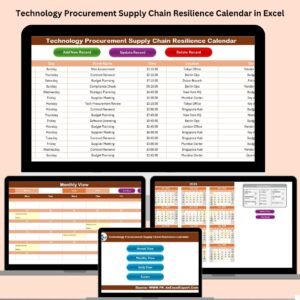
With built-in forms, smart navigation buttons, and automated visuals, this calendar helps you track procurement deadlines, vendor meetings, installation dates, and more—across daily, monthly, and annual views—all in one place!
✨ Key Features of the Calendar
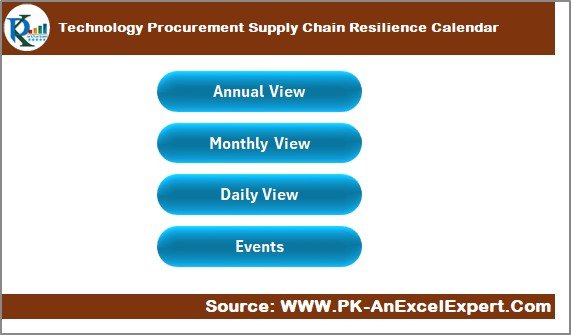
📍 5 Interactive Worksheets
Home Sheet: Central command with navigation buttons
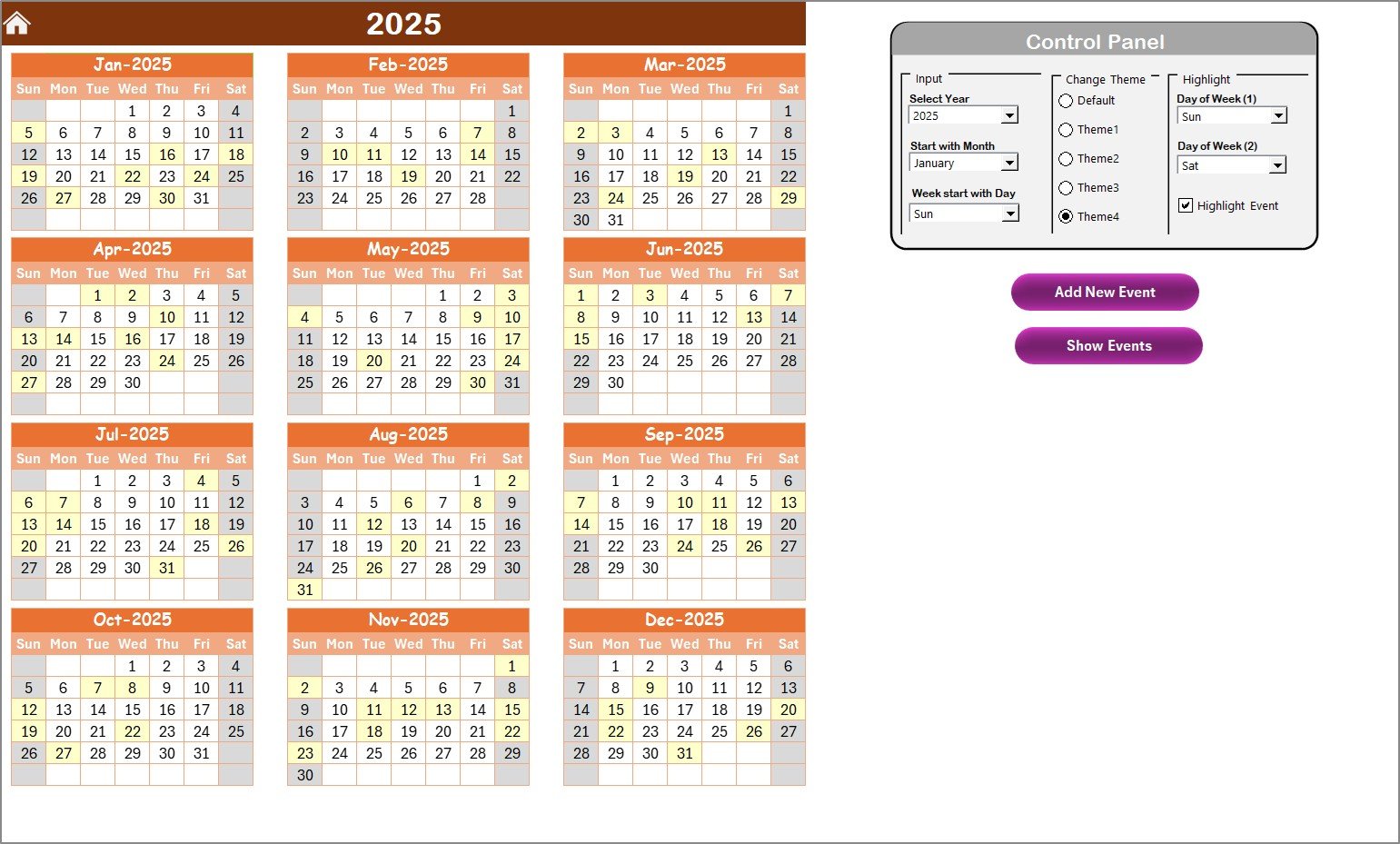
Annual View: High-level 12-month planner with year, start month, and theme settings
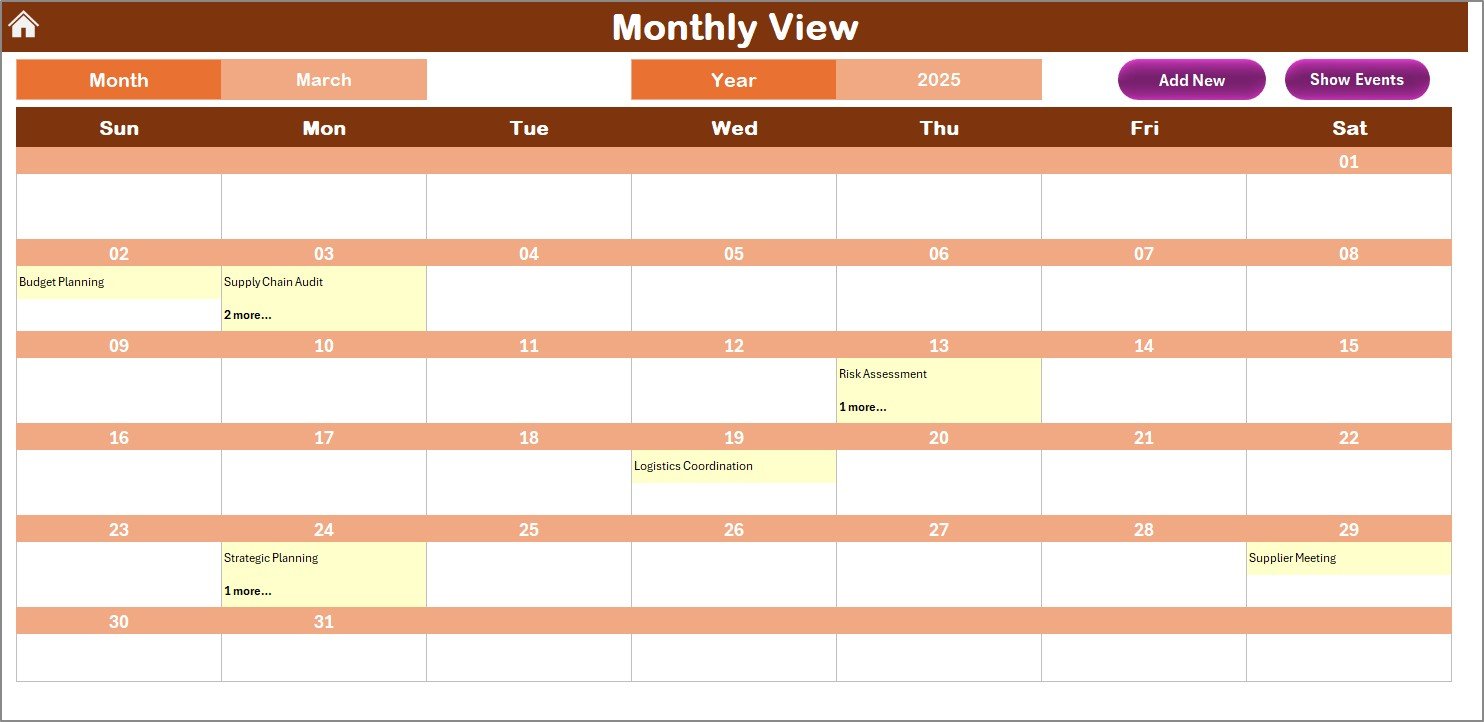
Monthly View: Daily breakdown with event indicators
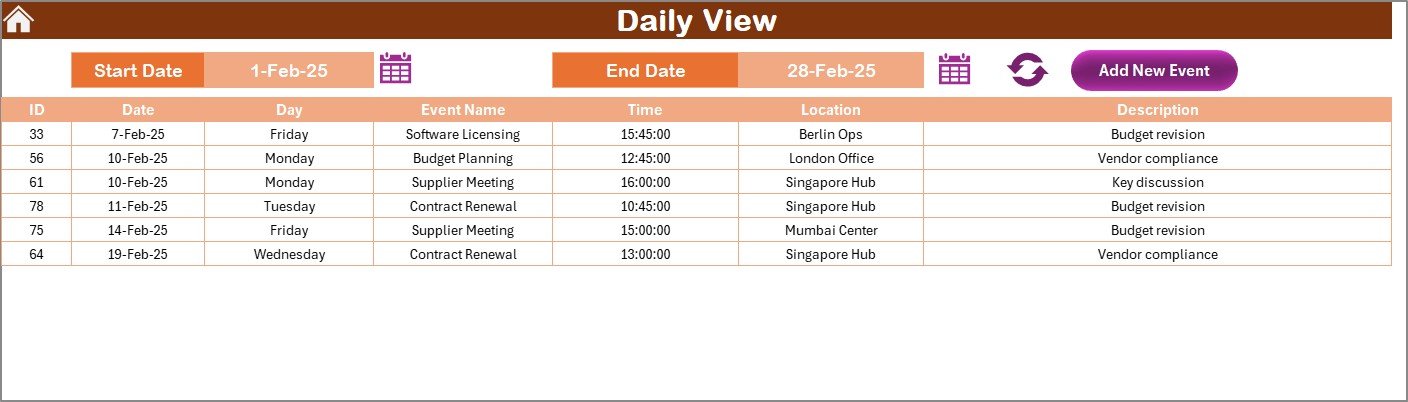
Daily View: Custom date range viewer
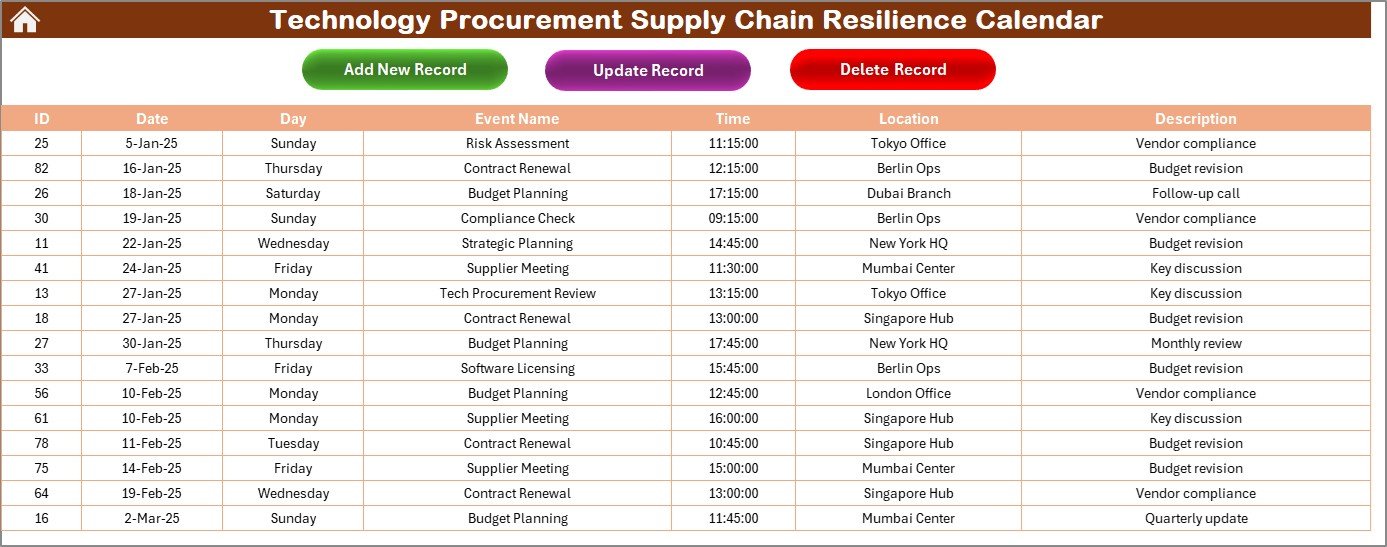
Events Sheet: Editable event database with add/update/delete forms
📌 Smart Control Panel
Set the year and week start day
Apply 5 preset color themes
Toggle weekend highlights and event indicators
🗓 Multiple View Options
Annual View: For strategic planning
Monthly View: For operational scheduling
Daily View: For real-time execution
🛠 Built-in Forms
Add, update, and delete records using simple forms
Auto-generate event IDs for consistency
🎨 Customizable & Visual
Conditional formatting and event highlighting
Color-coded layout for easy tracking
🛠️ How to Use the Calendar
1️⃣ Download and Open
Start with the Home Sheet to explore the structure and navigation.
2️⃣ Set Preferences
In the Annual View, select the desired year, theme, and start day of the week.
3️⃣ Add Events
Use “Add New Event” buttons to populate your Events Sheet using clean, structured forms.
4️⃣ Track Daily/Monthly Progress
Navigate to Monthly or Daily View to monitor activities and deadlines.
5️⃣ Update Records
Modify or delete events directly using the form with ID-based entry.
👥 Who Can Use This Calendar?
🧑💼 Procurement Managers – Plan contract renewals, delivery dates, and RFQs
💻 IT Teams – Schedule software installations and hardware procurement
💰 Finance Teams – Sync procurement activities with budgeting cycles
📦 Supply Chain Analysts – Anticipate disruptions and improve vendor coordination
🗂 Project Managers – Align procurement with milestone timelines
Whether you’re handling a single department or an enterprise-wide initiative, this tool helps you manage uncertainty with clarity.
📖 Click here to read the Detailed Blog Post
🎥 Watch the Full Video Tutorial
👉 YouTube.com/@PKAnExcelExpert
Watch the step-by-step video tutorial:
Compatibility and Requirements
- Works in Microsoft Excel desktop (Excel 2016 or later, or Microsoft 365).
- The Add, Update and Delete event forms and the navigation buttons on the Home sheet run on macros, so macros must be enabled. The template does not run in Excel for the web, Google Sheets or mobile apps. Microsoft explains how in Enable or disable macros in Microsoft 365 files.
Frequently Asked Questions
Which worksheets are included?
Five worksheets: Home Sheet, Annual View, Monthly View, Daily View and Events Sheet.
How do I add or change an event?
Use the Add New Event button to open a form and fill in the details. The Events Sheet also has forms to update and delete records by event ID, and event IDs are generated automatically.
What can I change in the Annual View?
You can set the year, the start month and the start day of the week. You can also choose one of 5 color themes and turn weekend highlights and event indicators on or off.
Can I see a custom date range?
Yes. The Daily View shows a custom date range, and the Monthly View shows a daily breakdown with event indicators.
Is there a version for another team or department?
Yes. The same calendar exists for other teams, for example the Technology IT Supply Chain Resilience Calendar in Excel and the Technology Compliance Supply Chain Resilience Calendar in Excel.
Related Supply Chain Resilience Calendars
- Procurement Supply Chain Resilience Calendar in Excel: the general procurement edition
- Technology Logistics Supply Chain Resilience Calendar in Excel: for logistics teams in technology
- Technology Operations Supply Chain Resilience Calendar in Excel: for operations teams in technology
- Finance Procurement Supply Chain Resilience Calendar in Excel: procurement dates for finance teams
- Supply Chain Procurement Dashboard in Google Sheets: a dashboard view in Google Sheets
Browse all Excel calendar templates.
































Reviews
There are no reviews yet.