

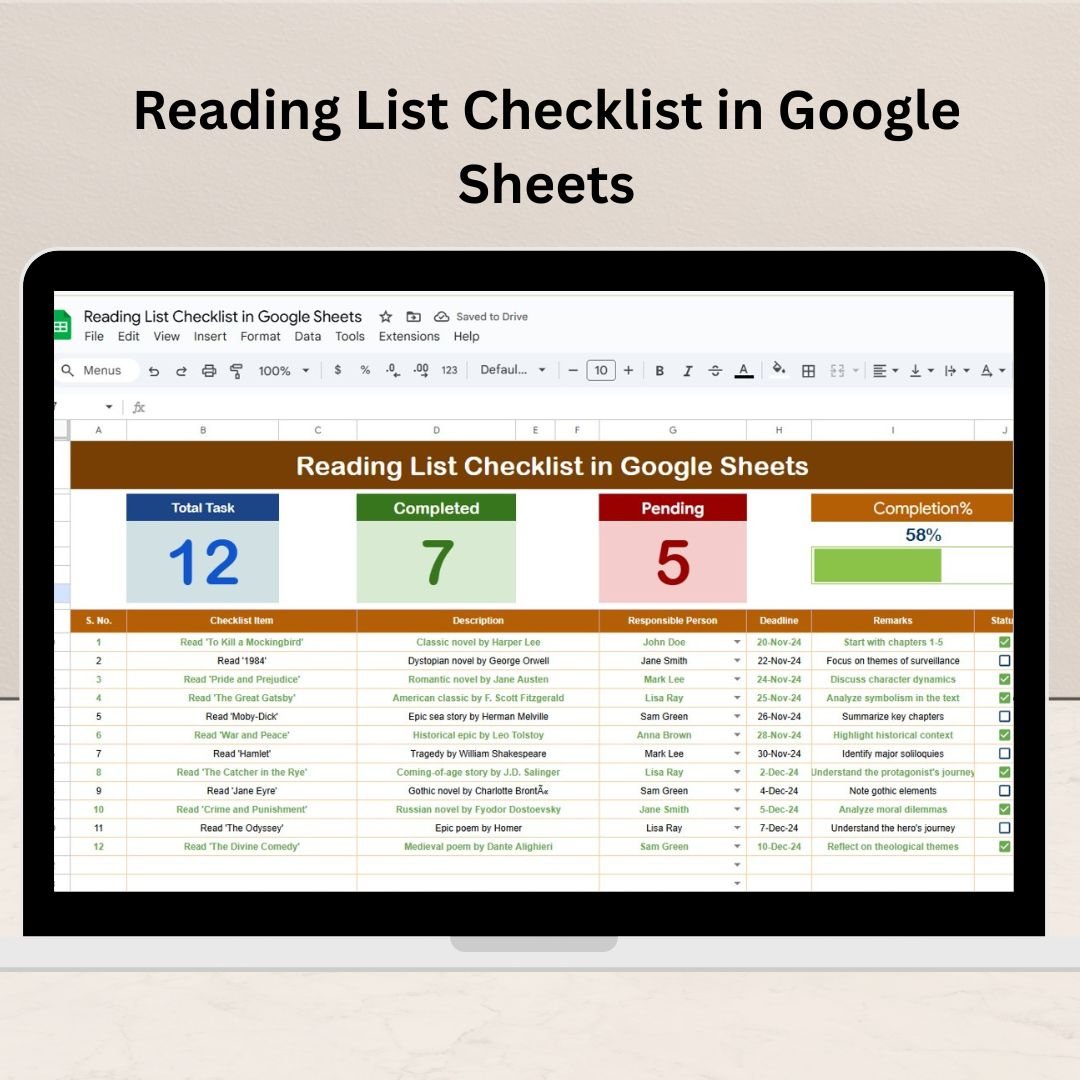
The Reading List Checklist in Google Sheets is a powerful and customizable tool designed to help readers track and organize their books. Whether you’re an avid reader, a student, or someone looking to organize their reading list, this checklist helps you monitor your progress, categorize books, and set goals for a more organized and productive reading experience.

Key Features of the Reading List Checklist in Google Sheets
📚 Comprehensive Tracking
Track Key Details: Log important details such as book title, author, genre, start date, finish date, and personal ratings.
Reading Status: Categorize books by their reading status (e.g., to-read, reading, completed) to track your progress effectively.
📅 Goal Setting and Progress Monitoring
Set Reading Goals: Set specific reading targets, such as the number of books to read per month or year.
Progress Tracking: Use checkboxes and progress bars to monitor how much you’ve read and how close you are to your goals.
🔧 Customizable Template
Adapt to Your Needs: Easily modify the template to fit your personal reading habits, preferences, or categorization methods.
Genre and Format Organization: Sort your reading list by genre, format (e.g., paperback, e-book, audiobook), and more.
📊 Reflection and Review
Track Reviews and Insights: Record your thoughts or reflections on each book, such as personal ratings and reviews, for future reference.
Analyze Trends: Review your progress over time and identify reading patterns to inform your future reading choices.
Benefits of Using the Reading List Checklist
✅ Better Organization
Keep all your book-related information in one place, easily accessible for quick reference and planning.
✅ Increased Motivation
Setting and tracking reading goals helps you stay motivated to read more and achieve your targets.
✅ Improved Reading Habits
By regularly updating and tracking your reading list, you’ll foster stronger reading habits and be more intentional with your reading choices.
✅ Personal Growth
A comprehensive reading tracker encourages lifelong learning and continuous personal development through books.
How to Use the Reading List Checklist in Google Sheets
Download the Template: Download the Reading List Checklist template and save it to your Google Drive.
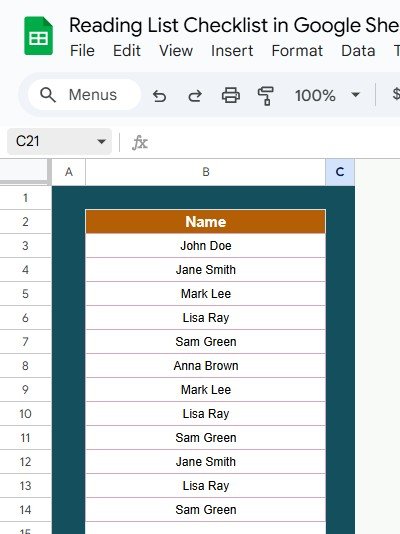
Input Book Details: Add the books you plan to read and start tracking them by title, author, and other important details.
Set Reading Goals: Define goals, like reading a certain number of books per month or completing specific genres.
Track Progress: Use checkboxes to mark completed books and visualize your progress toward your reading goals.
Review and Reflect: Record your thoughts or a review after completing each book, and analyze trends in your reading habits.
By using the Reading List Checklist in Google Sheets, you’ll streamline your reading process, stay organized, and ensure that you keep progressing toward your literary goals.
Click here to read the Detailed blog post
Reading List Checklist in Google Sheets
Visit our YouTube channel to learn step-by-step video tutorials
YouTube.com/@NeotechNavigators























Reviews
There are no reviews yet.