

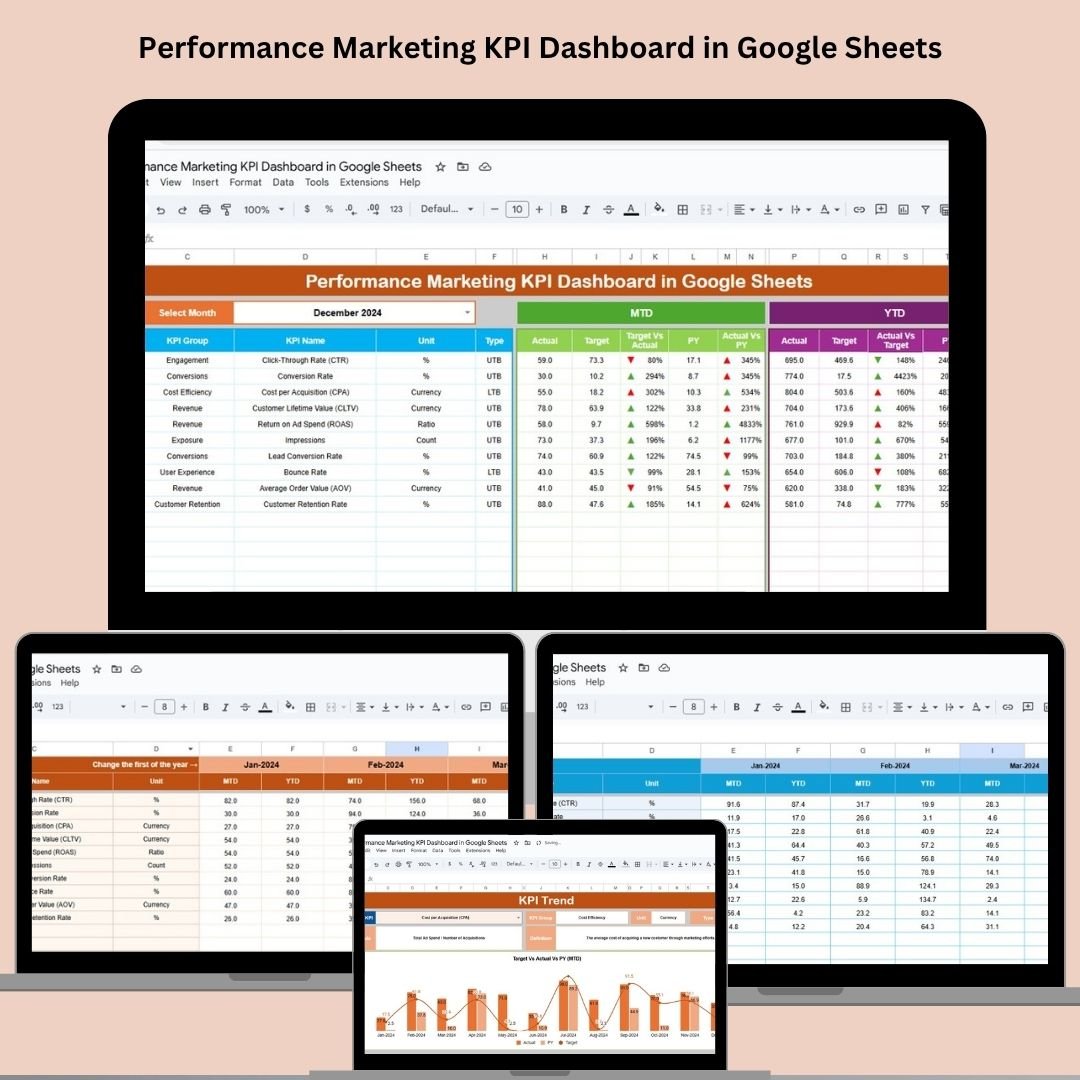

Get laser-focused on results with the Performance Marketing KPI Dashboard in Google Sheets—a ready-to-use, data-driven tool to track what truly matters in your campaigns. Whether you’re running ads, optimizing landing pages, or managing paid funnels, this dashboard is your marketing command center!
⚙️ Key Features of the Performance Marketing KPI Dashboard
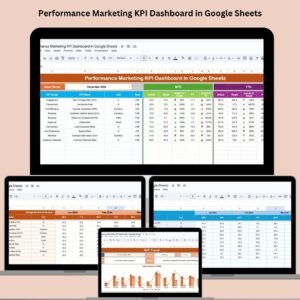
📊 Centralized Dashboard Sheet
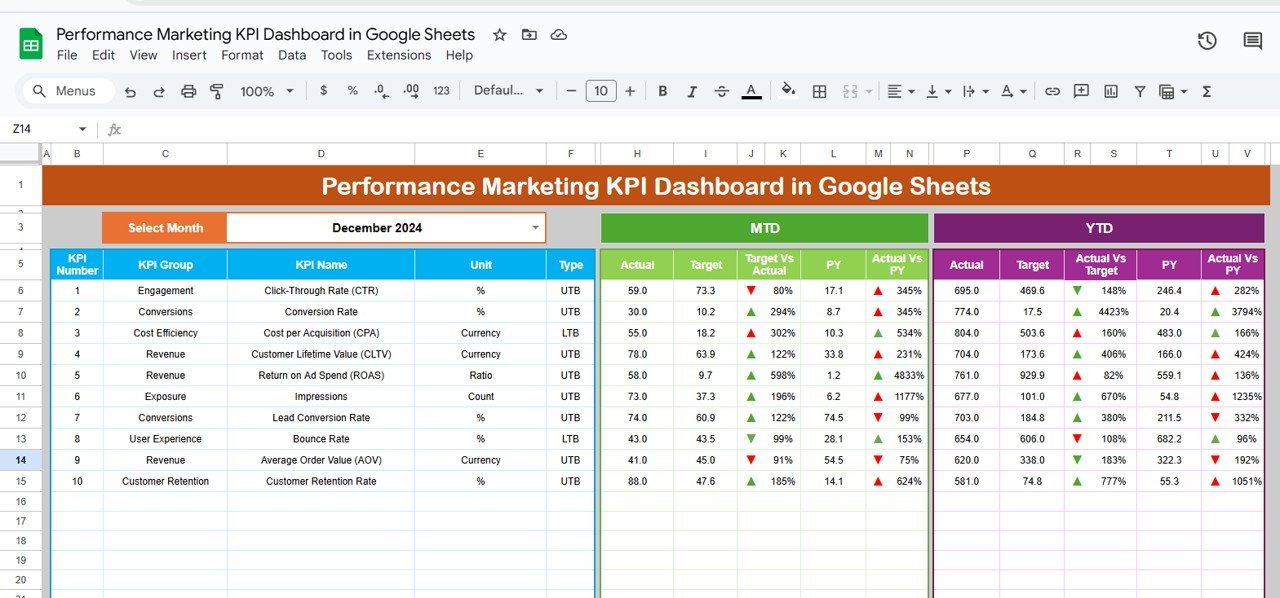
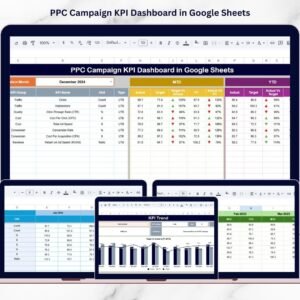
Get an instant snapshot of your performance. View MTD (Month-to-Date) and YTD (Year-to-Date) Actuals, Targets, and Previous Year data—all updated in real-time based on your inputs.
📆 Month Selector Dropdown
Quickly switch between months using the smart dropdown. One click updates all KPI visuals instantly.
🔴🟢 Conditional Formatting
Up and down arrows highlight performance against targets. Green = On Track. Red = Needs Attention.
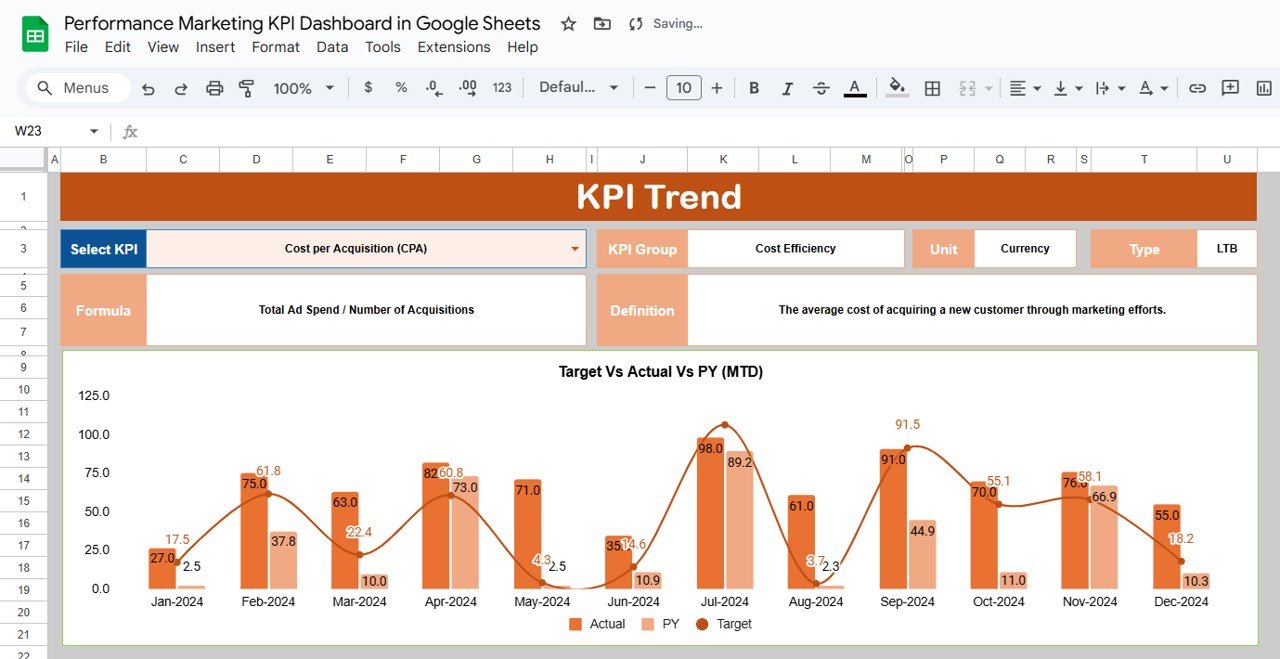
📈 Trend Analysis with KPI Selector
The KPI Trend Sheet lets you choose any KPI and see historical trends, helping you spot what’s working and what’s not over time.
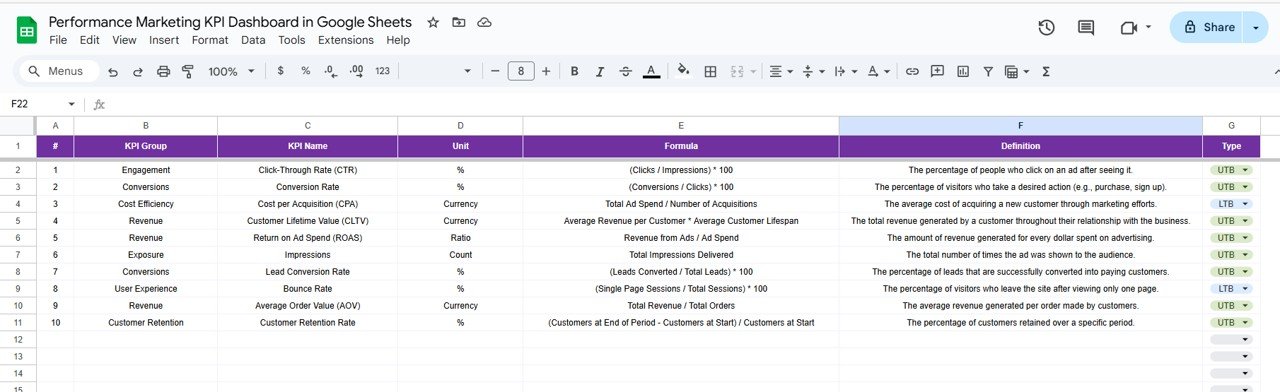
📌 Definition Sheet
Each KPI is clearly defined with formula, unit, group, and its tracking type (UTB or LTB), giving you full transparency.
🧮 Dynamic Calculations
Whether it’s ROAS, CAC, or CTR, your metrics are calculated automatically and displayed clearly.
📁 Clean Input Sheets
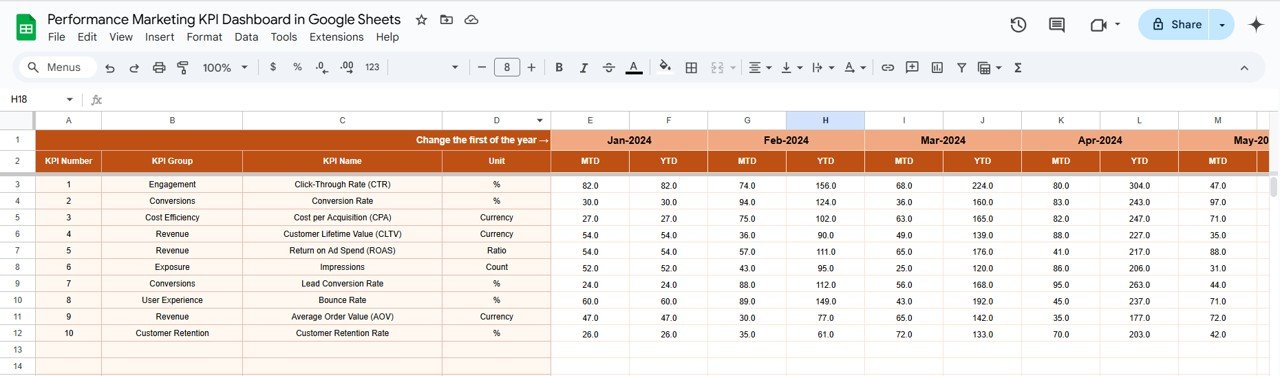
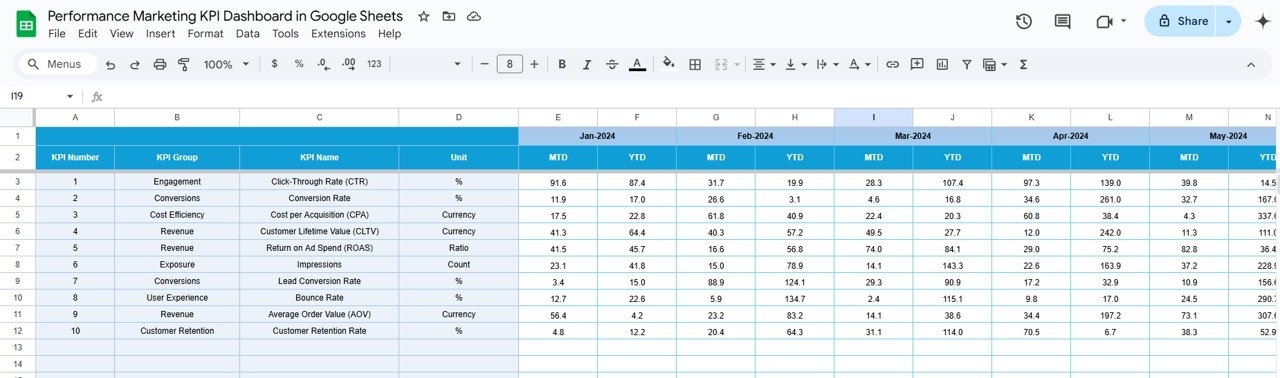
Use the Actuals, Targets, and Previous Year sheets to plug in data—your dashboard reflects updates instantly, no formulas needed from your side.
📦 What’s Inside the Performance Marketing KPI Dashboard
Here’s what you’ll find in this plug-and-play template:
✅ Dashboard Tab – All KPIs in one interactive view
✅ KPI Trend Tab – Visualize performance over time
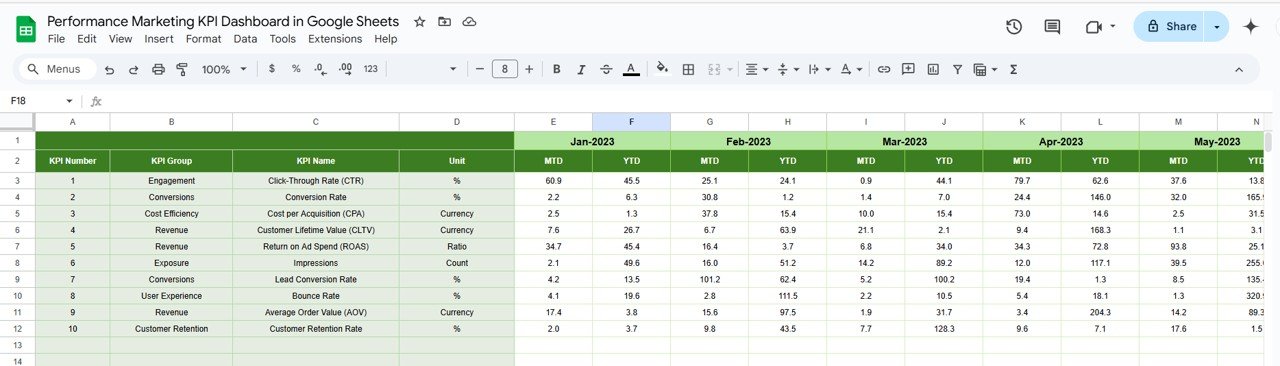
✅ Actual Number Sheet – Input MTD/YTD actuals
✅ Target Sheet – Set your campaign goals
✅ Previous Year Sheet – Historical data comparison
✅ KPI Definition Sheet – Metric explanations and formulas
Each tab is built to auto-sync with the main dashboard, ensuring seamless updates and meaningful insights.
🧑💻 How to Use the Performance Marketing KPI Dashboard
📝 Step 1: Enter your current month and YTD performance in the Actuals Sheet
🎯 Step 2: Set realistic monthly and annual goals in the Target Sheet
📆 Step 3: Log last year’s numbers in the Previous Year Sheet
🔄 Step 4: Select the reporting month on the Dashboard
📊 Step 5: Track changes with automatic charts, KPIs, and indicators
📤 Step 6: Share your dashboard with team members or export to PDF
It’s as simple as fill, filter, and focus.
🚀 Who Can Benefit from This Performance Dashboard?
👩💼 Digital Marketing Managers – Align campaigns with KPIs in real-time
📈 Media Buyers & PPC Experts – Track ROI, CTR, CAC, and more
📊 Marketing Analysts – Get deep-dive trends to advise stakeholders
📢 Agencies – Use it as a client-ready reporting tool
📱 Startups & Entrepreneurs – Make informed growth decisions with no-code tracking
🌐 Freelancers – Showcase results professionally without investing in BI tools
✅ Why Choose This Google Sheets Dashboard?
✔ Built in Google Sheets – access it from anywhere, anytime
✔ No software or plugin needed – just your browser
✔ Easy to customize – add your brand colors or extra KPIs
✔ Real-time metrics and auto-updates
✔ Shareable, secure, and cloud-backed
🔁 Click here to read the Detailed blog post
Watch the step-by-step video Demo:
🎥 Visit our YouTube channel to learn step-by-step video tutorials
Youtube.com/@NeotechNavigators
Compatibility and Requirements
- Works in Google Sheets. You need a free Google account and a web browser.
- The reporting month and the trend KPI are picked from dropdowns. Google explains dropdowns in Create an in-cell dropdown list.
Frequently Asked Questions
Which sheets are in the dashboard?
Dashboard, KPI Trend, Actual Number, Target, Previous Year and KPI Definition.
What does the dashboard show for each KPI?
MTD and YTD actuals, targets and previous year values, with green and red arrows against target.
Which metrics does it calculate?
Performance marketing KPIs such as ROAS, CAC and CTR are calculated automatically from your inputs.
How do I add my numbers?
Enter actuals in the Actual Number sheet, goals in the Target sheet and last year’s figures in the Previous Year sheet, then pick the month on the Dashboard.
Is there an Excel version?
Yes. The Performance Marketing KPI Dashboard in Excel covers the same KPIs.
Related Marketing KPI Templates
- Performance Marketing KPI Dashboard in Excel: the same KPIs in Excel
- Performance Marketing KPI Dashboard in Power BI: the same KPIs in Power BI
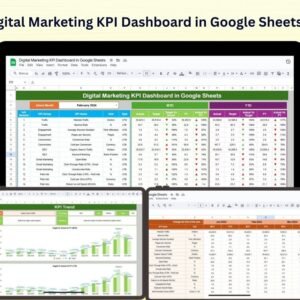
- Digital Marketing KPI Dashboard in Google Sheets: digital channel KPIs
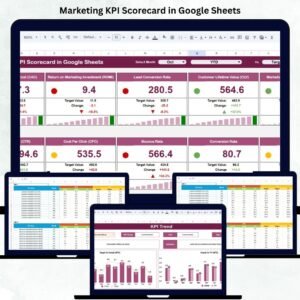
- Marketing KPI Scorecard in Google Sheets: a monthly marketing scorecard
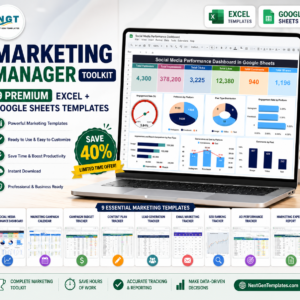
- Marketing and Social Media Analytics Kit: 7 marketing templates in one download
Browse all Google Sheets KPI dashboards or the Google Sheets sales and marketing templates.






















Reviews
There are no reviews yet.