

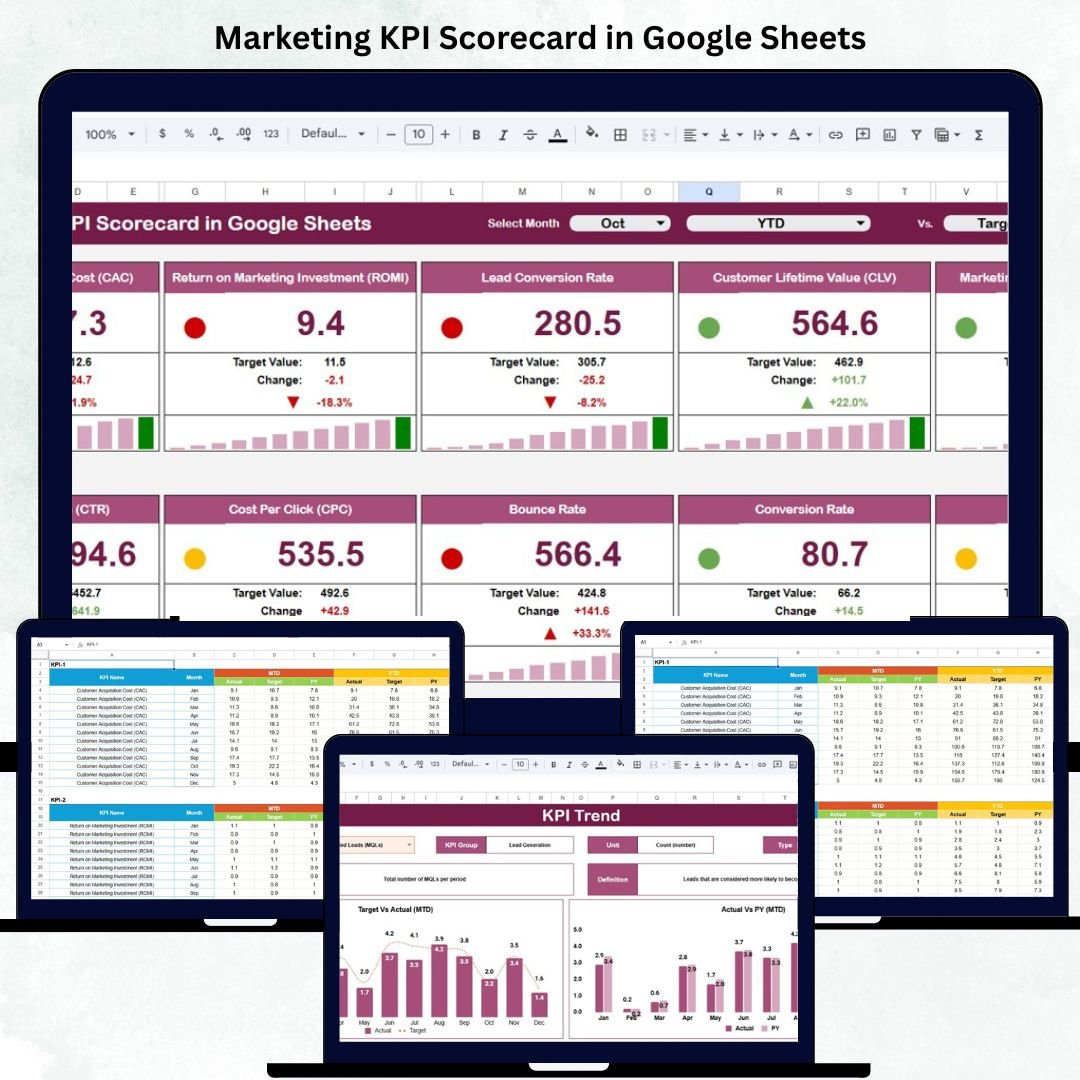

Marketing success depends on data — not guesswork. The Marketing KPI Scorecard in Google Sheets is a ready-to-use, automated, and visual solution that helps marketing teams measure performance, optimize campaigns, and improve ROI in real time.
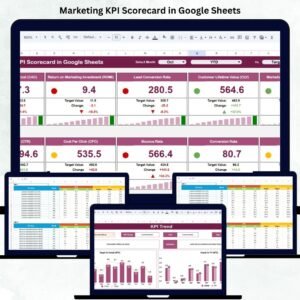
Built entirely in Google Sheets, this professional tool allows you to track key marketing metrics, compare actuals versus targets, and visualize progress through interactive charts, traffic-light indicators, and dynamic arrows. Whether you’re monitoring website traffic, conversion rates, or ad performance, this scorecard centralizes all insights in one place — no coding or complex BI tools required.
📘 What Is a Marketing KPI Scorecard in Google Sheets?
A Marketing KPI Scorecard is a data-driven dashboard that tracks your marketing team’s key performance indicators across multiple channels and campaigns.
It helps you:
Measure Month-to-Date (MTD) and Year-to-Date (YTD) results.
Identify which KPIs are improving and which need attention.
Align marketing activities with strategic goals.
Present actionable insights to leadership or clients.
By combining automation and collaboration within Google Sheets, it provides real-time updates, accessible reporting, and easy customization — making it a must-have for every results-focused marketing team.
📊 Scorecard Sheet Tab Overview
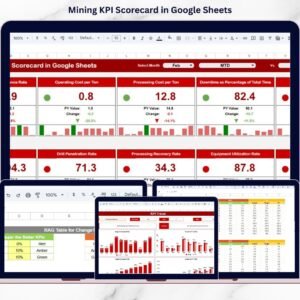
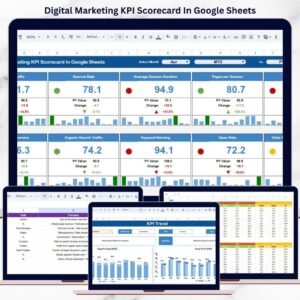
The Scorecard Sheet Tab is the core of this tool — a beautifully designed page where all your marketing performance data comes to life through visuals and KPI cards.
🔹 Key Features
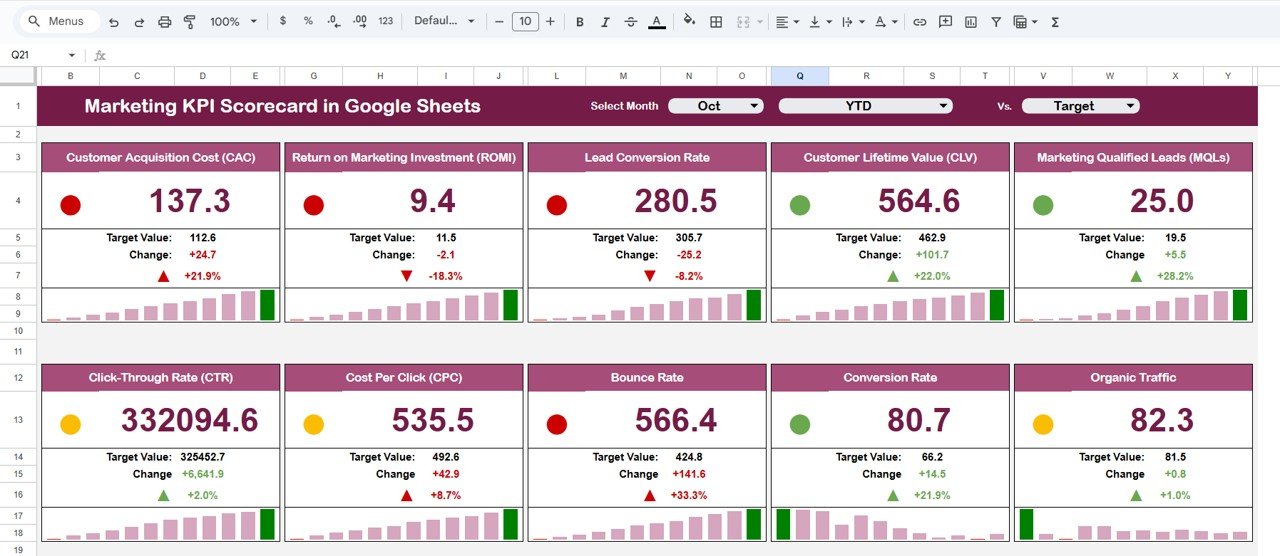
Month Dropdown (Cell D3): Choose a month, and the entire scorecard updates automatically.
MTD and YTD Toggle: Switch between monthly and cumulative annual results.
Traffic Light Indicators:
🟢 Green – Target met or exceeded
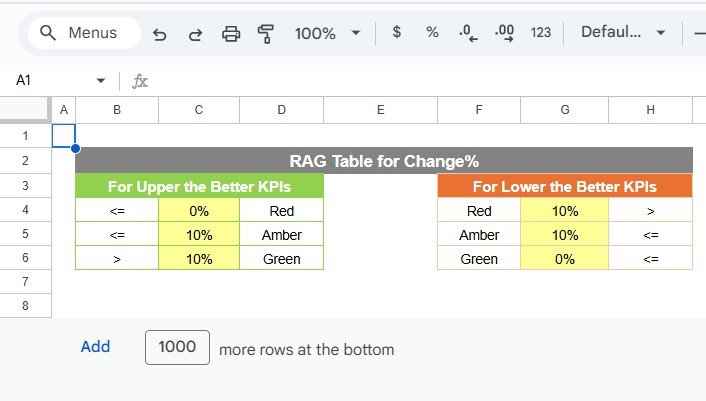
🟡 Yellow – Slightly below target
🔴 Red – Needs improvementTrend Arrows: Instantly see whether performance is improving or declining compared to the previous month.
These automated visuals make it easy to interpret complex data within seconds — ideal for both presentations and daily performance tracking.
📈 KPI Trend Sheet Tab
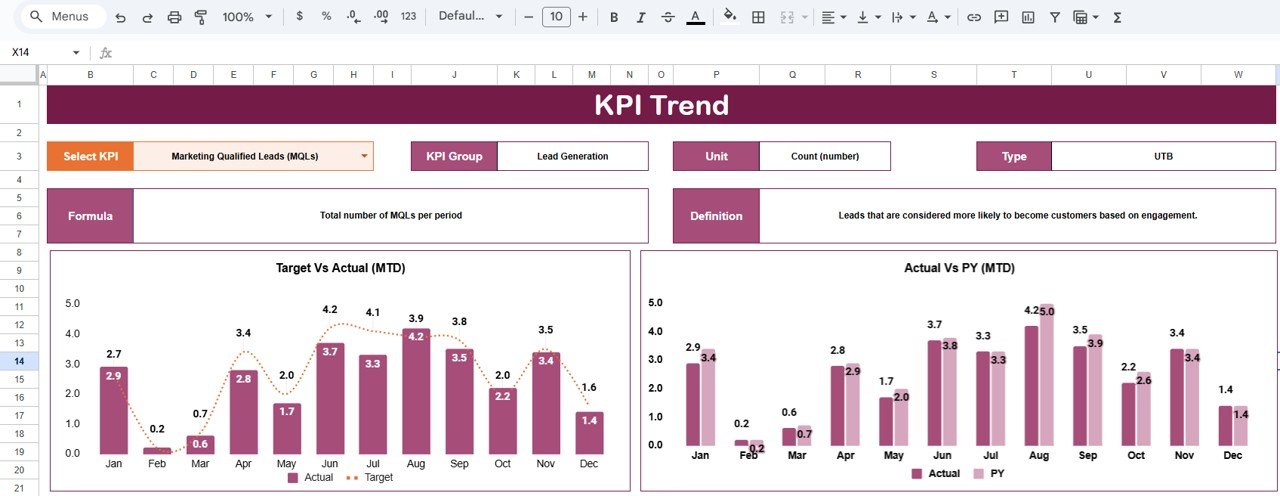
The KPI Trend Sheet helps marketers analyze how individual KPIs evolve over time.
Key Functions:
Dropdown (Cell C3): Select any KPI from the list.
Automatically displays:
KPI Group (e.g., Lead Generation, Campaign Performance, ROI)
Unit (%, Count, Ratio, etc.)
Type (UTB – Upper The Better, LTB – Lower The Better)
Formula and Definition
Dynamic charts visualize historical trends month-over-month.
This feature supports deeper marketing analytics, such as campaign optimization, budget adjustments, and trend forecasting.
🧾 Data Input Sheet Tab
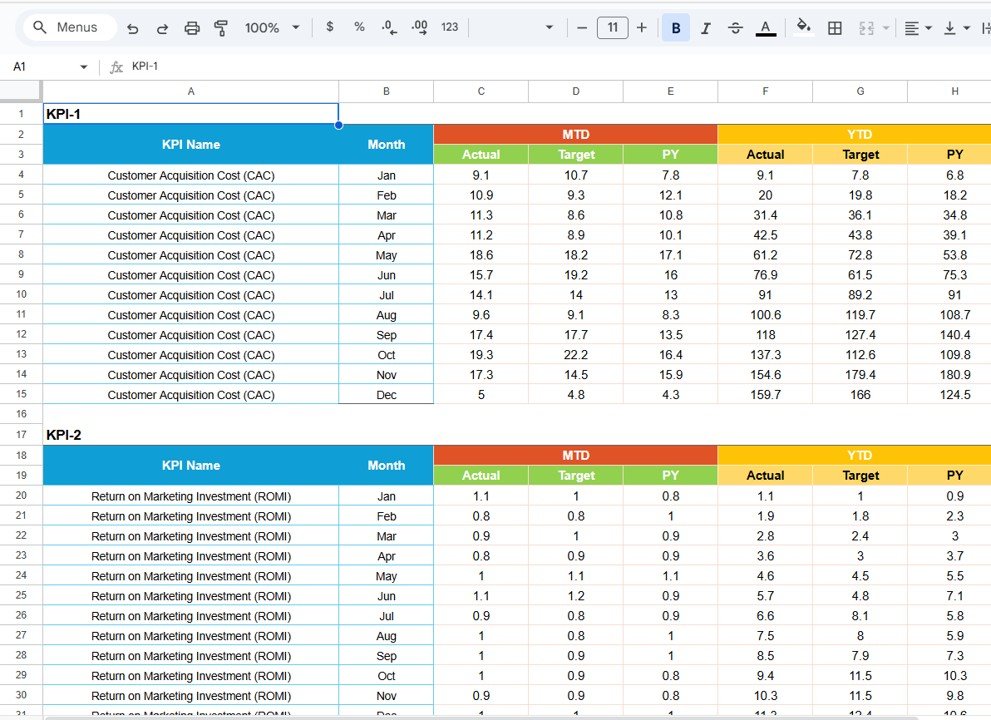
This is where you input monthly data for all your KPIs.
Columns Include:
Month | KPI Name | MTD Actual | MTD Target | YTD Actual | YTD Target | Previous Year
Once data is entered, every chart, percentage, and arrow in the scorecard updates automatically. The sheet structure ensures zero manual recalculations — saving time while maintaining accuracy.
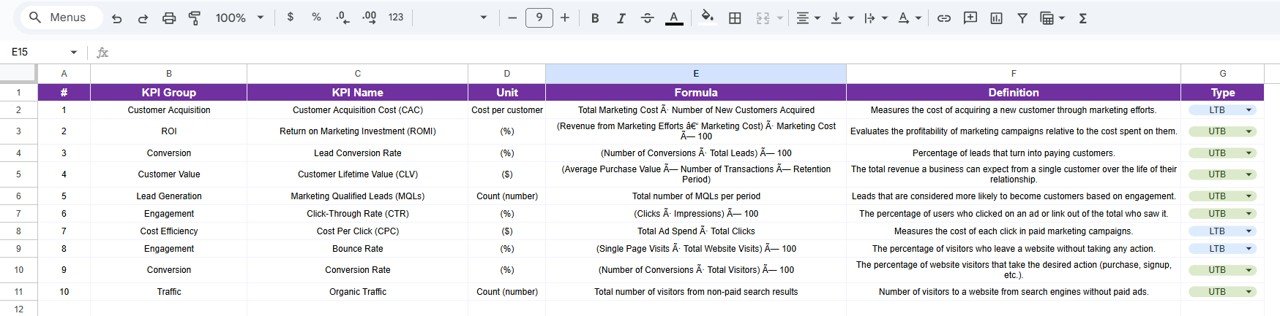
📚 KPI Definition Sheet Tab
Consistency is critical in marketing measurement. This tab lists every KPI with its formula, unit, and definition, ensuring all team members interpret metrics the same way.
🌟 Advantages of the Marketing KPI Scorecard
📊 All-in-One Dashboard: View all KPIs on a single, visual dashboard.
⏱️ Real-Time Updates: Automatic recalculations when new data is entered.
💡 Data-Driven Decisions: Instantly identify winning campaigns.
🧩 Fully Customizable: Add KPIs or modify existing ones easily.
☁️ Cloud-Based Collaboration: Multiple team members can edit simultaneously.
🔄 Performance Trend Analysis: Compare current vs. past marketing results.
💰 Cost-Effective Solution: Get analytics power without BI software.
🚀 Opportunities for Improvement
Enhance your scorecard even further by integrating automation and analytics:
🔗 Google Analytics Integration: Auto-import web data for live tracking.
📧 Email Notifications: Send alerts when KPIs fall below target.
📈 Forecasting Tools: Predict future trends using linear or exponential models.
🗂️ Campaign Tracking Tab: Add campaign-level analysis.
🎨 Looker Studio Integration: Upgrade visuals for management reporting.
💡 Best Practices for Using the Scorecard
✅ Update data monthly for accurate MTD/YTD analysis.
✅ Set clear, realistic KPI targets aligned with business goals.
✅ Maintain consistent naming conventions across data sheets.
✅ Use color formatting to highlight key focus areas.
✅ Protect formulas and reference cells to prevent accidental edits.
✅ Review KPI trends quarterly to adjust marketing strategy.
👥 Who Can Use This Scorecard
Marketing Managers & Directors – Monitor campaign efficiency and ROI.
Digital Marketing Teams – Track performance across platforms.
Agencies & Consultants – Present measurable results to clients.
Business Owners – Evaluate the ROI of marketing investments.
✅ Conclusion
The Marketing KPI Scorecard in Google Sheets gives your marketing team a data-driven edge. It simplifies complex performance tracking with automation, visuals, and interactive insights — empowering better decisions and higher ROI.
With just one template, you can measure campaign reach, conversion, engagement, and profitability — all in real time.
If your goal is to boost performance with data you can trust, this scorecard is your ultimate marketing performance tracker.
Click here to Read detailed blog post
🔗 Visit our YouTube Channel for a step-by-step tutorial
👉 YouTube.com/@NeotechNavigators
Compatibility and Requirements
- Works in Google Sheets with a free Google account and a web browser. Nothing to install.
- The trend charts are standard Google Sheets charts. Google explains them in Add & edit a chart or graph.
Frequently Asked Questions
What tabs are in the scorecard?
Four: Scorecard, KPI Trend, Data Input and KPI Definition.
How do I change the month or view?
Pick a month from the drop-down in cell D3 on the Scorecard tab and switch between MTD and YTD. The whole scorecard updates.
What do the traffic-light colors mean?
Green means the target was met or beaten, yellow means slightly below target and red means the KPI needs attention.
What do I enter on the Data Input tab?
For each month and KPI: MTD actual, MTD target, YTD actual, YTD target and previous year. Every chart, percentage and arrow updates from these values.
Can my team work in it together?
Yes. It runs in Google Sheets, so several team members can edit at the same time.
Related Marketing KPI Templates
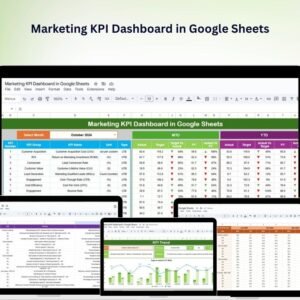
- Marketing KPI Dashboard in Google Sheets: a full KPI dashboard for marketing
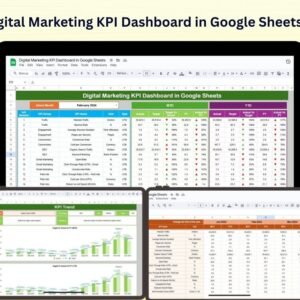
- Digital Marketing KPI Dashboard in Google Sheets: KPIs for online channels
- Marketing KPI Scorecard in Excel: the same scorecard idea for Excel users
- Marketing Dashboard in Google Sheets: campaign and channel reporting
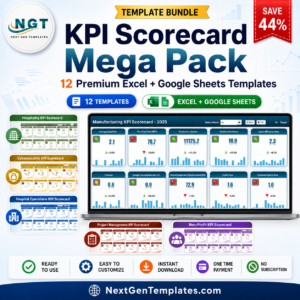
- KPI Scorecard Mega Pack: a bundle of KPI scorecards for Excel and Google Sheets
Browse all Google Sheets KPI dashboards or the Google Sheets sales and marketing templates.















Reviews
There are no reviews yet.