

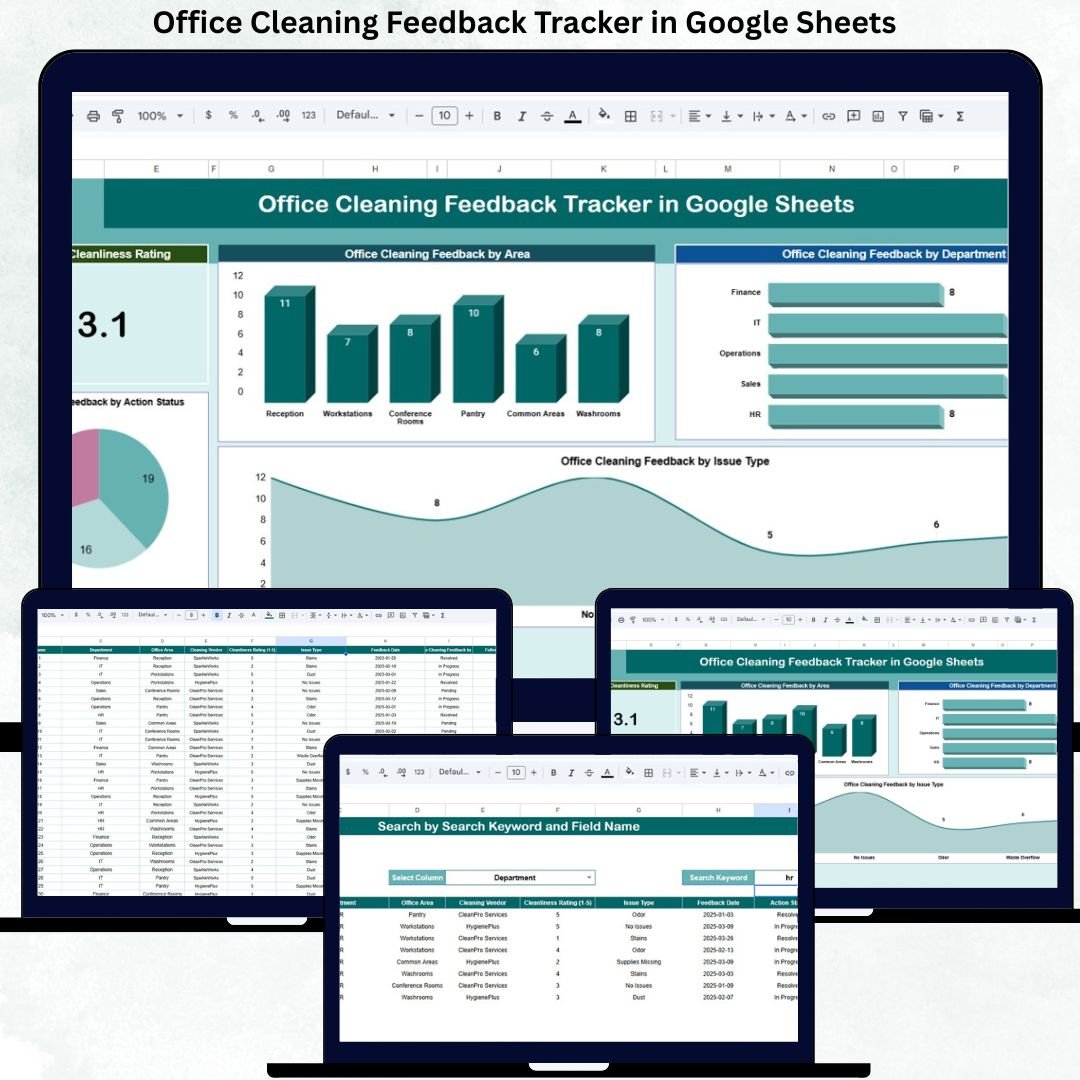

A clean office is not just about appearance—it directly impacts employee health, productivity, morale, and overall workplace satisfaction. However, many organizations still manage office cleaning feedback through emails, verbal complaints, WhatsApp messages, or informal forms. As a result, feedback gets missed, issues remain unresolved, and employees feel ignored.
That is exactly where the Office Cleaning Feedback Tracker in Google Sheets becomes a powerful and practical solution.
This ready-to-use tracker helps organizations capture, track, monitor, and resolve office cleaning issues in a structured and transparent way. Instead of chasing cleaning complaints across multiple channels, facilities teams, HR, and administrators can manage everything from one centralized Google Sheets tracker.
Because the tracker is built in Google Sheets, it is cloud-based, collaborative, cost-effective, and easy to customize. Teams can update feedback in real time, track action status clearly, analyze recurring issues using charts, and search historical records instantly—without investing in expensive facility management software.
🚀 Key Features of the Office Cleaning Feedback Tracker
🧾 Centralized cleaning feedback collection
🧹 Area-wise, department-wise, and issue-wise tracking
🔄 Clear action status visibility (Open, In Progress, Resolved)
📊 Automated charts for trend analysis
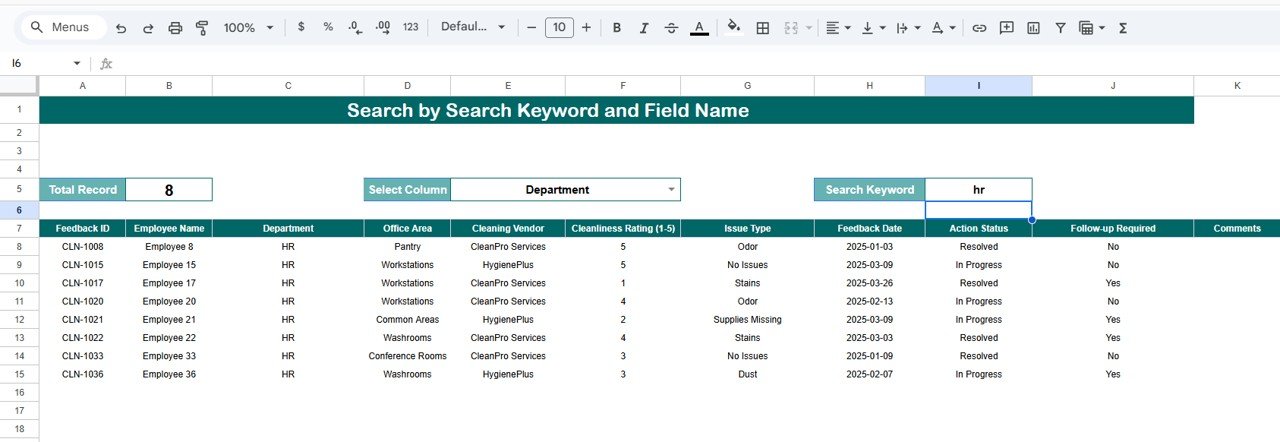
🔍 Smart search by keyword and field name
👥 Multi-user collaboration in Google Sheets
⚡ Real-time updates with zero manual reporting
⚙️ Fully customizable and scalable
📦 What’s Inside the Office Cleaning Feedback Tracker
The tracker is designed for simplicity, clarity, and accountability and includes three core components.
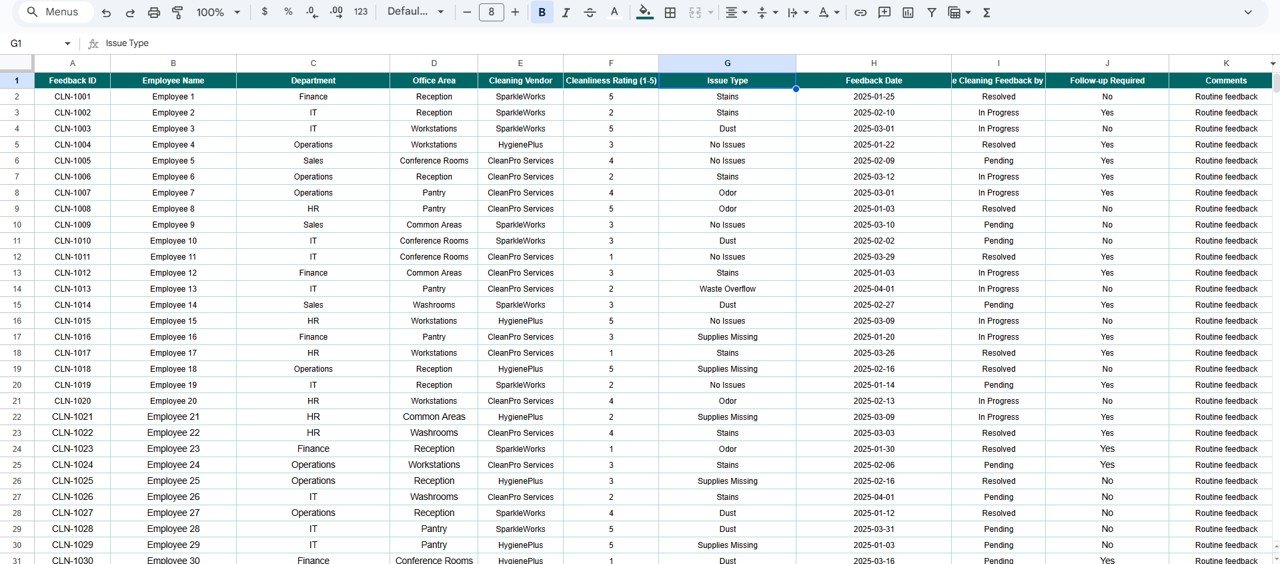
📌 Tracker Sheet Tab (Main Database)
This is the foundation of the entire system. All office cleaning feedback is recorded here in a structured format.
Typical fields include:
Feedback ID
Feedback Date
Employee Name (Optional)
Department
Office Area (Restroom, Pantry, Meeting Room, Workstation, Lobby, etc.)
Issue Type (Dust, Odor, Waste, Hygiene, Floor Cleaning, Sanitization)
Feedback Description
Action Status (Open, In Progress, Resolved)
Assigned To
Action Taken
Resolution Date
Comments
Once data is entered or updated, all charts refresh automatically, ensuring real-time visibility for decision-makers.
📊 Charts Included in the Tracker
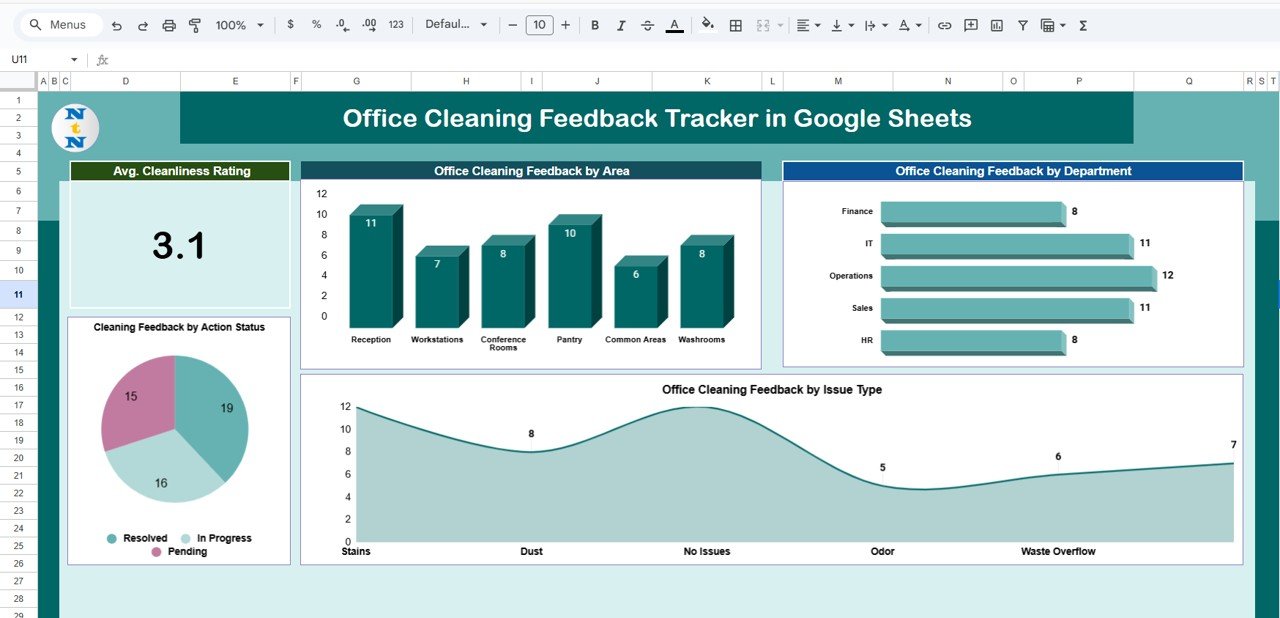
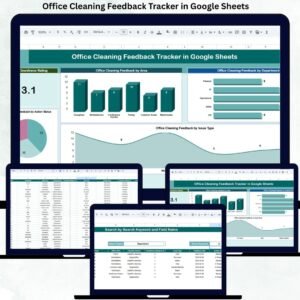
The dashboard includes four powerful charts that help teams understand cleaning performance instantly.
🧹 Office Cleaning Feedback by Area
Identifies high-problem areas such as restrooms, pantry, or meeting rooms, helping teams revise cleaning schedules proactively.
🏢 Office Cleaning Feedback by Department
Shows which departments submit the most feedback, highlighting high-traffic or high-usage zones.
⚠️ Office Cleaning Feedback by Issue Type
Displays recurring issues like dust, hygiene, odor, or waste management, helping teams fix root causes instead of temporary solutions.
✅ Cleaning Feedback by Action Status
Tracks how many issues are open, in progress, or resolved—improving accountability and response time.
🔍 Search Functionality – Fast & Powerful
The tracker includes a smart search panel.
You can search using:
Search Keyword (e.g., “Restroom”, “Dust”, “Resolved”)
Field Name (Area, Department, Issue Type, Status, Assigned To)
The tracker instantly displays matching records, helping teams:
Respond quickly to complaints
Review past actions
Prepare audits or inspections
Track recurring issues
Save hours of manual filtering
🛠️ How to Use the Office Cleaning Feedback Tracker
1️⃣ Record cleaning feedback in the tracker sheet
2️⃣ Assign responsibility and update action status
3️⃣ Monitor charts weekly for recurring issues
4️⃣ Use search to locate specific complaints
5️⃣ Analyze trends monthly to improve cleaning quality
6️⃣ Improve employee satisfaction through faster resolution
👥 Who Can Benefit from This Tracker
🧹 Facilities & Housekeeping Teams
🧑💼 HR Departments
🏢 Office Administrators
⚙️ Operations Managers
🏥 Corporate Offices & Co-working Spaces
🏫 Educational Institutions & Hospitals
### Click here to read the Detailed blog post
Watch the step-by-step video tutorial:
Visit our YouTube channel to learn step-by-step video tutorials
👉 https://youtube.com/@NeotechNavigators
Compatibility and Requirements
- Works in Google Sheets. You need a free Google account and a web browser.
- Several people can open and update the tracker at the same time. Google explains charts in Add and edit a chart or graph.
Frequently Asked Questions
What does the Tracker sheet record?
Each row holds the feedback ID, date, optional employee name, department, office area, issue type, feedback description, action status, assigned person, action taken, resolution date and comments.
Which charts are included?
Four charts: cleaning feedback by area, by department, by issue type and by action status. They refresh when you add or change data in the Tracker sheet.
How do I find a past complaint?
Use the search panel. Type a keyword such as Restroom, Dust or Resolved and pick a field name such as Area, Department, Issue Type, Status or Assigned To. Matching records appear straight away.
What status values can I use?
Open, In Progress and Resolved. The status chart counts how many issues sit in each one.
Is there a cleaning checklist to go with the tracker?
Yes. See the Office Cleaning Checklist in Google Sheets and the Office Cleaning Checklist in Excel.
Related Office Templates
- Office Cleaning Request Tracker in Google Sheets: log cleaning requests as they come in
- Office Cleaning Checklist in Google Sheets: a checklist for daily cleaning tasks
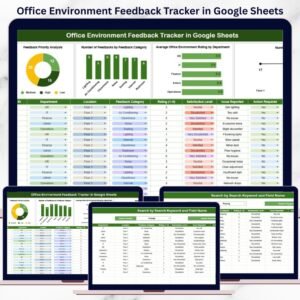
- Office Environment Feedback Tracker in Google Sheets: feedback on the wider workspace
- Cleaning Services KPI Dashboard in Excel: KPIs for a cleaning operation
- Small Business Owner Essentials: 12 templates for owners in one download
Browse all Google Sheets trackers.
































Reviews
There are no reviews yet.