

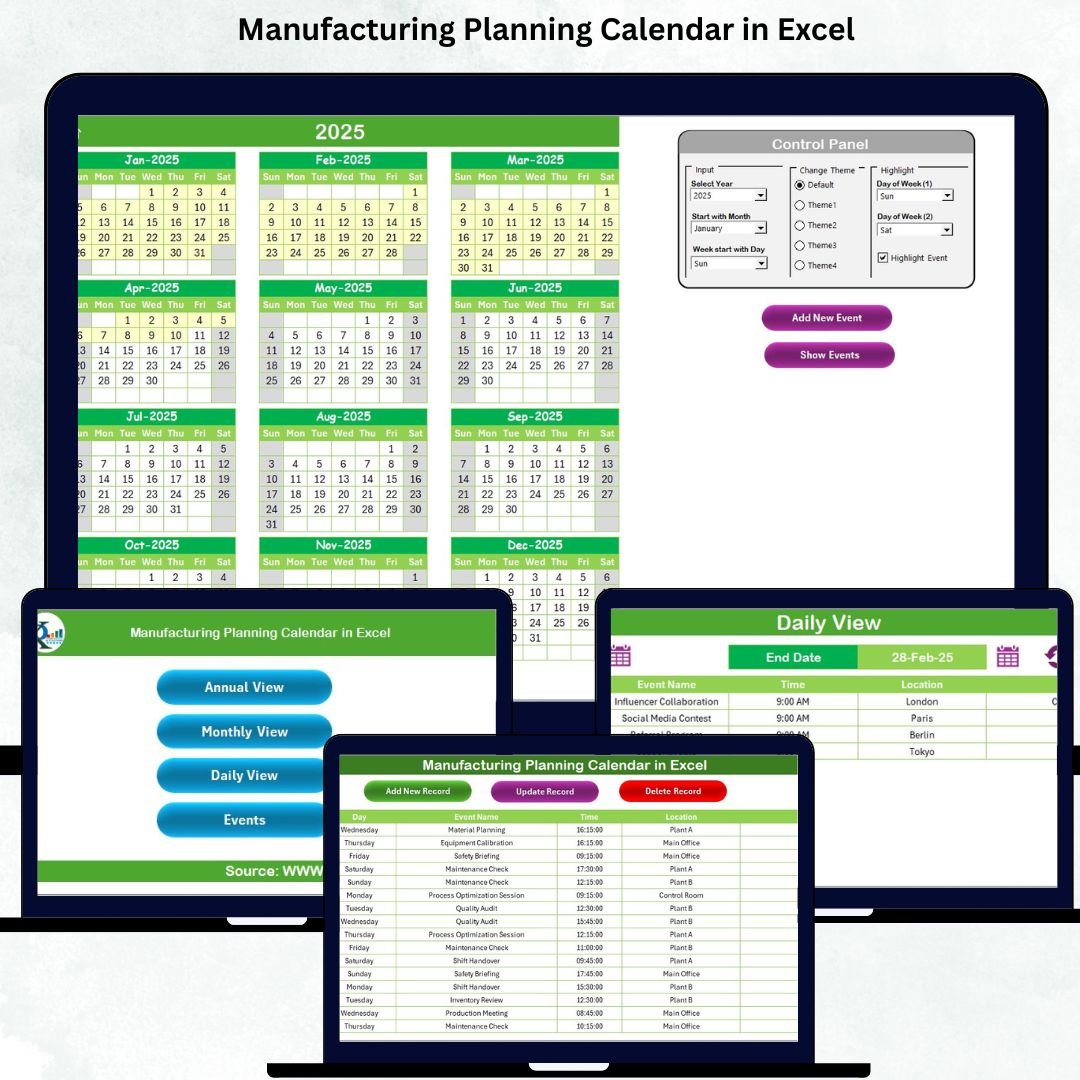

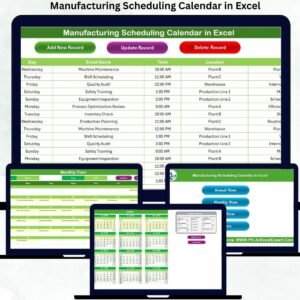
Planning is the backbone of every successful manufacturing operation. When production teams have a clear and structured calendar, they avoid delays, improve coordination, and ensure that every task—from machine maintenance to compliance checks—runs smoothly. The Manufacturing Planning Calendar in Excel is a powerful, ready-to-use tool designed to help manufacturing units plan annual, monthly, and daily activities with complete clarity and zero confusion. Whether you manage production shifts, preventive maintenance, audits, or daily tasks, this calendar transforms the way your factory operates.
This Excel-based calendar Manufacturing Planning Calendar in Excel includes interactive buttons, color themes, event forms, and multi-level planning sheets that make scheduling effortless—even for users with no technical skills. With its clean design and powerful event-tracking system, you get full control of every production event in one organized place.
✨ Key Features of the Manufacturing Planning Calendar in Excel
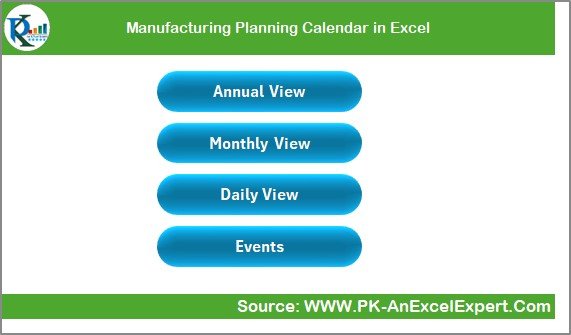
📌 1. Smart Navigation System
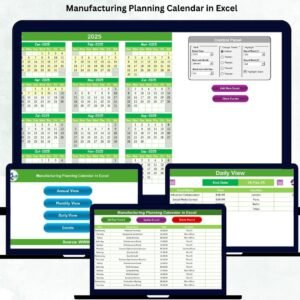
Move instantly between Annual, Monthly, Daily, and Events sheets using four built-in navigation buttons. No scrolling. No searching. Just one-click navigation for speed and efficiency.
📌 2. Fully Dynamic Annual Calendar
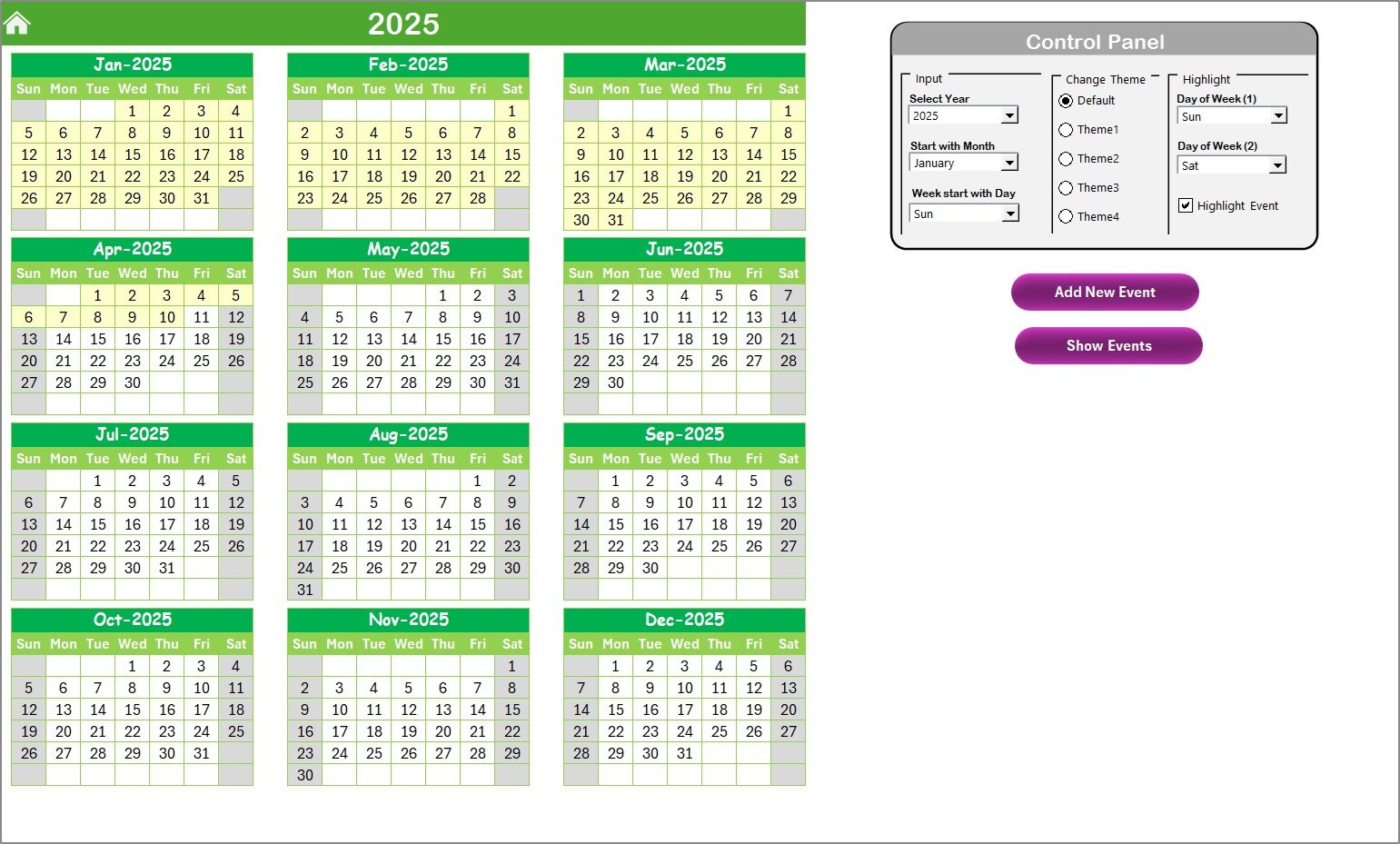
View all 12 months on one page. Change Year, Starting Month, or Week Start Day using simple dropdowns. The full calendar updates instantly.
📌 3. Beautiful Themes
Choose from 5 clean, professional color themes to match your team’s visual preference. Apply themes across the entire file with a single click.
📌 4. Event Highlighting
Automatically highlight weekends, non-working days, or special dates. Enable “Highlight Event” to identify event days quickly.Manufacturing Planning Calendar in Excel
📌 5. Quick Event Entry
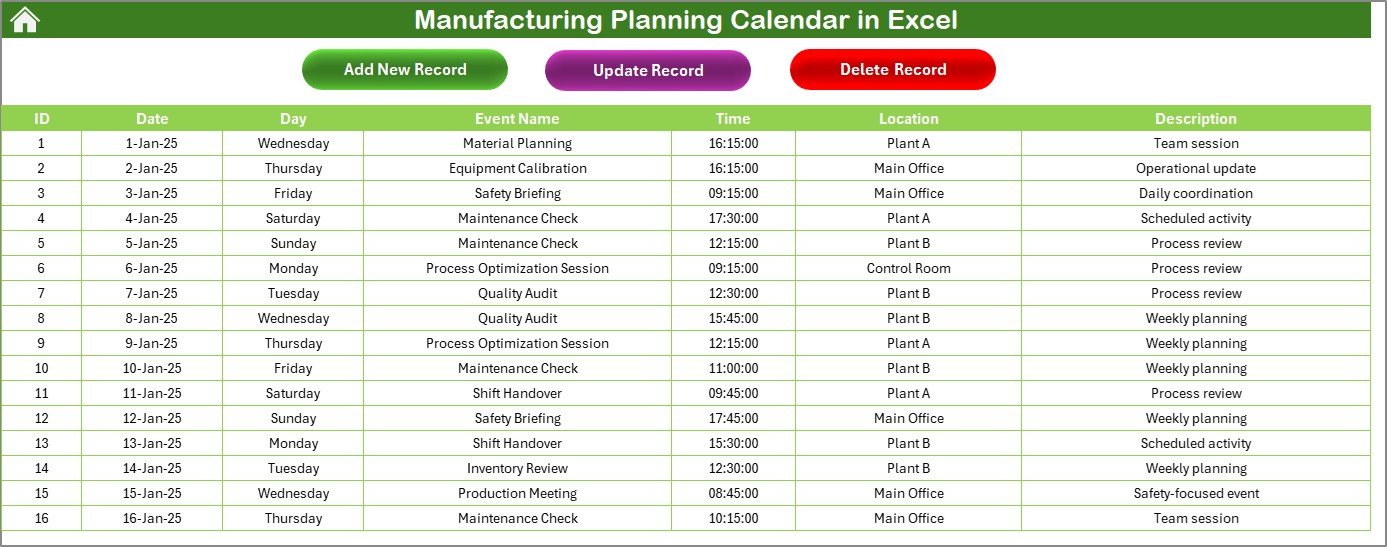
Click Add New Event on any sheet to open a smart input form. Enter event name, date, time, location, and description—save, and your event instantly appears.
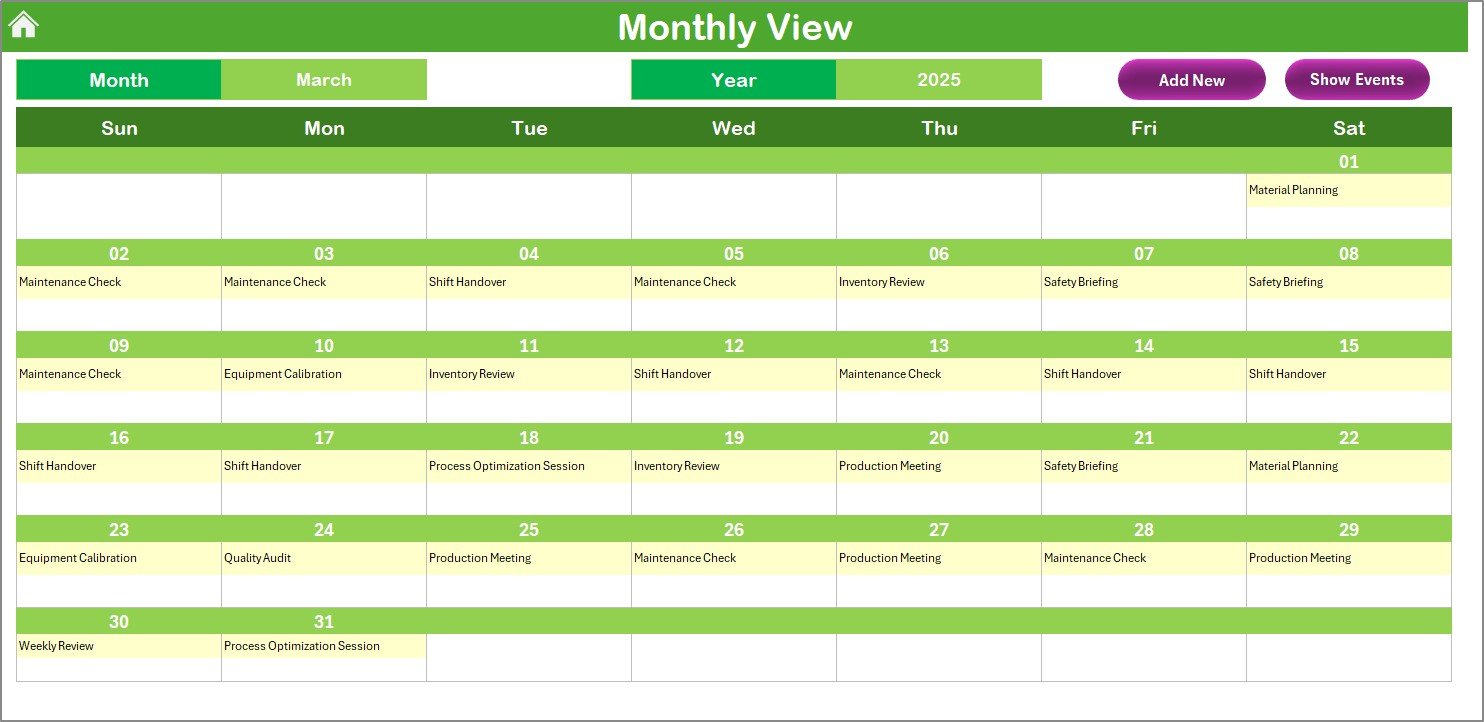
📌 6. Detailed Monthly View
Select any month to view a clean, organized calendar with all events. Dates with multiple events show “more than 1…” for quick visibility.
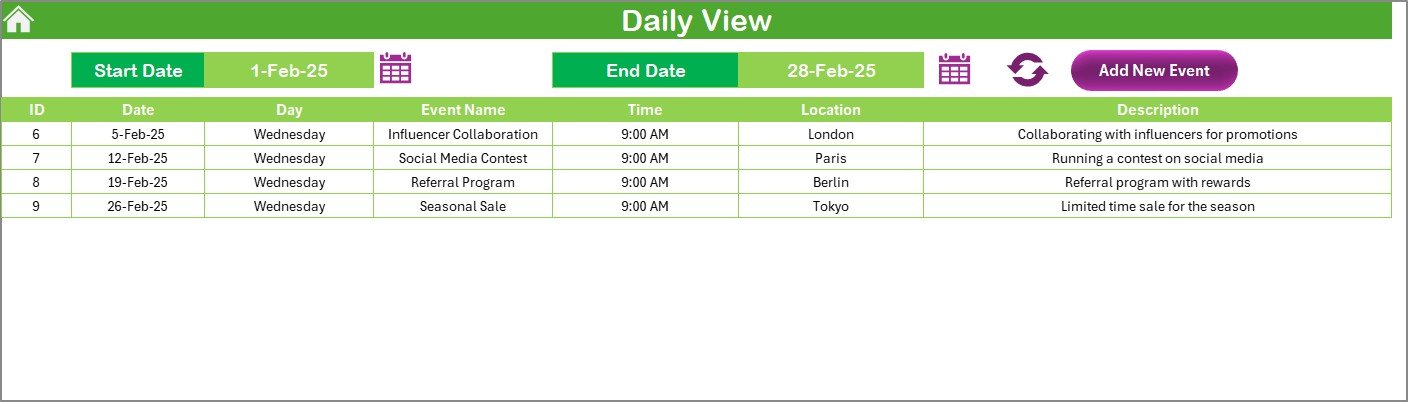
📌 7. Daily View for Short-Term Planning
View all events within a selected date range—perfect for shift operations, maintenance schedules, quality checks, and day-wise operations.
📌 8. Centralized Events Database
All events are stored in a powerful database with auto-generated IDs. Add, update, or delete any record in seconds.Manufacturing Planning Calendar in Excel
📦 What’s Inside the Manufacturing Planning Calendar in Excel
🗂 Home Sheet with page navigation
🗓 Annual Calendar View (Fully dynamic layout)
📅 Monthly Calendar View with event summaries
📘 Daily View Sheet with date-range filtersManufacturing Planning Calendar in Excel
📚 Events Database with Add, Update & Delete buttons
🎨 5 Color Themes
📝 Dynamic Event Form for quick entries
⚙️ Smart highlight features for weekends & event days
Everything is structured, automated, and ready to use.
🧭 How to Use the Manufacturing Planning Calendar in Excel
Start from the Home Sheet and jump to any page with one click.
Set the Year, Starting Month, and Week Start Day from the Annual View.
Use Add New Event to enter activities like maintenance, inspections, shutdowns, or shift tasks.
Switch to Monthly View for detailed planning of tasks, production cycles, and audits.
Use Daily View to track short-term activities for shifts or daily operations.
Manage all records in the Events Sheet—add, edit, or delete instantly.
Choose a color theme that improves visibility for your team.
Highlight weekends or holidays to avoid scheduling mistakes.
The entire system is designed to be plug-and-play—no formulas, no coding, and no setup required.
👨🏭 Who Can Benefit from This Manufacturing Planning Calendar in Excel
This template is designed for every level of manufacturing and production planning:
🏭 Production Managers tracking production cycles and daily operations
⚙️ Maintenance Teams planning preventive and corrective schedules
📋 Quality Teams managing inspections and audits
👥 Shift Supervisors planning manpower & daily tasks
📦 Inventory & Stores Teams tracking material movement activities
📝 Plant Heads planning year-round shutdowns & reviews
🚀 Lean & Process Improvement Teams monitoring planned tasks
Whether your plant is small or large, this calendar provides a structured, visual, and powerful way to manage everything from annual audits to daily shift tasks.
### Click here to read the Detailed blog post
### Visit our YouTube channel to learn step-by-step video tutorials — YouTube.com/@PKAnExcelExpert
Compatibility and Requirements
- Works in Microsoft Excel desktop (Excel 2016 or later, or Microsoft 365).
- The Annual view uses dropdowns for Year, Starting Month and Week Start Day. Microsoft explains them in Create a drop-down list.
Frequently Asked Questions
Which sheets are included?
A Home sheet with navigation buttons, an Annual calendar, a Monthly calendar, a Daily view and an Events database.
How do I add an event?
Click Add New Event on any sheet to open the input form. Enter the event name, date, time, location and description, then save. The event appears in the calendar views.
Can I change the year and the first day of the week?
Yes. Set the Year, Starting Month and Week Start Day with the dropdowns on the Annual view, and the whole calendar updates.
How do I see events for a short period?
Use the Daily view and select a date range. It lists every event inside that range, which suits shift tasks, maintenance and quality checks.
Is there a version for other planning topics?
Yes. The same calendar layout is available as the Annual Strategic Planning Calendar in Excel and the Event Planning Calendar in Excel.
Related Manufacturing Templates
- Manufacturing Planning Checklist in Excel: a checklist for the same planning work
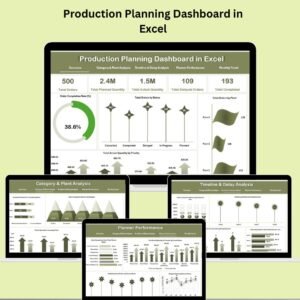
- Production Planning Dashboard in Excel: a dashboard view of production plans
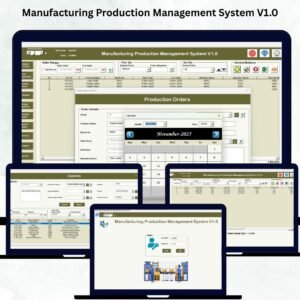
- Manufacturing Production Management System V1.0: a system for managing production in Excel
- Audit Schedule Calendar in Excel: a calendar for planning audits
- Manufacturing Excellence Bundle: 8 manufacturing templates in one download
Browse all Excel calendar templates and Excel manufacturing templates.































Reviews
There are no reviews yet.