

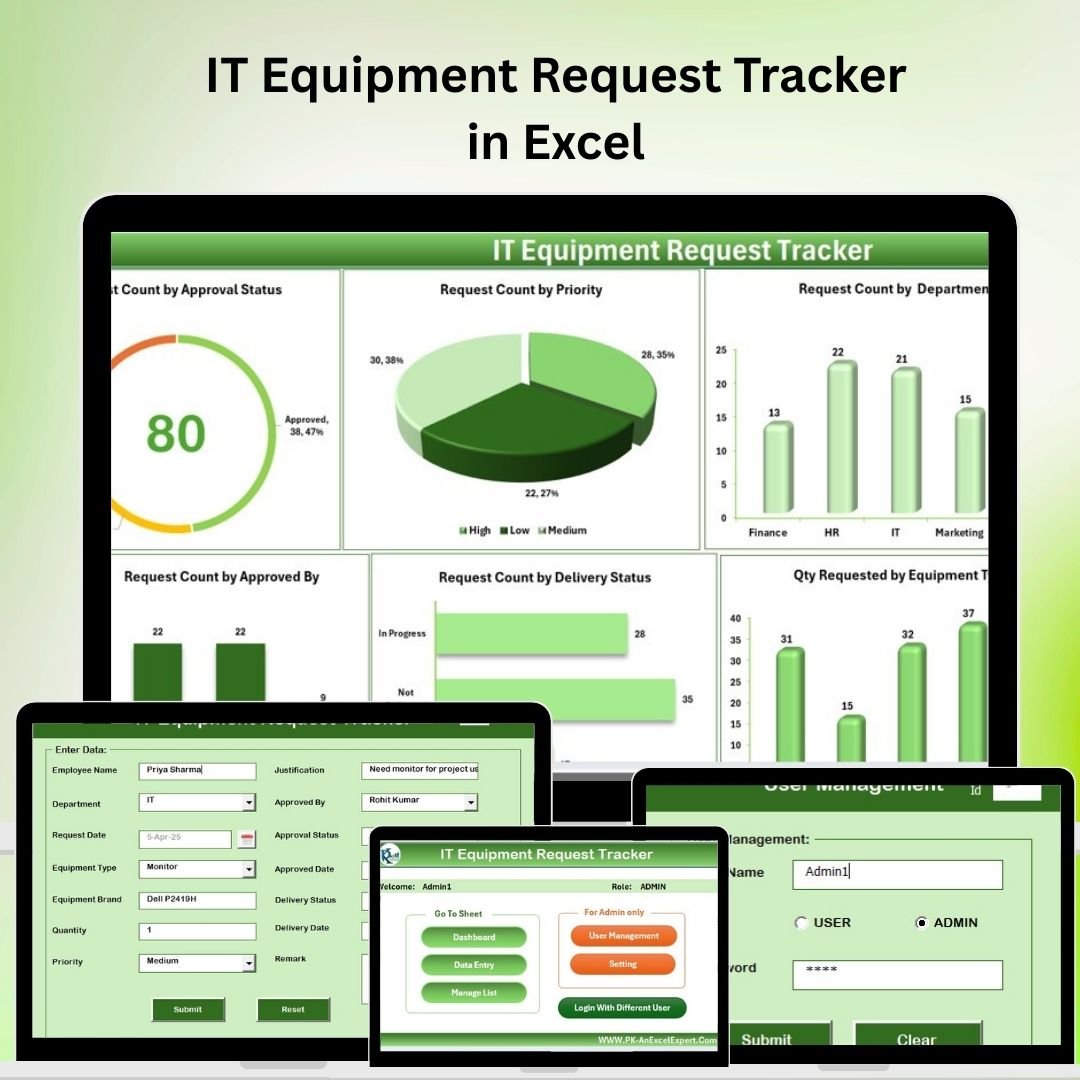
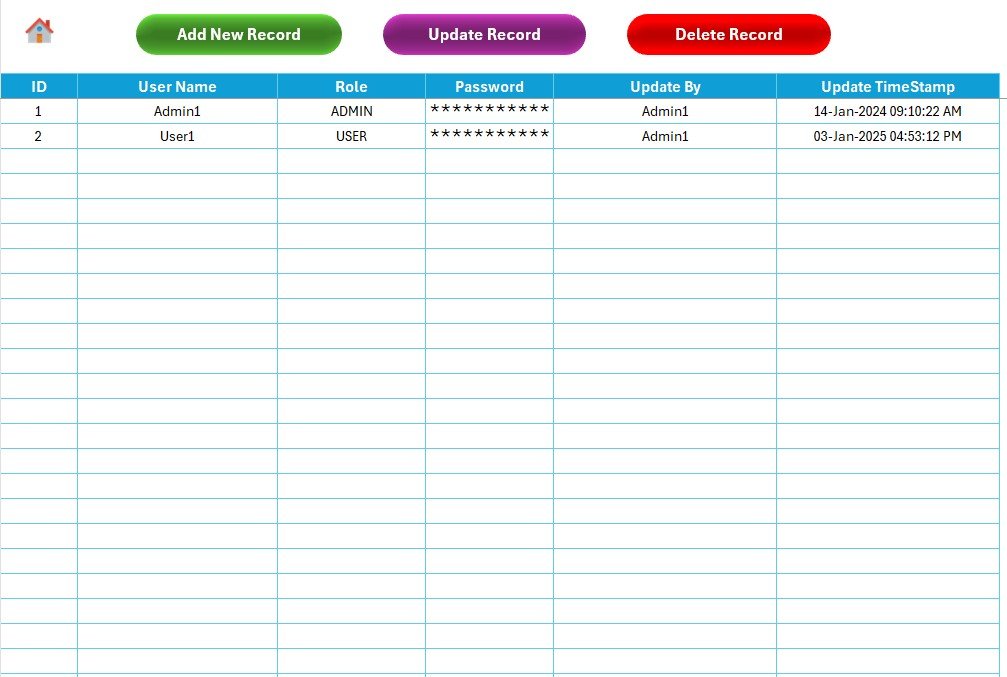

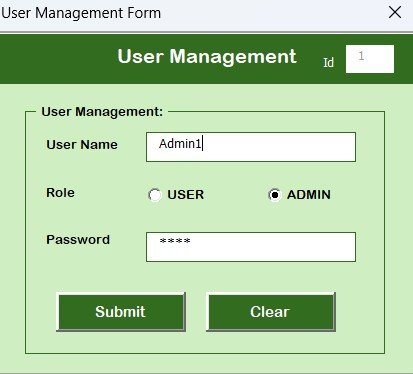


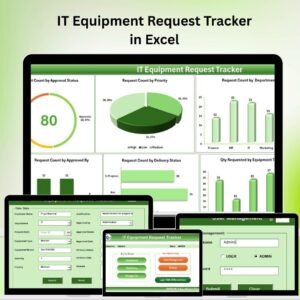
The IT Equipment Request Tracker in Excel is a powerful tool designed to help organizations efficiently manage and track requests for IT equipment. This Excel-based tracker simplifies the process of monitoring requests for hardware, software, and other IT-related resources, ensuring that all requests are documented, approved, and processed in a timely manner.
Whether you’re managing equipment for a small business or a large enterprise, this tracker helps you stay organized and maintain a clear record of all IT equipment requests. The tool ensures that IT staff can efficiently allocate resources, monitor inventory, and track equipment usage. It also provides transparency in the request process, making it easier to handle approvals, reassignments, and equipment returns.
Key Features of the IT Equipment Request Tracker in Excel
📋 Request Tracking & Documentation
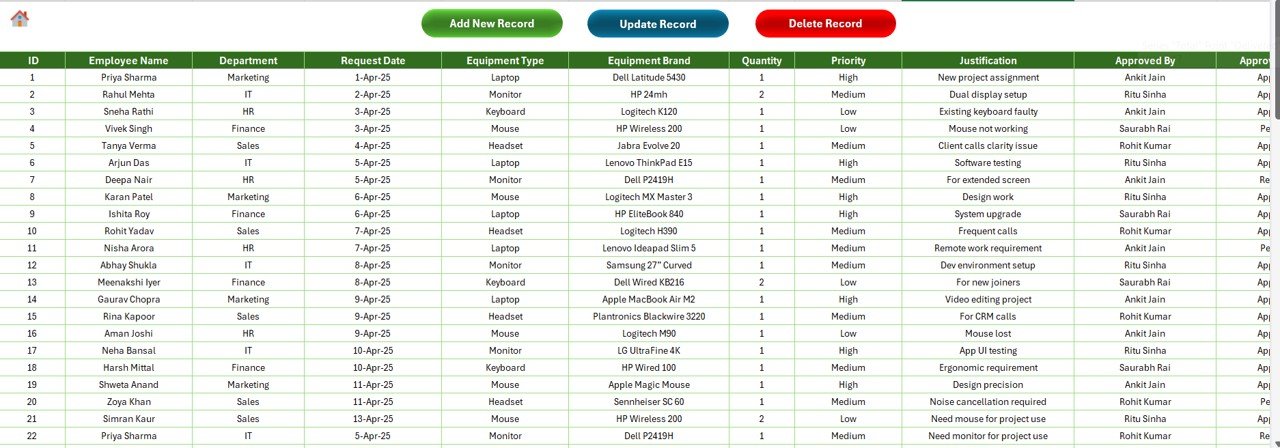
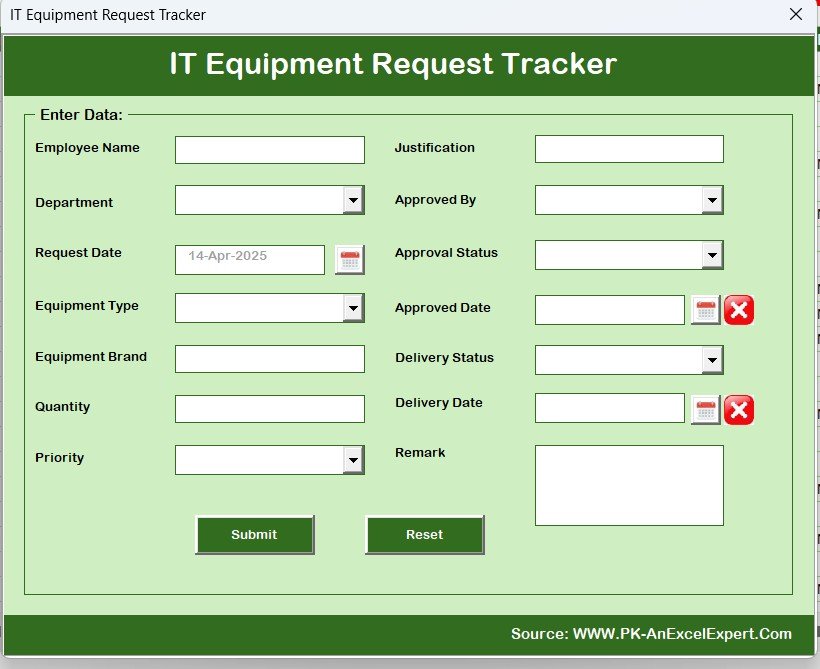
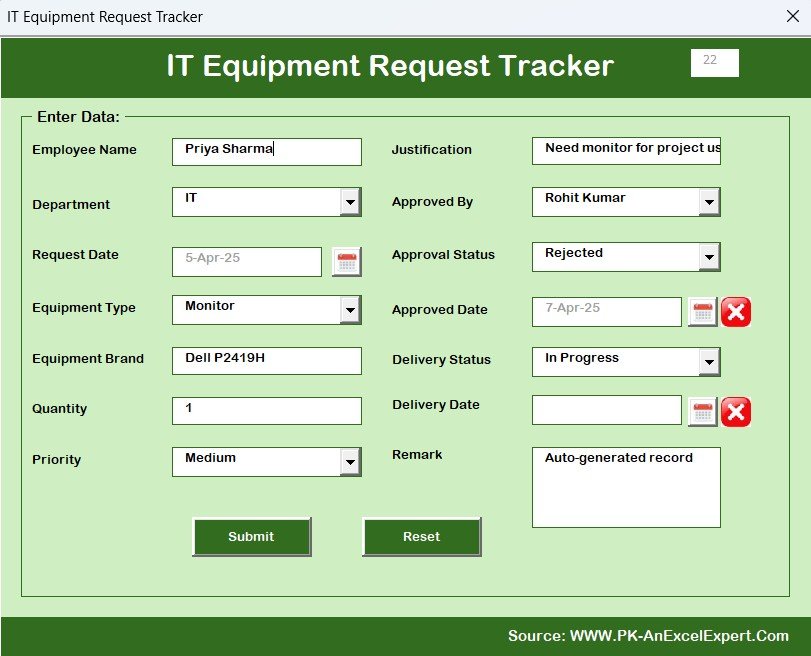
Track all incoming IT equipment requests in one place. Monitor the status of each request, including the request date, item details, requester information, approval status, and delivery date.
🔑 Approval & Rejection Workflow
Easily track which requests are approved, rejected, or pending. Assign approval responsibilities to relevant team members and monitor the status of requests throughout the approval process.
🖥️ Inventory & Equipment Management
Monitor IT equipment inventory levels and track available resources. Keep records of allocated equipment to avoid shortages or duplications and ensure that resources are allocated efficiently.
📅 Time-Based Tracking
Monitor the time it takes for requests to be processed and fulfilled. This helps identify bottlenecks in the approval or delivery process, ensuring that requests are handled in a timely manner.
⚙️ Customizable Request Fields
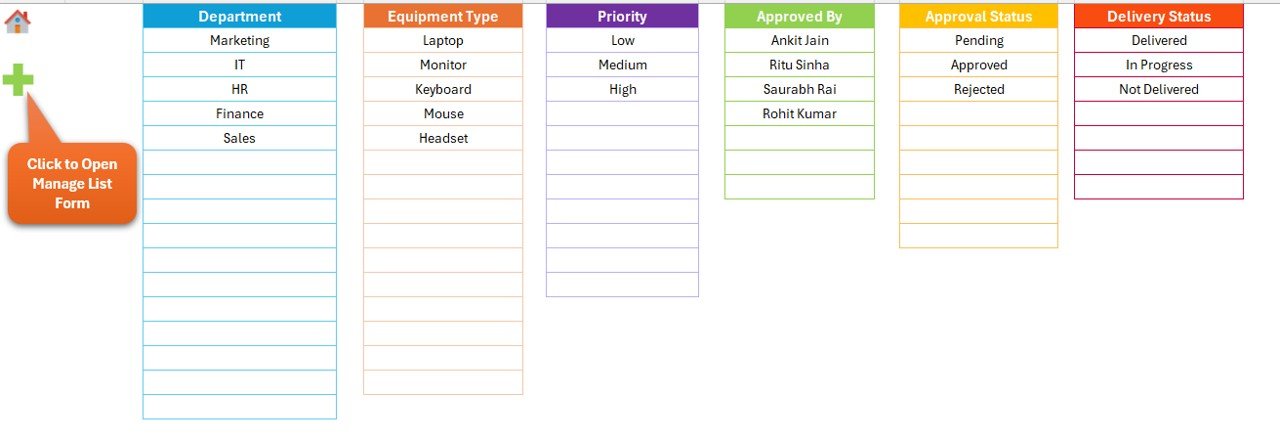
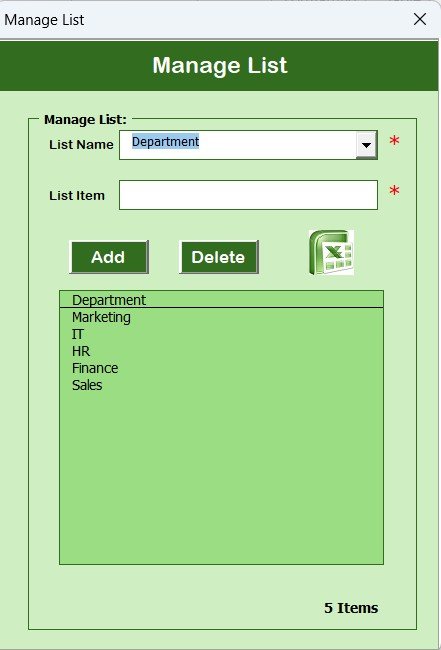
Customize the tracker to include any specific details or fields relevant to your organization’s IT equipment needs. Add or modify categories, priorities, and other fields to meet your business requirements.
📈 Data Visualization & Reporting
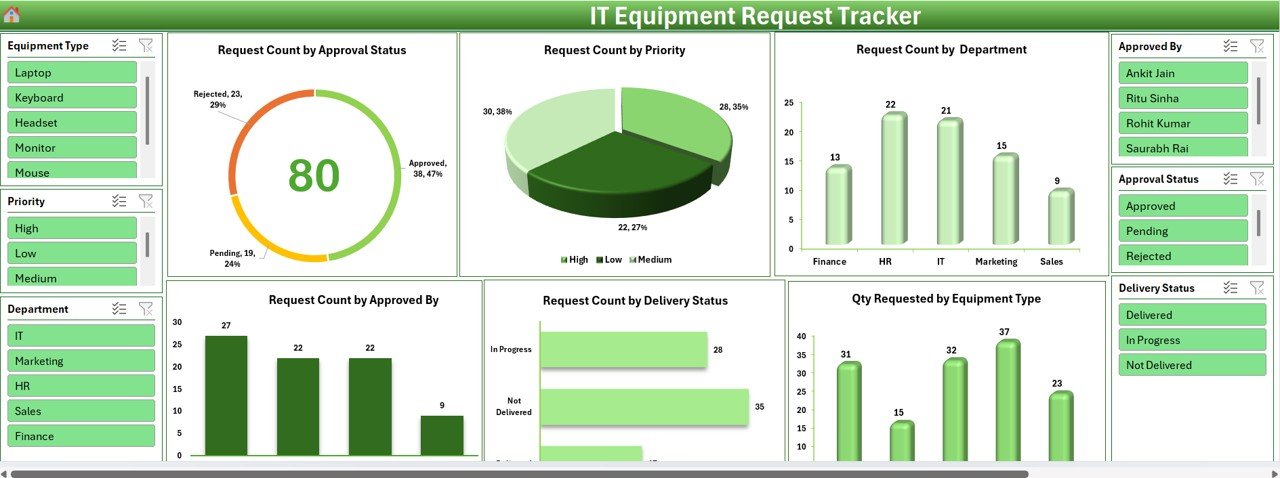
Visualize key data through dynamic charts and graphs. Track the number of requests by type, department, or approval status, and generate reports for easier analysis and decision-making.
Why You’ll Love the IT Equipment Request Tracker in Excel
✅ Streamline Equipment Request Management
Easily track and manage IT equipment requests from start to finish. Ensure that all requests are processed efficiently and that all necessary documentation is completed.
✅ Improve Resource Allocation & Tracking
Monitor IT inventory and allocate equipment based on need, ensuring that no resources are wasted or underutilized.
✅ Track Approvals & Timely Fulfillment
Efficiently manage the approval and delivery process. Track which requests have been approved or rejected, and ensure timely equipment delivery to the relevant departments or employees.
✅ Customizable & Scalable
Tailor the tracker to your organization’s specific needs. Whether you’re managing a small team or an enterprise-wide request system, the tracker can scale to meet your requirements.
✅ Enhance Reporting & Data Analysis
Use built-in reporting tools to track and analyze request trends, approval times, and inventory levels. Visualize key metrics to improve decision-making and identify areas for improvement.
What’s Inside the IT Equipment Request Tracker in Excel?
Request Tracking & Documentation: Track request details, including dates, items, and requester information.
Approval & Rejection Workflow: Monitor the approval status of each request.
Inventory Management: Keep track of available IT equipment and inventory levels.
Time-Based Tracking: Monitor the time taken to process and fulfill requests.
Customizable Request Fields: Add and modify fields to suit your organization’s needs.
Data Visualization & Reporting: Generate reports and visualize key data points.
How to Use the IT Equipment Request Tracker in Excel
1️⃣ Download the Template: Instantly access the IT Equipment Request Tracker in Excel.
2️⃣ Input Request Data: Record the details of incoming IT equipment requests, including items, requesters, and dates.
3️⃣ Track Approval Process: Monitor the approval status of each request, and update as necessary.
4️⃣ Manage Inventory: Keep track of available equipment and assign resources to requests.
5️⃣ Generate Reports & Analyze Data: Use charts and reports to analyze request trends and improve resource allocation.
Who Can Benefit from the IT Equipment Request Tracker in Excel?
🔹 IT Managers & Department Heads
🔹 Procurement Teams
🔹 Resource Allocation & Inventory Managers
🔹 Small & Medium Enterprises (SMBs)
🔹 Large Enterprises with IT Departments
🔹 Businesses with Growing IT Equipment Needs
Streamline your IT equipment request process with the IT Equipment Request Tracker in Excel. Track requests, manage inventory, and ensure that equipment is delivered on time with this easy-to-use tool.
Click here to read the Detailed blog post
Visit our YouTube channel to learn step-by-step video tutorials
Youtube.com/@PKAnExcelExpert
















Reviews
There are no reviews yet.