

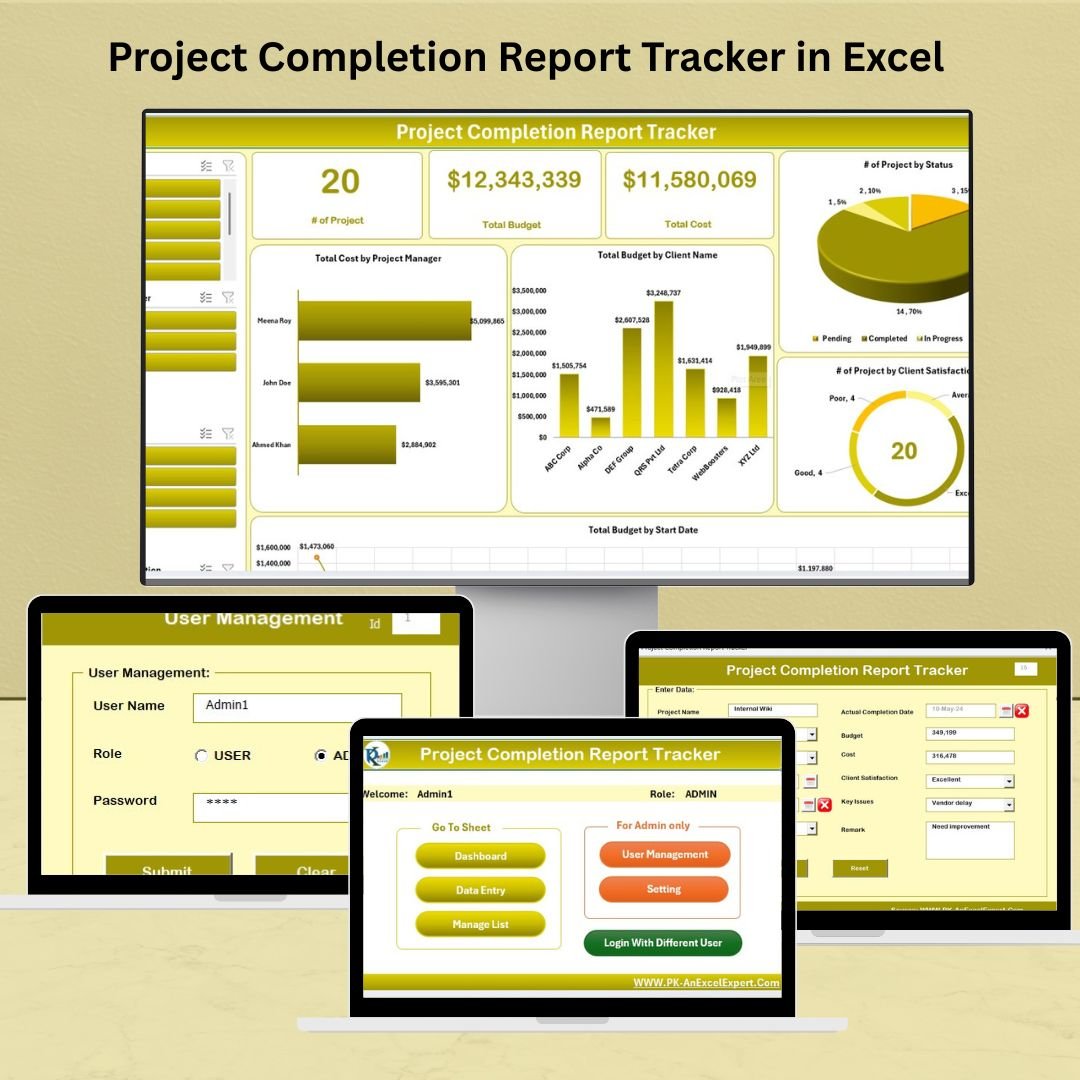
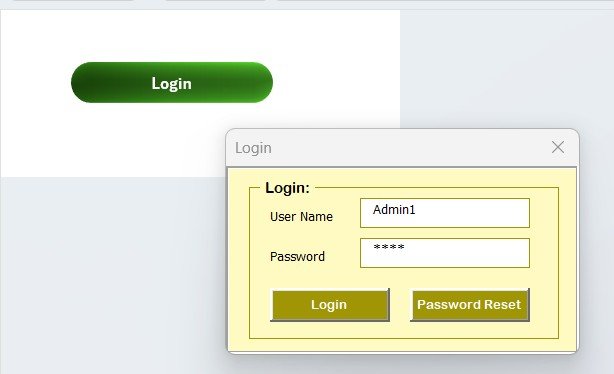



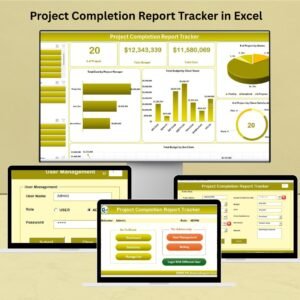
The Project Completion Report Tracker in Excel is a powerful tool designed to help project managers, teams, and organizations effectively track and report the progress of their projects. This Excel-based tracker offers a comprehensive solution for monitoring project milestones, deliverables, timelines, and final completion statuses, ensuring that all aspects of a project are delivered on time and within scope.
This tracker helps you document every stage of a project, from planning and initiation to execution and completion. With the ability to track both high-level goals and granular project tasks, it enables you to assess the overall health of the project, identify potential issues early, and make adjustments to keep everything on track. The user-friendly interface and customizable features make it suitable for small, medium, and large projects across various industries.
Key Features of the Project Completion Report Tracker in Excel
📊 Milestone Tracking
Track the progress of key project milestones. This feature allows you to document important phases of the project and monitor their completion, ensuring that the project stays on schedule.
📅 Timeline & Deadlines Management
Monitor project deadlines and timelines. Use the tracker to visualize project timelines and ensure that all tasks are completed within the required timeframes.
✅ Task Assignment & Status Tracking
Assign tasks to team members and monitor the completion status. With the status tracking feature, you can mark tasks as “not started,” “in progress,” or “completed,” giving you real-time visibility into task progress.
⚙️ Customizable Reports & Dashboards
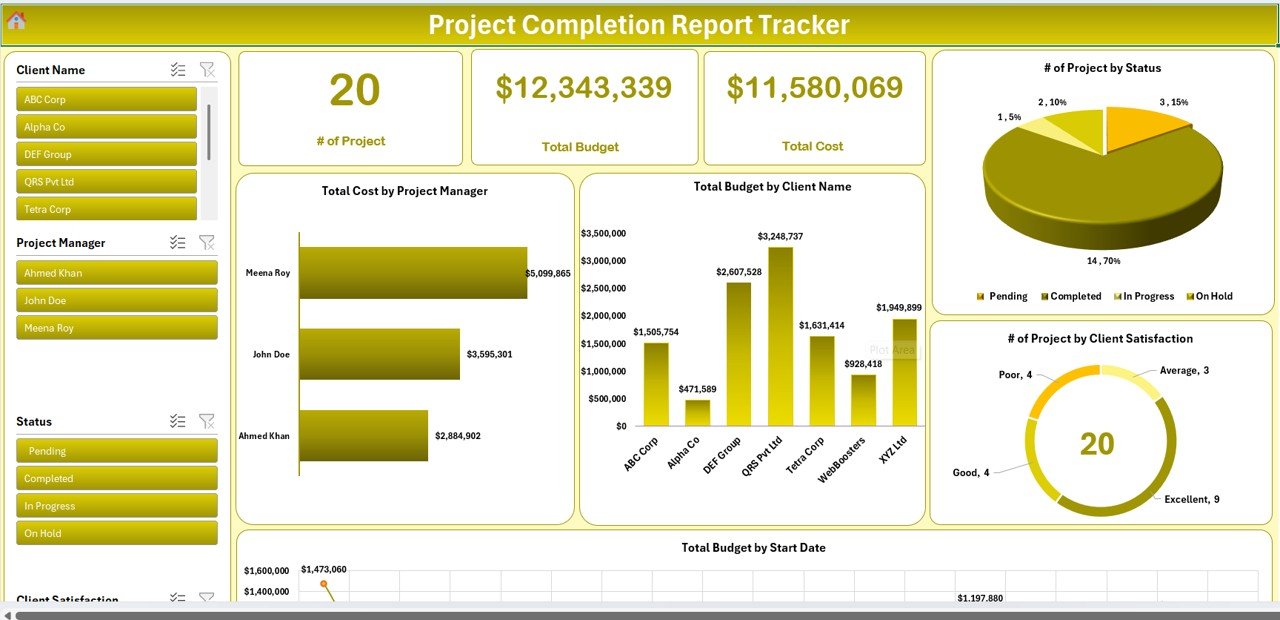
Generate reports and visualize project data in dashboards that suit your project’s specific needs. Tailor the tracker to track the most relevant project metrics and KPIs for your team.
📈 Resource & Budget Tracking
Track project resources, including personnel, equipment, and materials. Additionally, monitor the budget and track costs to ensure that the project stays within financial constraints.
🔑 Risk & Issue Management
Record potential project risks and issues as they arise. This helps you stay proactive in identifying problems and implementing corrective actions to prevent delays.
Why You’ll Love the Project Completion Report Tracker in Excel
✅ Centralized Project Tracking
Keep all your project tracking data in one organized place, ensuring smooth communication and collaboration across the team.
✅ Real-Time Progress Monitoring
Track project tasks, milestones, and deadlines in real time. This feature helps you quickly assess if the project is on track and take corrective actions when necessary.
✅ Improve Team Accountability
Assign tasks to team members and monitor their progress. The tracker keeps everyone accountable and ensures that tasks are completed on time.
✅ Monitor Resources & Budget Efficiently
Stay on top of resource allocation and budget management to prevent resource shortages or overspending.
✅ Customizable & Scalable for Any Project
Whether you’re managing a small team or large enterprise projects, the tracker is highly customizable to suit any project size and complexity.
What’s Inside the Project Completion Report Tracker in Excel?
Milestone Tracking: Track key milestones throughout the project lifecycle.
Timeline & Deadlines Management: Monitor project deadlines and key dates.
Task Assignment & Status: Assign tasks and track their completion status.
Customizable Reports & Dashboards: Visualize project data through customizable reports.
Resource & Budget Tracking: Monitor resources and keep track of project expenses.
Risk & Issue Management: Track project risks and issues and address them proactively.
How to Use the Project Completion Report Tracker in Excel
1️⃣ Download the Template: Instantly access the Project Completion Report Tracker in Excel.
2️⃣ Input Project Details: Enter project milestones, deadlines, and tasks.
3️⃣ Assign Tasks & Track Progress: Assign tasks to team members and track completion statuses.
4️⃣ Monitor Resources & Budget: Track resource usage and monitor project costs.
5️⃣ Generate Reports & Analyze Data: Use reports and dashboards to monitor project performance and make necessary adjustments.
Who Can Benefit from the Project Completion Report Tracker in Excel?
🔹 Project Managers & Coordinators
🔹 Team Leads & Department Heads
🔹 Business Owners & Entrepreneurs
🔹 Construction & Engineering Teams
🔹 IT & Software Development Teams
🔹 Marketing & Event Planning Teams
🔹 Consulting & Professional Services Firms
Ensure smooth and efficient project completion with the Project Completion Report Tracker in Excel. Monitor milestones, track progress, manage resources, and stay within budget, all while optimizing project execution.
Click here to read the Detailed blog post
Visit our YouTube channel to learn step-by-step video tutorials
Youtube.com/@PKAnExcelExpert
Watch the step-by-step video Demo:
Compatibility and Requirements
- This tracker is listed in our VBA Tool category. Use Excel desktop on Windows with macros enabled.
- Excel for the web, Google Sheets and the Excel mobile apps are not supported.
- Microsoft explains how to turn macros on in Enable or disable macros in Microsoft 365 files.
Frequently Asked Questions
What does the Project Completion Report Tracker record?
Milestones, deadlines, tasks with owners and status, resources, budget and costs, and project risks and issues.
Which task statuses can I use?
Tasks can be marked as not started, in progress or completed, so you can see progress at any time.
Can I report on the project?
Yes. The tracker includes reports and dashboards that you can adjust to show the metrics your team needs.
Is it only for large projects?
No. It suits small, medium and large projects in any industry, from IT to construction to marketing.
Related Project Templates
- Project Completion Report Tracker in Google Sheets: the same tracker in the browser
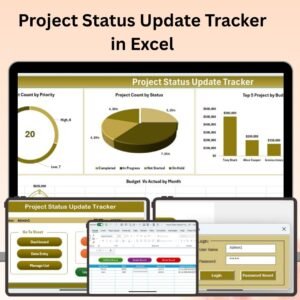
- Project Status Update Tracker in Excel: weekly status updates for each project
- Project Management Dashboard in Excel: a visual summary of all your projects
- Project Management Pro Bundle: 9 project templates in one bundle
Browse all Excel tracker templates or the Project Management templates.










Reviews
There are no reviews yet.