


Managing marketing campaigns across teams, platforms, and target audiences can quickly become overwhelming. Spreadsheets start piling up, follow-ups fall through the cracks, and accountability gets blurred. But not anymore.
Meet the Marketing Campaign Submission Tracker in Excel—your all-in-one campaign management solution built with Excel and VBA. 🎯📊
Designed for marketers, team leads, agencies, and startups, this ready-to-use and fully automated template gives you full control of your campaign workflow. With powerful dashboards, form-based data entry, secure login access, and real-time tracking, you can monitor every submission in one place—without touching a single line of code.
✨ Key Features of the Campaign Tracker
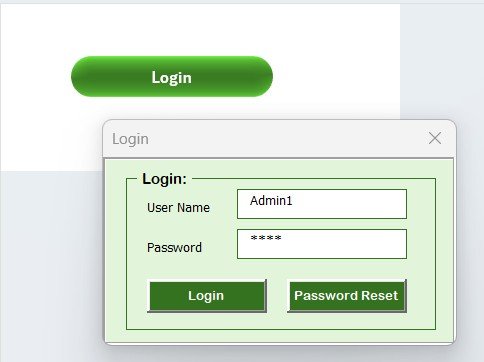
🔐 Login Form for Secure Access
Your data stays safe with role-based access.
Default credentials:
User ID: Admin1
Password: abcd
Login unlocks the Main Dashboard with all controls
Multi-user support for team collaboration
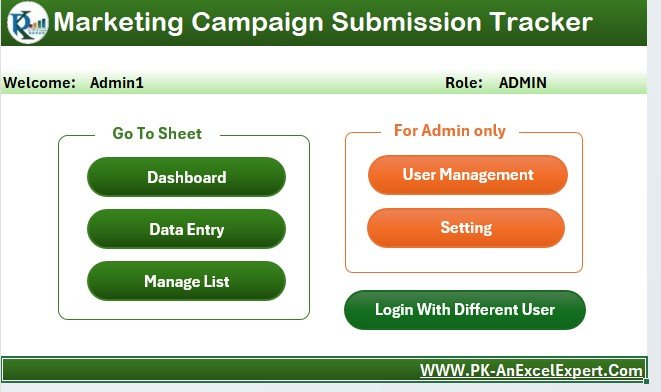
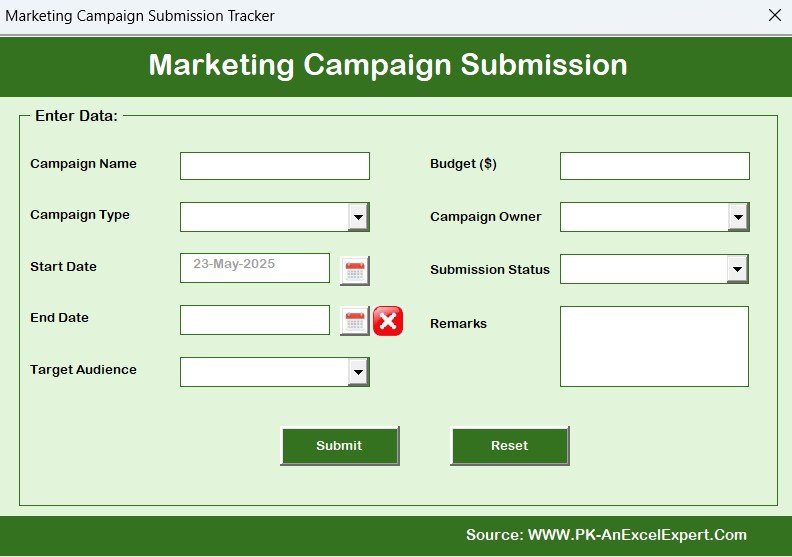
🧾 Main Form – Your Control Center
Once logged in, manage everything from one sleek interface:
➕ Add a New Campaign
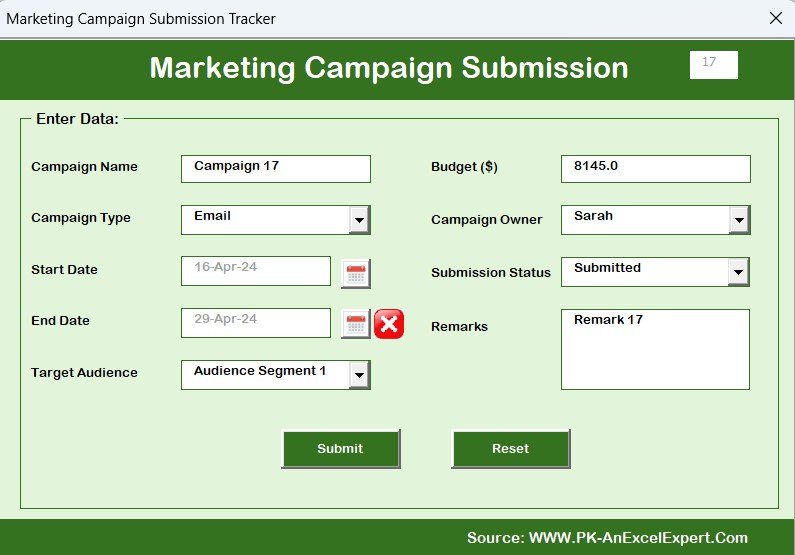
🔄 Update Existing Campaign
❌ Delete Campaign
🧭 Navigate easily with dedicated buttons
Simple for non-technical users, powerful enough for professionals.
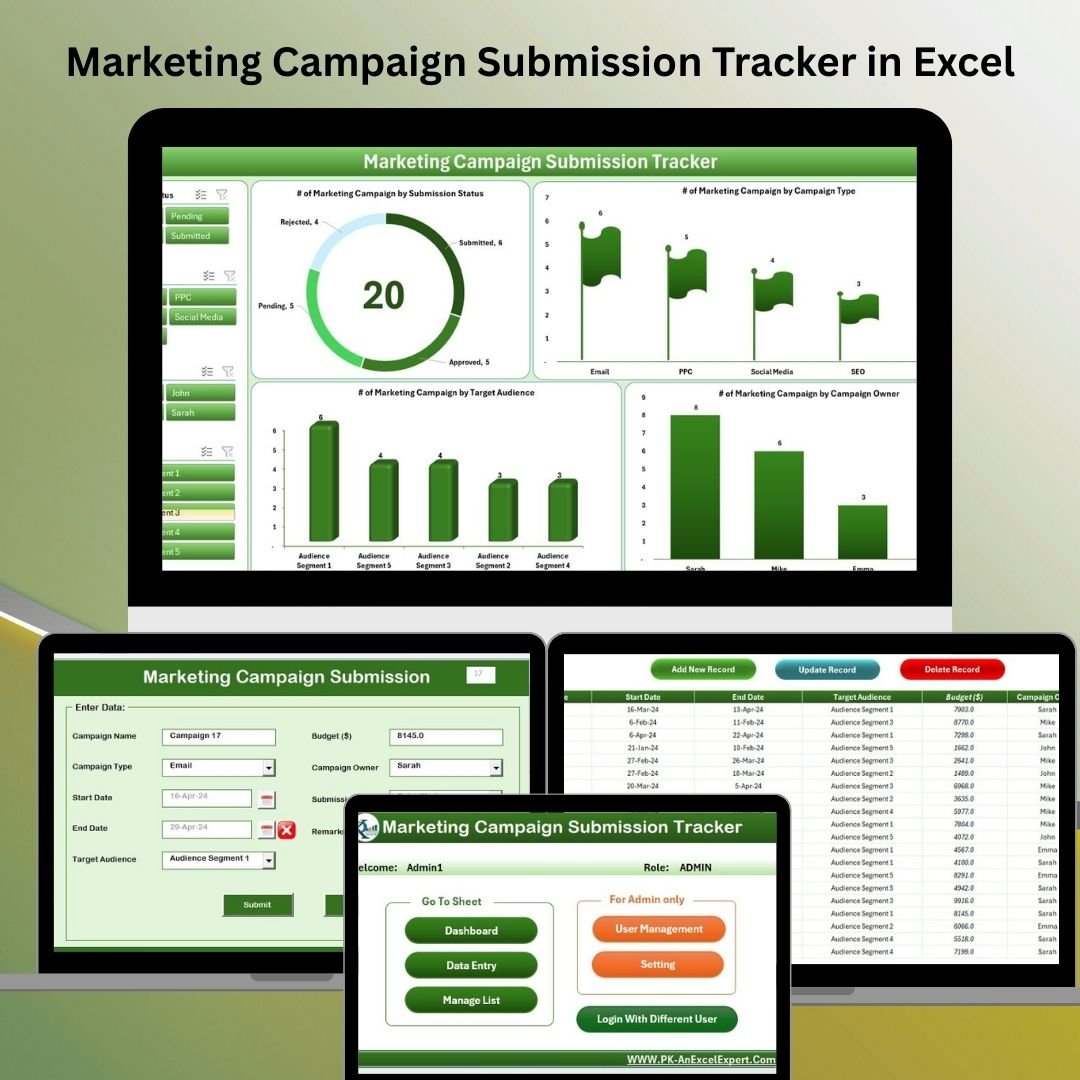
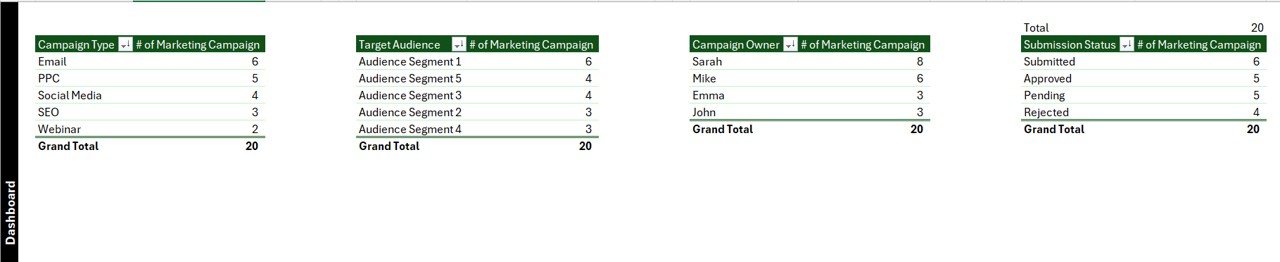
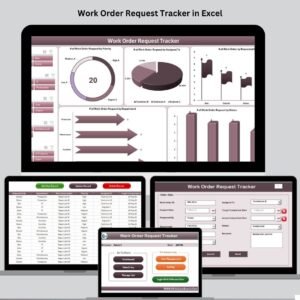
📊 Dashboard Sheet – Interactive Visual Reports
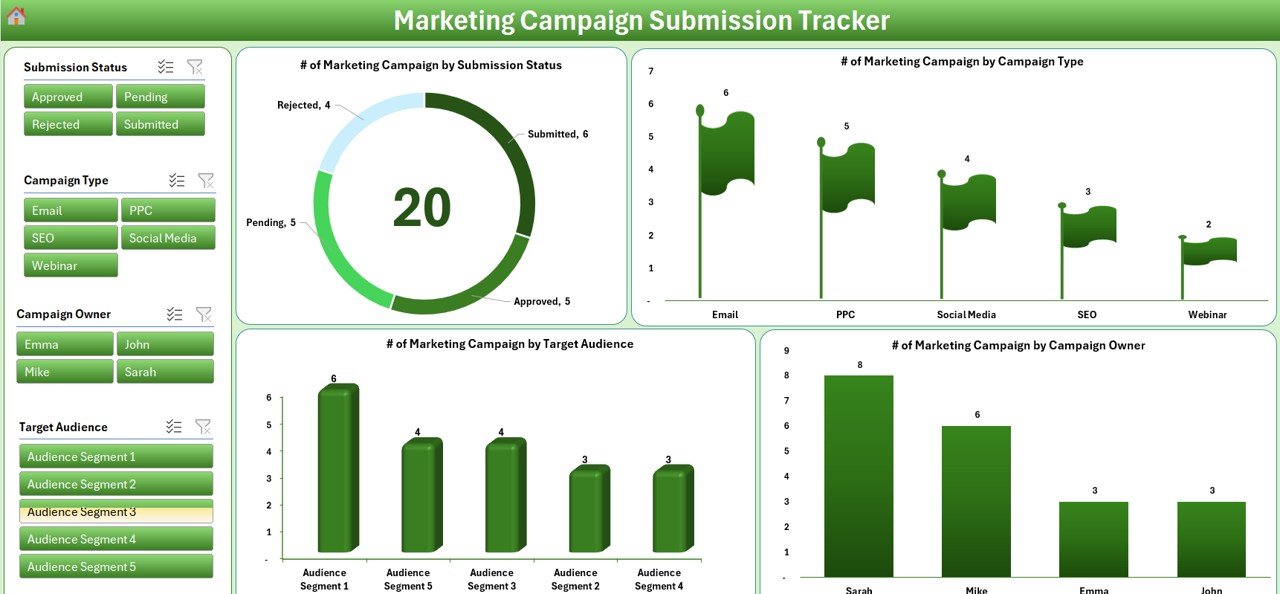
Understand campaign performance at a glance with:
🍩 Doughnut Chart – Submission status overview
🚩 Flag Chart – Campaign type breakdown
📊 Column Chart – Target audience distribution
👤 Campaign Owner Chart – Ownership visibility
🧩 Plus 4 dynamic slicers for instant filtering
Perfect for team reviews and performance check-ins.
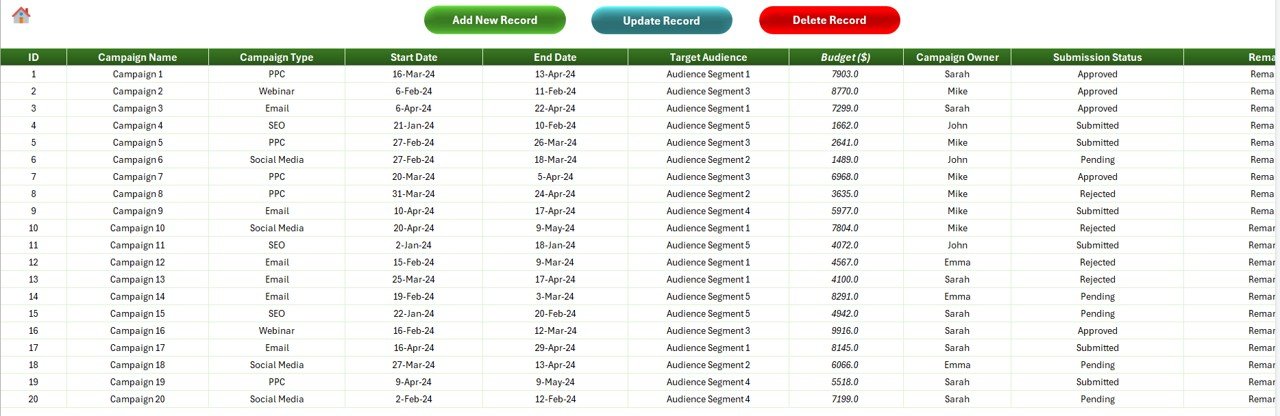
🧾 Data Entry Sheet – Central Database
All campaign records are stored and managed here:
Unique Campaign ID
Campaign Name & Type
Start & End Dates
Target Audience
Budget
Campaign Owner
Submission Status
Remarks
✅ Action Buttons:
➕ Add New Record via form
✏️ Update Record (auto-filled form)
🗑 Delete Record with confirmation
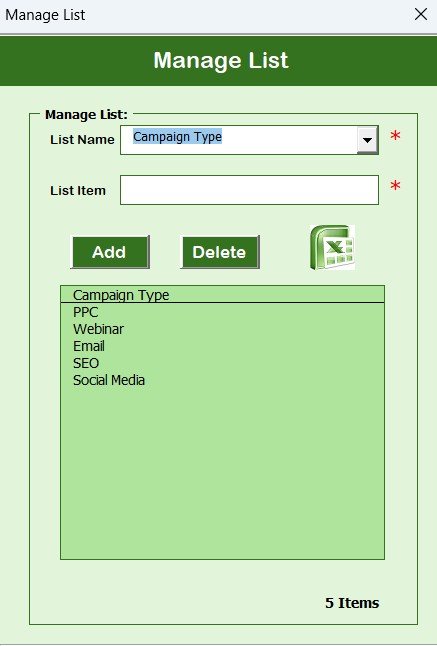
🗂 Manage List Sheet – Dropdown Customization
Control dropdown values for:
Campaign Types
Audience Segments
Campaign Owners
Submission Statuses
Customize it to fit your marketing structure with ease.
⚙️ Support Sheet (Backend)
Runs all dashboard pivot logic—no need to touch this, but you can hide it for a cleaner interface.
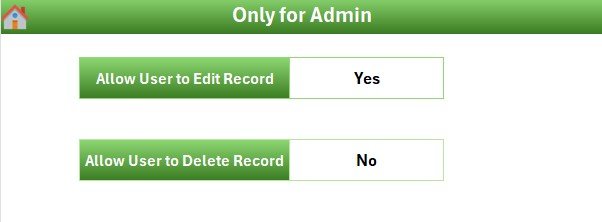
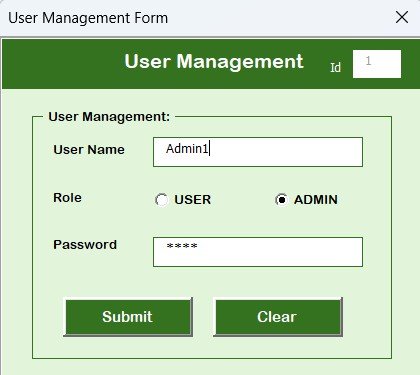
👥 User Management Panel
Admin can:
Add or delete users
Reset passwords
Control access and roles
This ensures secure and efficient collaboration across teams.
🧩 Settings Sheet
Configure and personalize:
Default behavior
Naming conventions
Theme options
🧠 How to Use the Tracker
📥 Download and open the Excel file
🔐 Log in using the default or provided credentials
➕ Add campaigns using the Main Form
📊 View progress and trends on the Dashboard
✏️ Update or delete records as needed
🔁 Use the Manage List tab to update dropdown options
👥 Manage team access via the User Panel
No coding. No learning curve. Just plug, play, and track.
👥 Who Can Benefit from This Tool?
📣 Marketing Teams – Track campaigns across channels
🏢 Agencies – Manage multiple client submissions
🚀 Startups – Organize budget, ownership, and timelines
📅 Project Managers – Align teams and deadlines
📈 Marketing Analysts – Monitor campaign status and performance
🔗 Click here to read the Detailed blog post
📺 Visit our YouTube channel to learn step-by-step video tutorials
Watch the step-by-step video tutorial:
Compatibility and Requirements
- Works in Microsoft Excel desktop on Windows with macros enabled. It does not run in Excel for the web, Google Sheets or mobile apps.
- The login form, main form and record buttons run on VBA, so macros must be allowed when you open the file. Microsoft explains how in Enable or disable macros in Microsoft 365 files.
Frequently Asked Questions
Which sheets are included?
The tracker has a Dashboard sheet, a Data Entry sheet, a Manage List sheet, a Support sheet, a User Management panel and a Settings sheet.
What is the default login?
The default User ID is Admin1 and the password is abcd. The admin can add or delete users and reset passwords in the User Management panel.
What does each campaign record store?
Each record holds a unique Campaign ID, campaign name and type, start and end dates, target audience, budget, campaign owner, submission status and remarks.
Can I change the dropdown options?
Yes. The Manage List sheet controls the dropdown values for campaign types, audience segments, campaign owners and submission statuses.
Does it work in Google Sheets?
This file is for Excel on Windows because it uses VBA. A separate version is available: Marketing Campaign Submission Tracker in Google Sheets.
Related Marketing Templates
- Marketing Campaign Submission Tracker in Google Sheets: the same tracker for Google Sheets
- Marketing Campaign Calendar in Excel: plan campaign dates on a calendar
- Marketing Campaign Dashboard in Excel: a dashboard view of campaign results
- Marketing Dashboard in Excel: an overall marketing dashboard
- Marketing Manager Toolkit: 9 templates for marketing managers in one download
Browse all Excel trackers and Excel VBA tools.
































Reviews
There are no reviews yet.