

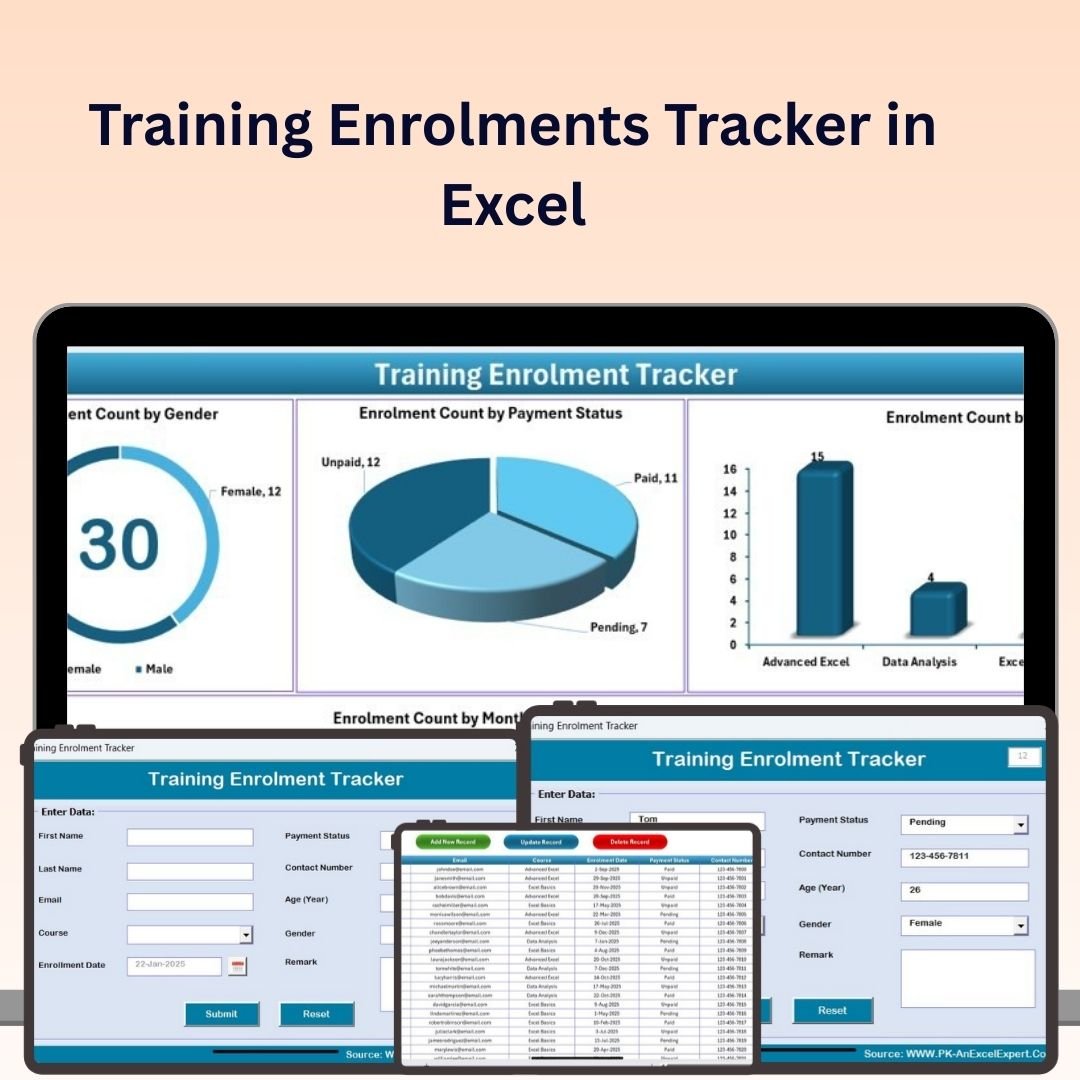
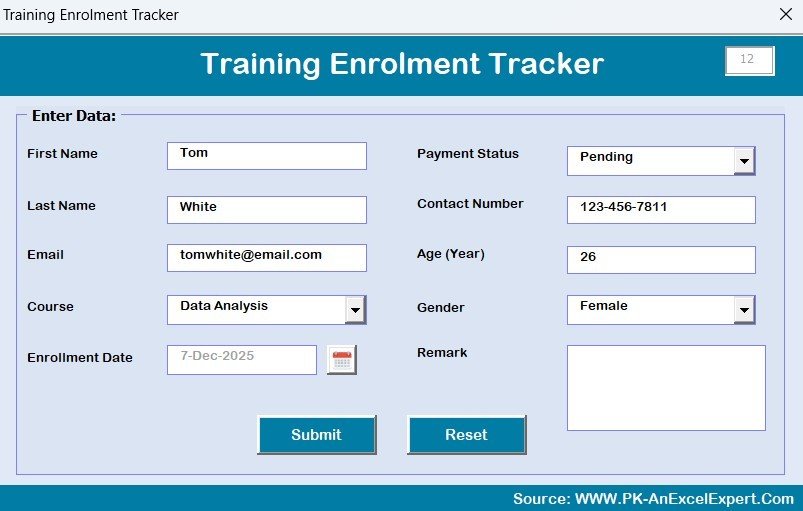
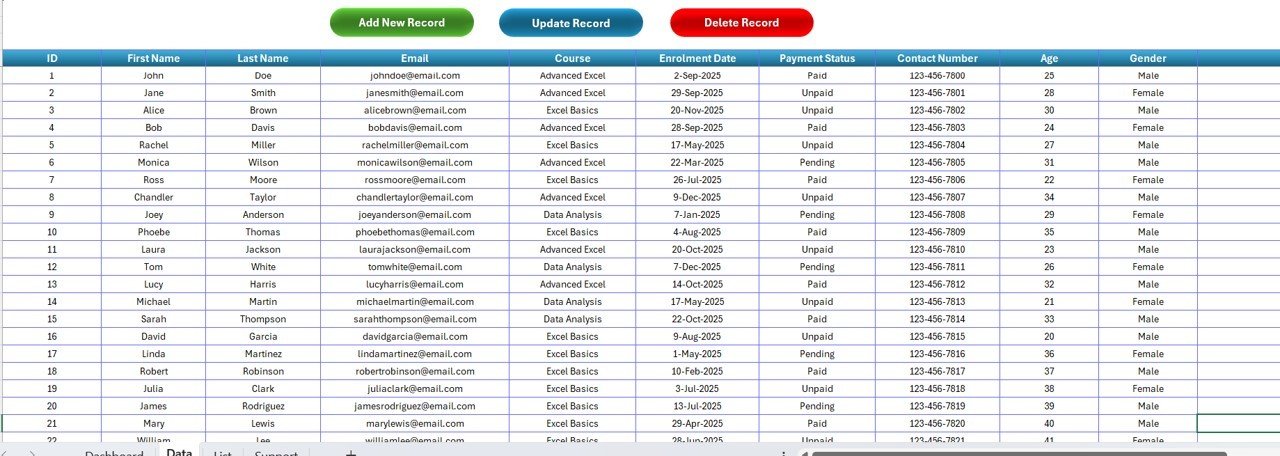

The Training Enrolments Tracker in Excel is a powerful tool designed for HR managers, training coordinators, and business owners to efficiently track, manage, and report on employee training and development. This Excel-based tracker allows you to monitor key metrics such as training attendance, course completion, certification status, and employee progress, helping you ensure that your workforce remains skilled, compliant, and up-to-date with necessary certifications.
With easy-to-use features, interactive charts, and customizable reports, this tracker simplifies the entire training process, from enrolment to completion, and enables you to optimize your training programs.
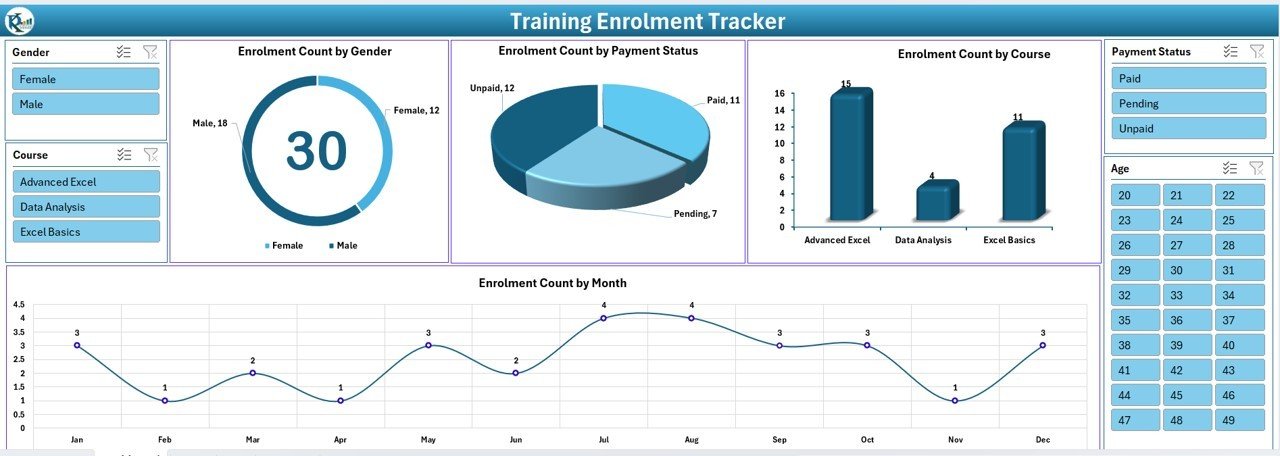
Key Features of the Training Enrolments Tracker in Excel:
📅 Training Enrolment Management
Track all employee training enrolments, including course details, training dates, and trainer information to maintain a complete record of training activities.
✅ Course Completion Tracking
Monitor the progress of employees through their training programs, including completion status and certification status, ensuring that all training requirements are met.
📊 Employee Training History
Maintain a detailed history of each employee’s training records, including the courses completed, certification status, and any upcoming training requirements.
📈 Real-Time Progress Updates
Use interactive charts and graphs to visualize training progress across departments or teams, allowing you to quickly identify areas where additional training may be required.
📋 Customizable Reports
Generate tailored reports based on enrolments, completion rates, or employee progress, providing valuable insights into the effectiveness of your training programs.
🚀 Why You’ll Love the Training Enrolments Tracker in Excel:
✅ Track Employee Training Progress – Monitor the status of each employee’s training, ensuring that all employees are completing required courses and obtaining certifications.
✅ Optimize Training Programs – Track enrolments, completion rates, and employee progress to ensure that your training programs are effective and engaging.
✅ Ensure Compliance – Keep track of certifications and training requirements to ensure your employees meet industry standards and regulatory requirements.
✅ Make Data-Driven Decisions – Use visual charts and reports to assess training effectiveness and make informed decisions about future training programs.
✅ Customizable and Easy-to-Use – This Excel tracker is simple to use and fully customizable to suit your organization’s specific training tracking needs.
✅ Save Time and Effort – With automated tracking and reporting, you can easily manage training data without spending hours on manual tracking.
What’s Inside the Training Enrolments Tracker in Excel:
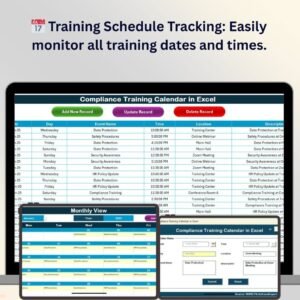
- Training Enrolment Management: Track course names, dates, trainers, and employee enrolments to ensure all training sessions are documented and organized.
- Completion and Certification Tracking: Monitor employee progress and certification status, ensuring all training is completed and certifications are obtained on time.
- Employee Training History: Maintain a record of each employee’s training history, including completed courses, certifications, and future training needs.
- Progress Visualization: Use dynamic charts and graphs to visualize training progress across teams or departments.
- Custom Reports: Generate customizable reports based on training completion, certifications, or enrolments to share with management or stakeholders.
How to Use the Training Enrolments Tracker in Excel:
1️⃣ Download the Template – Instantly access your Excel file upon purchase.
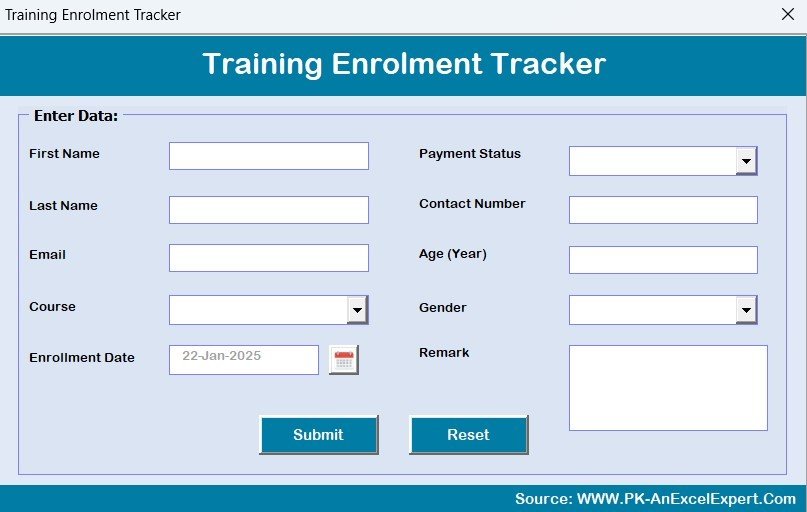
2️⃣ Input Employee Data – Enter employee names, courses, and training dates into the tracker to maintain a complete training record.
3️⃣ Track Progress – Monitor training completion status and certification progress for each employee to ensure they meet requirements.
4️⃣ Analyze Data – Use the tracker’s interactive charts to evaluate training progress and identify gaps in employee training.
5️⃣ Generate Reports – Create detailed, customizable reports that summarize training progress for management or compliance purposes.
Who Can Benefit from the Training Enrolments Tracker in Excel:
- HR Managers
- Training Coordinators
- Learning and Development Teams
- Operations Managers
- Employee Engagement Teams
- Compliance Officers
- Business Owners
- Data Analysts in Training Departments
The Training Enrolments Tracker in Excel is an essential tool for businesses looking to streamline their employee training management, improve completion rates, and ensure that training programs are effective and compliant.
Click here to read the Detailed blog post
https://www.pk-anexcelexpert.com/training-enrolments-tracker-in-excel/
Visit our YouTube channel to learn step-by-step video tutorials
Youtube.com/@PKAnExcelExpert




















Reviews
There are no reviews yet.