

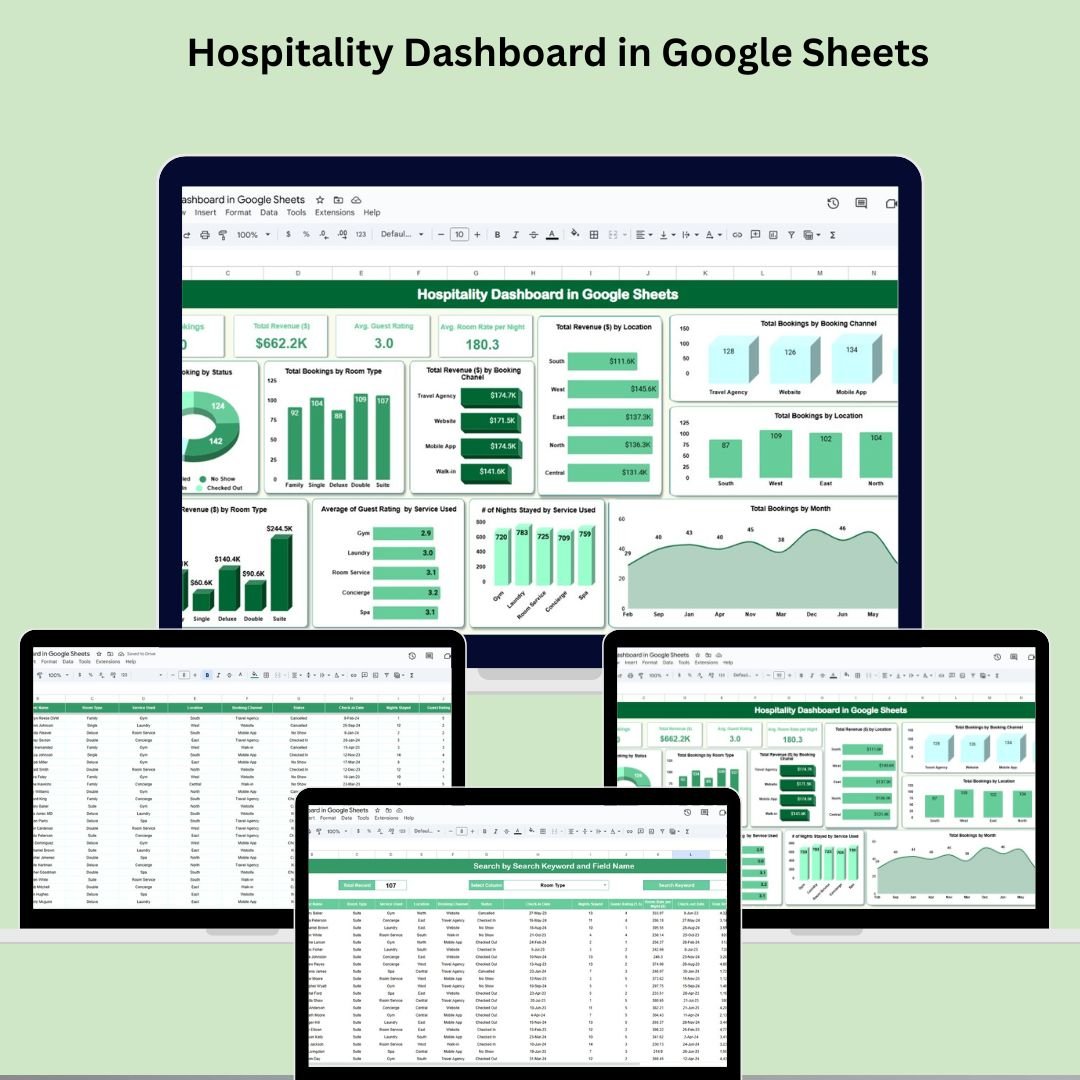

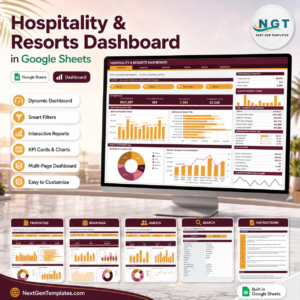
Running a hospitality business means juggling multiple tasks—booking management, revenue monitoring, and guest satisfaction analysis. The Hospitality Dashboard in Google Sheets is a plug-and-play solution designed to simplify all that and more. Whether you’re managing a hotel, guesthouse, or resort, this dashboard gives you real-time insights into your KPIs through sleek visuals, actionable charts, and user-friendly tools.
From analyzing booking trends to evaluating customer feedback, this all-in-one dashboard helps you make data-driven decisions, boost revenue, and improve operational efficiency.
🧩 Key Features of the Hospitality Dashboard in Google Sheets
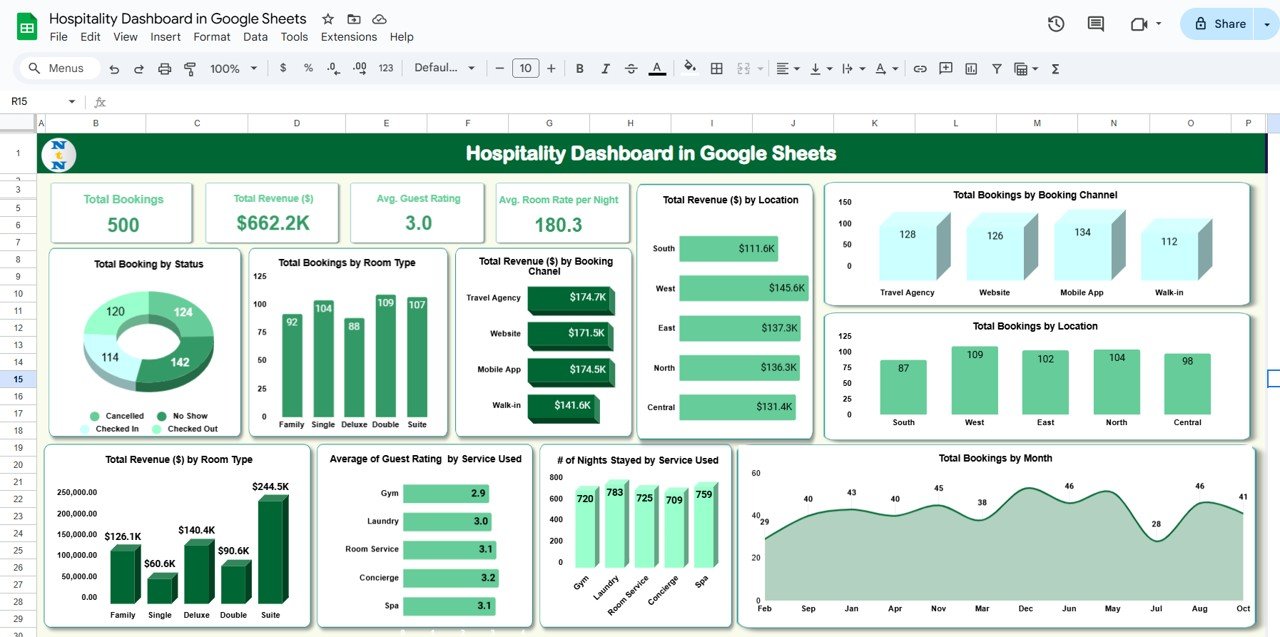
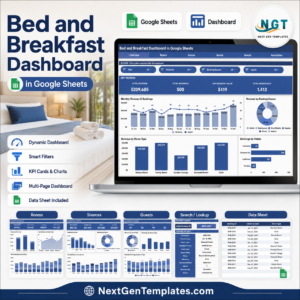
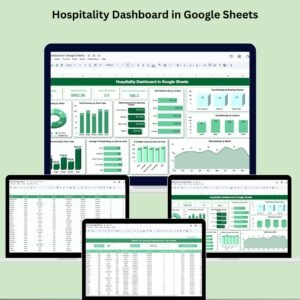
🖥️ Dashboard Sheet Tab – At-a-Glance Insights
Your central hub for understanding hotel performance:
📦 Total Bookings – Stay on top of your volume
💵 Total Revenue ($) – Monitor revenue in real time
🌟 Avg. Guest Rating – Gauge customer satisfaction
🏷️ Avg. Room Rate per Night – Track pricing performance
📊 Charts include:
📅 Bookings by Status, Month, Room Type, Channel, and Location
💰 Revenue by Room Type, Location, and Booking Channel
📈 Guest Rating by Service Used
🛏️ Nights Stayed by Service Used
This tab provides a powerful snapshot of your hospitality operations across dimensions.
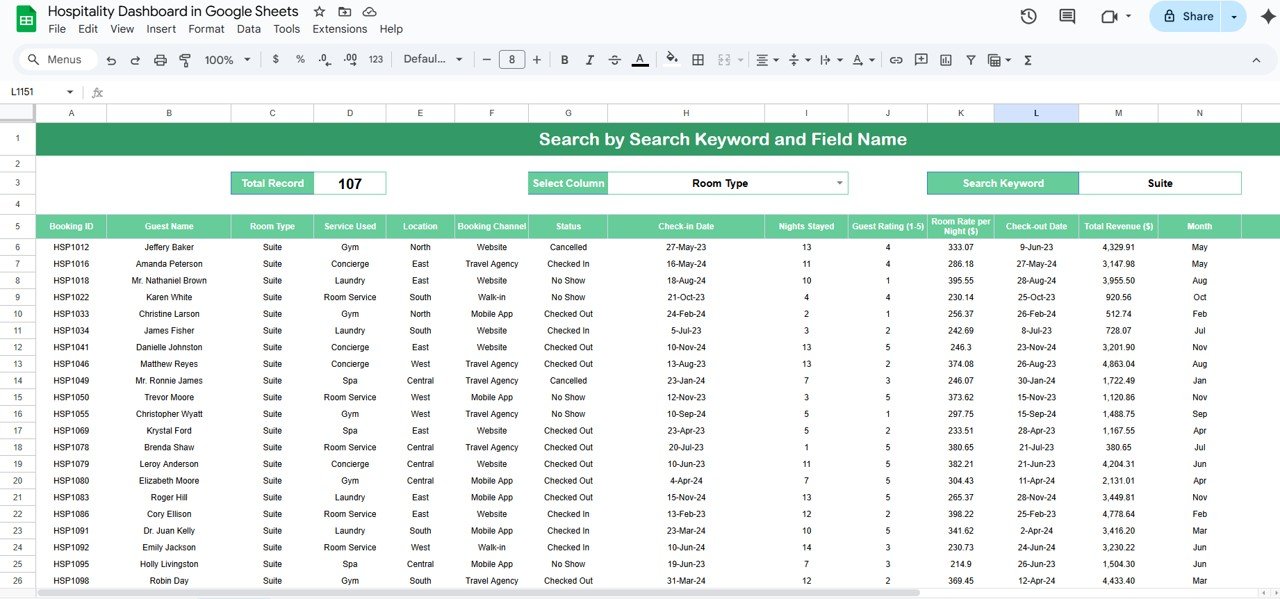
🔍 Search Sheet Tab – Rapid Filtering at Your Fingertips
Search any record instantly with:
🔎 Field-Based Keyword Search (e.g., “Suite” in Room Type)
📊 Real-Time Filtered Data View
🧾 Total Record Count Tracker
Perfect for front-desk teams or operations managers needing specific insights instantly.
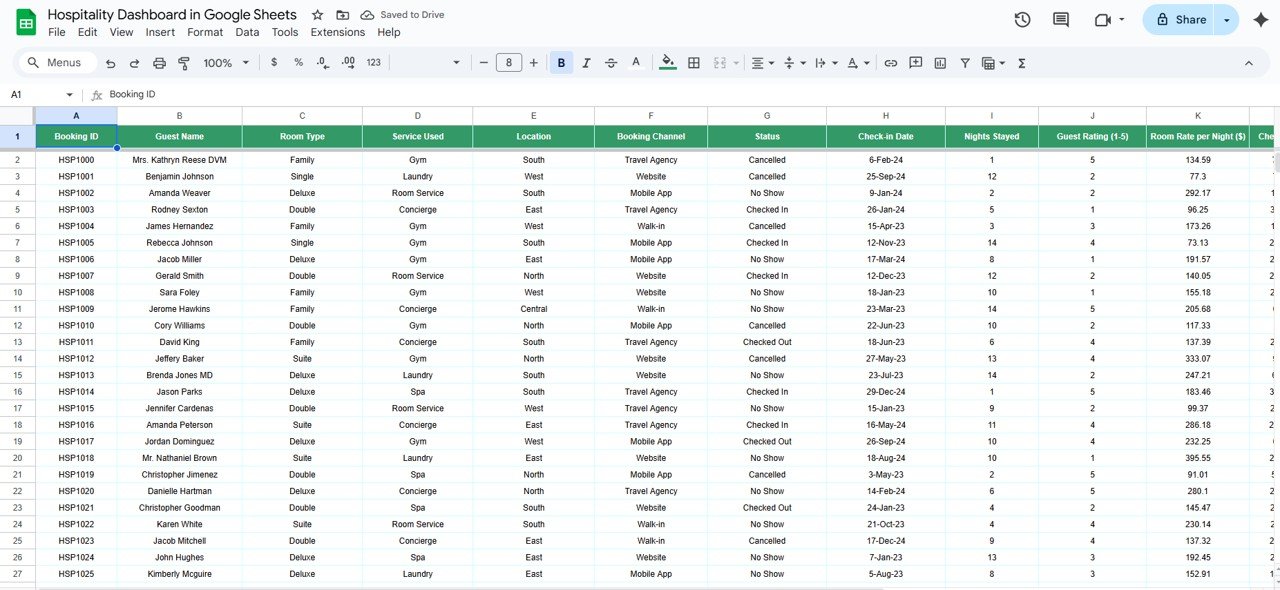
📋 Data Sheet Tab – All the Raw Details in One Place
This is where it all begins. Input and manage:
🔢 Booking ID, 📛 Guest Name, 🏨 Room Type, 🧴 Service Used
📍 Location, 🌐 Booking Channel, 📆 Check-In/Out Dates
💵 Room Rate & Revenue, 🌟 Guest Rating, 📊 Status, Month, Year
With structured data and dropdown-ready columns, this sheet powers your entire dashboard seamlessly.
📦 What’s Inside the Template?
✅ One-click dashboard view
✅ Fully functional data sheet with smart structure
✅ Quick search & filter system
✅ Auto-updating charts & KPIs
✅ 100+ realistic sample records
✅ Compatible with Google Sheets – works in any browser
🛠️ How to Use This Dashboard
📂 Open the file in Google Sheets
📝 Add booking data in the Data Sheet Tab
📊 Head to the Dashboard Tab for real-time visuals
🔍 Use the Search Tab to filter and find entries
👥 Share with your team for live collaboration
🎨 Customize fields to match your business needs
No formulas to create, no coding to learn—just input your data and start analyzing.
👥 Who Is This For?
🏨 Hotel Owners & General Managers
🧑💼 Operations & Sales Teams
📈 Revenue Managers
🎯 Guest Experience Teams
🧾 Front-Desk or Booking Coordinators
🧑💻 Independent Property Managers
Whether you’re managing 5 rooms or 500, this dashboard gives you the clarity you need.
🔗 Read the detailed blog walkthrough on our website
Watch the step-by-step video Demo:
📺 Watch the full demo on our YouTube channel:
👉 youtube.com/@PKAnExcelExpert
Compatibility and Requirements
- Works in Google Sheets. You need a free Google account and a web browser.
- Google explains how to build charts in Add and edit a chart or graph.
Frequently Asked Questions
Which sheets are included?
Three sheets: Dashboard, Search and Data. The Data sheet holds your booking records, the Dashboard sheet shows the KPIs and charts, and the Search sheet filters records by keyword.
What does the Dashboard show?
It shows Total Bookings, Total Revenue ($), Avg. Guest Rating and Avg. Room Rate per Night. Charts cover bookings by status, month, room type, channel and location, revenue by room type, location and booking channel, guest rating by service used, and nights stayed by service used.
How do I find a specific booking?
Open the Search sheet and enter a keyword for a field, for example “Suite” in Room Type. The filtered records appear with a total record count.
Does it include sample data?
Yes. It comes with 100+ realistic sample records, so you can see how the charts work before you enter your own bookings.
Is there an Excel or Power BI version?
Yes. See the Hospitality Dashboard in Excel and the Hospitality Dashboard in Power BI.
Related Hospitality Templates
- Hospitality Dashboard in Excel: the same dashboard in Excel
- Hospitality Dashboard in Power BI: the Power BI edition
- Hospitality KPI Dashboard in Google Sheets: a KPI view for hotels
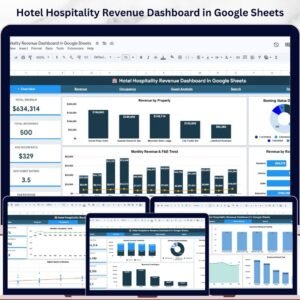
- Hotel Hospitality Revenue Dashboard in Google Sheets: focuses on hotel revenue
- Hospitality KPI Scorecard in Google Sheets: a scorecard of hospitality metrics
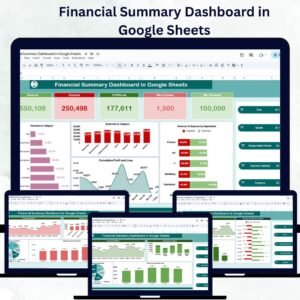
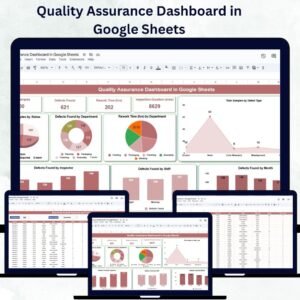
Browse all Google Sheets dashboards.






















Reviews
There are no reviews yet.