

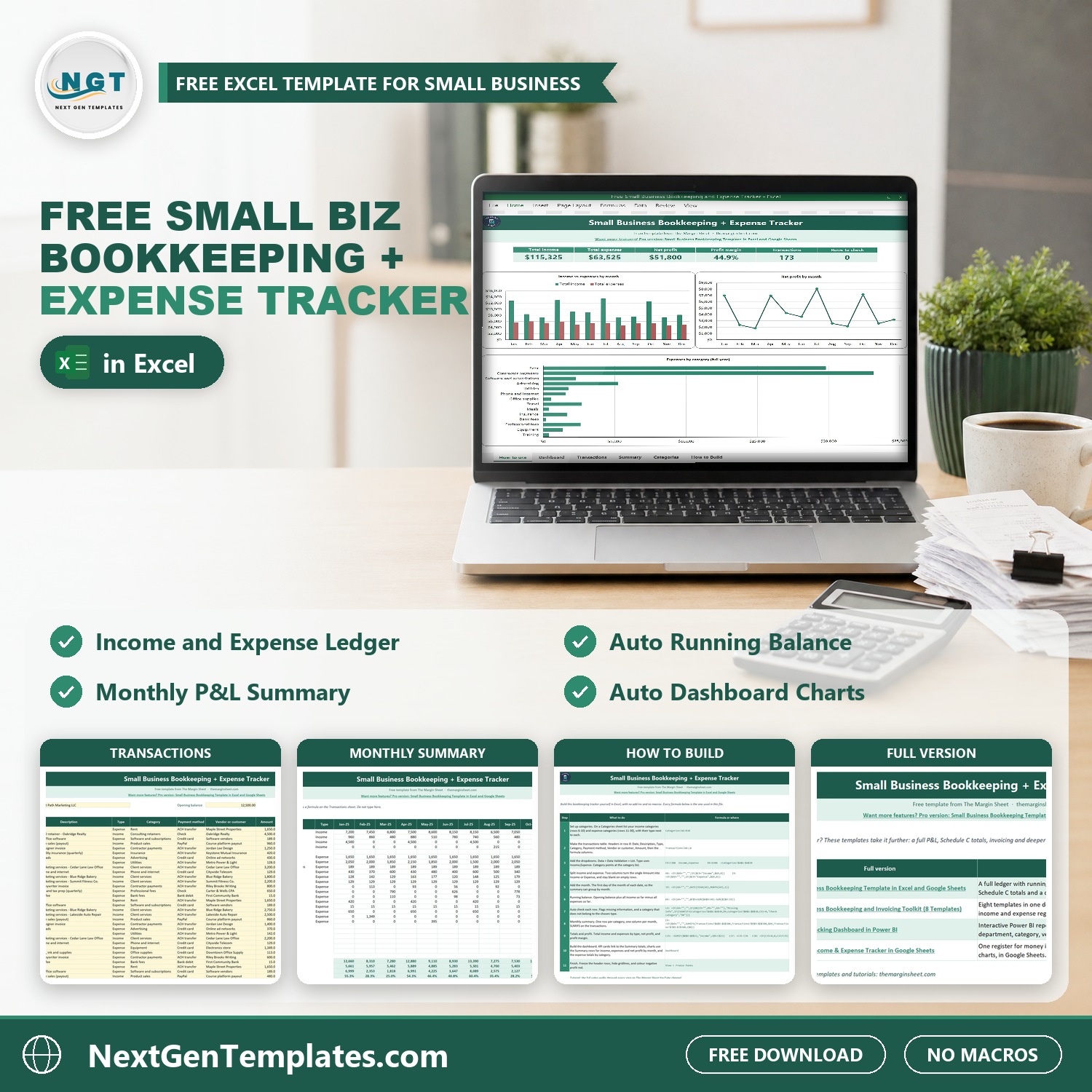

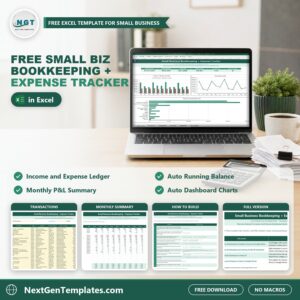
The Free Small Business Bookkeeping and Expense Tracker in Excel keeps every dollar in and out of your business in one simple ledger. Type a date, a description, Income or Expense, a category and the amount. The tracker splits income from expenses, keeps a running balance from your opening balance, builds a monthly summary by category and updates a dashboard with your total income, total expenses, net profit and profit margin.
It is 100% free. It is the light version of our paid small business bookkeeping template, and it comes with a How to Build sheet that shows every formula, so you can rebuild the whole tracker from a blank workbook and understand how each number is made. If you have been looking for a free bookkeeping spreadsheet that is easy to start, this is it.
Free download | Works in any recent Excel | No add-ins or macros | Up to 300 transactions
Key features of the free bookkeeping tracker
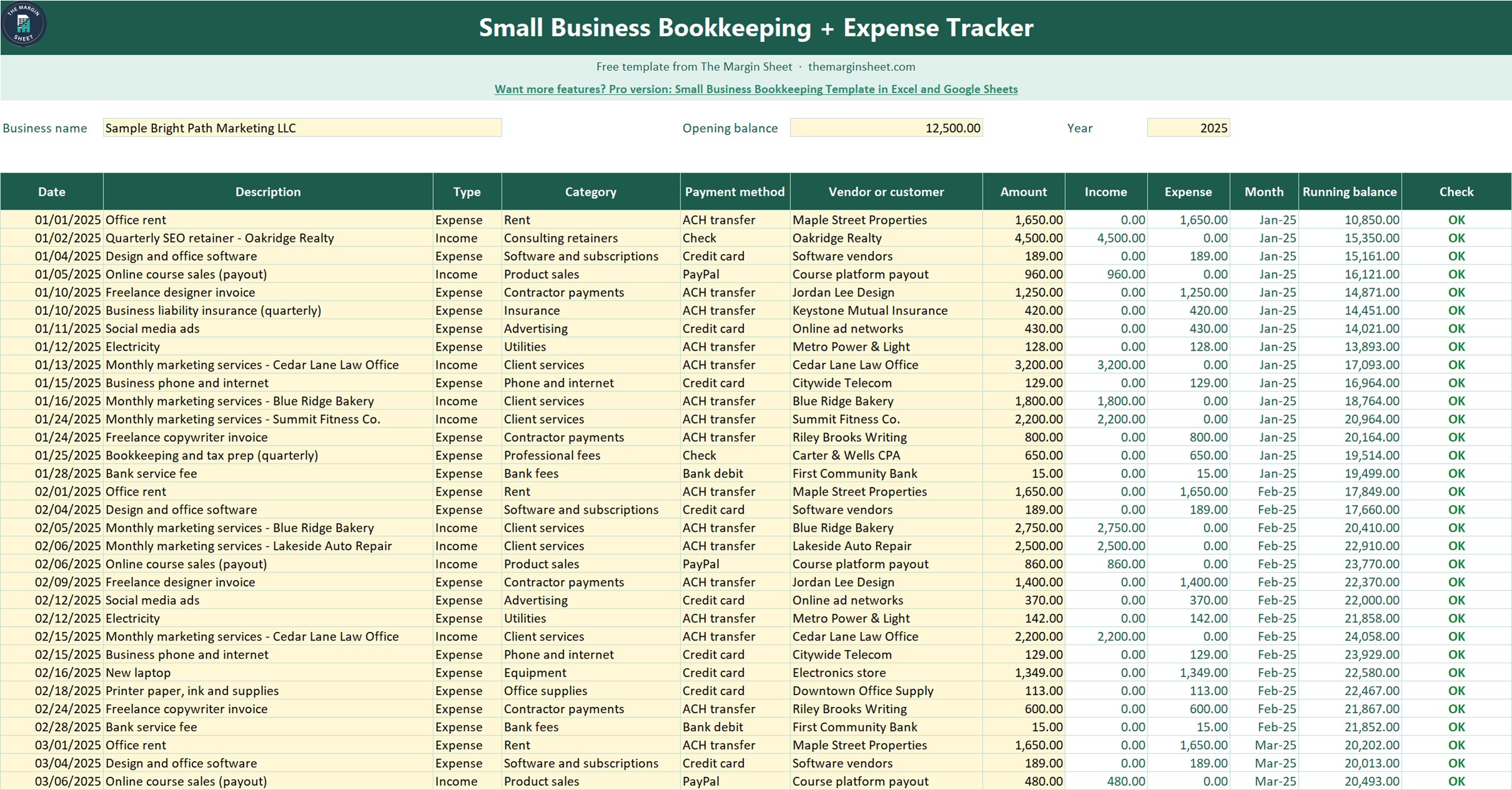
- One income and expense tracker. A single Transactions table for money in and money out, with dropdowns for Type and Category so entries stay clean.
- Automatic running balance. Enter your opening balance once and every row shows the cash you should have after that transaction.
- Row checks built in. A Check column flags missing information and a category that does not match the chosen type, and the dashboard counts the rows to check.
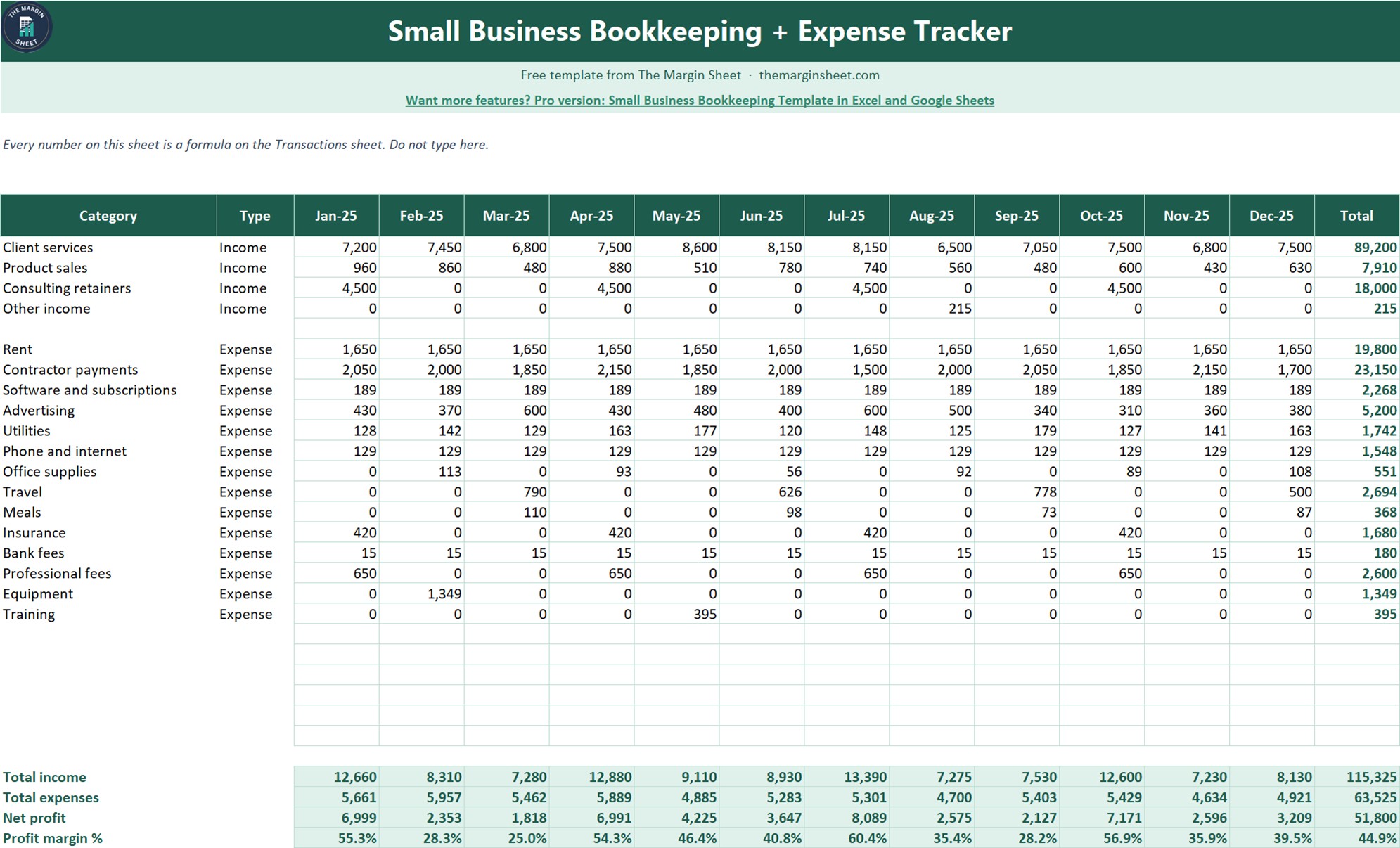
- Monthly summary by category. SUMIFS formulas total each income and expense category for every month, with total income, total expenses, net profit and profit margin per month and for the year.
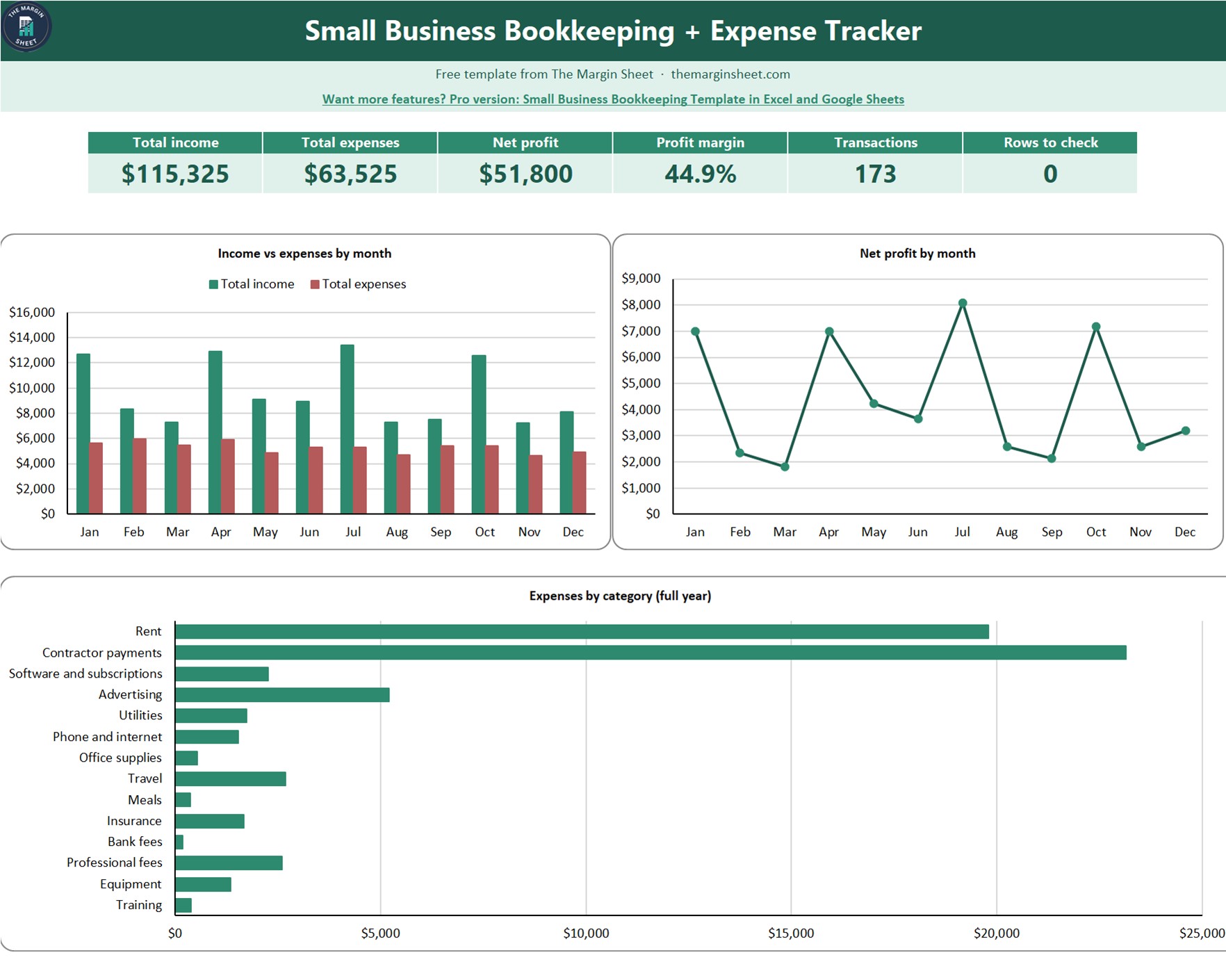
- Auto dashboard. KPI cards plus three charts: income vs expenses by month, net profit by month and expenses by category for the full year.
- Your own categories. Rename or add income and expense categories on the Categories sheet and every dropdown and total follows.
What is inside the file
| Sheet | What it does |
|---|---|
| How to use | A short guide to filling in the tracker |
| Dashboard | KPI cards and the three charts |
| Transactions | The ledger with income, expense, month, running balance and check columns |
| Summary | Monthly totals by category, net profit and profit margin |
| Categories | Your income and expense category lists |
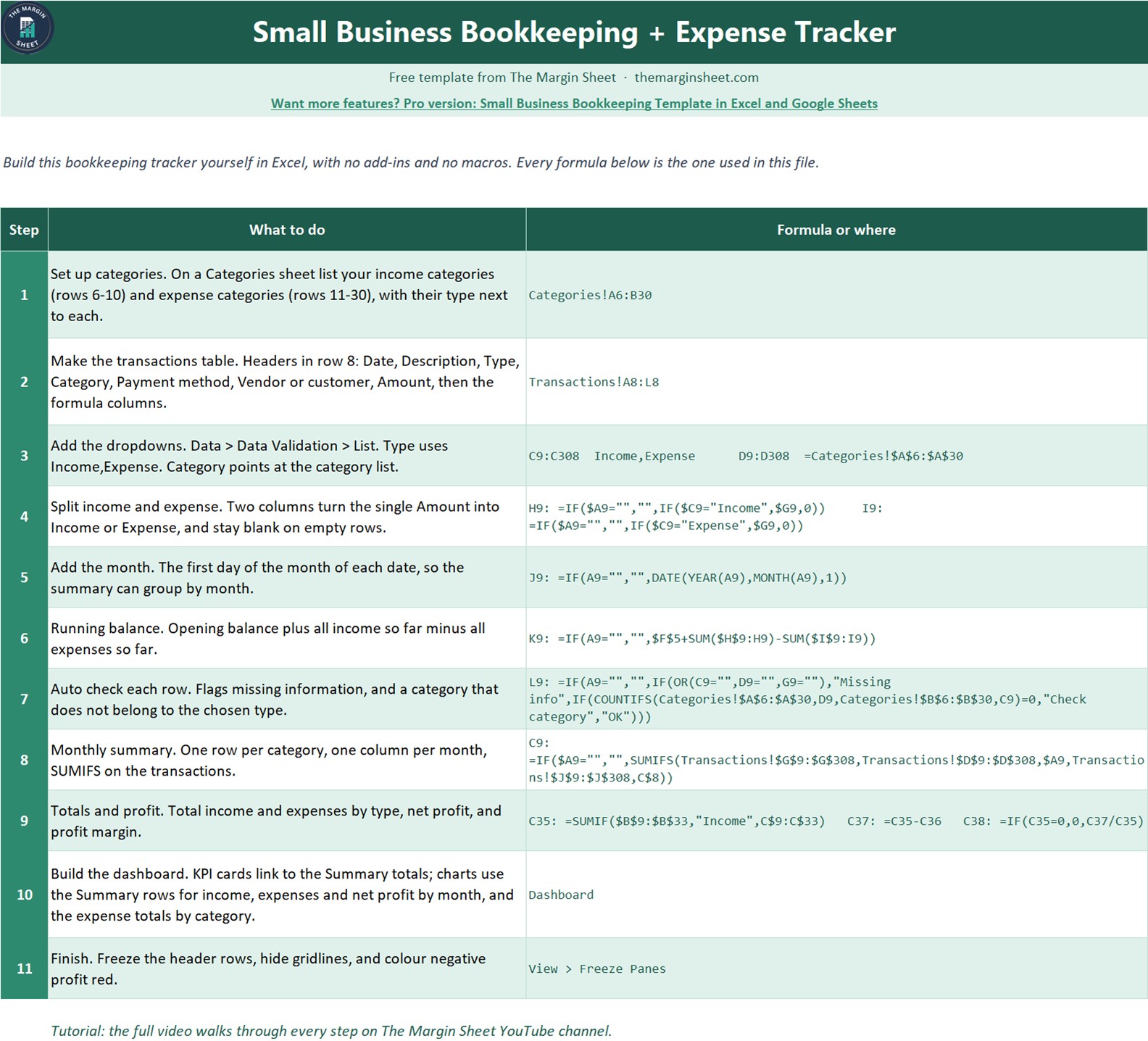
| How to Build | The 11 steps and every formula, so you can rebuild it from a blank sheet |
| Get the Full Version | Links to the paid bookkeeping templates when you need more |
The sample data is a fictional US marketing agency, Sample Bright Path Marketing LLC, with 173 transactions for January to December 2025 and an opening balance of $12,500: $115,325 income, $63,525 expenses and $51,800 net profit (44.9% margin). Clear it and enter your own numbers.
How to use it in three steps
- Set up. Enter your business name, opening balance and year, then check the categories match your business.
- Record transactions. Add each sale, payment and bill as a row. Pick Income or Expense and a category from the dropdowns.
- Read the results. Open the Summary and Dashboard sheets to see income, expenses, net profit and margin by month, and fix any row the Check column flags.
Who this small business bookkeeping template is for
Freelancers, sole proprietors, small agencies, consultants, side businesses and new LLCs that want simple bookkeeping without accounting software. It works as an expense tracker in Excel for day-to-day spending and as a year-end record you can hand to your accountant.
When it makes sense to upgrade
The free tracker covers one year in one ledger. When you need more, these paid files from NextGenTemplates go further:
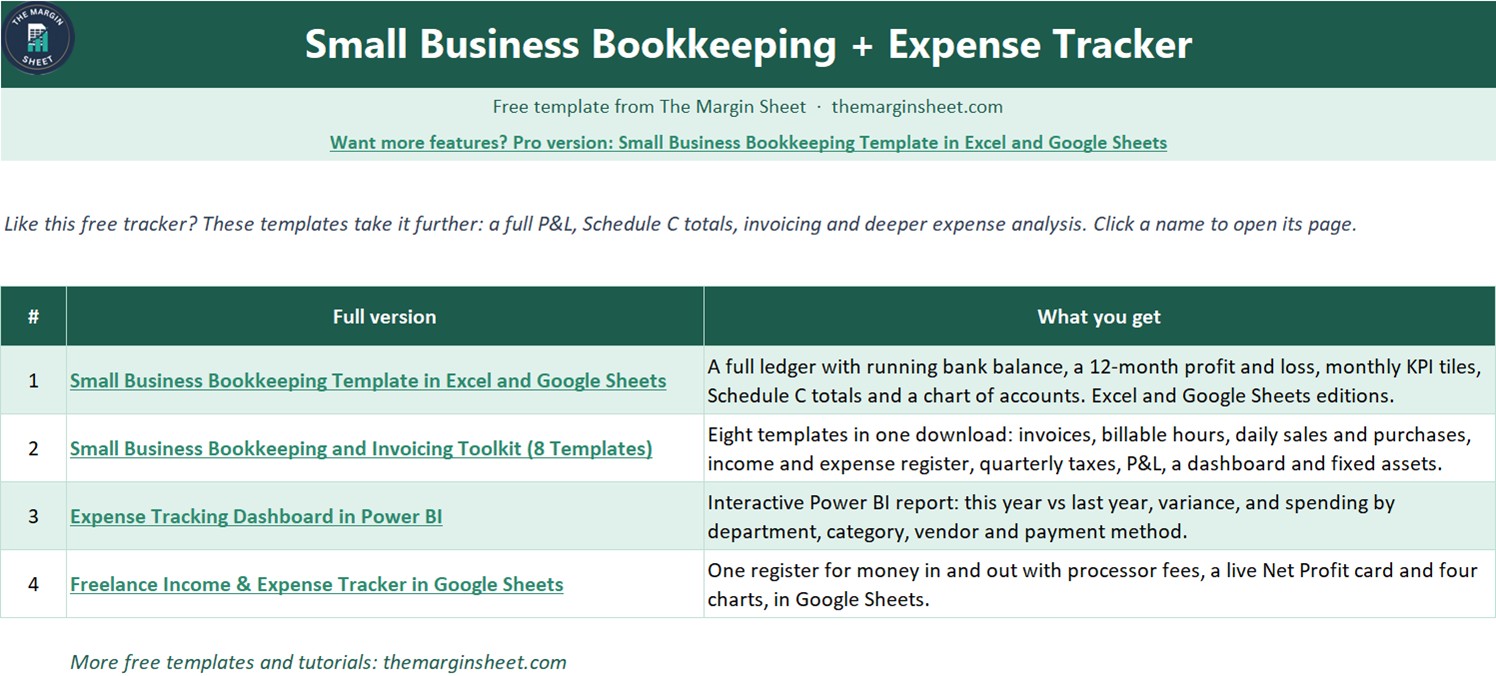
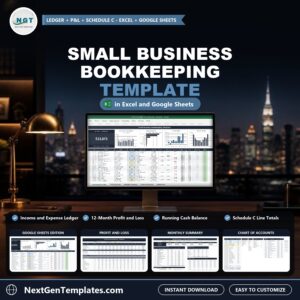
- Small Business Bookkeeping Template in Excel and Google Sheets for a full ledger with running bank balance, a 12-month profit and loss, monthly KPI tiles, Schedule C totals and a chart of accounts.
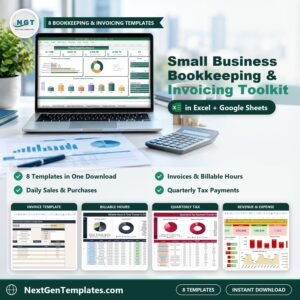
- Small Business Bookkeeping and Invoicing Toolkit for eight templates in one download: invoices, billable hours, sales and purchases, quarterly taxes, P&L and fixed assets.
- Expense Tracking Dashboard in Power BI for interactive expense analysis by department, category, vendor and payment method.
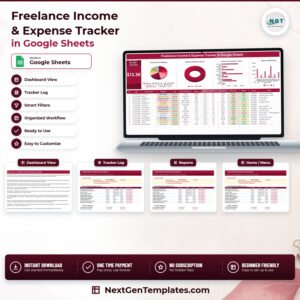
- Freelance Income & Expense Tracker in Google Sheets if you prefer to work in Google Sheets.
Frequently asked questions
Is the bookkeeping tracker really free?
Yes. It costs nothing to download and you can start a new copy every year.
Do I need macros or add-ins?
No. The tracker uses data validation, IF, SUMIFS, COUNTIFS and standard charts, so it works in any recent version of Excel.
Is this accounting or tax advice?
No. It is an educational template that organizes your own numbers. Check tax figures with your accountant.
Should owner withdrawals go in expenses?
No. Money you take out for yourself is not a business expense, so keep it out of the expense rows or your profit will look lower than it is.
Can I build it myself?
Yes. The How to Build sheet lists all 11 steps with the exact formulas, and the free video on The Margin Sheet YouTube channel builds it step by step.
Join 10,000+ customers in 180+ countries who use NextGenTemplates spreadsheets to run their business.



Reviews
There are no reviews yet.