

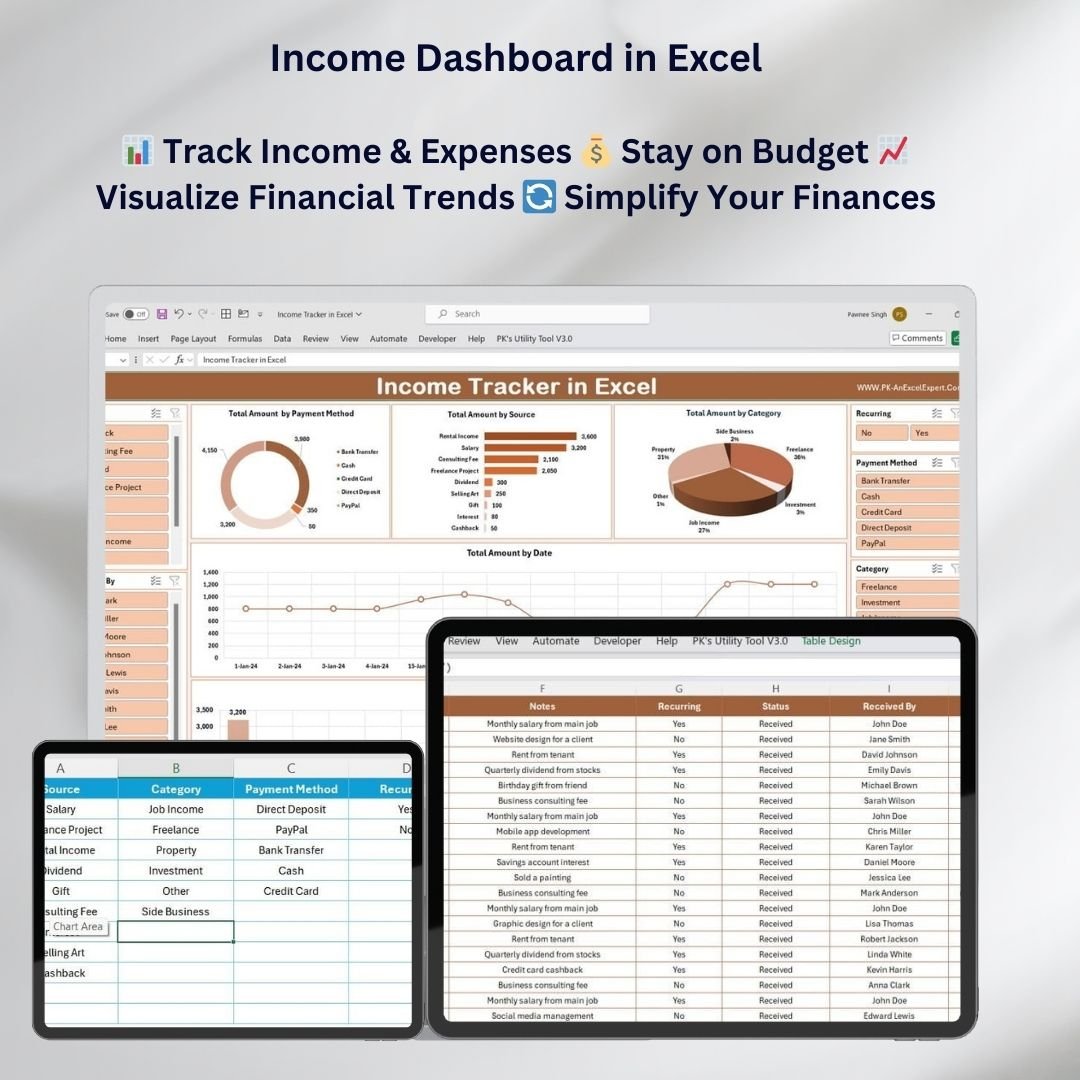


The Income Dashboard in Excel is a customizable, ready-made template for individuals, freelancers and small business owners who want to track income, expenses and savings in one place. It turns your financial data into clear, interactive charts, so you can see where your money comes from, where it goes and how your savings are growing. You get a simple way to budget, compare plans with actual results and make better decisions about saving and growing your income.
With automated tracking, customizable categories and easy-to-read charts, this Excel income tracker makes income tracking and financial planning simple. You can use it for monthly earnings, yearly trends or a breakdown of your spending.
Key Features of the Income Dashboard in Excel
- Real-time income tracking: Track income automatically from different sources, such as salaries, freelance work or business earnings.
- Expense tracking: Group your expenses into categories so you can see exactly where your money goes.
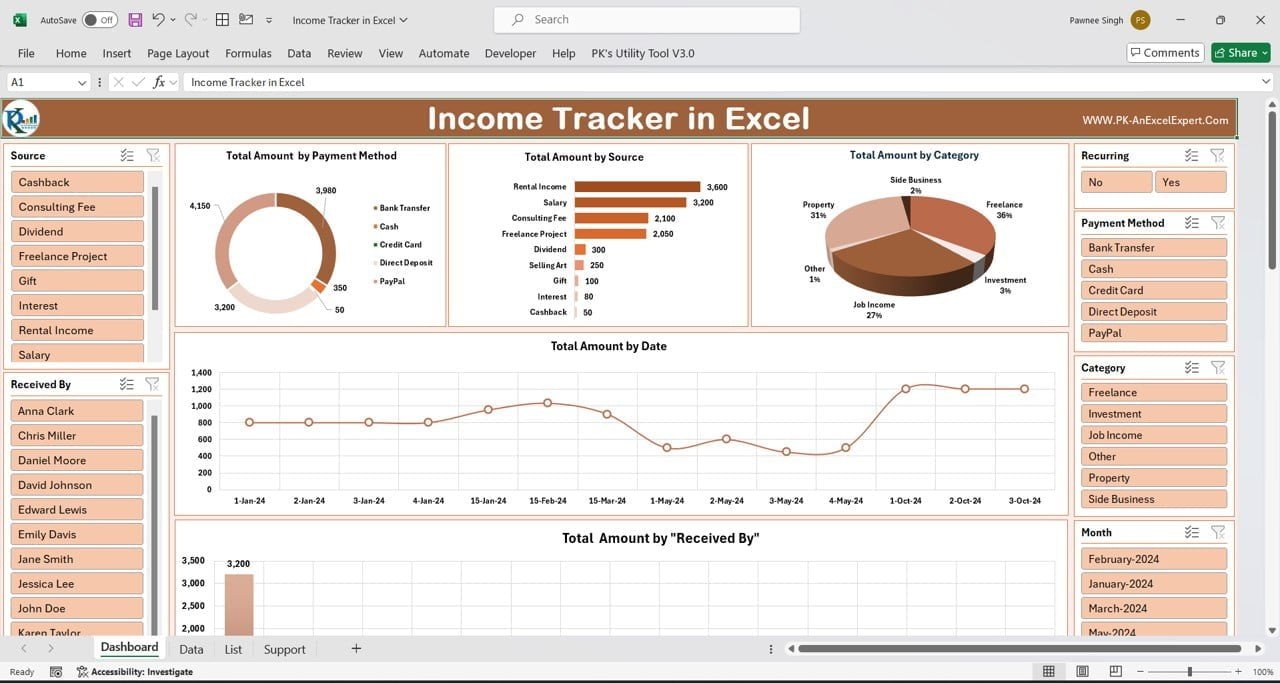
- Visual data representation: View income, expenses and savings in interactive charts for quick analysis.
- Time-based insights: Review income and expenses by month, quarter or year to spot trends.
- Budget vs actual comparison: Compare planned income and expenses with actual results to stay on track.
- Customizable categories: Add and change income and expense categories to match how you manage money.
- User-friendly interface: The dashboard is built to be simple, so anyone can find their way around and use it.
Why You’ll Love This Personal Finance Dashboard
- Simplifies financial tracking: All your income and expense data sits in one place.
- Data-driven insights: Clear visuals help you make better financial decisions.
- Saves time: Automated income tracking and expense tracking leave you more time to grow your finances.
- Customizable to your needs: Adapt the dashboard to fit the way you track your own finances.
- Helps you stay on budget: Seeing your income and spending habits side by side supports better budgeting decisions.
What’s Inside the Income Dashboard in Excel?
| Component | What It Does |
|---|---|
| Income Tracking | Tracks every income source, from salaries to side hustles and passive income. |
| Expense Categorization | Tracks all expenses, including fixed costs, variable costs and discretionary spending. |
| Budgeting Tools | Lets you set up a budget and track it against your financial goals. |
| Savings Tracker | Tracks your savings and shows your progress toward financial goals. |
| Time-Based Trends | Compares income and expenses across time periods to show long-term trends. |
Who Can Benefit from the Income Dashboard in Excel?
- Freelancers who earn from several clients or projects
- Small business owners keeping an eye on earnings and costs
- Entrepreneurs tracking income growth over time
- Households and individuals managing their own finances
- Financial planners who need a clear visual summary of income and expenses
- Budget-conscious individuals who want to control their spending
How to Use the Income Dashboard in Excel
- Download the template: You get the Excel file straight after purchase.
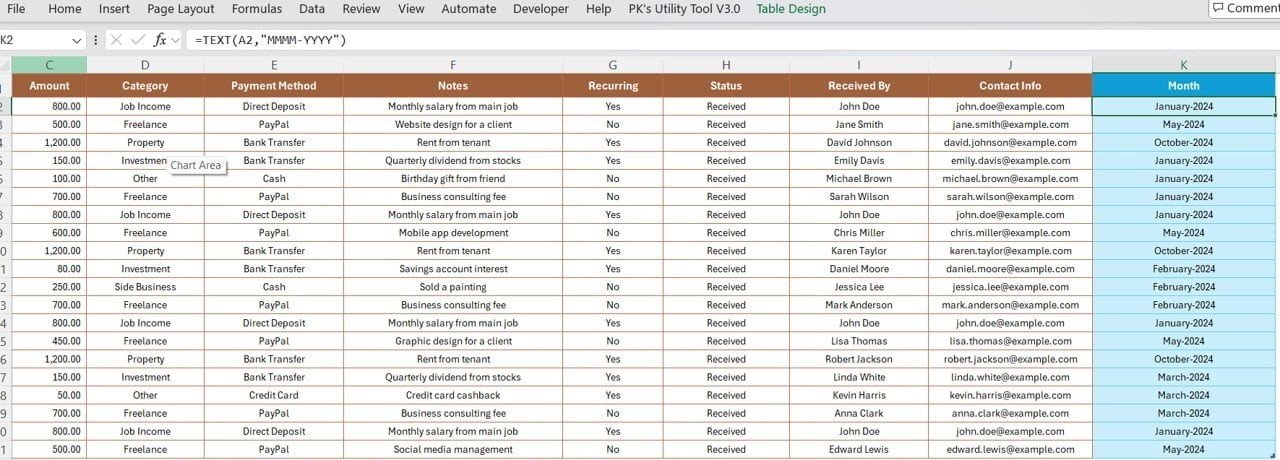
- Enter your income and expenses: Type your figures into the customizable fields.
- Track your finances: Use the dashboard to watch income, expenses and savings in real time.
- Generate reports: Build monthly or yearly reports to measure your financial progress.
- Analyze trends: Use the charts to study your spending habits and income trends.
Click here to read the detailed blog post
Visit our YouTube channel for step-by-step video tutorials: Youtube.com/@PKAnExcelExpert
Watch the step-by-step video tutorial:
Frequently Asked Questions
What does the Income Dashboard in Excel track?
It tracks income from different sources, expenses grouped by category, your budget and your savings. All of this is shown in interactive charts.
Can I customize the income and expense categories?
Yes. You can add and change categories to match your own income and expense tracking needs.
Does it include a budget vs actual comparison?
Yes. The dashboard compares your planned income and expenses with actual results, so you can see whether you are on track with your financial goals.
Which time periods can I analyze?
You can review income and expenses by month, quarter or year. You can also create monthly or yearly reports to track long-term trends.
Who is this Excel income tracker best suited for?
It suits freelancers, small business owners, entrepreneurs, households, financial planners and anyone on a budget who wants a clear view of their finances.
Is there a tutorial to help me get started?
Yes. A step-by-step video tutorial is embedded above, and the detailed blog post and YouTube channel offer more guidance.
Take control of your finances with this easy-to-use, interactive Income Dashboard in Excel. It helps you track your income, manage your expenses and grow your savings.
Also check our Expense Tracking Dashboard in Power BI
Last updated: October 2026
Compatibility and Requirements
- Works in Microsoft Excel desktop (Excel 2016 or later, or Microsoft 365).
- The charts update from the figures you enter. Microsoft’s guide Create a chart from start to finish covers the chart basics if you want to restyle them.
Related Income and Budget Templates
- Income and Expense Dashboard in Google Sheets: the same idea in Google Sheets
- Personal Finance Dashboard in Excel: a wider view of personal money
- Personal Finance Tracker in Excel: a simple tracker for day to day entries
- Monthly Budget Tracker in Microsoft Excel: plan each month’s budget
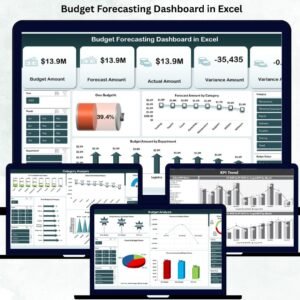
- Budget Forecasting Dashboard in Excel: forecast budgets for a business
Browse all Excel financial tools or the Excel dashboards.

































Reviews
There are no reviews yet.