

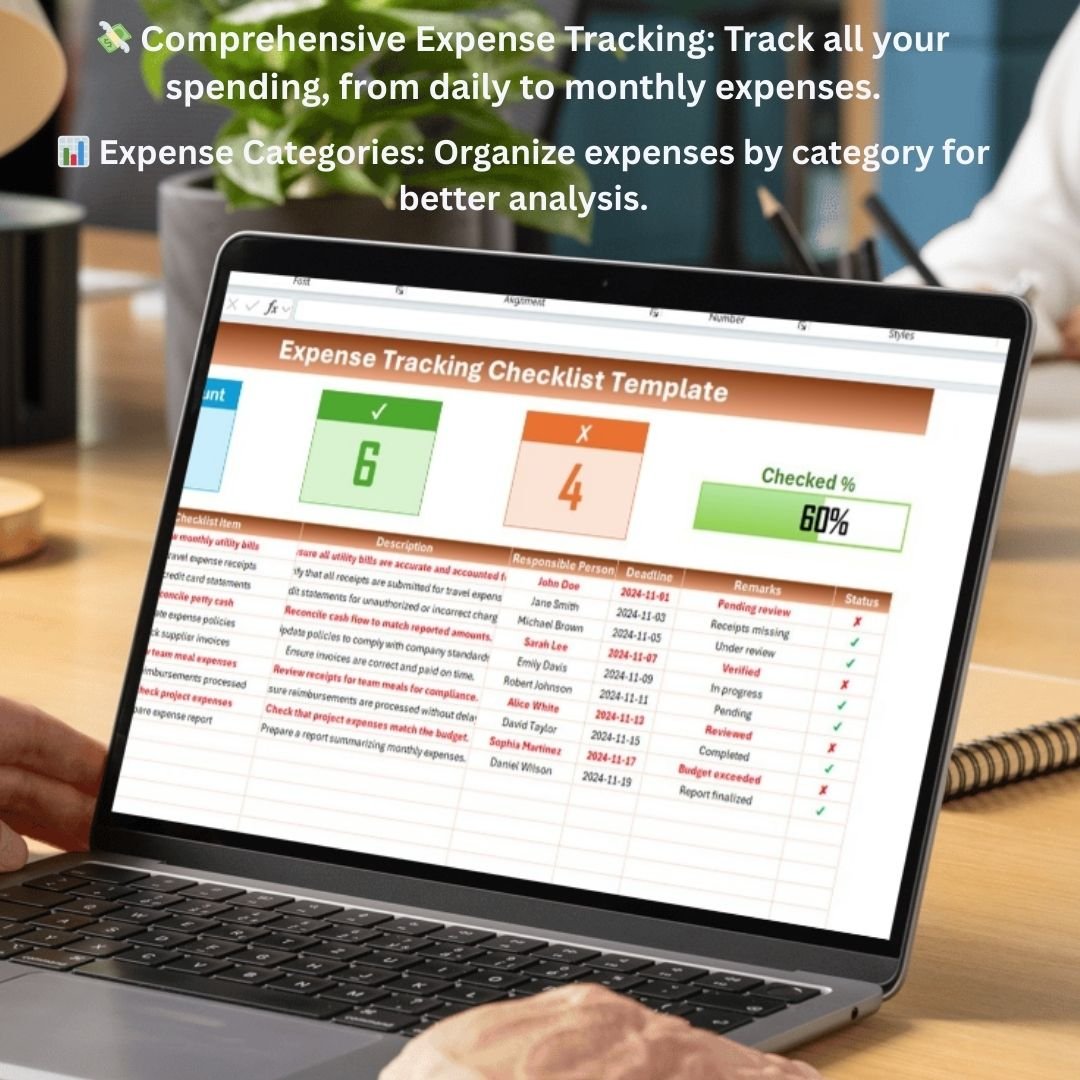

The Expense Tracking Checklist Template in Excel is an essential tool for individuals and businesses looking to manage their expenses efficiently. Whether you’re tracking personal spending, business expenses, or monthly household costs, this customizable checklist will help you stay organized and maintain control over your finances.
This easy-to-use Excel template allows you to track expenses, categorize spending, and monitor your budget, all in one place. With a simple interface and real-time updates, you can stay on top of your expenses, ensuring that you never exceed your budget and that you make informed financial decisions.
Key Features of the Expense Tracking Checklist Template in Excel
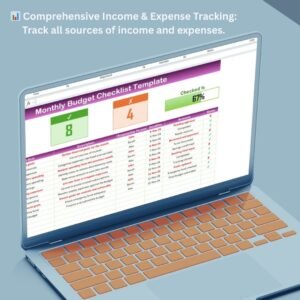
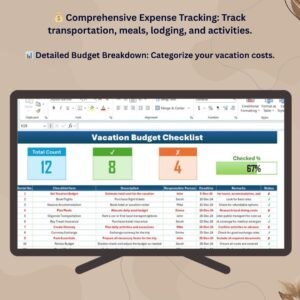
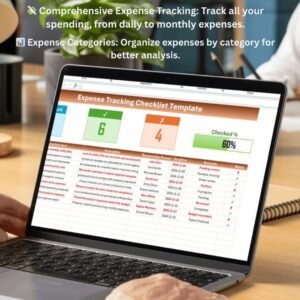
💸 Comprehensive Expense Tracking
Track all your expenses, from daily spending to larger purchases. Categorize expenses into various categories, such as groceries, transportation, utilities, entertainment, and more.
⚡ Real-Time Expense Monitoring
Monitor your spending in real-time by logging expenses as they occur. Check off completed entries and stay on top of your budget without delay.
📊 Expense Categories for Better Organization
Organize your expenses into categories to better understand where your money is going. Keep track of essential categories such as fixed costs, discretionary spending, savings, and more.
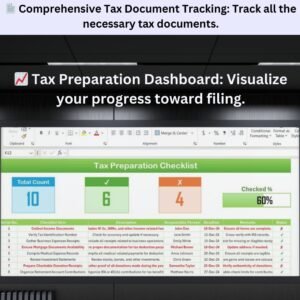
📈 Expense Summary Dashboard
Visualize your expenses and compare them with your budget using an interactive dashboard. See your spending trends, totals, and how much you’ve spent in different categories.
🖥️ User-Friendly Interface
The simple, intuitive design makes it easy for anyone to use. Quickly input expenses, track your spending, and visualize your budget with just a few clicks.
Why You’ll Love the Expense Tracking Checklist Template
✅ Stay on Top of Your Budget
Easily track your expenses and ensure you don’t exceed your budget. Stay within your financial limits and make smarter decisions with real-time data.
✅ Monitor Your Spending in Real-Time
Log and track your expenses as they occur, keeping your finances up-to-date and allowing you to react quickly to any financial challenges.
✅ Organize Expenses for Better Insights
Categorize your expenses into clear sections to understand where your money is being spent. Focus on areas where you can save or reduce spending.
✅ Visualize Your Financial Health
Use the dashboard to visualize your spending and budget, helping you make informed decisions and stay on track with your financial goals.
✅ Simplify Expense Tracking
With everything organized in one place, tracking your expenses is quick, easy, and stress-free, allowing you to focus on your financial goals.
What’s Inside the Expense Tracking Checklist Template?
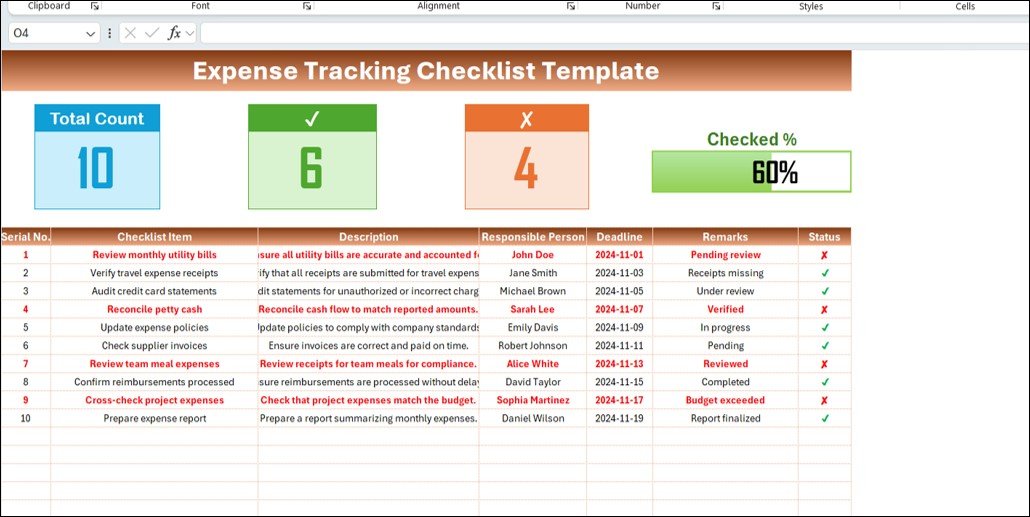
- Expense Categories: Track all your expenses and categorize them, such as groceries, utilities, transportation, entertainment, etc.
- Monthly Tracking: Log your monthly spending and track your budget.
- Expense Summary Dashboard: Visual overview of your expenses by category, total expenses, and budget comparisons.
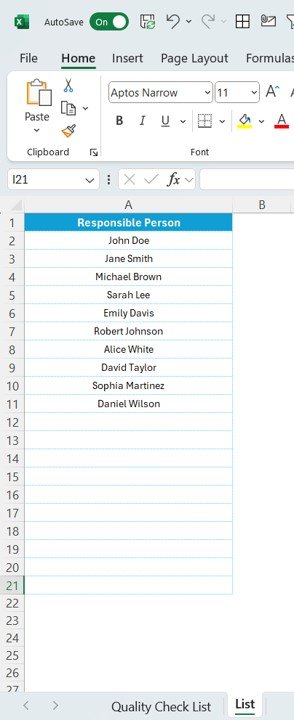
- Customizable Sections: Add or modify categories based on your unique spending habits or specific needs.
- Real-Time Updates: Track expenses as they happen and keep your financial data up-to-date.
How to Use the Expense Tracking Checklist Template
1️⃣ Download the Template: Instantly access your expense tracking checklist.
2️⃣ Input Your Expense Data: Add your expenses by category and keep track of your spending.
3️⃣ Monitor Your Budget: Use the dashboard to see how your actual spending compares to your budget.
4️⃣ Review & Adjust: Analyze your spending trends and adjust your budget as needed.
Who Can Benefit from the Expense Tracking Checklist Template?
🔹 Individuals Managing Personal Finances
🔹 Small Business Owners Tracking Operating Expenses
🔹 Families Managing Household Budgets
🔹 Anyone Looking to Stay on Top of Their Financial Health
🔹 Financial Planners or Advisors Helping Clients Track Expenses
Keep track of your spending and stay within your financial limits with this easy-to-use, customizable expense tracking checklist. Stay organized and make smarter financial decisions today.
Click here to read the Detailed blog post
Visit our YouTube channel to learn step-by-step video tutorials
Youtube.com/@PKAnExcelExpert
Compatibility and Requirements
- Works in Microsoft Excel desktop (Excel 2016 or later, or Microsoft 365).
- The summary dashboard uses Excel charts. Microsoft explains how they work in Create a chart from start to finish.
Frequently Asked Questions
What can I track with the Expense Tracking Checklist Template?
You log expenses by category, such as groceries, transportation, utilities and entertainment, check off entries as you go and track monthly spending against your budget.
Can I change the expense categories?
Yes. The sections are customizable, so you can add or rename categories to match your own spending.
How do I see where my money goes?
The Expense Summary Dashboard shows totals by category, overall spending and how actual spending compares with your budget.
Is it for personal or business expenses?
Both. The template names individuals, families, small business owners and financial planners as users.
Related Expense Tracking Templates
- Expense Tracking Checklist in Google Sheets: the same checklist in Google Sheets
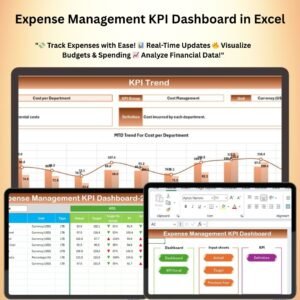
- Expense Management KPI Dashboard in Excel: expense KPIs and budget variance with charts
- Daily Expense Tracker Data Entry System in Excel: log daily expenses through an entry form
- Travel Expense Tracker Checklist in Excel: a checklist for travel costs
- Checklist & SOP Pack: a bundle of 12 Excel and Google Sheets checklists
Browse all Excel checklists or the Excel financial tools.




















Reviews
There are no reviews yet.