

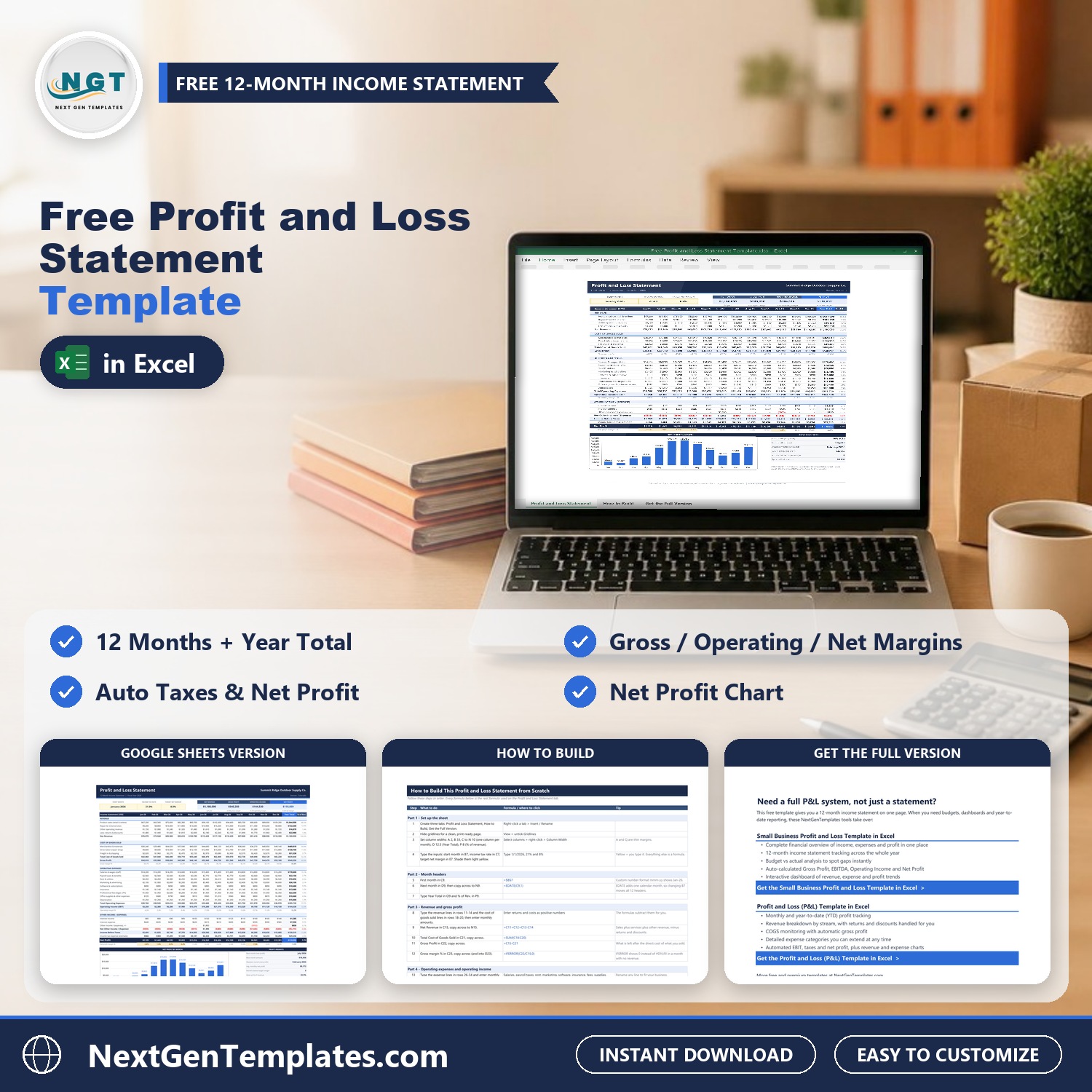
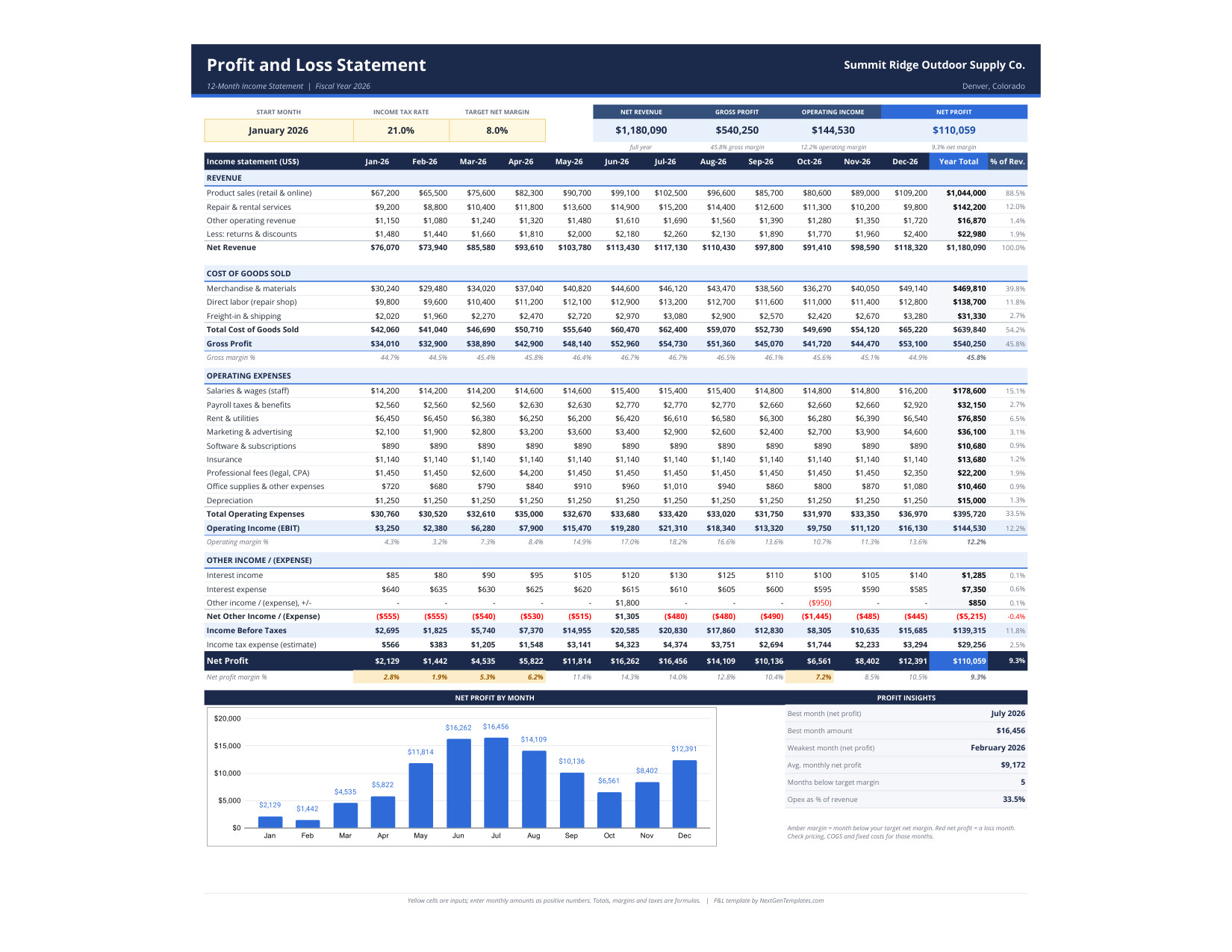

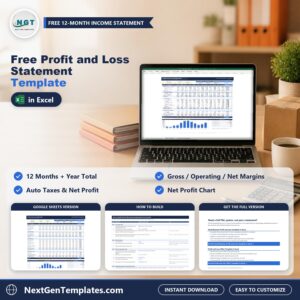
The Free Profit and Loss Statement Template gives a small business a clean 12-month income statement on one page. Type your monthly revenue, cost of goods sold and operating expenses, and the template works out net revenue, gross profit, operating income, an income tax estimate and net profit, with the margin for every month and a Year Total column.
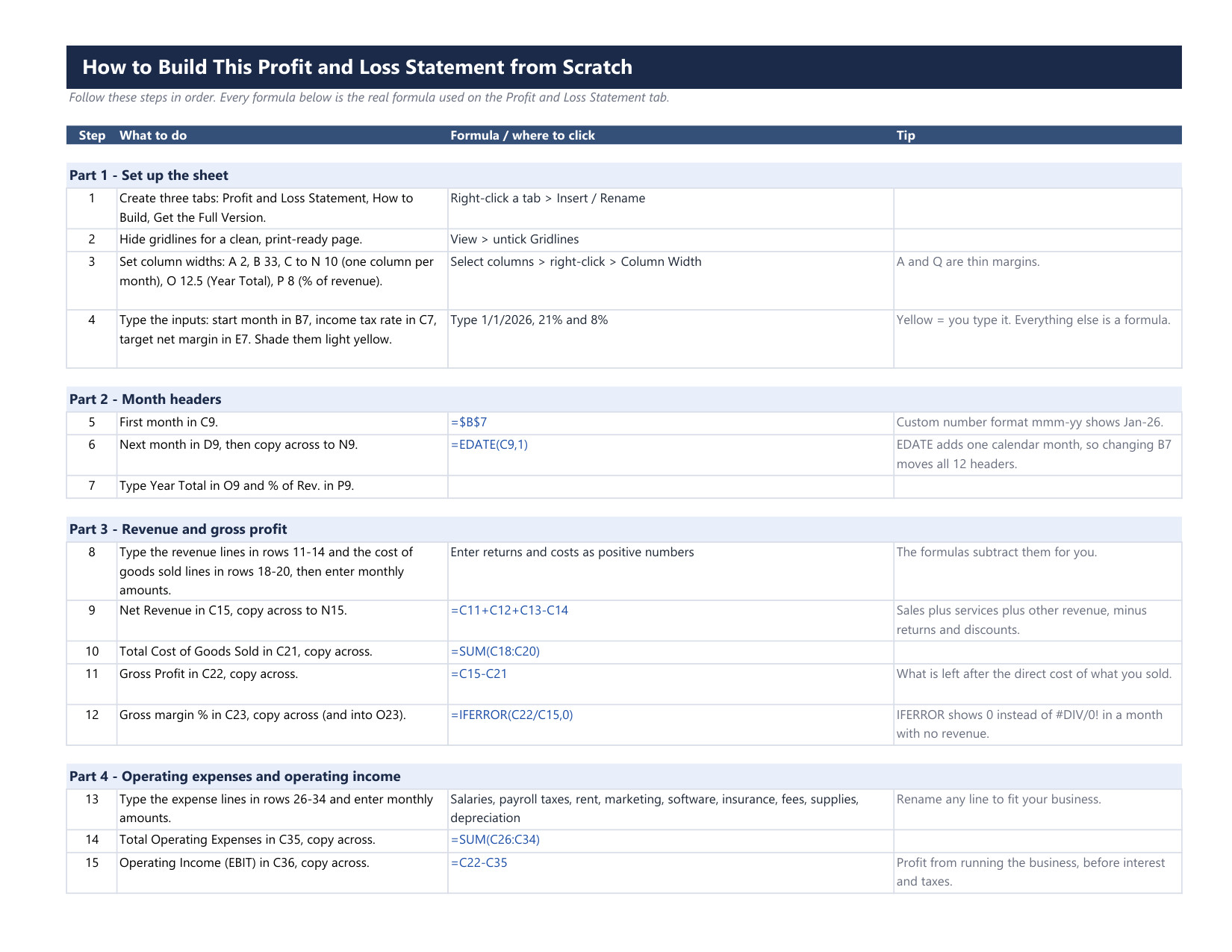
It is 100% free and comes in two versions: an Excel workbook and a Google Sheets copy. It is the light version of our paid P&L templates, and it includes a How to Build sheet with every formula, so you can rebuild the statement from a blank workbook and understand how each number is made.
This free profit and loss statement template in Excel and Google Sheets works as a simple income statement template for any small business. It gives you a monthly profit and loss view and a full-year total, so small business profit and loss tracking takes minutes instead of hours.
Free download | Excel + Google Sheets | No macros | Prints on one page
Key features of the free P&L template
- 12 months from one start date. Enter the first month once and all 12 month headers follow, so the statement works for any fiscal year.
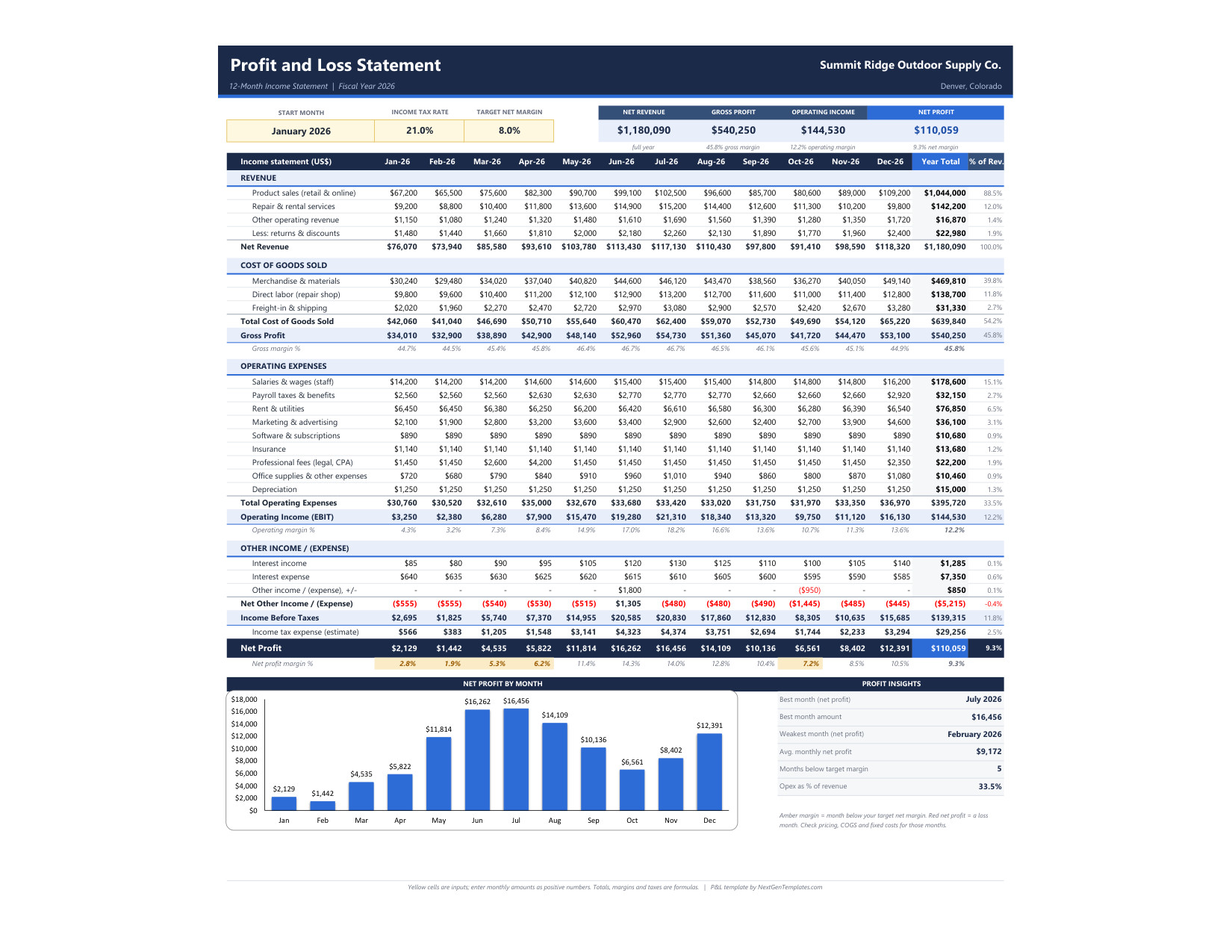
- Full income statement structure. Revenue less returns and discounts, cost of goods sold, gross profit, nine operating expense lines, operating income (EBIT), other income and expense, income before taxes and net profit.
- Margins on every month. Gross margin, operating margin and net profit margin are calculated for each month and for the full year, with guards so an empty month never shows an error.
- Income tax estimate. Set your tax rate once. A loss month gets no tax, so net profit stays realistic.
- Target margin flags. Set a target net margin. Months below it turn amber and loss months turn red.
- KPI strip and Profit Insights. Net revenue, gross profit, operating income and net profit at the top, plus best and weakest month, average monthly profit and operating expenses as a percent of revenue.
- Net Profit by Month chart and a one-page Letter landscape print layout.
What is inside the download
| File or sheet | What it does |
|---|---|
| Profit and Loss Statement | The 12-month statement, KPI strip, insights box and chart |
| How to Build | Every step and the exact formula used, so you can rebuild it yourself |
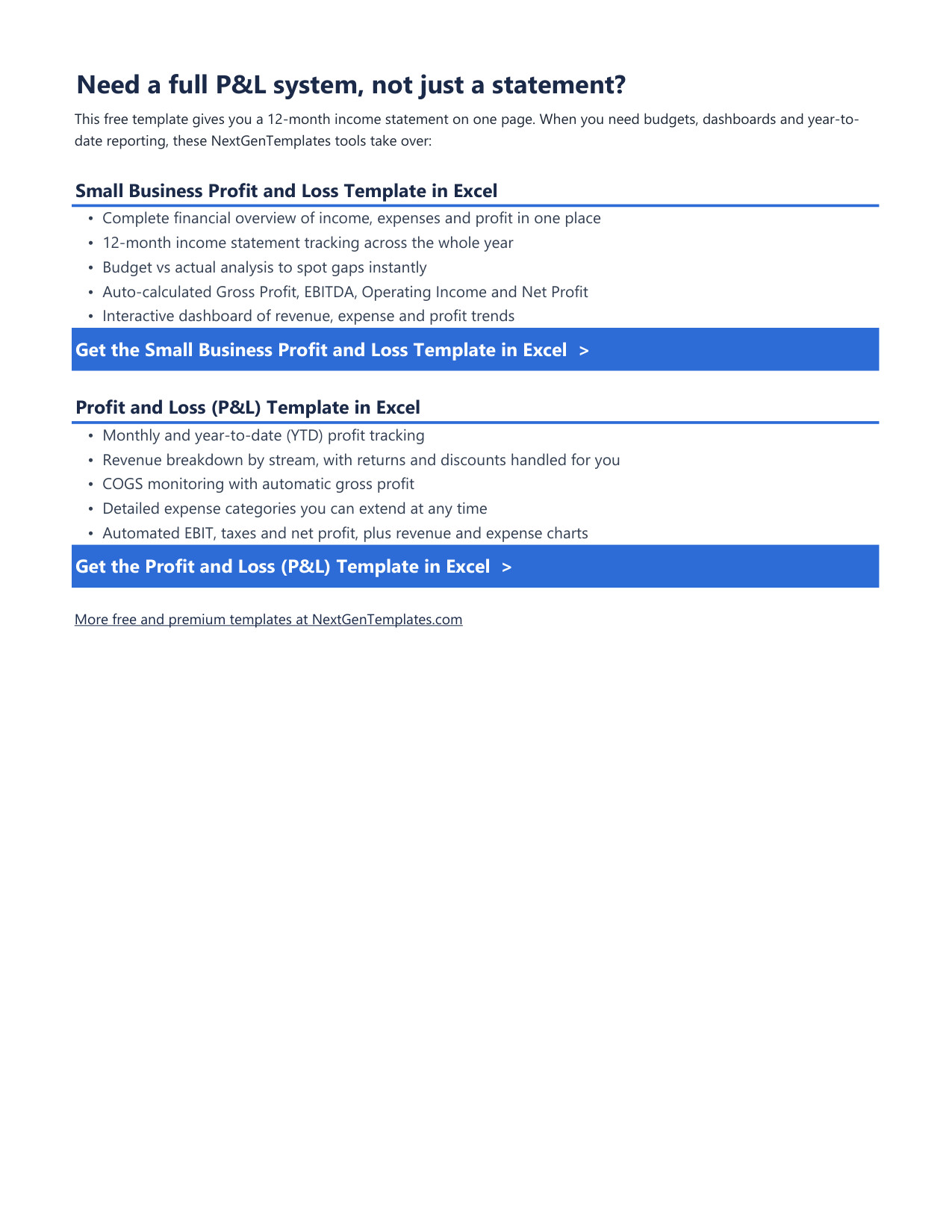
| Get the Full Version | Links to the paid P&L templates when you need budgets and dashboards |
| Google Sheets PDF | A one-click Make a copy link for the Google Sheets version |
The sample data is a fictional outdoor supply store in Denver, Colorado for fiscal year 2026, so every row, margin flag and chart bar has something to show. Replace it with your own numbers.
How to use it in three steps
- Set the inputs. Enter the start month, your income tax rate and your target net margin in the yellow cells.
- Enter your monthly amounts. Type revenue, returns, cost of goods sold and expenses as positive numbers. Rename any line to match your business.
- Read the result. Check the margins, the amber and red months and the insights box to see where profit is made and where it leaks.
Who this free P&L template is for
Small business owners, freelancers, bookkeepers and students who want to know whether the business is really making money, without accounting software. It suits retail, service and online businesses that track income and costs by month.
When it makes sense to upgrade
The free template covers one year on one statement. When you need more, these paid files from NextGenTemplates go further:
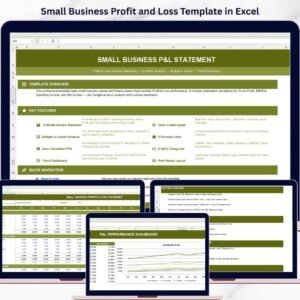
- Small Business Profit and Loss Template in Excel for budget vs actual analysis, EBITDA and an interactive dashboard.
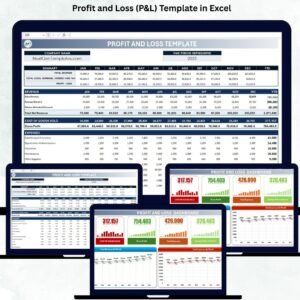
- Profit and Loss (P&L) Template in Excel for monthly and year-to-date tracking with revenue and expense charts.
Frequently asked questions
Is the profit and loss template really free?
Yes. It costs nothing to download, and you can reuse it every year.
Does it work in Google Sheets?
Yes. The download includes a PDF with a Make a copy link that puts the Google Sheets version in your own Drive.
Is this accounting or tax advice?
No. It is an educational template that organizes your own numbers. The tax line is a simple estimate; check real tax figures with your accountant.
Should owner withdrawals go in expenses?
No. Money you take out for yourself is not a business expense, so keep it off the statement or your profit will look lower than it really is.
Can I build it myself?
Yes. The How to Build sheet lists each step with the exact formulas, so you can recreate the statement from a blank sheet.
Join 10,000+ customers in 180+ countries who use NextGenTemplates spreadsheets to run their business.



Reviews
There are no reviews yet.